

Remote web development rarely feels dramatic. It unfolds quietly through shared dashboards, routine updates, and messages exchanged across time zones. Many developers now manage client websites from home offices, cafés, or temporary workspaces. This flexibility feels empowering, yet it subtly reshapes responsibility.
In a remote setting, every login represents a level of trust. Every small change can affect a live business. Security is no longer a background task handled elsewhere. It becomes part of daily thinking, planning, and execution. A secure workflow grows from this awareness. It forms the foundation for reliable and responsible client website management.
This article explains how remote developers maintain security day-to-day. It examines how access is managed, how secure connections are established, and how activity is monitored without slowing work.
The Importance of a Secure Workflow

Remote work has changed how client websites are built, maintained, and protected. Access now happens from different locations, networks, and devices. This shift quietly increases risk exposure. A single compromised login can affect multiple projects, especially when developers manage numerous sites simultaneously.
Client websites are not isolated assets. They are connected to hosting panels, databases, payment systems, and content platforms like WordPress. When workflow security is weak, these connections become entry points rather than safeguards. The impact often extends beyond technical damage, affecting business continuity and brand trust.
According VPN experts, a secure workflow creates structure in this complexity. It limits who can access what and under which conditions. It also reduces human error, a leading cause of security incidents. In remote environments, security is not an extra layer. It is the foundation that allows work to scale safely and responsibly.
Four Practical Ways Remote Developers Secure Their Workflow

Adopting Professional Password Management
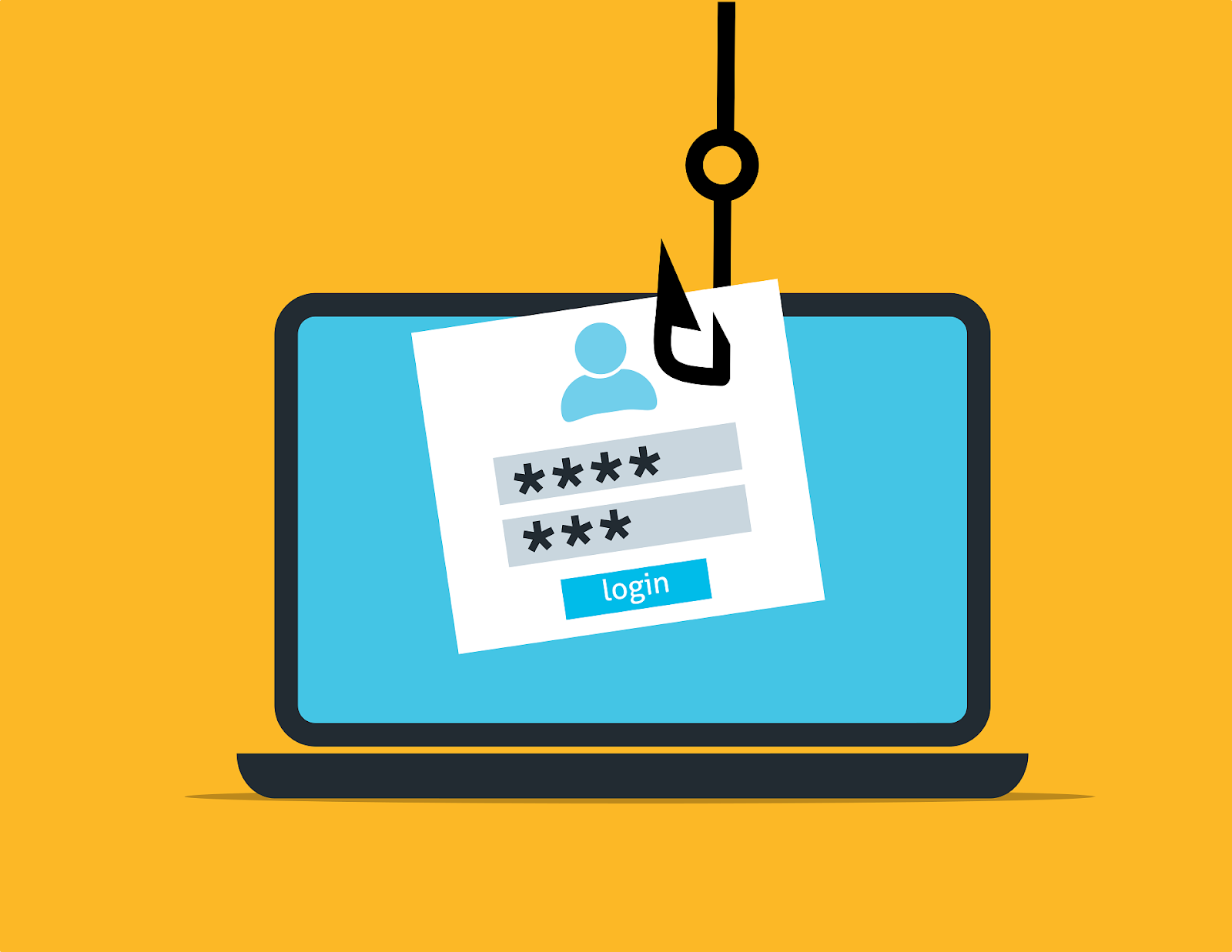
Reusing passwords across different projects is a recipe for a security disaster. If one minor account leaks, every other client project could be at risk. Managed password tools enable the creation of unique, complex passwords for every login. This practice isolates each project, so a breach in one area does not spread to others.
These tools use advanced architecture to keep sensitive data private. This means even the service provider cannot see the stored credentials. A developer can manage hundreds of secure logins without ever needing to remember them manually. This balance supports efficiency and long-term security.
Utilizing Encrypted Tunnels and Secure Connections with a VPN
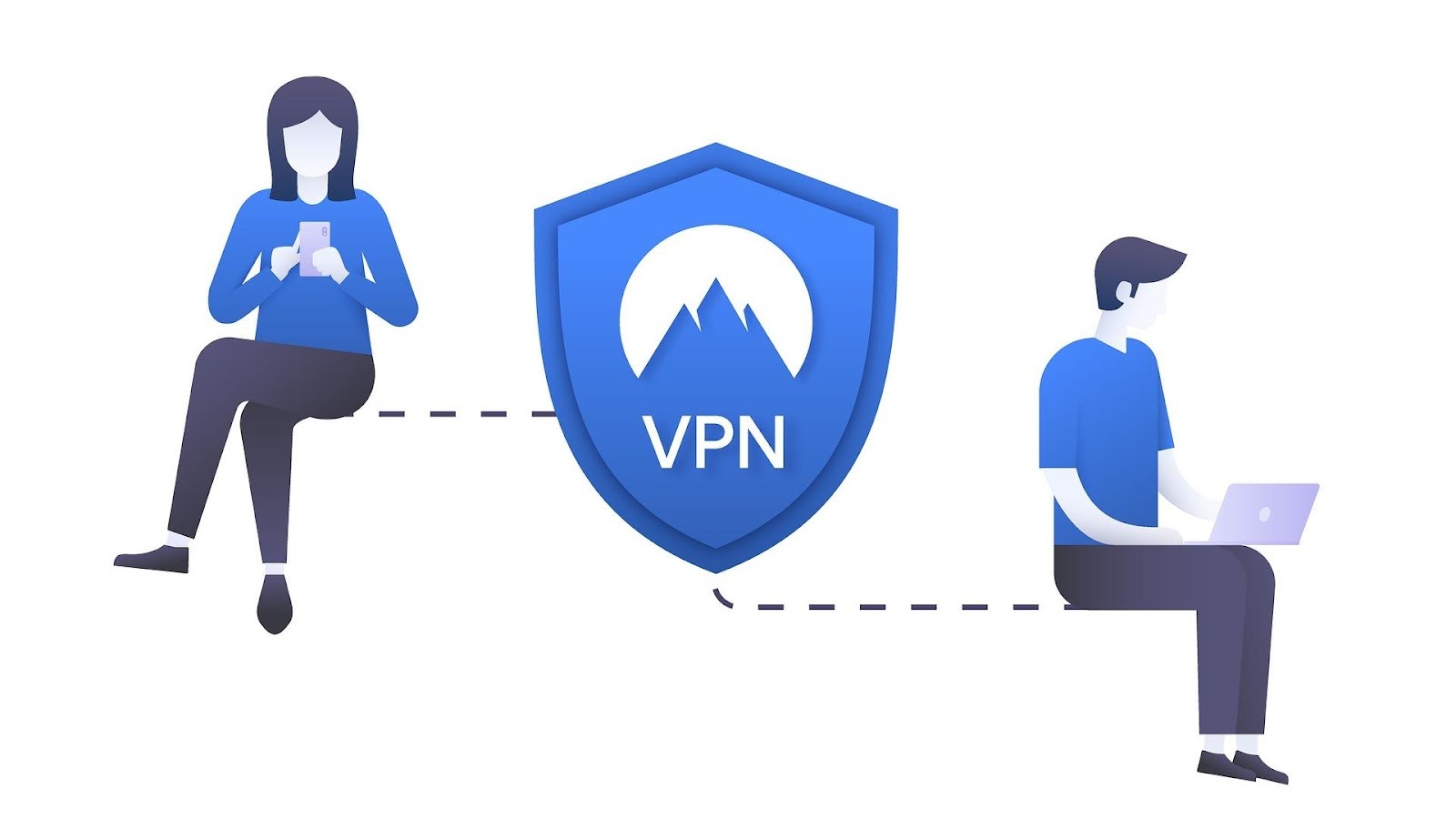
A morning at a local cafe puts forth a revitalizing change of scenery for any developer. Unfortunately, these open networks are rarely built with professional security in mind. Unencrypted connections allow outsiders to intercept sensitive data, such as server logins or private API keys. Guarding a client’s digital assets requires a much more deliberate approach to connectivity.
Professional developers bridge this gap by using a Virtual Private Network to create an encrypted tunnel for every remote session. This reliable connection masks data from potential intruders and keeps project details confidential. However, researching the right security tools is a vital part of building this defense. According to VPNPro, comparing various encryption standards and privacy features is essential before choosing the best VPN for one’s needs. This careful selection ensures every remote session and line of code remains strictly between the developer and the server.
Carrying Out Multi-Factor Authentication Everywhere

Standard passwords are rarely enough to stop today’s brute-force attacks. Developers must implement a verified layer of security to protect sensitive client accounts properly. Multi-factor authentication is now a standard in professional web management. It prevents a single compromised password from causing a serious data breach.
Using physical security keys or specialized mobile apps is way more effective than depending on text message codes. These methods require a specific device to be present before the system grants access. This requirement effectively blocks unauthorized entry even if login credentials are stolen. It builds a robust defense that keeps client information safe from sophisticated remote threats.
Hardening the Local Development Environment
A local workstation often contains a complete copy of a client’s live environment. This machine saves sensitive source code and private configuration files that are vital to a firm. Shielding such devices matters just as much as securing the server. If a device is lost or compromised, the entire client project can be at risk.
Full-disk encryption guarantees that data remains unreadable without proper authorization. A lost or stolen laptop becomes much less of a threat when the internal storage is totally encrypted. Regularly updating the operating system and using unique cryptographic keys for server access further strengthens this defense. These daily habits prevent a local workspace from becoming a vulnerable entry point in a professional workflow.
Conclusion
Digital security is a journey. It is not a single destination. It protects clients’ hard work and the professional’s reputation. Small daily habits eventually build a very strong defense. Start by auditing the current tools today. This proactive care ensures that every project stays safe and successful over the long term.

