
Understanding the audience is important for every Shopify store owner as it helps them to understand customers better. When you fully know who your potential customers are, it will become easy to drive sales and send messages to targeted customers.
The default forms of Shopify only collect basic information like the name or the email address of the customer. For stores that want to know deeply about their customer, having only name and email is not enough. Because of these default forms, merchants miss out on getting useful customer information.
A Shopify form builder app is a solution to this issue. It helps all store owners to create forms according to how and what information they want to collect from customers, making it easier to collect useful information without complicating the signup process.
The Most Valuable Customer Data for Shopify Stores
When you collect the right data, you help Shopify stores to understand customers better and improve the shopping experience. A Shopify customer registration form is an effective way to collect this information at the same time a customer signs up. It lets store owners ask simple questions to customers without creating confusion for the customer.
The Shopify registration form can be customized so you only collect information that suits your business needs, like preferences, interests, or support requests. Here are some types of customer data that would help the Shopify store.
Contact Information (Name, Email, Phone)
Collecting customer data about their name and phone numbers can help store owners to categorize customers and build a long term connection with them. For example, email can be used for receiving updates about the order, and a number can be used to help with delivery or support issues.
Purchase Intent & Preferences
Purchase intent helps to understand the interests of customers. For example, asking customers about their liking of products or what they are looking for. This makes it easier to offer relevant products.
Support and Inquiry
Support and inquiry tell why a customer is reaching out, such as queries about products, orders, or shipping. Gathering such information helps store owners to respond quickly and in a timely manner. It also helps to track problems and improve customer satisfaction. A Shopify registration form can include all fields to gather these details easily.
Feedback and Satisfaction Data
This type of data tells whether your customers are satisfied with your store, products, or services. By asking questions to customers questions about whether they are satisfied with the order or shipping experience, you can understand what needs more attention and what doesn’t. This information helps in making thoughtful decisions, making better products, and resolving issues quickly. This will help in creating a better experience for future customers.
Marketing Consent & Interests
Marketing consent and interest data help store owners understand what type of message a customer wants to receive. When you ask customers about their interests and send relevant emails and messages to only those interested, you make sure your marketing strategy hits the right audience. Also, the customers are more likely to engage with emails when the subject interests them.
The use of the Shopify customer registration form for collecting marketing consent and interests helps build a form of trust among customers.
What is a Shopify Form Builder?
A Shopify form builder is a tool to create forms for stores without needing any technical knowledge. It helps owners to gather data about their customers so they can market their products according to the data collected. It is commonly used to create a form that gathers important information that Shopify’s default forms do not.
The main benefit of a Shopify Form Builder is no-code form creation, which means a store owner doesn’t need to code and create a form; they can easily create and manage a Shopify registration form without a developer or learning any technical knowledge.
Most of the form builders have a drag-and-drop feature, which allows store owners to easily manage and design a registration form by performing simple actions.
Moreover, custom fields allow store owners to add questions that are relevant to their store or are user-specific, such as customer interests, business details, or contact information.
In many forms, there is a conditional logic that can show or hide specific fields in a Shopify customer registration form based on customer responses. Lastly, these forms support integration with other tools. This makes it easier to utilize the data collected through a registration form for marketing products, support purposes, or managing customers.
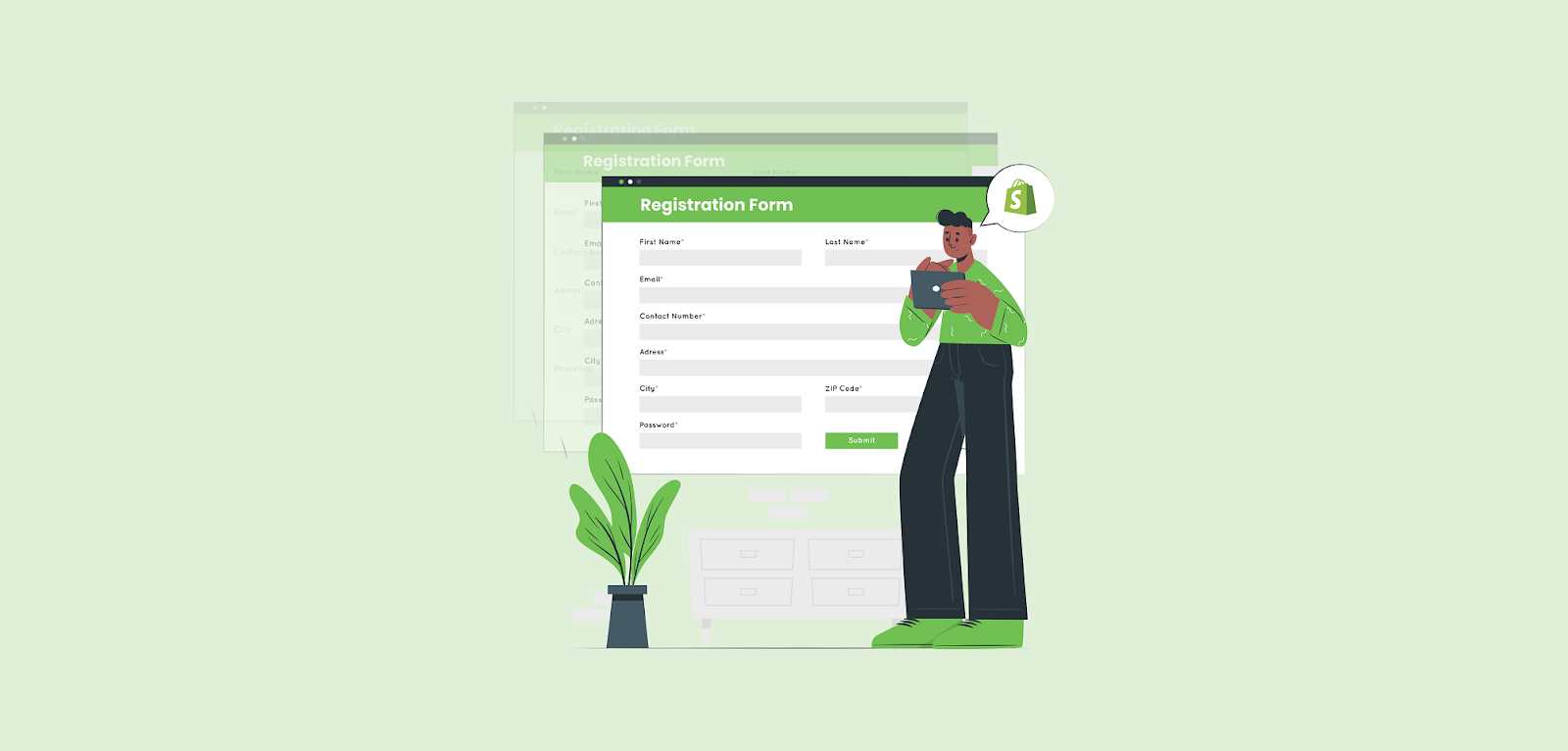
How Shopify Form Builders Help You Gather More Data
a) Create Custom Data Fields
With the help of the Shopify form builder, you can add as many fields as you want to your forms, rather than just relying on the basic information of the customer. Also, you can ask relevant question to your business, that benefit your business and helps you understand your audience fully. With this information, store owners get deeper knowledge about their customers, which helps them in making the right decisions.
b) Use Multiple Form Types
It can help in creating different forms that can be used for multiple purposes, such as a form of contact information or order inquiry forms, etc. Every form acquires different types of information, making it easier to understand customers in their journey.
c) Add Forms Across Your Store
Shopify form builder lets you place your forms at multiple locations across your store. You can place them on the homepage, product page, cart page aor any other page you like, even it can be placed as popups. The location where customers are most active can increase your chances of gathering information that is useful without any interruption in their shopping journey.
d) Conditional Logic for Smarter Data
Conditional logic can make forms unique by changing what is shown to the customer on the basis of their answers. The form only shows questions that are relevant to the customer’s choice. It makes the form easier to understand and to complete. It reduces confusion and helps customers give accurate information.
Best Practices for Collecting Customer Data
The best practice for collecting customer data is a few basic things that need to be kept in mind when creating a Shopify registration form.
- First, you need to focus on keeping the form short and easy. Only add relevant questions.
- Use clear labels that are easily understandable to customers. and they fill out the form without any confusion. Only include relevant questions.
- Create mobile-friendly forms, as many customers visit stores from their mobiles, which will help them to fill out the form from their phones and improve the store’s submissions too.
- In the end or start, add a GDPR compliance message, keep it short, only reassuring customers about how their data will be used and protected, so customers know that their rights are secured.
Setting Up Data Collection Forms on Shopify
To gather customer data, the first step is to install a Shopify form builder app from the Shopify app store. You can easily create forms from such apps without having any technical knowledge. Shopify form builder lets store owners create and design forms that are much more advanced than the default Shopify setup.
Once the app is installed, you can choose a template that blends into your store and needs. Templates save time and provide an initial point for everyday common use cases like forms for contact, survey forms, or customer signups.
After that, you can add custom fields according to your business to your form. The information that is necessary for your business can be collected, such as customer interest or feedback, etc. With that, there is no need to stick only to the basic Shopify registration form.
When the form is ready, you can display it on any page of the store. After that, before making the form live, test it so everything works correctly. Once you’re sure, publish the form and gather useful customer data.
Ways to Use Custom Forms in Your Store
- Lead Generation
The visitors who are interested in your products but are not sure yet to buy anything, forms can help to collect details of such customers. A Shopify registration form can help to collect their contact information, like name, email, number, etc so you can follow up with them to send exclusive offers or new updates about products.
- Customer Support
Some customers have issues or questions with products or the store; forms can make it easier for them to resolve their queries. Using a Shopify customer registration form, customers can clearly state their problems and store owners can respond to them in a timely and accurately.
- Product Customization Requests
For stores selling customizable products, forms can help to share specific requirements like size, color, or other specific details. This reduces confusion and makes sure orders are processed correctly.
- Feedback Collection
If you want to know how customers feel about your store or products, a feedback form helps you understand what customers’ response is towards your store and tells you what works well and what needs improvement.
- Wholesale Inquiries
Wholesale customers require business details before placing orders. Using Shopify customer registration form can help them to collect information and review it in an organized way before placing orders.
Choosing the Right Shopify Form Builder
- Ease of Use
A form builder that is easy to use is the right choice when choosing a Shopify form builder. If you do not have technical skills looks for a form builder that is easy and simple. A plain and simple interface will help you create and edit forms easily without any hassle.
- Customization Options
The best form builder is the one that lets you customize your form so you can match your store and its goals. A form that lets you add different types of fields, labels, and design is helpful as you can create it according to your brand’s needs. It will look good and collect the information you need.
- Integrations
Its important that the form builder functions well with the apps you use. Proper integrations let you collect data accurately and make sure it can be used right away.
- Performance
Make sure to use a tool that loads in seconds and is compatible with all devices. Slow or buggy forms can irritate customers and can also reduce the submission rates.
- Support
Good customer support helps you to improve the store, as it answers all the queries and resolves the issues the store is facing.
Conclusion
Gathering the right information is important for store owners as it helps them to know who their audience is, what they do, what they want, etc. The more you know about your customer, the more effective marketing strategies you can make. A Shopify form builder in this situation lets you collect the relevant information that your store needs while keeping it concise so the customers don’t feel frustrated.
FAQ
- Is it difficult to set up and manage a Shopify Form Builder?
No, many Shopify form builders are built to require no technical knowledge or background. They have no-code form creating and drag-and-drop tools that make the setup easy to handle and fast. You can create forms easily, add the fields that you need, and place them on your store without having to learn any code. Also, there are many apps that provide documentation as support guides to help you through the process. This makes managing forms easy and simple.
- What kind of customer data can I collect using a Shopify Form Builder?
You can collect any data that helps you to grow your business, which can be basic information like name, email, etc, of customers, or can be advanced-level knowledge like customer preferences and their feedback regarding your products and store.
- Where can I place forms on my Shopify store?
It entirely depends on you where you want the form to be placed. You can place it where customers interact more. Can be placed in homepage, contact page, or any other page on your store. Some forms also appear as pop-ups, which can appear at the right time without disturbing the shopping experience of customers. Choosing the right placement form helps in visibility and improves submissions.

