
When you’re running a woocommerce store, you have to deal with different types of customers. Some would be VIP’s who get access to exclusive products, other types of customers could be wholesalers who need bulk pricing, and regular customers. You don’t want every product to appear in front of everyone. When a wrong product is shown to the wrong audience, it can create confusion or reveal prices that are exclusive to some customers only.
By default, woocommerce doesn’t give a feature to manage product visibility by user role. It shows all products to all customers, making it difficult to control who sees what’s in stock.
This is where the WooCommerce product visibility by user role extension by addify becomes essential. With the help of this plugin, the problem is handled as you manage different user groups without any difficulty. You can show exclusive items to VIP’s or wholesalers and make a personalized shopping experience for every type of customer without having technical knowledge.
The Problems Store Owners Face
The biggest challenge the woocommerce store owners face is that, by default, all the products are visible to all users. This means the items that were only meant to be seen by VIP’s, wholesalers, or other specific members can accidentally come in front of regular shoppers or even guest users.
Fixing this problem without a proper plugin requires manually writing custom code or making changing in the templates. Many store owners don’t have much technical knowledge or time to do this and make things right.
Additionally, there is a risk of exposing sensitive prices or exclusive products to the wrong audience. A regular customer might see wholesale prices, or a guest might see products meant only for members.
Addify WooCommerce Product Visibility by User Roles
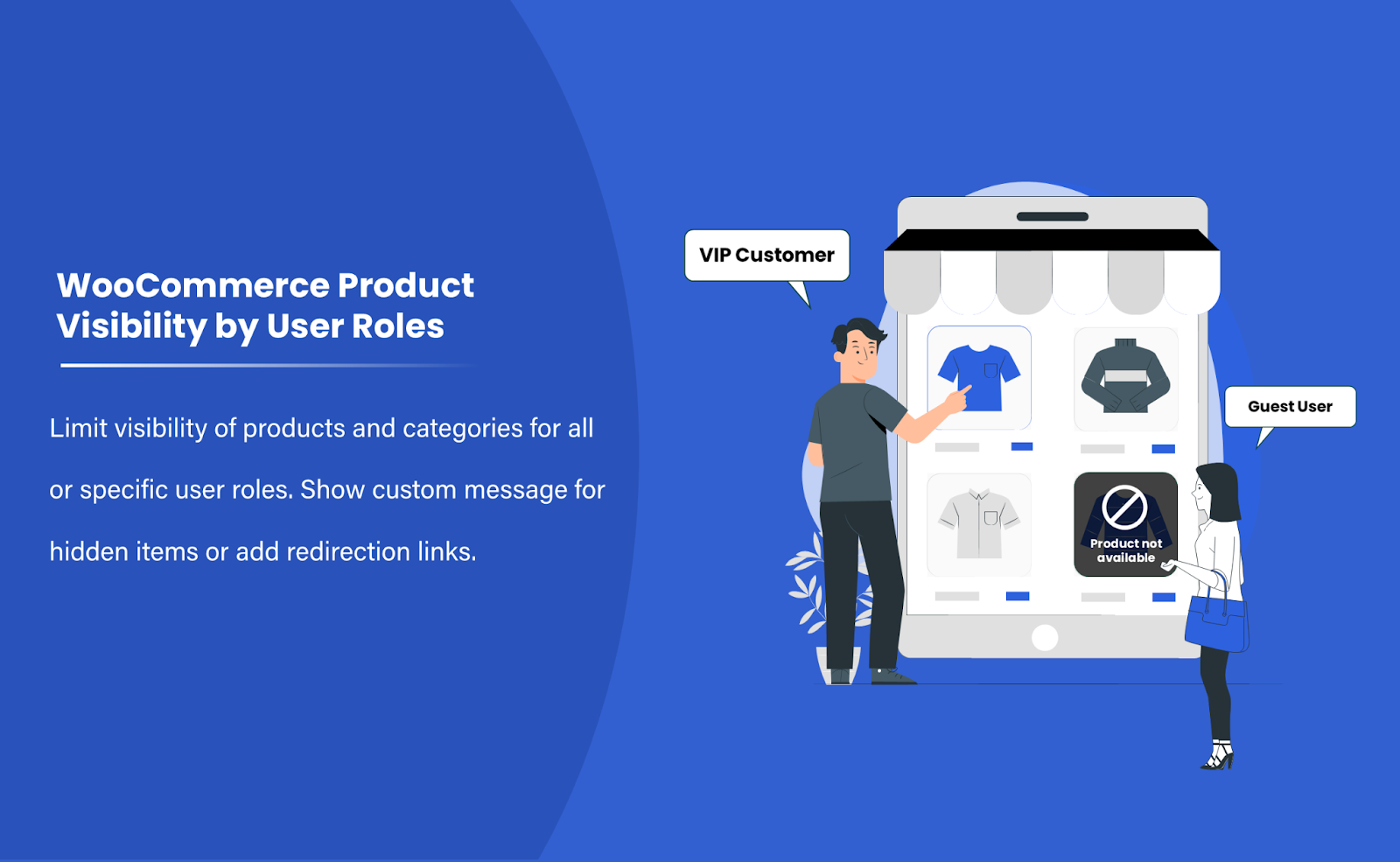
Managing who can see what in your WooCommerce store can be a bit difficult, especially if you’re dealing with different types of customers. Using Addify’s woocommerce hide variations by user role lets you control which product variations are visible to each user role so that you can show exclusive items to only VIP’s, wholesale products to wholesale buyers, and hide them from the regular customers.
Additionally, it works really well with user roles that come with woocommerce, like customers or subscribers. If you have created any custom role of your own, it supports that too. From the product edit page, you can manage everything smoothly. With this plugin, you can easily handle product visibility by user role, protect exclusive pricing, and create a smoother store experience.
Key Features
- Hide Product Variations from Undesired User Roles
You can hide product variations from a certain role. If a price is only for special customers, like VIP or wholesalers, you can easily hide it from other customers and make it visible only to special customers.
- Choose to Hide Variants for Individual Products
This plugin lets you control every product separately. You don’t need to apply the same rule to your whole store. Just select which products you want to hide. This makes it easy to manage special products, limited deals, or different pricing for different user roles without having to change other things in your store.
- Conceal variants completely or make them unselectable
This plugin lets you have flexible display options. You can hide the product so nobody can see it and only show it to the selected ones. In this way, customers know that this option does exist, but itis not available for them
How It Works
- Install and activate the plugin on your WooCommerce store from the dashboard.
- Then, open a variable product and go to the variations tab in the product edit page.
- Edit each variation and select which user roles should be restricted from seeing it.
- Choose how you want the variation to behave: either completely hide it or keep it visible but turn off selection for restricted roles.
- Save the product settings.
- On the front end, customers will only see and select the variations allowed for their role. On the basis of your settings,restued variations will be hidden on unselectable.
Managing your store becomes much easier with product visibility by user role, giving you full control over which products are shown or hidden for each type of user.
Benefits
- Protect sensitive pricing and products.
You can hide special variations, pricing, or product options from users whom you want t o hide it from. It helps in offering wholesale pricing, number-only products, or exclusive variations for certain customer groups using woocommerce product visibility by user role.
- Enhance user experience for different customer groups
Every customer sees which of the options are relevant to them and are available. It keeps the store organized and the product page clean, also it reduces confusion and makes the shopping journey easier and personalized.
- Quick setup without technical knowledge
There is no need to learn any technical skills to be able to use it. The interface is simple and easy. You can easily manage it from the product edit page, which makes it easy for store owners to control visibility without any technical knowledge or hiring a developer.
Conclusion
Managing who can see certain products on you store that suits different types of customers. Whether you have to offer wholesale pricing, member-only products, or exclusive options. It’s good if you have control over what each user role can access, which keeps the store organized.
With WooCommerce product visibility by user role, you can easily hide or restrict variations without having to use any custom code. It makes the store management easy to handle while protecting information and improving the overall shopping experience for your customers.
FAQ
Can I hide multiple variations at once?
Yes, you can assign user role restrictions to each variation individually, allowing you to manage multiple variations smoothly.
How does this help with WooCommerce product visibility by user role?
This plugin helps you by giving control over which products are visible to which user roles, making the store organized and clean.
Do I need coding knowledge to use this plugin?
No, there is no need to have any technical knowledge to use this plugin. The interface is simple and easy, and requires no coding knowledge.

