
Freelancing offers creative freedom and flexibility, but it also comes with a long list of administrative responsibilities. From invoicing clients to tracking expenses and filing taxes, freelancers must handle tasks that traditional employees never think about.
The right set of online tools can make these tasks faster, more accurate, and far less stressful. Whether you are a WordPress developer, a designer, a content creator, or any other type of independent professional, the tools below will help you stay organized and run your freelance business more efficiently.
Let’s get started!
1. Accounting Software
Accurate financial tracking is the foundation of a healthy freelance business. Accounting software allows you to monitor income, categorize expenses, and generate financial reports that are essential during tax season.
Popular options include FreshBooks, Wave, and QuickBooks Self-Employed. These platforms connect to your bank account, automatically categorize transactions, and provide real-time visibility into your cash flow. For freelancers who work with international clients, most of these tools also support multiple currencies.
Choosing the right accounting tool early prevents the scramble of trying to reconstruct months of financial activity at the end of the year.

2. Online Invoice Generator
Getting paid on time starts with sending professional invoices promptly. A good invoice generator lets you create branded invoices, set payment terms, and send them directly to clients via email.
Many invoicing tools also offer features like automatic payment reminders, recurring invoices for retainer clients, and integration with payment gateways such as PayPal and Stripe. This removes friction from the payment process and helps you maintain a steady cash flow.
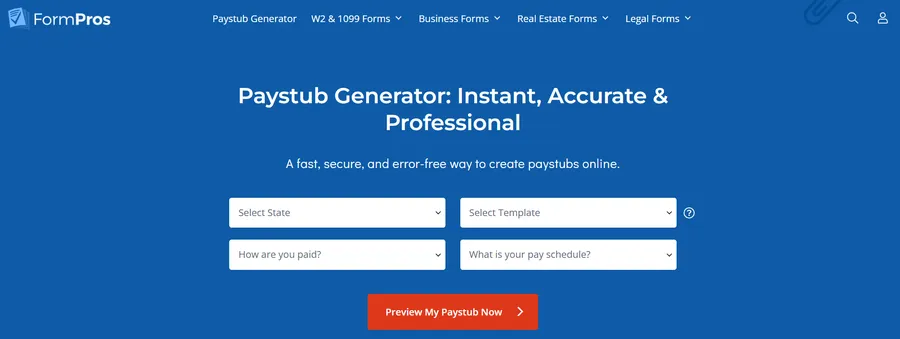
3. Pay Stub Generator
One tool that freelancers often overlook is a pay stub generator. When you are self-employed, there is no employer producing pay records for you. However, you may still need them.
Landlords typically require proof of income when you apply for a rental property. Lenders ask for income documentation when you apply for a mortgage or car loan. Some client contracts even require freelancers to provide proof of earnings. An online pay stub generator lets you create professional income documents quickly by entering your earnings, deductions, and pay period details.
It is a small tool that solves a surprisingly common problem for independent workers.
4. Time Tracking App
Whether you bill by the hour or charge flat rates, understanding how you spend your time is critical for profitability. Time tracking apps like Toggl, Clockify, and Harvest let you log hours against specific projects and clients.
Beyond billing, time tracking data reveals which types of work are most profitable and which clients consume disproportionate time. These insights help you make better decisions about pricing and workload management. If you are building WordPress sites or developing themes, knowing your actual time investment per project allows you to price future work more accurately.
5. Project Management Platform
As your client base grows, keeping track of deliverables, deadlines, and communication becomes increasingly complex. Project management tools like Trello, Asana, and Notion provide a centralized workspace where you can organize tasks, set due dates, and collaborate with clients or subcontractors.
For WordPress freelancers managing multiple website builds simultaneously, a project management tool prevents tasks from falling through the cracks. It also creates a clear record of project milestones, which is useful for client communication and dispute resolution.
6. Contract and Proposal Builder
Every freelance engagement should begin with a clear contract that outlines scope, deliverables, timelines, and payment terms. Tools like HoneyBook, Bonsai, and PandaDoc let you create professional proposals and contracts with built-in e-signature functionality.
A well-structured contract protects both you and your client. It reduces misunderstandings, defines boundaries, and provides legal recourse if payment issues arise. For freelancers who have experienced scope creep or late payments, a solid contract template is invaluable.

7. Cloud Storage and File Sharing
Freelancers generate and exchange a large volume of files: design assets, code repositories, documents, and project deliverables. Cloud storage services like Google Drive, Dropbox, and OneDrive ensure your files are backed up, organized, and accessible from any device.
For WordPress developers and designers, cloud storage also simplifies collaboration. You can share project folders with clients, collect feedback on design mockups, and maintain version control without endless email attachments. Reliable file management also protects your work in case of hardware failure.
Final Thoughts
Freelancing is rewarding, but only when the business side runs smoothly. The tools listed above address the core administrative challenges that every independent professional faces: managing money, tracking time, organizing projects, and producing the documentation needed to operate professionally.
You do not need to adopt all seven tools at once. Start with the areas that cause the most friction in your current workflow, and build from there. Over time, a well-assembled toolkit becomes the backbone of a sustainable freelance business.
Invest in your systems today, and you will spend less time on admin and more time doing the creative work that matters.
Read more: 6+ Best Shopify AI Blog Generators to Boost Traffic
Contact US | ThimPress:
Website: https://thimpress.com/
Fanpage: https://www.facebook.com/ThimPress
YouTube: https://www.youtube.com/c/ThimPressDesign
Twitter (X): https://x.com/thimpress_com

