Choosing where to host your lessons is the first big decision when you turn your knowledge into a paid course, and it is easy to get wrong. This online course platforms comparison walks through the tools creators shortlist most often in 2026, from hosted services like Teachable, Thinkific and Kajabi to WordPress options like LearnPress and LearnDash. You will see how they differ on fees, ownership, community features and setup effort. By the end, you should know which option fits your budget, your audience and your technical comfort level.
A note on accuracy: plan names, prices and features change often. This guide was prepared in September 2026 and describes pricing models rather than fixed numbers. Always confirm details on each vendor’s pricing page before you buy.
Eduma – Education WordPress Theme
We provide an amazing WordPress theme with fast and responsive designs. Let’s find out!
What to look for when you compare online course platforms
Almost every platform can host a video lesson, so a feature list alone rarely settles the decision. What matters is how each tool handles ownership, fees, student experience and growth. Use the points below as a checklist when you compare online course platforms.
Hosted platform or self-hosted plugin
A hosted platform is a service where the vendor runs the servers, security, updates and checkout for you. You pay a subscription and manage everything from a dashboard. A self-hosted option, such as a WordPress LMS plugin, runs on your own hosting account, so you control the code, the data and the design.
Hosted tools are faster to launch. Self-hosted tools give you more control and often cost less over time, but you are responsible for backups, updates, security and site speed.
Fees and payment processing
Fees are the part beginners underestimate. Most hosted platforms charge a monthly or annual subscription that rises with features and student numbers. Some add a transaction fee on lower plans. Every option that accepts cards also passes on processor charges from Stripe or PayPal, and those apply everywhere.
WordPress plugins usually charge a yearly licence instead, and you pay separately for hosting, a theme and sometimes email software. When you work out cost, add up the subscription or licence, transaction fees, processor fees, email tools and any add-ons. Then check that total against the sales you realistically expect in the first year.
Course delivery features
Look for video hosting, drip scheduling, quizzes, certificates, assignments and progress tracking. If you train employees or students in groups, also check for group enrolment, SCORM or xAPI support, and reporting. If you sell to individual buyers, put more weight on checkout quality, coupons, bundles and payment plans.
Community and engagement
Students who talk to each other tend to finish more lessons and come back for your next offer. Some tools ship with discussion spaces built in, while others depend on integrations. If community is central to your offer, a course and community platform under one login saves your students from juggling two accounts and two sets of notifications.
Marketing tools and site speed
Check whether the platform includes landing pages, email campaigns, funnels, affiliate tracking and SEO controls such as editable titles, meta descriptions and clean URLs. Speed matters too. Google’s web.dev guidance treats a Largest Contentful Paint (LCP) under 2.5 seconds as a good result, so open a vendor’s demo course on your phone and see how quickly the first screen appears.
How this online course platforms comparison was put together
This section explains the method behind the ratings, so you know how much weight to give them. The guide draws on each vendor’s public pricing and documentation, common setup patterns for course creators, and the questions buyers ask most often.
We did not run new speed tests for this update, so we avoid quoting performance figures for individual products. Where a claim depends on a paid plan, we say so. We judged every option on five criteria:
- Ease of setup: how quickly a non-technical person can publish a first lesson.
- Total cost: subscription or licence, transaction fees and needed add-ons.
- Control and ownership: design freedom, data access and how easy it is to leave.
- Community and engagement: built-in discussion, live sessions and member spaces.
- Room to grow: how well the tool copes with more students, more courses and more team members.
One disclosure: we highlight LearnPress and Eduma in the WordPress section because they suit site owners who want a low starting cost. We also explain when a hosted tool is the smarter choice.
Online course platforms comparison table
The table gives you a quick view of the main differences before we go into detail. Read the “fees model” column as a general pattern, not a price quote.
| Platform | Type | Where it runs | Fees model | Community features | Best for |
|---|---|---|---|---|---|
| Teachable | Course platform | Hosted | Subscription; transaction fees may apply on entry plans | Basic, with add-on options | First-time creators who want a simple setup |
| Thinkific | Course platform | Hosted | Subscription; advertises no transaction fees on paid plans | Communities on selected plans | Creators who want flexible course design |
| Kajabi | All-in-one business platform | Hosted | Higher subscription; email and funnels included | Built-in community and coaching tools | Creators who want one tool for everything |
| Podia | Simple all-in-one | Hosted | Subscription; straightforward plans | Basic community tools | Solo creators selling courses, downloads and memberships |
| LearnWorlds | Interactive course platform | Hosted | Subscription; higher tiers unlock more features | Community on selected plans | Video-led and assessment-heavy training |
| Circle | Community-first | Hosted | Subscription | Core feature, with courses inside | Membership communities with lessons |
| Mighty Networks | Community and courses | Hosted | Subscription | Core feature, with a mobile app | Community-led programs and cohorts |
| LearnDash | WordPress LMS plugin | Self-hosted | Annual licence | Through add-ons and plugins | Advanced quizzes, groups and reporting |
| Tutor LMS | WordPress LMS plugin | Self-hosted | Free core; paid Pro version | Through add-ons and plugins | Course builders who like a modern drag-and-drop editor |
| LearnPress + Eduma | WordPress LMS plugin + education theme | Self-hosted | Free core plugin; paid add-ons and theme | Through add-ons and plugins | Site owners wanting a low starting cost and full design control |
Hosted platforms: best course hosting platform options
Hosted tools are where most first-time creators start. They handle hosting, video delivery, payments and security so you can focus on lessons. If you want the best course hosting platform for a quick launch, the five tools below are the ones to test first.
Teachable
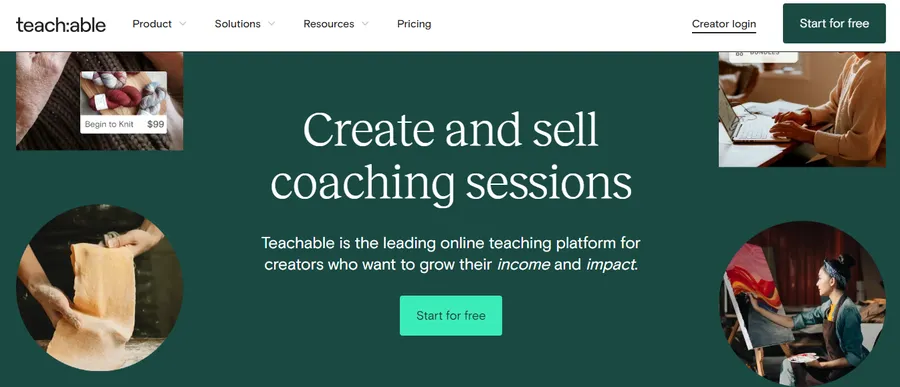
Teachable is a course platform built around a simple course builder, a hosted checkout and a clean student dashboard. You add lessons, set a price and share a sales page. It is easy for beginners, and many creators shortlist it as the best course hosting platform for a first course.
The trade-offs are design flexibility and fees. Lower plans may include a transaction fee, so check the current plan table. Some marketing and community features sit behind higher tiers or require outside tools.
Thinkific
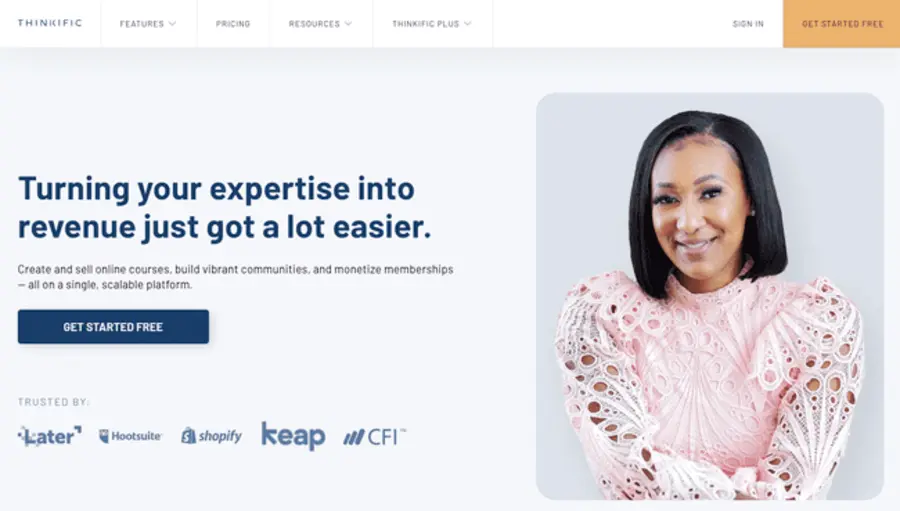
Thinkific gives you a drag-and-drop course builder, customizable sales pages and a wide list of integrations. It appeals to creators who want more control over how the course looks without touching code. The company advertises no transaction fees on its own paid plans, though payment processor charges still apply.
Community features are available on selected plans, which suits creators who want to keep discussion close to the lessons. If your priority is design flexibility on a hosted service, Thinkific belongs on your shortlist.
Kajabi
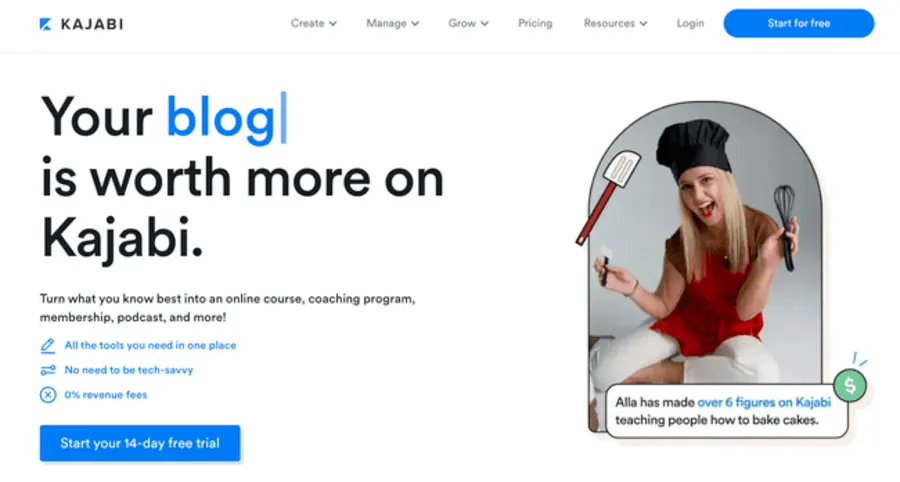
Kajabi bundles courses, email marketing, funnels, a website builder, coaching tools and a community into one subscription. It is a serious option if you want one login for your whole business. As a course and community platform, it works well because students stay in one place from purchase to discussion.
The price is the main drawback. It costs more than lighter tools, so it makes most sense when you would otherwise pay for a separate email service, page builder and community app. If you only need to host a few video lessons, it may be more than you need.
Podia
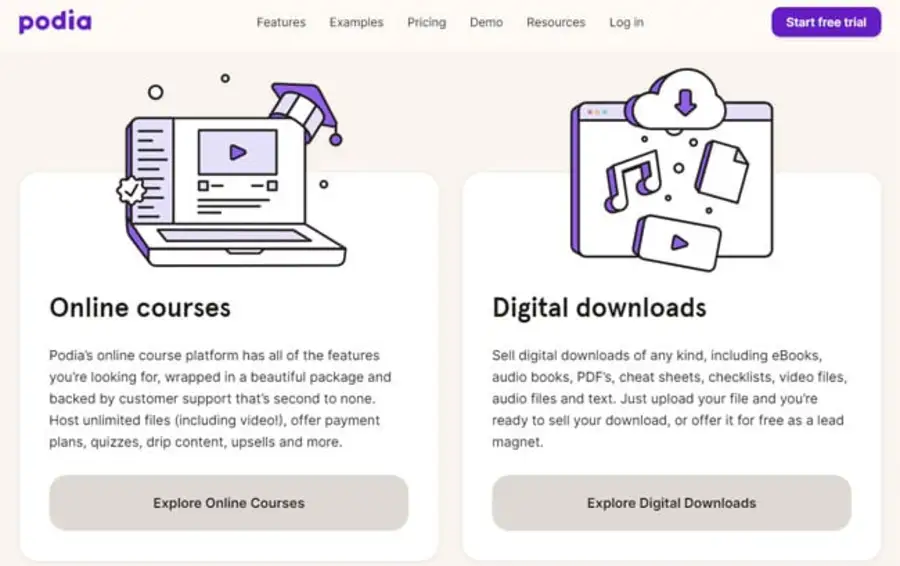
Podia keeps things simple. You can sell courses, digital downloads, memberships and webinars from one small dashboard, with email tools included. Setup takes little time, and the interface avoids the long menus that overwhelm new users.
It is a good match for solo creators who value speed over deep customization. Advanced needs, such as complex learning paths or detailed group reporting, are better served by a dedicated LMS.
LearnWorlds
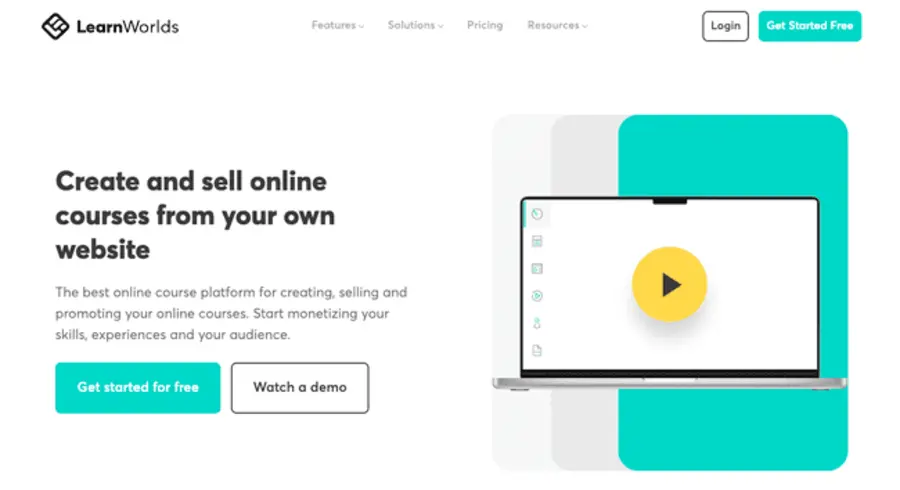
LearnWorlds focuses on interactive learning. It offers video with in-video quizzes, assessments, certificates and branded student areas. It suits trainers and educators who want lessons to feel active rather than passive.
The learning curve is steeper than Podia or Teachable, and the strongest features appear on higher plans. If interactivity is your selling point, the extra effort can be worth it.
Community-first tools: choosing a course and community platform
Some creators sell access to people rather than to videos. In that case, a community-first tool with course features can beat a traditional LMS. A course and community platform combines lessons with discussion, events and member profiles in one place.
Circle
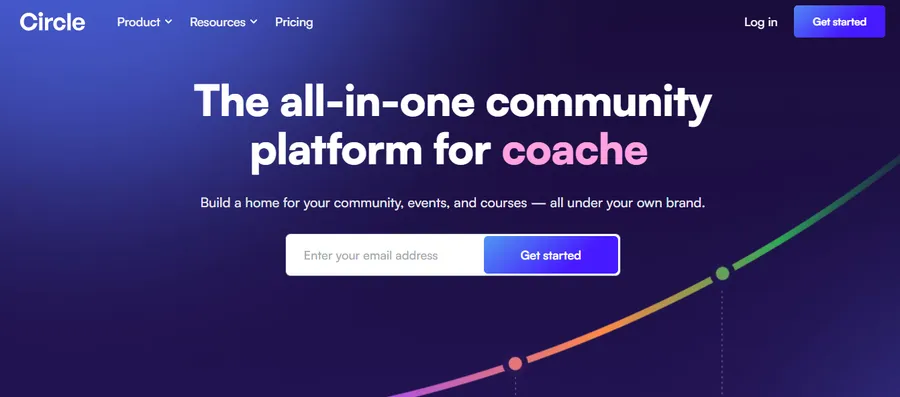
Circle is built around spaces, posts, events and live rooms, with course features added inside the community. Members get one place to learn, ask questions and meet each other. It fits membership programs, alumni groups and coaching communities where the conversation is as valuable as the content.
Mighty Networks
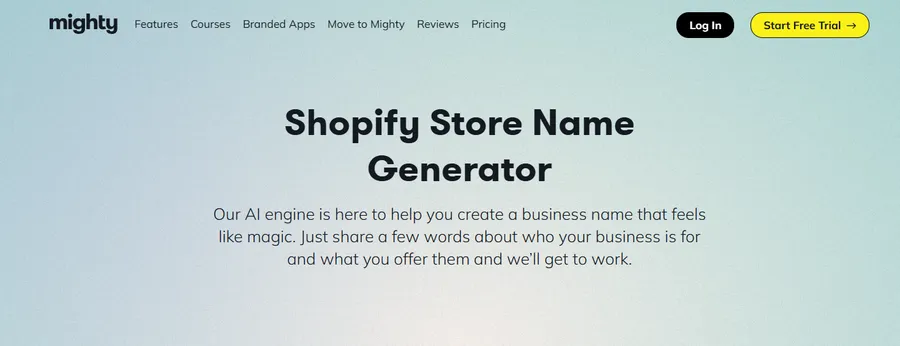
Mighty Networks pairs community with courses and offers a branded mobile app. It works well for cohort programs, where a group of students moves through material together. The course tools are lighter than a full LMS, so it is best when connection matters more than deep quiz logic.
Skool
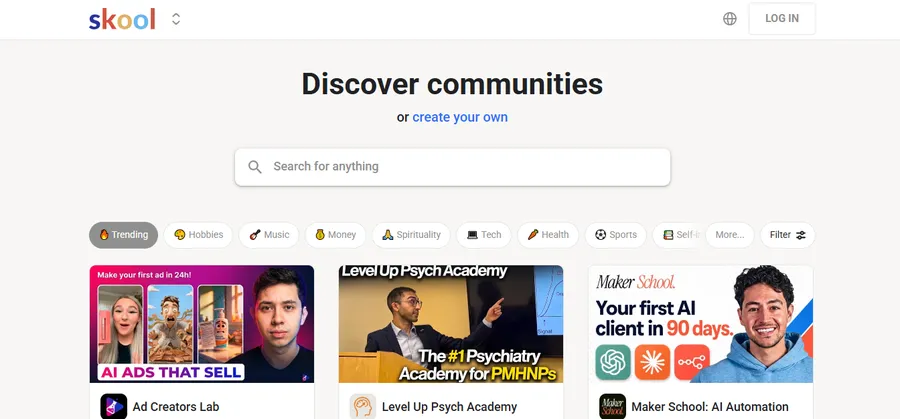
Skool uses a simple structure: a community feed, a classroom for lessons and a leaderboard that rewards activity with points and levels. It is quick to set up and easy for members to understand. The limits are design control and advanced course features, so it suits creators who value simplicity and engagement above customization.
WordPress options: best LMS for selling courses on your own site
If you already run a WordPress site, a plugin can turn it into a learning platform without a monthly platform subscription. According to W3Techs, WordPress runs over 40% of all websites, so hosts, developers and tutorials are easy to find. For many site owners, a WordPress plugin is the best LMS for selling courses because it keeps content, students and revenue on their own domain.
How WordPress course sites work
A WordPress course site has three parts: an LMS plugin that manages courses and progress, a payment layer such as WooCommerce or a built-in checkout, and a theme that controls how everything looks. Add a membership or community plugin such as BuddyBoss or bbPress if you want discussion.
Before you start, create a child theme if you plan to customize files, and choose hosting with solid caching. Course pages with video and quizzes can be heavy, so page weight and Core Web Vitals need attention from day one.
LearnPress and Eduma
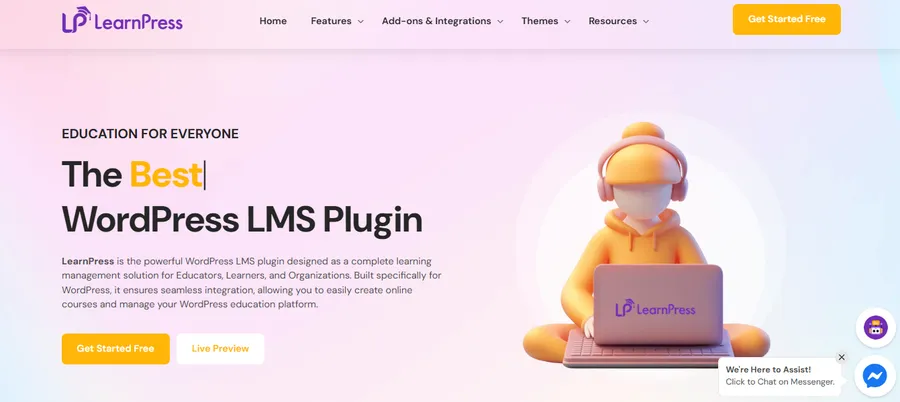
LearnPress is a free WordPress LMS plugin from ThimPress. It lets you create courses, lessons and quizzes from the WordPress dashboard and sell them through paid add-ons for WooCommerce, Stripe and other payment options. You install it from Plugins > Add New, build your first course in minutes and add extras only when you need them.
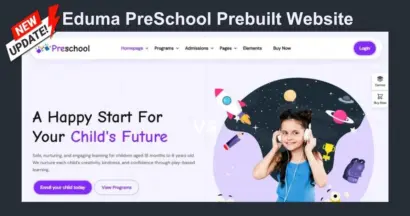
Eduma is an education theme from ThimPress designed to work with LearnPress. It includes ready-made demo layouts for course sites, so you can import a design and replace the content instead of building pages from scratch. It also works with popular page builders, but check the current compatibility notes before you choose your setup.
The pairing suits site owners who want low upfront cost and full ownership. It is a practical pick if you want the best LMS for selling courses on a budget, and it grows with you as you add certificates, reviews or paid memberships. The trade-off is responsibility: you manage hosting, updates and backups, so pick reliable hosting and keep a staging site for testing changes.
If you do not want to maintain a website, a hosted tool from the earlier sections will likely serve you better. If you want control, low ongoing platform fees and a site that you fully own, LearnPress with Eduma is worth testing.
LearnDash
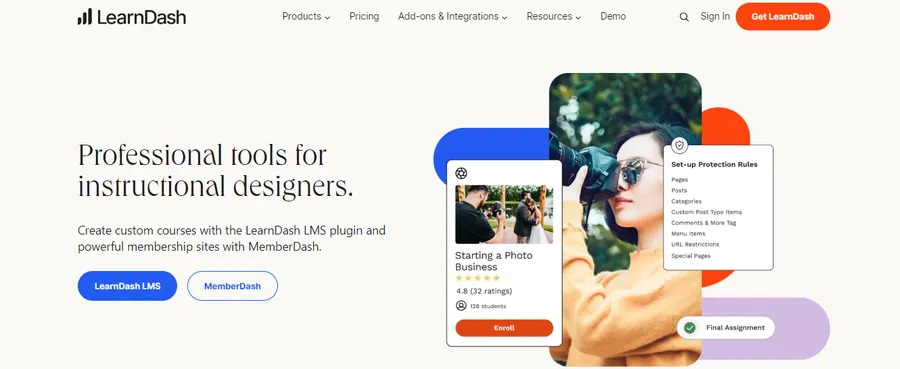
LearnDash is a long-running WordPress LMS known for its quiz options, drip content, group management and reporting. Corporate trainers and course businesses that need detailed control often choose it. It works with WooCommerce and other membership tools, though you may need several add-ons to match what a hosted all-in-one includes.
It uses an annual licence, so budget for it each year. It is one of the strongest answers to “what is the best LMS for selling courses” when your requirements are advanced.
Tutor LMS

Tutor LMS offers a free core plugin with a modern front-end course builder and a paid Pro version for extra features such as more quiz types and certificates. Instructors can build courses without leaving the front end, which many people find friendlier than the classic WordPress editor.
It is a strong middle option: less setup than assembling many separate plugins, with room to grow if you upgrade.
There is no single winner for every creator. The best course hosting platform depends on your audience, budget and how much technical work you want to do. Here is how the options match common situations.
Solo creator on a small budget
Choose Podia, Teachable or a WordPress setup with LearnPress. Podia and Teachable reduce technical work, while LearnPress lowers monthly cost if you can manage a site.
Coach or cohort-based teacher
Choose Mighty Networks, Circle or Kajabi. These tools give you a course and community platform where live sessions, discussions and lessons sit together, which is what cohort programs need.
Established brand that wants full control
Choose LearnDash, Tutor LMS or LearnPress with Eduma on WordPress. You control design, data and checkout, and you avoid being tied to one vendor’s pricing changes.
Company training or school programs
Choose LearnDash or LearnWorlds. Group management, assessments and reporting matter more here than sales pages.
Creator building a full online business
Choose Kajabi or Thinkific. If email, funnels, courses and community must work together, an all-in-one saves time and reduces the number of tools to connect.
How to choose in five steps
Follow these steps to compare online course platforms without getting lost in feature lists.
- Write down your offer. Decide whether you sell a self-paced course, a live cohort, a membership or a mix.
- Set a real budget. Include subscription or licence, hosting, email, theme and payment processor fees.
- Pick your control level. Choose hosted if you want speed and support. Choose WordPress if you want ownership and flexibility.
- Test two or three shortlisted tools. Build one lesson, add a price and go through checkout as a student. Note where you get stuck.
- Check exit options. Confirm you can export student lists, content and payment records if you leave.
This process keeps your online course platforms comparison practical. The winner is the tool you can actually launch with, not the one with the longest feature page.
Common mistakes to avoid
A few errors show up again and again when creators choose a platform.
- Paying for features you will not use. Start with the plan that covers your first course, then upgrade.
- Ignoring transaction fees. A cheaper subscription with a fee on every sale can cost more once revenue grows.
- Skipping mobile testing. Many students watch on phones, so check video playback and navigation there.
- Building on a slow WordPress setup. Cheap hosting and heavy themes can hurt page speed. Use caching and compress images and video thumbnails.
- Leaving community as an afterthought. Decide early whether discussion lives inside the platform or on a separate app.
FAQs about online course platforms
What is the difference between an LMS and a course marketplace like Udemy?
An LMS is software you use to run your own courses under your own brand, while a marketplace lists your course inside its own catalog. With an LMS, you set the price and keep customer data. With a marketplace, you gain built-in traffic but accept its pricing rules and revenue split.
Can I move my course to another platform later?
Yes, but the effort depends on the platform. Video files and lesson text can usually be re-uploaded, while quiz settings, student progress and community history are harder to transfer. Before you commit, check what each tool lets you export, and keep original copies of all your media.
Do I need a separate website to sell courses?
Not always. Hosted platforms give you a sales page and checkout, so you can launch without a website. A separate site still helps with blog content, SEO and brand trust, and a WordPress LMS combines the site and the course area in one install.
Is a free plan enough to start selling courses?
A free plan or free plugin is enough to test your idea and publish a first lesson. It usually limits payments, branding, integrations or student numbers. Once you have paying students, upgrading is normally worth it for a smoother checkout and better support.
Conclusion
The right platform depends on how you want to teach and how much of the setup you want to handle yourself. In this online course platforms comparison, hosted tools like Teachable, Thinkific, Podia and Kajabi gave the fastest start, while Circle and Mighty Networks led for creators who want a course and community platform. WordPress options like LearnDash, Tutor LMS and LearnPress with Eduma gave the most control and the lowest platform lock-in.
If you want to compare online course platforms quickly, shortlist two, build a sample lesson in each and walk through checkout as a student. That one test will tell you more than any feature list. If you want simplicity, pick the best course hosting platform from the hosted group. If you want ownership, choose the best LMS for selling courses on WordPress, and consider LearnPress with Eduma if you want a free starting point and a ready-made education design.
Start small, confirm current pricing on each vendor’s site, and upgrade only when your students and sales justify it.
Read more: 5 Best Hotel Website Templates for Direct Bookings
Contact US | ThimPress:
Website: https://thimpress.com/
Fanpage: https://www.facebook.com/ThimPress
YouTube: https://www.youtube.com/c/ThimPressDesign
Twitter (X): https://x.com/thimpress_com