Finding quality backlinks for site used to mean guessing which sites linked to you and hoping your competitors weren’t doing something you weren’t. Now there’s a whole category of tools built just for this: backlink checkers that show you exactly who’s linking where, how strong those links are, and which ones are worth chasing. The hard part isn’t finding a backlink checker, it’s picking the one that actually fits your budget and your workflow.
We tested five of the most widely used platforms for this guide, running the same handful of domains through each one to compare database size, refresh speed, and how usable the reports actually are once you’re staring at them at 11pm trying to finish a client audit.
Eduma – Education WordPress Theme
We provide an amazing WordPress theme with fast and responsive designs. Let’s find out!
How we tested these backlink sites
We ran the same set of five tools, a mix of small business sites and larger e-commerce stores, through every tool on this list and compared the number of referring domains each one surfaced, how current that data looked against Google Search Console, and how long it took to build a usable competitor backlink checker report from scratch.
We also checked how each tool’s free tier held up before you hit a paywall, since that’s usually where the real decision gets made.
Ahrefs
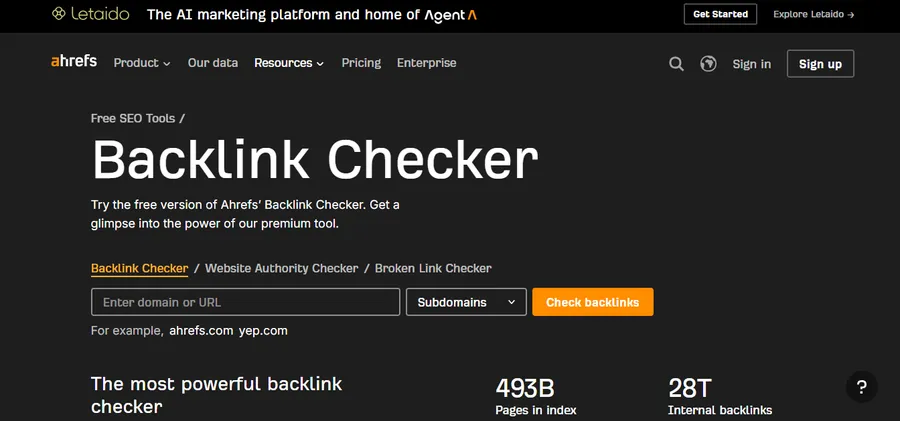
Ahrefs is the tool most SEOs mention first when someone asks where to find backlinks, and for good reason. Ahrefs describes itself as the web’s second-largest crawler after Google, with a live index of roughly 493 billion pages and 35 trillion external and 29 trillion internal backlinks pulled from about 494 million domains. That kind of scale matters when you’re trying to find backlinks that a smaller index might simply miss.
Key features
- Site Explorer for pulling a full backlink profile on any domain, including your own or a competitor’s
- Content Explorer for finding sites in your niche that already link out to similar content
- Batch analysis, so you can run up to 1,000 URLs at once when you’re vetting a big list of link prospects
- Automatic alerts when you gain or lose a backlink, which saves you from manually re-checking every week
Performance
Ahrefs is often cited as having one of the most current backlink databases available, with data refreshed roughly every 15 minutes. In our testing, newly built links showed up in Ahrefs’ reports faster than in most of the other tools on this list, though a few users have reported occasional lag compared to Semrush on very recently published links.
Pricing
Ahrefs plans start at $83 a month when billed annually. There’s no permanently free plan, but Ahrefs does offer a limited free backlink checker on its website for quick, one-off lookups.
Who it’s best for
Agencies and in-house SEO teams running competitor backlink checker audits at scale. If you’re managing link building for multiple clients or sites, the depth of data justifies the cost. Solo bloggers checking backlinks once a month will likely find cheaper options below more practical.
How to find backlinks for site with Ahrefs
Once you’ve got an Ahrefs account, finding backlinks for your own site or a competitor’s takes just a few steps.
- Open Site Explorer and enter the domain. Type your root domain, or a competitor’s, into Site Explorer and hit search. This pulls up the full backlink profile in one dashboard, no need to dig through separate reports.
- Check the Backlinks tab for the full link list. This shows every referring domain, the anchor text used, and whether each link is dofollow or nofollow. Sort by Domain Rating to see your strongest links first.
- Filter by “New” or “Lost” to spot recent changes. Ahrefs flags links you’ve gained or lost since your last check, which is the fastest way to catch a broken link before it costs you rankings.
- Run a competitor through the same report. Enter a competitor’s domain and compare their referring domains against yours to see who’s linking to them but not to you. These are the sites most likely to link to you too, since they’ve already shown interest in your niche.
- Use Content Explorer to find fresh link prospects. Search a topic related to your site and Content Explorer surfaces pages that already rank and attract links, giving you a shortlist of sites worth reaching out to for your next round of link building.
- Set up alerts so you’re not repeating this manually. Ahrefs Alerts can notify you by email whenever you gain or lose a backlink, so you can treat this as a five-minute weekly check instead of a full audit every time.
Semrush
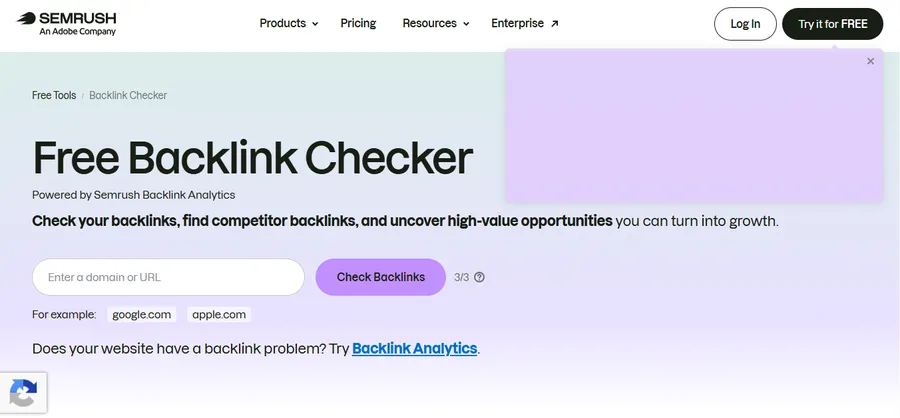
Semrush isn’t just a backlink site, it’s a full SEO suite that happens to include one of the largest link databases on the market. Semrush’s index currently holds around 43 trillion links pulled from roughly 390 million domains.
Key features
- Backlink Analytics for a full breakdown of referring domains, anchor text, and link attributes
- Backlink Gap, which lines your link profile up against as many as four competitors side by side so you can spot who’s linking to them and not to you
- Backlink Audit, which scores your existing links for toxicity and flags weak ones as candidates for a disavow file
- A free Backlink Checker for quick snapshots, showing Authority Score, total backlinks, and dofollow percentage without needing the full paid plan
Performance
Semrush is generally the pick for growing businesses or agencies that want a full-scale SEO platform rather than a single-purpose backlink site. During testing, its referring domain counts tracked closely with Ahrefs on most domains, with the two tools trading places depending on the niche.
Pricing
Semrush’s paid plans start similarly to Ahrefs, though the free Backlink Checker gives you a usable starting point before you commit to a subscription. Both tools sit at the premium end of the market, so it’s worth trialing each on your own domain before choosing.
Who it’s best for
Teams that want backlink data plus keyword research, site audits, and rank tracking in one login instead of stitching together separate tools.
How to find backlinks for site with Semrush
Semrush spreads its backlink tools across a few different reports, so it helps to know which one to open first.
- Start with Backlink Analytics for your own domain. Enter your domain to see your total referring domains, backlinks, and Authority Score in one overview, along with a breakdown of new versus lost links over time.
- Switch to the Backlink Gap tool to find competitor links you’re missing. Add up to four competitor domains alongside your own, and Semrush surfaces every site linking to them but not to you, which is one of the fastest ways to build a link building prospect list.
- Check the referring domains report for relevance, not just volume. Sort by Authority Score and skim the site categories to filter out irrelevant or spammy domains before you add anyone to your outreach list.
- Run a Backlink Audit before you do any outreach. This flags toxic or low-quality links already pointing to your site, so you know what to disavow instead of accidentally building on top of a link profile that’s already hurting you.
- Save your searches and set up alerts. Semrush can notify you whenever your site or a competitor’s gains or loses a link, so you’re not manually rerunning the same report every week.
Moz Link Explorer
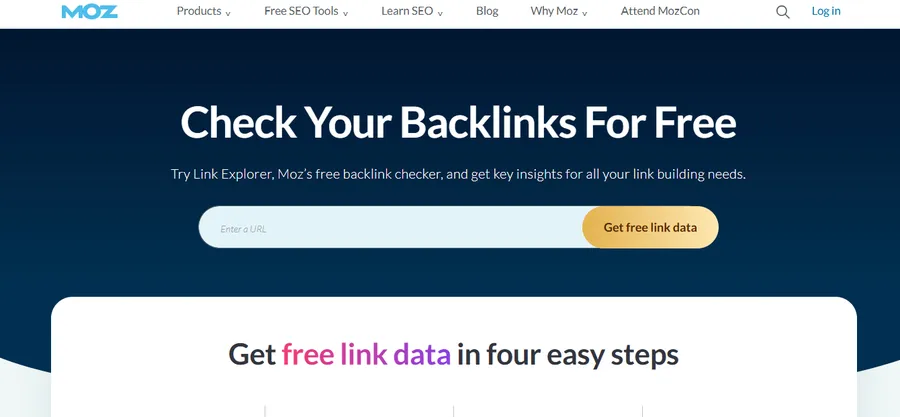
Moz has one of the longest track records in this space. Moz pioneered the Domain Authority metric, modeling it after Google’s original PageRank, and has been a trusted name for checking site authority since before most current backlink checkers existed. Its own backlink checker launched in 2010 and was later relaunched under the name Link Explorer.
Key features
- Domain Authority and Page Authority scores for quick, at-a-glance link-quality checks
- Domain comparison across up to five competing sites
- Spam Score to flag potentially toxic referring domains before they hurt your rankings
- Keyword research and SERP analysis bundled into the wider Moz Pro suite
Performance
Using Link Explorer, you can pull the core link metrics most people need: total backlinks, referring domains, domain authority, and page authority. Because Domain Authority is so widely recognized, Moz’s reports are often the easiest to explain to a client who isn’t deep into SEO.
Pricing
Moz’s free tier is limited to 10 queries a month across all of its tools, so full backlink reports and historical data require a paid subscription.
Who it’s best for
Anyone who needs a link-quality metric that clients and stakeholders already recognize. Moz’s DA score has become close to an industry shorthand, which makes it genuinely useful even outside of raw link building tools comparisons.
How to find backlinks for site with Moz Link Explorer
Link Explorer is built to get you a readable answer fast, without digging through a dozen sub-reports.
- Enter your domain in Link Explorer’s search bar. This pulls up your Domain Authority, total backlinks, and referring domains right away, so you get a quick read on where your site stands before going deeper.
- Open the Linking Domains report to see who’s actually linking to you. Sort by Domain Authority to spot your strongest referring sites first, and check the Spam Score column to flag any domains worth ignoring.
- Use Link Intersect to find gaps against competitors. Add a few competitor domains and Moz shows you sites linking to them but not to you, giving you a ready-made list for your next round of creating backlinks.
- Check anchor text distribution before you pitch new links. If most of your existing anchor text already targets one keyword, aim for more natural, branded anchor text in your next batch of outreach instead of repeating the same phrase.
- Track changes over time with Moz’s historical data. Revisit the same report monthly to see whether your referring domain count is actually growing, not just staying flat while old links get replaced by new ones.
SE Ranking
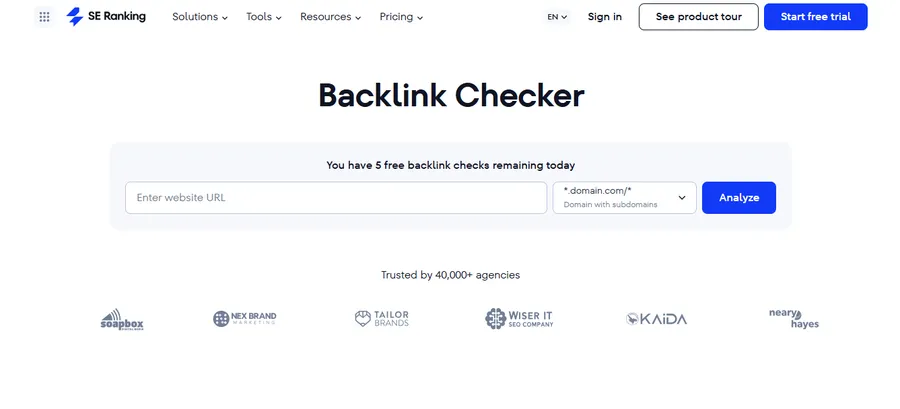
SE Ranking has built a reputation as the backlink site that gives you most of what the big platforms offer at a noticeably lower price point.
Key features
- A free instant backlink snapshot with no account signup required
- Backlink monitoring with alerts for new and lost links
- White label reporting, which makes it a popular choice for smaller agencies reselling SEO services
- Competitor backlink checker tools for side-by-side comparisons
Performance
SE Ranking has emerged as a strong option for SMBs, freelancers, and growing agencies that want affordability without giving up power. In our testing, its referring domain counts ran slightly behind Ahrefs and Semrush on larger sites, but stayed close enough for most day-to-day link building decisions.
Pricing
Paid plans start at $52 a month when billed annually, with a 14-day free trial available.
Who it’s best for
Freelancers and small agencies that want a full backlink checker without paying premium-tier prices, and are willing to trade a little database depth for a much friendlier bill.
Ubersuggest
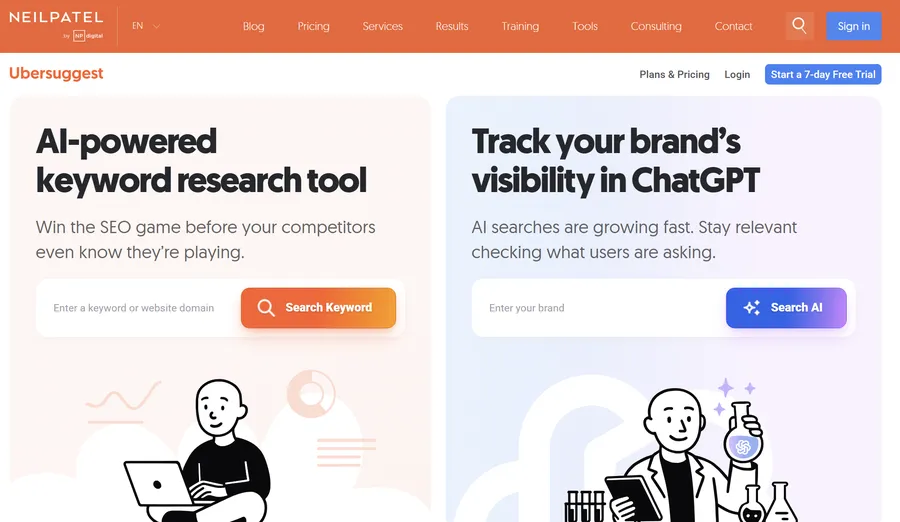
Ubersuggest is the most budget-friendly backlink site on this list, and it’s a reasonable entry point if you’re just starting to build backlinks for your site and don’t need enterprise-level data yet.
Key features
- A straightforward backlink overview showing total links, referring domains, and domain score
- Built-in keyword and content ideas alongside the backlink data
- A simple interface that doesn’t require much SEO background to read
Performance
Some SEOs have noted that Ubersuggest’s backlink numbers closely match Moz’s, which suggests its backlink data may be powered by Moz’s API rather than an independent crawl. That’s not necessarily a downside, but it’s worth knowing if you’re trying to decide between the two.
Pricing
Ubersuggest’s plans start at $29 a month, with a 7-day trial available.
Who it’s best for
Solo site owners and small business owners creating backlinks for the first time, who want a simple website backlink overview without a steep learning curve or an enterprise price tag.
How to choose the right backlink site for your goals
The best link building tools aren’t the same for every site. If you’re running competitor research at scale across many client sites, Ahrefs or Semrush will give you the deepest data, and the price reflects that. If you want a link-quality metric that’s easy to explain to a client, Moz’s Domain Authority score still carries weight nobody else has fully replaced.
If you’re managing a small agency or a handful of client sites and need to keep costs down, SE Ranking gets you most of the same reporting for less. And if you’re just getting started with creating backlinks for a single site, Ubersuggest is the least intimidating place to begin.
Whichever backlink checker you pick, run the same domain through two tools before you commit to a subscription. Link databases don’t fully overlap, and seeing how two tools disagree on your own site’s backlink profile tells you more about their coverage than any spec sheet will.
Backlinks for Site: FAQs
A few quick answers to the questions people ask most when they’re comparing backlink checkers.
What’s the best free site for checking backlinks?
Ahrefs and Semrush both offer a free backlink checker for quick, one-off lookups without a subscription, though the results are more limited than their paid reports. Moz’s free tier caps you at 10 queries a month across its whole tool suite, which works fine for occasional checks on your own site.
How do I find quality backlinks for my site?
Start by running a competitor backlink checker report on two or three sites ranking above you for your target keywords, then look for the domains linking to them but not to you. Prioritize links from sites in your niche with real traffic and editorial standards over sheer volume, since a handful of relevant links usually outperforms a long list of low-quality ones.
Are backlink checkers accurate?
Backlink checkers are only as accurate as their crawl, so no two tools will show identical numbers for the same domain. Cross-checking a site through two different backlink checkers, and comparing both against Google Search Console’s own link report, gives you a more realistic picture than trusting a single source.
How many backlinks does a website need to rank?
There’s no fixed number, since link quality and relevance matter far more than raw count, and a single link from a highly trusted, relevant domain can outweigh dozens of weak ones. Focus on steadily creating backlinks from sites your actual audience already reads, rather than chasing a specific target number.
Conclusion
There’s no single best tools to find backlinks for site, only the best fit for your budget and how deep you need to dig. Start with Ahrefs or Semrush if data depth matters most, Moz if you need a metric clients recognize, and SE Ranking or Ubersuggest if you’re watching costs. Whichever backlink checker you settle on, cross-check it against a second tool before making any real link building decisions.
Read More: How Does Shopify Make Money
Contact US | ThimPress:
Website: https://thimpress.com/
Fanpage: https://www.facebook.com/ThimPress
YouTube: https://www.youtube.com/c/ThimPressDesign
Twitter (X): https://x.com/thimpress_com