Picking the right SaaS marketing software can feel like standing in front of twenty browser tabs, each one promising to fix your pipeline. Most SaaS teams do not need twenty tools. They need two or three that actually talk to each other, plus one platform that runs the day-to-day campaigns without breaking every time someone adds a new field to the signup form. This guide walks through six tools worth a real look, what each one does well, where it falls short, and how to decide which one fits your stage of growth.
We tested and researched these platforms with one question in mind: does this help a SaaS company turn trial signups and free users into paying customers, without adding a full-time admin job to someone’s plate? That is the bar. Not “does it have a lot of features,” but “does it get used every week by a small team.”
Every tool below was evaluated against three practical checkpoints: how long it takes to get the first automated sequence live, how well it reads product usage data rather than just contact fields, and whether the reporting connects back to trial conversion and revenue instead of stopping at open rates. SaaS pricing tiers and named integrations change often, so treat the specifics here as a starting point for your own trial account, not a locked-in quote.
Eduma – Education WordPress Theme
We provide an amazing WordPress theme with fast and responsive designs. Let’s find out!
What is SaaS marketing software
SaaS marketing software is a cloud-based platform that helps subscription businesses plan, send, and measure marketing campaigns across email, in-app messages, SMS, and sometimes ads, using signup data and product usage as the trigger instead of static contact lists. Unlike generic email tools built for one-off newsletters, this category is built around lifecycle stages: trial, activation, upgrade, renewal, and churn risk.
The reason SaaS companies treat this differently from, say, an ecommerce store, comes down to the data. A SaaS product generates a constant stream of behavioral signals: logins, feature usage, seat additions, support tickets, plan changes. Good SaaS marketing software plugs directly into that stream so a message can go out the moment a user hits a usage limit or ignores a feature for two weeks straight, not three days later when someone finally exports a spreadsheet.
Why SaaS companies need a dedicated marketing platform
A generic email service provider can send a newsletter. It usually cannot tell you that a trial user opened the billing page four times without upgrading, or that a customer’s usage dropped 40% after a support ticket went unanswered. That gap is exactly what a SaaS marketing platform is built to close.
Trial-to-paid conversion depends on timing
Trial users decide within the first few sessions whether a product is worth paying for. SaaS marketing automation tools track that window and trigger nudges, tips, or upgrade prompts based on what the user actually did, not on a fixed day-three, day-seven schedule that ignores behavior entirely.
Churn shows up in usage data before it shows up in cancellations
By the time someone submits a cancellation, they usually stopped logging in weeks earlier. A SaaS marketing platform that reads product events can flag that drop-off early enough for a win-back sequence, a check-in email, or a customer success handoff to actually make a difference.
Manual segmentation does not scale past a few hundred users
Sorting contacts into lists by hand works fine at fifty customers. At five thousand, it falls apart. SaaS marketing automation tools build segments dynamically, updating who belongs where as behavior changes, so a person moves out of the “new trial” segment and into “active user” without anyone touching a spreadsheet.
What to look for before choosing SaaS marketing automation tools
Before comparing specific products, it helps to know which features actually matter for a subscription business, since a lot of marketing software is built for retail or agency use cases and only loosely fits SaaS.
Event-based triggers, not just list-based sends
Ask whether the platform can trigger a message from a product event, such as “invited a teammate” or “hit API rate limit,” rather than only from a static list or a form submission. This single feature separates SaaS as marketing tools from generic bulk-email software.
Native or simple integration with your product
Check how the tool receives data from your app. Some connect through a JavaScript snippet and REST API, others need a customer data platform like Segment in between. The fewer moving parts between your product and your SaaS marketing software, the fewer things break during a busy release week.
Reporting tied to revenue, not just opens and clicks
Open rates are a vanity metric on their own. A useful SaaS marketing platform ties campaigns back to trial starts, upgrades, and retained revenue, so a marketing team can say which sequence actually moved the needle instead of guessing from click-through numbers.
Room to grow without a full platform migration
Switching marketing platforms mid-growth is disruptive: workflows have to be rebuilt, historical data often does not transfer cleanly, and the team loses weeks re-learning a new interface. Choosing SaaS marketing automation tools with headroom, meaning higher contact tiers and more advanced workflows available on the same platform, saves that pain later.
6 best SaaS marketing software tools in 2026
Here is the shortlist. Each of these tools has a clear specialty, and the right pick usually depends on team size, budget, and whether marketing and sales already share a CRM.
1. HubSpot Marketing Hub
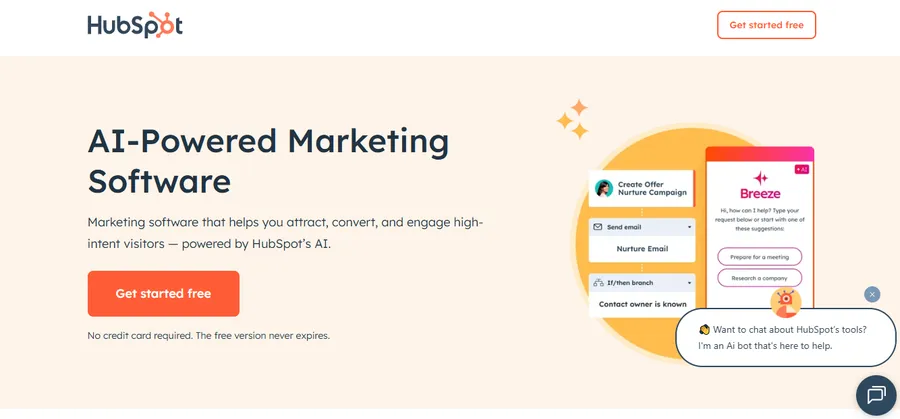
HubSpot Marketing Hub bundles CRM, email, landing pages, forms, and automation into one system, which makes it a common starting point for SaaS companies that do not yet have a dedicated marketing stack. Because the CRM sits natively inside the platform, closed-loop reporting works out of the box: a marketer can trace a contact from first form fill through to closed deal without exporting anything to a spreadsheet.
The automation builder handles standard SaaS nurture sequences well, including lead scoring based on engagement and automatic routing of qualified leads to sales. The tradeoff is cost. Pricing climbs fast once a company needs advanced automation, custom reporting, or a larger contact volume, and some teams outgrow the marketing-hub feature set before they outgrow HubSpot’s CRM.
Best for: early-stage to mid-size SaaS teams that want marketing and sales activity in one workspace, without stitching together separate tools.
2. ActiveCampaign
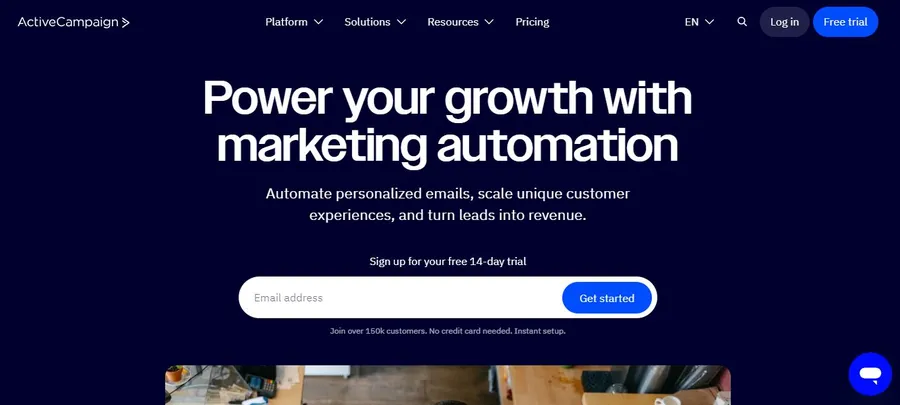
ActiveCampaign focuses on email and automation depth at a lower price point than the bigger all-in-one platforms. Its visual automation builder supports branching logic based on tags, site behavior, and custom fields, which covers most of what a small SaaS team needs for onboarding sequences, trial nurture, and renewal reminders.
Where ActiveCampaign is lighter is on native product-event tracking. Pulling in detailed in-app behavior, like feature usage or seat counts, usually requires a middle layer such as Zapier or a customer data platform, which adds setup time and another point of failure.
Best for: early-stage SaaS teams that want strong email automation without HubSpot’s price tag, and are comfortable connecting a lightweight integration for product data.
3. Customer.io
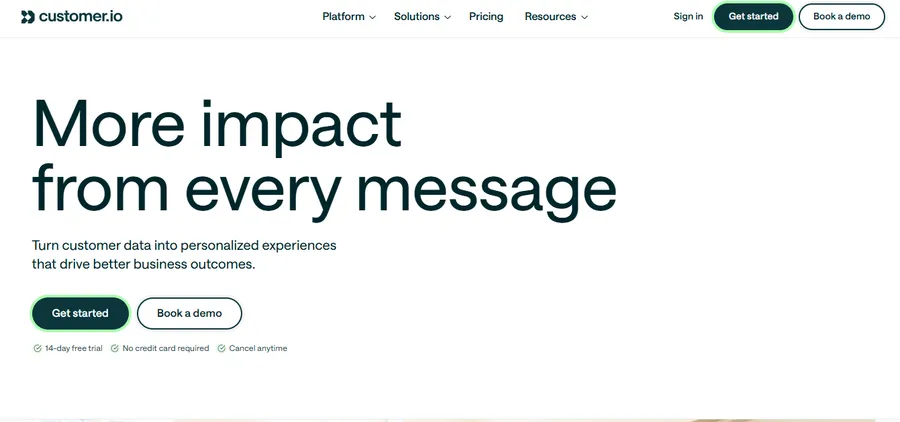
Customer.io is built around an event-driven data model rather than static lists, which makes it a strong fit for SaaS companies with complex product usage data. Instead of segmenting contacts by list membership, campaigns trigger off events like “completed onboarding step 3” or “exceeded plan limit,” and those events can carry full JSON payloads with details a simpler tool would drop.
That flexibility comes with a steeper setup curve. Getting the most out of Customer.io usually means someone on the team is comfortable working with an API or a data pipeline, since the visual builder alone does not expose everything the event model can do. Teams without an engineer to help with implementation may find the first few weeks slower than expected.
Best for: SaaS companies with a technical team and rich product event data who want granular, behavior-based lifecycle messaging.
4. Klaviyo
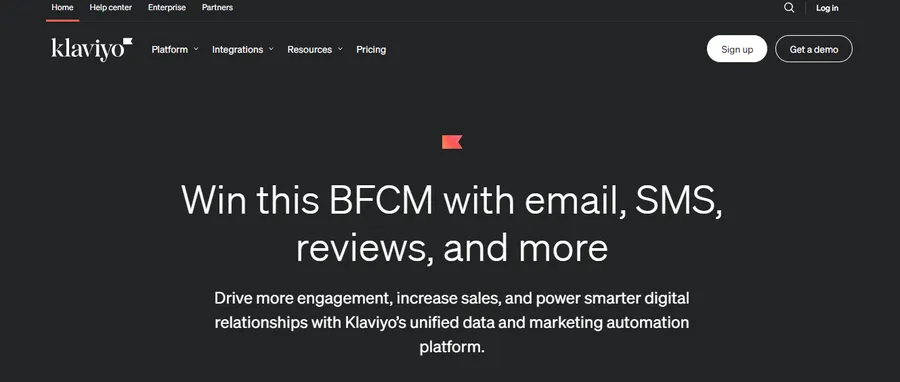
Klaviyo built its reputation in eCommerce, but SaaS companies with a subscription-plus-usage billing model have adopted it for coordinated email, SMS, and push messaging driven by customer behavior. Its segmentation engine updates in near real time, so a user who upgrades their plan moves out of a “trial” flow and into a “customer” flow without a delay.
For pure B2B SaaS with long sales cycles and no SMS or push channel, Klaviyo’s strengths are less relevant, and a CRM-first tool like HubSpot or a lifecycle tool like Customer.io usually fits better.
Best for: SaaS products with a consumer or prosumer audience that benefits from SMS and push in addition to email.
5. Intercom
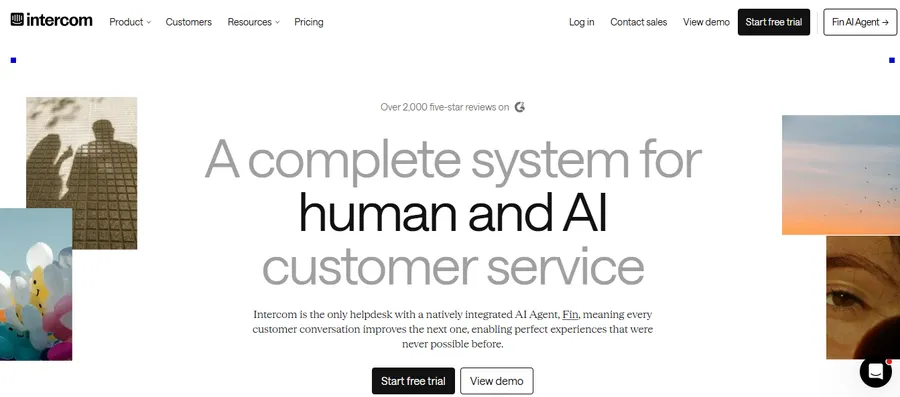
Intercom combines live chat, a help center, and lifecycle messaging in one interface, which makes it useful for SaaS teams that want marketing and support signals in the same place. A support conversation can trigger a follow-up campaign, and a marketing message can hand off directly into a live chat if the user has a question mid-flow.
The messaging and automation features are solid, but Intercom’s pricing model, which scales with both seats and contacts, can get expensive quickly for a growing SaaS company, especially one that wants to use it purely for marketing rather than support.
Best for: SaaS teams that want conversational support and lifecycle marketing to share the same data and interface.
6. Userpilot
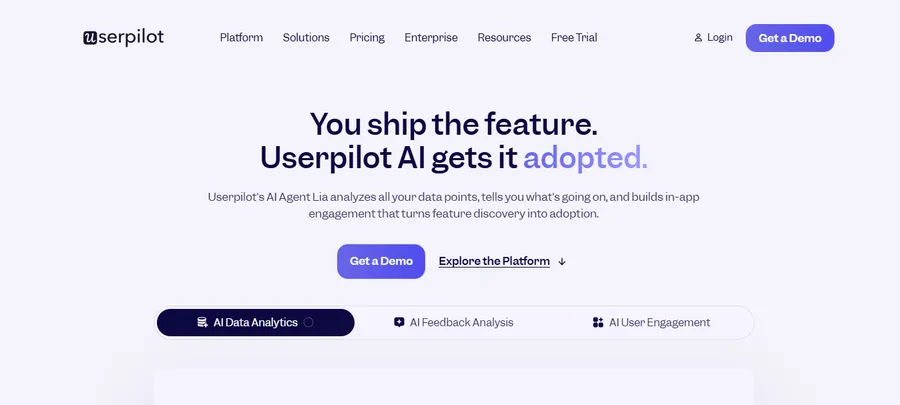
Userpilot focuses specifically on in-app experiences: onboarding checklists, feature announcements, tooltips, and in-app surveys, all triggered by product usage. It is less of a full marketing platform and more of a specialist tool that pairs well with an email-first platform like ActiveCampaign or Customer.io.
Because Userpilot lives inside the product itself rather than in the inbox, it is particularly effective for reducing time-to-value during onboarding, which is one of the strongest predictors of trial-to-paid conversion for SaaS companies. Teams looking for a single, do-everything platform will need to pair it with something else for email and SMS.
Best for: SaaS companies that want to improve in-app onboarding and feature adoption without rebuilding their whole marketing stack.
Quick comparison of the 6 tools
The table below lines up each platform against the same four criteria, so you can scan for the closest fit before opening a trial account.
| Tool | Core strength | Setup effort | Best fit |
|---|---|---|---|
| HubSpot Marketing Hub | Native CRM plus marketing in one system | Low to medium | Sales-assisted SaaS teams |
| ActiveCampaign | Affordable email automation | Low | Early-stage, budget-conscious teams |
| Customer.io | Event-driven, granular triggers | Medium to high | Technical teams with rich event data |
| Klaviyo | Real-time segmentation, email plus SMS | Low to medium | Consumer or prosumer SaaS |
| Intercom | Shared marketing and support data | Medium | Support-heavy SaaS motions |
| Userpilot | In-app onboarding and adoption | Low | Improving activation, not full-stack |
Treat this table as a shortlist, not a final answer. The right SaaS marketing platform for a five-person team is rarely the right one for a fifty-person team, so revisit this comparison every time the company crosses a major growth milestone.
Common mistakes when adopting SaaS marketing automation tools
Buying the right software solves only part of the problem. A lot of SaaS teams pick a strong platform and still get weak results, usually because of how the tool gets implemented rather than which tool they picked.
Turning on every automation at once
New users often try to migrate their entire onboarding, nurture, and win-back flow into a new platform in the first week. That approach makes it hard to tell which sequence is actually driving results, and a single broken trigger can quietly send the wrong message to hundreds of users before anyone notices. A safer approach is to migrate one flow at a time, watch it for two full cycles, and confirm the data looks right before moving to the next.
Treating event tracking as a one-time setup
Product teams ship new features constantly, and each new feature is a potential trigger for a marketing message. Teams that set up event tracking once at launch and never revisit it end up with SaaS marketing automation tools that only “see” the product as it existed months ago. A quarterly review of which events are firing, and which new ones should be added, keeps the automation aligned with how the product actually works today.
Ignoring deliverability until it becomes a problem
Email deliverability is easy to overlook until inboxes start routing campaigns to spam. SaaS companies sending frequent, behavior-triggered emails are especially exposed here, since a poorly warmed sending domain or a spike in send volume can tank inbox placement fast. Warming up a new domain gradually, monitoring bounce and complaint rates, and keeping list hygiene current are basic steps that get skipped surprisingly often.
Best tools for content for SaaS
Marketing automation covers the sending and triggering side of the funnel, but SaaS companies also need a steady stream of content, blog posts, comparison pages, changelogs, and help docs, to feed those campaigns and support organic search. When people search for the best tools for content for SaaS, they are usually looking for a mix of three categories: an SEO research tool such as Ahrefs or Semrush to find and track keyword opportunities, a writing and editing tool to keep drafts consistent in tone, and a CMS or headless content platform to actually publish and update pages without waiting on a developer.
The tools do not need to be complicated. A small SaaS team can run an effective content program with one SEO tool for research, one writing tool for drafting and editing, and whatever CMS their marketing site already runs on. The bottleneck is rarely the tooling. It is usually consistency, meaning someone on the team owns the calendar and actually ships posts on a schedule instead of publishing in bursts.
How to choose the right SaaS marketing platform for your business
With six solid options on the table, the decision usually comes down to three practical questions rather than a feature-by-feature scorecard.
How technical is your team
If nobody on the team is comfortable with an API or a data pipeline, an event-driven tool like Customer.io will feel harder to set up than it needs to be. A more visual, list-and-tag based tool such as ActiveCampaign or HubSpot will get a campaign live faster, even if it is slightly less flexible long term.
Does marketing need to share data with sales or support
SaaS companies with a sales-assisted motion usually benefit from a platform with native CRM, since HubSpot removes the friction of syncing two systems. Companies with a support-heavy motion may prefer Intercom, where a support conversation and a marketing message live in the same record.
What is the realistic budget at your next growth stage
It is worth pricing out each SaaS marketing platform not just at current contact volume, but at double or triple that volume, since some platforms scale their pricing gently while others jump sharply past certain thresholds. A tool that looks affordable today can become the most expensive line item in the marketing budget within a year of steady growth.
How much manual QA can your team realistically handle
Every automated sequence needs someone checking it periodically for broken links, outdated screenshots, or a trigger that stopped firing after a product update. Before committing to a platform with a lot of moving parts, be honest about who owns that ongoing QA. A smaller, simpler tool that the team can fully maintain will usually outperform a powerful platform that half the automations quietly break inside of.
FAQs about the best SaaS marketing software
What is the difference between SaaS marketing software and a regular email marketing tool?
SaaS marketing software triggers campaigns from product usage events, such as a feature being used or a plan limit being hit, while a regular email tool typically relies on static lists and manual segmentation. This event-based approach is what allows SaaS marketing automation tools to send timely, behavior-driven messages instead of generic scheduled blasts.
Is HubSpot good for small SaaS startups?
HubSpot works well for small SaaS startups that want marketing, CRM, and sales activity in one system from day one, since it avoids the setup work of connecting separate tools. The main consideration is cost, as pricing increases quickly once a startup needs advanced automation or a larger contact list.
Can I use more than one SaaS marketing platform at the same time?
Yes, and many SaaS companies do, typically pairing a core email or automation platform with a specialist tool such as Userpilot for in-app messaging or an SEO tool for content. The key is making sure the tools share data cleanly, usually through native integrations or a customer data platform, so campaigns do not conflict with each other.
How much does SaaS marketing automation typically cost?
Pricing varies widely by contact volume and feature tier, with entry-level plans on tools like ActiveCampaign starting well under $100 per month, while platforms like HubSpot or Intercom can run into the thousands per month at scale. The better comparison point is cost per active contact at your expected size in twelve months, not the entry price today.
Conclusion
There is no single best SaaS marketing software for every company. A five-person startup with a self-serve trial needs something different from a sales-assisted B2B product with a six-month buying cycle. What matters most is picking a platform that fits how your team actually works today, connects cleanly to your product data, and has room to grow without forcing a painful migration in eighteen months. Start with the tool that solves your most urgent problem, whether that is trial conversion, churn, or onboarding, and add specialist tools around it as the team and the data get more complex.
A useful last step before committing is a short pilot: pick one struggling metric, such as trial-to-paid conversion or week-two retention, and run a single automated sequence through the shortlisted tool for a full month before rolling out anything else. That pilot tells you far more about day-to-day usability than a sales demo ever will, and it gives the team a real number to compare against once the platform is fully adopted. If the pilot sequence measurably moves the metric and the team finds the interface easy to maintain without constant support tickets, that is a strong signal the platform will hold up as the company scales past its current size.
Read more: 14 SaaS Pricing Models Examples That Drive Revenue Growth
Contact US | ThimPress:
Website: https://thimpress.com/
Fanpage: https://www.facebook.com/ThimPress
YouTube: https://www.youtube.com/c/ThimPressDesign
Twitter (X): https://x.com/thimpress_com