Are you tired of spending hours manually editing photos to get the perfect look?
High-quality visuals are essential for e-commerce, social media, and professional branding, but traditional editing is often time-consuming. Fortunately, technology has evolved, offering solutions that streamline this process entirely.
Whether you need a free AI background generator for a quick project or a robust platform for enterprise needs, modern tools can instantly replace dull settings with studio-quality scenes. While some users look for specific AI avatar generators with automatic background removal for profile pictures, others need comprehensive suites for product photography.
Below, we explore the top tools available today. These platforms allow you to act as your own creative director, with some even functioning as AI avatar generators with customizable backgrounds to enhance your personal brand.
Here is a curated list of the best software to elevate your visual content.
Eduma – Education WordPress Theme
We provide an amazing WordPress theme with fast and responsive designs. Let’s find out!
Canva
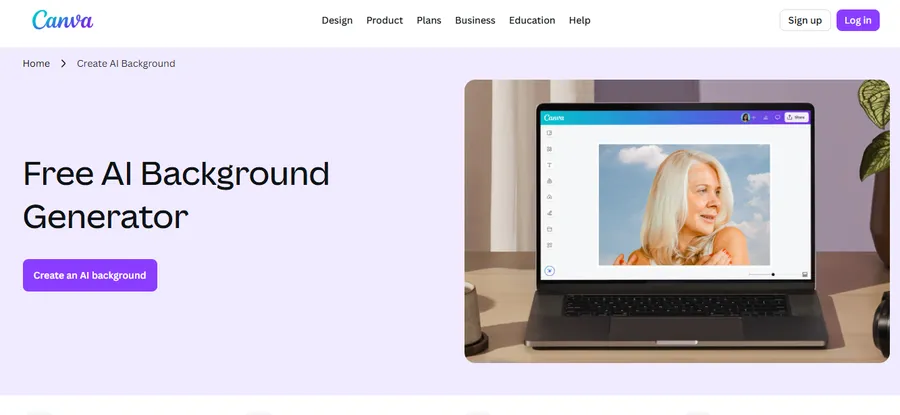
Canva is a powerful, user-friendly design platform that lets anyone create stunning visuals using intuitive tools and AI-driven features. Learn more about how to use Canva to maximize your designs.
With its free AI background generator, Canva makes it effortless to transform product photos, lifestyle shots, or creative assets into professional-quality images. Simply upload your photo, type a prompt, and the AI generates a custom background perfectly matched to your scene—no complex editing required.
Whether you’re a content creator, small business owner, or designer, Canva provides a seamless workflow with drag-and-drop editing, real-time collaboration, and high-quality exports.
Create marketing materials, social media posts, or product portfolios faster than ever with beautiful, AI-enhanced backgrounds tailored to your brand, and easily convert Canva designs to WordPress for your website.
Key Features
- Easy drag-and-drop editor for fast, intuitive designing
- AI background generator for instant, custom backdrops
- 3M+ free stock photos, graphics, and design elements
- Magic Edit, Magic Eraser, and Magic Expand for advanced AI enhancements, allowing you to seamlessly convert Canva to HTML for web projects.
- Real-time team collaboration for shared projects
- Design from any device—desktop, tablet, or mobile
Pacdora
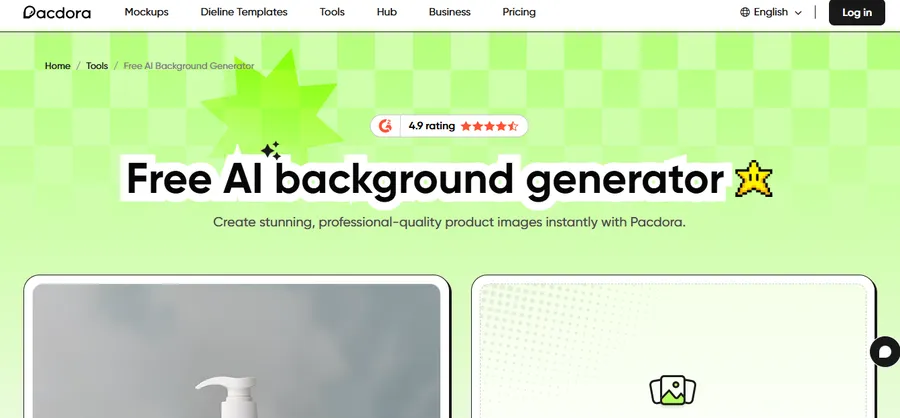
Pacdora is a powerful product-imaging platform that lets you create studio-quality visuals instantly using its free AI background generator.
Designed for brands, creators, and ecommerce sellers, Pacdora removes backgrounds automatically and recommends professionally matched scenes tailored to your product’s shape, lighting, and style.
Its AI-driven 3D rendering adjusts shadows, angles, and proportions for incredibly realistic results—no photography or design skills required.
Simply upload your product image, choose from personalized background suggestions, and export polished visuals ready for marketing, packaging, or online stores. With fast processing and endless style options, Pacdora makes it effortless to elevate your product presentation and capture customer attention.
Key Features
- Automatic background removal with AI
- Personalized, AI-recommended scenes for each product
- Advanced 3D rendering with realistic lighting and shadows
- Endless background styles and visual themes
- Fast, easy workflow—upload, select, export
- Supports PNG, JPG, and WebP up to 20MB
Pixelcut
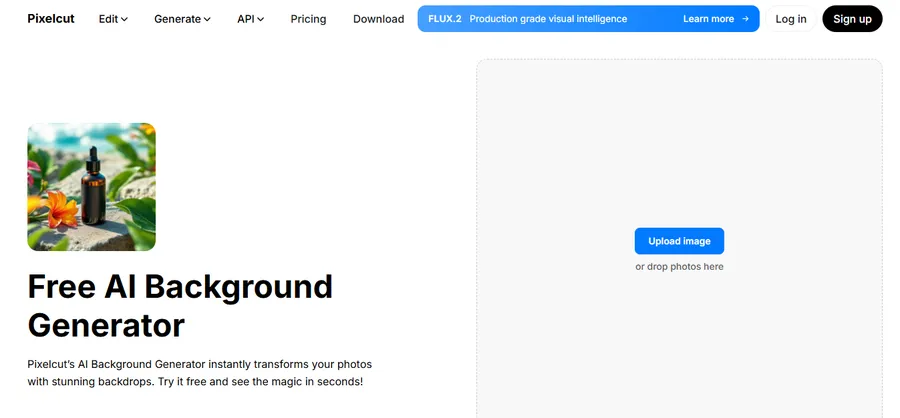
Pixelcut is a powerful visual editing platform that lets anyone transform product photos, portraits, or creative assets instantly with its advanced AI background generator.
Designed for creators, entrepreneurs, and online sellers, Pixelcut replaces backgrounds in seconds using prompts or preset styles—no design skills required. Simply upload your image, describe the scene you want, and Pixelcut generates a realistic, studio-quality backdrop that enhances your subject.
From ecommerce catalogs to social media content, Pixelcut helps users produce consistent, professional-looking visuals without expensive equipment. With additional AI tools like Generative Fill, Uncrop, and an API for developers, Pixelcut streamlines your entire editing workflow and boosts your creative output.
Key Features
- Instant AI background generator with prompt-based scene creation
- Dozens of preset background styles for quick results
- Automatic background removal with clean, accurate edges
- Studio-quality outputs ideal for products, portraits, and furniture
- Mobile apps for iPhone & Android plus developer API access
- Extra AI tools including Uncrop, Generative Fill, and Image Generator
Adobe Express
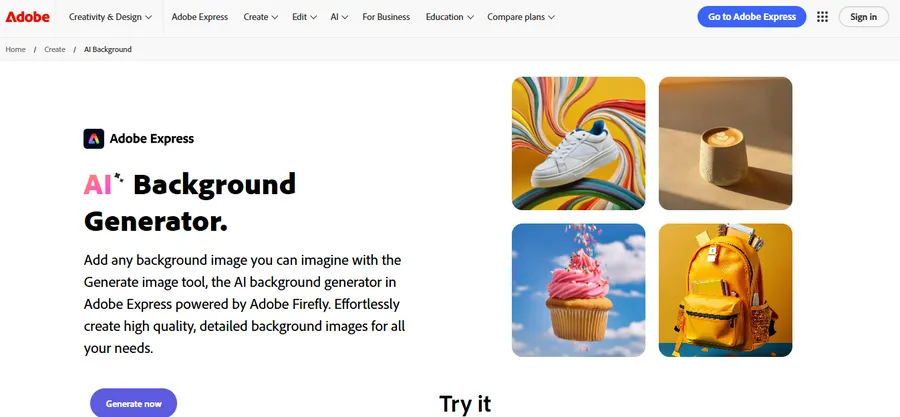
Adobe Express empowers creators of all skill levels to design stunning visuals quickly using its powerful AI background generator, powered by Adobe Firefly. For a full comparison, check out our detailed guide on Adobe Express vs Canva.
With just a text prompt, Adobe Express generates high-quality, detailed backgrounds for social media posts, presentations, web banners, and more.
Users can upload reference images, refine style and composition, and instantly access four unique results per prompt. Whether you need photorealistic scenery, brand-themed graphics, or creative patterns, Adobe Express delivers professional-quality results without requiring advanced design experience.
Its built-in editor lets you customize every generated background—adjusting filters, cropping, opacity, and effects—to create perfectly polished visuals for any project.
Key Features
- AI background generator powered by Adobe Firefly
- Generates four variations per prompt with style customization
- Upload reference images for precise composition and aesthetics
- Full editing tools: crop, filters, opacity, and adjustments
- Resize designs for social media, web banners, and print
- Free Adobe Express account with templates and Adobe Stock access
Fotor
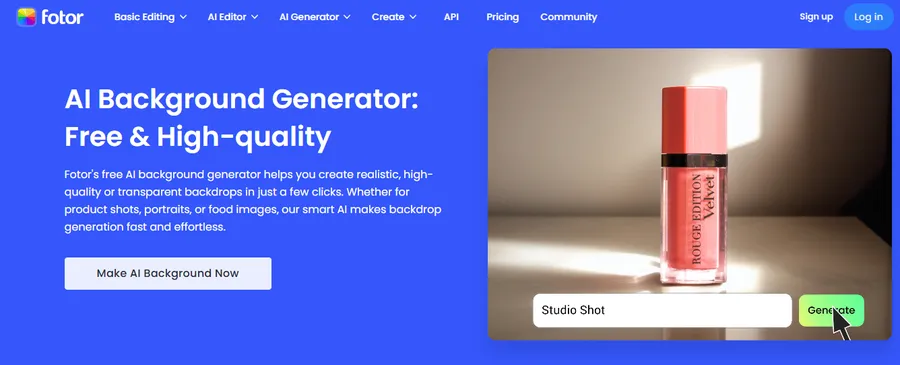
Fotor is a versatile online editing platform that lets anyone create professional-looking visuals instantly using its free AI background generator.
With advanced AI, Fotor automatically removes backgrounds, generates realistic scenes, and creates high-quality backdrops for products, portraits, real estate images, and more. Users can upload an image, choose from diverse backdrop styles, or describe a custom scene using prompts to produce stunning, studio-grade results.
From bokeh effects to indoor and outdoor settings, Fotor’s AI ensures clean edges, accurate subject detection, and seamless blending. With built-in editing tools, batch background removal, and transparent PNG export, Fotor streamlines your workflow—delivering polished, ready-to-use images for ecommerce, branding, social content, and creative projects.
Key Features
- Free AI background generator with prompt-based customization
- Automatic background removal with high edge accuracy
- Diverse backdrop styles: studio, outdoor, bokeh, interiors, graphics
- Batch background remover for up to 50 images
- One-click transparent PNG export
- Built-in photo editor with generative fill and object removal
Freepik
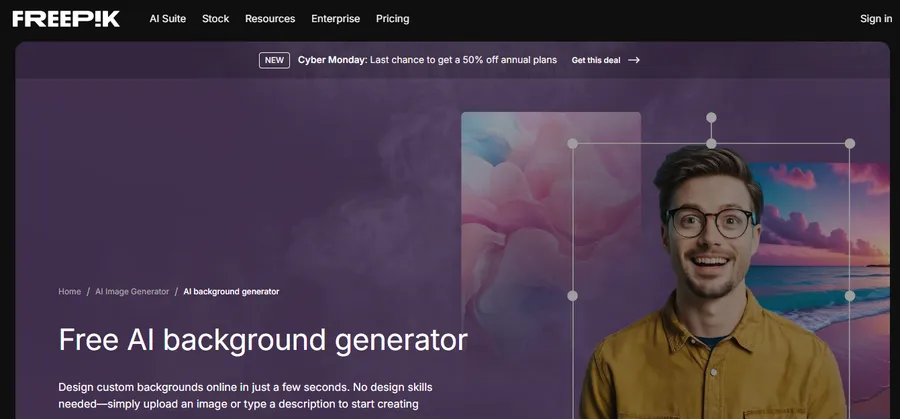
Freepik offers a powerful free AI background generator that lets anyone design stunning backgrounds online in a few clicks. By uploading an image or typing a prompt, users can instantly create custom backdrops for social media profiles, product photos, marketing graphics, and creative projects.
The generator produces multiple variations from a single description, and its built-in background remover makes it easy to replace scenes instantly.
With tools like Reimagine, users can transform backgrounds into cartoon, anime, or 3D styles, while Freepik’s wider AI suite provides image editing, video generation, upscaling, and mockup creation. The platform ensures fast processing, ease of use, and watermark-free downloads, making it ideal for creators of all levels.
Key Features
- Free AI background generator with instant results
- One-click background removal
- Unlimited variations from one prompt
- Style conversion: anime, cartoon, 3D, realistic
- Watermark-free downloads
- Access to an extensive AI creative suite (image, video, mockups, editing)
QuillBot
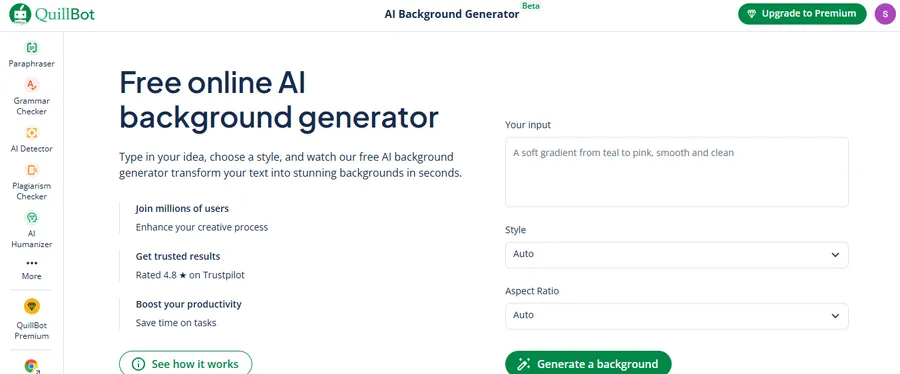
QuillBot’s AI background generator transforms simple text descriptions into beautifully rendered backgrounds in just seconds. Whether you need visuals for presentations, posters, social media, or thumbnails, the tool produces creative, high-quality results tailored to your prompt. Users can refine descriptions, experiment with art styles, and generate multiple variations to find the perfect match. As part of QuillBot’s broader AI creative suite—including image generation, background removal, logo creation, and more—this tool boosts productivity for content creators, designers, and photographers. Trusted by millions, QuillBot delivers fast, consistent, and easy-to-use background creation for any visual project.
Key Features
- Fast, AI-generated backgrounds from text prompts
- Ability to refine prompts for perfect results
- Unlimited creative variations
- Integrated background remover and image tools
- Ideal for creators, photographers, and designers
- Simple download and instant use across projects
FAQs About AI Background Generator
Is there a completely free AI background generator?
Yes, several platforms offer an AI background generator free of charge, though some may have usage limits or premium tiers. Tools like Canva and Freepik allow users to access powerful generation features without an upfront cost, making them excellent choices for beginners.
Can these tools be used for personal avatars?
Absolutely. Many of these platforms serve as effective AI avatar generators with customizable backgrounds. They can isolate the subject of a portrait and allow you to insert a new, professional, or creative environment behind the avatar instantly.
Do I need design skills to use an AI background generator?
No, these tools are designed for non-designers. Most function with simple text prompts or drag-and-drop interfaces. If you are looking for AI avatar generators with automatic background removal, these tools handle the complex masking and lighting adjustments automatically.
Conclusion
Selecting the right AI background generator can significantly enhance your digital presence. Whether you are an e-commerce seller needing clean product shots or a creator looking for a free AI background generator to spice up social media content, the tools listed above offer reliable solutions. By leveraging software that functions alongside AI avatar generators with customizable backgrounds, you ensure your visuals remain engaging and professional with minimal effort.
Read more: 7+ Best Online Code Editor Tools
Contact US | ThimPress:
Website: https://thimpress.com/
Fanpage: https://www.facebook.com/ThimPress
YouTube: https://www.youtube.com/c/ThimPressDesign
Twitter (X): https://x.com/thimpress_com