Introduction
Understanding how to create an online course in WordPress manually used to be an exhausting process. Educators often spent weeks structuring modules and writing quizzes from scratch. However, utilizing a modern AI Course Creator WordPress tool can change this dynamic completely. These tools transform a heavy workload into a simple, strategic workflow, allowing you to launch a professional education platform in minutes rather than months.
The digital education landscape has changed. Success is no longer about who works the hardest, but who uses technology most effectively to use AI in eLearning. An AI-powered course creation platform acts as an intelligent assistant. Instead of staring at a blank screen, creators can now use an AI Lesson Generator to draft outlines, write video scripts, and design interactive assessments instantly.
This guide provides a practical analysis of the top tools available. It moves beyond generic feature lists to offer clear insights into generating Automated LMS Content. Whether the goal is to use a simple plugin or connect a powerful external system, these solutions make building a WordPress LMS with AI integration accessible to everyone.
Eduma – Education WordPress Theme
We provide an amazing WordPress theme with fast and responsive designs. Let’s find out!
Part 1: The Best Native AI Course Creator WordPress Plugins
For those who prefer to keep all data, student management, and revenue strictly inside the WordPress dashboard, native plugins are the superior choice. They offer seamless integration and total control.
1. LearnPress AI
The Best AI Course Generator for WordPress LMS
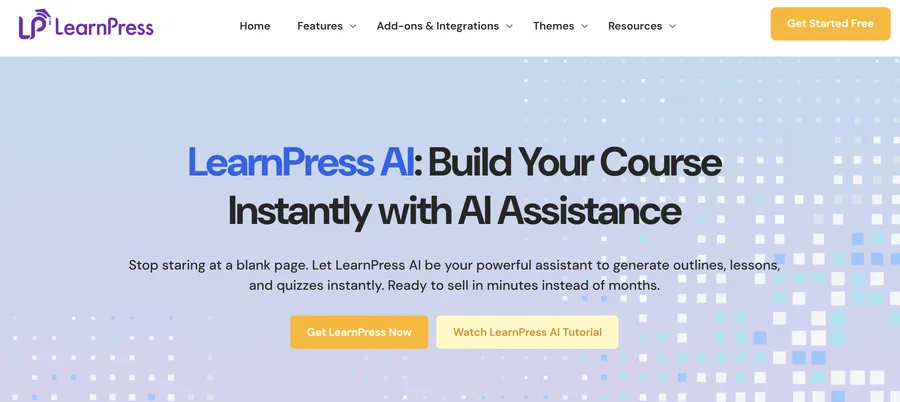
LearnPress is already the most popular WordPress LMS plugin, powering over 100,000 eLearning websites globally. With the introduction of LearnPress AI, it has cemented its position as the premier AI Course Creator WordPress solution. It is designed to stop educators from staring at a blank page, acting as a “super-smart sidekick” that handles the heavy lifting of planning.
How It Works
The process is built around speed and logic. You simply share your idea—entering the topic, course goals, and target audience (e.g., “Digital Marketing Basics for Beginners”). In seconds, the AI Lesson Generator delivers a flawless course structure. This includes SEO-optimized lesson titles, clear learning outcomes, and compelling descriptions designed to keep students clicking “Next Lesson.”
Key Features
- Instant Course Architecture: It removes the stress of curriculum design by providing a 100% logical, student-ready module hierarchy instantly.
- Copywriting that Converts: It doesn’t just structure content; it writes high-converting summaries and marketing copy for your landing pages.
- Full Ownership: Unlike some SaaS platforms, with LearnPress AI, you keep full control. You own the content, and the AI serves merely as a starting point that you can edit and refine.
- Scalability: Being open-source and lightweight, it ensures a smooth student experience even as your academy grows, especially when paired with the best WordPress LMS themes.
Best For:
WordPress users who want a native, scalable, and community-driven solution that allows them to sell courses in minutes instead of months.
2. AI Bud
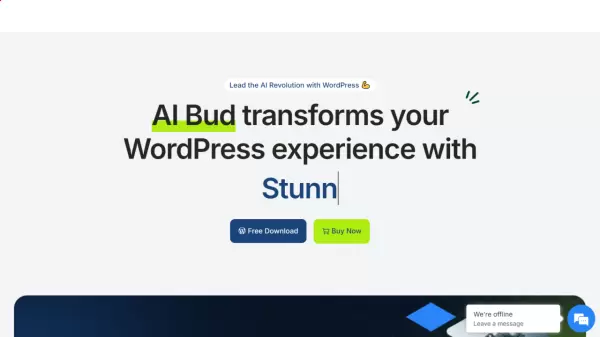
AI Bud is a comprehensive assistant for the entire WordPress site, integrating powerful models like GPT-4 and Gemini directly into the admin panel. While LearnPress focuses specifically on LMS structure, AI Bud acts as a generalist AI Course Creator WordPress tool.
Key Features
- Bulk Content Generation: It can rapidly populate course blogs and support materials.
- Visual Assets: It includes an AI image generator, perfect for creating unique thumbnails for course modules.
- WooCommerce Integration: For those selling courses via WooCommerce, it automates the writing of product descriptions and reviews to drive conversions.
Best For:
Site owners who need a holistic AI assistant to manage not just the course content, but the entire website’s content ecosystem.
3. CraftedCourses
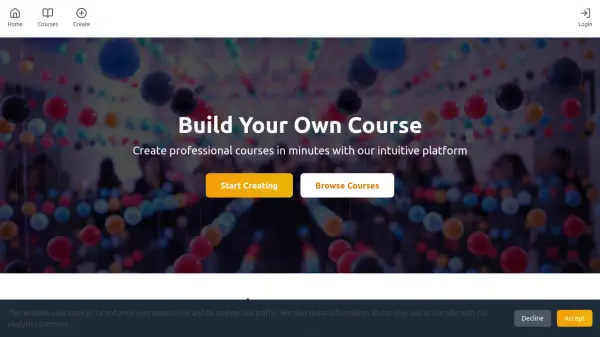
CraftedCourses is designed for professionals who demand rigorous structure. It moves beyond simple text generation to follow proper instructional design principles, making it a strong contender for corporate environments.
Key Features
- Instructional Design Focus: The AI is tuned to ensure content follows educational best practices, not just keyword stuffing.
- Lightning-Fast Workflow: It generates complete courses in minutes, tailored for corporate branding.
- Credit System: It operates on a usage-based model, which is ideal for sporadic creators who do not want a monthly subscription.
Best For:
Corporate trainers and instructional designers who need Automated LMS Content that meets strict professional standards.
4. COURSE.IM
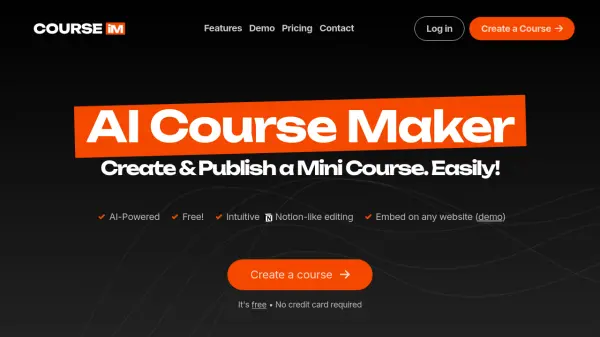
COURSE.IM offers a Notion-like editing experience that feels modern and lightweight. It is designed to remove complexity from the AI-powered course creation platform equation, focusing on drag-and-drop simplicity.
Key Features
- Easy Embedding: Embedding a course is as simple as pasting a shortcode—just a single line of code is required.
- Lead Generation: It is an excellent option for creating free mini-courses or lead magnets to grow an email list without investing in expensive software.
Best For:
Marketers and bloggers looking to add simple educational elements to their site without a full-blown LMS installation.
Part 2: Top External AI Course Builders (SaaS)
These platforms operate independently but connect smoothly with WordPress websites. They are ideal for users who want to offload heavy video hosting and data processing to a dedicated server while keeping their marketing presence on WordPress.
5. Thinkific

Thinkific is a powerhouse in the online education space. It provides a stable environment for hosting courses while allowing site owners to maintain their brand presence on WordPress.
The platform effectively solves the “blank page” problem with its AI Course Outline Generator. Users simply input a topic, and the system builds a logical curriculum structure automatically. Beyond just outlines, it offers AI-assisted video captioning, which is critical for modern web accessibility standards. For those seeking a reliable system that handles technical heavy lifting so the WordPress site remains fast, Thinkific is a solid choice.
6. Teachable
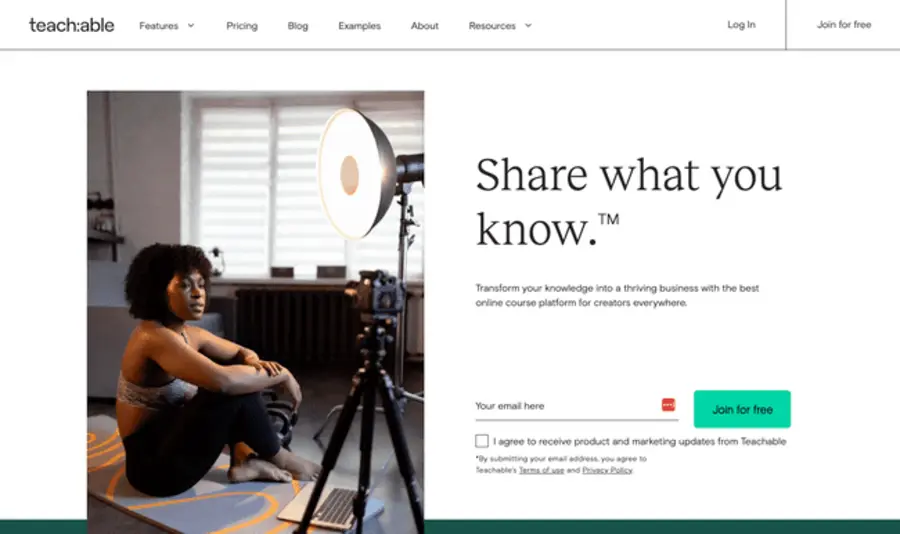
For creators who value speed and simplicity, Teachable is often the top recommendation. Its AI-powered course creation platform is designed to be intuitive, minimizing the learning curve for new users.
The core strength here is the Curriculum Generator. By providing a subject, the AI Lesson Generator produces a detailed roadmap of sections and lectures in seconds. This outline flows directly into the builder, ready for content refinement. It removes the intimidation factor of starting a course from scratch, allowing the focus to remain on teaching.
7. Kajabi
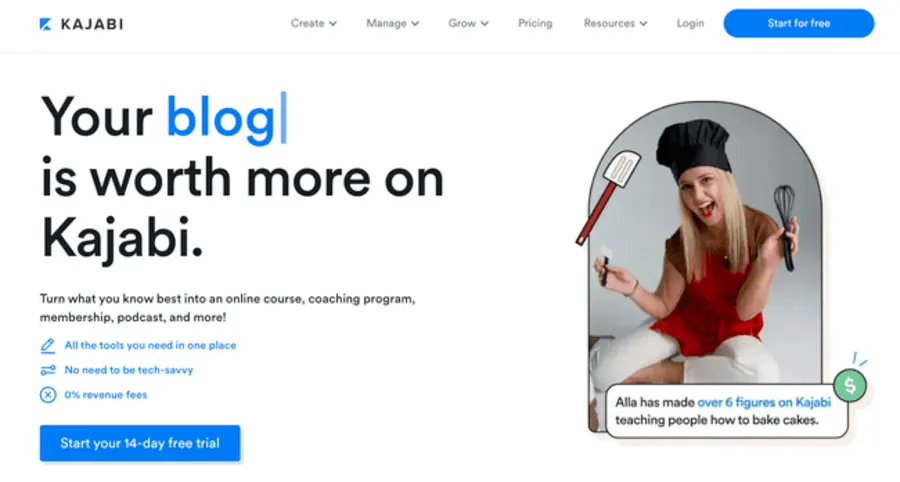
Kajabi is more than just a course builder; it is a complete business engine. It is designed for entrepreneurs who need to manage marketing funnels, emails, and products in a single ecosystem.
The “Ama” assistant and AI Creator Hub are the standout features. These tools help draft course content and, crucially, write the marketing copy needed to sell it. While it is a premium option, the ability to generate Automated LMS Content alongside the sales emails to promote it makes Kajabi a highly efficient choice for serious business owners.
8. TalentCraft AI
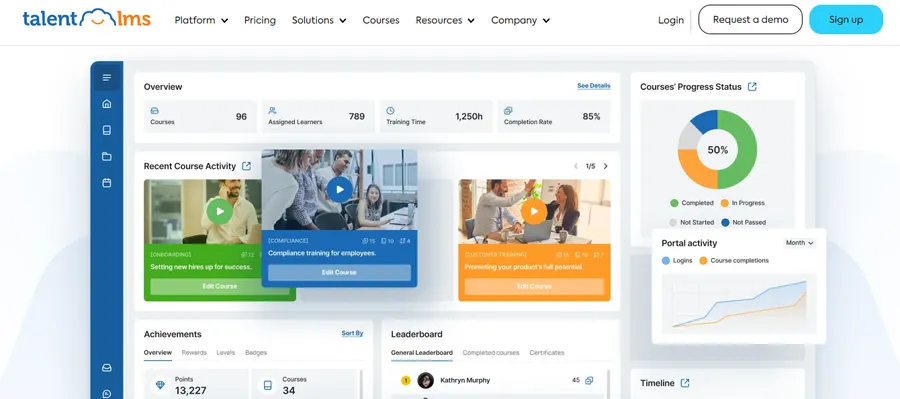
If the goal is building training for a company or organization, TalentLMS is a leading contender. Its TalentCraft tool is engineered to convert existing corporate documents into training modules.
The “Doc-to-Course” feature is particularly useful for L&D teams. Uploading a PDF manual or technical guide allows the system to parse the information and create a structured course instantly. It also handles localization by translating courses into multiple languages, making it an excellent AI Course Creator WordPress companion for global teams.
9. Coursebox AI
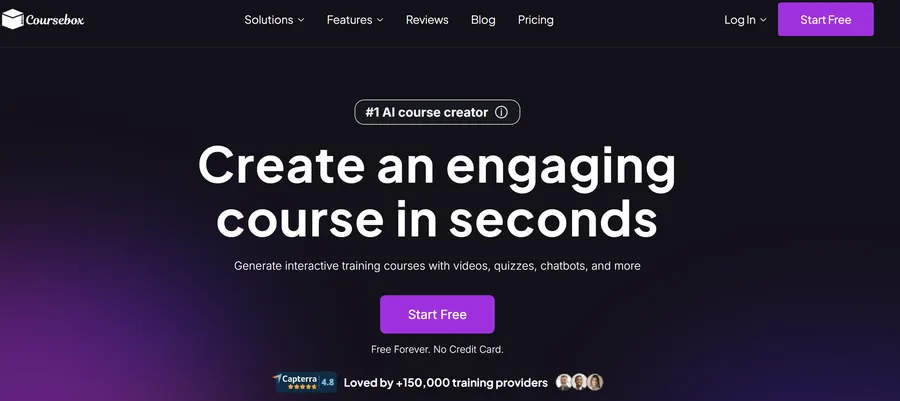
Coursebox AI takes an “AI-first” approach, prioritizing rapid content conversion. It is perfect for organizations that have a large library of legacy content that needs to be digitized quickly.
Users can upload a video URL or a text file, and the platform generates a complete course structure, including an AI chatbot tutor. A major benefit is the ability to export courses as SCORM packages. This allows the Automated LMS Content generated here to be uploaded directly into a WordPress LMS with AI integration like LearnPress or LearnDash.
10. CourseAI
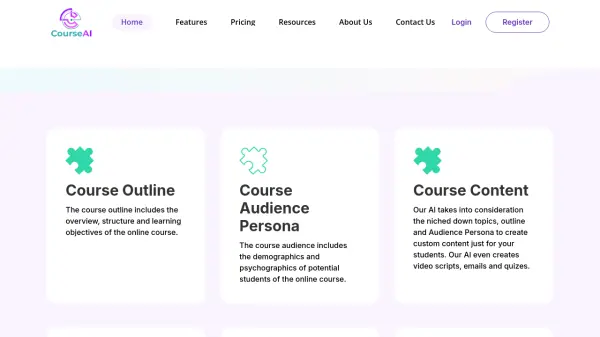
CourseAI is built for influencers and creators who want to generate passive income with minimal technical setup. It focuses on the business side of e-learning as much as the content itself.
Beyond generating a syllabus, the AI Lesson Generator creates audience personas and marketing scripts. A significant advantage is the revenue model: it allows creators to keep 100% of their earnings. This makes it a financially attractive starting point for those entering the AI Course Creator WordPress market.
Part 3: Pricing & Payment Models
Choosing the right tool often comes down to budget and business model. Below is a detailed comparison of the pricing structures for the 10 platforms reviewed.
| Tool | Pricing Model | Starting Price | Key Details |
| 1. LearnPress AI | Freemium / Open Source | Free (Core Plugin) | Advanced AI features available via add-ons. Frequent promotions (e.g., 25% off) make it highly affordable. |
| 2. Thinkific | Tiered Subscription | $36 USD/month | Free plan available. Ideal for those who need a reliable, hosted environment. |
| 3. Teachable | Subscription + Fees | $39 USD/month | Starts with a free plan (which has higher transaction fees). |
| 4. Kajabi | Premium Subscription | $119 USD/month | Higher cost, but replaces separate email marketing and funnel software. |
| 5. TalentLMS | Active User Pricing | $69 USD/month | Pricing scales with user count. Best for corporate teams; includes a free tier. |
| 6. Coursebox AI | Freemium | $19 USD/month | Great entry price for rapid content conversion needs. |
| 7. CourseAI | Flat Subscription | $30 USD/month | Allows creators to keep 100% of course revenue (no transaction fees). |
| 8. COURSE.IM | Free Core | $0 | Unlimited courses for free. Costs only apply for white-label add-ons. |
| 9. CraftedCourses | Credit System | $13 (starting package) | Pay-as-you-go model. You pay only for what you use, not a monthly fee. |
| 10. AI Bud | Plugin License | $50 | One-time license fee. Covers API usage for models like GPT-4 across the site. |
Part 4: Your Selection Checklist
Before making a purchase, use this simple framework to decide which AI Course Creator WordPress tool fits the specific requirements.
1. Check Source Material
Are there existing PDFs, manuals, or videos? If yes, TalentLMS or Coursebox AI are superior choices as they specialize in converting documents into courses. If starting from scratch, LearnPress AI is the best option for generating a logical structure instantly.
2. Evaluate Technical Comfort
To keep everything inside WordPress and own the data, LearnPress AI is the logical choice due to its open-source nature and massive community support. For a “hands-off” hosting experience where the platform manages video speeds, a SaaS like Thinkific is recommended.
3. Prioritize the Student Experience
If the course requires SEO-optimized lesson titles and high-converting descriptions to keep students engaged, LearnPress AI excels at this specific copywriting task.
Conclusion
The barrier to entry for online education has never been lower. Whether selecting a comprehensive AI-powered course creation platform or a specialized plugin, the technology now exists to turn expertise into a product in minutes.
For WordPress users, LearnPress AI stands out as the definitive choice. It combines the power of an AI Lesson Generator with the flexibility of the world’s most popular LMS plugin, ensuring that creators stay in the driver’s seat.
The key is to start. By leveraging an AI Course Creator WordPress tool, the process moves from “planning” to “publishing,” allowing experts to monetize their skills and share knowledge with the world effectively.
Frequently Asked Questions about AI Course Creator WordPress Tools
1. How does LearnPress AI connect to my WordPress site?
LearnPress AI is a native feature of the LearnPress plugin. Once installed on your WordPress site, it integrates directly into the course creation dashboard. You simply enter your topic, and it builds the curriculum right inside your existing WordPress interface.
2. Does using an AI Course Creator WordPress tool help SEO?
Yes. Tools like LearnPress AI generate SEO-optimized lesson titles and descriptions automatically. Consistently publishing high-quality, structured Automated LMS Content increases the number of indexed pages on a site. Additionally, following WordPress SEO tips to improve search engine ranking helps drive more traffic to these pages.
3. Can courses be exported to another platform later?
It varies by tool. SaaS platforms like Coursebox AI allow users to export content as SCORM files. Native plugins like LearnPress store data on your own server, giving you full ownership and the ability to migrate data using standard WordPress export tools if needed.
4. Is the content from an AI Lesson Generator accurate?
AI is a powerful assistant, or “sidekick,” but it is not an expert in every field. It excels at structure and drafting, but human review is always required. LearnPress AI specifically emphasizes that “You Keep Full Control” to edit and approve every suggestion.
5. Who owns the content created with AI?
Generally, you own the rights to the content you generate. With LearnPress AI, full ownership is a core feature—the content resides on your website, not on a third-party server, ensuring you maintain complete control over your intellectual property.
Read more: Easy Way to Add Automatic Drip Content in WordPress
Contact US | ThimPress:
Website: https://thimpress.com/
Fanpage: https://www.facebook.com/ThimPress
YouTube: https://www.youtube.com/c/ThimPressDesign
Twitter (X): https://x.com/thimpress_com