Imagine you post a Reel about your course and 40 people comment “link?”. Replying to each one by hand takes a long time, and some people lose interest before you answer. Instagram DM automation tools do the replying for you. When someone comments a word like LESSON, the tool sends them a private message with your link automatically.
This guide compares seven of these tools for course creators. For each one, you’ll see what it can send, such as a free lesson, a waitlist sign-up or your course page. You’ll also see how each tool charges when lots of people comment at once, because some get more expensive as you send more DMs.
Blotato is the pick if you want Claude or ChatGPT to plan your course posts across Instagram, TikTok and YouTube, then set up the DMs that answer them. Its automatic replies work on Instagram and Facebook only. Stan suits creators who sell from a Stan Store, and ManyChat is best for longer conversations with several steps. CreatorFlow, InstantDM, LinkDM and Inrō are the free and low-cost options.
| Tool | Who it suits | Starting price | Free option | Where it sends DMs |
|---|---|---|---|---|
| Blotato | Scheduling + DM automations for AI agents, from course Reel to lesson link | $29/mo | Trial, 7 days | Instagram, Facebook Pages |
| Stan | Creators who already sell on a Stan Store | $29/mo | 14-day trial | |
| CreatorFlow | Swapping a free lesson for an email address, on a small budget | $15/mo, or $12/mo billed yearly | Free, 500 DMs a month | |
| InstantDM | The lowest price, if you pay yearly | $9.99/mo, billed yearly | Free, 500 DMs a month | Instagram, Facebook |
| ManyChat | Creators who want conversations with several steps | $17/mo, or $14/mo billed yearly | Free for 25 active contacts a month | Instagram, Messenger, TikTok, Telegram |
| LinkDM | Launches that bring lots of comments | $19/mo | Free, 1,000 DMs a month | Instagram, Facebook |
| Inrō | AI in the chat, with a price that grows as you use it | From €12.99/mo | Free, 100 active contacts a month |
When DM Automation Starts Paying Off for a Course
If your Reels get about five comments each, you don’t need these tools yet. Reply by hand. You’ll learn what people ask before they buy, and you can use those questions later for your keywords and your DM messages.
Automation is worth paying for when you get more link requests than you can answer. For most course creators, this happens in two situations. The first is when a Reel gets far more views than usual. The second is a course launch, when every post asks people to comment for a link.
What Course Creators Send Through Instagram DMs
Most course DMs do one of five things:
- A free lesson. Someone comments LESSON and gets one lesson from your course for free. It’s an easy way for people to try your teaching.
- A waitlist. The DM asks for an email address before sending the link. That way you can contact people when your course opens.
- A live class or webinar sign-up. Someone comments LIVE and gets the registration page.
- A free download. A checklist, template or mini-course that comes before the paid course.
- Your course page. For followers who already know your course and just want the price and the link.
Use one keyword for each course or offer, and pick a word people won’t type by accident. A word like “COURSE” shows up in lots of comments that aren’t asking for anything.
Instagram’s Messaging Rules That Shape a Course Launch
All seven tools follow the same rules from Meta, the company behind Instagram. These rules matter most during a launch.
- You get one private reply per comment, within 7 days. So when your course opens, you can’t DM everyone who commented on a post three weeks ago. Ask people to comment in the same week you plan to reply.
- After that, the person has to answer. A tool can only send more messages if the person writes back. From their last message, the tool gets 24 hours to reply.
- No messages to strangers. All seven tools only reply to people who commented or messaged first.
So if you want to reach someone when your course opens next month, ask for their email in the DM now. Instagram won’t let you message them out of nowhere later.
How These 7 Tools Were Picked
We looked for tools a course creator can set up in an afternoon and that keep working when a launch brings lots of comments.
- They follow the rules. Each tool only replies to people who commented or messaged first, as Meta’s rules require.
- They send what a course needs. Each one can send a link to a lesson, form or checkout page, and most can ask for an email address in the DM.
- The cost during a launch. We checked whether the price goes up with more people, with more DMs, or stays the same.
- Setup by AI. We checked which tools ChatGPT, Claude or other software can set up for you, since many creators now plan their content with these assistants.
Prices, limits and features were checked on each company’s own pricing page and help pages in November 2026.
The 7 Instagram DM Automation Tools for Course Creators
Blotato is first because one connection handles both post scheduling on nine platforms and DM automation on Instagram and Facebook. That helps if you also post your course content on TikTok, YouTube or LinkedIn. InstantDM and Inrō also let ChatGPT or Claude handle posts and DMs, but only for Instagram (InstantDM also covers Facebook). After Blotato come the tools built most directly for creators who sell, from Stan’s store to low-cost options like CreatorFlow and InstantDM. ManyChat, LinkDM and Inrō follow for longer conversations and bigger launches.
1. Blotato
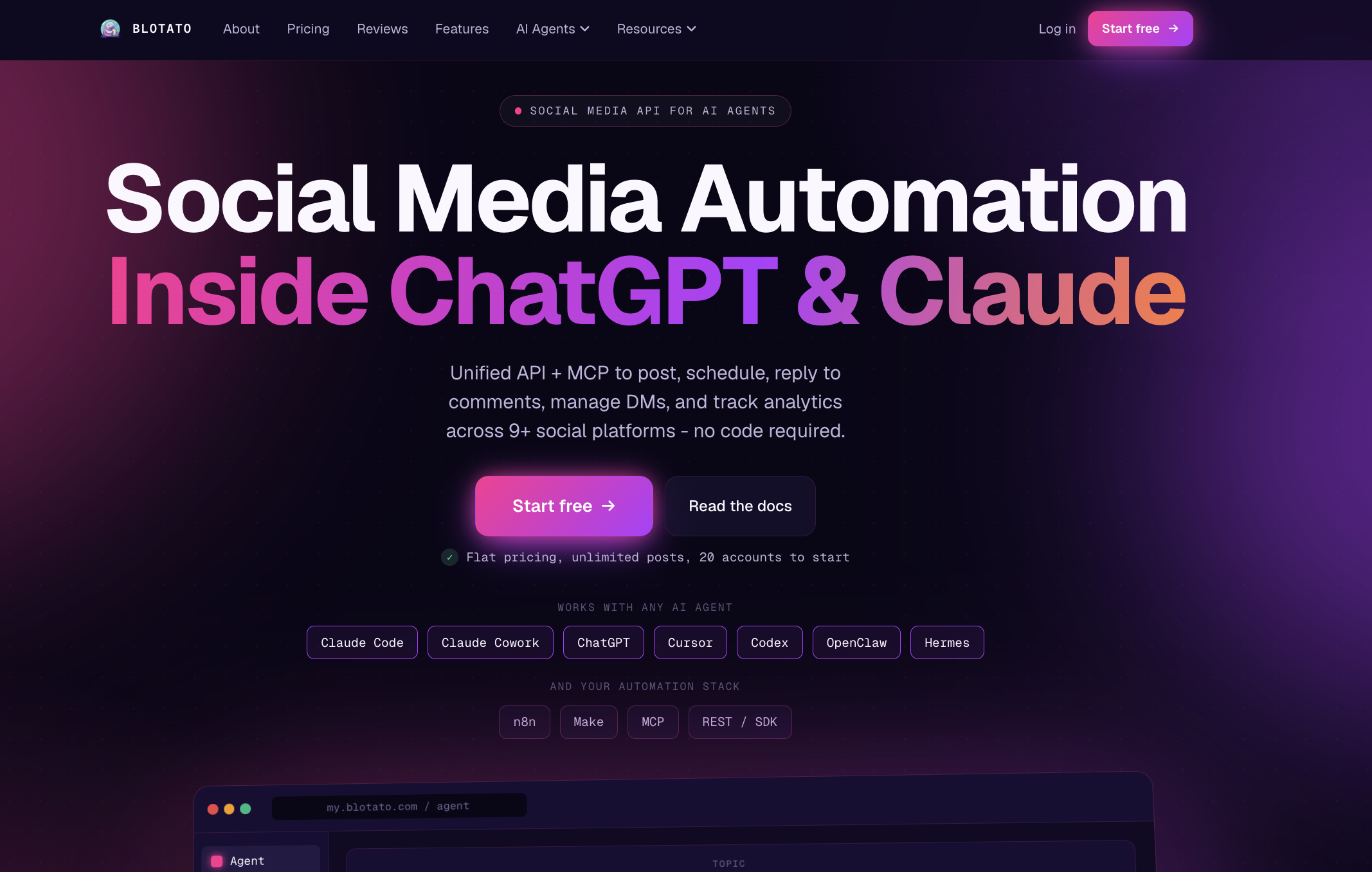
Blotato is a social media API built for AI agents like ChatGPT and Claude. ChatGPT or Claude connects to Blotato through MCP, a connector that lets an AI assistant work inside another app. In one chat, you can tell it to schedule your “comment LESSON” Reel and to set up the DM that sends the lesson link. If you’d rather click, you can do both in the Blotato web app.
An automation can work on one post once it’s live, if you published that post through Blotato. Or it can check all posts and Reels on your account for your keyword. The second option is useful in a launch week, when several Reels ask for the same word. If your AI assistant creates the automation, it can start switched off, so you can check it before it goes live.
Key features:
- Replies to comments and messages on Instagram and Facebook Pages. Keywords are optional, ignore capital letters and match anywhere in the text, so “lesson” also matches “lessons”
- Messages can be 640 characters long and carry 3 link buttons at most (buttons show in the Instagram mobile app)
- An optional follow gate on Instagram, where people must follow you before they get the link (they have 30 days), and an email gate, where they share an email first (they have 72 hours)
- Sends the collected email to n8n, Make, Zapier or your CRM through a webhook
- Post scheduling to nine platforms, including Instagram, TikTok, YouTube and LinkedIn
Pros:
- One connection schedules your posts on nine platforms and runs your Instagram and Facebook DMs
- If you reach the same person more than once in a month on the same account, they count as one contact
Cons:
- DM automation only works on Instagram and Facebook Pages, so comments on TikTok or YouTube don’t get an automatic reply
- Each automation sends a fixed message you wrote, plus an optional gate message. There’s no AI chat and no multi-step conversation.
Best for: course creators who want ChatGPT or Claude to schedule their posts and set up the DMs that send their course links.
Pricing: Starter is $29/mo for 20 social accounts and 1,000 active contacts a month. An active contact is a person you DM or reply to in that month. Creator is $97/mo for 6,000 contacts. All plans come with a 7-day trial, and you need a card to sign up. To connect ChatGPT or Claude, you need a paid plan, because the trial doesn’t include the API and MCP.
2. Stan
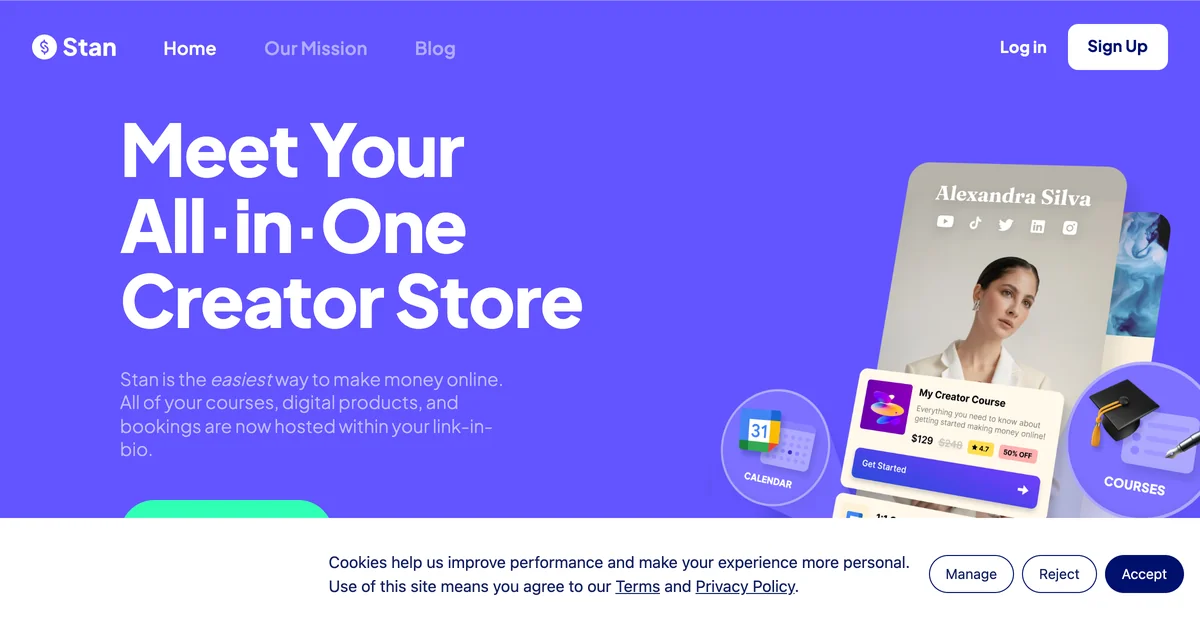
Stan is an online store for creators, and its AutoDM feature comes with the Creator plan. When someone uses your keyword in a comment, a DM or a story reply, Stan sends them a link to a product in your Stan Store or to a free resource. It also tracks the clicks. If your course lives on a LearnPress site, Stan is the odd one out. It makes most sense when your course, or at least your free download, is already on Stan.
Key features:
- Replies to comments, DMs and story replies, with up to 5 keywords per automation
- Links that go straight to a Stan checkout page or free resource
- Store, checkout and course hosting all in one plan
Pros:
- No extra DM tool to pay for if you already use Stan
- Click tracking on every link it sends
Cons:
- Sends only one message, and Stan’s help pages say multi-step conversations are “not yet” available
- You have to disconnect ManyChat or any other DM tool before you turn it on
Best for: creators who sell their course or free download from a Stan Store.
Pricing: Creator is $29/mo or $300/yr and includes AutoDM. Creator Pro is $99/mo. You get a 14-day trial, but there’s no free plan.
3. CreatorFlow
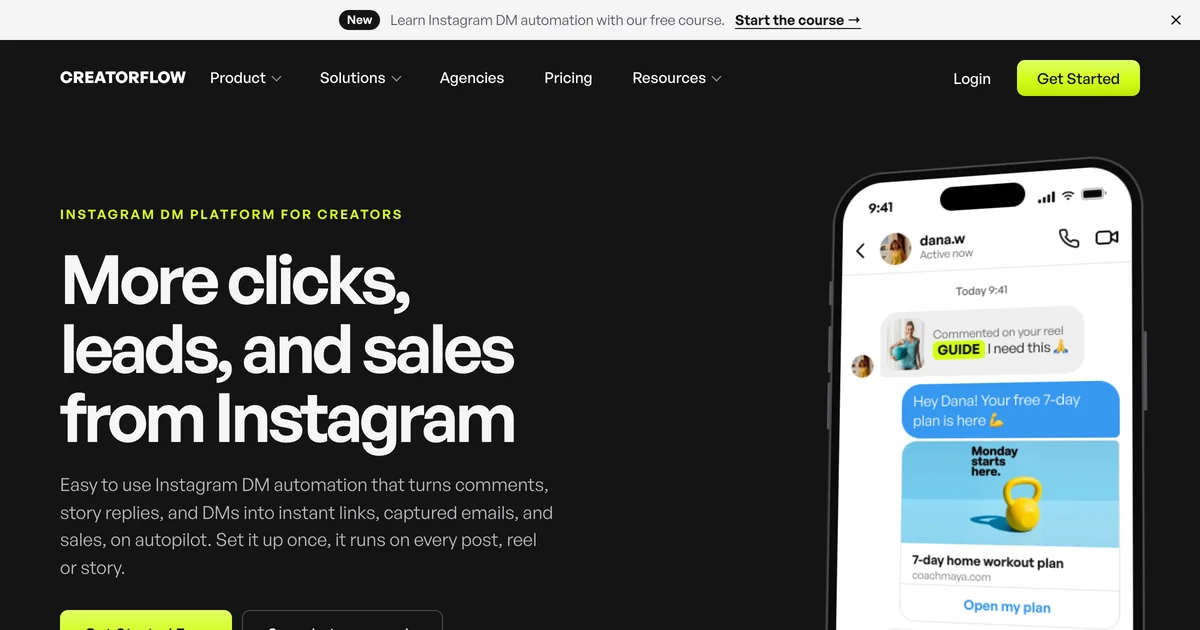
CreatorFlow says it is a Meta Tech Provider using Instagram’s official API. It’s quick to set up. It replies to comments on Reels, posts and carousels, plus story replies and DM keywords. The Pro plan adds a follow gate and an email gate, which is what you need for a waitlist.
Key features:
- Comment-to-DM on the free plan
- Follow gate and email gate on Pro
- Public replies under comments, link click tracking and CSV export on Pro
Pros:
- The free plan is enough to test a free-lesson offer
- Pro covers 5,000 DMs per account for 2 accounts
Cons:
- CreatorFlow says it doesn’t check whether people really follow you, so the follow gate works on trust
- Instagram only, and emails come out as a CSV file rather than through a direct link to an email tool
Best for: solo creators who want to send a free lesson and collect emails without a big monthly bill.
Pricing: free for 1 account and 500 DMs a month. Pro is $15/mo, or $12/mo billed yearly. Growth is $30/mo. Pro and Growth both have a 14-day trial, and on those plans you can buy 1,000 extra DMs for $5.
4. InstantDM
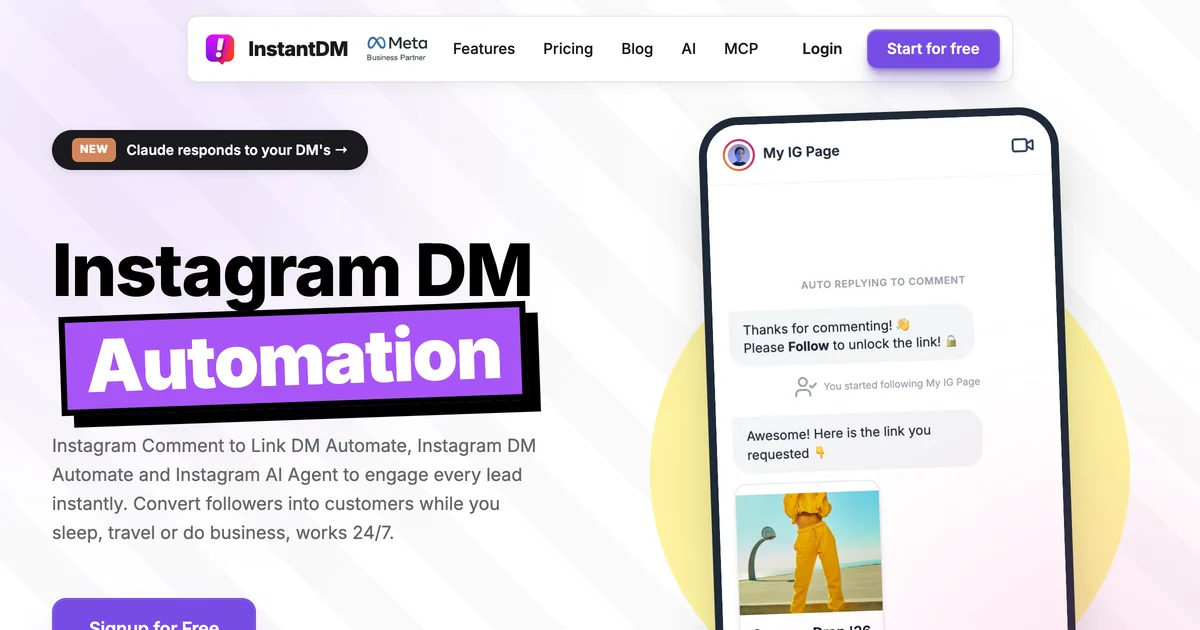
InstantDM is an official Meta Business Partner, and it responds to more kinds of activity than most tools here: post and Reel comments, DM keywords, story replies, mentions, Live comments, ad clicks and collab posts. Collab posts are useful if you teach or promote a course together with another creator.
Key features:
- A free plan with 500 automatic DMs a month and AI replies to comments
- Email and phone number collection, plus a follow gate, on the cheapest paid plan
- Scheduling for posts, Reels and carousels with the automation already attached
- On the Trendsetter plan: an AI agent step, ChatGPT or Claude access through MCP, webhooks, and Mailchimp, Kit and Klaviyo sync
Pros:
- The lowest price on this list if you pay yearly
- No monthly DM limit on the single-account paid plans (Legend Pro sends up to 800 an hour)
Cons:
- Prices are only shown for yearly billing
- Webhooks and email-tool sync start at Trendsetter, not the cheapest plan
Best for: creators on a budget who want a follow gate and email collection from the start.
Pricing: free for 500 automatic DMs a month. Legend Pro is $9.99/mo billed yearly, and Trendsetter is $24.99/mo billed yearly. InstantDM offers a 7-day trial.
5. ManyChat
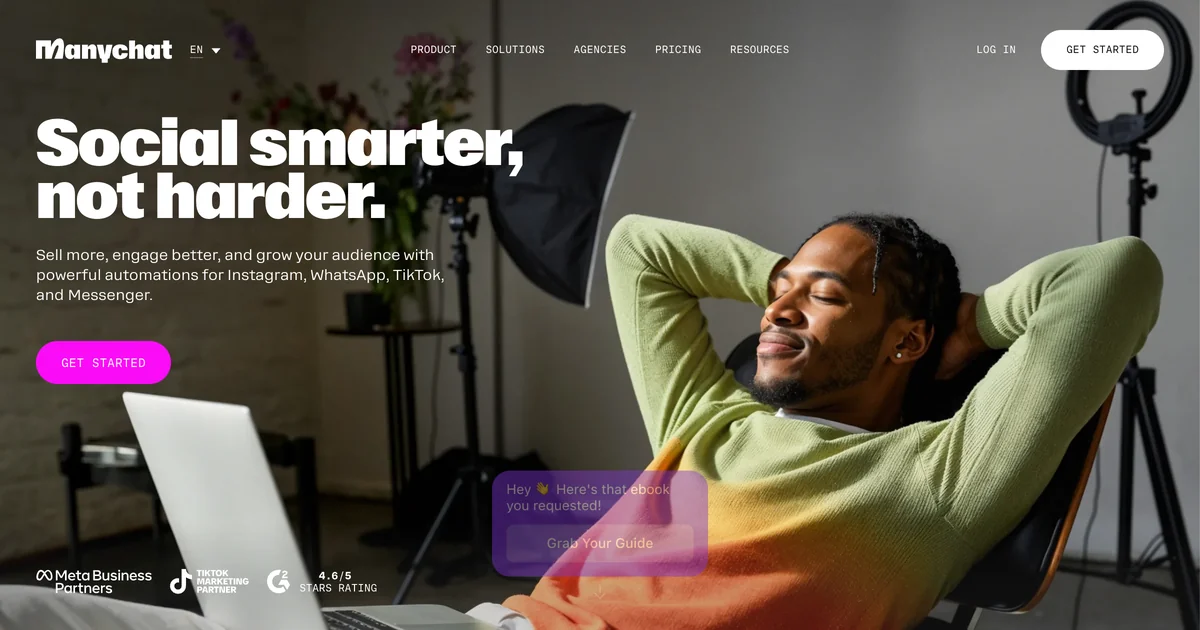
Many Instagram DM tutorials start with ManyChat, and it’s an Official Meta Business Partner. It has the most advanced visual builder on this list. For example, it can ask whether someone is a beginner or more advanced, add a tag, and send each person to a different course page.
Key features:
- Replies to comments, DM keywords, story replies, story mentions and Live comments
- Can check that someone follows you before it sends the link
- Works with Zapier, Make, Kit, Mailchimp and Hotmart
- Manychat AI on the Pro plan and above
Pros:
- Conversations with several steps work well if you sell more than one course
- The Live comment trigger suits creators who teach live
- Connects 2 channels on Free and Essential (choose from Instagram, Messenger, TikTok and Telegram) and 3 on Pro, which adds WhatsApp, SMS and email
Cons:
- The free plan covers 25 active contacts a month, and one popular Reel can use that up
- The price goes up with every contact, at $0.10 per extra contact on Essential with monthly billing
Best for: creators with several courses who want to send each person to the right one inside the DM.
Pricing: the free plan includes 25 active contacts a month. For 250 contacts, Essential costs $17/mo, or $14/mo billed yearly. Pro is $39/mo, or $29/mo billed yearly, for 2,500 contacts and includes AI.
6. LinkDM
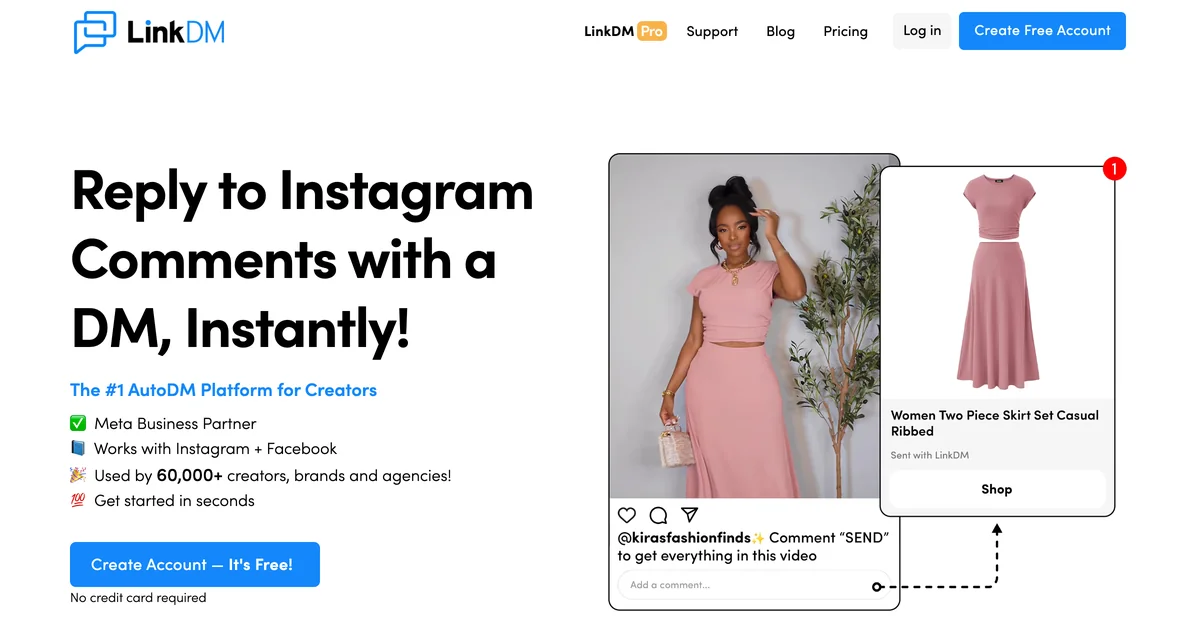
LinkDM has been a certified Meta Business Partner since 2021 and only uses Instagram’s official APIs. Its strength is volume. The free plan sends 1,000 DMs a month, and the $19 Pro plan sends 25,000.
Key features:
- Replies to keywords in comments on Reels and posts, plus story replies and story mentions (Live comments on Pro)
- Asks for an email address in the chat on Pro
- Connects lead forms to Kit and Flodesk on Pro
Pros:
- The biggest free DM allowance on this list
- Enough DMs for a busy launch week on Pro
Cons:
- Email collection, keyword replies in your inbox, Live comments and public comment replies all need Pro
- Its “Comment Auto-Reply” feature posts a public reply under the comment, not a DM
Best for: creators who expect lots of comments during a launch.
Pricing: free for 1 account and 1,000 DMs a month. Pro is $19/mo ($182/yr) for 3 accounts and 25,000 DMs. Platinum+ is $99/mo for 300,000 DMs.
7. Inrō
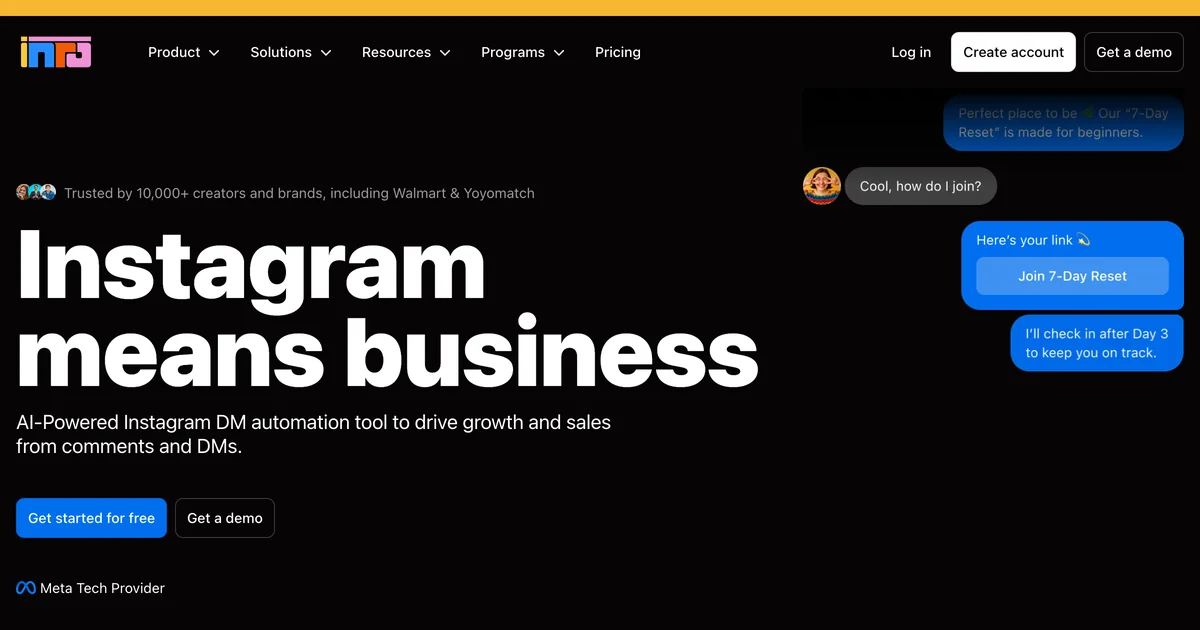
Inrō is made only for Instagram, has a Meta Tech Provider badge and runs on Meta’s official API on every plan. It combines conversations with several steps and an AI Agent that can ask for an email address or phone number in the chat.
Key features:
- Replies to icebreakers, DMs, comments, story mentions, story replies, ads and Live comments
- Checks that someone follows you before it sends a free download
- Connects to Make and Zapier, plus webhooks and an API on Pro
- On Pro and trial plans, ChatGPT or Claude can connect to publish or schedule posts, Reels and Stories and set up automations
Pros:
- Multi-step conversations and AI in one tool built for Instagram
- DMs you send yourself don’t count toward your paid contacts
Cons:
- The price changes with use, so launch months are hard to budget for
- Prices are in euros only, and the pricing page describes Pro limits in two different ways
Best for: Instagram-only creators who want AI in their DMs and don’t mind paying by use.
Pricing: free for 100 active contacts a month, with 3 automations and 50 AI Agent credits. Pro starts at €12.99/mo, and the price grows with your active contacts. There’s a 14-day trial.
Connecting a DM to Your LearnPress Course
None of the seven tools lists a LearnPress integration, and you don’t need one. The DM sends a link. If you collect an email, Zapier, Make or a webhook passes it on to your email tool.
Here is a setup that works for most course sites:
- Make part of your course free. A free LearnPress course or a preview lesson gives people something to open from the DM. Check your enrollment settings, because a free course can still ask visitors to create an account. Then open the link in a logged-out browser to test it before you post the Reel.
- Ask for an email for the waitlist, not the free lesson. Send the free lesson right away. Use the email gate for your waitlist or early-bird list, because those are the people you’ll need to contact later.
- Add tracking to every DM link. Add UTM tags to each link. Your analytics will then show which keyword and which Reel led to each enrollment.
- Match the page to the Reel. If the Reel promises one free lesson, the link should open that lesson, not your full course list.
Which Tool Fits Your Course Business?
- You post on several platforms and use Claude or ChatGPT: Blotato, if you only need automatic replies on Instagram and Facebook. If you only use Instagram, InstantDM and Inrō can also be run from ChatGPT or Claude.
- You have several courses and want to send each person to the right one: ManyChat, or Inrō if you only use Instagram and want AI in the chat.
- You sell from a Stan Store: Stan’s AutoDM, since it’s already in your plan.
- You want to test a free lesson without paying: LinkDM (1,000 DMs a month) or CreatorFlow (500 DMs a month).
- You want the lowest price with a follow gate and can pay yearly: InstantDM.
Look at how each tool charges, not just the price. ManyChat and Inrō cost more as you reach more people. Blotato includes a set number of active contacts in each plan. LinkDM and CreatorFlow limit the number of DMs per month. InstantDM charges a fixed yearly price with a limit on DMs per hour.
Instagram DM Automation FAQs
Are Instagram DM automation tools allowed?
Yes, if they use Meta’s official API and only reply to people who commented or messaged first. Six of the seven tools here say on their own websites that they use Meta’s official API, and all seven wait for a comment or message before sending anything. Tools that promise mass DMs to strangers or more followers are a different thing, and they don’t follow Meta’s published rules.
Can I DM everyone who commented when my course opens?
Not if they commented more than 7 days ago. Instagram allows one private reply per comment within 7 days, and after that the person has to answer before you can send more. To reach people at launch, ask for their email in the first DM and email them when the course opens.
Which Instagram DM automation tool is free?
LinkDM has the biggest free plan, with 1,000 DMs a month. CreatorFlow and InstantDM give you 500, Inrō gives you 100 active contacts, and ManyChat gives you 25. Blotato and Stan have free trials instead of free plans.
Can ChatGPT or Claude set up Instagram DM automations?
Yes, if the tool offers MCP, the connector ChatGPT and Claude use to work inside other apps. With a paid Blotato plan, your assistant can schedule a post and set up a keyword automation in the same chat. The automation can watch all your posts, or attach to that post after it goes live. InstantDM offers MCP on its Trendsetter plan, and Inrō on its Pro and trial plans.
Conclusion
If people already comment asking for your course link, a DM automation sends it for you, so you don’t spend an evening copying and pasting. Pick the tool by what you need. Choose Blotato if you want one AI assistant to schedule your posts across platforms and handle your Instagram replies. Choose ManyChat or Inrō for multi-step conversations, Stan if you sell on Stan, and LinkDM, CreatorFlow or InstantDM to start free or cheap. Then make sure every DM link opens a LearnPress page that gives people what the Reel promised.