A web address often serves as the very first interaction between a brand and its audience. Before a visitor reads a single word of text or looks at a logo, they notice the link they are clicking. Relying on a long, complicated, or generic default URL can unintentionally signal a lack of professionalism or permanence.
To make a strong, positive first impression, establishing a unique and memorable digital identity is essential. For creators, business owners, and hobbyists looking for a seamless solution, choosing to buy domain Canva website packages directly through the design platform offers an elegant and efficient path forward.
Eduma – Education WordPress Theme
We provide an amazing WordPress theme with fast and responsive designs. Let’s find out!
By keeping the design and registration processes in one place, users avoid the technical headaches usually associated with connecting third-party services. This detailed guide explores every step needed to successfully secure, verify, and manage a Canva website domain, ensuring the final digital storefront is secure, highly functional, and visually captivating.
Quick Summary: Key Details
| Feature | Details |
| Main Objective | Secure a professional, custom address for a published site. |
| Activation Time | Becomes active 15 minutes to 72 hours post-verification. |
| Crucial Step | Contact details must be verified via email within 15 days. |
| Hosting Capacity | Host unlimited designs and pages on a single registered name. |
| Renewal Policy | Valid for one year with automatic annual renewal options. |
The Value of a Dedicated Digital Identity
A memorable address is much more than just a technical requirement; it is a fundamental piece of branding. When a project is published on a dedicated Canva website domain, it immediately gains an elevated level of credibility and authority. Instead of sharing a confusing string of random characters, sharing a crisp, customized link builds immediate trust with potential clients, customers, or employers.
Furthermore, a dedicated address plays a significant role in search engine visibility. Search engines tend to favor clear, relevant URLs over generic subdomains. Whether the goal is to launch an e-commerce landing page, showcase a creative portfolio, or share a corporate presentation, investing in a proper name ensures the content is easy for audiences to find, remember, and share across various social media platforms.
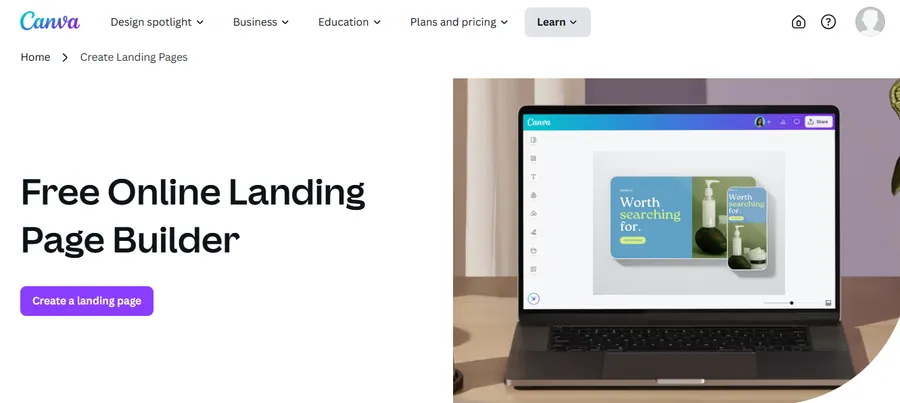
Preparing for Success: Finding the Perfect Name for your Canva custom domain
Before moving into the technical steps, it is highly beneficial to spend some time brainstorming the right name for your Canva custom domain. The most effective web addresses share a few common traits: they are relatively short, easy to spell, and highly relevant to the core subject matter or brand name. It is generally best to avoid numbers and hyphens, as these can easily confuse visitors.
The platform makes this brainstorming phase effortless with a built-in search tool. To buy domain in Canva, simply navigate to the search feature and type in the preferred ideas. The system will instantly display whether the exact match is available.
If the first choice is already taken, the tool provides a helpful list of creative alternative suggestions, ensuring users can always find a suitable option that aligns with their vision.
How to Buy Domain Canva Website: A Step-by-Step Acquisition Process
Once the ideal name is selected, securing it is a highly streamlined process that takes place entirely within the main design editor. This means the creative workflow is never interrupted by complex technical configurations.
Video Tutorial: Purchase domain Canva Website
Step 1: Access the Publishing Settings
After finalizing the visual elements of the page, direct attention to the top menu bar within the editor. Select the “Publish Website” button. This action opens a dedicated side panel containing all necessary hosting and publishing controls.
Step 2: Start the Search
Within this panel, choose the option specifically labeled for acquiring a new address. This is the exact section where the choice to purchase domain Canva natively begins. Utilize the provided search bar to enter the chosen name established during the preparation phase.
Step 3: Claim the Name for your Canva custom domain
Review the provided list of available results. Upon locating the perfect match, click the “Claim” button situated next to it. This step effectively reserves the name for the current account while the transaction is finalized.
Step 4: Configure Important Details
The subsequent screen will prompt for accurate personal or business contact information, which is a standard requirement for all global web registrations. After completing this, select “Continue.” At this stage, users can also refine optional settings. These include adjusting the URL slug for specific pages, writing a concise site description to improve search engine results, or even enabling password protection for pages intended for internal use only.
Step 5: Finalize the Transaction
To officially complete the process and secure the address, select a preferred payment method. Input the necessary billing details and click “Pay and verify.” The platform acts as an official, secure reseller for Tucows, meaning the transaction is processed safely and is fully subject to standard, reliable registry policies.
Understanding the Mandatory Verification Step
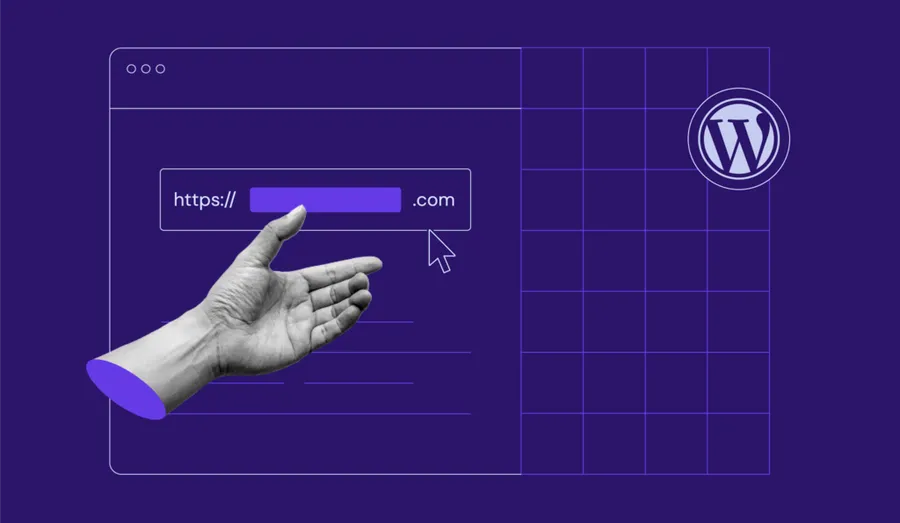
Securing the name is a major milestone, but there is one final, critical administrative step: verifying contact details. According to global registry regulations, all new owners must confirm their email addresses.
If this is the first time acquiring a Canva custom domain, an automated verification email is sent to the account’s primary email address immediately after checkout. It is absolutely vital to open this email and click the verification link within 15 days of the transaction. If this step is missed or ignored, the registry will temporarily suspend the address, and the published pages will immediately stop working.
If the email does not appear in the main inbox, it is highly recommended to check the Spam or Junk folder. The system will send up to six reminders during this 15-day window. Once the link is clicked and verified, the new site will begin to propagate across global servers, typically becoming live and accessible anywhere from 15 minutes to 72 hours.
Maximizing the Built-In Professional Tools
Deciding to keep your workflow native unlocks much more than a simple web link. It provides seamless access to an entire ecosystem of professional design and management tools tailored for a high-quality Canva website domain.
Intuitive Design and Mobile Responsiveness
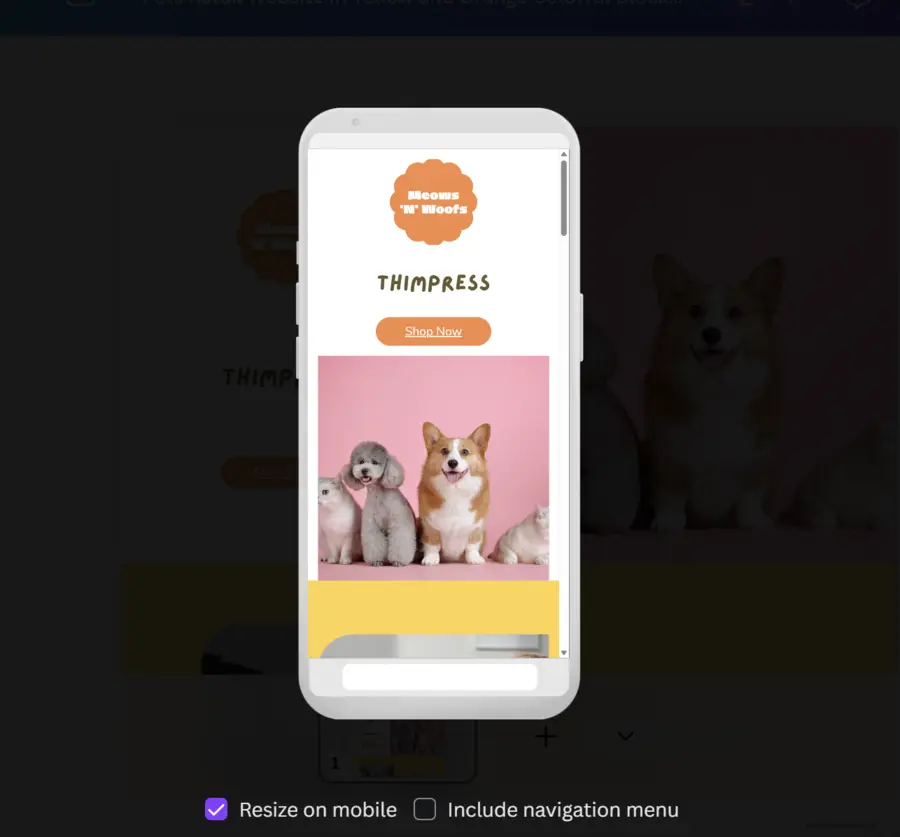
Creating a visually stunning page does not require writing a single line of code. Users have access to hundreds of versatile, professionally designed templates suitable for diverse industries. The intuitive drag-and-drop website builder makes it simple to customize these templates with text, images, videos, and even interactive documents. Most importantly, every template is inherently mobile-responsive, meaning the final result will look perfect whether viewed on a large desktop monitor or a small smartphone screen.
Advanced Artificial Intelligence Capabilities

The creative process is further accelerated by integrated artificial intelligence. If writing an engaging copy feels challenging, the Magic Write tool can instantly generate professional text based on a simple descriptive prompt.
For visual needs, the Dream Lab image generator allows users to create entirely new images, apply unique textures to existing photos, or upscale graphics for high-resolution clarity, all without leaving the editor.
Maintaining Brand Consistency
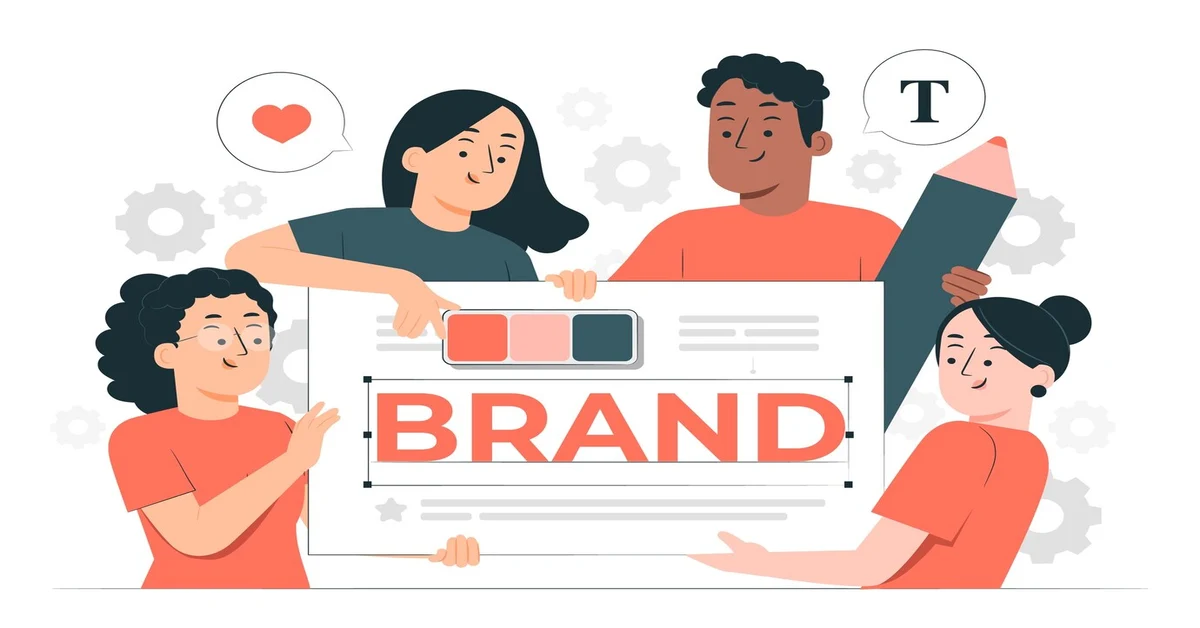
For businesses, maintaining a cohesive look is non-negotiable. When utilizing a dedicated address, the Pro version’s Brand Kit becomes an invaluable asset. This feature centrally stores essential brand elements—such as official logos, specific color palettes, and approved typography—ensuring that every new page published aligns perfectly with the established corporate identity.
Flexibility and Long-Term Ownership
The management of your newly acquired asset is designed to be highly transparent and flexible. Registrations are secured for one full year and feature automatic annual renewals, ensuring owners never accidentally lose their digital property due to a missed payment. Should circumstances change, subscriptions can be canceled seamlessly from the main account settings, which stops the automatic renewal while keeping the site active for the remainder of the paid year.
Furthermore, owners are not restricted to a single project. The system allows users to publish an unlimited number of websites and designs to their acquired address, offering incredible flexibility for growing businesses and evolving personal portfolios.
Conclusion
Establishing a professional, memorable, and highly secure online presence has never been more accessible. By choosing to consolidate web hosting, design, and registration into one intuitive platform, individuals and businesses can save valuable time and resources. From the initial search for the perfect name to analyzing live traffic data, every feature is built to empower the user. For anyone ready to take their digital brand seriously, making the decision to buy domain Canva website tools provides a proven, reliable foundation for lasting online success.
Frequently Asked Questions (FAQs): Proven Steps to Buy Domain Canva Website
1. How long does it usually take for a newly purchased web address to become active?
After successfully checking out and clicking the mandatory verification link sent via email, the site will begin to propagate globally. This technical process typically takes anywhere between 15 minutes and 72 hours to complete.
2. What occurs if the mandatory verification email is not clicked?
Global registry policies mandate that contact details must be verified within 15 days of the initial transaction. If the provided link is not clicked within this timeframe, the address will face temporary suspension, and any published content will become completely inaccessible until verification is resolved.
3. Is it possible to host multiple different designs on a single acquired address?
Yes, the system is designed for maximum flexibility. Users are fully permitted to publish an unlimited number of different pages, documents, and visual designs to any single address acquired through the platform.
4. Are personal privacy protection features included during the checkout process?
Absolutely. Every transaction automatically includes comprehensive WHOIS privacy protection at no additional charge. This essential feature masks personal and business contact details from public databases, significantly reducing the risk of spam and unsolicited communications.
5. How are annual renewals handled for these registered addresses?
Registrations are officially valid for exactly one year from the original date of purchase. To prevent accidental expiration and loss of ownership, the system automatically renews the registration annually. Users retain full control to turn off this automatic renewal at any time via their main account settings.
Read more: How to Publish a Canva Website? (Free or Custom Domain)
Contact US | ThimPress:
Website: https://thimpress.com/
Fanpage: https://www.facebook.com/ThimPress
YouTube: https://www.youtube.com/c/ThimPressDesign
Twitter (X): https://x.com/thimpress_com