The Shift in Digital Product Creation
The digital product landscape recently experienced a massive disruption following a major release from Google Labs. When evaluating Google Stitch vs Figma, industry professionals are analyzing whether traditional workflows are obsolete.
A significant market reaction saw shares of established design platforms drop following the announcement of new artificial intelligence design generators. This comprehensive analysis breaks down the functionality, target audience, and ideal use cases for each platform, providing clarity for developers, product managers, and creative professionals seeking the most efficient path from concept to production.
Eduma – Education WordPress Theme
We provide an amazing WordPress theme with fast and responsive designs. Let’s find out!
Google Stitch: Understanding the Automated Workspace
Understanding the recent platform overhaul requires looking past basic prototyping. The system has evolved into a highly sophisticated Google Stitch AI design tool. Instead of manually drawing wireframes or adjusting artboards, users describe their desired layout using natural language or voice commands. The system immediately generates high-fidelity compositions based on these descriptions.
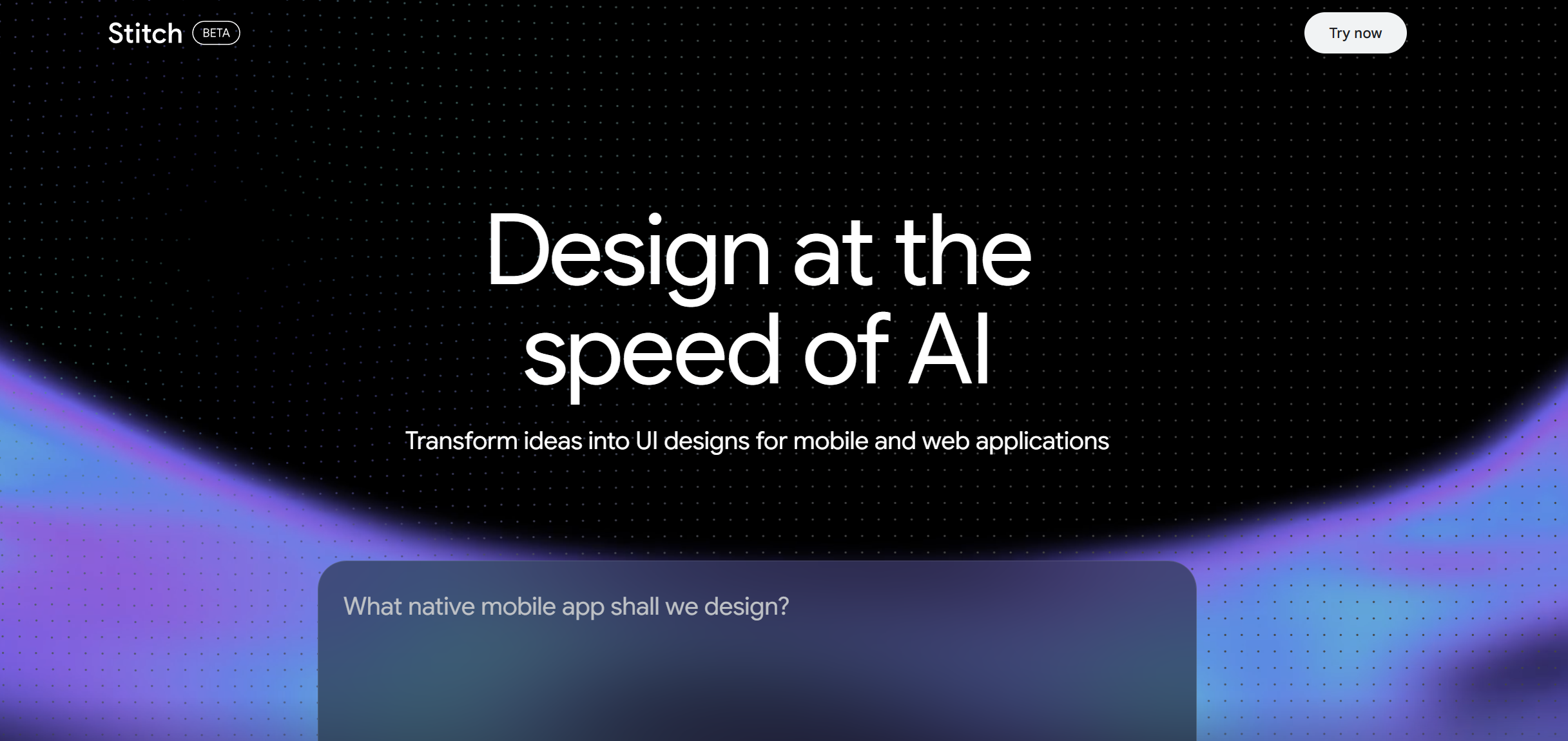
This descriptive generation method removes the steep learning curve typically associated with professional software:
- Accessible Interaction: Users can speak directly to the digital canvas, ask for real-time adjustments, and receive immediate visual updates, making it a highly accessible solution for non-technical team members.
- Infinite Workspace: The platform introduces a completely new paradigm for interaction where users navigate an infinite digital workspace, allowing ideas to expand continuously.
- Project Tracking: An integrated project management layer allows users to explore multiple distinct design directions simultaneously without losing track of their progress.
- Brand Alignment: The system supports extracting styling rules from existing web pages, making it possible to generate new layouts that perfectly match an established corporate brand identity.
Figma: The Enduring Power of Traditional Platforms
Despite the rapid advancement of automated generation, Figma maintain a vital role in the industry. Professional teams rely heavily on deep component libraries, complex variables, and real-time multiplayer editing capabilities. When multiple stakeholders must work on a single file simultaneously, maintaining strict brand consistency across massive corporate projects is non-negotiable.
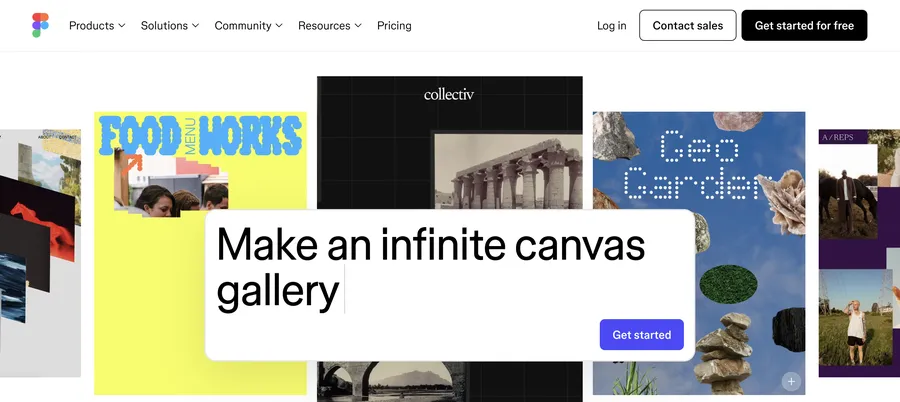
The industry standard provides pixel-perfect control over spacing, typography, and alignment, ensuring that final outputs meet rigorous accessibility and quality standards required for complex applications. Furthermore, theextensive Figma plugin ecosystem acts as a massive force multiplier for professional teams. With thousands of community-developed extensions available, professionals can automate accessibility checking, populate layouts with realistic data, create complex user flow diagrams, and build advanced animations directly within the workspace.
The Core Differences
When assessing Figma vs Google Stitch, the fundamental difference lies in their primary function rather than direct competition.
| Feature | Google Stitch | Figma |
| Primary Function | Rapid zero-to-one ideation | Comprehensive one-to-one-hundred refinement |
| Input Method | Natural language and voice commands | Manual digital canvas interaction |
| Collaboration | Single-user focus with AI agents | Industry-leading real-time multiplayer editing |
| System Management | Imports basic styling rules | Deep component libraries and variables |
| Target Audience | Product managers and independent developers | Professional enterprise design teams |
The automated platform excels during the initial brainstorming phase. If a team needs to generate ten entirely different layouts for a user dashboard in five minutes, the automated agent delivers unmatched speed. Conversely, the traditional platform dominates the refinement phase. Once a direction is chosen, professionals require a robust environment to build out responsive variants, connect complex interactive prototypes, and prepare the exact specifications for the engineering team.
Empowering Front-End Development
Another crucial aspect of this comparison involves front-end development capabilities. The platform excels at Stitch AI website design by outputtingproduction-ready HTML and Tailwind CSS directly from the generated layout. For independent developers, solo founders, or marketing teamsbuilding simple landing pages, this eliminates the traditional handoff process entirely.
This rapid translation from concept to functional code represents a massive leap forward for rapid prototyping. Marketing departments can launch campaign pages without waiting for engineering resources. Startups can test product ideas in the market with functional interfaces in a fraction of the time previously required. The generated code is clean, modern, and ready for immediate deployment on standard web hosting infrastructure.
Addressing Mobile Limitations
However, these automated code exports primarily serve web-based projects. Teams building native mobile applications for iOS or Android still require dedicated handoff features, design tokens, and exact specifications that only a mature ecosystem can provide. While an automated Google Stitch UI design tool provides an excellent starting point, it lacks the specialized developer modes and extensive third-party integrations that connect creative assets directly to complex engineering pipelines.
Detailed Guide: Building a Hybrid Workflow

Professionals do not have to choose just one solution. The most effective strategy combines the rapid generation capabilities of artificial intelligence with the precision of traditional software. Follow this detailed guide to implement a seamless hybrid workflow for your team:
- Rapid Ideation: Begin your project within the automated workspace. Use clear, descriptive prompts to generate multiple distinct concepts. This is especially useful for Stitch AI website design where rapid layout iteration is crucial. Encourage stakeholders to interact with the voice canvas to explore wildly different directions without spending hours on manual wireframing.
- Narrowing the Focus: Review the generated compositions and select the most promising layouts. You can import basic brand guidelines or formatting rules to align the automated outputs closer to your corporate identity.
- Export and Transfer: Utilize built-in export features to transfer your selected composition into your primary professional workspace. Ensure that layers, groupings, and basic structures remain intact during this transfer process.
- Professional Polish: Apply your official corporate design system to the imported file. Adjust typography, color palettes, and spacing to achieve pixel-perfect accuracy. Build out comprehensive interactive prototypes and configure the file for engineering handoff.
Evaluating Cost and Accessibility
Financial constraints significantly influence software adoption. The free nature of the Google Stitch AI design tool presents a compelling advantage for freelancers, small startups, and budget-conscious organizations.
| Pricing Tier | Google Stitch | Figma |
| Free Level | Full access with unlimited projects | Limited files and basic features |
| Professional | Not applicable | Monthly per-seat subscription |
| Enterprise | Not applicable | Premium annual per-seat subscription |
Conversely, outfitting a large department with professional collaborative software requires a substantial annual investment. Enterprise plans incur significant costs per user. However, for large-scale operations requiring centralized administration, single sign-on security, and extensive governance controls, this investment is completely necessary to maintain organizational efficiency.
Making the Right Choice for Your Team
The decision ultimately depends on your specific role and project requirements:
- Choose the automated generator if you are a product manager needing rapid mockups, an independent developer bypassing the blank canvas, or a team without the budget for premium subscriptions.
- Rely on the established platform if you manage an extensive enterprise system, ship native mobile applications, or require daily multiplayer synchronization.
Conclusion
The debate surrounding Google Stitch vs Figma highlights a broader evolution in the tech industry. Generating an initial layout is becoming instantaneous, allowing professionals to dedicate more time to complex problem-solving and user experience refinement.
Integrating a Google Stitch UI design tool into the early stages of a project accelerates brainstorming, while established platforms ensure the final product meets enterprise standards. By understanding how to leverage Figma vs Google Stitch collaboratively, creative professionals can optimize their entire production lifecycle without sacrificing quality or speed.
Frequently Asked Questions: Google Stitch vs. Figma
What is the main difference between Google Stitch vs Figma?
The primary difference is their role in the creative process. One is designed for rapid, automated ideation using artificial intelligence, while the other is built for precise, collaborative refinement and professional engineering handoff.
Can a Google Stitch AI design tool completely replace human professionals?
No. While it excels at generating initial concepts and basic layouts quickly, human expertise is still required to ensure accessibility, manage complex brand systems, and refine user experiences for sophisticated applications.
How does Stitch AI website design handle responsive layouts?
The automated platform can generate basic responsive variants based on text prompts, but it currently lacks the granular auto-layout controls and complex constraints required for multi-device enterprise applications.
Is Figma vs Google Stitch a fair comparison for enterprise teams?
Enterprise teams generally require robust governance, complex component libraries, and strict security protocols. The traditional collaborative platform currently offers mature enterprise features that the free automated tool does not provide.
Can I export files from a Google Stitch UI design tool into other formats?
Yes. Users can export their generated compositions directly into professional workspaces using dedicated export functions, preserving layers and basic structures for further refinement.
Read more: How to Connect Domain to Canva Website Flawlessly: Custom URLs
Contact US | ThimPress:
Website: https://thimpress.com/
Fanpage: https://www.facebook.com/ThimPress
YouTube: https://www.youtube.com/c/ThimPressDesign
Twitter (X): https://x.com/thimpress_com