
SCORM Add-on for LearnPress
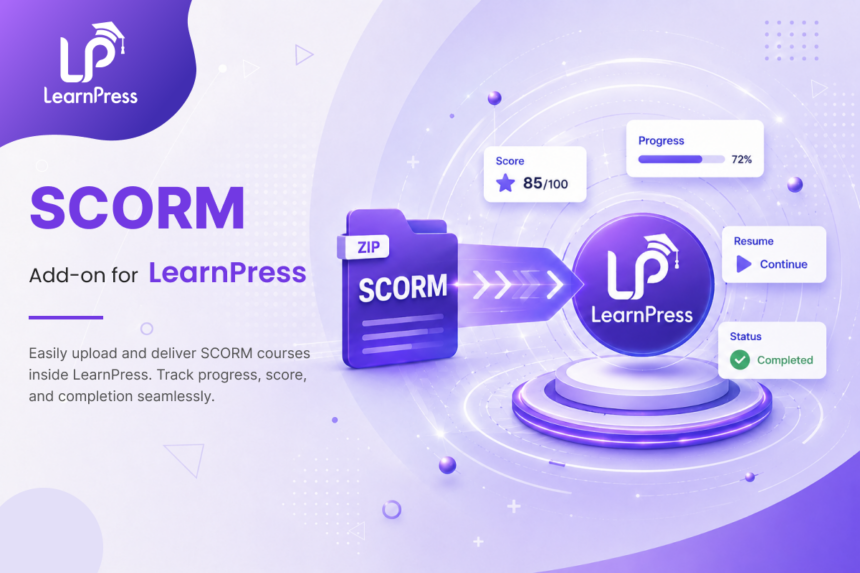
- Upload and play SCORM packages (SCORM 1.2 & SCORM 2004) directly inside LearnPress courses.
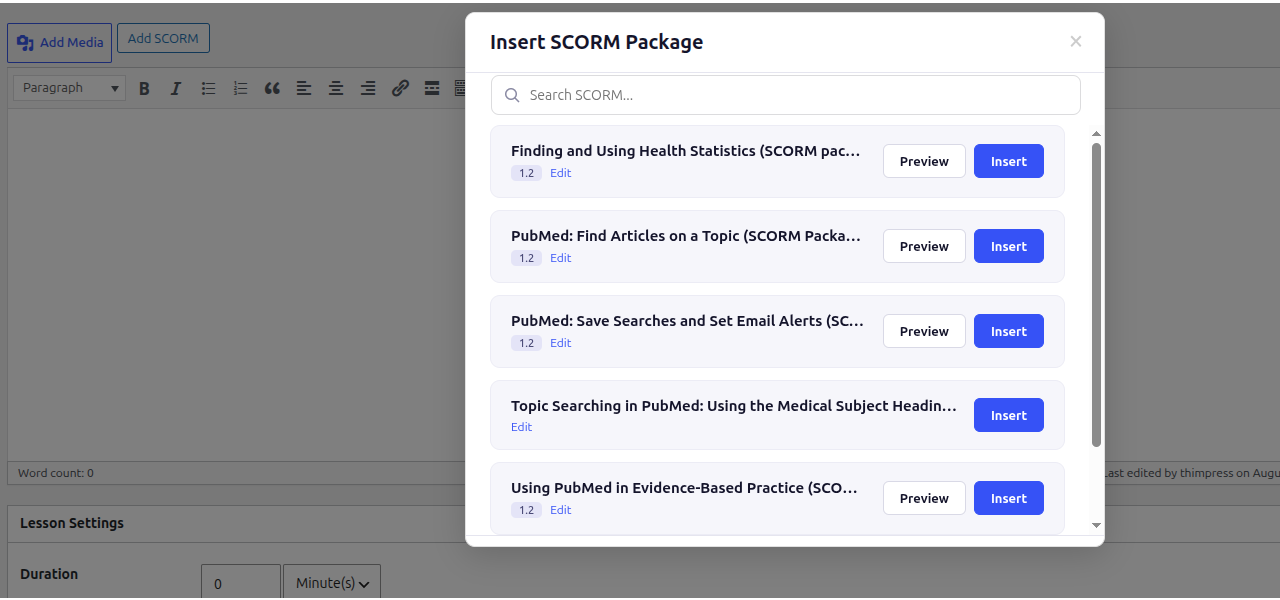
- Insert SCORM content instantly in the Lesson Editor using the built-in “Add SCORM” picker modal.
- Embed eLearning content anywhere using simple shortcode support [learn_press_scorm].
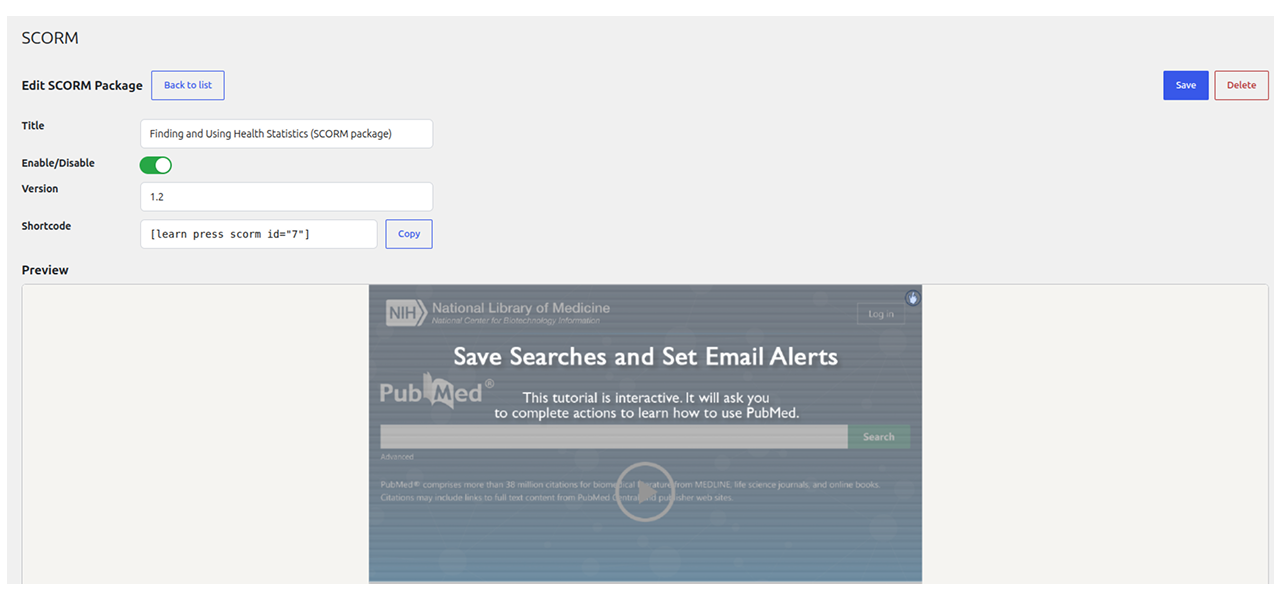
- Manage SCORM packages directly within the LearnPress Course Builder or WordPress Admin.
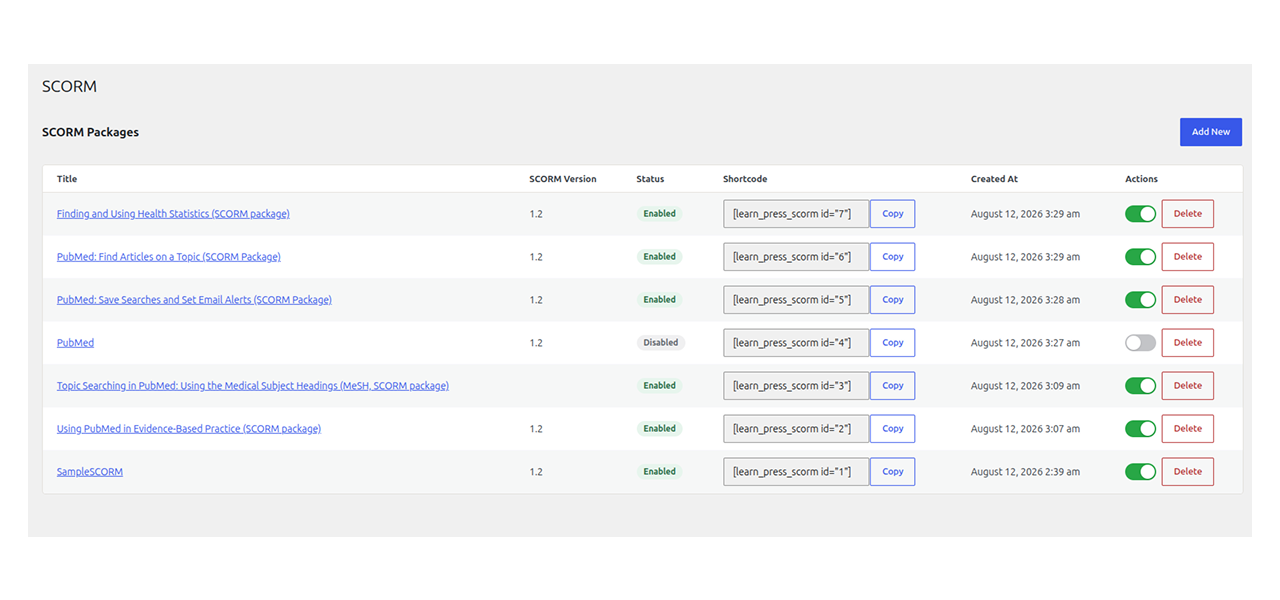
- Instant status toggle to enable or disable SCORM packages without deleting content.
- Built-in interactive SCORM player with admin preview before publishing.
How It Helps
Traditional LMS platforms require rebuilding course modules from scratch, consuming hours of manual work. SCORM Add-on for LearnPress lets course creators import existing standardized eLearning content instantly. Instructors can insert packages right from the lesson editor using the "Add SCORM" button, keeping interactive quizzes, animations, and tracking modules intact while delivering a smooth learning experience inside WordPress.
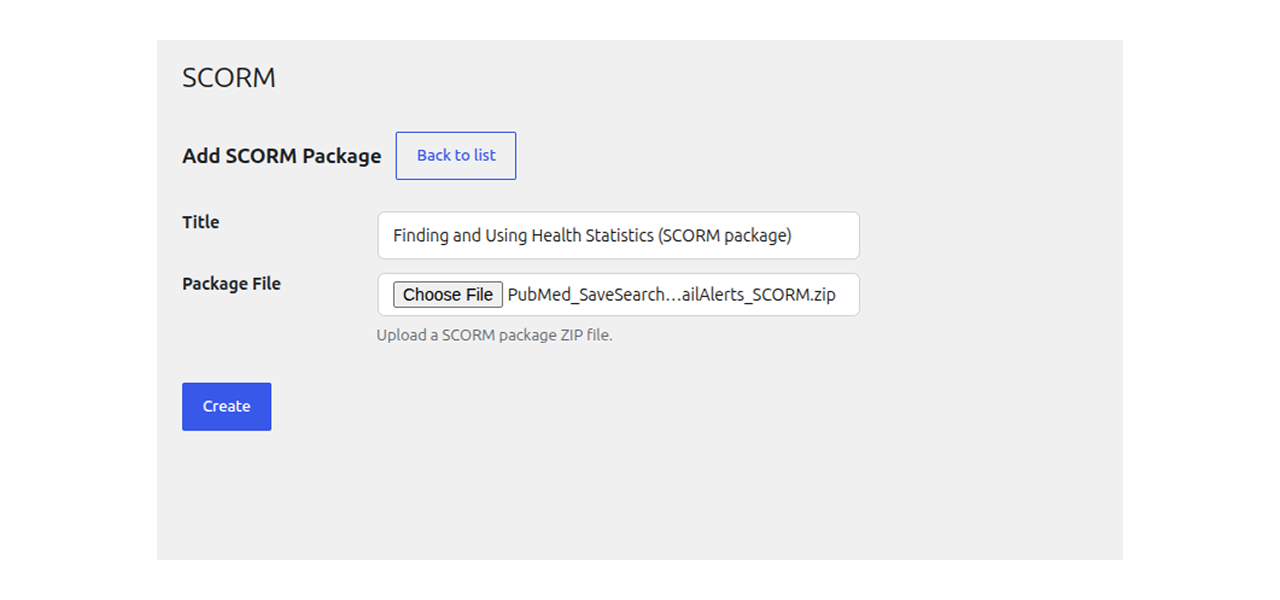
Upload .zip package files to automatically extract and parse course structure without manual file extraction or external hosting.
Active Users: 600
Price: FREE
- Lifetime license for 1 site License Info:Includes lifetime usage on 1 site. You can switch between environments as needed by deactivating/reactivating the key. Only one active installation can receive updates and support at a time.Learn More
- 12 months Update & Support Updates & Support Info:Purchase includes 12 months of updates and support. After expiry, the add-on remains functional, but you must renew the license to access future updates and support services.Learn More

= 4.0.0 (2026-08-13) =
Initial LearnPress SCORM release.
Screenshots
All Your Questions
Answered
You have questions.
We have answers.
The add-on supports standard SCORM 1.2 and SCORM 2004 packages uploaded as .zip archives.
No. You can click the “Add SCORM” button directly inside the lesson editor toolbar to select and insert any uploaded SCORM package using a visual picker modal.
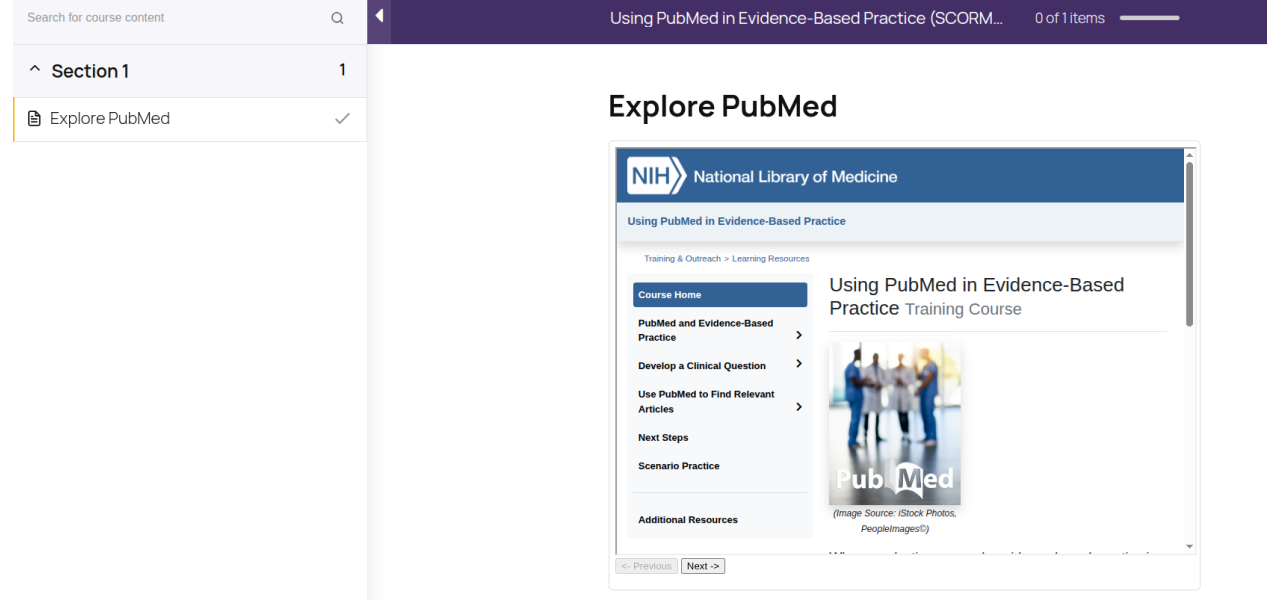
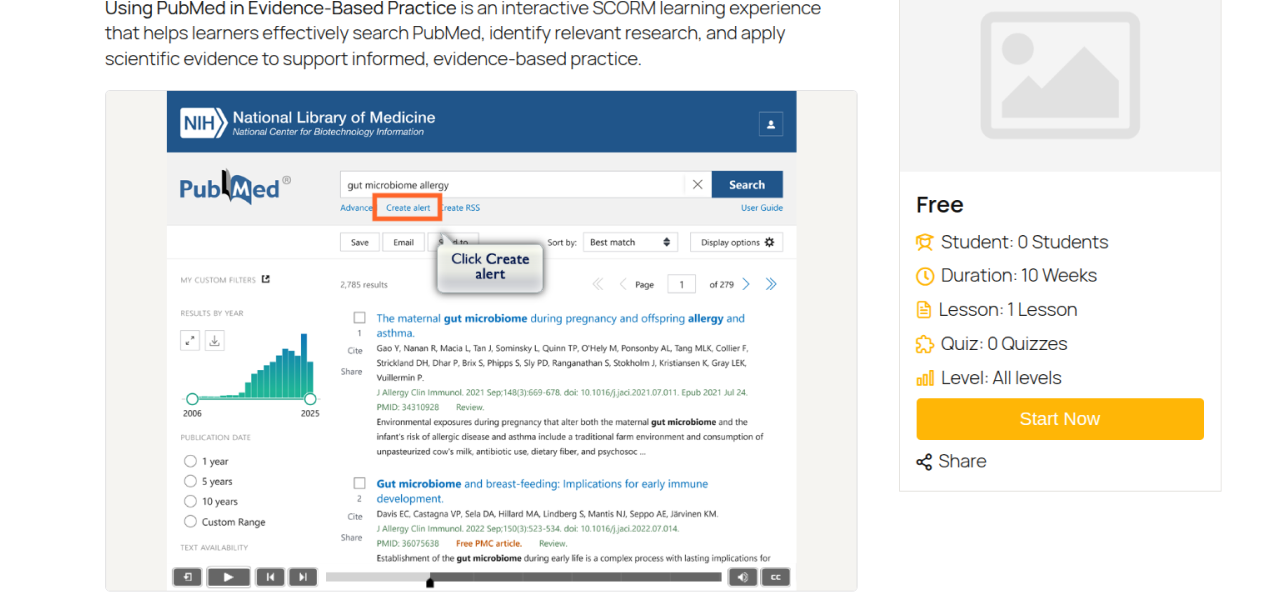
No external player is required. The plugin unpacks your ZIP file directly on your WordPress server and renders the content inside an embedded iframe player.
Yes. Every uploaded SCORM package generates a unique shortcode like [learn_press_scorm id="123"], which you can paste into any WordPress page, post, or widget area.
You need WordPress 6.3 or higher, PHP 7.4 or higher, and LearnPress version 4.4.1 or higher active on your site.
We have a delicated team to support you 24/5
Go to our Forum and explore more than 2000 support topics
Feel free to contact us for support anytime

khoa_tran99 –
Simple package management
Uploading zip files and toggling packages active or inactive from one dashboard saves a lot of time.