
Picking the best backlink checker tools is one of the first decisions you make when you take SEO seriously. You need to see who links to your site, which links help your rankings, and which ones could hurt you.
This guide compares eight trusted options, explains how to use them, and shows how to turn the data into a simple plan.
Eduma – Education WordPress Theme
We provide an amazing WordPress theme with fast and responsive designs. Let’s find out!
What a backlink checker does
A backlink checker is a tool that shows every external website linking to a page or domain, along with data such as anchor text, link type, and the authority of the linking site. Think of it as a report card for your off-page SEO.
Why backlinks still matter
Google has said for years that links are one of the signals it uses to understand and rank pages. Google’s own documentation on link best practices explains how links help Google discover pages and understand context. You can read it in Google Search Central. A page with a few relevant links from respected sites usually does better than a page with hundreds of weak ones.
What you should look for in a report
When you open a backlink report, check these items first:
- Referring domains, which count unique sites that link to you
- Anchor text, which shows how other sites describe your page
- Follow and nofollow status
- New and lost links over the last 30 days
- Top linked pages on your site
A tool that shows all five without much digging is already worth trying.
How we compared these tools
We compared each tool on five points: size and freshness of its link index, ease of use, free access, extra SEO features, and fit for small and mid-size sites. We also considered how well each one works for a WordPress site, since that is where most of our readers publish.
Link databases differ by tool. The same domain can show 400 backlinks in one report and 650 in another. That is normal, because each crawler finds different pages at different times. For that reason, we suggest using at least two tools on any important site and comparing the overlap.
Quick comparison table
This table gives a fast comparison before the full reviews. Free access is described in general terms, because limits change.
| Tool | Best for | Free access | Standout feature |
|---|---|---|---|
| Google Search Console | Checking your own site | Fully free | Links report from Google itself |
| Ahrefs | Deep link research | Free webmaster tools and limited checker | Large link index and clear reports |
| Semrush | All-in-one SEO work | Limited free account | Backlink Analytics and Backlink Audit |
| Moz Link Explorer | Beginners | Limited free searches | Domain Authority and Spam Score |
| Majestic | Link-only analysis | Limited free reports | Trust Flow and Citation Flow |
| SE Ranking | Agencies and freelancers | Free trial | Backlink checker with monitoring |
| OpenLinkProfiler | Quick free checks | Free | Simple link list and filters |
| Ubersuggest | Small budgets | Limited free use | Easy backlink overview |
8 best backlink checker tools reviewed
Each tool below has a different strength. Read the short notes, then pick one or two that match your budget and your goals.
1. Google Search Console
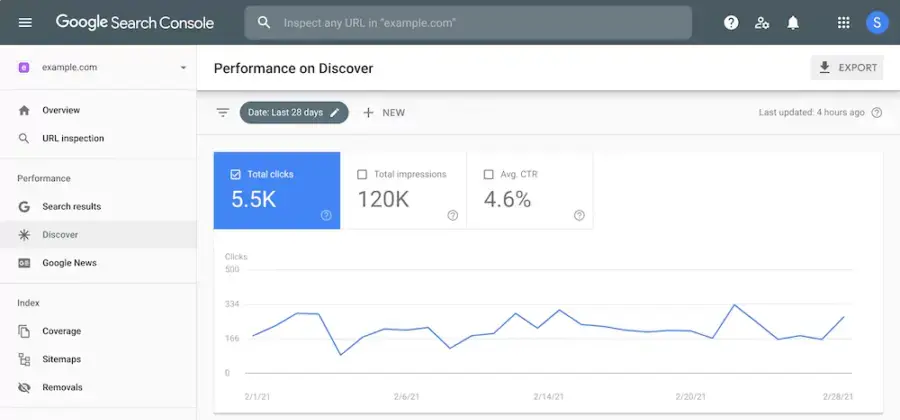
Google Search Console is the safest starting point because the data comes straight from Google. Open the Links report, and you will see top linking sites, top linked pages, and top linking text. It only works for sites you own and have verified, and it does not show every link. Still, it is free, and every site owner should check it monthly.
2. Ahrefs
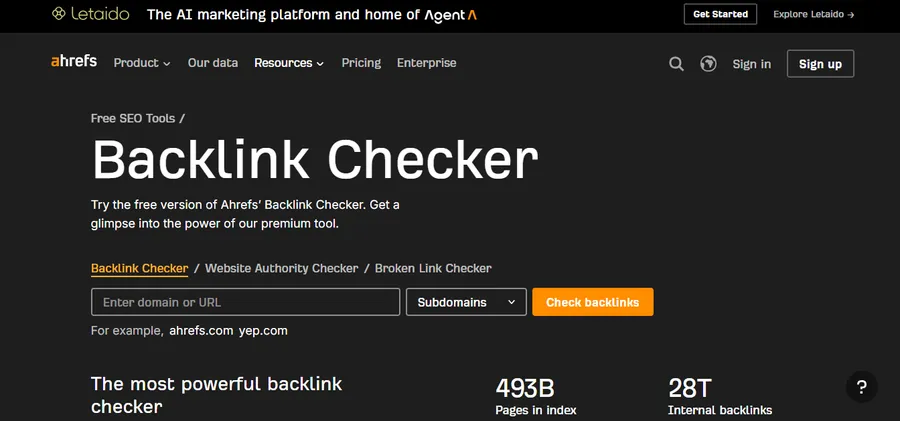
Ahrefs is known for a large link index and clean reports. Its Site Explorer shows referring domains, new and lost links, and anchor text in one place. Ahrefs also offers Ahrefs Webmaster Tools for verified sites and a free backlink checker that shows a limited sample of links. For deeper research on competitors, you need a paid plan.
3. Semrush
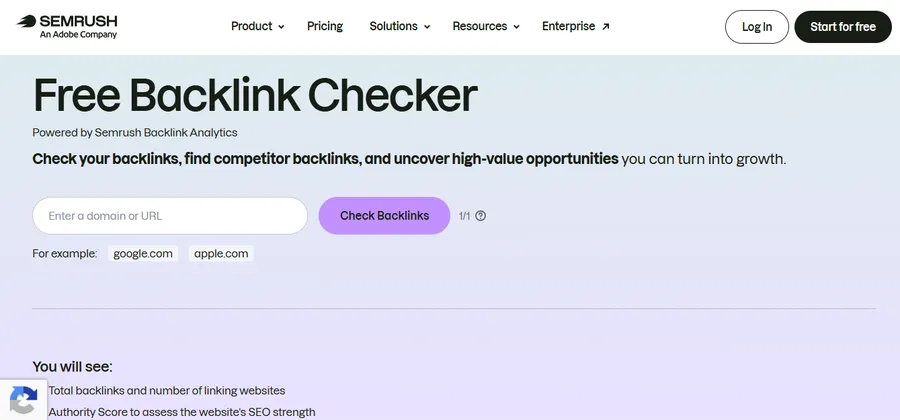
Semrush is a full SEO suite, so the backlink tools sit next to keyword research, site audits, and rank tracking. Backlink Analytics gives you the link profile of any domain. Backlink Audit helps you spot toxic links, and the Link Building Tool helps you manage outreach. It is a strong pick if you want one subscription for most SEO tasks.
4. Moz Link Explorer
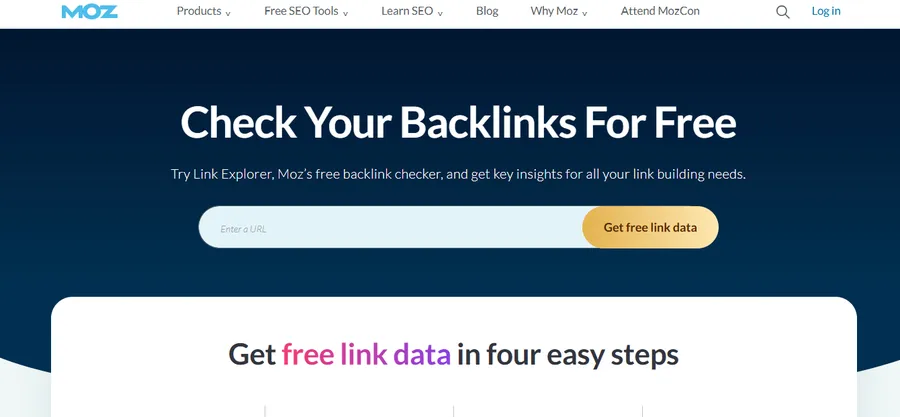
Moz Link Explorer is easy to read, which makes it good for beginners. It reports Domain Authority, Page Authority, and Spam Score, plus a list of linking domains and anchor text. The free version limits how many searches you can run, so it suits occasional checks rather than daily work.
5. Majestic
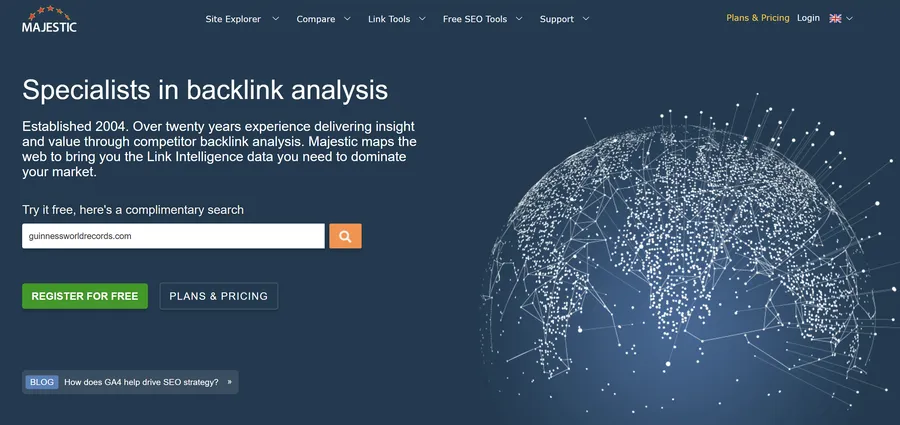
Majestic focuses almost only on links. Its Trust Flow and Citation Flow metrics help you judge link quality and link volume. The interface looks older than some rivals, but the data is useful for link audits and competitor comparisons.
6. SE Ranking
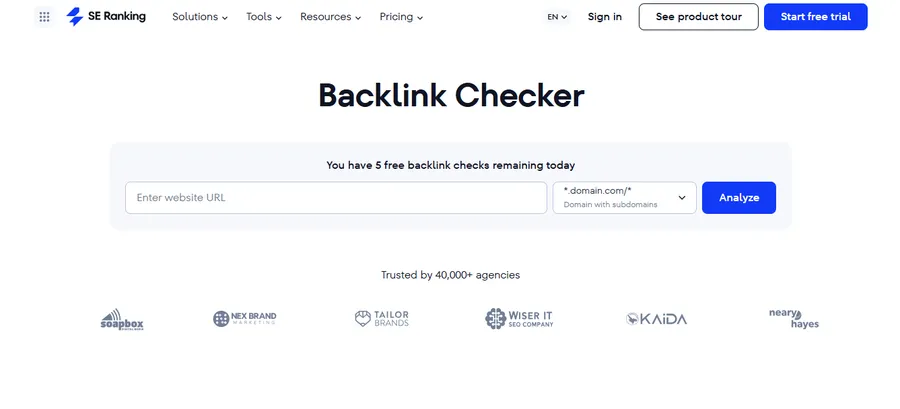
SE Ranking suits freelancers and small agencies that want backlink checks, monitoring, and rank tracking in a plan that is often cheaper than larger suites. You can monitor new and lost links and export reports for clients. It offers a free trial, so you can test it before paying.
7. OpenLinkProfiler
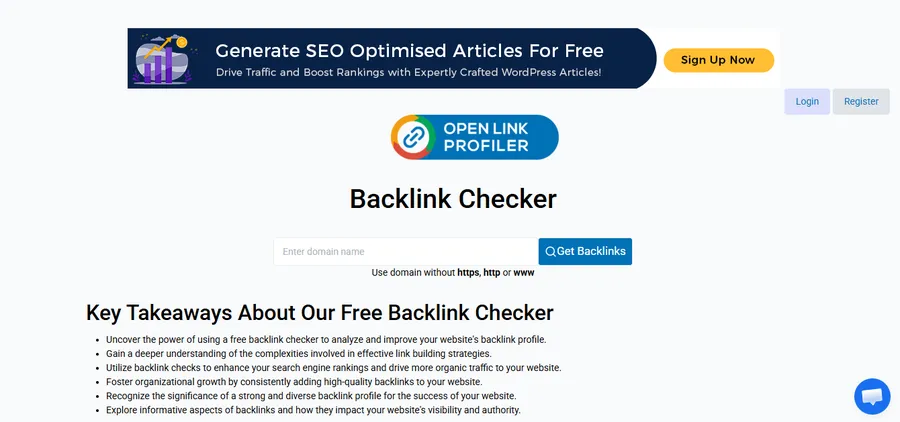
OpenLinkProfiler is a free tool that lists backlinks and lets you filter by link type, source, and other options. It is not as deep as paid tools, but it works for a quick look at a smaller site.
8. Ubersuggest
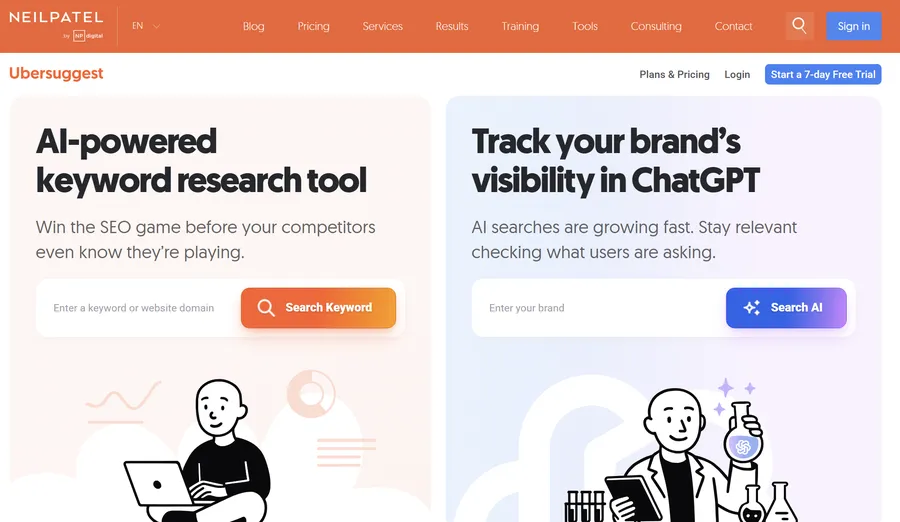
Ubersuggest gives a simple backlink overview and is friendly for people with small budgets. It also shows keyword ideas and basic site audit data. The free allowance is limited, but it is enough to learn the basics.
Best backlink checker tool free options
The best backlink checker tool free of charge depends on whether you want to check your own site or someone else’s. Free options are enough for most new blogs and small business sites.
Free tools for your own site
Start with Google Search Console and Ahrefs Webmaster Tools. Both require you to verify ownership, but both give reliable data for your own domain at no cost. Check them once a month, and export the data so you can compare changes over time.
Free tools for competitor research
For other sites, use the free checkers from Ahrefs, Moz, and OpenLinkProfiler. They show only a slice of the data, but a slice is often enough to spot the sites that link to your competitors. If the same site links to three of your rivals, it is a good outreach target.
Limits of free tools
Free tools sample the data, cap the number of results, and sometimes hide anchor text or link dates. Use them to learn and to find ideas. When your site grows, a paid plan saves time and shows the full picture.
Commonly used tools and URL links
Many teams keep a short list of commonly used tools and URL links for daily SEO checks. Save the pages below in a bookmarks folder so you can open them quickly.
| Task | Tool | URL |
|---|---|---|
| Check your own links | Google Search Console | search.google.com/search-console |
| Free backlink check | Ahrefs Backlink Checker | ahrefs.com/backlink-checker |
| Link audit | Semrush Backlink Audit | semrush.com |
| Page speed check | PageSpeed Insights | pagespeed.web.dev |
| Crawl your own site | Screaming Frog SEO Spider | screamingfrog.co.uk/seo-spider |
| Check indexing | Google site search | google.com (type site:yourdomain.com) |
A quick tip from daily use: when you find a new link in a report, click through and confirm that the page still exists and the link is live. Reports sometimes lag behind real changes.
Internal link building tools
Backlinks bring authority from other sites, while internal links spread that authority across your own pages. Good internal link building tools make this job faster, especially on sites with hundreds of posts.
Tools that help on WordPress
- Rank Math and Yoast SEO: Both suggest related posts while you write, and both show internal link counts in the editor.
- Link Whisper: This plugin suggests internal links based on your existing content, and it reports orphan pages.
- Screaming Frog SEO Spider: This desktop crawler finds broken internal links, redirect chains, and pages with few internal links.
A simple internal linking routine
- Crawl your site once a month and list pages with fewer than three internal links.
- Add contextual links from related posts, using clear anchor text.
- Link your newest posts from older posts that already get traffic.
- Fix broken links and redirect chains before adding new ones.
Be careful with automatic suggestions. Always check that a link makes sense for the reader, not only for a crawler.
Backlinks building and link building management
Backlinks building works best when you treat it as a repeatable process, not a one-time push. Link building management means tracking who you contacted, which links you earned, and which ones need follow-up.
Ways to earn the best SEO backlink
The best SEO backlink comes from a relevant, trusted site that links to your page because it adds value for its readers. A few methods that work:
- Publish original data, guides, or tools that others want to cite
- Write guest posts for sites in your field
- Reclaim unlinked brand mentions by asking the writer to add a link
- Fix broken links on other sites by suggesting your page as a replacement
- Join expert roundups and local business directories that are well moderated
Avoid paid link schemes. Google’s spam policies treat buying links to pass ranking signals as a violation, and a manual action can remove your pages from search results. You can read the policy in Google’s spam policies.
How to organize link building management
A spreadsheet is enough to start. Create columns for the target site, contact name, date contacted, status, link URL, and anchor text. As you grow, tools like Semrush’s Link Building Tool or a CRM such as Pipedrive can handle outreach in one place. Review the sheet weekly and mark each link as live, lost, or pending.
Measuring results
Check three numbers each month: referring domains, organic clicks to the linked pages, and rankings for target keywords. Links take time to show an effect, so compare quarter to quarter instead of day to day.
Backlink platform for course websites
A backlink platform can mean a tool that reports on links, or a site where you can publish content that earns links. If you run an online learning website, both matter, because course pages need trust before students enroll.
If you build your school with WordPress, LearnPress is a free LMS plugin that gives each course, lesson, and quiz its own URL, which makes it easier to build links to specific pages. Pairing it with the Eduma education theme gives you a ready layout for course lists, instructor pages, and blog posts. Those blog posts are where you can place guides and resources that other sites want to link to. Neither product replaces an SEO plan, but a clean structure makes your link building work easier to track.
How to choose the right tool
The right choice depends on your budget, your site size, and how often you check links. Use the points below as a quick guide.
- New site or small blog: Use Google Search Console and Ahrefs Webmaster Tools first.
- Freelancer or small team: Try SE Ranking or Ubersuggest for lower cost.
- Agency or large site: Pick Ahrefs or Semrush, then add Majestic for a second opinion.
- Beginner who wants simple scores: Start with Moz Link Explorer.
Whatever you choose, run the same check on the same day each month. Consistent data is more useful than a bigger tool you never open.
FAQs
What is a good Domain Authority or Domain Rating score?
There is no single good score, because these are third-party metrics and not Google ratings. A score is only useful when you compare it with competitors in the same niche. A site with a lower score that earns steady, relevant links can still outrank a higher-scoring one.
How many backlinks do I need to rank on page one?
There is no fixed number. The right amount depends on how strong the competing pages are. Check the top five results for your target keyword, count their referring domains, and use that range as a rough target.
How long does a new backlink take to show in a checker?
It can take a few days to several weeks. Each tool crawls the web on its own schedule, so a link may appear in one report before another. Google Search Console may also lag behind third-party tools.
Are nofollow links worth getting?
Yes, they can be. Google treats nofollow as a hint, and these links can still bring referral visitors and brand awareness. A natural link profile usually has a mix of follow and nofollow links.
Conclusion
The best backlink checker tools give you a clear view of who links to you, which links to keep, and where to find new opportunities. Start with Google Search Console and a free tool, then add a paid platform when your site is ready for deeper work. Pair outside links with strong internal linking, keep a simple tracking sheet, and review your results every month.
If you build an online school on WordPress, give your content a solid base with LearnPress and Eduma, then use the tools in this guide to grow your authority step by step.
Read more: What is a SAAS from a technical point of view?
Contact US | ThimPress:
Website: https://thimpress.com/
Fanpage: https://www.facebook.com/ThimPress
YouTube: https://www.youtube.com/c/ThimPressDesign
Twitter (X): https://x.com/thimpress_com

