A useful certificate template app should help users design, personalize, and download a professional certificate without a complex editing process. Some tools are best for creating one attractive design, while others can generate hundreds of certificates, send them automatically, and provide verification features.
This guide compares nine certificate apps based on design tools, customization, bulk generation, export formats, pricing, and ease of use. Readers planning to issue certificates through an online course website can also learn how to create an online course in WordPress before choosing a certificate system.
The goal is to help readers select the right certificate creator for their actual workflow, whether they need a simple classroom award, a branded employee certificate, or an automated credential platform.
Eduma – Education WordPress Theme
We provide an amazing WordPress theme with fast and responsive designs. Let’s find out!
Quick Comparison of the Best Certificate Apps
| Tool | Best for | Bulk generation | Main outputs | Free access |
| Canva | Fast, attractive designs | Limited | PDF, PNG, JPG | Yes |
| Adobe Express | Simple branded certificates | Limited | PDF and images | Yes |
| Certifier | Issuing certificates at scale | Yes | Digital credentials and PDF | Yes |
| Venngage | Detailed visual editing | Limited | PDF, PNG, PowerPoint | Yes |
| Visme | Branded print and digital files | Limited | PDF, images, links | Yes |
| Piktochart | AI-assisted creation | Limited | PDF, PNG, links | Yes |
| VistaCreate | Quick template-based work | No dedicated system | PDF, PNG, JPG | Yes |
| PosterMyWall | Wide template selection | No dedicated system | PDF and images | Yes |
| PowerPoint | Familiar offline editing | Manual workflow | PowerPoint and PDF | Templates available |
What Is a Certificate Template App?
A certificate app is a design or credential tool used to prepare awards, course completion documents, employee recognition, event certificates, and other formal records. Most tools allow users to edit names, dates, logos, signatures, colors, and award details.
WordPress course providers can also use the Certificates Add-on for LearnPress to issue certificates after students complete a course.
These apps fall into three main groups:
- Design platforms focus on templates and visual editing.
- Certificate platforms can generate, send, track, and verify credentials.
- Office tools offer flexible editing but often require more manual work.
A design editor may be enough when users want to create your own certificate for a small event. A specialist generation platform is more suitable for large classes, training programs, or repeated issuing.
1. Canva
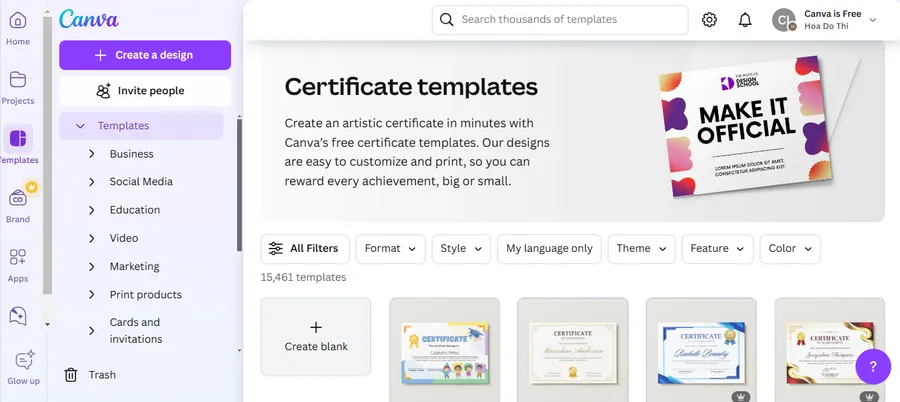
Best for: Beginners who need attractive certificates quickly
Canva provides a drag-and-drop certificate maker and a large collection of printable designs. Users can change text, fonts, colors, logos, images, and illustrations without advanced graphic design skills.
Key Features
- Ready-made certificate designs
- Simple drag-and-drop editor
- Options to upload custom fonts to Canva, adjust colors, and add graphics or logos
- Options for printing designs in Canva and downloading digital files
- Browser, desktop, and mobile access
Pros: Easy to learn, offers strong design variety, and works for many certificate types.
Cons: It is not built mainly for bulk issuing, verification, or credential tracking.
Pricing: Canva offers a free plan and several Canva pricing plans with more templates, brand tools, AI features, and collaboration options. Prices vary by location and billing choice.
Canva is a strong general choice when the main goal is to edit a polished certificate design and export it quickly.
Users who want to add a scannable verification or information link can also learn how to generate a QR code in Canva.
2. Adobe Express
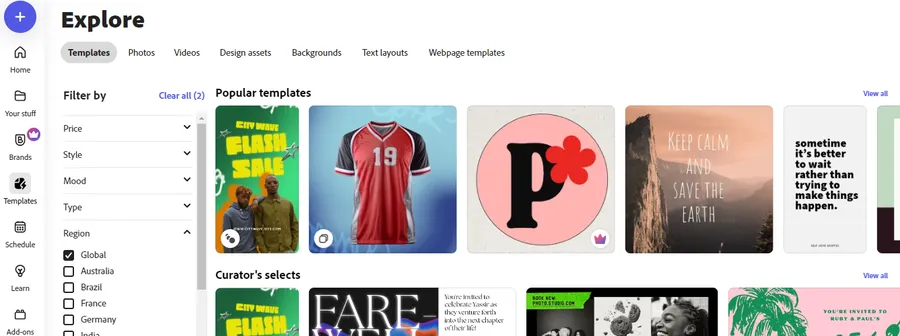
Best for: Simple branded certificates
Adobe Express includes editable templates for completion, appreciation, participation, graduation, training, school, internship, and professional awards. Users can begin with a layout or create a design from a blank page.
Readers deciding between the two popular design platforms can review this detailed Adobe Express vs. Canva comparison.
Key Features
- Editable certificate layouts
- Fonts, icons, images, and color tools
- Brand assets on supported plans
- AI-assisted design functions
- Browser and mobile editing
Pros: Clean interface, simple workflow, and suitable for formal or creative designs.
Cons: It does not provide a complete system for bulk credential delivery or public verification.
Pricing: Adobe Express has free and paid options. Features and prices depend on region, plan, and billing period.
It is suitable for users who want to build your own certificate with basic brand control but do not need a credential database.
3. Certifier
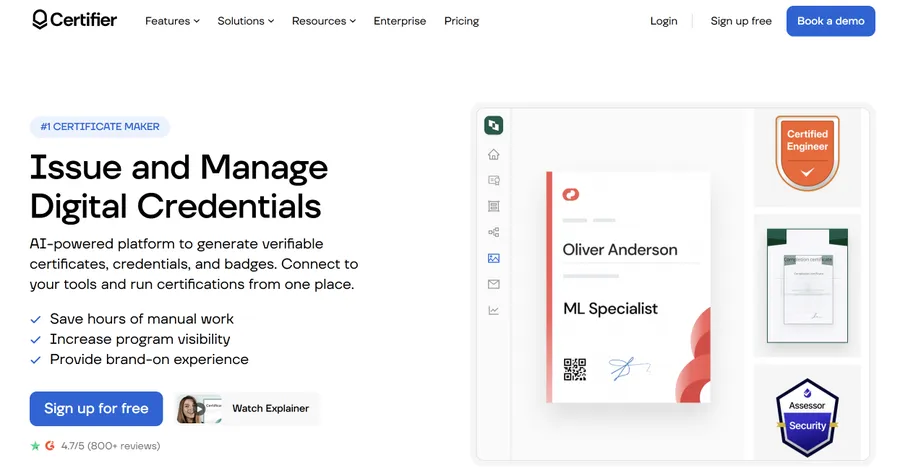
Best for: Courses, webinars, and bulk certificate issuing
Certifier is a specialist credential platform rather than a general design app. It supports certificate and badge design, recipient personalization, bulk issuing, branded delivery, PDF output, and verification. Its AI tool can also create a design from a written prompt.
Key Features
- Bulk certificate generation and sending
- Recipient data import
- Certificate and badge management
- Branding controls
- QR code and verification support
- Editable template library
Pros: Built for repeated issuing, saves manual work, and supports verification records.
Cons: It may be more complex than necessary for one certificate, and higher volumes require paid plans.
Pricing: Certifier offers free and paid plans. Its official generator page states that users can bulk-issue up to 250 personalized certificates under its free offer, while limits and features change by plan.
Certifier is the strongest choice here for anyone who needs a true certificates generator instead of only a design editor.
4. Venngage
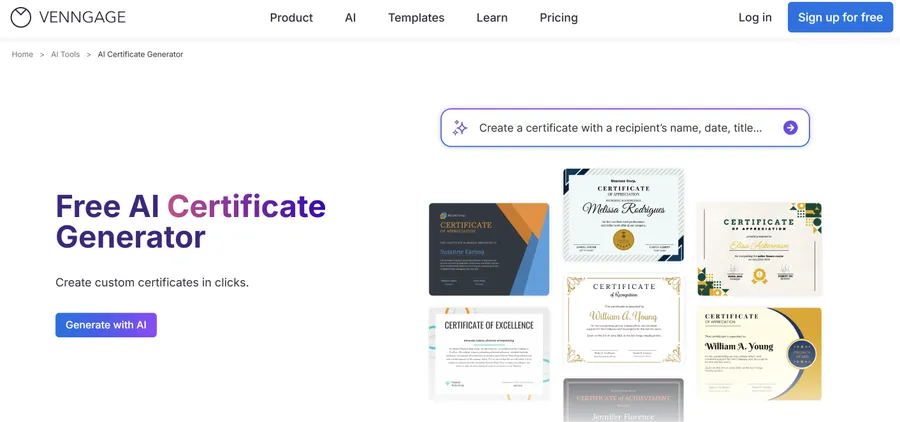
Best for: Detailed customization and branded awards
Venngage provides editable certificate layouts and an AI certificate generator. Users can change text, colors, icons, images, and other visual elements. Supported designs can be exported in formats such as PDF, PNG, and PowerPoint, and QR code tools are available.
Key Features
- AI-assisted generation
- Editable templates
- Icons, images, and illustrations
- Brand and collaboration tools
- PDF, PNG, and PowerPoint export
- QR code creation
Pros: Strong visual control and many options for formal or creative work.
Cons: Some exports and advanced functions depend on the plan, and bulk credential management is limited.
Pricing: Venngage offers free, Premium, Business, and Enterprise plans. Export, AI, branding, and team features differ by level.
Venngage is useful for users who need customizable certificates with more control over layout and branding.
5. Visme
Best for: Branded certificates for schools and businesses
Visme offers drag-and-drop certificate templates that support custom fonts, colors, logos, backgrounds, shapes, photos, and graphics. Users can download a print-ready PDF, save an image, or share a digital version through a link.
Key Features
- Editable certificate layouts
- Brand fonts, colors, and logos
- PDF files with print bleed
- Image downloads
- Shareable online links
- Interactive elements for digital use
Pros: Good brand controls, useful print settings, and clear editing tools.
Cons: It is not mainly designed for bulk issuing or credential verification.
Pricing: Visme has free and paid plans. Download formats, storage, brand functions, AI tools, and team features vary by subscription.
Visme is a good option when an organization needs a reusable certificate layout that matches its visual identity.
6. Piktochart
Best for: AI-generated first drafts
Piktochart combines editable layouts with an AI certificate generator. Users can add logos, change fonts and colors, edit names and dates, and export the result as PDF or PNG. Available use cases include completion, achievement, training, volunteer work, academic awards, and employee recognition.
Key Features
- AI certificate generation
- Editable fields for names, dates, seals, and signatures
- Brand colors and logos
- PDF and PNG output
- Digital sharing
Pros: Fast starting point, simple editing, and good print options.
Cons: AI results still need review, and the tool does not provide a full credential management system.
Pricing: Piktochart offers free access with usage limits and paid plans for more AI credits, brand tools, templates, and team functions.
Piktochart suits users looking for a certificate creator that can turn a short prompt into an editable design.
7. VistaCreate
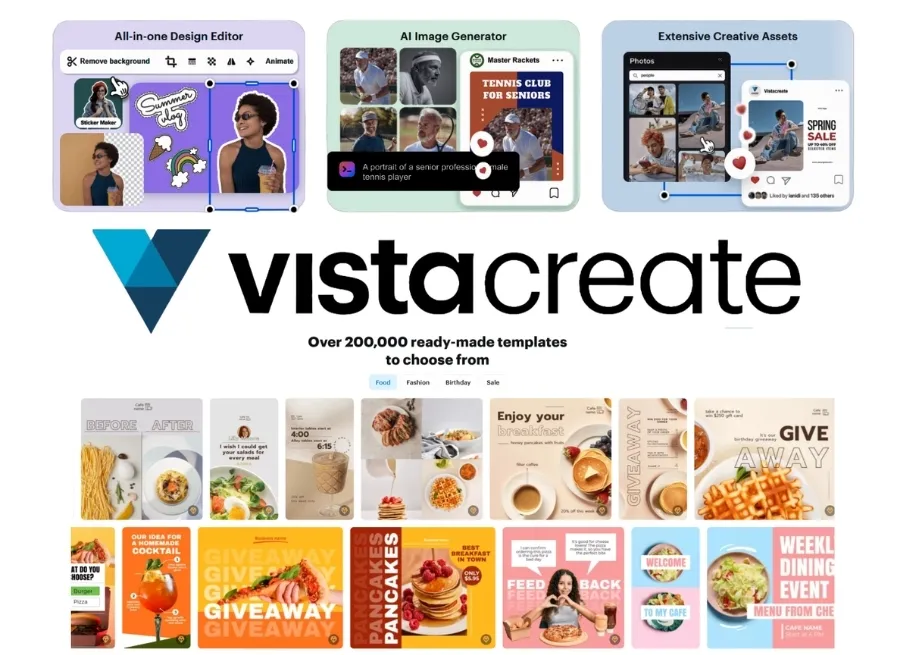
Best for: Fast certificates for small projects
VistaCreate provides editable certificate designs for graduation, excellence, business, education, and other themes. Users can replace text, adjust visual elements, add brand details, and download files in formats such as PDF, PNG, and JPG.
Key Features
- Ready-made certificate designs
- Editable text, colors, and images
- Logo and brand customization
- PDF, PNG, and JPG downloads
- Browser-based editing
Pros: Easy to use, offers many styles, and works well for one-time projects.
Cons: It has no dedicated bulk issuing, tracking, or verification system.
Pricing: Free access is available, while some content and advanced features require payment.
VistaCreate is a practical way to create your own certificate when design speed matters more than automation.
8. PosterMyWall
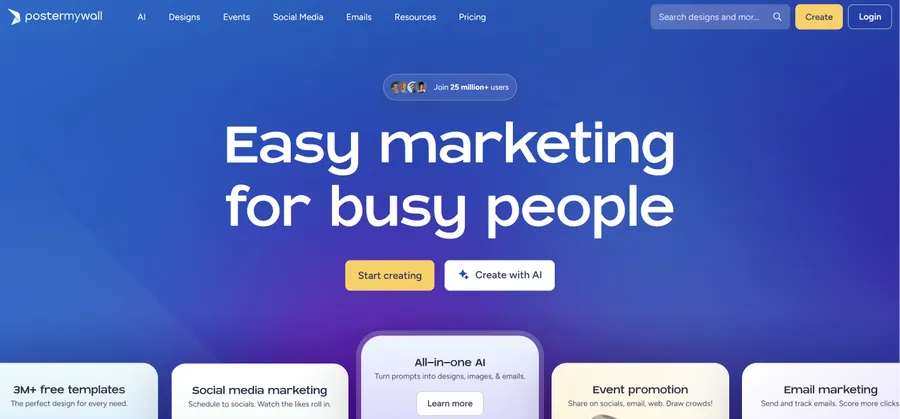
Best for: A large choice of ready-made designs
PosterMyWall offers thousands of editable certificate and diploma layouts. Users can add custom text, logos, colors, and images for academic awards, employee recognition, sports, events, and other milestones.
Key Features
- Large template collection
- Custom text and logo editing
- Printable and digital designs
- PDF and image downloads
- Designs for many events and industries
Pros: Wide design selection, simple editing, and useful options for schools, clubs, and small businesses.
Cons: Template quality can vary, and it is not a specialist credential platform.
Pricing: Designs can be edited for free, while premium assets, higher-quality downloads, and other services may require payment.
PosterMyWall is useful when users want customizable certificates for a specific theme and prefer to compare many layouts.
9. Microsoft PowerPoint
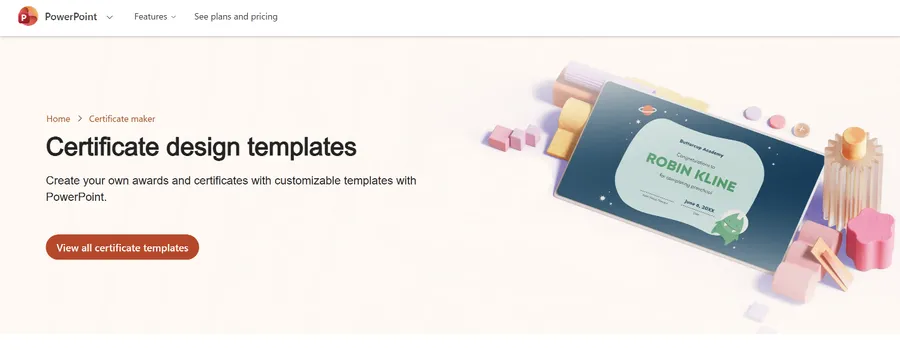
Best for: Familiar editing and offline work
Microsoft provides customizable certificate and award templates for PowerPoint. Users can replace placeholder text, change fonts and colors, add logos or signatures, and save the final document as a PDF.
Key Features
- Editable PowerPoint layouts
- Familiar text and shape controls
- Logo, image, and signature placement
- PDF export
- Offline desktop editing
- Reusable certificate files
Pros: Familiar to many schools and offices, easy to store locally, and flexible for manual editing.
Cons: Large batches require extra steps, and there is no built-in credential verification or tracking system.
Pricing: Certificate designs are available through Microsoft Create. Editing features depend on the Microsoft app and account used.
PowerPoint works well for users who want to build your own certificate in a familiar program without adopting a new platform.
How to Choose the Right Certificate App
Consider the Number of Recipients
For one certificate or a small class, a design tool is usually enough. For hundreds of recipients, use a platform that imports data and generates separate documents automatically.
Entering every name manually increases the risk of spelling mistakes, duplicate files, and inconsistent formatting.
Check Editing Controls
The app should allow changes to:
- Recipient names
- Issue dates
- Award descriptions
- Organization logos
- Authorized signatures
- Fonts and colors
- Certificate numbers
A reusable master layout is also useful for future events or training programs.
Review Export Formats
PDF is normally the best format for printing and formal digital delivery because it preserves the layout. PNG and JPG work well for previews, email images, or social posts.
Check whether high-resolution downloads, transparent graphics, or print-ready PDFs are included in the selected plan before completing the design.
Look for Verification
A polished certificate is not automatically a verified credential. Training providers may need:
- Unique certificate IDs
- QR codes
- Public verification pages
- Issue and expiry dates
- Secure recipient records
General design tools create the visual document but may not prove that it was issued by an authorized organization.
Confirm Bulk Generation
A proper certificates generator should connect recipient data to one reusable design and create individual files without manual name changes.
This feature is especially important for:
- Online courses
- Employee training
- Webinars
- Conferences
- School programs
- Professional workshops
Review Data Handling
Names, email addresses, course results, and employee records may be personal information. Organizations should review how each service stores and processes uploaded data.
This point is often overlooked when selecting a tool based only on design quality.
Design App or Certificate Generator?
| Need | Better choice |
| One attractive certificate | General design app |
| Classroom awards | Template editor or PowerPoint |
| Branded employee recognition | Canva, Adobe Express, Venngage, or Visme |
| AI-generated draft | Piktochart, Venngage, or Certifier |
| Hundreds of course certificates | Specialist platform |
| Tracking and verification | Specialist platform |
| Offline editing | PowerPoint |
| Many creative styles | Canva, VistaCreate, or PosterMyWall |
A design app is often enough when users only need to create your own certificate and download it. A specialist tool is better when documents must be generated in bulk, sent automatically, tracked, or verified.
Final Recommendation
The best certificate template tool depends on the workflow.
Canva is the strongest general option for quick visual design. Adobe Express is useful for simple branded work. Certifier is better for bulk issuing, delivery, and verification. Venngage and Visme provide stronger visual and brand control, while Piktochart offers a useful AI starting point.
VistaCreate and PosterMyWall provide many ready-made styles, and PowerPoint remains practical for offline editing.
Do not choose an app only because it offers free templates. Check export quality, usage limits, data handling, verification, and paid restrictions before using it for an official program. The best certificate creator is the one that supports the full task from design to delivery.
Frequently Asked Questions
1. What is the best free certificate template app?
Canva and Adobe Express are practical free options for individual designs. VistaCreate, Venngage, Visme, Piktochart, and PosterMyWall also provide free access, but some templates, exports, assets, or AI tools may be limited.
2. Can an app generate certificates for many people?
Yes. A specialist certificates generator can import recipient data, place each name into one design, create separate documents, and support delivery or verification.
A standard graphic design tool may require users to change each recipient name manually.
3. Can certificates be created without design skills?
Yes. Ready-made layouts and drag-and-drop editors allow users to edit text, colors, logos, and signatures. AI tools can also make a first draft, but the final document still needs human review.
4. What file format is best for a certificate?
PDF is usually best for printing and formal digital delivery because it preserves the layout. PNG and JPG are useful for online previews, emails, and social posts.
The editable source file should also be saved in case information needs to be corrected later.
5. Are online certificate makers suitable for official credentials?
They can be suitable when the issuing organization controls the data, approval, signatures, and verification process. A professional design alone does not prove that a credential is valid.
Important programs should use secure records, certificate numbers, QR verification, or a managed issuing platform.
Read more: 5+ Best WordPress Popup Plugins 2026
Contact US | ThimPress:
Website: https://thimpress.com/
Fanpage: https://www.facebook.com/ThimPress
YouTube: https://www.youtube.com/c/ThimPressDesign
Twitter (X): https://x.com/thimpress_com