Choosing an LMS training platform can become confusing very quickly. Most tools promise easy course creation, learner tracking, reports, automation, and integrations, but not every organization needs the same system.
A course creator may want complete control over a WordPress website. A small company may need a LMS for employee training. A larger organization may require detailed reporting, several learner groups, and connections with existing business software.
The goal, therefore, is not to find the platform with the longest feature list. It is to find a system that fits the training model, technical resources, audience, and plans for growth.
This guide explains what an LMS does, which features matter, and 10 platforms worth considering. LearnPress appears first because its WordPress-based structure provides a flexible option for educators, course businesses, and organizations that prefer greater control over their learning environment.
Eduma – Education WordPress Theme
We provide an amazing WordPress theme with fast and responsive designs. Let’s find out!
LMS Training Platforms at a Glance
| LMS | Best for | Main strength | Type |
| LearnPress | WordPress course and training websites | Flexible modular structure | Self-hosted |
| LearnDash | Structured professional courses | Advanced course organization | WordPress |
| TalentLMS | Small and mid-sized teams | Fast setup | Cloud |
| Moodle | Organizations needing deep customization | Open-source flexibility | Self-hosted/managed |
| Tutor LMS | Course creators and instructor websites | User-friendly course experience | WordPress |
| 360Learning | Collaborative employee learning | Internal knowledge sharing | Cloud |
| Docebo | Large and growing organizations | Automation and personalized learning | Cloud |
| LearnUpon | Employees, partners, and customers | Multi-audience learning | Cloud |
| Absorb LMS | Growing businesses | Scalable training management | Cloud |
| Canvas LMS | Education and structured programs | Clear course delivery | Cloud |
What Is LMS Training?
LMS training means using a Learning Management System to create, organize, deliver, and track learning activities.
Without an LMS, training can easily become spread across video links, PDF files, email threads, spreadsheets, meeting tools, and shared folders. That approach may work for a small group, but it becomes harder to manage as the number of learners and courses increases.
An LMS creates one central learning environment. Depending on the system, administrators can upload or create content, enroll users, build quizzes, track completion, issue certificates, and review training data.
Organizations commonly use learning management systems for:
- Employee onboarding
- Internal skills development
- Compliance courses
- Professional education
- Customer education
- Partner training
- Academic learning
- Paid online courses
- Certification programs
- Upskilling and reskilling
People searching what is an LMS platform may also wonder how it differs from a normal website or content library. The main difference is management.
A website can display learning materials, but an LMS manages the relationship between those materials and the learner. It can record who enrolled, which lesson was completed, how a learner performed, and what needs to happen next.
Some course management systems focus mainly on creating and organizing courses. A broader LMS usually adds learner administration, progress tracking, reports, learning paths, certification, and other functions needed to manage the full training process.
For a small course website, basic course management may be enough. For a growing organization, these wider functions become increasingly important.
What to Look for in an LMS Platform
The best learning management systems are not necessarily the products with the most features. A good platform should make learning easier to manage while remaining simple enough for administrators and learners to use.
Course creation should be practical. Training content changes over time, so administrators need a simple way to build and update courses. Useful tools can include lessons, quizzes, assignments, videos, documents, course sections, and reusable content.
Learner management should remain clear as the audience grows. Small programs may only need basic enrollment. Larger organizations may need to divide learners by role, department, location, customer type, or training program.
Progress tracking is essential. Delivering content is only one part of LMS training. Administrators should also be able to understand who has started a course, who completed it, how learners performed, and which required training is still incomplete.
Assessments should match the learning goal. A simple knowledge course may only require short quizzes. Professional certification may need assignments, prerequisites, grades, certificates, or more detailed assessment controls.
Mobile access matters. Learners may complete training from a phone or tablet rather than a desktop. A mobile-friendly experience can be particularly important for remote teams, field workers, customers, and people completing short lessons during the workday.
Integrations should support the existing workflow. A learning platform may need to work with video meeting tools, HR software, payment gateways, analytics systems, CRM platforms, communities, or eCommerce tools.
Control and maintenance should also be considered. Cloud systems usually reduce technical work, while self-hosted platforms give organizations greater control over their website, data, and customization. Neither model is always better.
The right choice depends on how the learning program actually works.
10 Best LMS Training Platforms
The following platforms serve different learning needs rather than competing for exactly the same type of user. Some are built around WordPress, some focus on employee learning, and others are designed for larger organizations.
1. LearnPress – Best for Flexible WordPress Learning
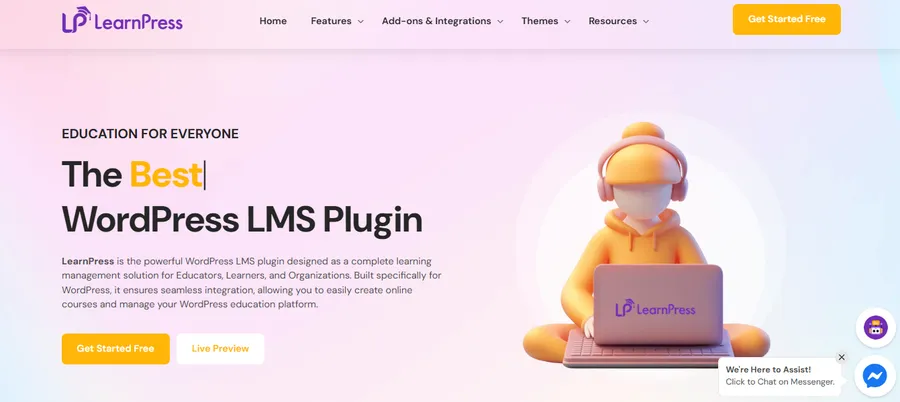
LearnPress is a best WordPress LMS plugin that can turn an existing website into a structured online learning environment.
Its main advantage is its modular approach. The core plugin provides important tools for creating and managing courses, while additional features can be added when the learning website requires them.
Courses can contain lessons and quizzes, and site owners can offer both free and paid learning. Content can also be organized and reused across different courses.
Key capabilities include:
- Free core LMS functionality
- Course, lesson, and quiz management
- Free and paid courses
- Reusable learning content
- Optional extensions
- Payment options
- Community integrations
- WordPress multisite compatibility
LearnPress can be especially suitable for LMS training when the organization already uses WordPress or wants the learning website to remain under its own control.
This structure gives site owners flexibility over design, content, integrations, and the wider website experience instead of moving learners to a separate third-party learning site.
That control also brings responsibility. Hosting, WordPress updates, security, backups, and site performance must be managed properly.
Best for: Educators, course creators, training businesses, and organizations that want a customizable WordPress-based LMS.
2. LearnDash – Best for Structured Learning Programs
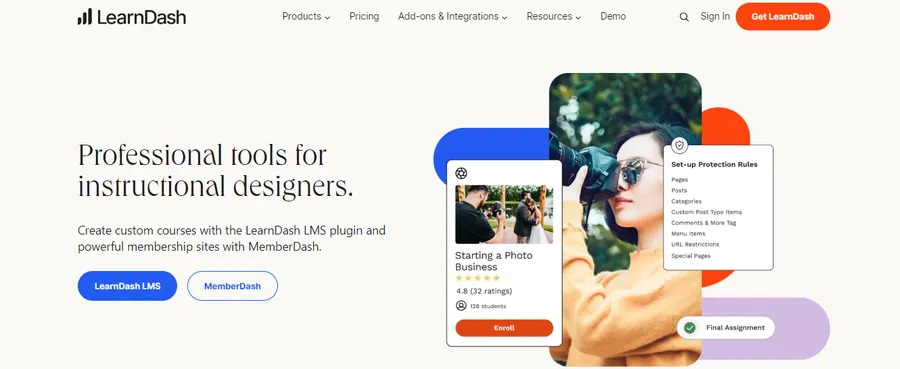
LearnDash is another WordPress-based LMS, but it is particularly focused on structured learning experiences.
It includes tools for organizing courses, creating quizzes, setting prerequisites, and controlling when learning material becomes available. This makes it suitable for programs where learners need to follow a defined path rather than simply access a library of lessons.
Useful functions include:
- Drag-and-drop course building
- Advanced quizzes
- Lesson prerequisites
- Content dripping
- Learning paths
- Flexible monetization
For professional LMS training, these tools can be useful when completion order and assessments are important.
A certification program, for example, may require learners to finish one module before accessing the next. Content dripping can also help training providers release lessons over a planned period.
LearnDash offers strong functionality, although organizations should consider the time and resources needed to configure a more advanced WordPress learning setup.
Best for: Certification programs, professional education, and WordPress websites requiring structured course progression.
3. TalentLMS – Best for Fast Team Training
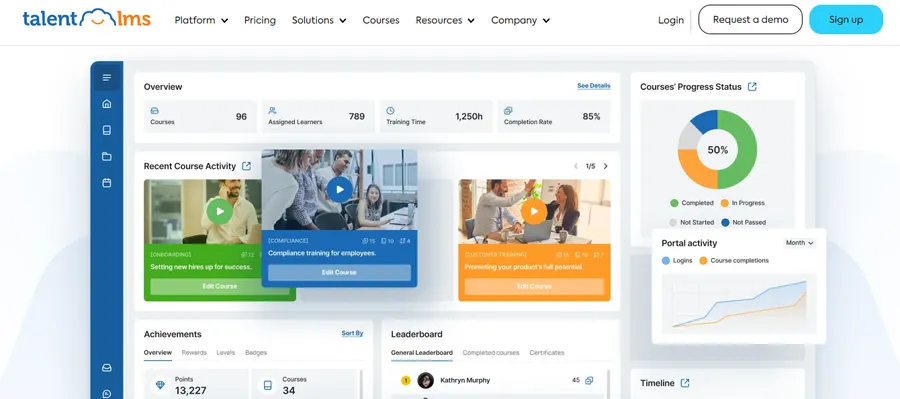
TalentLMS focuses on making online employee training relatively simple to launch and manage.
It can be useful for small and mid-sized organizations that want to move away from manual training without building a complex learning technology system.
The platform includes tools for course creation, learner management, mobile learning, automation, and common eLearning content formats.
Its main strengths include:
- Straightforward setup
- Course-building tools
- Mobile learning
- Training automation
- Learner tracking
- Support for common learning standards
For organizations starting their first structured LMS training program, ease of administration can be more valuable than having every possible enterprise feature.
A small HR or learning team may benefit from a system that allows courses to be launched quickly without requiring extensive technical resources.
TalentLMS is better suited to relatively straightforward training needs than highly complex enterprise structures.
Best for: Small and mid-sized companies, onboarding, and general employee development.
4. Moodle – Best for Open-Source Flexibility
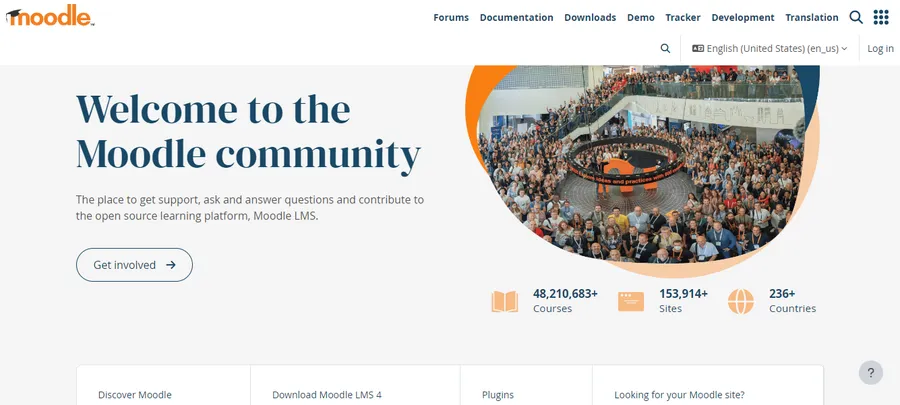
Moodle is a widely used open-source learning platform that gives organizations significant control over how their learning environment is configured.
Unlike a closed SaaS platform, Moodle can be adapted through its large plugin ecosystem and custom technical work.
This makes it useful for organizations with requirements that are difficult to support through standard ready-made software.
Its key advantages include:
- Open-source structure
- Large plugin ecosystem
- High customization potential
- Detailed course management
- Support for established learning standards
- Flexible hosting options
For technically capable organizations, Moodle can provide a strong foundation for LMS training across many different use cases.
However, flexibility can also increase complexity. Hosting, security, updates, deployment, and custom development may require experienced technical staff or an external service provider.
Best for: Educational institutions, technical organizations, and teams that need extensive control over their LMS.
5. Tutor LMS – Best for a User-Friendly WordPress Experience
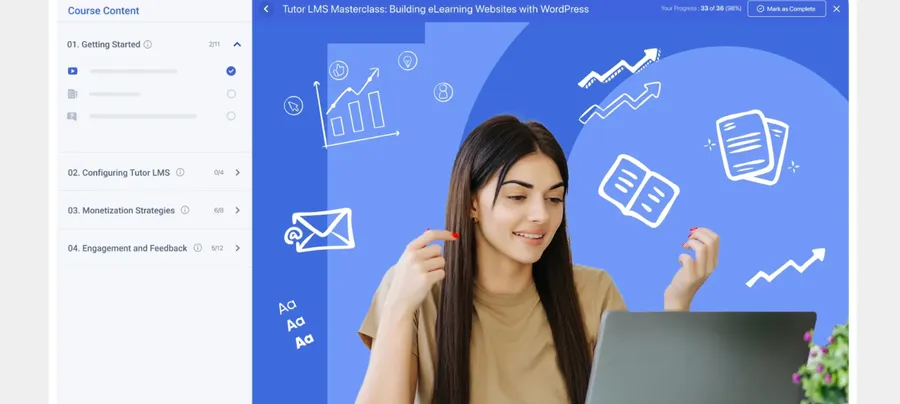
Tutor LMS is a WordPress learning plugin designed around a modern course creation and learner experience.
It includes front-end tools for instructors and students, making it particularly relevant to online course businesses and websites that involve several teachers.
Its capabilities include:
- Course-building tools
- Instructor dashboards
- Student dashboards
- Quizzes
- Assignments
- Reports
- Monetization integrations
Among WordPress course management systems, Tutor LMS offers a relatively all-in-one experience.
This approach differs slightly from the modular structure of LearnPress. LearnPress can suit site owners who want to add functions gradually, while Tutor LMS may appeal to users who prefer more tools available within a ready-made interface.
Both approaches can work; the better choice depends on how the website will be managed.
Best for: Individual course creators, online academies, and multi-instructor WordPress websites.
6. 360Learning – Best for Collaborative Learning
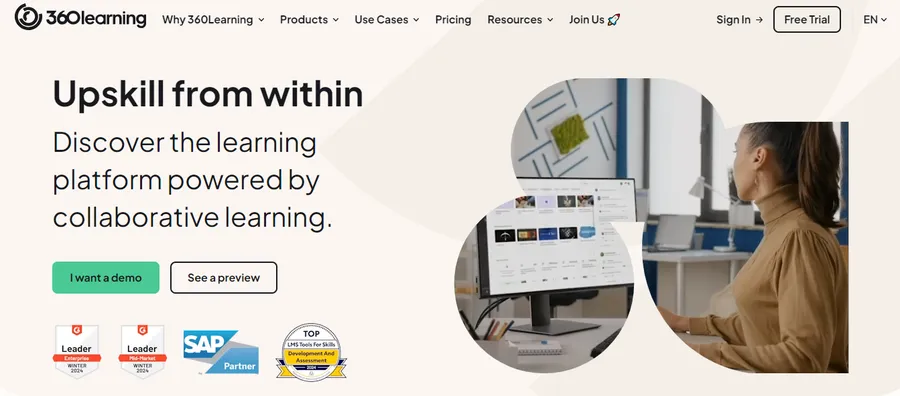
360Learning approaches workplace education from a collaborative angle.
Instead of requiring a central learning team to produce every course, organizations can involve internal specialists in creating and sharing training knowledge.
This can be useful because important company knowledge often exists inside individual teams. Experienced employees may understand processes, tools, customer problems, or technical tasks better than a separate training department.
A collaborative platform can help turn that knowledge into structured learning material.
Key strengths include:
- Collaborative course creation
- Internal knowledge sharing
- Employee learning
- Progress management
- Workplace integrations
This approach can make LMS training more closely connected to real daily work.
However, organizations running strict regulatory or certification programs should still check whether collaborative features are enough for their required control and reporting processes.
Best for: Businesses that want employees and internal experts to contribute directly to training content.
7. Docebo – Best for Learning at Scale
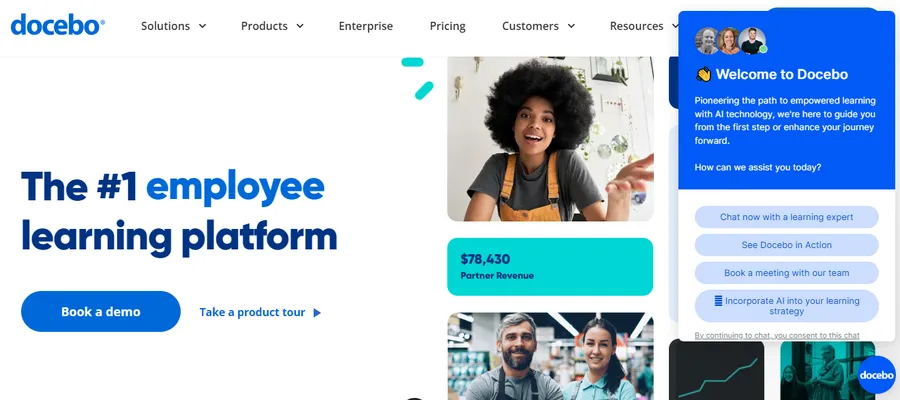
Docebo is built for organizations that need to manage learning across larger or more varied audiences.
It supports internal and external training and includes tools for automation and personalized content delivery.
These capabilities become useful as a learning library grows. When hundreds of resources are available, learners may struggle to find the most relevant material. Personalized recommendations and automation can reduce that problem.
Its strengths include:
- Personalized learning
- Learning automation
- Internal employee training
- External audience training
- Enterprise integrations
- Support for common learning standards
For large organizations, LMS training can involve many departments, regions, job roles, and learner groups. A scalable system can reduce the amount of manual administration required to manage these different audiences.
The trade-off is complexity. Smaller organizations may not need the wider enterprise functionality available in a platform such as Docebo.
Best for: Growing companies and larger organizations managing learning at scale.
8. LearnUpon – Best for Multiple Learner Groups
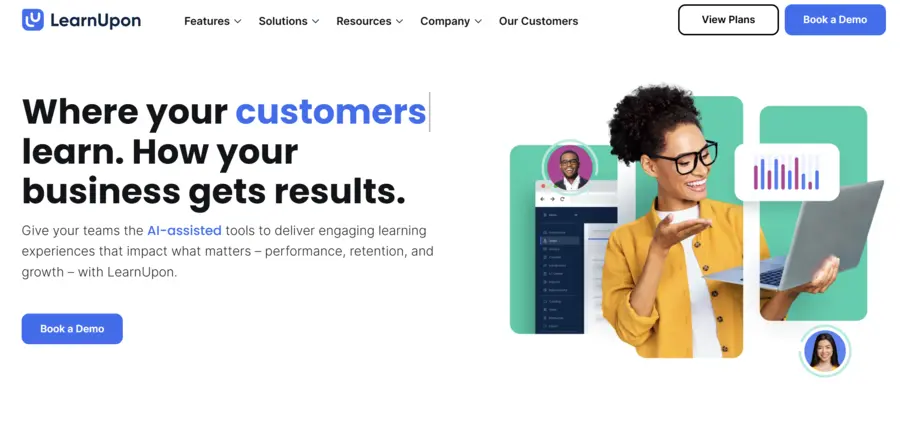
LearnUpon is designed for organizations that need to deliver training to more than one audience.
A company may need to train employees, customers, partners, resellers, or other external users at the same time. Managing each group through a separate system can create unnecessary administrative work.
LearnUpon addresses this by supporting different learning environments under centralized management.
Key advantages include:
- Multi-audience training
- Separate learning portals
- Central administration
- Business integrations
- Webinar integrations
- Support for standard eLearning content
This structure makes the platform useful when LMS training supports both internal operations and external education.
For example, the same company may use one environment to onboard employees and another to teach customers how to use its products.
Best for: Organizations training employees, customers, partners, or several audiences at once.
9. Absorb LMS – Best for Growing Internal Training
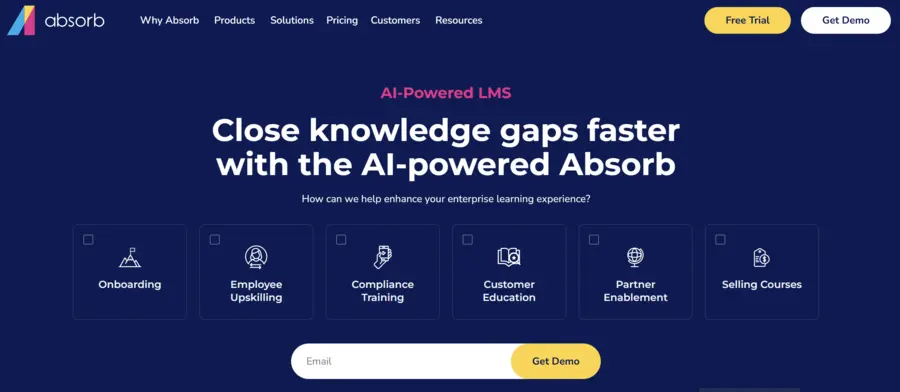
Absorb LMS focuses on providing a scalable learning environment for growing organizations.
Its tools cover areas such as learner dashboards, scheduling, content delivery, reporting, and business integrations.
This makes it suitable for companies that have moved beyond simple onboarding but do not necessarily need the level of technical customization associated with an open-source LMS.
Important strengths include:
- Scalable learner management
- Custom learner dashboards
- Scheduling tools
- Reporting
- Integrations
- Support for common eLearning standards
For ongoing LMS training, a clear administrator experience can become increasingly important as the number of learners and courses grows.
The platform is therefore most relevant to businesses that already have regular learning activity and expect that activity to increase.
Best for: Mid-sized and growing businesses running structured employee development programs.
10. Canvas LMS – Best for Structured Education
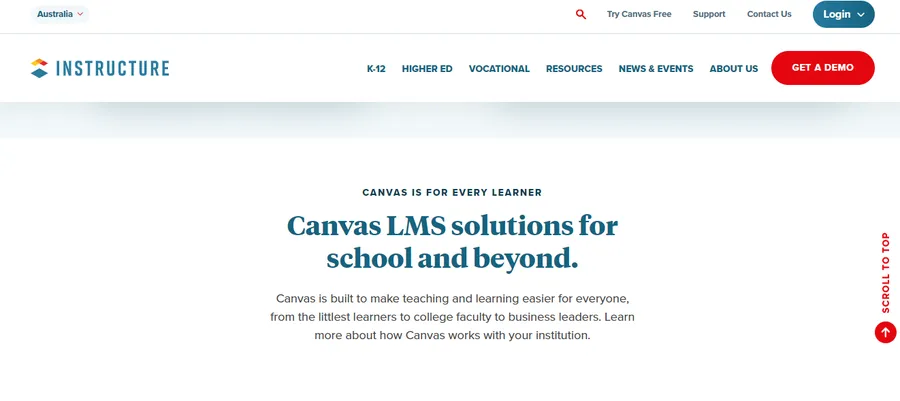
Canvas LMS is strongly associated with education and focuses on structured course delivery.
Its interface is designed around courses, learning materials, assessments, and communication between educators and learners.
Main strengths include:
- Clear course organization
- Learner-friendly interface
- Assessment tools
- Content delivery
- Video and education integrations
- Support for learning standards
Canvas can support formal LMS training where course structure and learner experience are more important than deep HR or talent management features.
For that reason, it may suit schools, educational organizations, and professional training providers better than businesses seeking a complete corporate learning and HR ecosystem.
Best for: Schools, universities, educational organizations, and structured training providers.
Choosing the Right LMS for Your Training Needs
Comparing top learning management software becomes easier once requirements are defined before looking at individual products.
Start with the audience. Employees, students, customers, partners, and paid course buyers may all require different learning experiences. A system built mainly for internal corporate training may not be the best choice for a public course marketplace.
Next, define the main objective. The platform might be needed for onboarding, compliance, product education, employee development, certification, or selling courses. Trying to support too many unrelated goals from the beginning can make the selection process unnecessarily complicated.
Create a short list of essential features rather than choosing based on every feature a vendor offers. Course creation, quizzes, reporting, certificates, integrations, mobile access, or payments may be essential for one program but irrelevant for another.
LMS for Software Training and Custom Development
An LMS for software training may need a slightly different structure because software products change frequently.
New features are released, interfaces change, workflows are updated, and old instructions can become incorrect. Training content therefore needs to be easy to edit and replace.
Useful capabilities can include:
- Fast lesson updates
- Video hosting
- Product-based course categories
- Short technical assessments
- Beginner and advanced learning paths
- Progress tracking
- Searchable learning materials
Customer software education and employee software training should also be treated differently. Customers usually need practical instructions for completing a specific task. Internal teams may require deeper product knowledge, troubleshooting skills, processes, or certification.
Organizations may also consider LMS software development when ready-made systems do not fit their needs.
Building a custom LMS provides significant control, but it also requires product planning, development, testing, UX design, hosting, security, updates, and long-term technical support.
Custom development therefore makes most sense when there is a clear requirement that existing software cannot reasonably support.
In many situations, extending an existing platform is more practical. A WordPress business can customize LearnPress, while an organization with strong technical resources can adapt Moodle.
The important question is not whether a custom system would be better in theory. It is whether the additional development work solves a specific business problem that existing platforms cannot solve.
Cloud LMS vs. Self-Hosted LMS
Another important decision is where the learning system will be hosted.
A cloud LMS is hosted and maintained by the provider. This usually reduces server management and can make deployment faster. Updates and infrastructure are largely handled by the software company.
Cloud platforms can therefore be suitable for organizations that want to focus mainly on training rather than technical maintenance.
A self-hosted LMS gives the organization greater control over its technical environment, website, data, integrations, and customization.
LearnPress and Moodle are examples of systems that can support this type of approach.
The advantage is control. The disadvantage is responsibility. The organization needs suitable hosting and must manage areas such as updates, security, performance, and maintenance.
Neither approach is automatically better for LMS training.
Organizations with limited technical resources may prefer cloud software. Those already operating a strong WordPress or technical environment may gain more value from a self-hosted solution.
FAQs About LMS Training
What is LMS training?
LMS training is training created, delivered, managed, and tracked through a Learning Management System. The platform may handle courses, learners, quizzes, progress, certificates, reporting, and other parts of the learning process.
Which LMS is best for WordPress?
LearnPress is a strong option for WordPress users who want a modular and customizable learning website. LearnDash is suitable for more structured learning programs, while Tutor LMS offers another user-friendly approach for course and instructor websites.
What features should an LMS include?
Important features normally include course creation, learner management, progress tracking, assessments, reporting, mobile access, and suitable integrations. The correct feature set depends on the goals and audience of the training program.
Is a cloud LMS better than a self-hosted LMS?
Neither model is always better. Cloud software requires less infrastructure management, while self-hosted platforms provide more direct control over customization and the technical environment.
Is custom LMS development necessary?
Not in most cases. Existing platforms can support many common learning needs. Custom development becomes more reasonable when an organization has specialized technical or training requirements that available platforms cannot support efficiently.
Final Thoughts
Choosing an LMS training platform should begin with the learning problem rather than the software.
LearnPress is a strong choice for organizations, educators, and course businesses that want a flexible WordPress-based learning environment with greater ownership and customization. LearnDash and Tutor LMS offer alternative WordPress approaches, while TalentLMS provides a simpler option for employee training.
Moodle is suitable when open-source control is important. 360Learning supports collaborative knowledge sharing, while Docebo, LearnUpon, and Absorb LMS address different types of growing organizational training. Canvas LMS remains a practical choice for structured educational environments.
No platform is the best fit for every situation.
Define the audience, training goal, essential features, technical resources, and expected scale first. Once those points are clear, comparing LMS platforms becomes much easier—and the final choice is more likely to support both current training needs and future growth.
Read more: 9 Best Certificate Template Apps for Professional Use
Contact US | ThimPress:
Website: https://thimpress.com/
Fanpage: https://www.facebook.com/ThimPress
YouTube: https://www.youtube.com/c/ThimPressDesign
Twitter (X): https://x.com/thimpress_com