Grading stacks up. Lesson plans need rewriting every term. Parents want updates you have not had time to write.
Finding AI for educators free of charge is no longer a nice-to-have, it is how a lot of teachers get their evenings back.
This guide walks through the AI tools worth trying this year, what their free plans actually include, and how to bring them into a WordPress-powered course site without adding more work to your plate.
Eduma – Education WordPress Theme
We provide an amazing WordPress theme with fast and responsive designs. Let’s find out!
Why free AI tools matter for classrooms right now
Most teachers do not have a district budget for software, and most students do not have a spare $20 a month for a subscription. That is why the free tier matters more in education than almost anywhere else. A genuinely useful free plan means a first-year teacher can draft a unit plan on a Sunday night without asking a department head for a purchase order, and a first-generation college student can get research help without adding another line to a tuition bill.
The market has also matured. A few years ago, “free AI tool” usually meant a stripped-down demo built to push you toward checkout. Today, several platforms built specifically for classrooms, including MagicSchool AI and Diffit, run their core workflow on a permanently free plan with no credit card required. MagicSchool AI offers teachers access to more than 70 tools at no cost, with no card required to sign up. That shift is worth paying attention to before you spend a cent on anything else.
What to check before you adopt a free AI tool
Not every “free” badge means the same thing. Before you build a lesson around a new AI tool, run it through three quick checks.
Data privacy and student safety
Any tool your students touch directly needs a clear answer on FERPA and COPPA compliance, not a vague privacy page. MagicSchool AI is FERPA compliant and carries a 95% privacy rating from Common Sense Privacy, which is the kind of specific, checkable claim to look for. If a vendor cannot tell you where student data is stored or whether it trains models on student input, treat that as a dealbreaker, not a footnote.
Real free tier vs. a trial disguised as free
Some products call a 14-day trial “free.” Others, like Diffit, run a genuinely permanent free plan alongside an optional paid tier. Diffit offers an always-free plan in addition to its paid tiers. Read the pricing page for the words “forever,” “no credit card,” or “no expiration” before you plan a semester around a tool.
Classroom fit and grade level
A tool built for K-12 differentiation will not necessarily help a college writing seminar, and a research assistant built for graduate work is overkill for a third-grade reading group. Match the tool to your actual weekly workflow, not to whatever is trending on social media that week.
Compare the Best Free AI Tools for Educators
Each tool on this list solves a different teaching challenge, from lesson planning and differentiation to research, writing, and student assessment. The table below gives you a quick side-by-side comparison so you can find the best fit for your classroom.
| AI Tool | Best For | Key Free Features | Ideal Users |
|---|---|---|---|
| MagicSchool AI | Lesson planning & teacher workload | 70+ teacher tools, lesson plans, assessments, differentiation, parent communication | K–12 teachers |
| Diffit | Differentiating learning materials | Adapt texts by reading level, create questions, vocabulary support, summaries | Mixed-ability & ESL classrooms |
| Khanmigo | AI tutoring | Socratic questioning, tutoring, support across math, science, reading, and writing | Students & teachers |
| Gemini & NotebookLM | Research & study support | Summaries, study guides, research organization, audio overviews, source-based answers | Teachers & students |
| Microsoft Copilot | Microsoft 365 workflows | Draft rubrics, rewrite emails, create content and slide outlines | Microsoft 365 schools |
| ChatGPT | General-purpose AI assistance | Brainstorming, drafting, rewriting, lesson ideas, rubrics and activities | Teachers comfortable with prompts |
| Otter.ai | Transcription & meeting notes | Transcription, searchable notes, meeting summaries | Teachers, staff & administrators |
| Grammarly | Writing & feedback | Grammar, tone and clarity checks | Teachers & students |
| Quizlet | Flashcards & formative assessment | Flashcards, practice tests and AI-powered study activities | Students & teachers |
8+ best AI for educators free tools in 2026
Here is where the tools worth trying actually live, starting with platforms built for teachers and moving into general-purpose assistants that work just as well in a classroom.
1. MagicSchool AI
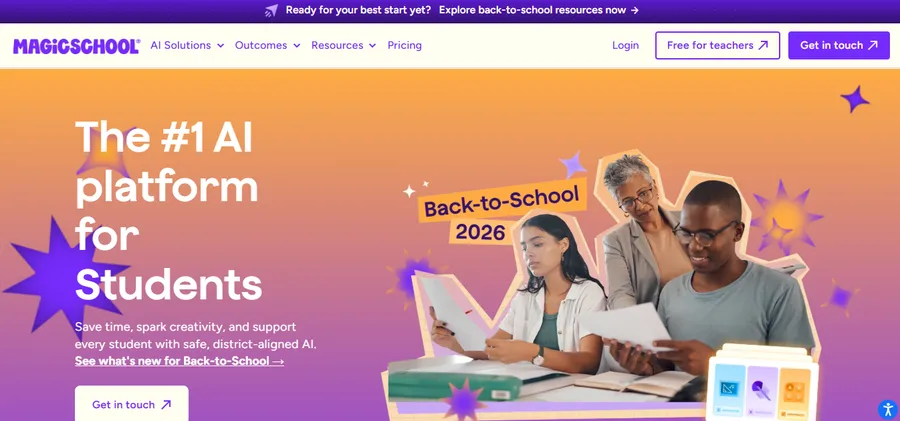
MagicSchool is the closest thing to a Swiss Army knife for teacher workload. The platform gives teachers 80+ tools for lesson planning, assessments, differentiation, and parent communication, plus teacher-supervised AI tools students can use inside the classroom. Type in a topic, grade level, and standard, and the lesson plan generator produces a full first draft, including objectives and differentiation strategies, in under a minute. Best for teachers who want one dashboard instead of five separate apps.
2. Diffit
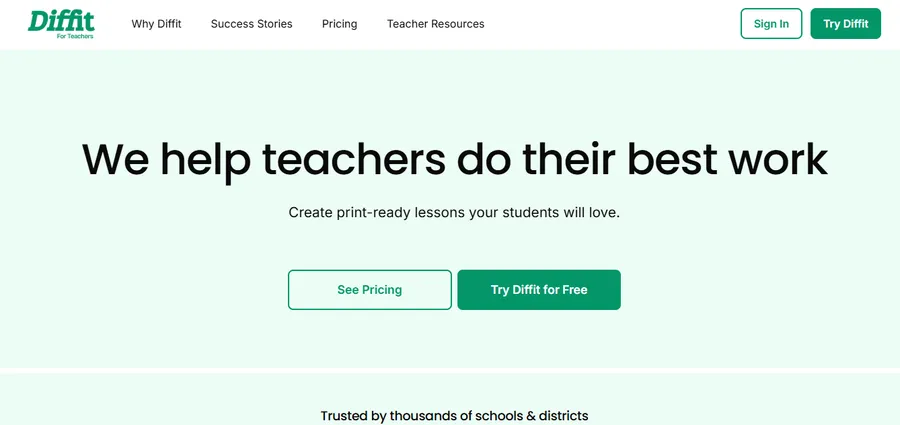
If differentiation is your biggest weekly headache, Diffit solves exactly that problem and does it well. Diffit adapts any topic, text, or reading level into differentiated passages, comprehension questions, vocabulary support, and summaries so every student can access the same content at their own level. Paste in an article or a topic and it returns leveled versions from roughly second grade through high school, each with its own comprehension check. Best for mixed-ability classrooms, ESL learners, and IEP accommodations.
3. Khanmigo
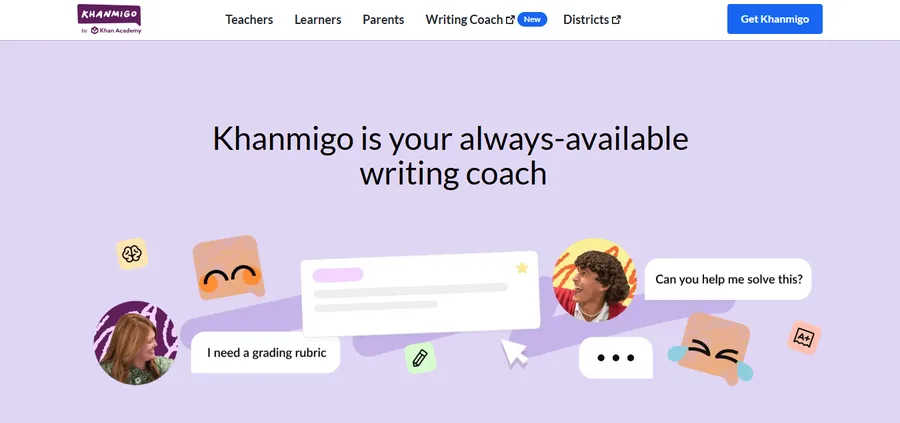
Khan Academy’s AI tutor pairs a free teacher account with a low-cost family plan, and that split matters for budgeting. Khanmigo is Khan Academy’s AI tutor built on GPT-4 and integrated with Khan Academy’s full K-12 content library across math, science, reading, writing, and test preparation, and it guides students through problems using Socratic questioning rather than handing them the answer. Teacher access remains free through Khan Academy’s accreditation flow, which is worth confirming in your country since availability varies. Best for math and reading support where you want the AI to ask questions, not just supply solutions.
4. Google Gemini and NotebookLM for Education
Gemini now sits inside the Google apps most schools already use, from Docs to Classroom, and NotebookLM has quietly become one of the strongest free research assistants available. Any Google account can use NotebookLM for free, and it helps organize research by pulling from PDFs, websites, and videos to generate summaries, study guides, and podcast-style audio discussions with citations linking back to the original sources. Upload a unit’s readings and ask it to build a study guide or a set of practice questions in your students’ voice. Best for research-heavy units and exam prep.
5. Microsoft Copilot
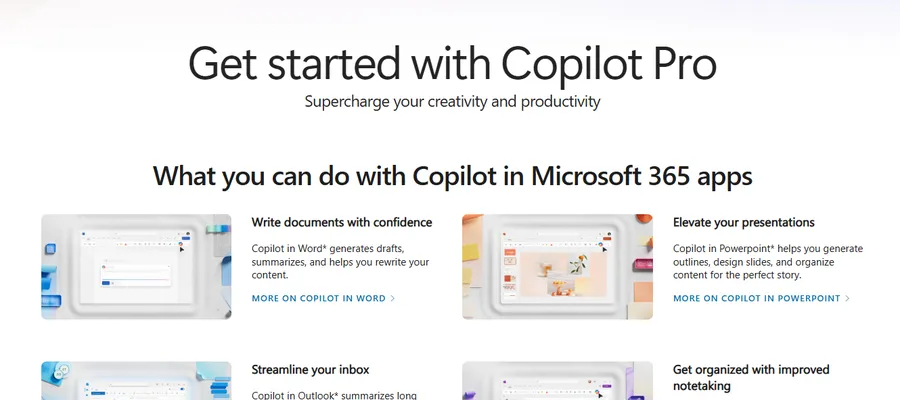
For schools already running Microsoft 365, Copilot is built directly into Word, PowerPoint, and Outlook, which removes the friction of switching tabs to a separate AI site. The free web version handles drafting rubrics, rewriting parent emails in a friendlier tone, and turning a rough outline into a formatted slide deck. Best for teachers whose district already runs on the Microsoft ecosystem.
6. ChatGPT (free tier)
ChatGPT remains the most flexible option on this list because it is not locked into education-specific templates. That flexibility is also its weak point. As one comparison of MagicSchool and ChatGPT put it, MagicSchool suits teachers who want ready-made education tools without learning prompt writing, while ChatGPT is better for teachers who want full flexibility and open-ended conversation. Best for teachers comfortable writing their own prompts who want a general-purpose assistant for anything from rubric wording to icebreaker ideas.
7. Otter.ai
Otter transcribes meetings, lectures, and parent conferences in real time, then generates a searchable summary afterward. The free plan covers a set number of transcription minutes a month, enough for a teacher who records a handful of parent meetings or PD sessions rather than every class period. Best for IEP meetings, staff meetings, and any conversation you need documented without typing notes by hand.
8. Grammarly (free plan)
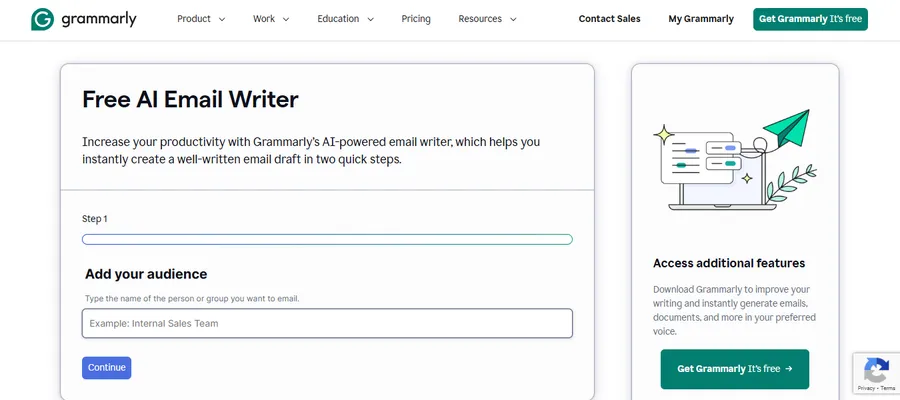
Grammarly’s free tier checks grammar, tone, and clarity across Google Docs, Word, and most browser-based writing tools, which makes it useful for both lesson materials and the feedback you leave on student essays. It will not rewrite a paper for you, but it will catch the kind of small errors that eat up grading time. Best for teachers who write a lot of parent communication and want it to read cleanly on the first pass.
9. Quizlet (Q-Chat and AI study tools)
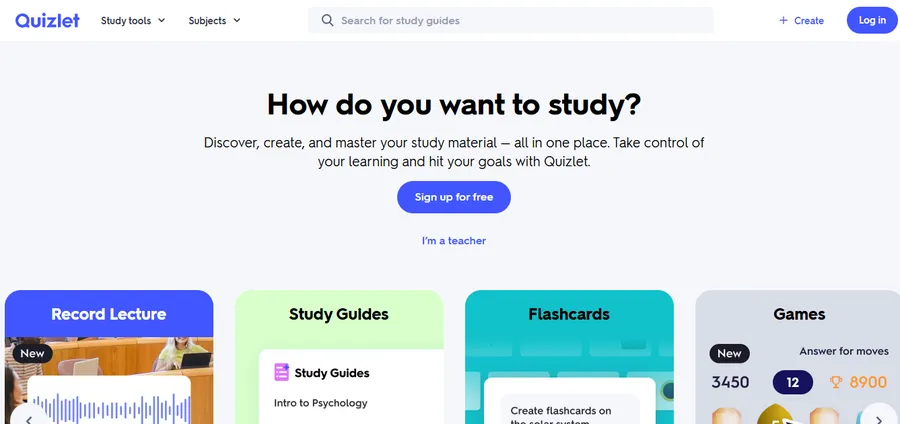
Quizlet’s free plan lets you build flashcard sets and practice tests from any topic or uploaded notes, and its AI study features turn a static flashcard deck into an interactive quiz session. Best for vocabulary-heavy subjects and quick formative assessment at the start or end of class.
Best AI for learning: free AI tools for students and college students
Teachers are not the only ones who benefit. When students ask what the best AI for learning actually is, the honest answer depends on whether they need a research partner, a tutor, or a writing coach, and the free tiers above cover all three.
Free AI tools for students doing research and studying
For students juggling readings across several classes, NotebookLM is worth learning early. Students can upload class material to ask specific questions about content, build customized study guides, and generate audio overviews for review on the go. Combined with Khanmigo’s Socratic tutoring for math and science, these two cover most of what a student needs before exam week without spending anything.
AI tools for college students on a tight budget
College brings heavier reading loads and longer papers, which is where free AI tools for college students earn their keep. Grammarly catches structural and tone issues in a draft before a professor ever sees it. Otter.ai turns a recorded lecture into searchable notes, which matters most in survey courses with dense material. NotebookLM’s citation-linked summaries are especially useful for research papers, since every AI-generated claim links back to the source document instead of asking students to trust it blindly.
Best free AI tools for college students who need both research and writing help
If a student only picks two tools all semester, pair a research assistant with a writing checker. NotebookLM or ChatGPT’s free tier for organizing sources and outlining arguments, plus Grammarly for the final read-through, covers the two stages where students lose the most time: figuring out what to say, and cleaning up how they said it.
Bringing AI tools into your course site with Eduma
Free AI tools solve the planning and grading side of teaching. The other half is where students actually take the course, and that is where a solid WordPress education theme like Eduma comes in. Eduma is built by ThimPress on top of LearnPress, and its course management covers units, lessons, quizzes, and student progress tracking without requiring any custom code.
Here is how the two pieces fit together in practice. Use MagicSchool or Diffit to generate a differentiated lesson and quiz questions, then paste the finished content straight into a LearnPress lesson inside Eduma’s course builder. Use NotebookLM to turn a set of readings into a study guide, then attach it as a downloadable resource on the lesson page. Use Khanmigo-style tutoring links as supplemental practice for students who need extra support outside class time.
Because Eduma ships with prebuilt course, school, and academy demos ready for one-click import, you are not starting the site from a blank page while you are also learning a new AI workflow. If you are setting up an online school, a training center, or a course marketplace, Eduma gives the LMS structure that all of these free AI tools ultimately feed into: real courses, with real students, tracked in one place.
How to choose the right tool for your classroom
Start with the task that costs you the most time every week, not the tool with the flashiest demo video. If lesson planning eats your Sunday nights, start with MagicSchool. If differentiation is the wall you keep hitting, start with Diffit. If your students need research support more than lesson support, point them toward NotebookLM. Stack two or three tools that solve different problems rather than switching between five that all do roughly the same thing, and revisit your choices each semester since free tiers and feature limits change often in this category.
FAQs
Is there really a completely free AI tool for teachers?
Yes. MagicSchool AI offers a permanently free plan with more than 70 tools and no credit card required, and Diffit runs an always-free plan alongside its paid tiers. Both are built specifically for classroom use rather than being trimmed-down versions of a general AI product.
What is the best AI for learning if I am a student on a budget?
For most students, NotebookLM covers research and study guides at no cost, since any Google account can use it for free with usage limits but full access to core features. Pair it with a free writing checker like Grammarly for a setup that costs nothing.
Can students use AI tools without violating academic integrity rules?
It depends entirely on your school’s policy and the specific assignment, so always check with your instructor first. Tools like Khanmigo are built around Socratic questioning rather than direct answers specifically to keep students doing the thinking themselves, which is a useful model to look for in any AI tool you use for coursework.
Do free AI tools for educators actually protect student data?
Reputable ones do, but you have to check. MagicSchool AI is FERPA compliant with a 95% privacy rating from Common Sense Privacy, and Diffit’s free tier does not require students to log in at all, which limits its data exposure by design. Always confirm a tool’s compliance certifications before rolling it out to a class of minors.
Conclusion
You do not need a district budget to bring AI into your classroom this year. Between MagicSchool for lesson planning, Diffit for differentiation, Khanmigo and NotebookLM for tutoring and research, and general tools like Grammarly and Otter.ai for the writing and documentation work around the edges, most of the weekly grind has a free option attached to it now. Pick one or two, build the habit for a few weeks, and once your course content is solid, a theme like Eduma gives you the LMS structure to actually deliver it to students at scale.
Read more: How to Edit WordPress Themes Without Breaking Your Site
Contact US | ThimPress:
Website: https://thimpress.com/
Fanpage: https://www.facebook.com/ThimPress
YouTube: https://www.youtube.com/c/ThimPressDesign
Twitter (X): https://x.com/thimpress_com