You open a new project, stare at a blank JavaScript file, and realize you need to handle DOM manipulation, HTTP requests, and UI animations – all from scratch. That is exactly the problem JavaScript libraries were built to solve. A library gives you pre-written, reusable code so you spend your time building features instead of reinventing the wheel.
This guide explains what a JavaScript library is, how it compares to a framework, and which popular JavaScript libraries are worth learning in 2026.
Eduma – Education WordPress Theme
We provide an amazing WordPress theme with fast and responsive designs. Let’s find out!
What is a JavaScript library?
A JavaScript library is a collection of pre-written JavaScript code that you can call inside your own project to perform common tasks without writing those tasks from scratch. The library handles the underlying logic and exposes a clean API – a set of functions or methods – that you call when you need them.
The key characteristic of a library is that you are in control. Your code calls the library. The library does its job and returns control back to you. You decide when to use it and when not to. This is the defining difference between a library and a framework, which is covered in detail below.
What problems does a JavaScript library solve?
Without libraries, every developer writing a web application would need to write their own functions for things like:
- Selecting and modifying HTML elements
- Making asynchronous HTTP requests to an API
- Animating page elements
- Validating form data
- Parsing and manipulating dates
These are solved problems. A JS library bundles the community’s best solution into a single importable file so you get reliable, tested code in seconds instead of hours.
Consider date manipulation. JavaScript’s native Date object is notoriously inconsistent across browsers and time zones. Rather than writing 200 lines of timezone-handling code, a developer can import Day.js, a 2KB JavaScript library, and call dayjs().format('MMMM D, YYYY') in one line. The library handles the edge cases. The developer handles the product.
The anatomy of a JavaScript library
Most JavaScript libraries share the same structural pattern:
- A core module that contains the primary functionality. In jQuery, this is the
$()selector engine. In Axios, it is the HTTP client. In Lodash, it is the collection of utility functions. - An API surface that exposes what you can call. Good libraries have small, predictable APIs so there is no guesswork about what a function does or what it returns.
- Optional plugins or extensions that let you extend the library’s functionality without loading code you do not need. Moment.js, for example, has locale plugins for over 100 languages that load independently of the core.
- A build artifact typically a minified
.min.jsfile optimized for production. Most libraries are available via a CDN like jsDelivr or unpkg, or as an npm package you install locally.
JavaScript libraries vs. JavaScript frameworks
This is the question that trips up every developer early in their learning. The answer is more practical than technical.
The distinction comes down to inversion of control. A library is code you call. A framework is code that calls you.
When you use jQuery, you write a function and you call $.ajax() inside it when you need to fetch data. Your code is running the show.
When you use a framework like Angular, the framework owns the application lifecycle. It decides when to initialize your components, when to detect changes, and when to render. You write code that fits inside the framework’s structure. The framework calls your code at the right moment.
This is often described as the “Hollywood Principle” – don’t call us, we’ll call you.
Why this distinction matters practically
The library vs. framework distinction has real consequences for your project:
- Flexibility: Libraries are composable. You can use React for your UI, Axios for HTTP requests, and Day.js for dates in the same project without conflict. Frameworks often prefer their own ecosystem of tools and can be opinionated about how you structure your entire application.
- Learning curve: Libraries typically have a smaller API surface and a shallower learning curve. You learn what you need, call it, and move on. Frameworks require learning the full architecture before you can ship something functional.
- Replaceability: Because you control when and how you call a library, swapping one out for another is usually limited to the files where it is used. Replacing a framework is often a full rewrite.
- Overhead: Libraries add exactly the functionality they document. Frameworks include routing, state management, build tooling, and component systems even if you only need one of those things.
Neither approach is better in absolute terms. The right choice depends on project size, team experience, and how much architectural opinion you want from your tooling.
How a JS library works in practice
The mechanics of using a JS library are straightforward. You import it, call its functions, and handle what it returns.
Here is what that looks like with three different libraries solving three different problems:
DOM manipulation with jQuery:
// Select all buttons with class .cta and add a click event
$('.cta').on('click', function () {
  $(this).addClass('clicked');
});
Before jQuery, doing this cross-browser required 15 to 20 lines of native JavaScript with getElementById, addEventListener, and classList calls that behaved differently in Internet Explorer. jQuery collapsed all of that into two lines.
HTTP requests with Axios:
// Fetch product data from a REST API
axios.get('/api/products?category=shoes')
  .then(response => {
    console.log(response.data);
  })
  .catch(error => {
    console.error('Request failed:', error.message);
  });
Axios wraps the browser’s native fetch API with automatic JSON parsing, request cancellation, and a consistent error handling pattern. The native fetch API works fine, but Axios saves meaningful setup time on any project that makes more than a handful of requests.
Utility functions with Lodash:
// Group an array of order objects by their status
const grouped = _.groupBy(orders, 'status');
// Returns: { 'pending': [...], 'shipped': [...], 'delivered': [...] }
Writing a reliable groupBy function from scratch involves handling edge cases around null values, duplicate keys, and non-array inputs. Lodash handles all of it in one call.
Popular JavaScript libraries in 2026
The JavaScript library ecosystem is large. These are the libraries you are most likely to encounter in production codebases and job postings in 2026.
Here is how they compare at a glance:
| Library | Primary use case | Bundle size (min+gzip) | npm weekly downloads |
|---|---|---|---|
| React | UI components and rendering | ~45KB | 25M+ |
| jQuery | DOM manipulation | ~30KB | 10M+ |
| Lodash | Utility functions | ~25KB (core) | 50M+ |
| Axios | HTTP requests | ~14KB | 55M+ |
| D3.js | Data visualization | ~75KB | 3M+ |
| Chart.js | Charts and graphs | ~60KB | 4M+ |
| Day.js | Date formatting and parsing | ~2KB | 15M+ |
| GSAP | Animation | ~50KB | 4M+ |
React
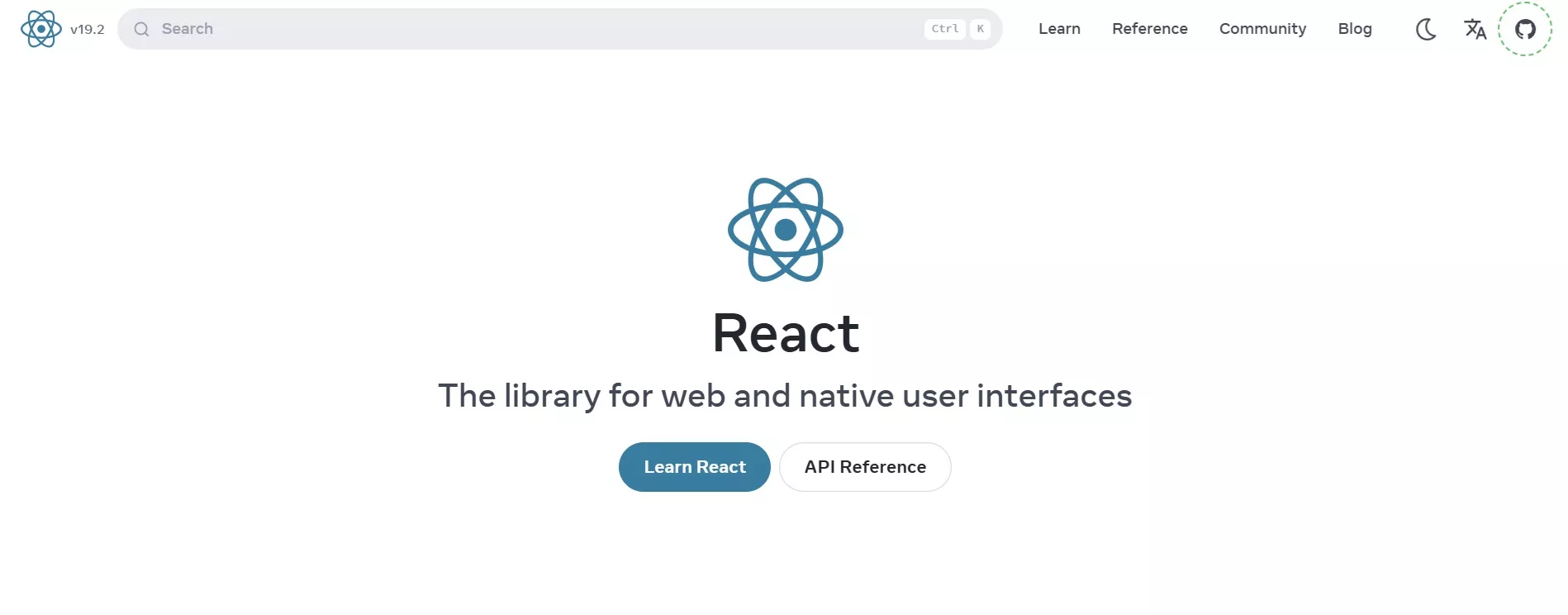
React is the most widely used JavaScript library for building user interfaces. Developed by Meta and released in 2013, React introduced the concept of a component-based UI and a virtual DOM that efficiently updates only the parts of the page that actually changed.
React is technically a library, not a framework. It handles the view layer of an application and leaves routing, state management, and server communication to other tools you choose which ones. This is why you see React paired with React Router, Redux or Zustand for state, and Axios or React Query for data fetching.
After working with React on a dozen client projects, the biggest productivity gain is not the virtual DOM it is the component model. Being able to write a <ProductCard /> component once and drop it into any page without copy-pasting markup or re-binding events is the feature that actually saves hours per week.
React 19, released in late 2024, added React Server Components as a stable feature, which allows components to render on the server and send only the HTML to the client reducing JavaScript bundle sizes significantly for content-heavy applications.
Best for: Single-page applications, component-driven UIs, teams that want flexibility in tooling choices.
jQuery
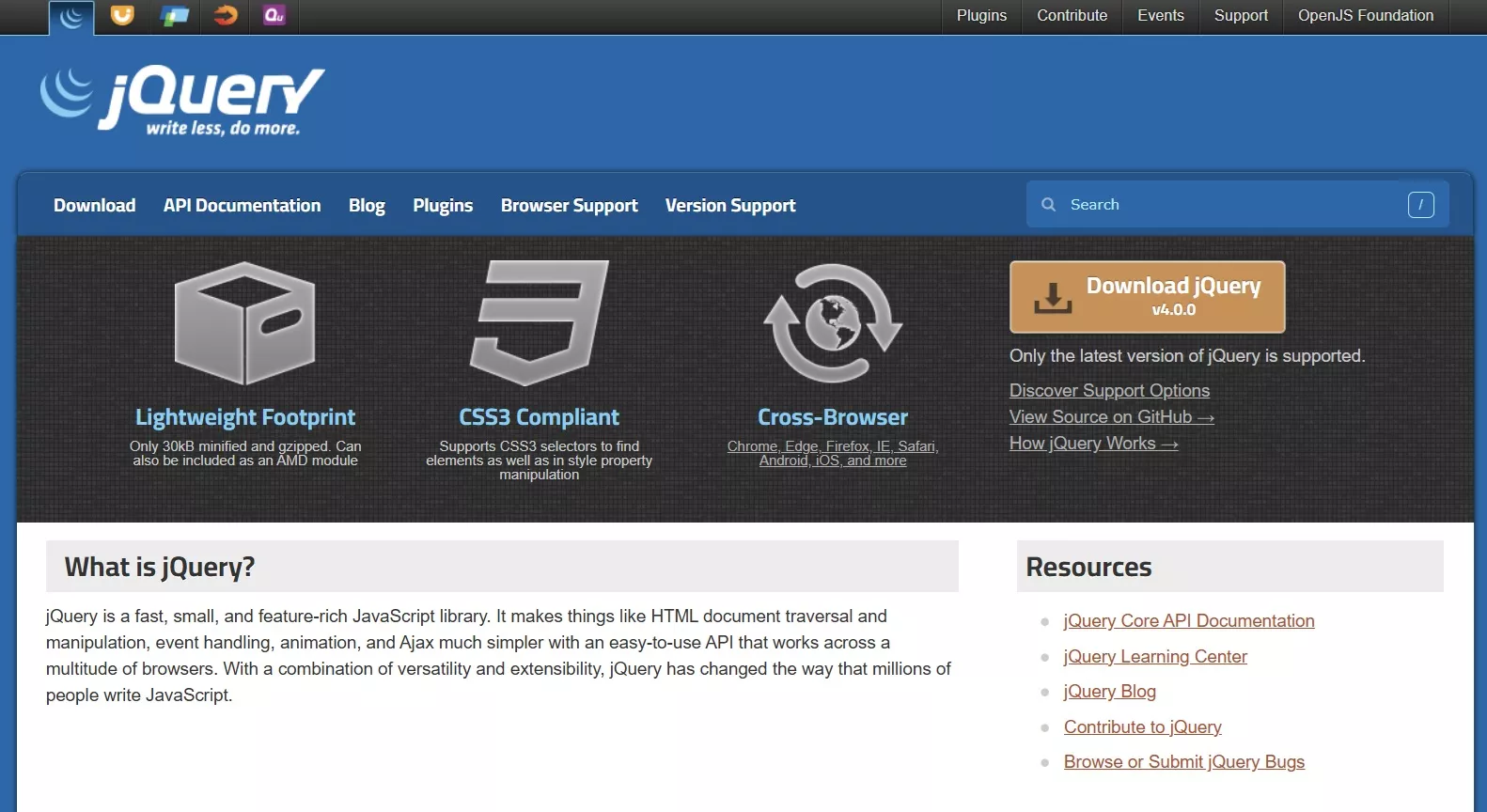
jQuery was the dominant JavaScript library from 2006 through the mid-2010s and still runs on a significant share of the web as of 2026. According to W3Techs, jQuery is used by approximately 77% of websites that use a known JavaScript library.
jQuery solved the cross-browser compatibility problem that made raw JavaScript painful before modern browsers standardized their APIs. Today, most of what jQuery did is available natively in browsers via querySelector, fetch, and classList. However, jQuery remains relevant because it ships inside WordPress core, and any WordPress site running plugins that depend on it will continue using it.
If you are building a custom WordPress theme or plugin that needs to interact with the DOM, jQuery is available by default. You do not need to install it; you just enqueue it: wp_enqueue_script('jquery').
Best for: WordPress plugins and themes, legacy codebases, quick DOM manipulation tasks without a build step.
Lodash
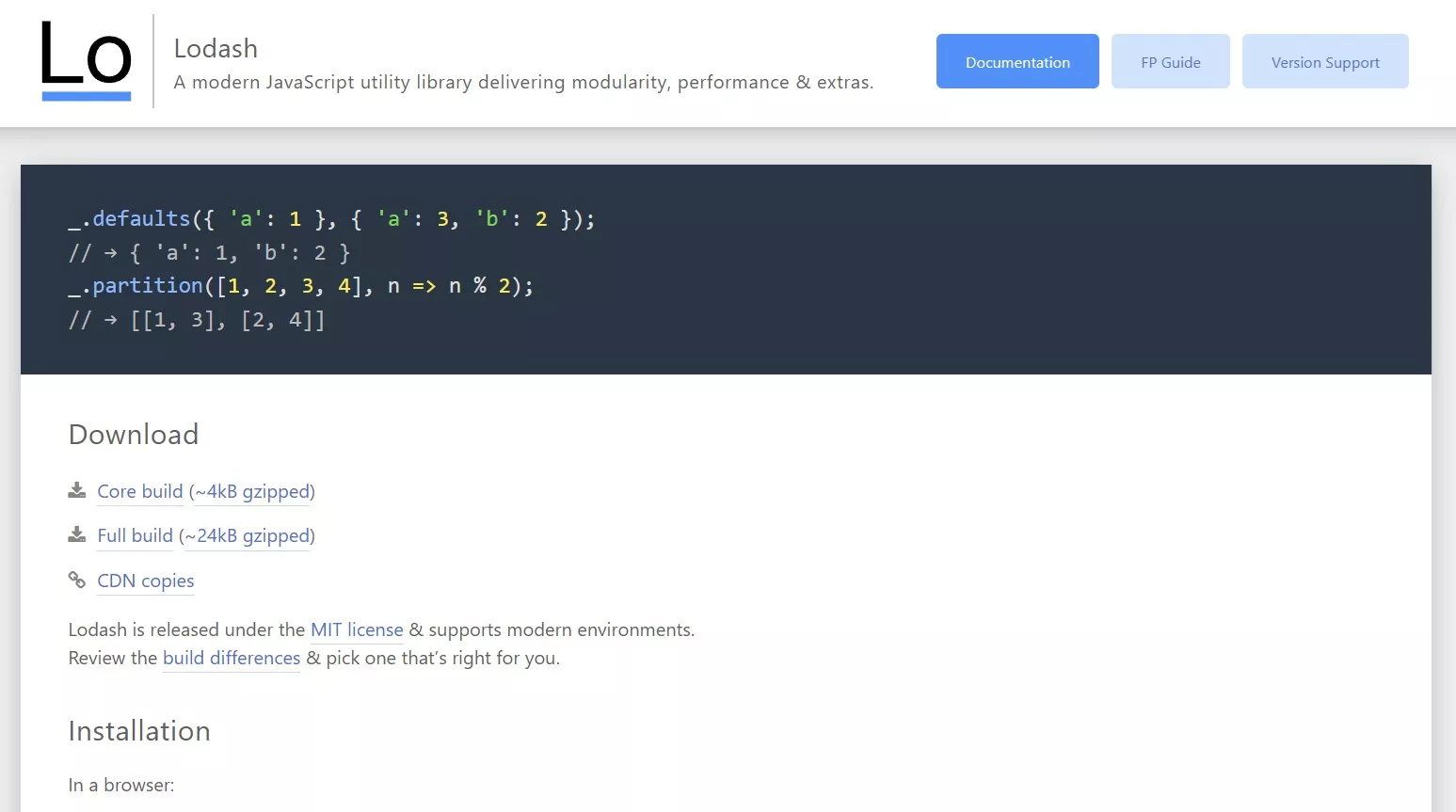
Lodash is a utility library that provides hundreds of functions for working with arrays, objects, strings, and numbers. It is one of the most downloaded packages on npm, largely because it is a dependency of hundreds of other packages.
Functions like _.debounce(), _.cloneDeep(), _.pick(), and _.merge() appear constantly in real-world JavaScript code because the native equivalents either do not exist or behave unexpectedly with nested data structures.
Best for: Any project that manipulates data heavily dashboards, CRMs, admin tools, and data pipelines.
Axios

Axios is an HTTP client library that makes it easier to send requests from a browser or a Node.js environment. It supports promises and async/await, automatically transforms JSON, allows request and response interceptors, and handles request cancellation.
On a Shopify storefront using the Storefront API, Axios is a common choice because you can set a base URL and authorization header once and reuse them across all requests without repeating configuration code.
Best for: Applications that communicate with REST APIs or GraphQL endpoints.
D3.js
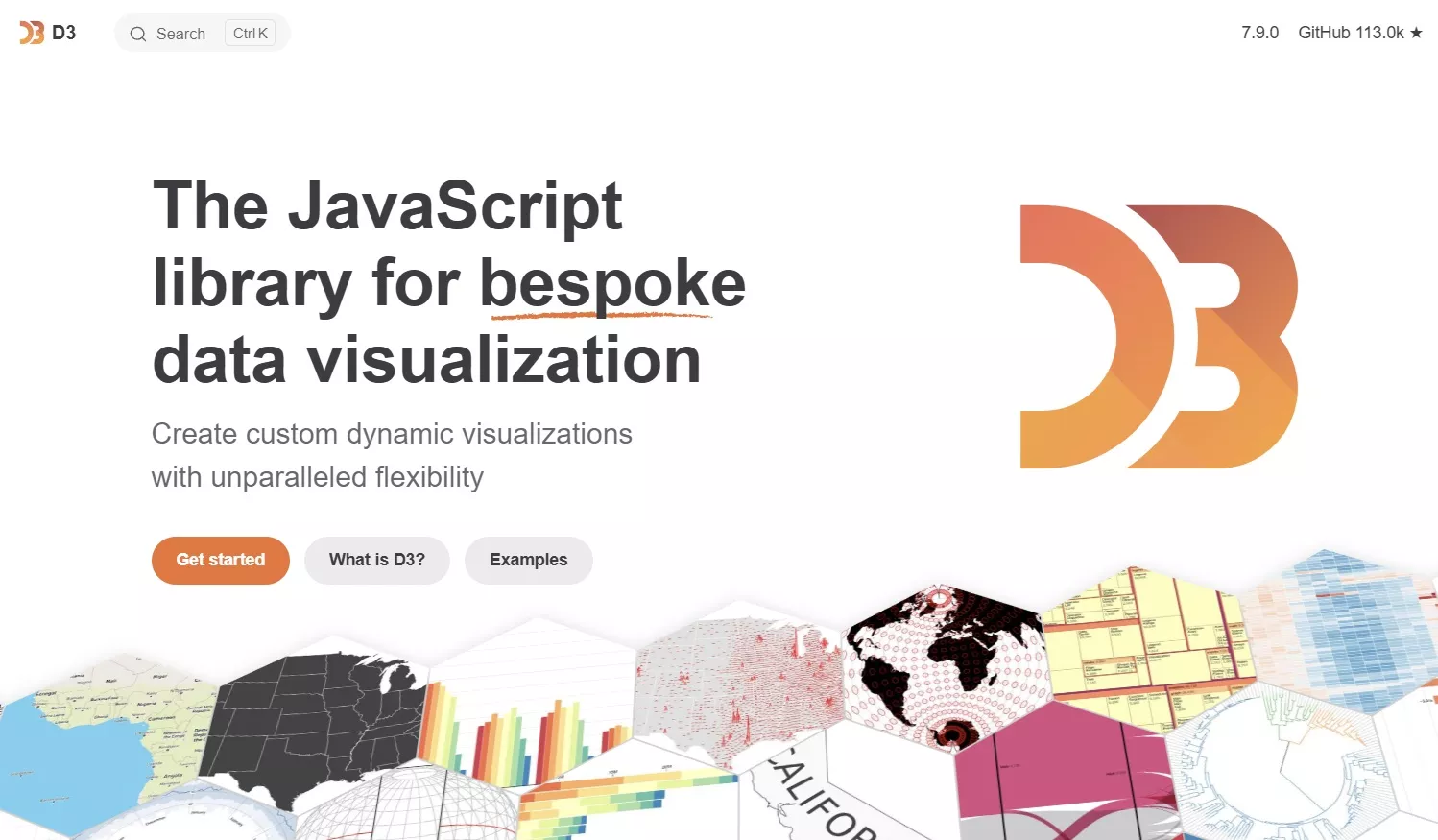
D3 (Data-Driven Documents) is the standard library for building custom, interactive data visualizations in the browser. It binds data to DOM elements and lets you transform those elements based on data values using a declarative syntax.
D3 has a steep learning curve compared to chart libraries like Chart.js, but it gives you complete control over every visual detail. If you need to build a custom geographic map, a force-directed graph, or a visualization type that no other library supports out of the box, D3 is the tool.
Best for: Custom data visualizations, dashboards requiring pixel-perfect control, news graphics, and analytics tools.
Day.js
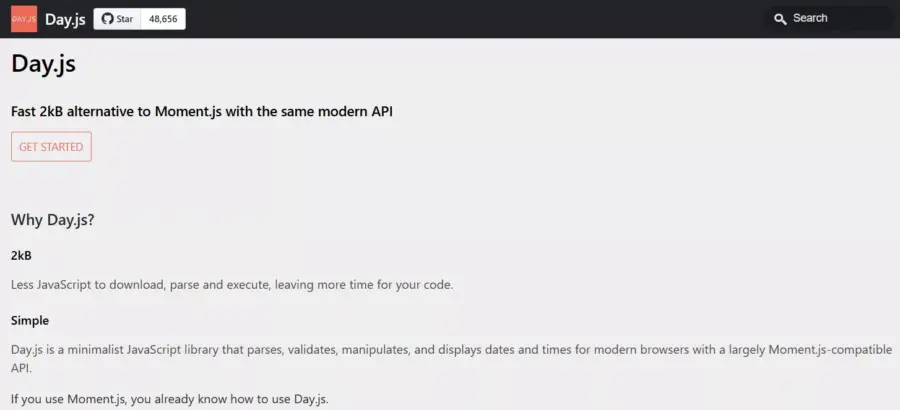
Day.js is a 2KB library that replaces Moment.js for most date formatting and parsing tasks. Moment.js grew to over 70KB and was officially placed in maintenance mode in 2020. Day.js replicates most of Moment’s API in a fraction of the size, with an immutable data model that avoids a common class of bugs where date objects are modified accidentally.
Best for: Any project that displays or formats dates: e-commerce order histories, event calendars, blog post timestamps.
GSAP (GreenSock Animation Platform)
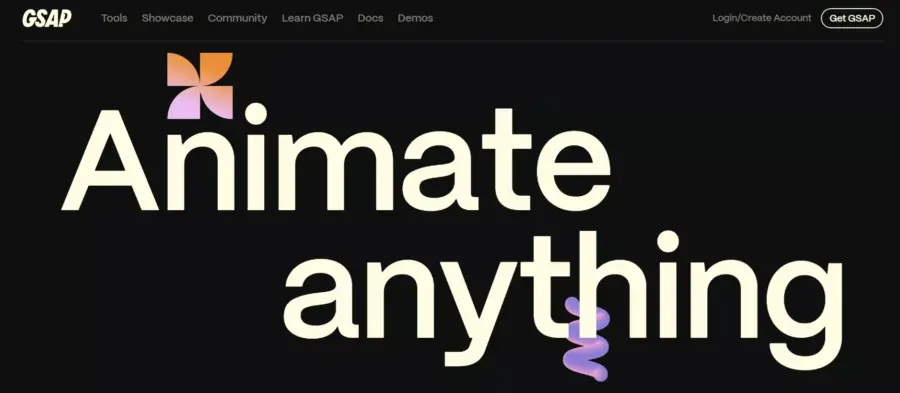
GSAP is the animation library used on high-production marketing sites and award-winning creative builds. It handles CSS animations, SVG animations, scroll-triggered effects, and complex animation sequences with a consistent, performant API across all browsers.
Where CSS animations reach their limits, sequencing, easing precision, scroll pinning GSAP, takes over. After using GSAP on several agency landing pages, the scroll-triggered animation plugin (ScrollTrigger) is the feature that generates the most “how did you do that?” reactions from clients.
Best for: Marketing sites, portfolio sites, interactive storytelling, and any project where animation quality matters.
Front end JavaScript frameworks vs. libraries
Front end JavaScript frameworks deserve their own examination because they are frequently confused with libraries and frequently paired with them.
The major front end JavaScript frameworks in active use in 2026 are React (used as a framework via Next.js), Vue.js, Angular, Svelte, and SolidJS. Each takes a different stance on how much of the application it wants to own.
Here is a practical comparison:
| Framework | Rendering model | Bundle size (base) | Learning curve | Best for |
|---|---|---|---|---|
| Next.js (React) | SSR, SSG, RSC | ~90KB | Moderate | Full-stack apps, content sites |
| Vue 3 | CSR, SSR via Nuxt | ~34KB | Low to moderate | SPAs, progressive enhancement |
| Angular | CSR with dependency injection | ~150KB+ | High | Enterprise apps, large teams |
| Svelte / SvelteKit | Compiled, no virtual DOM | ~10KB | Low | Performance-critical apps |
| SolidJS | Fine-grained reactivity | ~7KB | Moderate | High-performance reactive UIs |
React sits in an interesting middle ground: the core React library is just a view library, but Next.js – the most popular way to ship a React application – is a full framework with routing, server rendering, API routes, and a build system.
Vue.js deserves particular mention for developers coming from a PHP or WordPress background. Vue’s template syntax is close to HTML, components can be added to an existing page with a single <script> tag, and it does not require a build step to get started. This makes it one of the easiest front end JavaScript frameworks to introduce incrementally into a legacy project.
Angular is the choice when the team is large, the codebase is large, and the project needs a strongly opinionated structure enforced by the framework itself. Its dependency injection system, strict TypeScript integration, and built-in testing utilities are genuinely valuable at enterprise scale, even if they feel like over-engineering for smaller projects.
Svelte compiles your components to vanilla JavaScript at build time rather than shipping a runtime library to the browser. The resulting bundles are tiny, and the reactivity model is simpler than React’s hooks. SvelteKit is its full-stack equivalent and is gaining adoption quickly in the developer community.
How to choose the right JavaScript library for your project
The choice of JavaScript library should follow from the problem you are solving, not from what is trending on social media.
Work through these questions in order:
- What specific problem am I solving? If you need to animate a hero section, you do not need React. You need GSAP or a CSS animation library. If you are building a complex multi-step form with shared state, a UI library like React or Vue makes more sense than jQuery.
- What is already in the project? If the project is a WordPress site, jQuery is already loaded. If it is a Next.js project, React is already in use. Adding a second UI library to a project that already has one creates bundle bloat and potential conflicts. Work with what is there before introducing something new.
- How large is the library and how much of it will you actually use? Lodash, for example, is often imported in full when developers only need two or three functions. Using tree-shaking or importing specific modules (
import debounce from 'lodash/debounce') eliminates unused code from your production bundle. - How active is the library’s maintenance? Check the GitHub repository. When was the last commit? Are issues being responded to? A library that has not been updated in two years may have unpatched security vulnerabilities or incompatibilities with modern JavaScript. Moment.js is stable but officially in maintenance mode — you can use it, but for new projects, Day.js is the forward-compatible choice.
- What is the real cost of the dependency? Every library you add is a dependency you maintain. It needs to be updated. Its security advisories need to be monitored. Its breaking changes need to be handled when you update. For a utility function you need once, writing 10 lines of native JavaScript may be cheaper long-term than adding a library.
JavaScript libraries for WordPress and Shopify developers
WordPress and Shopify developers interact with JavaScript libraries differently than application developers building from scratch.
JavaScript libraries in the WordPress ecosystem
WordPress ships with jQuery as a bundled dependency and registers it as the jquery script handle. Any plugin or theme that calls wp_enqueue_script('jquery') gets the version bundled with WordPress, which as of WordPress 6.x is jQuery 3.7.x.
Beyond jQuery, the WordPress block editor (Gutenberg) is built on React. Every block you create using the @wordpress/blocks package is a React component. The @wordpress/element package is a wrapper around React that WordPress exposes to theme and plugin developers, so you can write blocks without importing React directly.
When building a custom Gutenberg block, you import from the WordPress package ecosystem rather than raw React:
import { registerBlockType } from '@wordpress/blocks';
import { useBlockProps } from '@wordpress/block-editor';
This structure means WordPress developers writing blocks are using React patterns state, props, hooks even if they have never worked with React outside of WordPress.
For front end interactivity outside the block editor, WordPress 6.5 introduced the Interactivity API, which provides a lightweight reactive system for adding JavaScript behaviors to server-rendered HTML without needing a full React or Vue setup. For simpler interactions on a WordPress site, this is now worth evaluating before reaching for a larger library.
JavaScript libraries in the Shopify ecosystem
Shopify’s Liquid templating language handles the server-rendered HTML, but product filtering, cart updates, section rendering, and dynamic UI on storefronts all require JavaScript. The libraries most commonly used in Shopify theme development in 2026 are:
- Stimulus.js: A modest JavaScript framework designed for HTML-first applications. Shopify’s Dawn theme uses Stimulus to add interactivity to server-rendered HTML without a full reactive framework. If you are customizing Dawn or building a theme based on it, Stimulus is the pattern to learn.
- Alpine.js: A lightweight alternative to Vue for adding reactive behavior directly in HTML markup using
x-dataandx-onattributes. Alpine is under 10KB and requires no build step, which makes it a practical choice for small Shopify customizations. - Swiper.js: A touch-enabled slider library used in many Shopify themes for product image galleries and featured product carousels.
- Axios: Commonly used in Shopify storefronts for calls to the Storefront API, the AJAX Cart API, and Section Rendering API endpoints, especially when the storefront includes custom cart drawer logic.
A note on performance for Shopify developers: every JavaScript library you load on a Shopify storefront affects your Core Web Vitals scores, which in turn affect both your Lighthouse score and your Google Shopping eligibility. Use the Chrome DevTools Coverage panel to check how much of each library is actually being executed. A library that is 40% unused on page load is a candidate for replacement or lazy loading.
FAQs About JavaScript Libraries
Is React a JavaScript library or a framework?
React is officially described as a JavaScript library for building user interfaces. It handles only the view layer of an application and does not include routing, state management, or server communication out of the box. When developers refer to React as a framework, they usually mean Next.js or another opinionated layer built on top of React, not the React library itself.
What is the difference between a JavaScript library and a plugin?
A JavaScript library is a standalone package of reusable code that runs in any JavaScript environment. A plugin is code designed to extend a specific host system, like a WordPress plugin extending WordPress or a jQuery plugin extending jQuery. A jQuery plugin is both it is written as a library but designed to integrate specifically with jQuery’s API and cannot be used without it.
Do JavaScript libraries slow down a website?
JavaScript libraries can slow down a website if they are large, loaded synchronously, or load unused code. A 200KB library loaded in the <head> of a page blocks rendering until the browser downloads and parses it. Best practice is to load JavaScript with the defer or async attribute, use tree-shaking to remove unused code, and evaluate whether a native browser API can replace a library before adding one. Day.js at 2KB has a negligible performance impact. Loading all of moment.js (over 70KB) for a single date format has a measurable one.
Which JavaScript libraries are most in demand for jobs in 2026?
React is the most in-demand JavaScript library skill for front end development roles, followed by Vue.js and Angular knowledge for front end frameworks. For utility and tooling skills, Axios, Lodash, and testing libraries like Jest and Vitest appear frequently in job postings. According to the 2024 Stack Overflow Developer Survey, React remained the most widely used web framework or library for the seventh consecutive year, with Vue.js second.
Conclusion
JavaScript libraries help developers build features faster by providing ready-made solutions for common tasks. Whether you need UI components, API requests, date handling, animations, or utility functions, there is a library designed for the job. The best library depends on your project’s needs. Choose tools that solve a specific problem, stay actively maintained, and keep your application lightweight.
Read More: 10+ Best Programming Fonts for Developers
Contact US | ThimPress:
Website: https://thimpress.com/
Fanpage: https://www.facebook.com/ThimPress
YouTube: https://www.youtube.com/c/ThimPressDesign
Twitter (X): https://x.com/thimpress_com