If you are still sending every email, scheduling every post, and following up with every lead by hand, you already know the problem: there are not enough hours in the day. Online marketing automation solves that by letting software handle the repetitive parts of your campaigns, so you can focus on strategy instead of busywork.
This guide walks through how automation actually works, what it can do for a small team or a solo creator, and which tools are worth your budget in 2026.
Eduma – Education WordPress Theme
We provide an amazing WordPress theme with fast and responsive designs. Let’s find out!
What is online marketing automation?
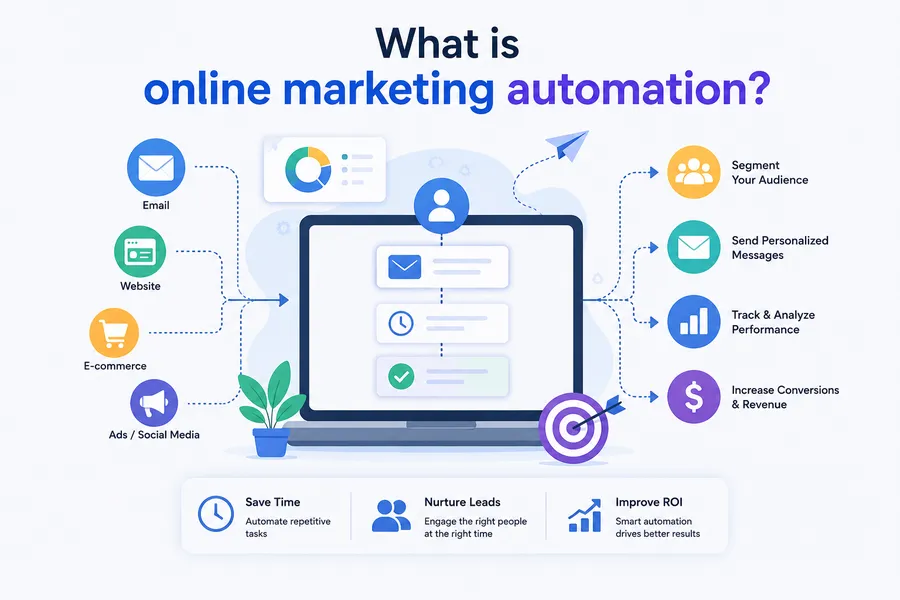
Online marketing automation is the use of software to run marketing tasks such as emails, social posts, ad retargeting, and lead follow-up without someone manually triggering each action. Instead of a marketer sending a welcome email one at a time, the system sends it the moment someone joins a list, based on rules set up in advance.
How it differs from manual marketing
Manual marketing means a person decides when to send, post, or follow up, every single time. Automation replaces that decision with a workflow: if a visitor downloads a lead magnet, the software waits two hours, sends a welcome email, checks if it was opened, then sends a follow-up based on that behavior. Nobody has to remember to do any of it.
Why more businesses are switching
The shift is not just a trend. The global marketing automation software market is projected to grow from around $8.14 billion in 2026 to $20.12 billion by 2034, according to Fortune Business Insights, and separate research from Grand View Research pegs the return at roughly $5.44 earned for every $1 spent on automation over three years. Those numbers reflect a simple reality: teams that automate get more done with the same headcount, and the software has gotten cheap enough that even a one-person business can afford it.
After setting up a basic welcome sequence for a client’s online store last year, the abandoned cart recovery emails alone brought back close to 8% of lost sales within the first month, without anyone touching the campaign after launch. That is the kind of result that makes digital marketing automation worth the setup time.
How online marketing automation works
Every automation platform follows roughly the same logic underneath, even if the interface looks different. Before you pick a tool, it helps to understand the three layers that make a workflow actually run.
Data collection and audience segmentation
The system starts by collecting data: email signups, page visits, purchase history, quiz answers, or course progress. That data gets used to sort people into segments, like “opened the last three emails” or “bought once but never came back.” Segmentation is what stops automation from feeling generic. A platform that cannot segment by behavior is not much better than a plain email blast tool.
Trigger-based workflows
A trigger is the event that starts a workflow: a form submission, a cart abandonment, a tag added manually, or a date (like a subscription renewal coming up in seven days). Once triggered, the workflow runs through a set of steps: wait, send, check a condition, branch left or right, repeat. Good platforms let you build these visually, as a flowchart, rather than writing code.
Multi-channel execution
Modern marketing automation platforms do not stop at email. They can trigger SMS messages, push notifications, retargeting ads on Facebook and Google, and even update a CRM record automatically. The goal is one workflow that touches a lead wherever they actually pay attention, instead of five separate tools that do not talk to each other.
Key benefits of digital marketing automation
The appeal of automation goes beyond saving time, though that is usually the first thing people notice. Once a workflow is live, it keeps working on its own, which changes what a small team can realistically handle.
Time savings and consistency
A workflow built once keeps running every day without anyone logging in. That consistency matters more than it sounds: a lead who signs up at 2 a.m. gets the same welcome sequence as one who signs up at 2 p.m., something no human team can promise around the clock.
Better lead nurturing and conversion
Automated lead nurturing sends the right message based on what someone actually does, not a generic schedule. Someone who clicks a pricing link gets a different follow-up than someone who only opened the welcome email. Platforms report that leads nurtured through automated sequences generate significantly more qualified opportunities than leads that receive no follow-up at all, based on figures compiled by SEOprofy from recent industry surveys.
Measurable ROI
Because every email, click, and conversion is logged automatically, automation makes it far easier to see what is actually working. You can track which sequence produces sales and which one just produces unsubscribes, then adjust without guessing.
More capacity without more hires
A small team running automated workflows can cover the same ground as a much larger team working manually, since the software handles the repetitive middle steps of a campaign. That does not mean fewer people are needed for strategy or content, it means the people you already have spend less time on data entry and more time on the work that actually requires judgment, like writing better subject lines or deciding which offer to test next.
Core features to look for in marketing automation platforms
Not every platform needs every feature. What matters is matching the feature set to how you actually sell, whether that is a course, a product, or a service.
Email and SMS automation
At minimum, look for visual workflow builders, conditional branching (if this, then that), and A/B testing on subject lines and send times. SMS automation is worth having if your audience responds better to texts than email, which is common for time-sensitive offers like flash sales or webinar reminders.
CRM and lead scoring integration
Lead scoring assigns points to actions like opening an email or visiting a pricing page, so your sales team knows who is actually ready to buy. This matters most for businesses with a longer sales cycle, like B2B software or high-ticket coaching, where a human still needs to step in at some point.
Analytics and reporting
Dashboards should show open rates, click rates, and revenue attributed to each workflow, not just vanity metrics like total emails sent. If a platform cannot tell you which automation made money, it is hard to know what to keep and what to cut.
Landing pages and forms
Many marketing automation programs now include a built-in landing page and form builder, which removes the need for a separate tool just to capture leads. Look for mobile-responsive templates and the ability to connect a form directly to a workflow trigger, so a new signup starts the right sequence the moment they submit, not hours later after a manual export.
Website and behavior tracking
A tracking pixel installed on your site lets the platform see which pages a contact visited before they signed up or bought, which feeds directly into segmentation. This is what makes it possible to send a different follow-up to someone who spent ten minutes on your pricing page versus someone who only read one blog post.
6+ Best marketing automation tools compared
There is no single best marketing automation software for every business. A solo course creator and a 50-person SaaS company need different things, so the table below compares tools across the price points and use cases you are most likely to run into.
| Tool | Best for | Starting price | Standout feature |
|---|---|---|---|
| HubSpot | Growing teams that want CRM and marketing in one place | Free plan; paid from $20/month | Built-in CRM with unified contact records |
| ActiveCampaign | Small businesses that want strong email workflows | From $15/month | Advanced automation builder with conditional logic |
| Klaviyo | Ecommerce stores, especially on Shopify and WooCommerce | Free up to 250 contacts; paid from $20/month | Deep integration with store purchase data |
| Mailchimp | Beginners who want a simple, all-in-one option | Free plan; paid from $13/month | Easy drag-and-drop template editor |
| GetResponse | Course creators and webinar hosts | From $19/month | Built-in webinar and landing page tools |
| ConvertKit | Bloggers, newsletter writers, and creators | Free up to 10,000 subscribers | Creator-focused tagging and segmentation |
Pricing changes often, so check each provider’s site before you commit to a plan. What matters more than the price tag is whether the platform integrates cleanly with the tools you already use, since a workflow builder is only useful if it can actually talk to your website, store, or course platform.
HubSpot: best for teams that want CRM and marketing together
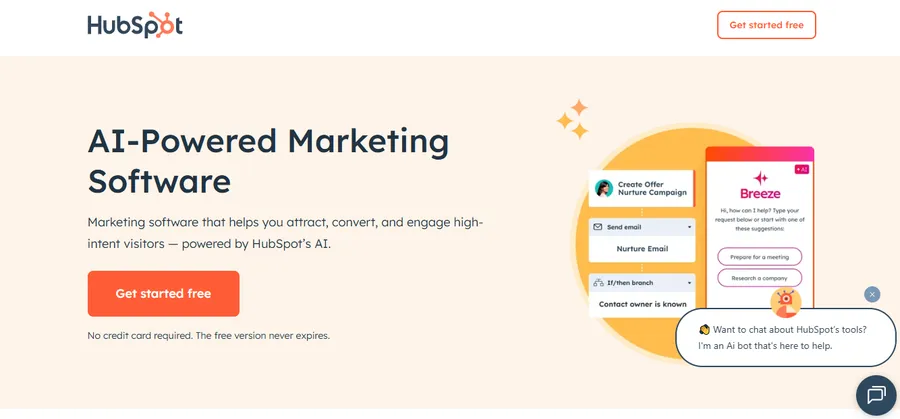
HubSpot bundles a free CRM with paid marketing automation tiers, so contact records, deal stages, and email workflows all live in one dashboard. The learning curve is steeper than smaller tools, and costs climb quickly once you add more contacts or seats, but for a team that has outgrown spreadsheets, having sales and marketing data in one place is worth the setup time.
ActiveCampaign: best for advanced email workflows
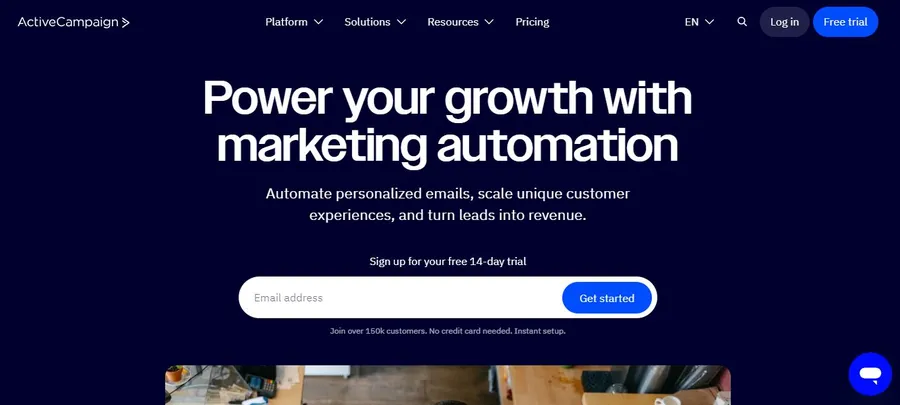
ActiveCampaign’s workflow builder supports deep conditional logic, so you can branch a sequence based on almost any behavior, from a specific link click to a change in lead score. It is less intuitive for a first-time user than Mailchimp, but the automation depth is hard to match at its price point.
Klaviyo: best for ecommerce stores
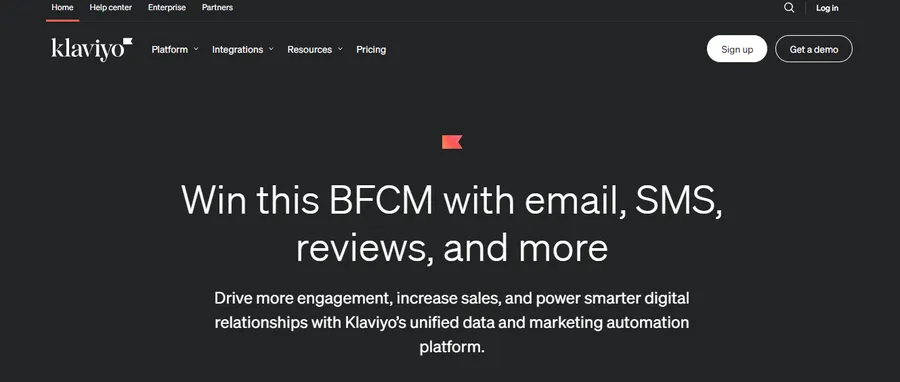
Klaviyo pulls purchase history, browsing behavior, and product catalog data directly from Shopify or WooCommerce, which makes segments like “bought product A but not B” easy to build without a developer. Store owners running abandoned cart and post-purchase flows tend to see this pay for itself within the first month.
Mailchimp: best for beginners
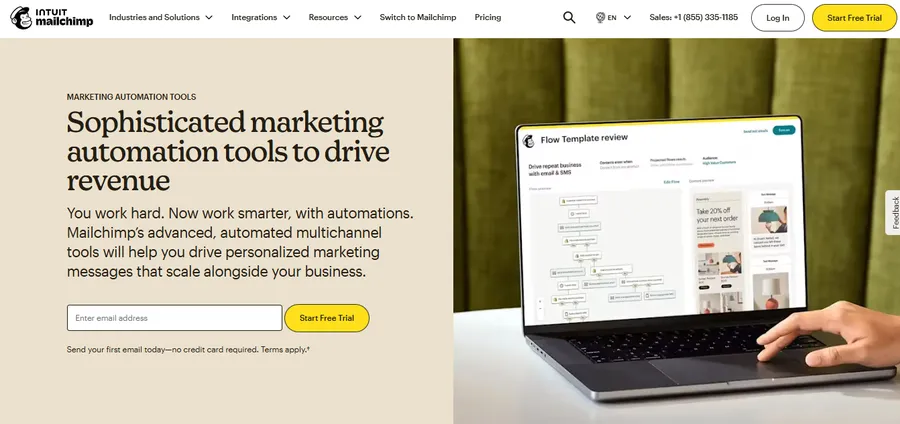
Mailchimp keeps the interface simple, with pre-built templates for common workflows like welcome series and re-engagement campaigns. Advanced branching and lead scoring are more limited than on ActiveCampaign or HubSpot, which makes it a reasonable starting point but one you may outgrow as your list and workflows get more complex.
GetResponse: best for course and webinar-based businesses
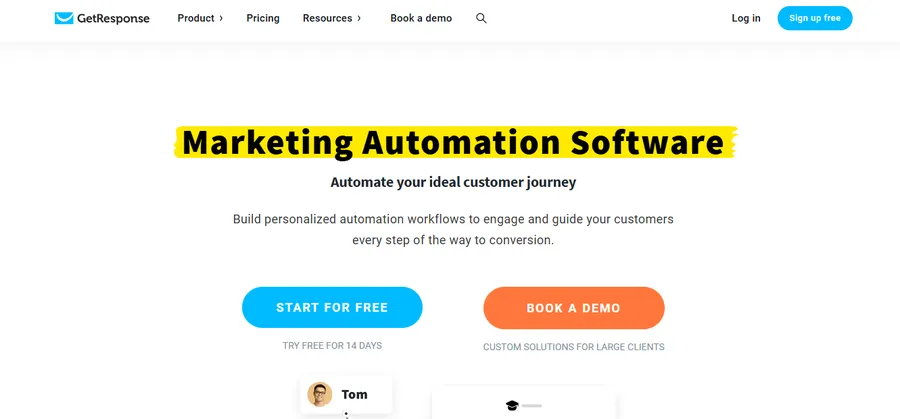
GetResponse bundles landing pages, webinar hosting, and email automation in one subscription, which cuts down on the number of separate tools a course creator needs to manage. The automation builder is less advanced than ActiveCampaign’s, but for a webinar funnel or course launch sequence, it covers most of what you need out of the box.
ConvertKit: best for creators and newsletter writers
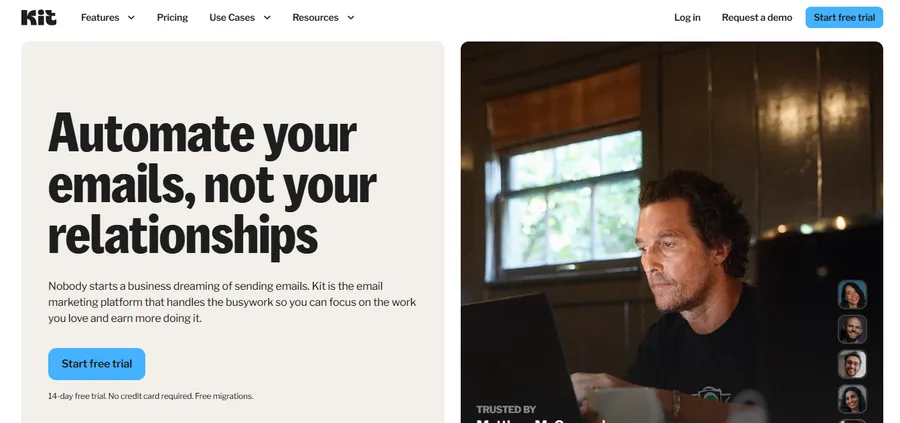
ConvertKit is built around tagging rather than rigid list segmentation, so a subscriber can move between interests without getting duplicated across lists. Writers, coaches, and course creators tend to prefer it because the interface stays out of the way and focuses on the content of the email itself, not just the automation logic behind it.
How to choose the right marketing automation platforms for your business
Picking from dozens of marketing automation softwares on the market is overwhelming if you start with feature lists. Start with your business model instead, and the shortlist narrows fast.
Match the tool to your business size
A solo creator selling one course does not need the same platform as a company running twenty product lines. If you are just getting started, pick a tool with a generous free tier, like ConvertKit or Klaviyo, so you can test workflows before paying for advanced features you may not need yet.
Consider your tech stack and integrations
Check whether the platform connects natively to your website builder, ecommerce platform, or course software. A tool that requires a third-party connector like Zapier for every basic task adds cost and points of failure. Native integrations are worth paying more for if you rely on them daily.
Test before you commit
Almost every serious platform in this space offers a free trial or a free tier. Build one real workflow, a welcome sequence or a cart abandonment flow, and watch it run for two weeks before deciding. That short test tells you more about the interface and deliverability than any comparison article, including this one.
Marketing automation programs for online courses and membership sites
Course creators and membership site owners have a specific automation need: turning a one-time enrollment into an ongoing relationship, without manually emailing every student who signs up.
Automating enrollment and onboarding emails
The moment someone enrolls in a course, a workflow can send a welcome email, a syllabus, and a reminder to log in three days later if they have not started a lesson yet. That kind of sequence is what keeps completion rates up, since most course dropouts happen in the first week when nobody follows up.
Connecting LearnPress with your marketing automation platform
If you are running your courses on WordPress, LearnPress is one of the most widely used LMS plugins for building and selling online courses without leaving your own site. It works well alongside marketing automation tools through WooCommerce and webhook integrations, so a new enrollment on LearnPress can trigger a welcome sequence or a re-engagement email in whatever platform you already use for the rest of your marketing.
Step-by-step: launching your first automated campaign
Most of the intimidation around marketing automation comes from trying to build everything at once. A single working workflow teaches you more than a week of reading comparison articles, so start with one.
- Pick one goal. Choose a single outcome, like recovering abandoned carts or welcoming new subscribers, instead of trying to automate your entire funnel on day one.
- Map the trigger. Decide exactly what starts the workflow: a form submission, a purchase, a tag, or a specific page visit.
- Write the sequence in plain language first. Before touching the software, sketch what each message should say and how many days apart they should go out. This step saves the most time later.
- Build it in your chosen platform. Use the visual workflow builder to recreate what you sketched, adding conditional branches only where they genuinely change the outcome.
- Send a test to yourself. Walk through every step as if you were a real contact, checking merge tags, links, and timing delays.
- Launch to a small segment first. Turn the workflow on for a limited group before rolling it out to your full list, so a mistake affects a handful of people instead of thousands.
- Check the numbers after two weeks. Open rates, click rates, and conversions will tell you whether the sequence is working or needs another round of edits.
AI in marketing automation: what is changing in 2026
Artificial intelligence has moved from a marketing buzzword to a working part of most automation platforms, and it is changing what “automated” actually means for day-to-day campaigns.
Smarter send-time and content decisions
Instead of a marketer guessing the best time to email a list, AI models inside platforms like HubSpot and ActiveCampaign now analyze individual open patterns and adjust send times per contact. Some tools also generate subject line variants automatically and route more of a campaign toward whichever version performs best, cutting down on manual A/B test setup.
Predictive lead scoring
Traditional lead scoring assigns fixed point values to actions, like ten points for opening an email. AI-based scoring instead looks at patterns across your entire contact base to predict who is actually close to buying, which tends to be more accurate than a static point system, especially once you have a few thousand contacts of history to train on.
What has not changed
AI can optimize timing and copy variants, but it still cannot decide what your business should say to its audience or which offers actually fit your customers. Treat AI features as a way to fine-tune a workflow you already understand, not a replacement for building the workflow logic yourself.
Common mistakes to avoid with marketing automation platforms
Automation goes wrong most often not because the software fails, but because of how it gets set up. A few habits cause most of the damage.
Over-automating every message
Sending five automated emails in three days feels efficient from the dashboard and annoying from the inbox. Space out your sequences and give people a reason to keep opening, not just a reason to unsubscribe.
Ignoring segmentation
Sending the same sequence to a first-time visitor and a returning customer wastes the entire point of automation. Even a basic split, new versus returning, buyer versus non-buyer, makes every message more relevant.
Skipping testing before launch
A broken merge tag that shows “Hi FIRSTNAME” instead of a real name, or a workflow that fires twice, is easy to miss until it has already gone out to your whole list. Send every new workflow to yourself first and walk through it step by step before turning it on for real contacts.
Never revisiting old workflows
A welcome sequence written two years ago may still reference a product you no longer sell or a price that has since changed. Set a reminder to review every active workflow at least twice a year, checking the offers, links, and copy against what your business actually looks like today.
FAQs
Is online marketing automation worth it for a small business?
Yes, for most small businesses it pays for itself once a single workflow, like a welcome sequence or cart abandonment flow, is running. Even a free-tier tool can recover sales and save hours each week that would otherwise go into manual follow-up.
What is the difference between marketing automation and email marketing?
Email marketing is one channel; marketing automation is the system that can trigger email, SMS, and ad actions based on what a contact actually does. A newsletter tool sends the same message to everyone at once, while automation software adjusts what each person receives based on their behavior.
How long does it take to set up marketing automation software?
A basic welcome or abandoned cart workflow can be built in a few hours using a template most platforms already provide. More advanced, multi-branch workflows with lead scoring and CRM sync usually take a few days to plan and test properly.
Can I use marketing automation without any coding experience?
Yes, nearly every major platform on the market today uses a visual, drag-and-drop workflow builder that requires no coding. Some advanced integrations, like custom webhook setups, may need light technical help, but core email and SMS automation does not.
Final thoughts
Online marketing automation is not about replacing the personal side of marketing, it is about making sure the personal side actually happens for every single contact, not just the ones you remember to follow up with manually. Start small: one welcome sequence, one abandoned cart flow, or one onboarding email for new students. Once that workflow is running and you can see it working in your reports, adding the next one gets a lot easier.
The best marketing automation tools are the ones you will actually set up and maintain, not the ones with the longest feature list. Pick a platform that matches your current business size, build one workflow well, and let the results guide whatever you automate next. Six months from now, the version of your business that follows up with every lead automatically will look very different from the one still doing it by hand.
Read more: Social Media Marketing Course: How to Pick the Right One
Contact US | ThimPress:
Website: https://thimpress.com/
Fanpage: https://www.facebook.com/ThimPress
YouTube: https://www.youtube.com/c/ThimPressDesign
Twitter (X): https://x.com/thimpress_com