The best business analytics tools in 2026 are Microsoft Power BI, Tableau, Looker, Qlik Sense, and ThoughtSpot, with Power BI leading on price and Tableau on visual depth. Picking one is harder than it looks, because every vendor now claims AI, self-service, and “insights in seconds.”
This guide compares eight popular options on cost, ease of use, AI features, and fit, so you can build a shortlist in one sitting.
Eduma – Education WordPress Theme
We provide an amazing WordPress theme with fast and responsive designs. Let’s find out!
What are business analytics tools?
Business analytics tools are software products that connect to your data, clean and model it, and turn it into reports, dashboards, and forecasts that people can use to make decisions. They sit between raw sources, such as databases, spreadsheets, and apps, and the people who need answers.
Business analytics vs business intelligence
The two terms overlap, and most vendors use them interchangeably. Business intelligence usually looks backward: what happened last quarter, and why. Business analytics adds forecasting and “what should we do next” questions. In practice, modern business intelligence systems now include both, so this article treats them as one category.
The main types of tools
Most products fall into one of four groups:
- Data analytics platforms that handle the full pipeline, from data prep to dashboards (Power BI, Qlik Sense).
- Business intelligence reporting tools focused on dashboards and scheduled reports (Looker Studio, Zoho Analytics).
- Visual exploration tools built for analysts who want to drag, drop, and dig (Tableau).
- Search and AI-first tools where you ask questions in plain language (ThoughtSpot).
How we compared these tools
We compared each product on five points: published pricing, ease of use for non-technical staff, data connectivity, governance, and AI features. Our notes come from vendor documentation, public pricing pages, and independent comparison reports checked in October 2026.
One honest limit: prices change often, and several vendors quote custom pricing. Treat every number below as a starting point and confirm it on the vendor’s site before you budget.
Best business analytics tools in 2026
Here are eight tools worth a place on your shortlist. Each section opens with the short verdict, then covers what it does well and where it struggles.
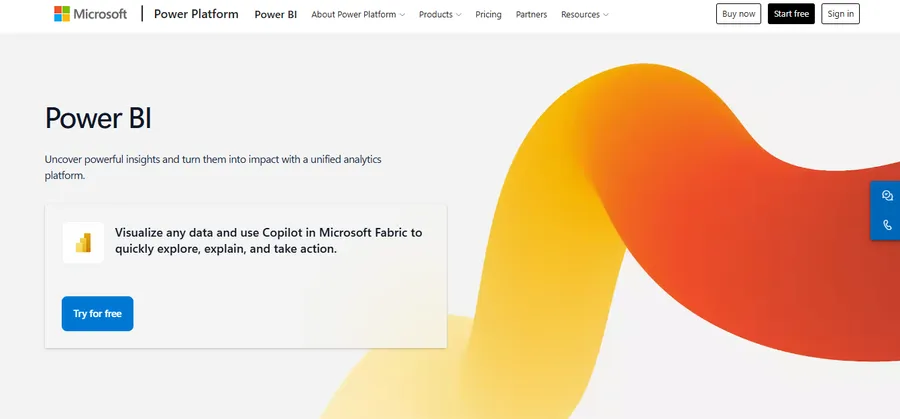
1. Microsoft Power BI
Best for: teams already on Microsoft 365, Excel, and Azure.
Power BI is the cost leader in this group. It has a free desktop app, and the Pro license is $14 per user per month after a 40% increase in April 2025. Premium Per User adds larger datasets and more advanced AI for $24 per user per month.
If your team lives in Excel, the learning curve is gentle because Power Query and DAX feel familiar to spreadsheet users. The catch is that every viewer pays the same seat price as a creator under Pro, so costs climb when many people only read reports. Large companies often move to Fabric capacity pricing for that reason.
2. Tableau
Best for: analysts who want deep, flexible visual exploration.
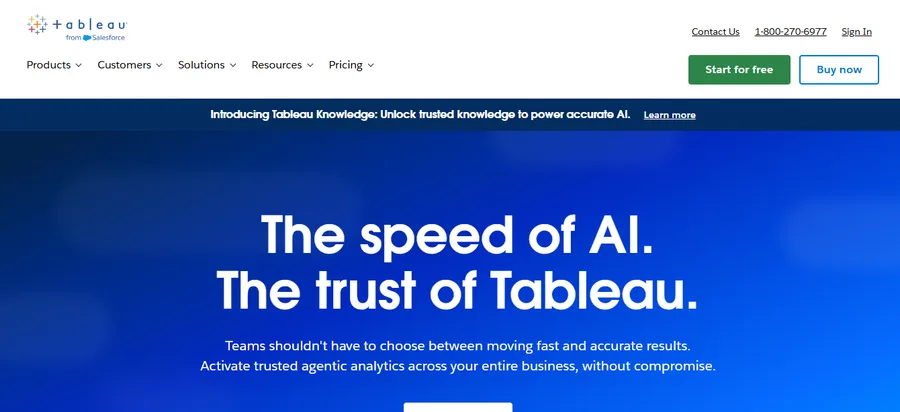
Tableau is known for its visuals. Salesforce says Tableau was named a Leader in the 2026 Gartner Magic Quadrant for Analytics and Business Intelligence Platforms for the 14th year. That track record shows in the product: building an interactive dashboard from messy data feels fast and creative.
The trade-off is cost. Independent comparisons put a Creator license at roughly $75 per user per month, while Tableau Viewer at $15 per user per month can be a cheap way to share dashboards with a large read-only audience. Budget for renewal talks too, since one 2026 comparison notes that new bundles have often raised renewal quotes by 20 to 40%.
3. Looker and Looker Studio
Best for: Google Cloud and BigQuery shops that want governed metrics.
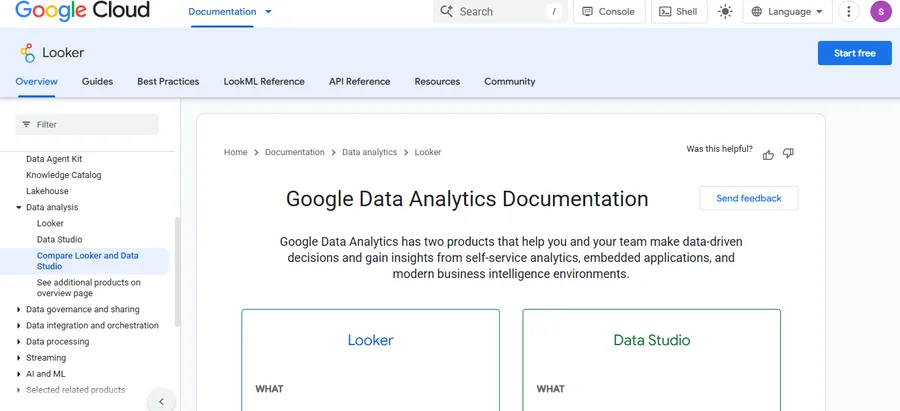
Google sells two different products here, and people often mix them up. Looker is the enterprise platform with a central, code-based data model. Looker Studio is the free, lighter reporting tool.
Looker’s pricing is quoted case by case. One 2026 comparison says it typically lands between $60,000 and $150,000 or more per year platform-wide. Looker Studio, on the other hand, stays free for creators and viewers, and its optional Pro tier is listed at $9 per user per project per month. For small marketing teams, Looker Studio is often the easiest first step.
4. Qlik Sense
Best for: exploring connections across many data sources.
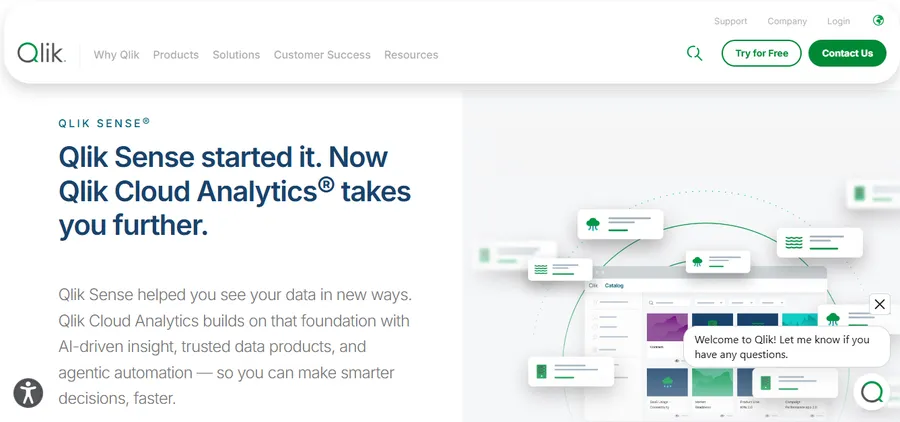
Qlik’s associative engine lets you click any value and instantly see what is related and what is not. That helps when you do not know the question yet. Qlik is also one of the six vendors placed in the Leader quadrant in Gartner’s 2026 report, alongside Microsoft, Salesforce (Tableau), Google (Looker), ThoughtSpot, and AWS (QuickSight).
Qlik suits mid-size and large companies with several systems to join. Smaller teams may find the setup heavier than Power BI or Zoho.
5. ThoughtSpot
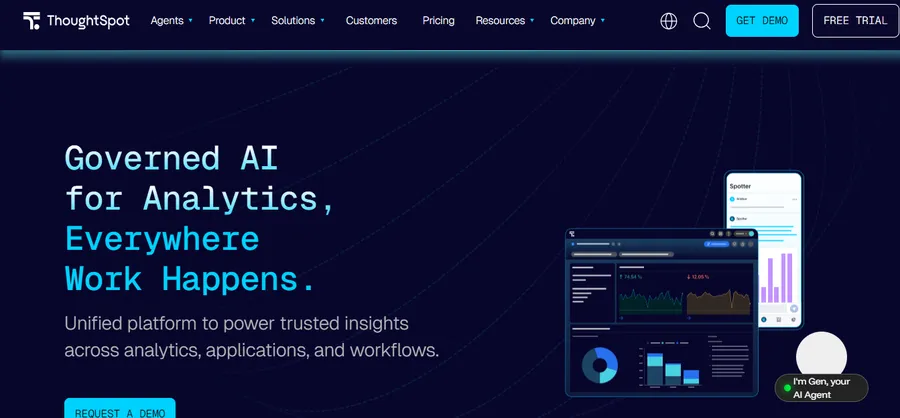
Best for: business users who would rather ask questions than build charts.
ThoughtSpot is search-driven. You type a question like “revenue by region last quarter,” and it builds the chart. Its AI assistant is designed for people who never want to open a report builder.
It works best when your data is already clean and well modeled. If the underlying tables are messy, natural-language answers can be wrong, so plan time for data preparation first.
6. Amazon QuickSight
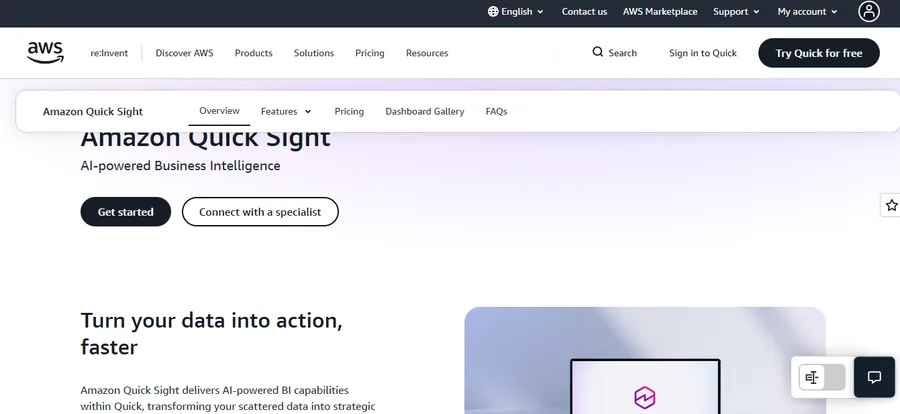
Best for: AWS-heavy teams and embedded dashboards in your own app.
QuickSight is serverless and connects naturally to Redshift, Athena, and S3. Its pay-per-session pricing for readers can be a good fit when many people view dashboards only now and then. It is less polished for deep visual design than Tableau, but it scales without servers to manage.
7. Zoho Analytics
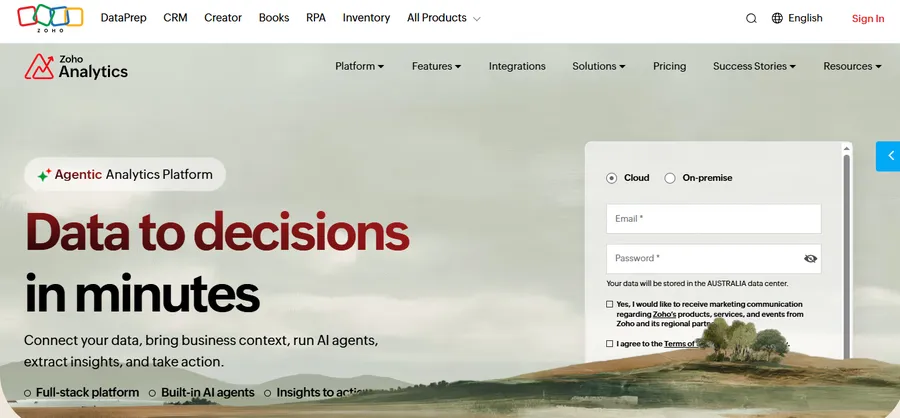
Best for: small and mid-size businesses that want a low-cost, all-in-one option.
Zoho Analytics offers ready-made connectors for its own CRM and finance apps, plus many outside sources. It includes an AI assistant and a simple report builder. It is a sensible pick if you already use Zoho products and do not want a heavy platform.
8. Metabase
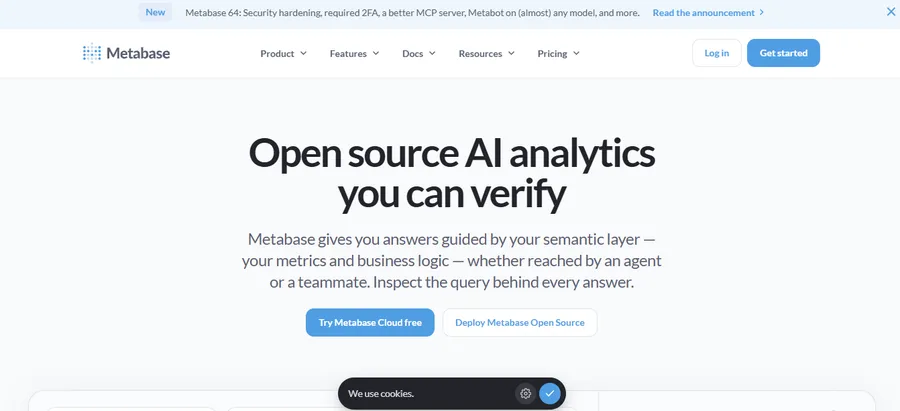
Best for: startups and technical teams that want open-source flexibility.
Metabase lets non-technical people ask questions through a visual query builder, while developers can drop into SQL. You can self-host the open-source edition or pay for the cloud version. It lacks some of the governance depth of enterprise products, but for a small team it is hard to beat on simplicity.
Business intelligence tools comparison table
This business intelligence tools comparison puts the main points side by side. Prices reflect public information in October 2026 and may change.
| Tool | Best for | Starting price (approx.) | Ease of use | AI features | Main drawback |
|---|---|---|---|---|---|
| Power BI | Microsoft users | Free desktop; Pro $14 per user per month | Easy to moderate | Copilot (needs paid capacity) | Seat costs rise with viewers |
| Tableau | Visual analysis | Viewer about $15; Creator about $75 per user per month | Moderate | Agentic and generative AI | Higher cost |
| Looker | Governed metrics, BigQuery | Custom quote | Hard (needs developers) | Gemini features | High entry price |
| Looker Studio | Simple reporting | Free; Pro $9 per user per project | Easy | Gemini (Pro only) | Limited modeling |
| Qlik Sense | Data exploration | Quote or tiered plans | Moderate | Built-in AI insights | Setup effort |
| ThoughtSpot | Natural-language search | Quote or tiered plans | Easy for viewers | AI search and agents | Needs clean data |
| QuickSight | AWS and embedding | Pay per user or session | Moderate | Q&A features | Basic visual polish |
| Zoho Analytics | Small business | Low-cost tiered plans | Easy | Zia assistant | Fewer enterprise controls |
| Metabase | Startups, developers | Free open source; paid cloud | Easy | Limited | Lighter governance |
If you want the safest starting point, begin with the top rated business intelligence tools: Power BI, Tableau, and Looker. Then test one lighter option from the list for comparison.
AI business tools: what matters now
AI business tools are now part of almost every analytics product, but the label hides big differences. Gartner’s 2026 view, as summarized by one analyst blog, favors platforms that pair governed metrics, live warehouse access, and AI inside daily analysis rather than dashboard tools with AI added later.
Businesses can also explore AI tools for data analysis to discover solutions that help analyze data, identify patterns, and support data-driven decisions.
Ask these questions about AI features
- Does the AI show its work? Look for the SQL or logic behind each answer, so you can check it.
- Is it tied to governed metrics? If “revenue” means three different things in your company, AI will confuse people faster.
- What does it cost? AI is often gated. For example, Copilot in Power BI needs paid Fabric capacity, and Gemini in Looker Studio needs a Pro subscription.
- Does it just chat, or does it act? Gartner’s 2026 report highlights agentic analytics, where AI investigates data, spots anomalies, and runs root-cause checks on its own.
A useful rule: test AI on ten real questions from your own team. If it gets eight right and explains why, it is ready. If not, treat it as a bonus feature, not a reason to buy.
How to choose the right platform
The right choice depends on your data, your team, and your budget, not on who ranks first. Use the four steps below to narrow your list.
Start with the questions you need answered
Write down the five questions your leaders ask most often. If they are “how are sales this week,” a simple reporting tool is enough. If they are “why did churn jump in the Midwest,” you need deeper data analytics platforms with modeling and drill-down.
Check data connections and governance
List every system you need to connect, such as your CRM, accounting software, ad platforms, and database. Then check that each has a native connector. Also decide who may edit metrics. Good governance means one agreed definition for every number.
Count real users and model the cost
Separate creators, who build reports, from viewers, who only read them. Price both groups. A tool that looks cheap for 5 analysts can become expensive when 300 staff need access. One 2026 estimate for a 200-user setup, including implementation, puts the three-year cost at roughly $100,000 to $160,000 on Power BI against $400,000 to $550,000 on Tableau. Your numbers will differ, but the gap shows why modeling matters.
Run a two-week pilot
Pick two finalists. Connect one real dataset, build one real dashboard, and ask two non-technical colleagues to use it. Whichever tool they open again without being reminded is usually the right one.
Build analytics skills in your team
Software alone does not create a data-driven team. People need to know how to read charts, question numbers, and build simple reports. Many businesses solve this with short internal courses.
If you run training on a WordPress site, LearnPress is a free LMS plugin from ThimPress that lets you build courses, lessons, and quizzes. Pairing it with the Eduma education theme gives you a ready-made academy layout. You could use it to teach staff how to use your chosen BI platform, with a quiz after each lesson. This is optional, and it only makes sense if you already train people online.
FAQs
What are the best business analytics tools for small businesses?
Power BI, Looker Studio, Zoho Analytics, and Metabase are the most budget-friendly choices. Looker Studio and Metabase both have free options, and Power BI Desktop is free for individual use. Pick the one that connects directly to the apps you already use.
Is Power BI better than Tableau?
Neither is better in every case. Power BI is cheaper and fits Microsoft environments, while Tableau is stronger for flexible visual exploration. Match the tool to your team’s skills and budget, and test both with the same dataset.
Do I need a data warehouse to use these tools?
No, you can start without one. Most tools connect to spreadsheets, databases, and cloud apps directly. A warehouse becomes useful when data grows large, when many teams need the same trusted numbers, or when you want live, governed metrics.
How long does it take to set up a BI platform?
A simple dashboard on a single data source can be live in a day or two. A company-wide rollout with governed metrics, security rules, and training usually takes several weeks to a few months. Start small, prove value with one team, then expand.
Conclusion
The best business analytics tools are the ones your team will actually open every week. Power BI is the strongest all-round value, Tableau is the leader for visual work, Looker suits governed Google Cloud setups, and lighter options like Zoho Analytics and Metabase work well for smaller teams. Compare pricing for your real user count, test the AI features on your own questions, and run a short pilot before signing a contract. A careful choice now saves you from a costly migration later.
Read more: Magento Extension Guide: 6 Options for Your eCommerce Store
Contact US | ThimPress:
Website: https://thimpress.com/
Fanpage: https://www.facebook.com/ThimPress
YouTube: https://www.youtube.com/c/ThimPressDesign
Twitter (X): https://x.com/thimpress_com