Managing tickets, recurring schedules, and venue details requires more than a simple date display on a website. When standard free tools fail to deliver the necessary operational power, upgrading to Events Calendar Pro often becomes a serious consideration for site owners. Whether managing a local theater, organizing corporate webinars, or running a community church, choosing the right scheduling tool is crucial for operational survival.
This comprehensive guide analyzes the features, the updates, the pricing models, and the presentation add-ons available.
By the end of this evaluation, determining whether to invest in this premium solution or stick to a free wp events plugin will be entirely clear.
If you are still exploring the market and want to weigh all your options, you might also want to review the 9 best events calendar plugin for WordPress to find the perfect fit for your specific needs.
Eduma – Education WordPress Theme
We provide an amazing WordPress theme with fast and responsive designs. Let’s find out!
Overview of Options
Before diving into the intricate details, here is a summary table outlining what different tiers and setups offer for users seeking a reliable calendar of events for WordPress.
| Feature / Plan | The Events Calendar (Free) | Events Calendar Pro (Premium Tiers) | Eventful Add-On (Presentation) |
| Best For | Simple, one-time schedules | Recurring events, complex ticketing | Enhancing visual layouts |
| Core Views | Month, List, Day | Map, Week, Photo, Summary | Carousels, Timelines, Grids |
| Recurring Events | Not Included | Fully Supported | Not Applicable |
| Ticketing Integration | None | WooCommerce, QR Check-in | None |
| Starting Cost (2026) | Free | $259 – $599 / year | Free (Pro version: $49/year) |
What Is The Events Calendar Plugin?
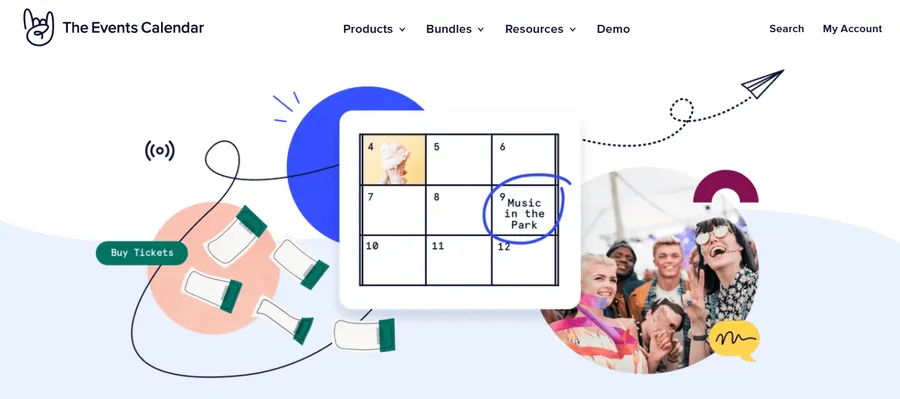
To understand the premium upgrade, one must first look at the foundation. The free version of the events calendar plugin is far from a stripped-down trial. With hundreds of thousands of active installations, it provides robust, long-term functionality for basic needs.
The free tier allows users to create standard events, save reusable venue and organizer information, and display everything in a clean month, list, or day views.
Visitors can browse by categories, view Google Maps integrations, and export dates to Google Calendar or iCal. It also outputs JSON-LD structured data automatically, which helps listings surface properly in search engine results.
For organizations hosting single, predictable events, this free WordPress calendar plugin is often sufficient.
However, operational bottlenecks appear when a business scales. This is where the premium features step in to automate and organize heavy workloads.
Key Features of Events Calendar Pro
For organizations juggling multiple schedules per week, data entry becomes exhausting. The upgrade unlocks advanced tools designed to make event management smoother, more professional, and less time-consuming.
1. Flawless Recurring Events
Handling repeating schedules is the primary reason many administrators upgrade. Whether scheduling weekly fitness classes, monthly community meetups, or annual corporate festivals, the premium version handles complex repeat rules effortlessly.
Instead of creating 52 individual posts for a weekly workshop, administrators set the parameters once. The system automates the rest, ensuring the wp events calendar remains accurate without manual duplication.
2. Advanced Layouts: Map, Week, and Photo Views
While the free version offers basic lists, the premium upgrade provides highly visual layouts.
- Map View: Ideal for location-based businesses or city-wide festivals, allowing visitors to find activities based on geographical proximity.
- Week View: Perfect for educational institutions or venues with dense, daily schedules.
- Photo View: A sleek, image-heavy grid layout that appeals to visual brands like art galleries or lifestyle workshops.
These responsive designs ensure the WordPress calendar looks clean and functions perfectly on mobile devices.
3. Shortcodes, Widgets, and Page Builder Support
Total control over placement is a significant advantage.
Powerful shortcodes allow administrators to drop specific categories or mini-calendars into sidebars, footers, or landing pages without writing custom code.
Furthermore, seamless compatibility with the best drag and drop WordPress page builders like Elementor makes styling custom fields (such as speaker biographies or venue details) highly intuitive.
4. Advanced Exporting and Data Management
Integrating with WP All Export, recent updates allow seamless exporting of schedule data into CSV or XML formats. This is a vital feature for administrators who need to migrate information, share data with third-party stakeholders, or perform deep analytics on attendance trends.
Recent Updates: How The Plugin Improved
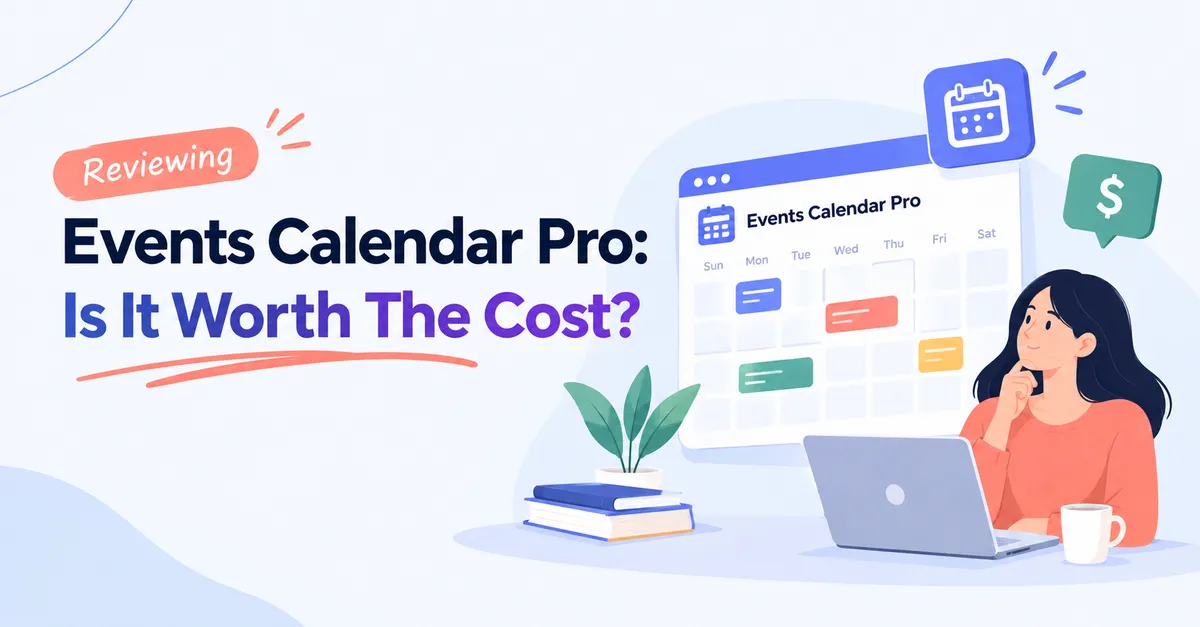
- Category Colors: Visual organization received a massive boost. Administrators can now color-code events by category, making a crowded WordPress event calendar plugin incredibly easy to scan for users.
- Performance Upgrades: The Photo View now loads significantly faster. Behind-the-scenes layout stability prevents the calendar from breaking during standard core updates.
- Accessibility Compliance: Keyboard navigation and screen reader support received major improvements, ensuring all users can interact with the schedule flawlessly.
- Seating Charts and Ticketing: Compatibility with WooCommerce improved immensely, especially for venues requiring assigned seating functionality.
These updates have transformed the tool into a leaner, more stable, and highly polished asset.
Pricing Breakdown for 2026
Pricing structures have evolved, and it is important to avoid outdated information from older reviews. As of 2026, premium functionality is categorized to match specific organizational needs. (Note: Always verify current details on the official pricing page, as structures may shift).
Essentials Plan ($259 per year)
This tier introduces the core premium features. It includes the advanced views (Map, Week, Photo), full recurring event capabilities, custom fields, shortcodes, and basic ticketing options via PayPal, Stripe, or Square. It is the ideal starting point for businesses that need to automate repeating schedules but do not require complex attendee tracking.
Pro Plan ($399 per year)
This tier is built for serious event organizers.
It removes ticket commission fees and fully integrates WooCommerce. It adds custom attendee registration forms, QR code check-in capabilities, and detailed attendee reporting. If tracking guests at the door is a priority, this tier is practically mandatory.
For site owners looking to expand their online store capabilities alongside event ticketing, exploring the best WooCommerce alternatives can also help ensure you have the right e-commerce foundation.
Elite Plan ($599 per year)
Aimed at large venues, theaters, and conference halls, this plan introduces custom venue seat maps, customer seat selection, and automated marketing emails. When assigned seating matters just as much as the listing itself, the Elite plan delivers enterprise-level control.
Warning on Resellers: It is common to find unauthorized sites offering a “premium wp calendar plugin” for incredibly low prices like $9. These are pirated versions lacking support, security patches, and updates. Using them risks severe malware infections and broken websites.
Do You Actually Need Pro?
A common mismatch occurs when administrators purchase an expensive premium plan to solve a visual problem. The premium plans focus heavily on operations—ticketing, recurring logic, and attendee tracking. They do not heavily focus on presentation.
If the primary goal is simply to add a modern carousel to the homepage, display a branded masonry grid, or allow visitors to filter results without reloading the page, a costly operational plan might be the wrong purchase.
Pros and Cons of Upgrading
To summarize the real-world feedback from users in 2026, here is a transparent look at the advantages and disadvantages of making the premium investment.
The Advantages:
- Reliability: The recurring event logic is rock-solid, saving hours of manual data entry.
- Professional Aesthetics: Advanced views look polished straight out of the box without requiring a developer.
- Ecosystem Compatibility: Flawless integration with major page builders and standard WordPress themes.
- Constant Improvement: Regular updates actively fix bugs, improve speed, and maintain strict accessibility standards.
- Support: Premium users gain access to highly responsive and knowledgeable customer service.
The Disadvantages:
- Cost Factor: The price increases in 2026 make it a significant investment for small blogs or hobby sites.
- Feature Overkill: If an administrator only needs one specific feature (like a simple map), paying for an entire bundle feels excessive.
- Learning Curve: Setting up complex WooCommerce ticketing and QR check-ins requires dedicated time and technical patience.
Alternatives to Consider
If the premium tiers feel like overkill, or the pricing does not align with the budget, there are other highly capable options in the market.
To make the most informed decision, you can explore a detailed breakdown of how the best WordPress calendar plugins compared against each other.
1. EventON
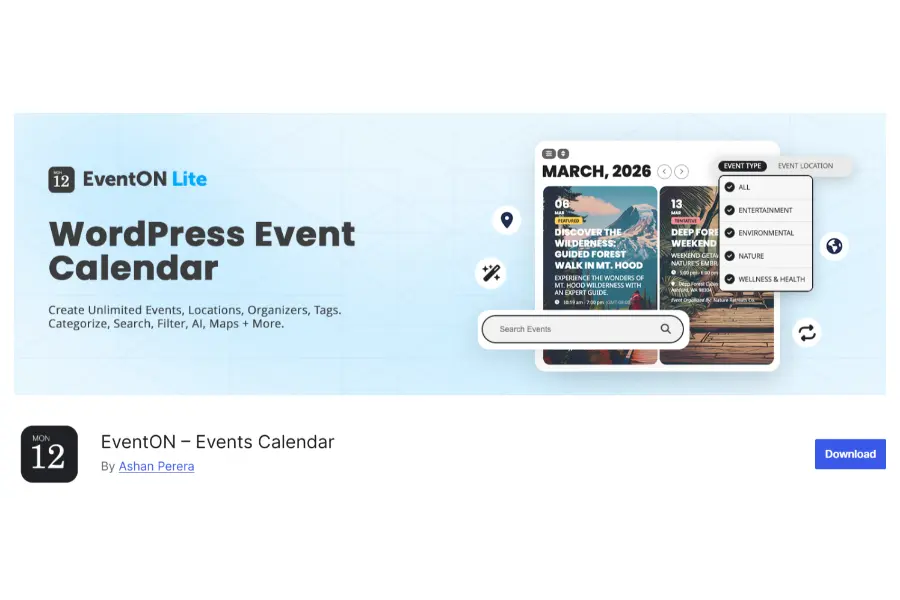
Known for its sleek, colorful, and modern frontend designs, EventON is a highly visual alternative. It operates on a one-time fee model (typically around 25–45) for the base plugin.
However, advanced functionalities require purchasing separate add-ons. It is visually stunning but can become less robust when handling highly complex recurring rules compared to other top-tier solutions.
2. WP Event Manager
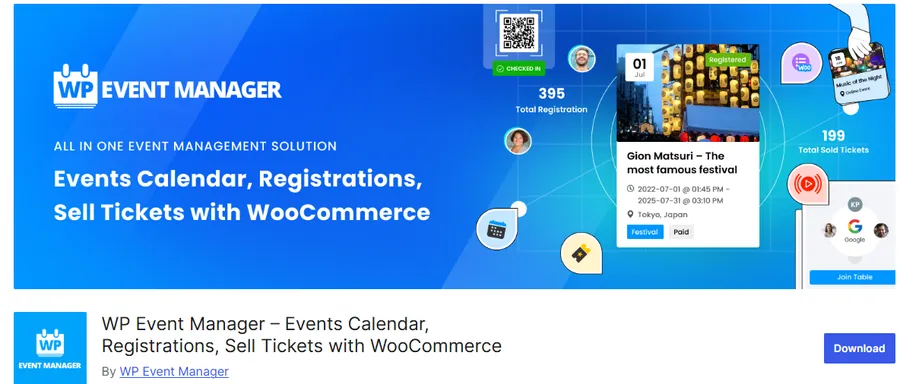
This is a lightweight, scalable, and modular option.
The core is free, allowing administrators to purchase only the specific premium add-ons they need. It is highly favored by developers who want a clean codebase. However, premium views and recurring features still require paid extensions, and customer support consistency can vary.
3. Modern Events Calendar
This option packs a massive amount of functionality into its free version, including basic recurring events and countdown sliders. It integrates beautifully with page builders like Elementor and Divi.
The downside is that the backend interface can feel bloated and overwhelming for beginners. Furthermore, their premium tier pricing often rivals or exceeds the cost of other major calendar solutions.
Making the Final Decision
Choosing the right calendar of events for WordPress ultimately comes down to diagnosing the exact bottleneck facing the organization.
Stick with the free version if the schedule is straightforward, events do not repeat, and advanced ticketing is unnecessary.
Invest in Events Calendar Pro (via the Essentials, Pro, or Elite plans) if the organization relies heavily on automated recurring schedules, community event submissions, WooCommerce ticket sales, or QR code attendee management.
For schools, churches, professional venues, and web agencies, the time saved on administrative tasks rapidly justifies the annual cost. Educational institutions, in particular, should ensure their chosen calendar ecosystem integrates smoothly with other essential WordPress plugins for educational sites to provide a seamless experience for students.
Finally, if the underlying event management is fine, but the website simply needs a beautiful homepage slider or live filtering, look toward dedicated presentation add-ons instead of overpaying for operational features. When aligned correctly with business needs, a professional scheduling setup transforms a static website into a dynamic, revenue-generating engine.
Frequently Asked Questions (FAQs)
1. What are the major new features in the 2026 updates for Events Calendar Pro?
The recent versions introduced seamless WP All Export integration, category color-coding for better visual organization, significantly faster Photo View load times, and improved seating chart compatibility. Accessibility and overall layout stability also received major backend enhancements.
2. Can a user cancel the premium subscription at any time?
Yes. The billing model is based on an annual subscription, but auto-renewal can be disabled from the account dashboard at any point. Ensure cancellation happens before the renewal date to avoid automatic charges.
3. What happens to the calendar if the premium license expires?
The plugin and all published events will remain on the website and continue to function. However, the site will lose access to crucial security patches, feature updates, and premium customer support. Over time, as WordPress core updates, an outdated plugin may experience compatibility issues.
4. Is it safe to buy a cheap version of this WordPress event calendar plugin from reseller websites?
No. Discounted reseller versions are unauthorized and highly dangerous. They do not provide official updates or customer support, and they frequently contain hidden malware that can compromise a website’s security and data.
5. How do I transition from the free version to the premium version?
The process is simple. First, keep the free version installed and activated on the site. Next, download the premium zip file from your official account dashboard. Upload this file via the WordPress plugin menu, activate it, and enter the provided license key. All existing event data will seamlessly integrate with the new premium features.
Read more: Your Guide to the Top AI and ML Certification
Contact US | ThimPress:
Website: https://thimpress.com/
Fanpage: https://www.facebook.com/ThimPress
YouTube: https://www.youtube.com/c/ThimPressDesign
Twitter (X): https://x.com/thimpress_com