Speed, stability, and mobile responsiveness are the non-negotiable pillars of a successful online school. For years, educators and course creators relied on heavy page builders to design their sites. While visually capable, these tools often came with a significant downside: they slowed down websites and made maintenance a headache. However, the industry has shifted. The modern standard is the Gutenberg education WordPress theme — a solution that leverages the native power of WordPress to deliver lightning-fast learning experiences.
Choosing a native WordPress education theme ensures that your platform remains lightweight, accessible, and future-proof. Instead of fighting against bloated code or proprietary software, these themes work in harmony with the native block editor to create professional layouts effortlessly. This guide highlights the top five themes that prioritize performance and Learning Management System (LMS) integration, starting with a powerful newcomer designed specifically for creators.
Eduma – Education WordPress Theme
We provide an amazing WordPress theme with fast and responsive designs. Let’s find out!
1. Online Learning
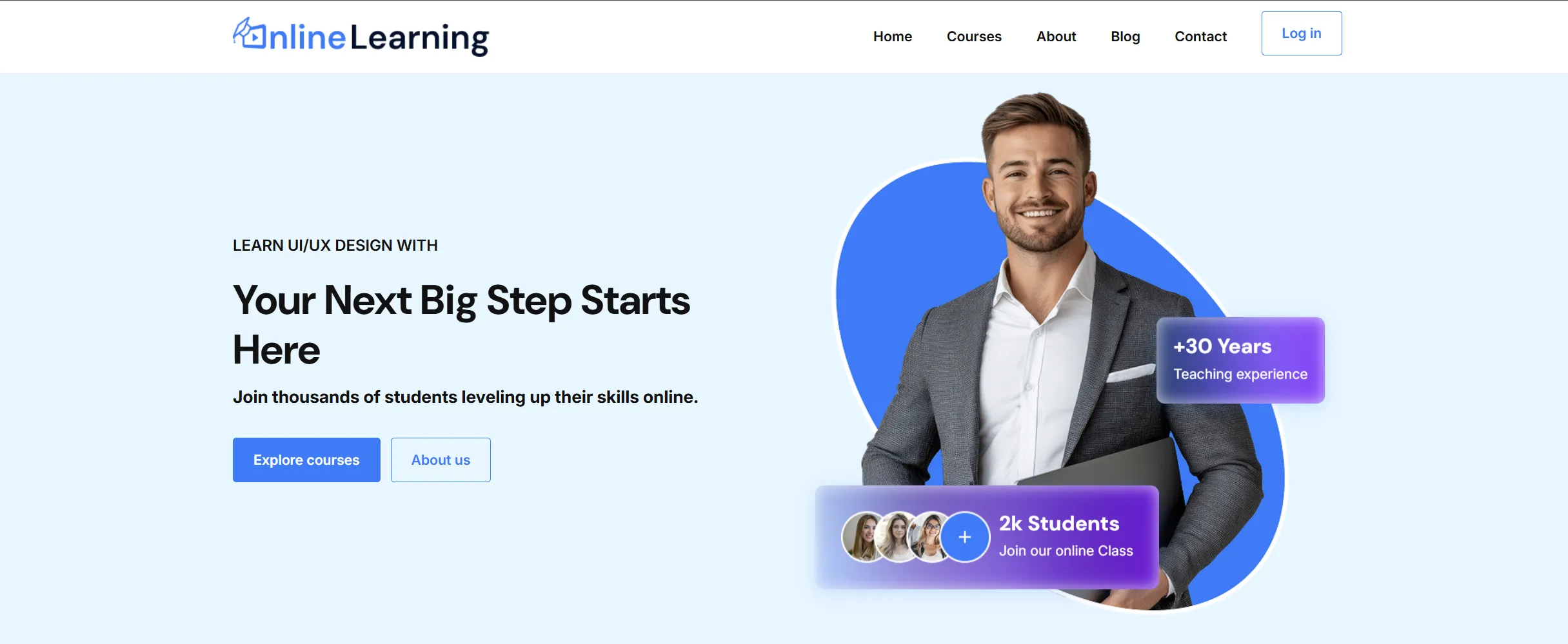
Online Learning secures the top spot as the premier Gutenberg education WordPress theme for modern educators, coaches, and trainers. Unlike generic multipurpose themes that try to be everything to everyone, this theme is engineered specifically to address the core challenges of building an educational platform: eliminating bloat, improving speed, and reducing feature overload.
It serves as a comprehensive solution for those wanting to build a professional online course website without complexity or high costs. As a modern block theme, it fully supports Full Site Editing (FSE), allowing users to visually customize every part of the website—from headers to footers—without writing a single line of code.
Key Features for Education
- LearnPress Integration: Born from the ThimPress family, Online Learning works flawlessly with LearnPress, the most popular free LMS plugin. You can build comprehensive courses with lessons, quizzes, and assignments immediately.
- Zero Cost Entry: The theme and core plugins are completely free, making it the ideal starting point for solo creators or startups.
- Marketing Ready: It includes bundles for Course Wishlists and Course Reviews to help build social proof and student engagement right out of the box.
Why it Fits:
Online Learning is the definition of a specialized Gutenberg LMS WordPress theme. It combines the lightweight architecture of a native theme with the robust functionality of LearnPress and Thim Blocks, offering a clear “Growth Pathway” from a free starter site to a scalable business using premium themes like Eduma.
The Power of Gutenberg Thim Blocks
A standout feature that sets the Online Learning theme apart is its deep integration with Gutenberg Thim Blocks. While the theme itself provides the structural foundation, Thim Blocks supercharges the editing experience.
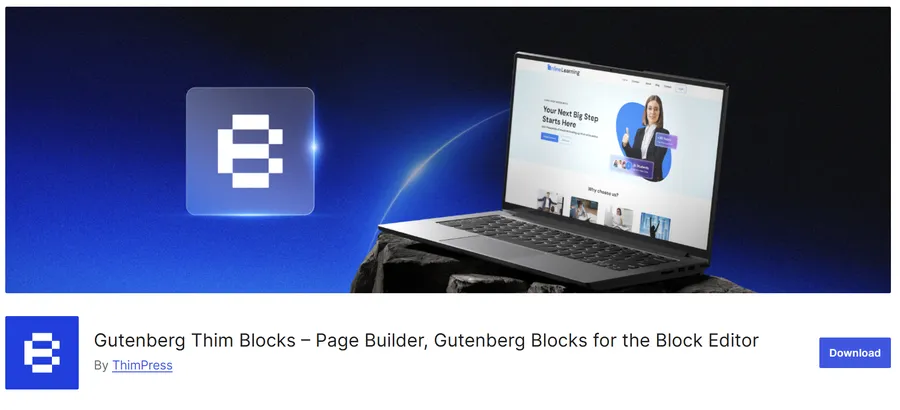
- What is Thim Blocks? It is a specialized plugin that adds a library of professional, highly customizable blocks to the native editor. It eliminates the need for heavy third-party page builders, ensuring the site remains a fast WordPress education theme without page builder dependency. You can download Thim Blocks directly from the repository.
- Essential Tools: The plugin includes over 14 essential blocks necessary for a rich educational site. You can easily implement Accordions for FAQs, Countdowns for course launches, Post Carousels for updates, Team Member profiles for faculty, and Video Popups for course trailers.
- Performance First: Because it is built specifically for the native editor, Thim Blocks adds no bloated code. It allows for “true design flexibility” while maintaining peak performance scores on testing tools like Google PageSpeed Insights.
2. Astra
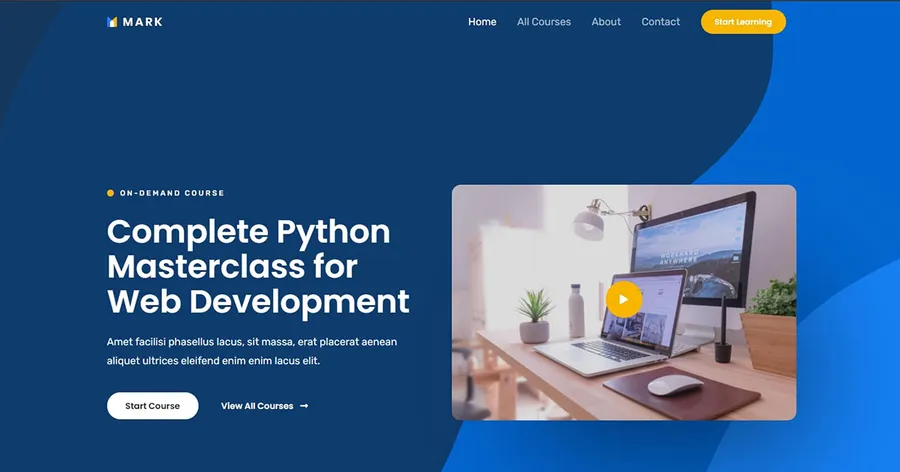
Astra remains a dominant force in the WordPress ecosystem due to its unparalleled flexibility. While it is a multipurpose theme rather than a niche one, its dedicated features for the education sector make it a strong contender. Astra is often cited as a reliable block editor education WordPress theme because of its vast library of “Starter Templates,” which includes several professionally designed demos for universities and schools.
Key Features for Education
- LMS Integration: Astra offers deep integration with major LMS plugins like LifterLMS. It automatically applies design settings to course pages, ensuring a cohesive look without custom coding.
- Distraction-Free Learning: It includes specific features to remove headers and footers on course pages, keeping students focused purely on the learning material.
- Performance: Weighing in at less than 50KB on the frontend, Astra ensures that students with slower internet connections can still access materials quickly.
Why it Fits
Astra allows the user to build a complete school website using only the native editor. It respects the native WordPress education theme philosophy by adding styling options to the customizer rather than forcing a heavy overlay on the editor. It is a safe, scalable choice for institutions expecting significant growth.
3. Kadence
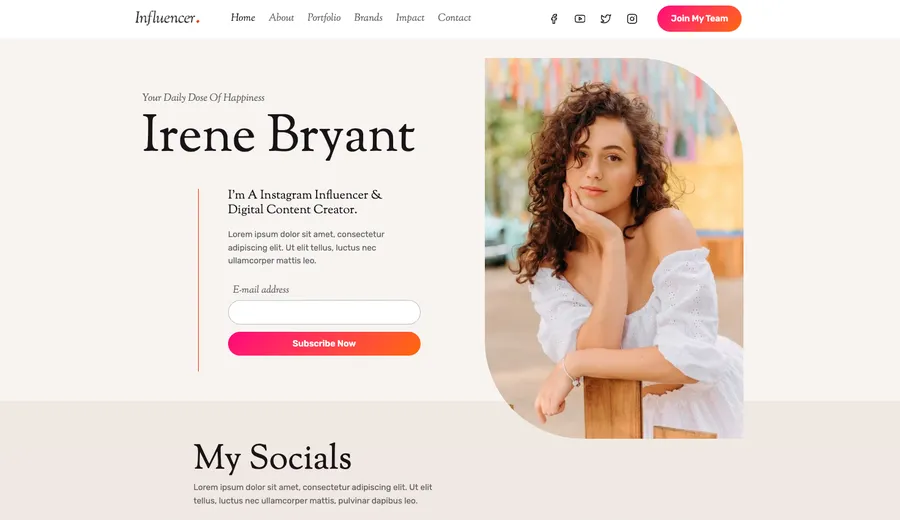
For those seeking a block editor education WordPress theme that pushes the boundaries of design without sacrificing speed, Kadence is a superior choice. Kadence is not just a theme; it is an ecosystem that enhances Gutenberg. When paired with its own blocks plugin, it transforms the simple editor into a powerhouse capable of creating complex course grids and faculty profiles.
Key Features for Education
- Global Color Palette: Schools can maintain strict brand consistency across thousands of pages with a centralized color system. Changing a color globally takes seconds.
- Header Builder: Educational sites often require complex navigation (e.g., Student Login, Library, Course Catalog). Kadence’s drag-and-drop header builder handles this effortlessly.
- Typographic Control: Readability is vital for learning. Kadence provides granular control over fonts, ensuring textbooks and articles are legible on all devices.
Why it Fits
Kadence bridges the gap between design freedom and technical performance. It serves as a WordPress education theme without page builder bloat, yet it allows for design layouts that typically require heavy tools. It is particularly effective for university portals requiring dynamic content display.
4. GeneratePress
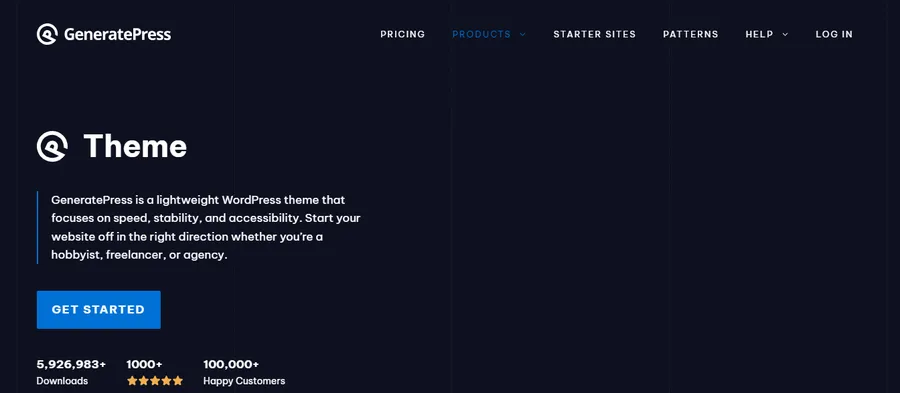
Stability and speed are the hallmarks of GeneratePress. Prioritizing clean code above all else, this theme has been a favorite among developers for years. For an educational institution that values long-term reliability and instant page loads, GeneratePress is the gold standard.
Key Features for Education
- Accessibility Ready: GeneratePress follows WCAG 2.0 standards strictly, ensuring the site is accessible to students with disabilities—a legal requirement for many schools.
- Block Elements: The Premium version allows users to build site parts (like footers or course headers) using Gutenberg, truly realizing the concept of a WordPress education theme without page builder.
- Modularity: You can disable features you do not use, keeping the site lean and efficient.
Why it Fits
It is the definition of a utilitarian tool. While it may require slightly more configuration to achieve a stylized look compared to Online Learning or Astra, the performance gains are undeniable. It handles heavy traffic effortlessly, making it perfect for exam periods when student activity spikes.
5. Neve
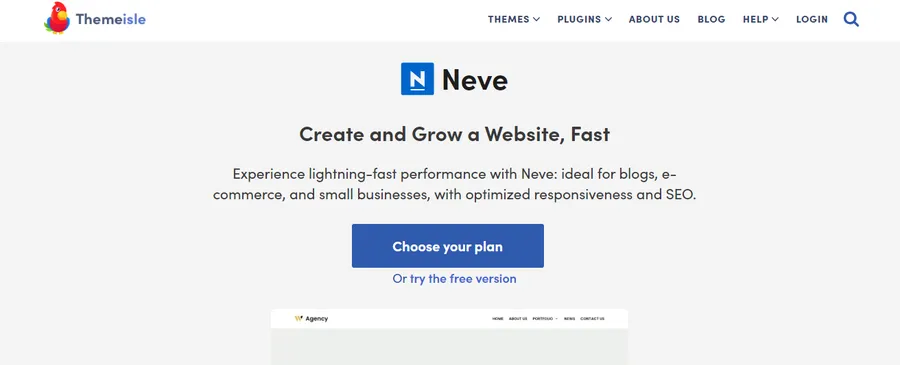
Neve adopts a mobile-first approach. Considering that a vast majority of students access course materials via smartphones and tablets, Neve’s priority on mobile responsiveness makes it a critical inclusion. It is a lightweight Gutenberg education WordPress theme designed to look good on small screens immediately upon installation.
Key Features for Education
- AMP Compatibility: Neve works seamlessly with Accelerated Mobile Pages (AMP), ensuring near-instant delivery of educational articles on Google mobile search.
- LMS Boosters: Similar to the others, Neve includes specific styling for LMS plugins, ensuring that quizzes and lesson timers render correctly.
- One-Click Imports: Neve offers specific starter sites for “E-Course” and “University” that utilize the block editor.
Why it Fits
Neve is fast and forgiving. It is an excellent choice for smaller tutoring businesses or solo educators who need a professional Gutenberg LMS WordPress theme setup quickly without getting bogged down in technical settings.
The Importance of Native Performance in Education
The shift toward the block editor is not merely a trend; it is a technical evolution. Search engines like Google prioritize Core Web Vitals, a set of metrics measuring speed, responsiveness, and visual stability. A WordPress education theme without page builder clutter inherently scores higher on these metrics.
When a student clicks on a lesson, a delay of three seconds can break their concentration or lead to frustration. Heavy themes load unnecessary stylesheets and scripts for features that are not even in use. In contrast, the themes listed above—Online Learning, Astra, Kadence, GeneratePress, and Neve—load only what is necessary.
Building an LMS with Gutenberg
Simply choosing a theme is step one. The power of these themes unlocks when paired with a Learning Management System. A Gutenberg LMS WordPress theme must handle dynamic content—such as progress bars, student profiles, and certificate downloads—without breaking the layout.
Themes like Online Learning excel here because they are built in tandem with the LMS (LearnPress). This ensures that when a student navigates from a lesson to a quiz, the visual transition is seamless. Furthermore, utilizing tools like Thim Blocks allows educators to insert interactive elements directly into course descriptions, such as countdowns for enrollment deadlines or accordion-style FAQs, enhancing the user experience without extra code.
Conclusion
Selecting the right foundation for an educational website is a decision that impacts the institution for years. While the market is flooded with visually flashy options, the smart choice lies in performance and native compatibility.
By choosing a high-quality Gutenberg education WordPress theme like Online Learning, institutions ensure their platforms are accessible, fast, and easy to manage. Whether focusing on the seamless LearnPress integration of Online Learning, the flexibility of Astra, or the speed of GeneratePress, the goal remains the same: delivering knowledge without technical barriers. Utilizing a native WordPress education theme is the most effective way to future-proof an online learning environment.
Frequently Asked Questions (FAQs)
1. Is the Online Learning theme truly free to use?
Yes, the Online Learning theme is completely free. It is designed to work with the free version of LearnPress and the free Thim Blocks plugin, allowing you to build a fully functional educational website with zero initial cost.
2. What makes Thim Blocks different from other block plugins?
Thim Blocks is designed specifically for performance and simplicity. It provides over 14 essential blocks (like accordions and sliders) without the code bloat found in other plugins. It is optimized to work natively with the Online Learning theme.
3. Do I need a separate page builder with these themes?
No. All the themes listed here are designed to work as a WordPress education theme without page builder dependencies. They utilize the native WordPress block editor (Gutenberg) to create layouts, ensuring faster load times.
4. Can I customize the colors and fonts in Online Learning?
Absolutely. Online Learning supports Full Site Editing (FSE), which gives you global control over your brand’s typography, color palettes, and layout spacing directly from the WordPress editor.
5. Are these themes compatible with SEO plugins?
Yes, all recommended themes are built with clean code and are fully compatible with popular SEO plugins like Rank Math and Yoast SEO. Their lightweight nature also helps improve search rankings through better speed performance.
Read more: 8 Best Elementor Education WordPress Theme Choices for Online Courses & LMS
Contact US | ThimPress:
Website: https://thimpress.com/
Fanpage: https://www.facebook.com/ThimPress
YouTube: https://www.youtube.com/c/ThimPressDesign
Twitter (X): https://x.com/thimpress_com