WordPress is the world’s leading site-building platform, renowned for its ease of use and flexibility. However, a fresh WordPress installation is like a blank canvas—it requires the right tools to become a masterpiece.
Without the proper setup, site owners often struggle with slow loading times, security vulnerabilities, and poor user experience.
To achieve total WordPress site optimization, you need to look beyond the default settings.
In this article, we have curated a list of essential WordPress plugins that will help you secure your data, streamline your design, and boost your search engine rankings. These are the must-have WP tools you need to build a professional and successful website.
Eduma – Education WordPress Theme
We provide an amazing WordPress theme with fast and responsive designs. Let’s find out!
1. Security: Wordfence Security
If your website includes login features, processes payments, or stores any form of user data, security must be your top priority. Cyber threats are evolving, and a default WordPress site is often a target for brute-force attacks and malware—especially for networks running multiple sites.
Following proven WordPress multisite security best practices and installing a robust security plugin is the most effective way to increase WordPress security without needing advanced technical knowledge.
The Solution: Wordfence Security – Firewall & Malware Scan
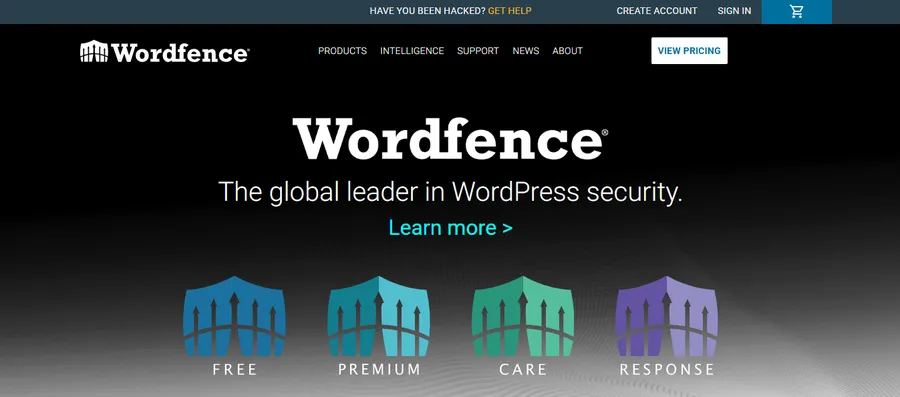
Wordfence is widely recognized as the global leader in WordPress security. Unlike generic security tools, Wordfence includes an endpoint firewall and malware scanner built specifically for WordPress. It feeds real-time threat defense intelligence to your site, identifying and blocking newer attacks instantly.
For any site owner serious about protecting their reputation and data, Wordfence is an indispensable tool in the list of essential WordPress plugins.
Key Features:
- Web Application Firewall (WAF): Identifies and blocks malicious traffic before it reaches your site.
- Malware Scanner: Checks themes, plugins, and core files for bad URLs, backdoors, and code injections.
- Login Security: Features Two-Factor Authentication (2FA) and CAPTCHA to stop brute-force attacks.
- Live Traffic Monitor: Allows you to see hack attempts and blocking activities in real-time.
- Country Blocking: Restricts access from specific geographic regions known for high cyber-attack rates.
- File Repair: Compares your core files with the repository versions and helps you repair changed files.
2. Login & UX Customization: LoginPress
User experience (UX) starts the moment a user interacts with your site. For membership sites, e-learning platforms, or online stores, the login page is often the first touchpoint. A default, boring WordPress login screen can make your business look generic. Customizing this experience is a quick win to build brand identity and trust.
The Solution: LoginPress – Custom Login Page Customizer

LoginPress allows you to revamp the default WordPress login page to match your brand’s identity completely. It creates a cohesive user journey, ensuring that visitors feel they are on a professional platform from the very first click.
By improving the visual appeal and functionality of the login process, LoginPress acts as a vital component of WordPress site optimization for membership-based websites.
Key Features:
- Pre-designed Templates: Choose from a variety of professional layouts to save time.
- Custom Branding: Easily upload your logo and change the background image to fit your brand.
- Google Fonts Integration: Ensure your typography is consistent with the rest of your website.
- Auto Remember Me: Enhances UX by keeping users logged in, reducing friction.
- Custom Error Messages: Replace generic errors with helpful, friendly guidance for users.
- Social Login: Integrates easily to allow users to log in via Facebook, Google, or Twitter.
3. eCommerce & Business: WooCommerce
Turning a WordPress site into a revenue-generating machine requires a powerful engine. Whether you are selling physical products, digital downloads, or educational courses, you need a system that handles payments and inventory smoothly.
Note: If your primary focus is selling online courses and education, specialized solutions like the LearnPress plugin or the Eduma theme are the industry standards. However, for a general online store setup, WooCommerce remains the king.
The Solution: WooCommerce
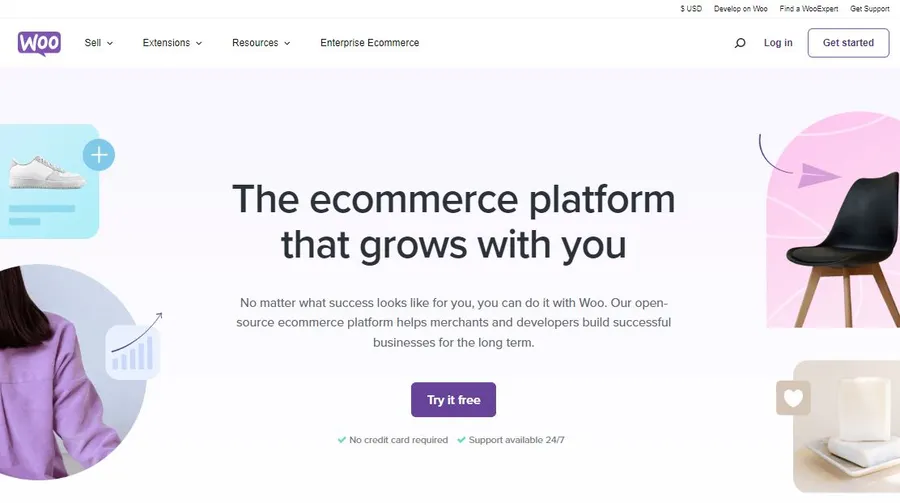
WooCommerce is the world’s most popular open-source eCommerce solution. It seamlessly integrates with WordPress, transforming a simple blog into a fully functional online store.
Its flexibility allows you to scale from a small shop to a massive enterprise. Because it is highly compatible with other must-have WP tools, WooCommerce is the foundation for millions of businesses worldwide.
Key Features:
- Product Management: Easily manage inventory, product variations (size, color), and digital downloads.
- Secure Payments: Built-in support for PayPal, Stripe, credit cards, and cash on delivery.
- Shipping Options: Configure flat rates, free shipping, or real-time calculations.
- Extensive Ecosystem: Access thousands of free and paid extensions to add specific features.
- Dashboard Analytics: Track sales, orders, and customer statistics directly from your WordPress dashboard.
- SEO Friendly: The code structure is optimized to help your product pages rank on Google.
4. Page Building & Design: Elementor
The visual appeal of your site directly impacts user retention. In the past, customizing layouts required coding skills.
Today, page builders have revolutionized this process, allowing you to design complex, high-performance layouts visually.
A well-designed site not only looks good but also helps improve website performance by organizing content logically.
The Solution: Elementor Website Builder

Elementor replaces the basic WordPress editor with a live frontend editor. It enables you to create top-notch designs without writing a single line of CSS or HTML.
With its instant drag-and-drop capability, Elementor allows for rapid prototyping and design adjustments, making it a favorite among the essential WordPress plugins for designers and marketers alike.
Key Features:
- Drag-and-Drop Editor: Move elements around and see changes instantly on the screen.
- 90+ Widgets: Includes buttons, headlines, carousels, maps, and more.
- Responsive Editing: Switch between mobile, tablet, and desktop views to tweak the design for every device.
- Global Settings: Set global fonts and colors to maintain design consistency across the entire site.
- Popup Builder: (Pro version) Create pixel-perfect popups to capture leads.
- Theme Builder: Customize your header, footer, and archive pages visually.
5. SEO & Rankings: Rank Math
Even the most beautiful website is useless if no one can find it. Search Engine Optimization (SEO) is critical for driving organic traffic. While WordPress is SEO-friendly out of the box, you need a dedicated tool to handle technical aspects like sitemaps, keywords, and meta tags to truly compete.
The Solution: Rank Math SEO
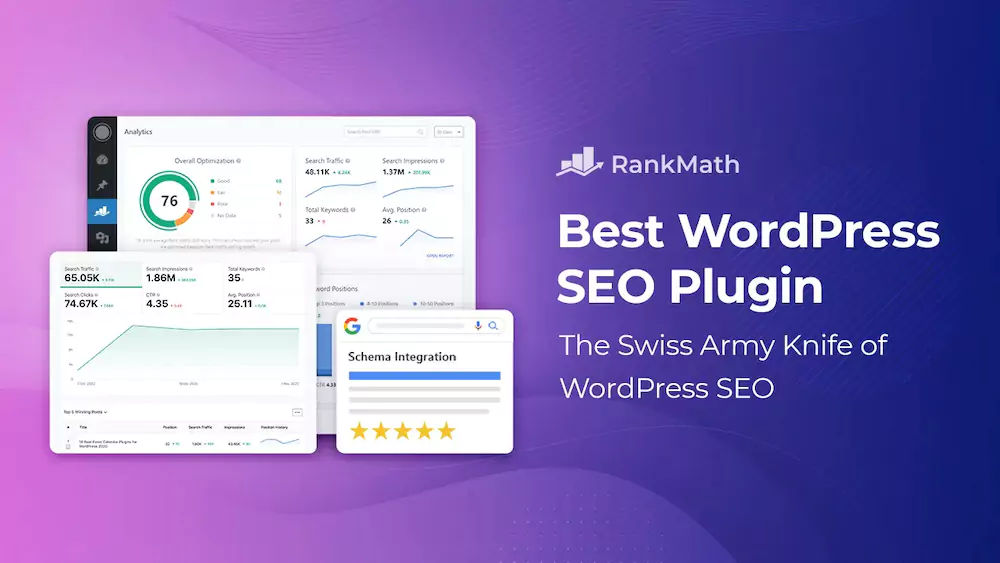
Rank Math has quickly become the favorite SEO plugin for modern WordPress users, often considered lighter and more feature-rich than its competitors. It acts as a “Swiss Army Knife” for SEO, automating many technical tasks.
When comparing Rank Math vs Yoast SEO, many site owners find that Rank Math offers more advanced features while remaining beginner-friendly. Rank Math also guides you to write content that search engines love, making it a crucial tool for WordPress site optimization.
Key Features:
- Setup Wizard: An easy-to-follow wizard that configures SEO settings perfectly for your site type.
- Clean User Interface: Intuitive dashboard that presents data clearly without clutter.
- Content AI: (Credits required) Provides AI-generated suggestions to optimize your content specifically for your target keywords.
- Built-in Schema Markup: Adds structured data (Rich Snippets) to help you stand out in search results.
- Keyword Ranking: Tracks how your keywords are performing directly inside your dashboard.
- 404 Monitor: Detects and logs 404 errors, allowing you to redirect them and retain traffic.
FAQs About 5 Essential WordPress Plugins for Security, Speed, UX & SEO
Q1: What is the most important plugin to install first?
While all are important, security should be your first step. Installing a tool like Wordfence is critical to increase WordPress security before you start adding content.
Q2: Do too many plugins slow down my website?
Yes, installing too many poorly coded plugins can hurt speed. It is best to stick to a curated list of essential WordPress plugins and keep them updated to improve website performance.
Q3: Can I use Rank Math and Yoast SEO together?
No, you should never use two SEO plugins simultaneously as they will conflict. Choose one of these must-have WP tools and stick with it.
Conclusion
Building a successful website is about more than just content; it’s about having the right infrastructure. By equipping your site with these essential WordPress plugins, you cover all the bases: strong security, professional design, robust eCommerce capabilities, and powerful SEO.
Whether you are using Eduma to build an education site or Elementor for a business portfolio, these tools work together to improve website performance and deliver a superior user experience. Start installing these must-have WP tools today and take your WordPress site to the next level.
Read more: 10 Most Common WordPress Errors and How to Fix Them
Contact US | ThimPress:
Website: https://thimpress.com/
Fanpage: https://www.facebook.com/ThimPress
YouTube: https://www.youtube.com/c/ThimPressDesign
Twitter (X): https://x.com/thimpress_com