Building a professional online learning platform does not require advanced coding skills or a massive development team anymore. The rise of visual page builders has democratized web design, allowing instructors and educational institutions to launch world-class websites with ease. For those seeking total control over their layout and design, finding the right Elementor education WordPress theme is the most critical step in this journey.
Choosing a theme that integrates seamlessly with Elementor allows site owners to customize every aspect of their digital academy using a visual interface. This eliminates the reliance on rigid templates and offers the freedom to create unique branding. Whether the goal is to sell video courses, manage a university portal, or run a private coaching business, a dedicated Elementor compatible education theme provides the necessary foundation.
The following guide analyzes the top options available in the market today. These selections focus on performance, design flexibility, and deep integration with Learning Management Systems (LMS).
Eduma – Education WordPress Theme
We provide an amazing WordPress theme with fast and responsive designs. Let’s find out!
Why Choose an Elementor LMS WordPress Theme?
Before examining the specific themes, it is important to understand why this specific combination of tools is so powerful for educators.
1. Visual Freedom with Drag and Drop
The primary advantage is the ability to use a drag and drop education theme WordPress solution. Elementor allows users to see changes in real-time. There is no need to switch back and forth between a code editor and a preview screen. Instructors can place video players, course curriculums, and enrollment buttons exactly where they want them.
2. Cost-Effective Development
Hiring a developer to build a custom learning management system can cost thousands of dollars. Using a specialized Elementor online course theme reduces this cost significantly. Most premium themes come with pre-built demo content that can be imported in minutes, providing a professional structure that only requires text and image replacement.
3. Scalability
A robust theme grows with the business. As the student base expands, these themes allow for the addition of new features like membership areas, forums, and WooCommerce stores without breaking the site’s layout.
Top 8 Elementor Education WordPress Themes
The following list represents the best-in-class options, selected based on speed, feature sets, and user ratings.
1. Eduma
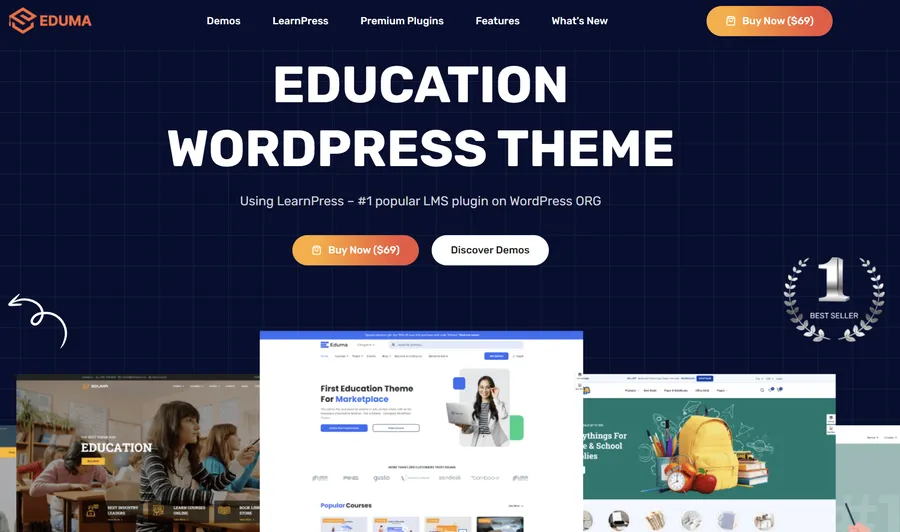
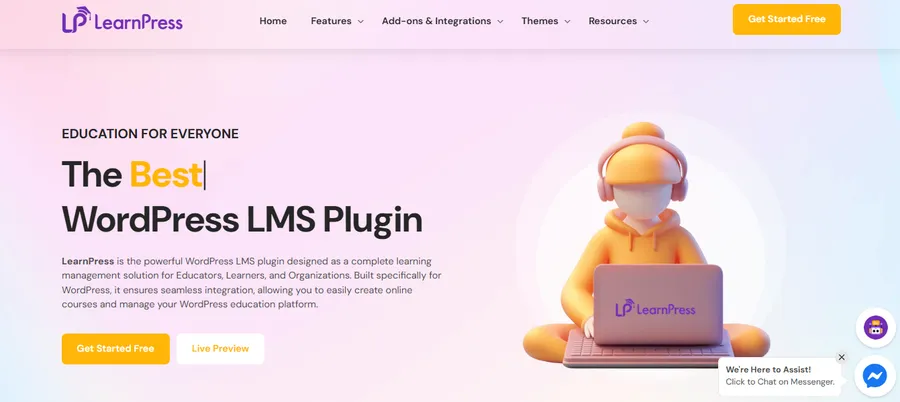
Eduma consistently ranks as the number one choice for educators worldwide, and for good reason. It is not just a theme; it is a comprehensive education ecosystem. Built by ThimPress, Eduma is designed to work flawlessly with the LearnPress LMS plugin, which is developed by the same team. This ensures that the theme and the learning software are perfectly synchronized, reducing technical conflicts.
What makes Eduma the premier Elementor education WordPress theme is its vast library of demo content. It offers over 38 distinct demo layouts tailored for different niches, including Ivy League schools, language centers, and solo technology instructors. You can read a full Eduma theme review to understand why it remains the industry leader.
Key Features:
- Performance: Eduma is highly optimized for speed, which is a ranking factor for Google and crucial for retaining students.
- Elementor Integration: The theme includes custom Elementor widgets specifically for education. You can easily learn how to use Elementor for Eduma to customize layouts like “Course Grid” or “Instructor Profile”.
- Premium Add-ons: The package often includes premium LearnPress add-ons like Certificates, Co-instructors, and Gradebooks at no extra cost.
- Event Management: It includes a built-in plugin to manage webinars and live events, making it a versatile platform for hybrid learning.
Eduma strikes the perfect balance between functionality and aesthetic appeal, making it the definitive choice for serious course creators.
2. MasterStudy
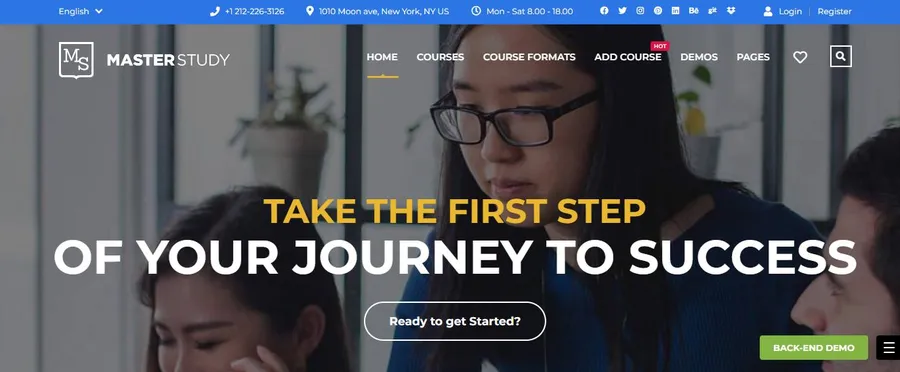
MasterStudy is a powerful contender that offers a robust Elementor LMS WordPress theme experience. Unlike some themes that rely on third-party plugins, MasterStudy comes with its own proprietary LMS plugin included. This all-in-one approach appeals to users who prefer a unified system where the design and the functional backend are built by the same developer.
The theme is particularly strong for those who utilize live streaming. It features seamless integration with Zoom and Google Meet, allowing instructors to conduct live classrooms directly through the website. For a detailed comparison, you can look at Eduma vs MasterStudy to see which suits your needs better.
Key Features:
- Drip Content: Extensive options to schedule lesson availability.
- Quizzes and Assignments: Advanced testing capabilities with various question types.
- App Development: The developers offer a companion mobile app service (paid separately) that syncs with the site.
3. Astra
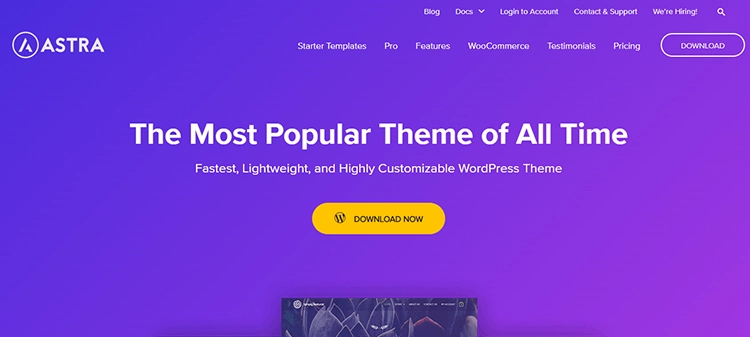
While Astra is known as a multipurpose theme, its lightweight architecture makes it an exceptional Elementor compatible education theme. Astra is famous for its speed. It is less than 50KB on the frontend, ensuring that course pages load instantly.
Astra integrates deeply with the LifterLMS and LearnDash plugins. It provides specialized starter templates for universities and online coaches that can be imported with a single click. Because it acts as a blank canvas, it gives the Elementor user complete creative control. Many users often compare Eduma vs Astra when deciding between a dedicated education theme and a multipurpose one.
Key Features:
- Bloat-Free: No unused code slows down the learning experience.
- Header Footer Builder: Complete control over navigation menus using a drag-and-drop interface.
- Global Design Options: Change colors and typography across the entire site from a single dashboard.
4. Coaching WP

For individual mentors, public speakers, and life coaches, Coaching WP is the ideal solution. While Eduma is great for schools, Coaching WP focuses on the personal brand of the instructor. It is widely considered one of the best coaching WordPress themes available, designed to convert visitors into clients through high-impact landing pages.
This drag and drop education theme WordPress solution utilizes high-quality portfolios and testimonial sliders. It is fully compatible with LearnPress and Elementor, allowing coaches to sell courses, books, and consultation tickets from one platform using the WooCommerce setup.
Key Features:
- One-Click Install: Rapid setup with polished demo data.
- Drag-and-Drop Events: Easy management of speaking engagements and workshops.
- WooCommerce Ready: Seamlessly sell merchandise or digital downloads alongside courses.
5. WPLMS
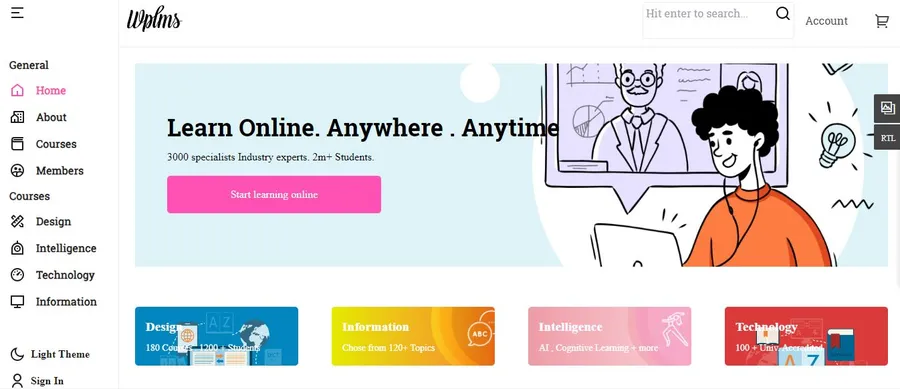
WPLMS is unique because it functions more like a software application than a traditional website. It is a Progressive Web App (PWA) compliant theme. This means that when students view the site on a mobile device, it behaves like a native app, offering offline functionality and faster interactions.
It is an enterprise-level Elementor online course theme suitable for large educational centers. However, due to its complexity, it is worth researching Eduma vs WPLMS to determine if you need this level of intricacy or if a simpler solution is better.
Key Features:
- PWA Technology: Superior mobile experience for students on the go.
- AI-Powered: Includes features to track student retention and suggest courses.
- Social Learning: Built-in social networking features for student interaction.
6. Course Builder
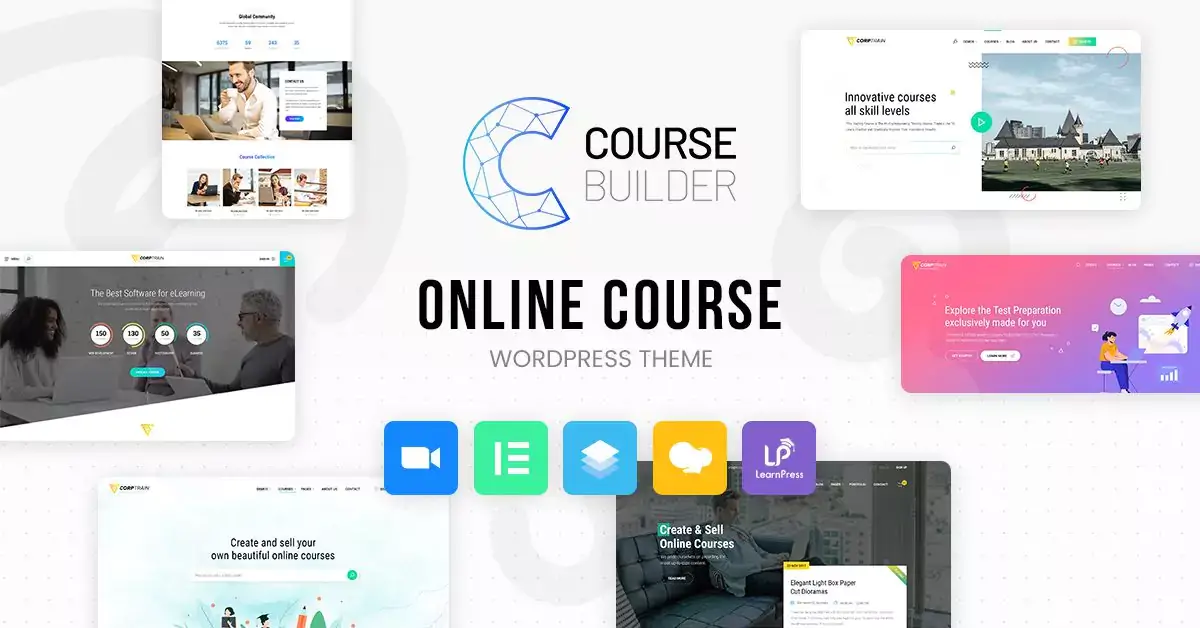
Corporate training requires a different aesthetic than a kindergarten or a creative art school. Course Builder is designed specifically for employee onboarding and professional development portals. It offers a clean, minimal, and serious design that fits a corporate environment.
This theme pairs with LearnPress and Elementor to deliver a structured learning path. It supports multi-instructor setups, allowing different department heads to manage their own training modules and issue professional LearnPress certificates.
Key Features:
- Employee Management: Tools to track trainee progress.
- Certificate Builder: Create professional certificates for completed compliance training.
- Clean Code: Highly stable and secure for business use.
7. Tutor Starter
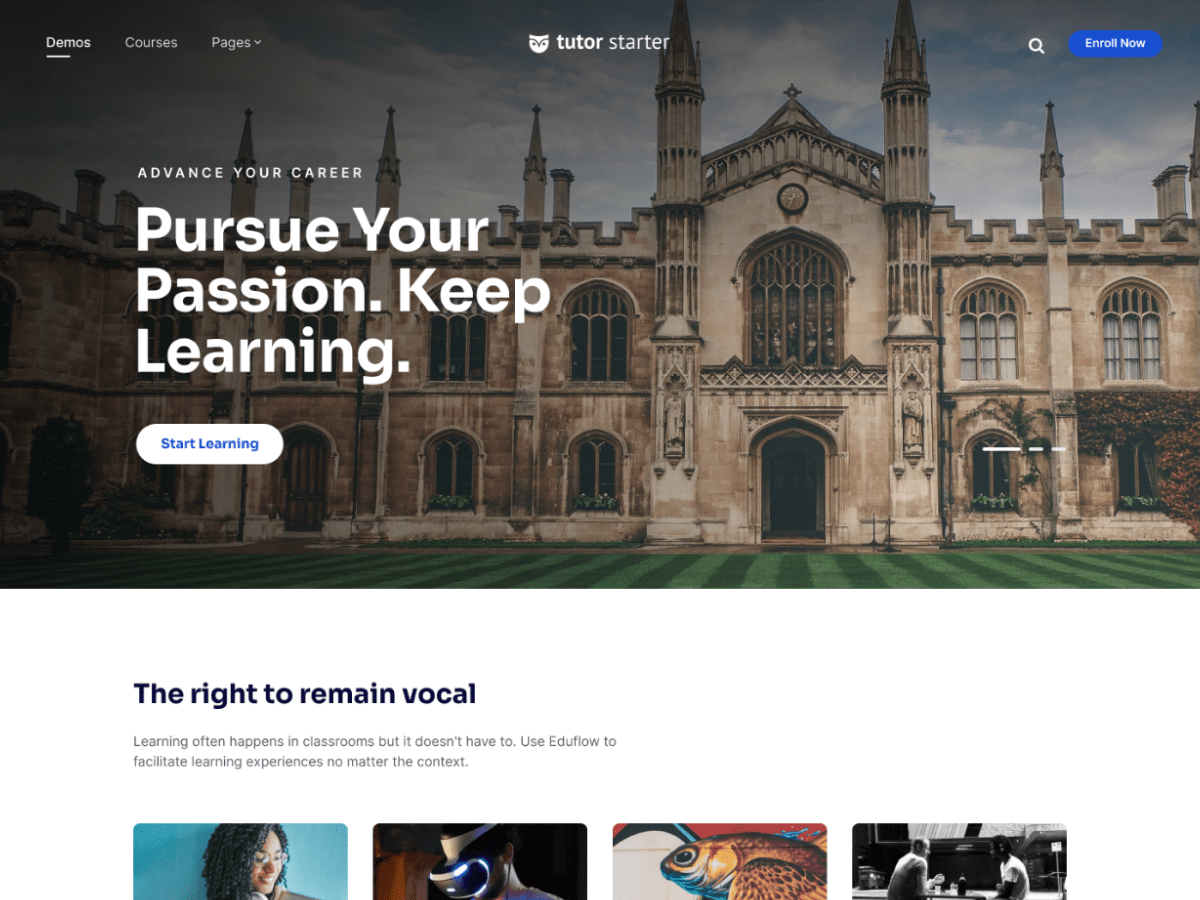
Tutor Starter is the official companion theme for the Tutor LMS plugin. It is a lightweight, free-to-start option that can be upgraded. Because it is built by the plugin developers, it guarantees 100% compatibility.
For those looking for a simple Elementor education WordPress theme without excessive visual clutter, this is a strong candidate. When checking best free education WordPress themes, comparing options like EduPress vs TutorStarter can help clarify the advantages of each.
Key Features:
- Gutenberg and Elementor: Works well with both major editors.
- Focus Mode: Specialized layouts that hide distractions during lessons.
- Schema Ready: Optimized for search engines to display course ratings in search results.
8. BuddyBoss
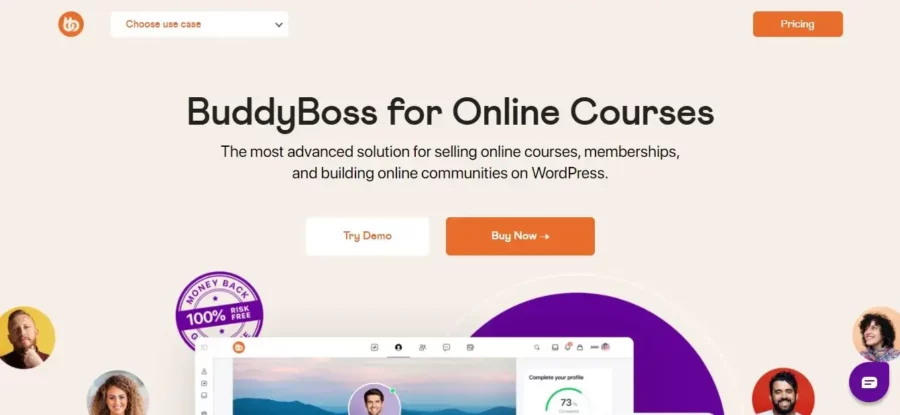
BuddyBoss is the market leader for “Social Learning.” If the goal is to create a community similar to Facebook but centered around education, BuddyBoss is the answer. It allows students to create profiles, join groups, send private messages, and participate in forum discussions.
It serves as an excellent WordPress community plugin wrapper, integrating beautifully with Elementor for layout customization. It is compatible with LearnDash, turning a standard course site into a vibrant interactive campus.
Key Features:
- Community Core: Unmatched social networking features.
- Gamification: Extensive support for points, badges, and ranks to motivate students.
- App Integration: Offers a native mobile app solution (premium service).
Crucial Factors When Selecting a Theme
With so many options, making the final decision can be difficult. Here are the specific criteria to evaluate when purchasing an Elementor education WordPress theme.
LMS Plugin Support
The theme is only the skin; the LMS plugin is the engine. Before buying a theme, one must decide which LMS plugin for WordPress to use (LearnPress, TutorLMS, LearnDash etc.). Ensure the chosen theme explicitly lists compatibility with that plugin. For example, Eduma is the best choice for LearnPress.
Mobile Responsiveness
Statistics show that a significant percentage of students access course material via smartphones and tablets. The chosen theme must be fully responsive. Elements like quizzes, video players, and checkout forms must function perfectly on small touchscreens. For an enhanced experience, using the Eduma mobile app can provide seamless synchronization between web and mobile learning.
Translation Readiness
Online education often transcends borders. If the target audience is global, or if the courses will be offered in multiple languages, the theme must be “Translation Ready” and compatible with tools like the Polylang plugin or WPML.
Support and Updates
The WordPress ecosystem changes rapidly. A theme that is not updated regularly will eventually break or become a security risk. Always check the “Last Updated” date on the theme marketplace. Reliable developers release updates at least once a month to patch bugs and improve security.
Conclusion
The educational technology market is competitive, and the quality of the website directly influences the perceived value of the courses being sold. Utilizing a drag and drop education theme WordPress solution saves time and ensures a professional result without the high cost of custom coding.
While there are many excellent choices, Eduma remains the superior option due to its longevity, feature depth, and seamless integration with LearnPress. However, for those prioritizing speed, Astra is a worthy alternative, and for community-focused learning, BuddyBoss is unmatched.
By selecting the right Elementor education WordPress theme, educators can stop worrying about technical glitches and focus on what truly matters: delivering high-quality knowledge to their students.
Frequently Asked Questions (FAQs)
1. Do I need to know how to code to use these themes?
No, coding knowledge is not required. All the themes listed above support Elementor, which is a visual page builder. You can build pages, adjust layouts, and change colors using a simple visual interface.
2. Can I sell courses and merchandise on the same website?
Yes. Most professional education themes are fully compatible with WooCommerce. This allows you to set up an online store section on your educational site to sell physical books, branded merchandise, or downloadable resources alongside your video courses.
3. What is the difference between a theme and an LMS plugin?
An LMS (Learning Management System) plugin handles the functionality of the course, such as creating lessons, quizzes, and grading systems. The theme controls the visual appearance of the website. You need both to run a successful online school.
4. Are these themes mobile-friendly?
Yes, modern premium themes are designed with a “mobile-first” approach. They automatically adjust the layout to fit different screen sizes, ensuring that students have a smooth learning experience on phones and tablets.
5. Do I have to pay annually for these themes?
It depends on the developer’s licensing model. Some themes offer a one-time payment for a lifetime license, while others require an annual subscription to receive support and updates. It is generally recommended to keep an active license to ensure security updates are received.
Read more: Top 7 Best SEO-friendly Education WordPress Theme Choices
Contact US | ThimPress:
Website: https://thimpress.com/
Fanpage: https://www.facebook.com/ThimPress
YouTube: https://www.youtube.com/c/ThimPressDesign
Twitter (X): https://x.com/thimpress_com