Picking the best LMS for schools usually comes down to one question: do you want a system that just distributes assignments, or one that can run an entire curriculum, grade book, and enrollment workflow?
Administrators who skip this step often end up migrating platforms two years later, after teachers have already built hundreds of lessons inside a tool that cannot scale.
This guide walks through the platforms that consistently show up on shortlists for K-12 schools, and also covers LMS higher education needs, where course catalogs, credit tracking, and integration with a student information system matter more than simple classroom management.
We tested and compared open-source systems, cloud SaaS platforms, and WordPress-based options built on LearnPress and the Eduma theme, so you can match the platform to your budget, your IT team’s capacity, and how much control you want over the final product.
Eduma – Education WordPress Theme
We provide an amazing WordPress theme with fast and responsive designs. Let’s find out!
What makes a good LMS for schools and universities
Before ranking any platform, it helps to know what actually separates a strong learning management system from a glorified file-sharing tool. A handful of feature areas keep coming up in almost every serious evaluation, whether the buyer is a district technology director or a university registrar.
Core features to check before you commit
Look past the marketing page and check these directly during a trial account:
- Gradebook and assessment tools. Can a teacher build a rubric, weight categories, and export grades to a student information system without a plugin?
- Content authoring. Does the course builder support SCORM or xAPI packages, video embeds, and quiz banks with randomized question pools?
- Roles and permissions. Schools need separate access levels for administrators, teachers, students, and often parents. Universities need department-level control over who can publish a course.
- Mobile access. Test the platform on a phone before buying it, not after. A gradebook that only works on desktop is a support ticket generator.
- Integration with existing tools. Single sign-on through Google Workspace or Microsoft 365, plus LTI 1.3 support for third-party tools, saves IT teams from manually creating accounts every semester.
Free vs paid learning management systems
The best free learning management system for a small school is rarely the best choice for a 5,000-student district, and that is worth saying plainly before anyone gets attached to a “free” label.
- Open-source platforms like Moodle are free to download, but someone still has to host, patch, and back up the server, which shifts the cost from a license fee to staff time or a managed hosting invoice.
- Cloud tools like Google Classroom are free and require almost no setup, but they trade away deep customization and detailed analytics.
- Paid platforms such as Canvas or Brightspace charge per student or per institution, and that fee usually buys dedicated support, guaranteed uptime, and faster feature releases.
7+ best LMS for schools and higher education in 2026
Every platform below has a distinct strength, so the list is organized by use case rather than a single overall ranking. A few are strong examples of learning management systems in education that lean toward K-12, while others are built for LMS higher education deployments with thousands of concurrent users.
1. LearnPress with the Eduma theme (WordPress)
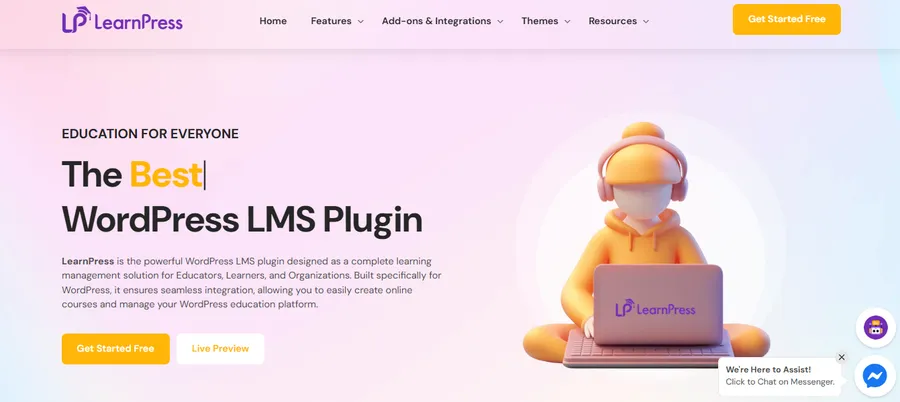
For schools and training centers that want to own their platform outright instead of renting space inside someone else’s cloud product, LearnPress paired with the Eduma theme is one of the most capable WordPress-based combinations available. LearnPress is a WordPress plugin that turns a standard WordPress install into a full course platform: it handles course curricula, quizzes, certificates, instructor profiles, and student progress tracking, and it connects to WooCommerce for course sales without needing a separate ecommerce plugin.
Eduma is an education-focused WordPress theme built specifically around LearnPress, so the visual layout, course archive pages, and instructor dashboards are already styled instead of requiring custom CSS work. After activating Eduma and importing its education demo content, the course catalog page, student dashboard, and quiz interface are ready to use immediately, which is a meaningful time saver compared to configuring a generic theme to work with an LMS plugin bolted on afterward.
This combination is a strong match for language schools, coding bootcamps, and university departments running standalone certificate programs, since it gives full control over branding, hosting, and data ownership. It also avoids the recurring per-student fees that platforms like Canvas or Brightspace charge, which makes LearnPress and Eduma a genuine contender for the best free learning management system category once you already own hosting, since the plugin’s core features are free and Eduma’s license is a one-time theme purchase rather than a monthly subscription.
2. Moodle
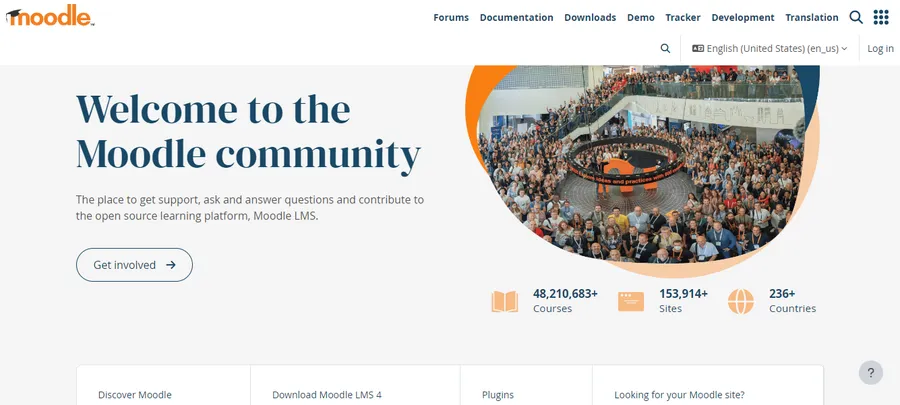
Moodle remains the most widely deployed open-source LMS in education, and its modular design is the reason. After setting up a Moodle instance and building out a biology unit with embedded video, a quiz activity, and a conditional release rule, the thing that stands out is how granular the restrictions are: you can lock a final exam behind a passing score on a practice quiz, which stops students from skipping straight to the graded work. The plugin directory adds gamification through tools like Level Up, and BigBlueButton bolts on live video conferencing without leaving the course page.
Moodle is self-hosted, so a school either needs a server administrator or a Moodle Partner hosting plan. That makes it one of the strongest options when institutions search for the best free learning management system, as long as they budget separately for hosting and maintenance.
3. Canvas LMS
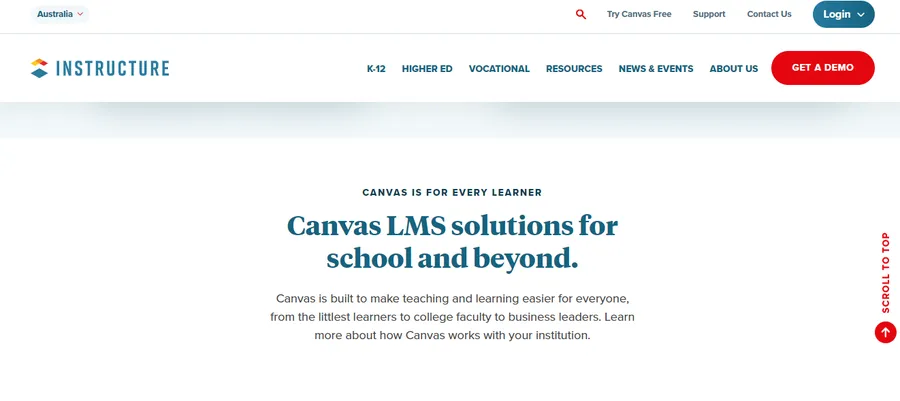
Canvas is frequently cited as the best overall pick for schools that want a polished, cloud-hosted experience without managing a server. The SpeedGrader tool lets a teacher move through a stack of essays with a rubric pinned to the side, which noticeably cuts grading time compared to switching between a spreadsheet and separate assignment files. Canvas also publishes courses on a version-controlled timeline, so a teacher can build next semester’s content while this semester stays untouched.
Canvas charges by institution size, and pricing is not published publicly, so schools need to request a quote. For districts and universities that can absorb that cost, Canvas is one of the more dependable answers to “what is the best LMS for university” evaluations, since it scales from a single classroom to a multi-campus rollout.
4. Google Classroom
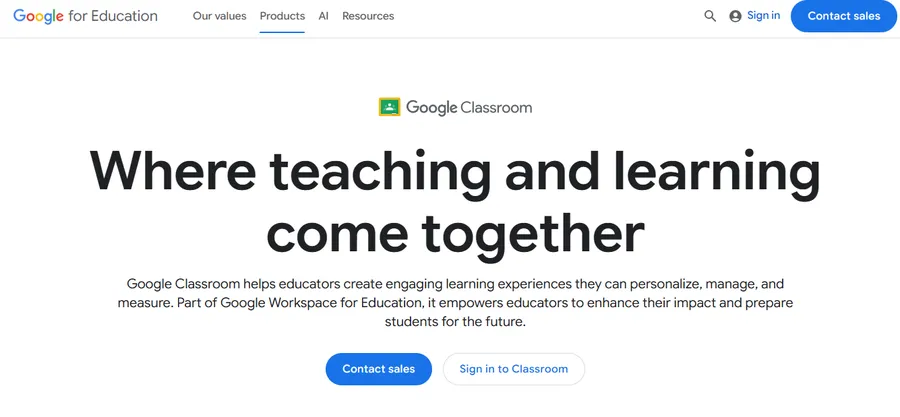
Google Classroom is not a full LMS in the traditional sense. It does not include deep competency tracking or a standalone gradebook with weighted categories, and it relies on Google Workspace for storage and video calls through Meet. What it does well is remove friction: a teacher can post an assignment, attach a Google Doc, and have submissions organized automatically, all inside an interface most students already understand from Gmail and Drive.
For elementary and middle schools that already run Google Workspace for Education, Classroom is often the fastest platform to roll out, and it costs nothing beyond the Workspace subscription the school likely already has.
5. Schoology
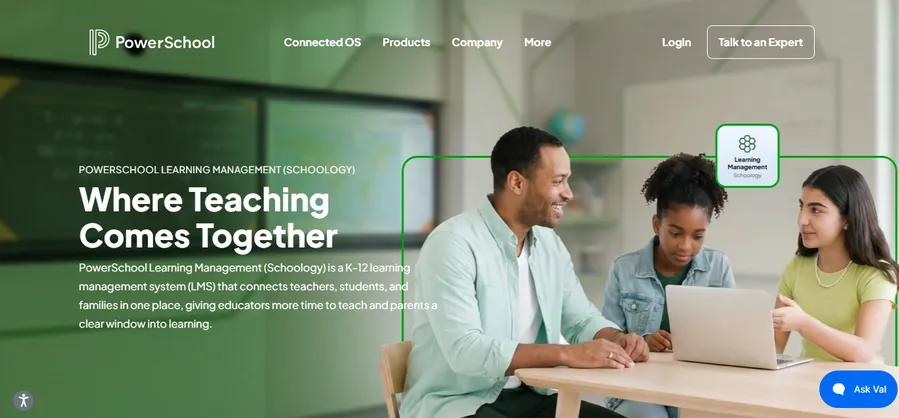
Schoology sits between Google Classroom and Canvas in terms of complexity. It includes a real gradebook, parent-facing accounts, and course groups that let a district standardize a curriculum across every school building while still letting individual teachers add their own materials. The parent portal is a genuine differentiator for K-12 buyers, since it gives families a live view of assignments and grades without a separate login system.
6. D2L Brightspace
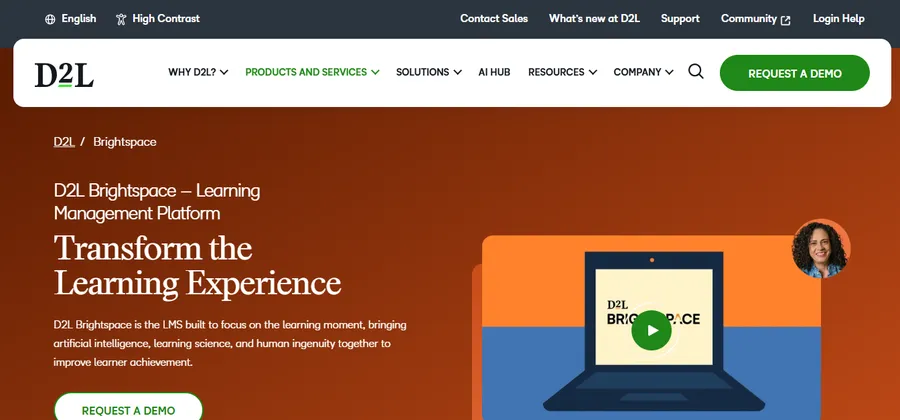
Brightspace is built with adaptive learning paths, meaning the platform can surface remedial content automatically when a student’s quiz results show a gap in a specific skill. This makes it a strong pick for LMS higher education programs that need to serve large, mixed-ability cohorts, particularly in gateway courses like introductory statistics or writing composition. Brightspace’s analytics dashboard also flags at-risk students earlier than a typical gradebook would, based on login frequency and assignment submission patterns.
7. Blackboard Learn
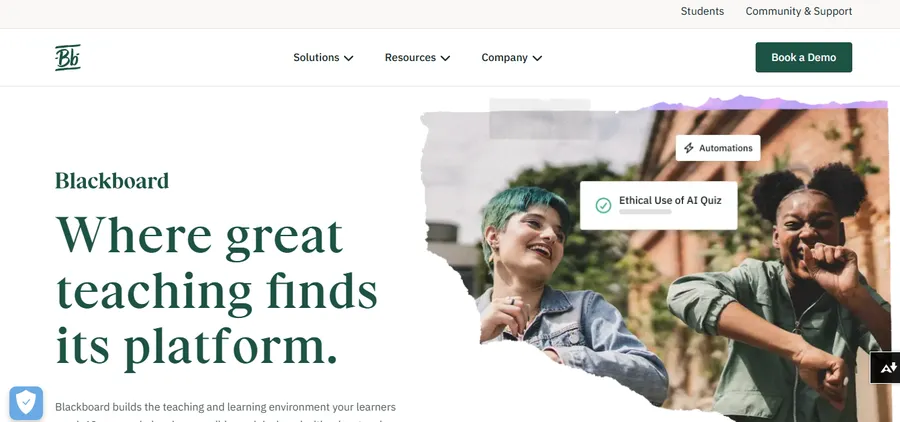
Blackboard is still common in higher education, particularly at large public universities with long-standing contracts. It supports deep integration with student information systems and has a mature mobile app, though many university IT departments describe its interface as dated compared to Canvas or Brightspace. Institutions considering a switch away from Blackboard often cite this as the main reason, alongside licensing costs that scale with enrollment.
Best LMS for university education vs K-12 classrooms
The best LMS for higher education and the best LMS for a K-12 school rarely overlap on requirements. Universities need credit hour tracking, integration with a registrar system, and support for hundreds of independently run courses across departments that do not coordinate with each other. Platforms like Canvas, Brightspace, and Blackboard were built with that structure in mind from the start.
K-12 schools, by contrast, usually need tighter parent communication, simpler content authoring since teachers are not instructional designers, and strong classroom management features like attendance and behavior tracking. Google Classroom and Schoology lean into that use case directly, while Moodle and the LearnPress plus Eduma combination sit in the middle, flexible enough for either audience depending on how they are configured.
Why LearnPress and Eduma work well for school websites
Schools that already run a WordPress website for admissions, news, and staff directories have a practical reason to consider LearnPress and Eduma over an entirely separate LMS platform: everything lives under one login and one design system. A parent visiting the school’s main site does not need to click through to a different domain with a different visual style just to check a grade or enroll in a summer course.
Eduma’s course builder integrates directly with LearnPress’s quiz engine, so building a multiple-choice assessment does not require a separate plugin. The theme also ships with instructor profile pages, a student dashboard showing course progress as a percentage bar, and a certificate template that generates automatically once a student passes a course, all details that would otherwise require custom development on a generic WordPress theme. For schools running WooCommerce for other purposes, such as uniform sales or event ticketing, connecting LearnPress to the same WooCommerce install means one payment gateway configuration handles both the school store and course enrollment fees.
How to choose the right LMS for your school or university
Match the platform to three things: your budget structure, your IT staffing, and how much content you already have built. A district with an in-house developer and a preference for owning its data should look hard at Moodle or LearnPress with Eduma. A university registrar’s office that needs guaranteed SLA-backed uptime and a vendor support line should lean toward Canvas or Brightspace. A small school with no dedicated IT staff and an existing Google Workspace subscription will likely get the fastest results from Google Classroom, even if it means giving up some depth in reporting.
Run a trial with real content before signing anything. Build one full unit, including a quiz with a randomized question pool and a graded discussion post, and have two teachers test it on both a laptop and a phone. Problems that show up in a real trial almost never show up in a sales demo.
FAQs
Is Moodle better than Google Classroom for schools?
Moodle offers deeper course structure, quiz randomization, and plugin extensibility, while Google Classroom prioritizes simplicity and fast setup for assignment distribution. Schools that need detailed grading rubrics and self-paced learning paths tend to prefer Moodle, while schools that mainly need to post assignments and collect submissions often find Google Classroom sufficient.
Can you use an LMS plugin like LearnPress with any WordPress theme?
LearnPress works with most WordPress themes, but a theme not designed for it may need custom styling for course pages, quiz screens, and the student dashboard. Eduma avoids that extra work because it was built specifically around LearnPress, so the course catalog and progress tracking are styled correctly from the first install.
What is the best LMS for a university with multiple departments?
Canvas and Brightspace are the most common choices for universities managing many independent departments, since both support granular permissions that let each department control its own courses without affecting others. Blackboard remains common at institutions with existing long-term contracts, though many IT teams consider its interface less modern than Canvas or Brightspace.
Do free learning management systems require a paid hosting plan?
Yes, in most cases. Moodle and LearnPress are free to download and use, but they need to run on a web server, so schools pay for hosting, SSL, and backups separately. Google Classroom is the exception, since it runs entirely inside Google’s infrastructure at no extra hosting cost.
Conclusion
There is no single best LMS for schools that fits every institution, and treating this as a one-size-fits-all decision is how districts end up migrating platforms twice in five years. Canvas and Brightspace lead for LMS higher education deployments that need scale and guaranteed support. Google Classroom and Schoology lead for K-12 buildings that need simple, fast rollouts. Moodle remains the strongest fully open-source option for schools with in-house technical staff.
For schools that already run WordPress and want full ownership of their platform without recurring per-student fees, LearnPress paired with the Eduma theme is worth a serious look. It puts the course catalog, student dashboard, and certificate generation on the same site as the school’s main web presence, under one login, with no separate vendor contract to renew every year.
Read more: 10 Best SaaS Business Intelligence Tools For Ecommerce
Contact US | ThimPress:
Website: https://thimpress.com/
Fanpage: https://www.facebook.com/ThimPress
YouTube: https://www.youtube.com/c/ThimPressDesign
Twitter (X): https://x.com/thimpress_com