Choosing the best eLearning authoring tools is harder than it looks. Every vendor promises fast course building, mobile-friendly output, and easy publishing. The real differences show up when you build your tenth course, add a second author, or upload a package to your LMS.
This guide compares ten tools used by instructional designers, L&D teams, and independent course creators, with an overview, key features, pros, and cons for each. If you run a WordPress learning site, you will also find a section on how authoring tools fit with LMS authoring inside LearnPress.
Eduma – Education WordPress Theme
We provide an amazing WordPress theme with fast and responsive designs. Let’s find out!
What are elearning authoring tools?
Elearning authoring tools are software applications that let you create online course content, such as slides, quizzes, simulations, and interactive videos, and export it in a format a learning platform can play. The most common export formats are SCORM, xAPI, cmi5, and plain HTML5. Knowing the basics below makes it much easier to judge the best elearning authoring tools for your own projects.
Rapid authoring vs. custom development
Rapid authoring tools for elearning use templates, drag and drop editing, and ready-made interactions so a subject matter expert can publish a course in days instead of months. Custom development, using code or open-source frameworks, gives you full control over design and behavior, but it needs more technical skill and more time. Most teams start with rapid tools and move to custom work only for special projects.
Authoring tools vs. LMS authoring
LMS authoring means building lessons directly inside your learning management system, usually with a built-in course builder. It is quick for text, video, and quizzes, and you do not need to export or upload any packages. A dedicated authoring tool is the better choice when you need branching scenarios, software simulations, timed voice-over, or content you can reuse across several platforms.
How we compared these elearning authoring tools
We built this elearning authoring tools review around official documentation, vendor feature lists, published pricing pages, and common course-building workflows. The goal was to help you compare tools on the points that matter after the free trial ends. We looked at six areas:
- Ease of use: how fast a beginner can publish a first course.
- Responsive output: whether courses adapt to phones, tablets, and desktops without extra work.
- Interactivity: branching, simulations, quizzes, and custom logic.
- Collaboration: review tools, roles, and shared asset libraries.
- Standards support: SCORM, xAPI, and cmi5 export so content works in your LMS.
- Pricing and value: the cost model and what is included.
Features and plans reflect vendor information available at the time of writing. Always test a tool with your own LMS before you commit to a yearly plan.
Elearning authoring tools comparison table
The table below gives a quick elearning authoring tools comparison so you can shortlist two or three options before reading the full reviews.
| Tool | Type | Best for | Responsive output | Export formats | Pricing model |
|---|---|---|---|---|---|
| Articulate 360 | Desktop and browser | Teams that need speed and depth | Yes (Rise is fully responsive) | SCORM, xAPI, cmi5, AICC | Subscription |
| iSpring Suite | PowerPoint add-in (Windows) | PowerPoint-based teams | Yes, with responsive player | SCORM, xAPI, cmi5, AICC | Subscription |
| Adobe Captivate | Desktop (Windows, macOS) | Software simulations and VR | Yes, with Fluid Boxes | SCORM, xAPI, AICC | Subscription |
| Elucidat | Cloud | Large teams and brand control | Yes, automatic | SCORM, xAPI | Custom quote |
| dominKnow ONE | Cloud with offline option | Multi-author production | Yes | SCORM, xAPI, cmi5, AICC | Subscription |
| Gomo Learning | Cloud | Multilingual, mobile-first courses | Yes | SCORM, xAPI | Subscription or quote |
| Easygenerator | Cloud | Subject matter experts | Yes | SCORM, xAPI | Subscription |
| Mindsmith | Cloud, AI-first | Fast first drafts | Yes | SCORM | Subscription |
| H5P | Open source and SaaS | WordPress and Moodle interactivity | Yes | Embed, LTI | Free plugin or paid SaaS |
| Adapt Learning | Open source framework | Developers and technical teams | Yes | SCORM, xAPI | Free (hosting costs apply) |
10+ Best elearning authoring tools reviewed
Each review below covers an overview, key features, pros, cons, and the best use case. Tools are listed in rough order of popularity and flexibility, not strict ranking, because the right choice depends on your team and your LMS.
1. Articulate 360
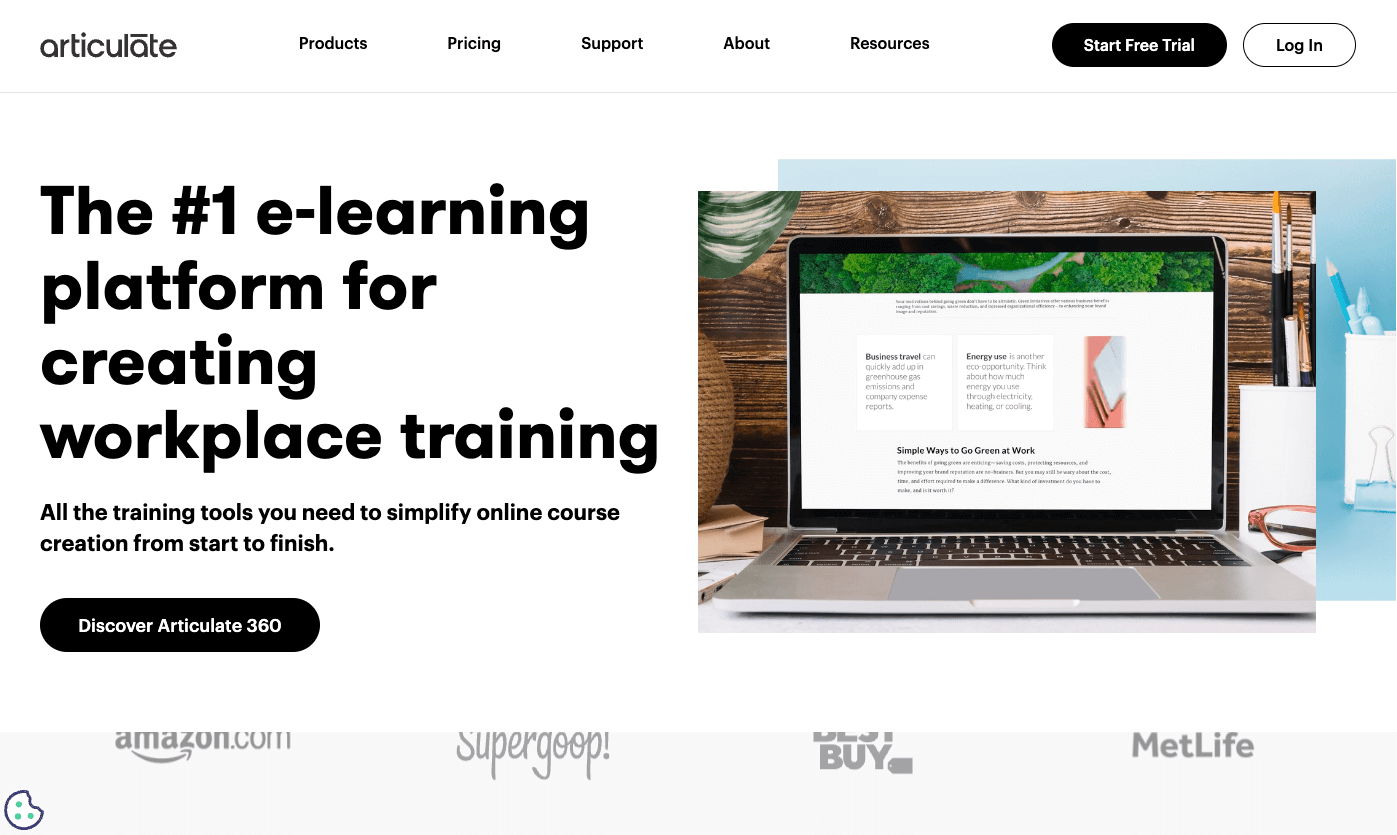
Articulate 360 is a subscription suite that bundles Storyline 360, Rise 360, and supporting apps for review, hosting, and screen recording. Storyline is a Windows desktop app built for custom interactions. Rise runs in the browser and builds clean, mobile-friendly courses quickly. Together they cover both quick builds and complex scenarios, and the large user community means templates, tutorials, and freelancers are easy to find.
Key features:
- Rise 360 lesson blocks that adapt to any screen size automatically
- Storyline 360 triggers, variables, states, and layers for custom logic
- Review 360 for collecting stakeholder comments on a live course
- AI Assistant for drafting text, quiz questions, and images
- Large content library with templates, characters, and stock media
- Export to SCORM, xAPI, cmi5, and AICC
Pros:
- Strong balance of speed (Rise) and depth (Storyline)
- Huge community and learning resources
- Regular updates and a reliable review workflow
Cons:
- Storyline is Windows only, so Mac users need a virtual machine
- Subscription costs add up for large teams
- Storyline’s trigger system takes time to master
Best for: teams that want one subscription for both rapid courses and advanced scenarios.
2. iSpring Suite

iSpring Suite works as a PowerPoint add-in, which makes it very easy for anyone who already builds slides. You create content in PowerPoint, then convert it to HTML5 with animations and triggers intact. The suite also includes a quiz maker, dialogue simulations, and a screen recorder, so you can build a full course without switching tools.
Key features:
- PowerPoint to HTML5 conversion that keeps animations
- Quiz maker with many question types and scoring options
- Dialogue simulation tool for role-play and soft skills
- Video lectures with synchronized slides
- Responsive player for phones and tablets
- Export to SCORM, xAPI, cmi5, and AICC
Pros:
- Very short learning curve for PowerPoint users
- Wide range of interaction templates
- Helpful vendor support
Cons:
- Windows only because it depends on PowerPoint
- Less flexible than Storyline for deep branching logic
- Layout control is limited by the slide format
Best for: small teams and trainers who live in PowerPoint and want results fast.
3. Adobe Captivate
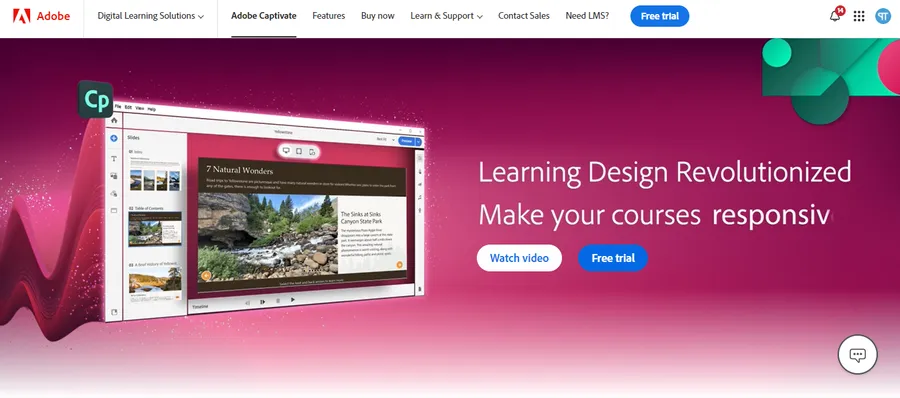
Adobe Captivate is one of the longest-running authoring tools and runs on both Windows and macOS. It is best known for software simulations, where it records your screen and turns the clicks into a guided demo or practice exercise. It also supports VR and 360-degree content, which few rivals offer.
Key features:
- Automatic software simulation capture with demo, training, and test modes
- Fluid Boxes for building responsive layouts
- Branching scenarios and advanced actions
- VR and 360-degree media support
- Built-in quiz tools and question pools
- Export to SCORM, xAPI, and AICC
Pros:
- Best-in-class simulations for software training
- Works on both Windows and macOS
- Fits well with other Adobe creative tools
Cons:
- Steeper learning curve than template-driven tools
- Some users find the interface heavy for simple courses
- Subscription pricing may not suit occasional users
Best for: teams that train employees on software and need realistic practice exercises.
4. Elucidat
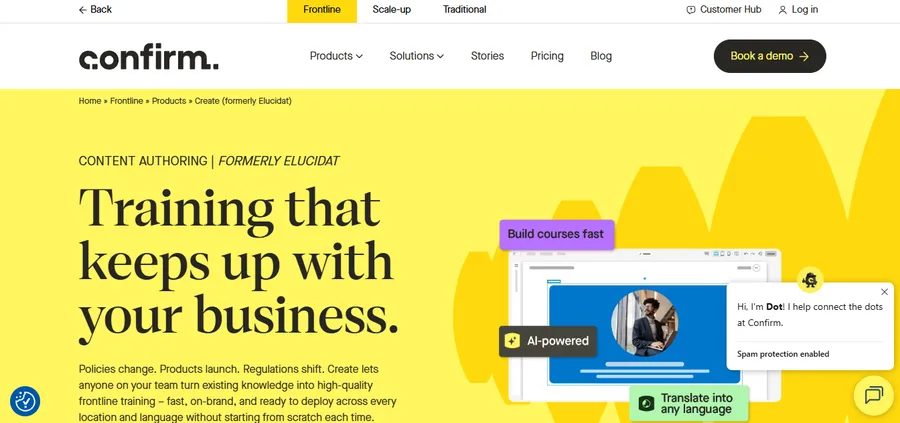
Elucidat is a cloud-based platform designed for teams that produce a lot of content and need consistent branding. Its template-driven approach lets many authors build courses that all look and behave alike. It is built for scale, so it fits large organizations better than solo creators, and it is a strong choice among responsive elearning authoring tools because layouts adjust automatically.
Key features:
- Automatic responsive output with no separate mobile build
- Brand-controlled templates and style settings
- Roles, permissions, and built-in review workflow
- Branching and personalized learning paths
- Translation support and course analytics
- Export to SCORM and xAPI
Pros:
- Excellent for consistency across many authors
- Cloud collaboration with no software to install
- Good analytics for course improvement
Cons:
- Pricing is quote-based and aimed at larger budgets
- Less design freedom than a desktop tool like Storyline
- Not ideal for one-person projects
Best for: enterprise L&D teams that must scale and keep every course on brand.
5. dominKnow ONE
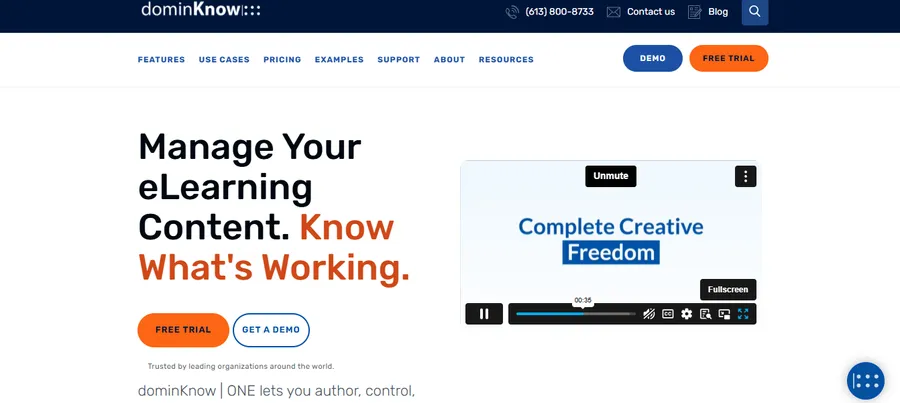
dominKnow ONE combines two authoring approaches in one cloud platform. Flow is a responsive builder for modern, mobile-ready courses, and Claro is a simpler template-driven option. Authors can work in the cloud or offline, which helps teams with unreliable internet access.
Key features:
- Responsive course design with flexible layouts
- Software simulation capture
- Multi-author editing with reusable content objects
- Version control and project management tools
- Offline authoring option
- Export to SCORM, xAPI, cmi5, and AICC
Pros:
- Strong content reuse saves time on large programs
- Handles both simple and advanced projects
- Good standards coverage
Cons:
- Many options can overwhelm new users
- Smaller community than Articulate or Captivate
- Interface takes time to learn
Best for: teams where several authors share and update the same content library.
6. Gomo Learning
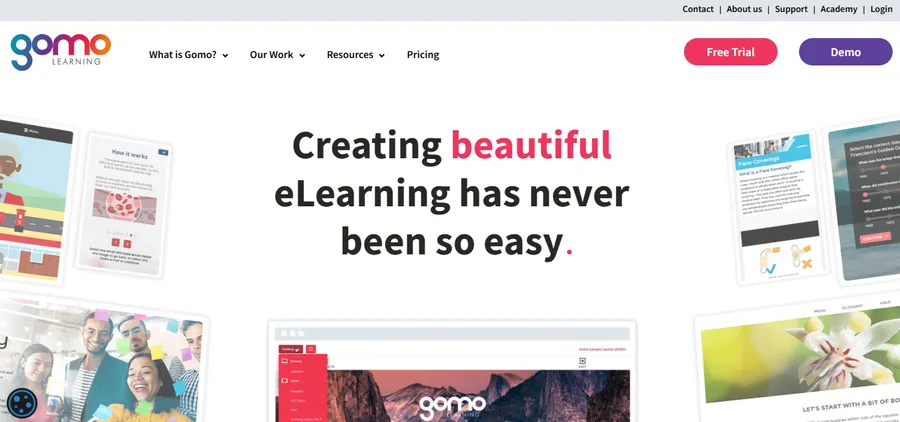
Gomo Learning is a cloud authoring tool built with a mobile-first mindset. Courses are designed to work on phones and tablets from the start, and the platform includes tools for managing translations. That makes it a practical pick for companies that train staff in many countries and languages.
Key features:
- Mobile-first, responsive course templates
- Built-in translation workflow for multilingual courses
- Offline learning support
- Interactive page types and quiz tools
- Cloud-based collaboration
- Export to SCORM and xAPI
Pros:
- Strong multilingual features
- Courses look good on small screens
- No desktop installation needed
Cons:
- Smaller user community and fewer tutorials
- Less design freedom than desktop tools
- Pricing details often require contacting the vendor
Best for: global organizations that need responsive courses in several languages.
7. Easygenerator
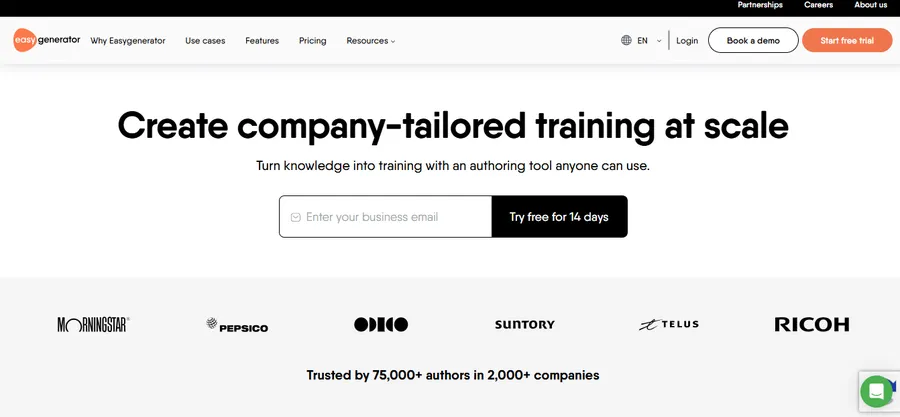
Easygenerator is a cloud tool aimed at subject matter experts who are not instructional designers. It uses a simple editor, ready-made templates, and guided steps so a manager or trainer can publish a course after a short onboarding. It sits at the easy end of rapid authoring tools for elearning.
Key features:
- Drag and drop editor with course templates
- Quick question types for knowledge checks
- Team collaboration and sharing
- AI-assisted content creation
- Responsive output on all devices
- Export to SCORM and xAPI
Pros:
- Very easy to learn
- Good for teams without a design specialist
- Quick turnaround for short courses
Cons:
- Limited advanced interactions and custom logic
- Fewer design controls than larger tools
- May feel basic for complex scenario-based training
Best for: small and mid-size companies where experts build their own courses.
8. Mindsmith
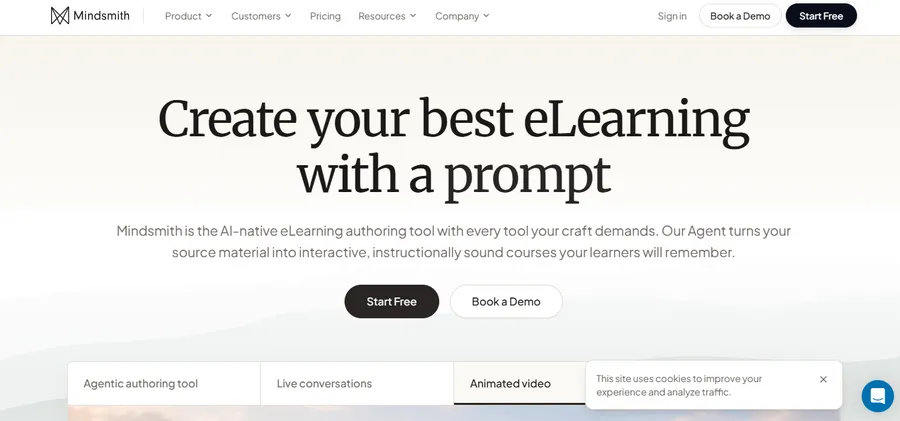
Mindsmith is an AI-first authoring tool. You upload a document or give a prompt, and it generates a course draft that you edit block by block. The approach saves hours on the first draft, though the content still needs a human review for accuracy and tone.
Key features:
- AI course generation from documents, text, or prompts
- Block-based editor for interactions and quizzes
- Responsive layouts on all screen sizes
- Easy collaboration and sharing
- SCORM export for LMS use
Pros:
- Fastest way to get a first draft on screen
- Low learning curve
- Useful for turning existing manuals into courses
Cons:
- AI output needs careful fact-checking
- Newer tool with a smaller feature set
- Limited control over advanced design and logic
Best for: teams that have lots of source documents and need drafts quickly.
9. H5P
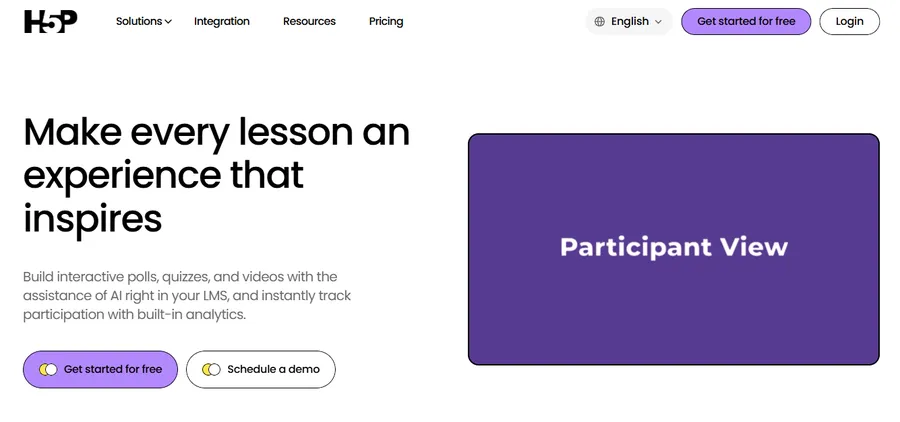
H5P is an open-source toolkit for interactive content, such as interactive video, course presentations, drag and drop tasks, and branching scenarios. It is not a full course builder, but it adds rich activities to lessons you already have. The H5P plugin for WordPress is free, and it also works with Moodle and other platforms.
Key features:
- More than fifty interactive content types
- Interactive video with embedded questions
- Branching scenario and course presentation types
- Free WordPress plugin for embedding activities in posts and lessons
- Responsive by default
- Paid H5P.com service for hosted use
Pros:
- Free to start and widely supported
- Works well inside WordPress lessons
- Reusable and shareable content
Cons:
- Not a complete course authoring suite
- Tracking results depends on your LMS support
- Self-hosting needs some technical care
Best for: WordPress and Moodle sites that want interactive activities at low cost.
10. Adapt Learning
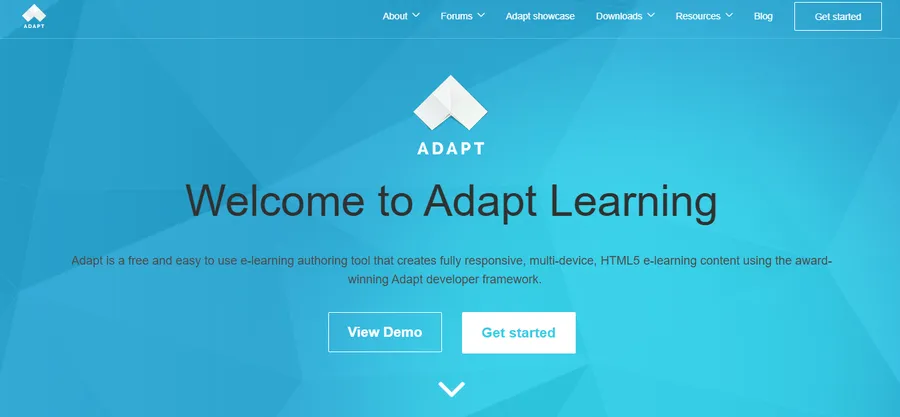
Adapt Learning is an open-source framework for building responsive HTML5 courses. It comes with an authoring tool that you host yourself. You get full control and no license fee, but you also take on setup and maintenance. It suits teams with a developer who can manage a server.
Key features:
- Responsive HTML5 output by default
- Plugin system for new components and extensions
- Accessibility features built into the framework
- Multilingual course support
- Export to SCORM and xAPI
Pros:
- No license cost
- Maximum flexibility and design control
- Active open-source community
Cons:
- Requires server setup and technical skills
- No official vendor support
- Authoring interface is less polished than paid tools
Best for: technical teams and universities that want a free, customizable option.
How to choose rapid authoring tools for elearning
The best choice comes down to who builds the courses, where they will run, and how much change you expect over time. Use the points below to narrow your list before you start a free trial.
Match the tool to your team
Solo creators and small teams usually do best with simple, fast tools such as iSpring Suite, Easygenerator, or Rise inside Articulate 360. Larger teams need shared libraries, roles, and review workflows, which points toward Elucidat, dominKnow ONE, or the full Articulate 360 suite.
Check responsive output and accessibility
Learners now open courses on phones, tablets, and laptops, so responsive elearning authoring tools are no longer optional. Test every shortlisted tool by previewing a sample course on a real phone. Also check accessibility features such as keyboard navigation, alt text, captions, and support for WCAG 2.2 guidelines from the W3C.
Confirm standards and LMS compatibility
Make sure the tool exports the format your platform supports. SCORM 1.2 and 2004 work almost everywhere, while xAPI and cmi5 give richer tracking but need LMS support. Upload a test package to your LMS and confirm that completion, score, and time spent are recorded correctly.
Plan for budget and growth
Compare the full cost over two or three years, including extra seats, review tools, and hosting. A free tool like H5P or Adapt Learning saves license fees but may cost more in setup time. The best e learning software and authoring tools are the ones your team will actually use every week.
Using authoring tools with a WordPress LMS
Even the best elearning authoring tools need a place to host and track your courses. If you run a WordPress learning site, you have two main routes: build lessons with the LMS itself, or create content in a separate tool and add it to your lessons.
LMS authoring with LearnPress
LMS authoring is the fastest path for text lessons, video lessons, and quizzes. LearnPress is a free WordPress LMS plugin from ThimPress with a course builder for curriculum, lessons, and quizzes, so you can publish a full course without exporting a single file. For interactive activities, you can add the H5P plugin and embed activities directly in your lessons.
If you plan to upload packages from tools like Storyline or Captivate, check the current LearnPress add-ons and documentation for package and tracking support first. Embedding an HTML5 export in an iframe works for display, but you may lose completion tracking unless your LMS reads SCORM or xAPI data.
Choosing a theme for your learning site
Your theme affects speed, mobile layout, and how courses look to students. Eduma is an education WordPress theme from ThimPress designed to work with LearnPress, with ready-made demo layouts for course sites, so you can launch a branded learning site without building every page from scratch. If you want to keep your authoring workflow simple, pair LearnPress and Eduma with H5P activities and short videos, and use a dedicated desktop authoring tool only for projects that need advanced interactions.
FAQs
Do I need an LMS to use an elearning authoring tool?
No, but an LMS makes the output far more useful. Most tools can publish a web version or a shareable link, which works for simple training. You need an LMS when you want to track completions, scores, and learner progress across a group.
What is the difference between SCORM, xAPI, and cmi5?
SCORM is the older standard that tracks basic data such as completion and score inside an LMS. xAPI records a wider range of learning activity and can send data to a learning record store, even outside an LMS. cmi5 combines the two by using xAPI tracking with a clear launch process for LMS platforms.
How much do elearning authoring tools cost?
Prices range from free open-source options to enterprise plans that cost thousands of dollars per year. Most commercial tools use a yearly subscription per author, and larger platforms price by quote. Always compare the total cost for your team size, including review tools and extra seats.
Can AI replace elearning authoring tools?
No, AI speeds up the work but does not replace the tool. AI features can draft text, questions, and images, and some tools can generate a full course outline. You still need an authoring tool to structure content, add interactions, apply branding, and export it in a format your LMS accepts, and a person must check every output for accuracy.
What should I look for when choosing an eLearning authoring tool?
Choose a tool based on your team’s skills, budget, and course requirements. Consider ease of use, responsive design, interactive features, collaboration options, and export formats such as SCORM and xAPI. Test a sample course with your LMS before committing to a subscription.
Can I create interactive online courses without coding?
Yes. Many eLearning authoring tools offer drag-and-drop editors, templates, quizzes, and ready-made interactions, allowing you to build courses without coding. Tools such as iSpring Suite, Easygenerator, and Articulate Rise 360 are useful options for beginners. For WordPress websites, LearnPress can help you create courses, lessons, and quizzes directly in your LMS.
Conclusion
The best elearning authoring tools are the ones that match your team’s skills, your LMS, and your budget. Articulate 360 and iSpring Suite are strong all-round choices, Adobe Captivate leads for simulations, and Elucidat and dominKnow ONE suit larger teams. Easygenerator and Mindsmith help non-designers publish fast, while H5P and Adapt Learning give technical teams free, flexible options. Use the elearning authoring tools comparison table above to shortlist two or three tools, build the same short sample course in each, and test it on a phone and in your LMS before you buy. If you host your courses on WordPress, LearnPress and Eduma give you a solid base for LMS authoring and course delivery.
Read more: Data Privacy Regulations: A Practical Guide for Website Owners
Contact US | ThimPress:
Website: https://thimpress.com/
Fanpage: https://www.facebook.com/ThimPress
YouTube: https://www.youtube.com/c/ThimPressDesign
Twitter (X): https://x.com/thimpress_com