Finding the optimal events manager WordPress system requires balancing front-end site speed with heavy back-end database functionality. Organizers searching for reliable event software often encounter a significant technical gap.
If you are currently re-evaluating your site’s entire ecosystem, exploring the best WordPress calendar plugins compared is a crucial first step.
This guide compares 15 leading plugins by performance, structure, ticketing features, and use case. It will help you find an event calendar for WordPress that supports both your current workflow and future growth.
Eduma – Education WordPress Theme
We provide an amazing WordPress theme with fast and responsive designs. Let’s find out!
Summary Table: Top 15 Events Manager WordPress Plugins
The table below provides a quick comparison. Resource impact is only a general estimate. Actual performance depends on the number of events, enabled add-ons, theme, hosting, caching, and traffic.
| Plugin Name | Best Use Case | Ticketing Integration | Database Load Impact | AI Features | Pricing Model |
| The Events Calendar | General broad usage | Add-on required | Medium-High | Limited | Freemium |
| Events Manager | Free tier with bookings | Add-on required | Moderate | No | Freemium |
| WP Event Manager | Lightweight directory setups | Add-on required | Low-Medium | Limited | Freemium |
| Eventin | Built-in ticketing & AI | Native | Moderate | Yes | Premium |
| Tickera | Pure ticket commerce | Native | Moderate | No | Premium |
| Amelia | Appointment scheduling | Native | Low-Moderate | Limited | Premium |
| Modern Events Calendar | Complex recurring events | Add-on required | High | Limited | Premium |
| Event Organiser | Developer-focused structure | Add-on required | Moderate | No | Free |
| All-in-One Event Calendar | Visual discovery feeds | Add-on required | Moderate | No | Freemium |
| My Calendar | ADA accessibility | Add-on required | Low | No | Freemium |
| EventON | High-end visual design | Add-on required | Moderate | No | Premium |
| Event Espresso | Granular custom ticketing | Native | High | No | Premium |
| Sugar Calendar | Minimalist configurations | Add-on required | Low | Limited | Premium |
| Pie Calendar | Simple front-end display | Add-on required | Low | No | Freemium |
| Just Events | Extremely basic listings | Not supported | Very Low | No | Free |
The Evolution of Event Systems
Older WordPress calendar plugins often stored large amounts of event information in custom tables or the wp_postmeta table. A long recurring schedule could create many records, increasing query time and making large calendars harder to manage.
Modern plugins use different approaches. Some create dedicated tables for event data, while others use WordPress posts, taxonomies, or calculated recurrence rules. No structure is automatically best for every website. The right option depends on the amount of data and how it will be searched, filtered, or exported.
A modern events manager WordPress system should use efficient queries, support caching, and generate valid event schema. Organizers may also need time-zone handling, automated reminders, capacity limits, ticketing, and attendee management.
The Database Bottleneck
Recurring events can place heavy demands on a database. If a daily event creates hundreds of separate entries, calendar pages may require more queries and take longer to load.
Some plugins reduce this problem with dedicated event tables or recurrence rules that calculate dates when needed. However, performance still depends on the database size, query design, hosting resources, and cache configuration. Test the chosen plugin with realistic event data before launching a large directory.
Interaction to Next Paint (INP)
Search engine optimization (SEO) relies heavily on the Interaction to Next Paint metric. When a user clicks a button to filter a visual schedule by category, the browser must render the new data instantaneously.
If an events manager WordPress system relies on heavy, outdated JavaScript libraries, the main thread becomes blocked, and the site fails technical performance audits. The best platforms now utilize lightweight vanilla JavaScript or React-based frontends to ensure immediate visual feedback.
Detailed Analysis of the 15 Best Events Manager WordPress Plugins
The following reviews compare each events manager WordPress plugin by its main strengths, limitations, and ideal use case.
1. The Events Calendar: The Legacy Ecosystem
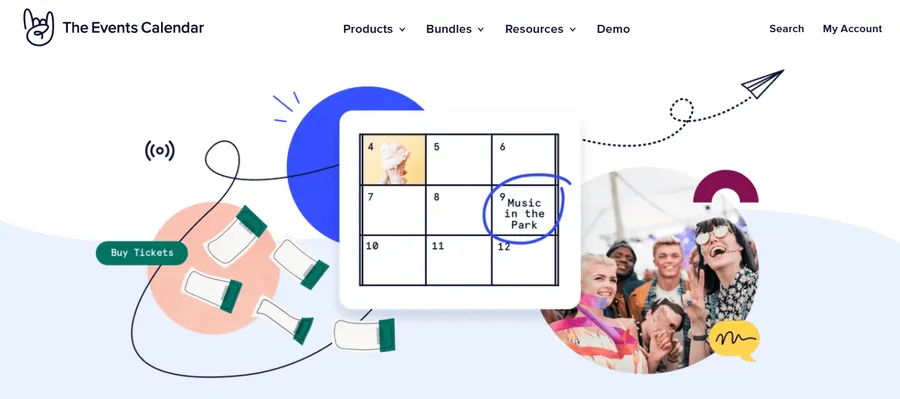
The Events Calendar is one of the best-known WordPress event plugins. It offers a familiar interface, broad compatibility, extensive documentation, and a large add-on ecosystem.
- Modular features: The free core plugin handles basic event publishing. Recurring events, advanced views, front-end submissions, and other functions require Pro products or extensions. Ticketing is provided through the separate Event Tickets plugin, with advanced commerce features available in Event Tickets Plus.
- Performance considerations: Large calendars can generate many queries and assets. Caching, optimized hosting, and careful add-on selection become important as the number of events grows.
- Education use: Schools and course websites can use it for webinars, cohort meetings, workshops, and live sessions alongside an LMS or education WordPress theme.
- Best for: General users and agencies that value documentation, compatibility, and a mature extension ecosystem.
2. Events Manager: The Multi-Site Workhorse
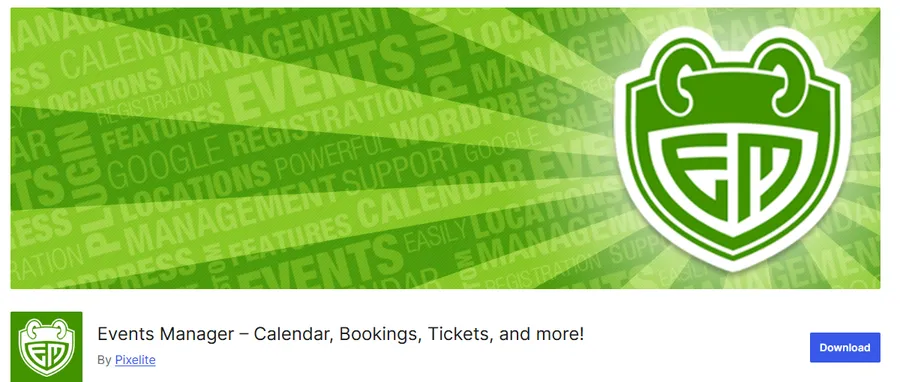
Events Manager provides exceptional utility for developers and administrators managing complex, multi-site network environments. It offers an incredible amount of functionality in its free tier, making it a highly respected events manager WordPress solution.
- Advanced Permissions: The software excels in scenarios involving community submissions. It allows administrators to create specific user roles, dictating exactly who can submit, edit, or publish local gatherings.
- Location Management: Unlike many competitors, this plugin treats physical locations as dedicated taxonomies. This allows users to search specifically by venue, viewing all upcoming schedules associated with a single physical address.
- Developer tools: Hooks, filters, templates, and documentation give developers control over event output and workflows.
- Best For: Community portals, university networks, and directories that require robust frontend submission capabilities and detailed user permission controls.
3. WP Event Manager: The Lightweight Directory
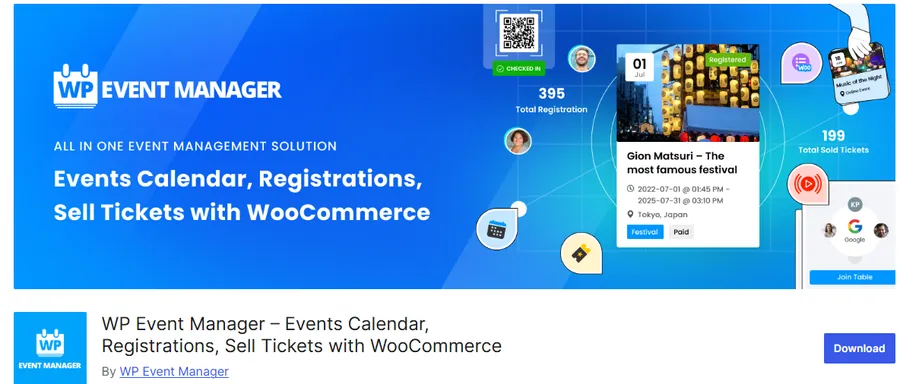
When raw speed and minimalistic design are the primary key performance indicators, WP Event Manager delivers an exceptional experience. Its structure is closer to a directory or job board than a traditional monthly calendar.
- AJAX filtering: Visitors can filter listings by category, location, keyword, or date without reloading the entire page.
- Event schema: The plugin supports structured event data that can help search engines understand eligible event pages. Rich results are never guaranteed and still depend on Google’s guidelines.
- Front-end management: Organizers can submit and manage listings without entering the main WordPress dashboard. Ticketing and several advanced functions require add-ons.
- Best For: Directory websites, local city guides, and portals that prioritize fast load times and sophisticated filtering options.
4. Eventin: The AI-Integrated Innovator
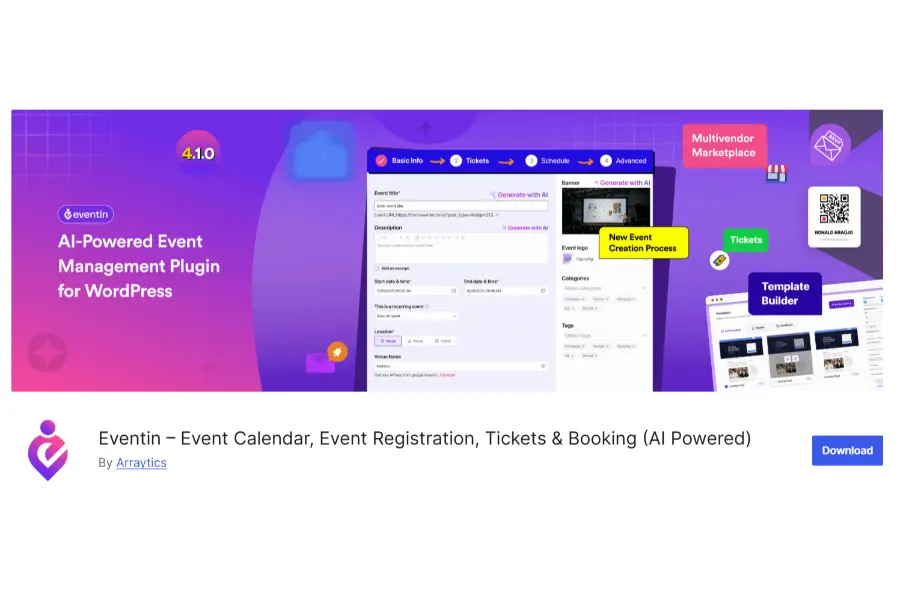
Eventin has rapidly gained market share by prioritizing modern integrations and eliminating the need for fragmented third-party add-ons. It serves as a unified events manager WordPress platform tailored for modern marketers.
- Artificial Intelligence Tools: It is one of the first systems to natively integrate artificial intelligence. Administrators can generate optimized titles, detailed descriptions, and relevant FAQs automatically based on a few basic prompts.
- Unified Ecosystem: Instead of requiring separate plugins for CRM integration, multi-vendor support, and virtual meeting links, Eventin handles these processes internally. It offers deep connections with various marketing suites.
- Granular Ticketing: The ticketing engine supports unique QR codes, detailed attendee tracking, and customized pricing tiers directly within the core interface.
- Best For: Marketing professionals and conference organizers who need an all-in-one suite that handles everything from AI content generation to final ticket scanning at the door. In an era of rapid technological shifts, combining this tool with the best AI WordPress plugins can fully automate your administrative workload.
5. Tickera: The Dedicated Commerce Engine

While many tools treat ticket sales as an afterthought, Tickera is engineered exclusively for selling admissions. It functions as an autonomous commerce engine, completely removing the dependency on heavy e-commerce plugins.
- Isolated Database Architecture: Tickera stores financial records and attendee data within its own optimized custom tables. This prevents the primary database from becoming bloated, ensuring that standard pages continue to load rapidly.
- Offline Check-In Capabilities: The platform includes a dedicated mobile application for scanning QR codes at physical venues. Crucially, this application supports offline synchronization, meaning administrative staff can continue checking in guests even if the venue experiences a total internet outage.
- Brand control: Checkout takes place on the organizer’s domain and can use the event’s branding. Higher plans also provide more customization and app options.
- Best for: Theaters, music venues, festivals, and organizers that need dedicated ticket sales and reliable check-in tools.
6. Amelia: The Appointment Specialist
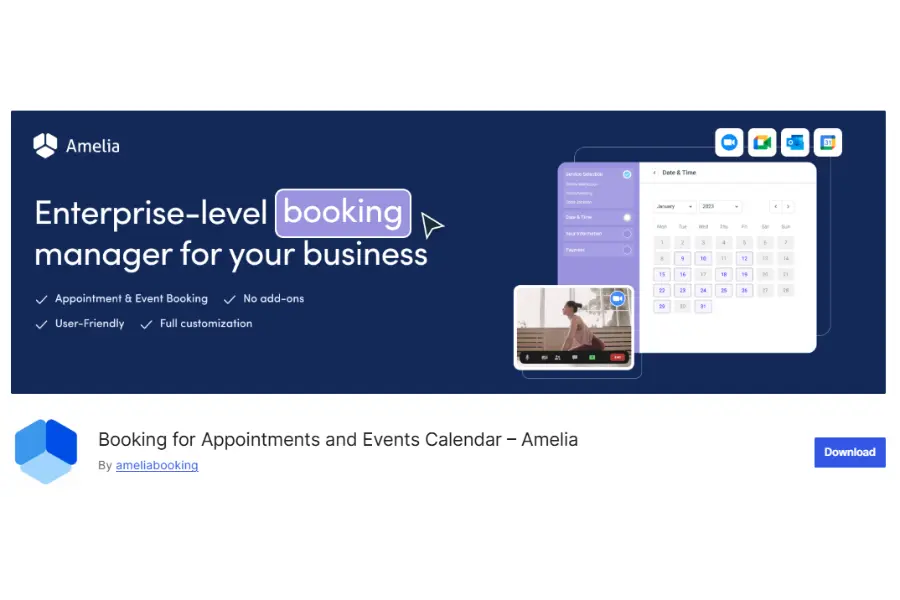
Amelia approaches the concept of scheduling through the lens of service-based reservations rather than traditional static dates. It offers a sleek, modern interface that rivals high-end applications.
- Modern interface: Its booking forms and dashboards provide a polished, app-like experience for customers and administrators.
- Employee Workloads: The software excels at managing multiple staff members. Administrators can define specific working hours, custom breaks, and unique service capacities for individual employees across different physical locations.
- Educational Workflows: Tutors and training businesses can use Amelia for one-to-one sessions, small classes, and workshops. If your platform focuses heavily on online teaching, you might also want to explore the best LMS plugin for WordPress to flawlessly manage both student learning paths and appointment schedules.
- Best For: Yoga studios, consulting firms, private clinics, and businesses where the primary objective is booking time slots with specific professionals.
7. Modern Events Calendar (MEC): The Aesthetic Powerhouse
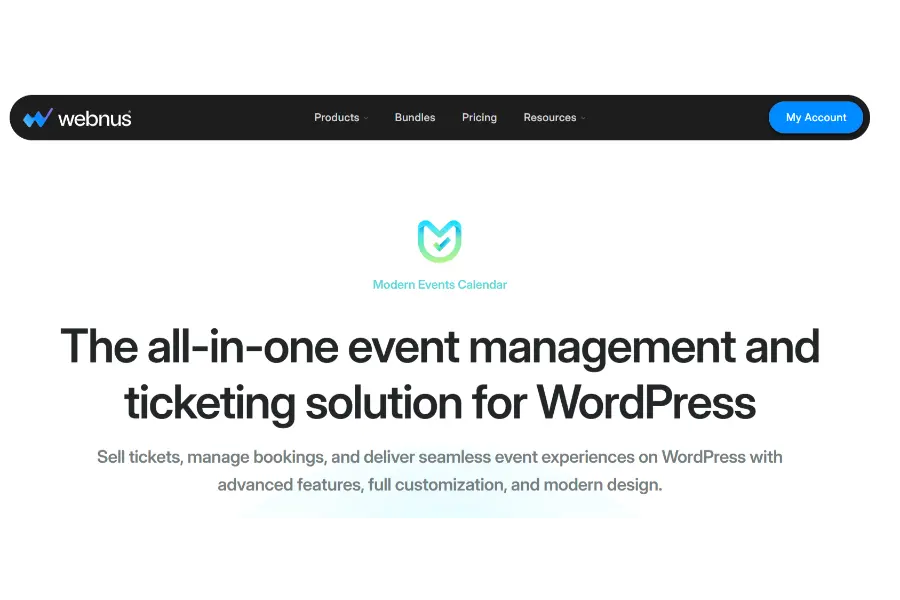
Modern Events Calendar provides many ready-made layouts for organizations that want a polished calendar without building every view from scratch.
- Design library: Available layouts include monthly calendars, lists, grids, carousels, maps, and masonry designs that work with popular page builders.
- Recurring schedules: The plugin supports detailed recurrence patterns and exceptions for holidays or unavailable dates.
- Resource use: Enabling many skins, integrations, or booking features can increase memory and script usage. Test the selected configuration on your hosting plan. Administrators must ensure their hosting environment provides adequate resources to support this event management WordPress tool.
- Best For: Premium brands, design agencies, and corporate entities that require highly polished visual displays immediately upon installation.
8. Event Organiser: The Structural Framework
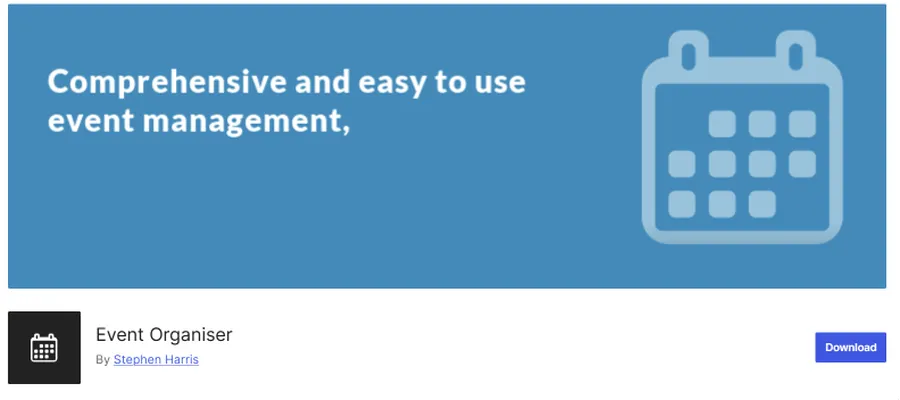
Event Organiser is built specifically for developers who require a strict, standardized adherence to core APIs. It is arguably the most structurally sound free WP calendar available in the repository.
- Native Integration: The plugin intentionally utilizes standard custom post types, taxonomies, and core functions. This ensures absolute compatibility with virtually every well-coded theme and allows developers to manipulate data using standard queries.
- Complex Scheduling API: It includes a sophisticated API for handling recurring dates, allowing developers to query specific instances of a recurring series without writing complex, custom SQL joins.
- Minimal Interface: The user interface is intentionally sparse, blending perfectly into the native dashboard. It avoids injecting unnecessary styling, leaving the visual presentation entirely up to the theme developer.
- Best For: Advanced developers and technical agencies building bespoke platforms who need a reliable data structure rather than a pre-designed visual tool.
9. All-in-One Event Calendar: The Discovery Hub
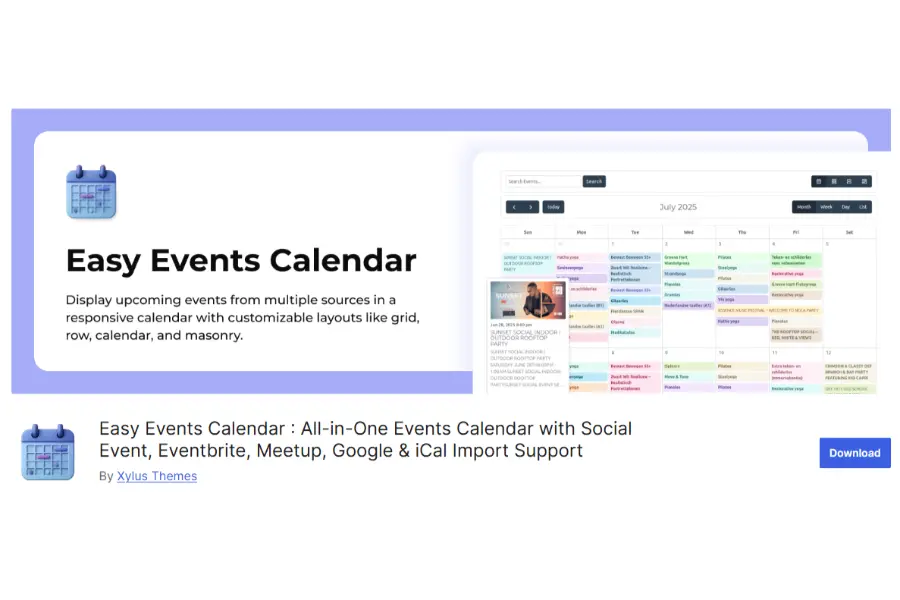
This WP the events calendar focuses heavily on aggregation, syndication, and visual discovery. It is engineered for organizations that need to curate and display schedules from multiple different sources.
- Automated Syndication: Administrators can configure the platform to automatically pull data feeds from external sources, such as Facebook, Google, or other websites using standard iCal feeds.
- Visual Feed Aesthetics: The frontend presentation is highly focused on scannability, similar to a modern social media feed. It utilizes distinct color-coding and poster-board layouts to make browsing highly intuitive.
- Widget Flexibility: The system provides excellent widget options, allowing administrators to seamlessly embed upcoming schedules into sidebars or footers without breaking the surrounding layout.
- Best For: Tourism boards, local city municipalities, and community aggregators that need to consolidate hundreds of different schedules into a single, beautiful visual hub.
10. My Calendar: The Accessibility Standard
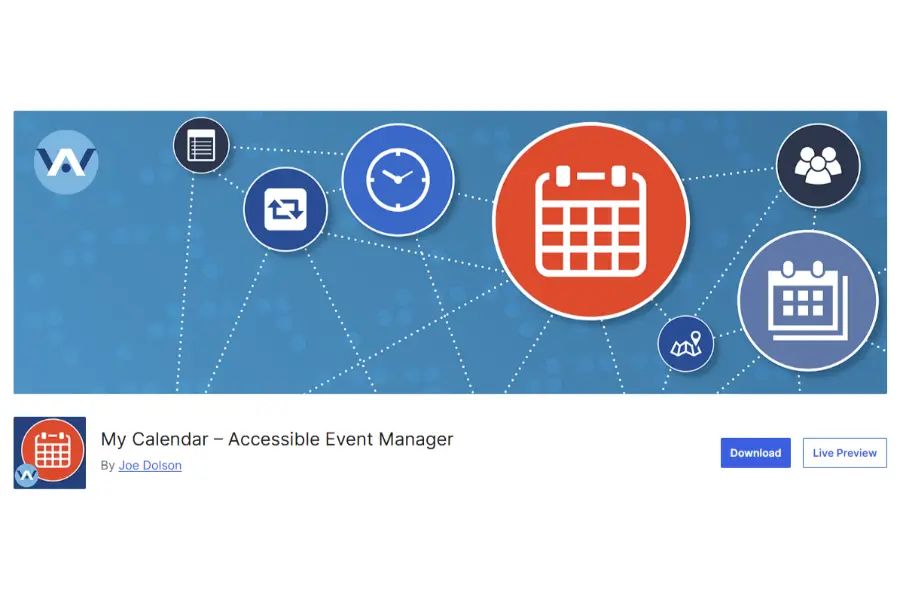
Adhering to strict web accessibility standards is both a legal requirement and a critical factor for technical SEO. My Calendar distinguishes itself as the undisputed leader in accessibility compliance among all events manager WordPress solutions.
- Accessibility support: The plugin is designed and tested with assistive technology. However, no plugin can guarantee full WCAG compliance after being combined with a theme, custom colors, and other plugins.
- Venue information: Organizers can describe accessibility services such as wheelchair access, sign-language interpretation, and other venue features.
- Structured output: My Calendar supports JSON-LD event data and responsive calendar views. Clean implementation can help crawling, but it does not directly guarantee higher rankings.
- Best For: Government agencies, public school districts, universities, and non-profit organizations that are legally mandated to maintain strict accessibility standards. To ensure your entire website meets these rigorous legal guidelines effortlessly, consider equipping your site with the best WordPress accessibility plugins.
11. EventON: The Interactive Display Specialist
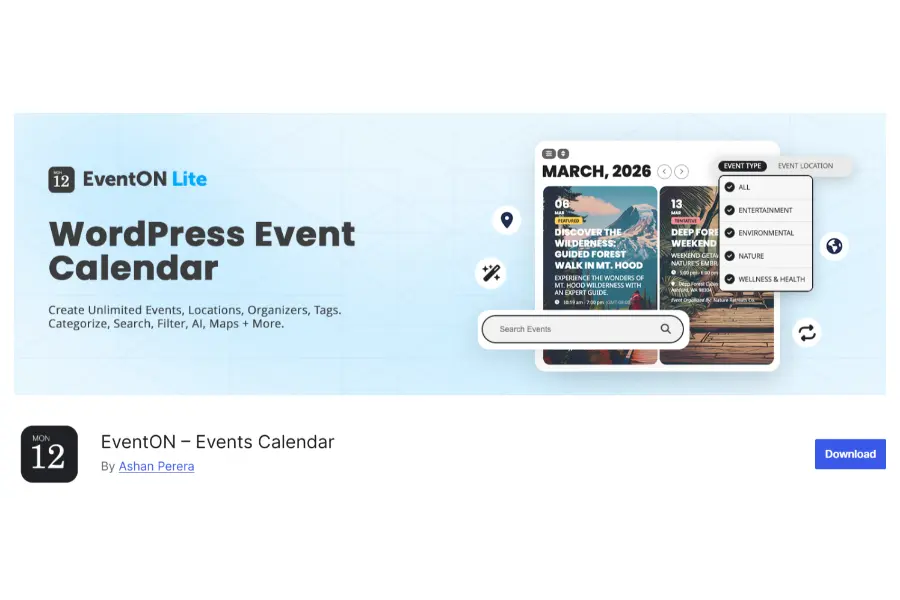
EventON diverges from traditional grid layouts to provide a highly interactive, tile-based user experience. It focuses on presenting dense logistical information in a highly engaging, interactive format.
- Multimodal User Experience: The platform features interactive elements such as live progress bars for multi-day conferences, expandable detail panels, and instantly filterable color-coded tracks.
- Virtual Event Integration: It includes dedicated fields for managing virtual broadcasts, seamlessly hiding secure streaming links until a user has successfully purchased a ticket or logged into their approved account.
- Rich Schema Generation: The plugin generates highly specific, specialized schema markup for performers, speakers, and broadcast parameters. This optimization increases the likelihood of the site appearing in localized voice search results.
- Best For: Tech conferences, virtual summits, and multi-track festivals where users need to process a large amount of logistical data quickly and visually.
12. Event Espresso: The Complex Registration Veteran
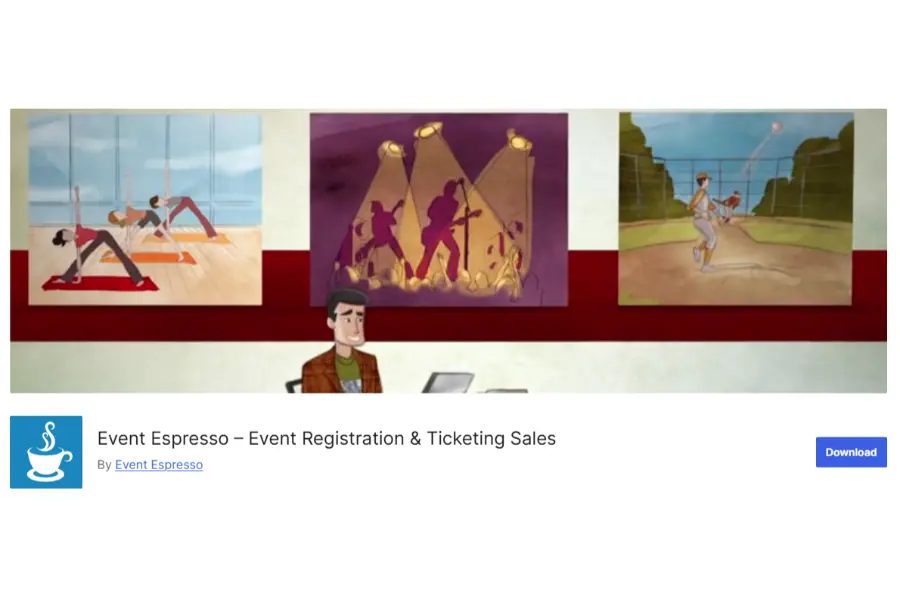
Event Espresso remains a formidable tool for administrators who require absolute, granular control over every single aspect of the registration and ticketing process. It operates as a highly advanced event management WordPress application.
- Attendee data: Organizers can require each person in a group booking to answer custom questions, such as meal preferences, waivers, or session choices.
- Pricing rules: It supports ticket types, promotional codes, time-limited pricing, and other registration conditions depending on the plan and add-ons.
- Server requirements: Complex forms, transactions, and reports can create more database activity than a simple calendar. Large events should use suitable hosting and be load-tested before ticket sales open.
- Best For: Corporate training companies, professional certification boards, and large-scale summits that require exhaustive data collection prior to admission.
13. Sugar Calendar: The Minimalist Solution
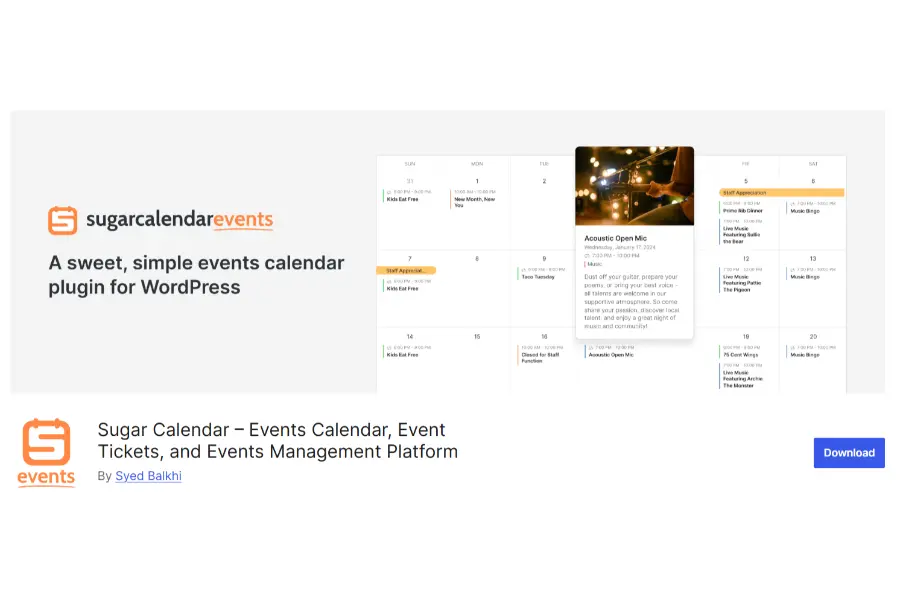
For administrators who detest cluttered interfaces and feature bloat, Sugar Calendar provides a refreshing, highly optimized alternative. It is engineered specifically to be “simple, not shallow,” executing core functionalities flawlessly without unnecessary weight.
- Simple administration: The plugin keeps event creation close to the standard WordPress editing experience and avoids unnecessary controls.
- WordPress structure: It uses familiar content relationships and integrates with other WordPress tools.
- Optional extensions: Ticketing, calendar feeds, and other advanced features can be added when needed rather than loading every function from the start.
- Best for: Small businesses, clubs, publishers, and developers that need a simple event calendar for WordPress.
14. Pie Calendar: The Seamless Display Layer
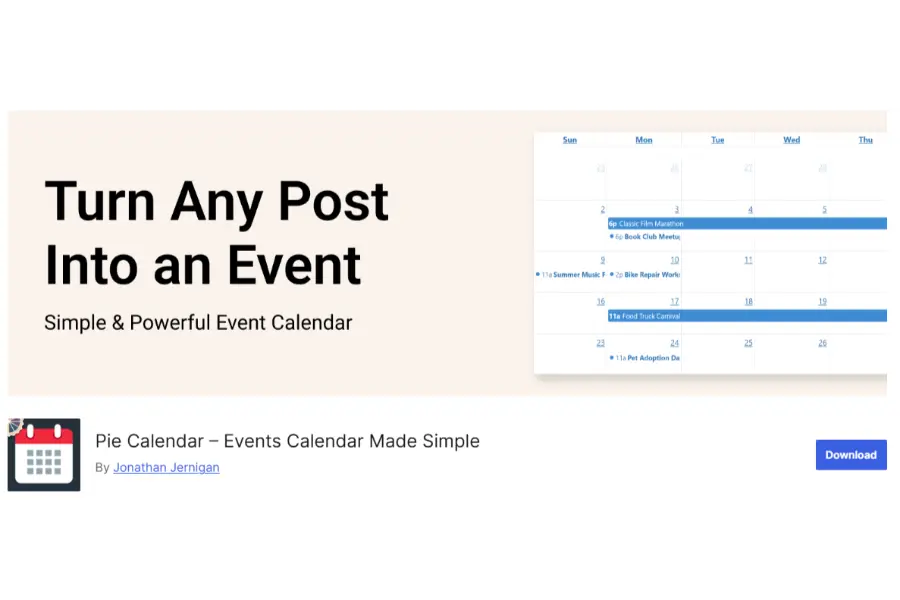
Pie Calendar takes a completely unique approach by refusing to function as a heavy management system. Instead, it operates purely as an ultra-fast display layer that transforms any standard post or page into a calendar entry.
- Zero Database Bloat: The plugin does not create new custom post types or heavy database tables. It simply adds a lightweight date meta box to existing content, ensuring zero negative impact on server load.
- Flawless Core Web Vitals: Because the footprint is almost non-existent, sites utilizing this software easily pass Google’s stringent Core Web Vitals tests, maintaining excellent Largest Contentful Paint (LCP) and Interaction to Next Paint (INP) scores.
- No Native Ticketing: Administrators must be aware that this tool offers absolutely no commerce, booking, or ticketing functionalities. It is purely designed for visual display.
- Best For: Content creators, niche bloggers, and community notice boards that need a fast, visually appealing way to display dates without managing actual attendees.
15. Just Events: The Basic Baseline
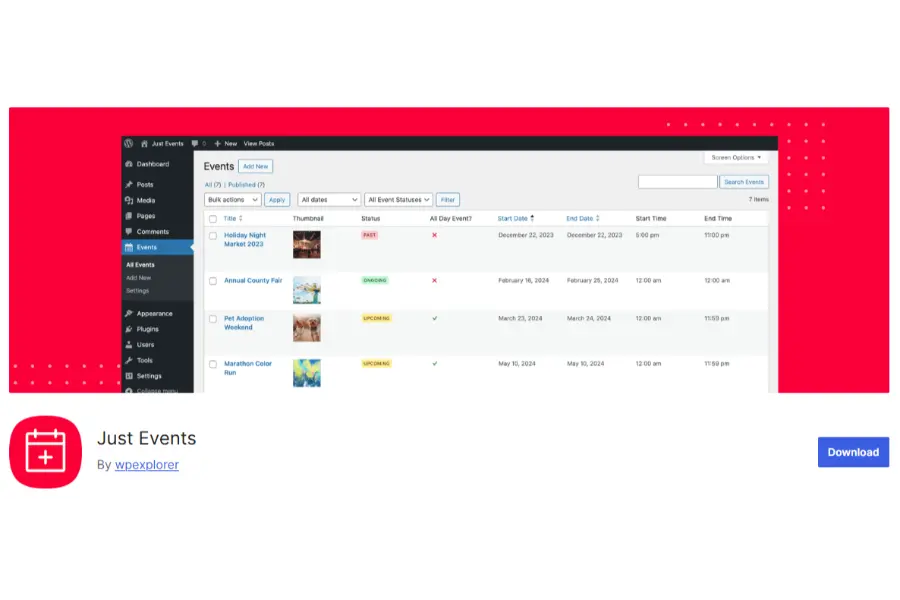
Just Events occupies the extreme minimalist end of the spectrum. It is a completely free, highly constrained tool designed to do one specific job: display a list of upcoming dates without any complications.
- Strict Simplicity: The platform makes no promises regarding advanced commerce, complex logic, or recurring algorithms. It simply allows an administrator to publish a title, a date, a location, and a description.
- Complete Isolation: The plugin loads virtually zero assets on pages where it is not actively being used, ensuring that the broader website remains completely unaffected by its presence.
- The Upgrade Limitation: There are no premium add-ons or upgrade paths available. If an organization outgrows the basic functionality, they must completely migrate to a different events manager WordPress system.
- Best For: Internal company intranets, small neighborhood associations, and temporary project sites that require zero complex interactions.
Optimizing Technical SEO for Event Pages
Installing an events manager WordPress plugin is only the first step. Event pages also need valid structured data, useful content, logical URLs, and good performance.
Validating JSON-LD Schema
The most critical factor for an event calendar WP is the correct implementation of JSON-LD schema markup. This data allows search engines to feature the listing directly in rich snippets at the top of the search results page. Without valid schema, the page functions merely as a standard blog post and will fail to capture targeted, intent-driven traffic.
Administrators should constantly monitor Google Search Console to verify that the schema output is entirely free of structural warnings. Mastering these core technical elements is the ultimate key if you genuinely want to know how to rank higher on Google and outpace your competitors in the search results.
Managing Keyword Clusters
A sophisticated event management WordPress strategy involves building comprehensive keyword clusters around specific geographical locations and industry niches.
Use long-tail keywords naturally in titles, introductions, venue information, and descriptions. Link related past events, future dates, category pages, and useful articles together.Building a solid internal linking strategy for SEO ensures your most critical event pages receive maximum link equity.
Addressing Duplicate Content and Pagination
Large calendars may create date archives, filters, and paginated URLs with similar content. Use canonical tags where appropriate and prevent low-value parameter pages from creating an indexable URL for every possible combination.
Expired event pages should not automatically become 404 errors. When the page still provides historical value or has backlinks, keep it available and label it as archived. If the content must be removed, redirect it only to a closely relevant replacement—not automatically to the homepage.
Automating Attendee Communication Sequences
Successful execution relies heavily on maintaining consistent communication before, during, and after the scheduled date. A sophisticated event management WordPress platform must integrate seamlessly with external email marketing automation platforms to handle these complex communication sequences efficiently.
Advanced Segmentation and Triggers
When a user completes a ticket purchase, the data should immediately transfer to a dedicated email marketing tool via API or webhook. Administrators can then configure automated workflows based on specific triggers.
For example, if a user books a VIP ticket, the system automatically segments them into a highly targeted list, sending tailored instructions regarding exclusive access points. This level of automation drastically reduces manual administrative tasks and ensures every attendee receives precise, relevant information.
To fully optimize this communication workflow, you can integrate your system with the best email marketing platforms currently available on the market.
Monitoring Deliverability and Bounce Rates
High-volume notifications require strict attention to email deliverability.
A dedicated WP the events calendar should not rely on the standard wp_mail() function to dispatch hundreds of tickets simultaneously, as this frequently leads to server timeouts and skyrocketing bounce rates.
By establishing correct routing protocols, organizations guarantee that critical updates reach the inbox instantaneously.
Conclusion
Choosing an events manager WordPress plugin affects website performance, ticket sales, administration, and search visibility. The best option is not the plugin with the longest feature list; it is the one that supports the required workflow without adding unnecessary complexity.
The Events Calendar offers a mature ecosystem, while Events Manager suits community and multisite projects. Eventin combines AI, ticketing, and virtual events. Tickera specializes in ticket sales, Amelia focuses on appointments, and My Calendar prioritizes accessibility. Developers may prefer Event Organiser, while Sugar Calendar and Pie Calendar suit simpler setups.
Test the plugin with realistic event data, mobile devices, caching, and the intended hosting environment before committing. This reveals performance and workflow problems that a feature list cannot show.
FAQs About WordPress Event Plugins
1. How do I prevent automated bot registrations and spam submissions on my event pages?
Securing an events manager WordPress setup requires moving beyond traditional, frustrating visual CAPTCHAs. Implement invisible filtering layers, which verify real users based on browser behavior without interrupting the checkout flow.
Additionally, utilize plugins that support native honeypot fields—hidden input areas that only automated bots can detect and fill out. When the system detects data in a honeypot field, it instantly blocks the submission at the server level, keeping the database pristine. Furthermore, securing these forms is just as critical as following a comprehensive WordPress security essential plugin list and tips to protect your entire infrastructure from broader automated attacks.
2. Will migrating to a new calendar system destroy my existing SEO rankings?
Migration introduces technical risk, but it can be managed safely. When switching to a new event management WordPress plugin, the URL structures for individual listings often change (e.g., from /events/name to /schedule/name). It is absolutely critical to map the old database URLs and implement permanent 301 redirects to the corresponding new pages. Furthermore, ensure the new system outputs correct JSON-LD schema markup so search engines understand that the content remains identical, preserving established rankings.
3. Do modern plugins comply with global privacy and data sovereignty regulations?
Compliance depends entirely on the specific plugin’s architecture. Top-tier tools offer strict data retention policies, allowing administrators to automatically purge attendee data 30 days after the conclusion of the schedule. Furthermore, robust systems integrate directly with native data privacy exporters, allowing users to easily request or delete their personal information in accordance with emerging global privacy frameworks.
4. Why is my current calendar plugin causing my mobile site speed to fail Core Web Vitals?
Legacy WP the events calendar tools often load heavy, render-blocking CSS and JavaScript files across the entire website, even on pages where no dates are displayed. Furthermore, complex grid layouts force the mobile browser to calculate intricate DOM reflows, destroying the Interaction to Next Paint (INP) score. Upgrading to a lightweight, AJAX-powered system or implementing conditional asset loading will instantly resolve mobile speed penalties.
5. Is it strictly necessary to use a dedicated e-commerce plugin to sell tickets online?
No, it is no longer strictly necessary. While older setups required bridging an event calendar WP with heavy e-commerce platforms, modern solutions feature highly secure, native payment gateways. These isolated commerce engines process transactions directly via major payment processors, resulting in a much faster checkout experience, reduced plugin conflicts, and significantly less strain on the primary server database.
Read more: Affiliate Marketing for Beginners: Start Earning Today
Contact US | ThimPress:
Website: https://thimpress.com/
Fanpage: https://www.facebook.com/ThimPress
YouTube: https://www.youtube.com/c/ThimPressDesign
Twitter (X): https://x.com/thimpress_com