Selecting the right quiz maker determines whether an assessment feels like an administrative hurdle or an active learning experience. Educators and instructional designers require tools that match specific pedagogical goals, whether that involves quick diagnostic checks, live gamified reviews, or certified compliance evaluations.
If you are building a comprehensive educational site, pairing your quiz tool with the best LMS plugin for WordPress can streamline your entire curriculum management right from the start.
Eduma – Education WordPress Theme
We provide an amazing WordPress theme with fast and responsive designs. Let’s find out!
Top-Rated Quiz Maker Tools At A Glance
The following comparison matrix highlights the primary capabilities, ideal use cases, and pricing structures of the top assessment platforms available today:
| Quiz Builder | Primary Strength | Question Flexibility | Logic & Branching | LMS / Export Support | Pricing Model |
| Google Forms | Zero-cost simplicity | Moderate (Standard types) | Basic page skips | Google Classroom / Sheets | Free |
| Kahoot! | High-energy live competition | Moderate (Time-based items) | None | Limited / Report exports | Freemium / Subscription |
| Quizizz | Self-paced gamified testing | High (15+ question types) | Basic adaptive paths | Google Classroom, LMS sync | Freemium / Paid tiers |
| Quizlet | Flashcards & AI review sets | Moderate (Study-driven) | Linear study paths | Web link / LMS embedding | Free trial / Paid annual |
| Articulate 360 | Enterprise e-learning design | Extensive (25+ types) | Complex variables & branching | Full SCORM / xAPI / cmi5 | High-tier annual license |
| iSpring QuizMaker | Rapid SCORM-ready authoring | Extensive (14+ graded types) | Branched feedback & scoring | Full SCORM / AICC / xAPI | Annual license per seat |
| Nearpod | Interactive slide integration | High (Mixed media tasks) | Linear presentation flow | Canvas, Schoology, Google | Freemium / Institutional |
| Quizgecko | AI-driven item generation | Moderate (Text extraction) | Linear assessments | Web embed / CSV export | Freemium / Monthly plan |
| Blooket | Arcade-style game modes | Moderate (Multiple-choice) | Linear game sets | Google Classroom | Freemium / Annual plan |
| Mentimeter | Real-time audience feedback | Moderate (Visual polling) | Live presenter-driven | Microsoft Teams, Zoom | Freemium / Monthly tier |
| Poll Everywhere | Enterprise live pulse checks | Moderate (Dynamic voting) | Presenter-controlled | PowerPoint, Keynote, LMS | Freemium / Tiered plans |
| Socrative | On-the-fly formative checks | Moderate (Short answer & MC) | Linear quiz rooms | CSV / Spreadsheet export | Freemium / Annual per seat |
| ProProfs | Compliance & question banks | Extensive (100k+ bank items) | Moderate branching rules | LMS integrations / API | Freemium / Tiered monthly |
| QuizHub | Mobile QR-code tournaments | Moderate (Live leaderboard) | Linear session flow | Web links / Mobile browser | Freemium / Annual plans |
Choosing the Right Quiz Builder for Modern Learning
Effective quiz generator begins with identifying instructional objectives rather than software features.
An educator seeking to run a five-minute warm-up exercise needs an entirely different interface than an instructional designer building an accredited corporate training module. Evaluating an online quiz maker requires examining five fundamental operational pillars:
1. Delivery Format: Synchronous vs. Asynchronous
Synchronous tools prioritize low latency, simultaneous display capabilities, and interactive crowd engagement.
Platforms such as Kahoot! and Mentimeter excels in live environments where the educator controls pacing.
Conversely, asynchronous tools prioritize self-directed navigation, clear explanatory feedback, and time limits that operate independently on the learner’s device.
2. Analytical Depth and Data Ownership
Basic assessment forms provide aggregate charts showing class-wide averages. Advanced educational platforms provide granular learner breakdowns, item discrimination indices, and exportable grade books.
When selecting software, institutions must determine whether summary metrics suffice or if raw response logs are required to identify specific curriculum deficiencies.
3. Interoperability and Standards Compliance
Stand-alone assessment software often creates data silos.
For formal educational and corporate settings, support for technical packaging standards such as SCORM (Sharable Content Object Reference Model), xAPI (Tin Can API), and cmi5 is essential.
Without these standards, student completion statuses and item-level scores cannot pass reliably into a centralized Learning Management System (LMS) like LearnPress.

For those looking to build their own hosted solution with full data ownership, learning how to create a WordPress LMS website is a crucial first step.
4. Authoring Velocity and Automation
Curriculum development requires balancing authoring speed against customized design. Platforms equipped with a modern quiz generator allow instructors to import structured text, upload source PDFs, or generate initial drafts using algorithmic prompts.
This automation reduces administrative setup time, enabling educators to focus on refining question clarity and feedback accuracy.
5. Accessibility and Universal Design
Assessment platforms must accommodate diverse learning needs. Compliance with WCAG 2.1 AA guidelines, integrated screen-reader compatibility, text-to-speech tools, adjustable contrast settings, and multilingual interfaces ensure equitable evaluation across all demographic cohorts.
Detailed Reviews: Top Quiz Maker
Universal Form Builders and Simple Quiz Builder
1. Google Forms
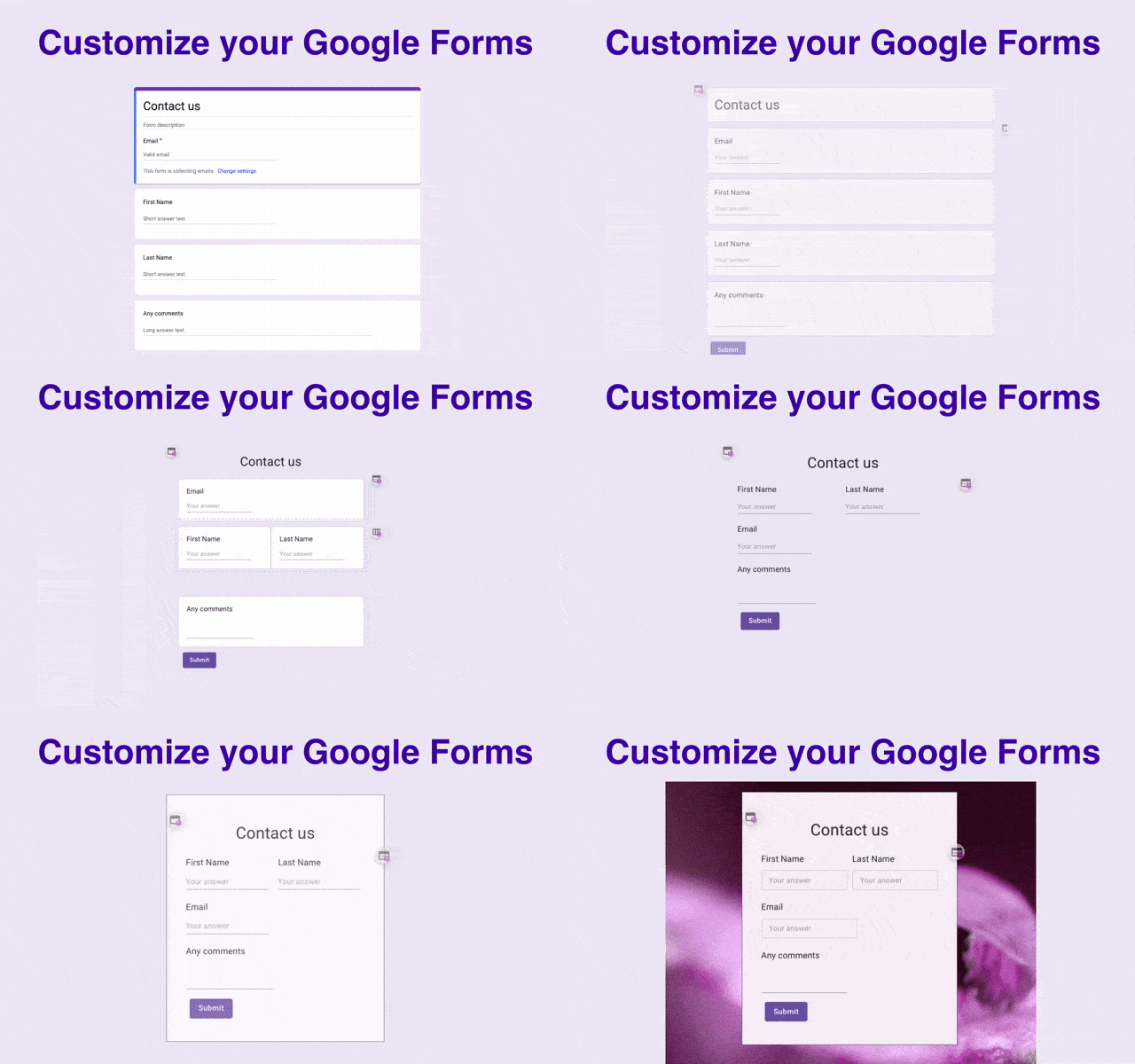
Google Forms serves as a standard baseline for institutional evaluations. It offers straightforward authoring mechanics, instant spreadsheet compilation, and complete accessibility across all devices without requiring proprietary software installations.
- Core Capabilities:
- Direct integration with Google Classroom, Google Drive, and Google Sheets.
- Automated point allocation and answer key validation for fixed-response questions.
- Customizable feedback fields for correct and incorrect answers.
- File upload question types that allow students to submit handwritten work or multimedia projects.
- Instructional Design Application:
Ideal for straightforward weekly check-ins, reading quizzes, and baseline exit tickets. Because the platform lacks advanced branching and media-rich interactions, it functions best when simple evaluation speed outweighs complex visual design. - Pricing & Constraints:
Completely free for standard Google account holders and institutional Google Workspace for Education users. Advanced features such as anti-cheat monitoring, timed individual responses, and interactive gamification are absent.
Gamified Classroom and Live Engagement Quiz Maker
2. Kahoot!
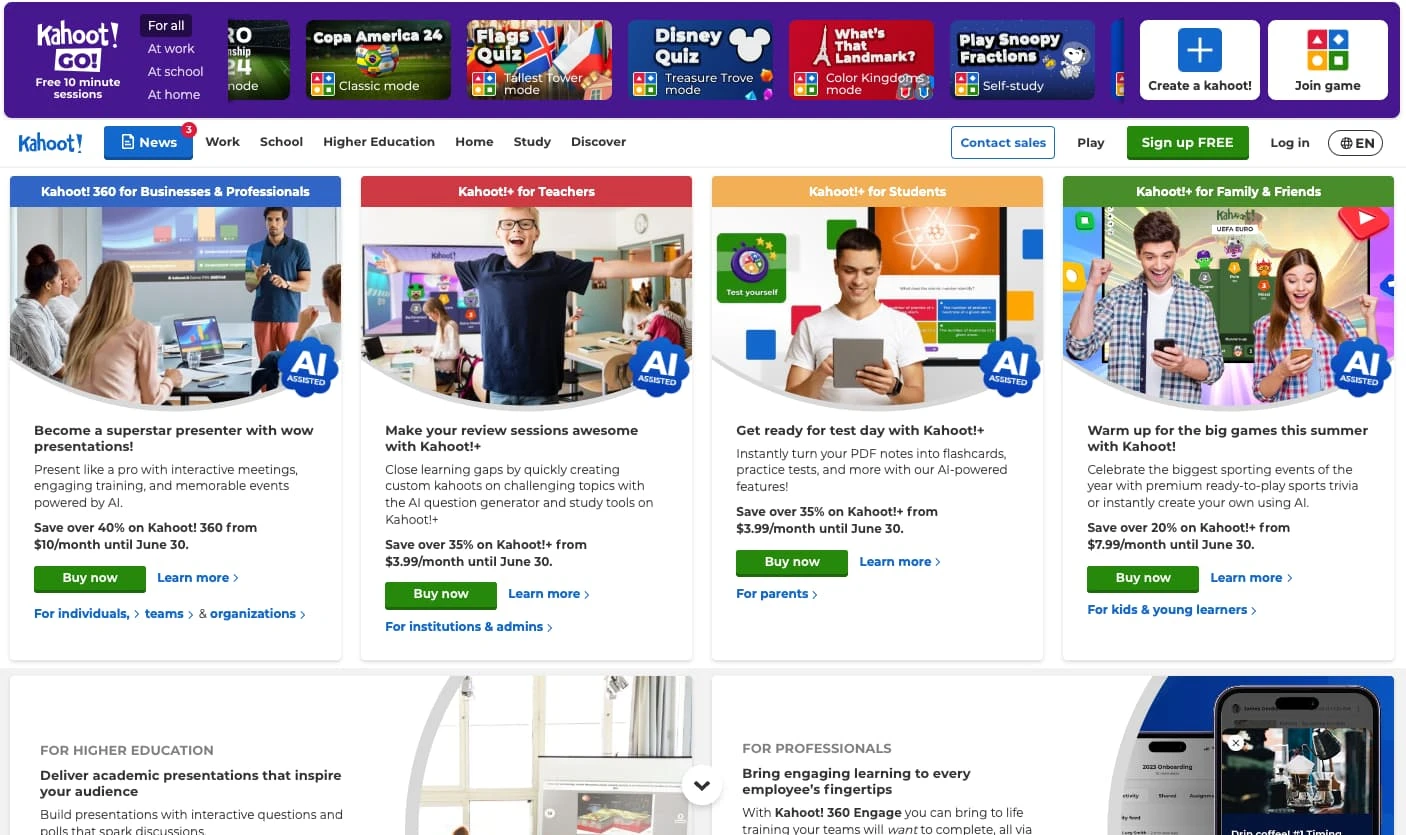
Kahoot! emphasizes high-energy, synchronous game dynamics. Using colorful visual shapes, upbeat countdown audio, and instantaneous leaderboard updates, it transforms conventional review sessions into competitive arena-style events.
- Core Capabilities:
- Live game host mode where prompts appear on a central classroom screen while student devices act as input controllers.
- Multiple game modes including classic individual play, team challenges, and asynchronous “challenges.”
- Built-in media library featuring integrated slides, high-resolution imagery, and embedded video clips.
- Access to the shared Kahoot! Academy repository containing peer-reviewed community question sets.
- Instructional Design Application:
Best suited for pre-exam reviews, vocabulary drill sessions, and activating prior knowledge at the start of a lesson. Instructors can use response distribution charts displayed after each item to address common misconceptions in real time. - Pricing & Constraints:
A basic free version exists with severe participant limits. School and district subscriptions start on tiered monthly and annual plans per teacher, which unlock advanced report filtering and diverse question types.
3. Quizizz
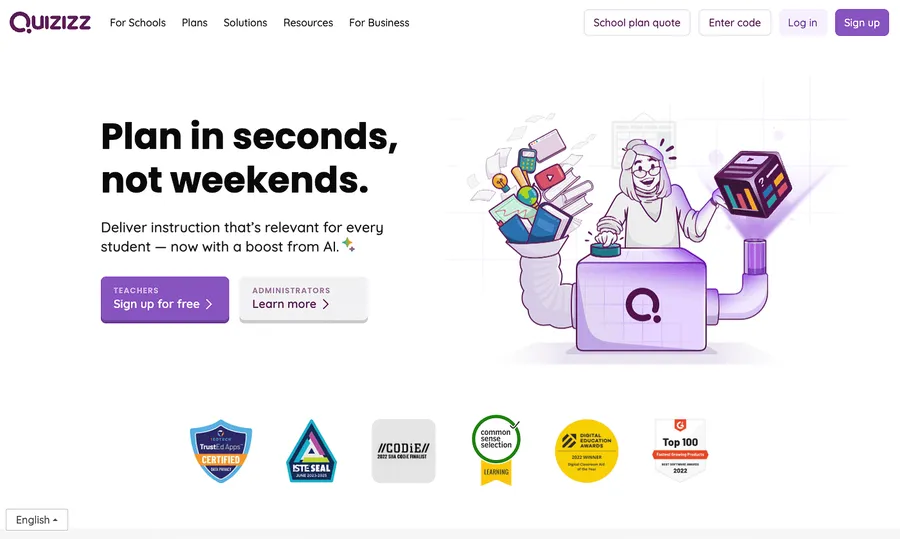
Quizizz blends gamified reinforcement with individual autonomy. Unlike platforms that force all students to answer at the same tempo, Quizizz allows learners to navigate through question sets independently on their personal devices while retaining gamified progression mechanics.
- Core Capabilities:
- Over 15 distinct response types, including open response, audio recording, matching, and visual labeling.
- Built-in algorithmic quiz generator features that extract draft questions from raw text files, slide decks, and YouTube video URLs.
- Asynchronous homework assignment modes with flexible deadlines and automated reminder links.
- Integrated read-aloud functionality, translation options, and customizable game themes to support accessibility.
- Instructional Design Application:
An excellent choice for differentiated homework assignments and hybrid classroom configurations. Teachers can disable timer pressures to reduce testing anxiety, converting the interface into an encouraging self-paced study environment. - Pricing & Constraints:
Includes a robust free tier for individual educators. The Essentials and departmental tiers introduce advanced administrative monitoring, institutional data synchronization, and deeper integration with enterprise LMS frameworks.
4. Blooket
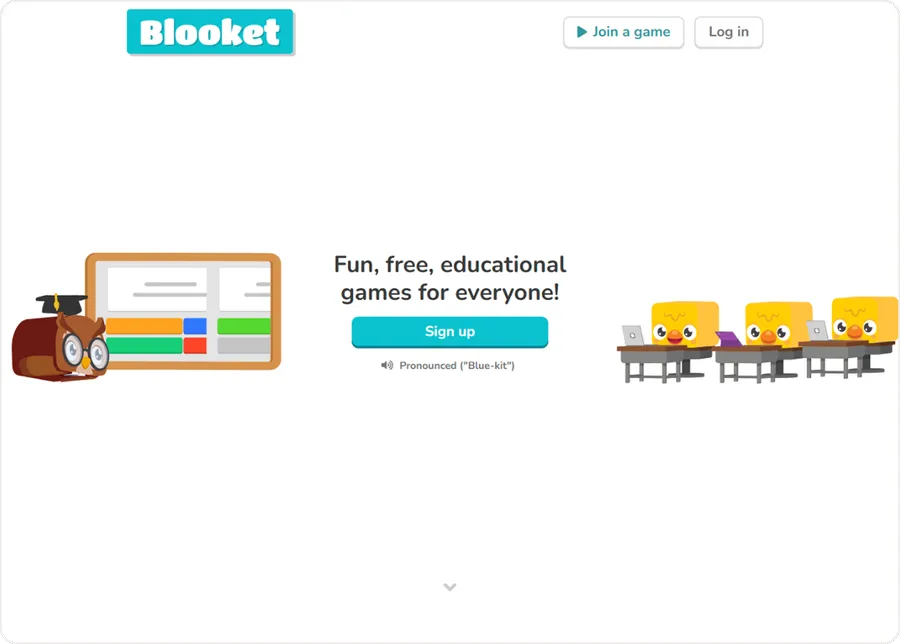
Blooket modifies the traditional review session by embedding assessment questions into varied arcade-style video games. Students answer curriculum-aligned items to earn in-game tokens, construct defenses, or trade resources, placing heavy emphasis on engagement.
- Core Capabilities:
- Rotating seasonal game modes (e.g., Tower Defense, Factory, Gold Quest, Cafe).
- Rapid question set builder with full CSV import and Quizlet study set conversion.
- Host-managed session controls allowing time-based or score-based win conditions.
- Student progress metrics tracking accuracy percentages distinct from game currency totals.
- Instructional Design Application:
Highly effective for memorization-heavy subjects, foreign language vocabulary repetition, and energetic Friday afternoon review sessions in primary and lower-secondary education settings. - Pricing & Constraints:
Offers a generous free plan that supports core gameplay for full classrooms. The Plus subscription unlocks detailed score tracking, duplicated game folders, and early access to newly released game modes.
Flashcard Ecosystems and Algorithmic Quiz Generators
5. Quizlet
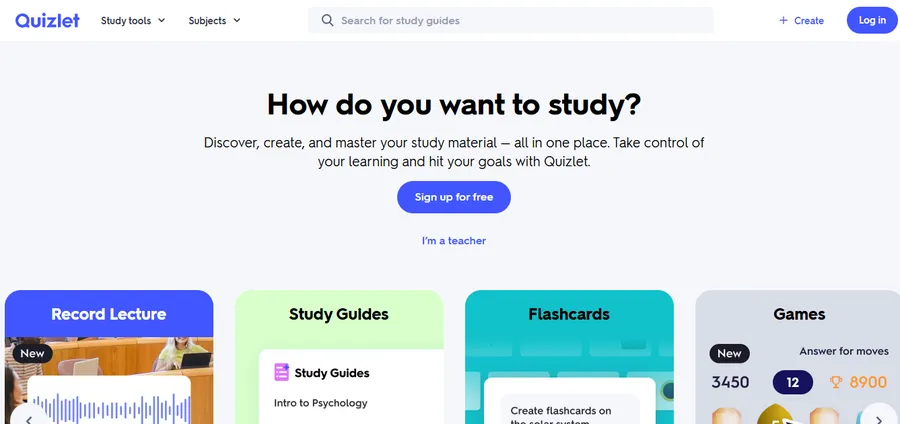
Quizlet centers on digital flashcard memorization, retrieval practice, and self-directed study pathways. Its classroom tools enable instructors to organize curated study decks and transform them into collaborative group competitions.
- Core Capabilities:
- Automated conversion of study lists into flashcards, practice tests, and timed matching activities.
- Quizlet Live mode, which partitions students into dynamic cooperative teams where communication is required to identify the correct answer across shared screens.
- AI-assisted study partner modes that provide personalized hints and adaptive repetition schedules.
- Rich text formatting, formula inputs, and audio pronunciation guides across multiple foreign languages.
- Instructional Design Application:
Valuable for technical terminology, medical terminology drills, and structural definitions. Learners use the mobile and desktop environments for self-directed retrieval practice, reinforcing long-term memory retention. - Pricing & Constraints:
Basic flashcard creation is accessible at no cost. The Teacher Plus subscription provides detailed class progress diagnostics, removes third-party banner advertisements, and enables customized study paths.
6. Quizgecko
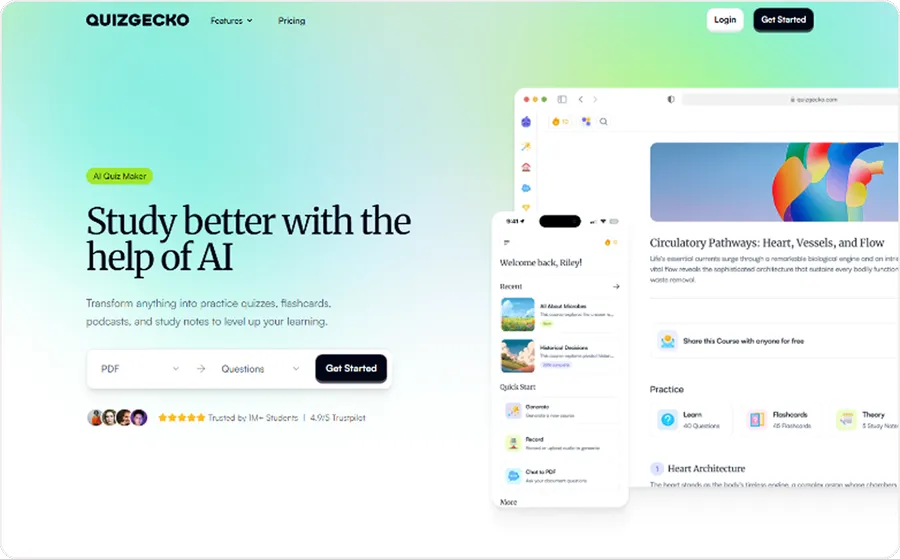
Quizgecko operates primarily as an AI-powered assessment generation engine. Designed to compress authoring timelines, the software parses unstructured source documentation and automatically drafts multiple-choice, true/false, fill-in-the-blank, and short-answer prompts.
- Core Capabilities:
- Direct file parsing supporting PDF, Word, PowerPoint, and online webpage links.
- Configurable difficulty parameters, language selectors, and question quantity targets.
- Export options for LMS platforms via standard formatting sheets and embed codes.
- Integrated web-based participant links featuring automated grading and written explanations for correct options.
- Instructional Design Application:
Suited for corporate compliance specialists and higher-education lecturers who must generate large question pools from lengthy textbooks, policy manuals, or legal briefs. If you want to explore more automated solutions for your site, checking out AI generated content and related intelligent authoring tools can save you countless administrative hours. - Pricing & Constraints:
Offers limited promotional trials. Ongoing usage requires a paid monthly or annual subscription based on the volume of parsed content and student completion counts.
Professional E-Learning and Compliance Authoring Suites
7. Articulate Quizmaker 360
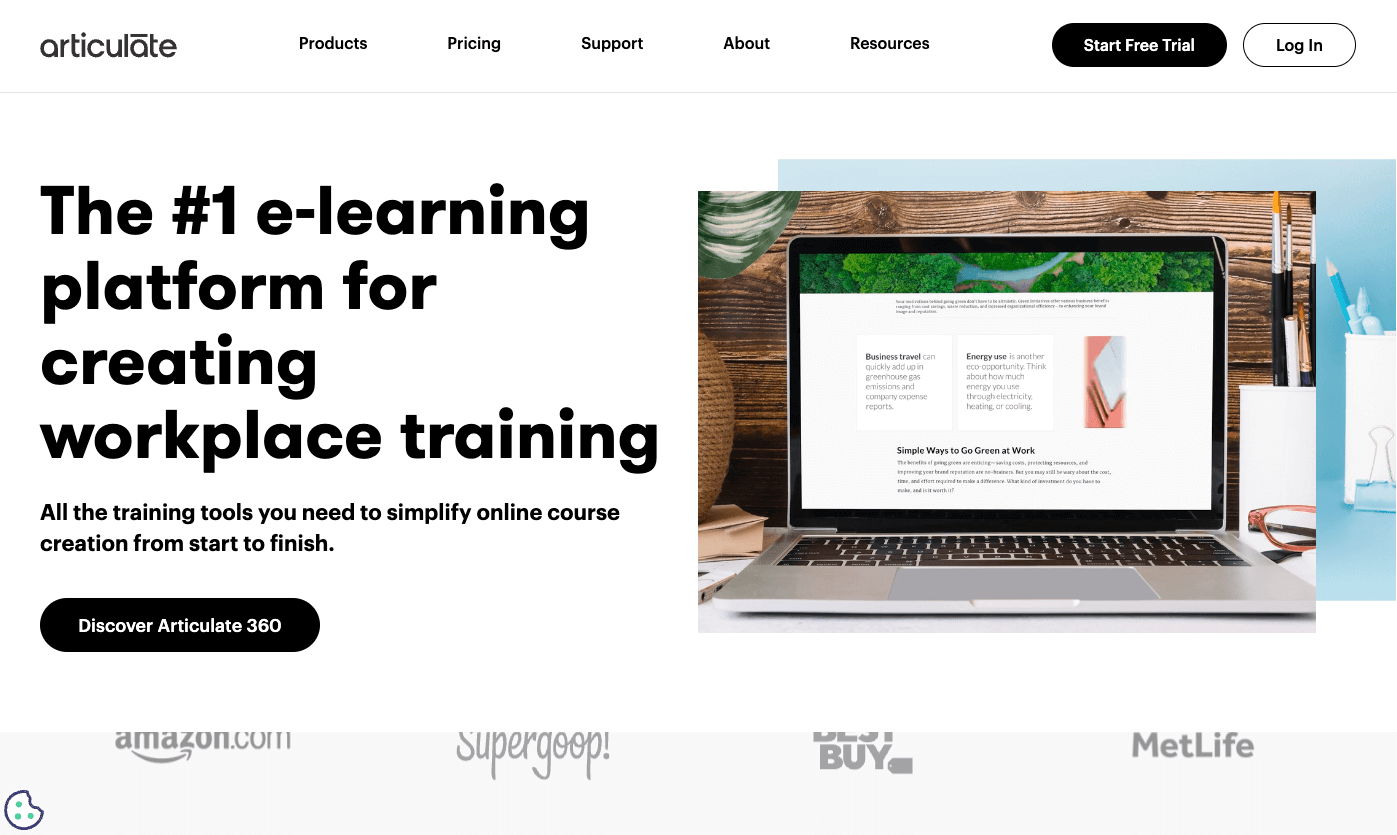
Articulate Quizmaker 360 represents the professional standard for instructional designers constructing modular, SCORM-compliant evaluations. As an integral component of the broader Articulate 360 ecosystem, it provides full control over visual presentation, branching logic, and scoring variables.
- Core Capabilities:
- Over 25 distinct question archetypes ranging from standard multiple-choice to drag-and-drop interactions, hot spots, and numeric inputs.
- Form-based quick authoring alongside a PowerPoint-like slide view for complete visual customization.
- Advanced decision branching, variable calculations, and conditional feedback layers based on user scores.
- Comprehensive export profiles supporting SCORM 1.2, SCORM 2004, AICC, xAPI, and cmi5 standards.
- Instructional Design Application:
Essential for formal accreditation, regulatory compliance courses, and institutional e-learning deployments where every interaction, retry count, and minute spent must be logged securely inside an enterprise LMS. - Pricing & Constraints:
Sold exclusively as part of the broader Articulate 360 annual subscription suite. Represents a substantial financial investment aimed primarily at professional instructional design teams and educational institutions.
8. iSpring Quiz Maker
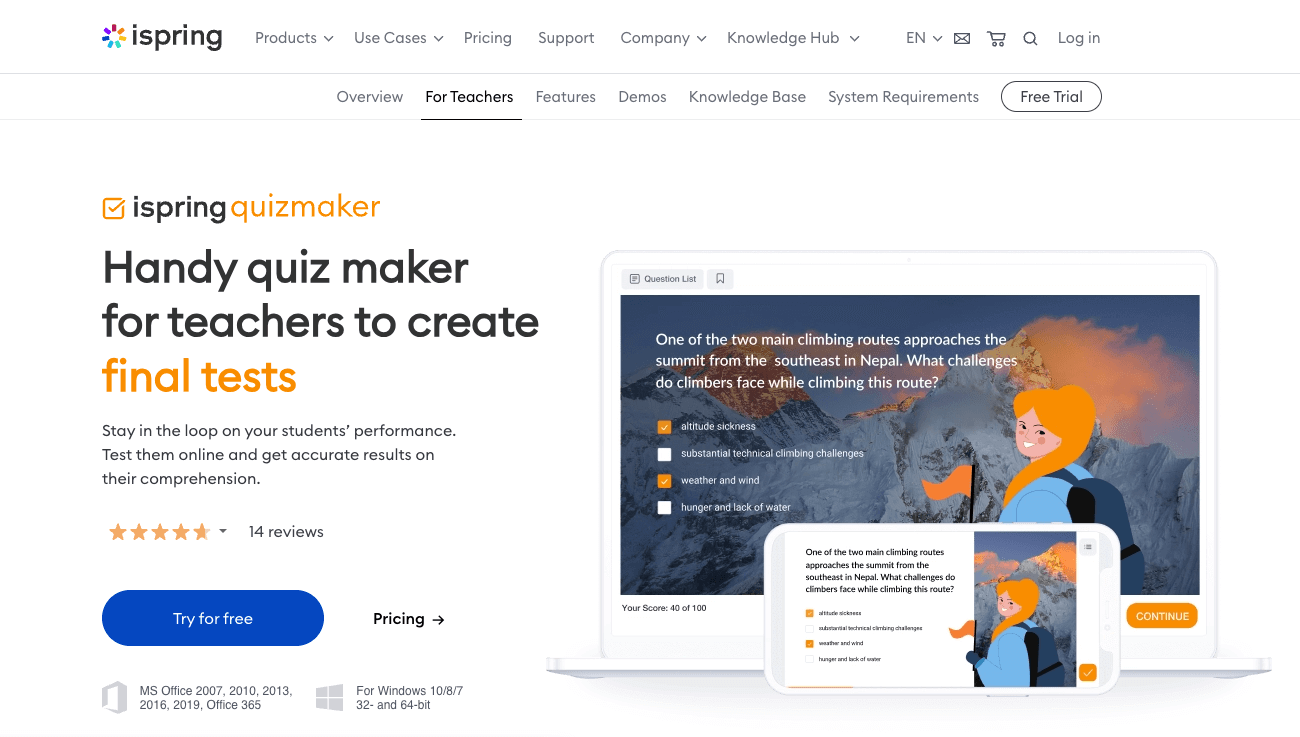
iSpring Quiz Maker provides advanced authoring tools with a gentle learning curve. Designed to operate seamlessly alongside Microsoft PowerPoint, it enables educators to build interactive, media-rich assessments without requiring programming expertise.
- Core Capabilities:
- 14 distinct graded and survey question archetypes, including drag-and-drop, word bank, hotspot, and sequence ordering.
- Individualized scoring rules, negative marking for incorrect guesses, and time-limit restrictions per question.
- Audio and video embedding within answer stems and remediation layers.
- Direct SCORM packaging with detailed reporting for LMS grade book integration.
- Instructional Design Application:
Ideal for academic departments and corporate training units that need to convert existing lecture presentations into formal, graded online modules quickly and reliably. - Pricing & Constraints:
Available as an individual software license or as part of the comprehensive iSpring Suite authoring package. Requires a dedicated desktop workstation for full authoring capabilities.
Live Polling, Interactive Slides, and Formative Pulse Checks
9. Mentimeter
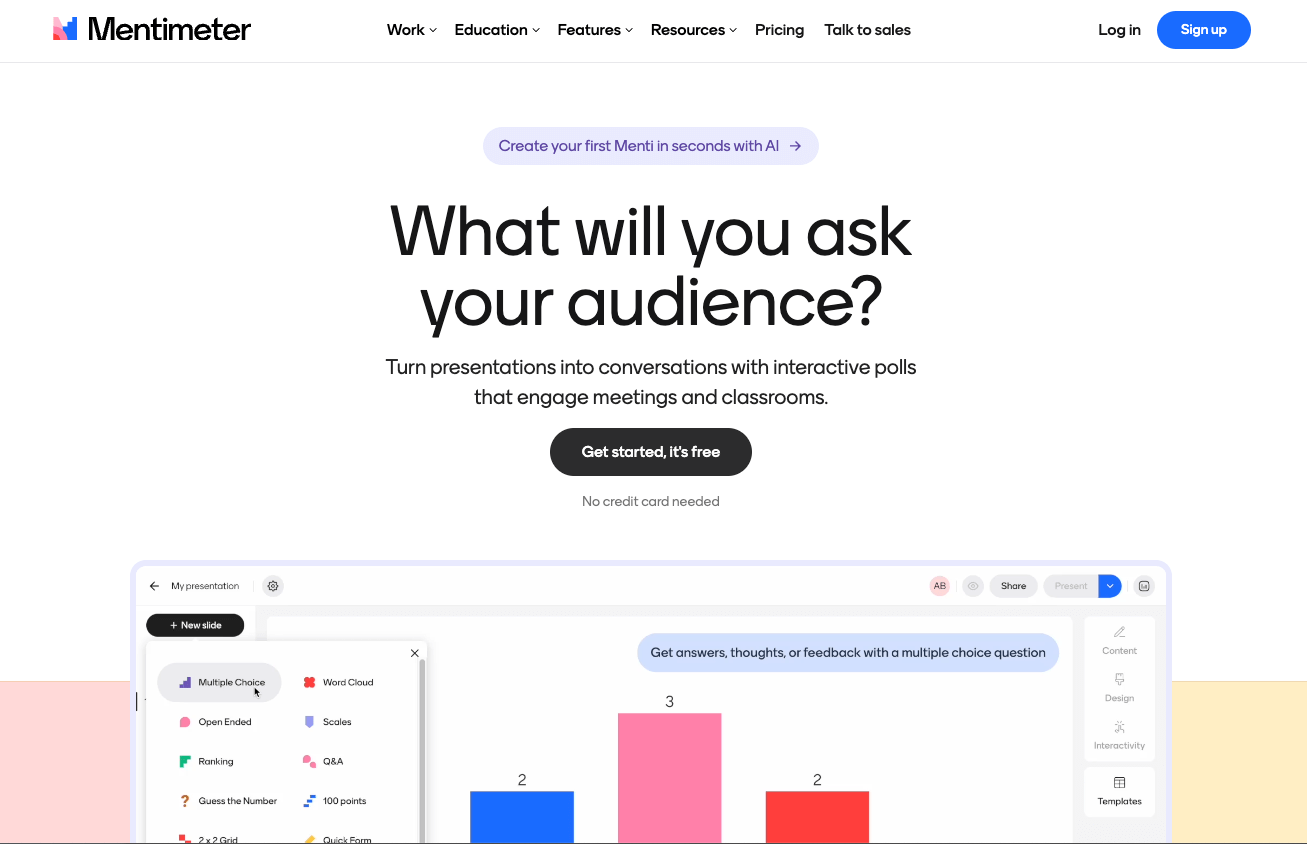
Mentimeter focuses on audience visualization and real-time feedback during live instructional sessions. Rather than functioning solely as an exam platform, it integrates polling into presentation decks to stimulate discussions and uncover shared misunderstandings.
- Core Capabilities:
- Dynamic data visualizations including live word clouds, bar graphs, scatter plots, and open question matrices.
- Presentation-integrated quiz competitions featuring timed rounds, music, and participant avatars.
- Anonymous response settings that encourage honest contributions regarding sensitive topics or self-evaluations.
- Dedicated integration modules for Microsoft Teams, Zoom, and standard web browsers.
- Instructional Design Application:
Exceptional for executive education, university lecture halls, and staff workshops. Instructors can visualize collective prior knowledge instantly, adjusting lecture pacing according to real-time feedback. - Pricing & Constraints:
The free tier allows basic presentations with audience limits. Educational and enterprise plans unlock unconstrained slide generation, customized visual branding, and raw Excel data exports.
10. Poll Everywhere
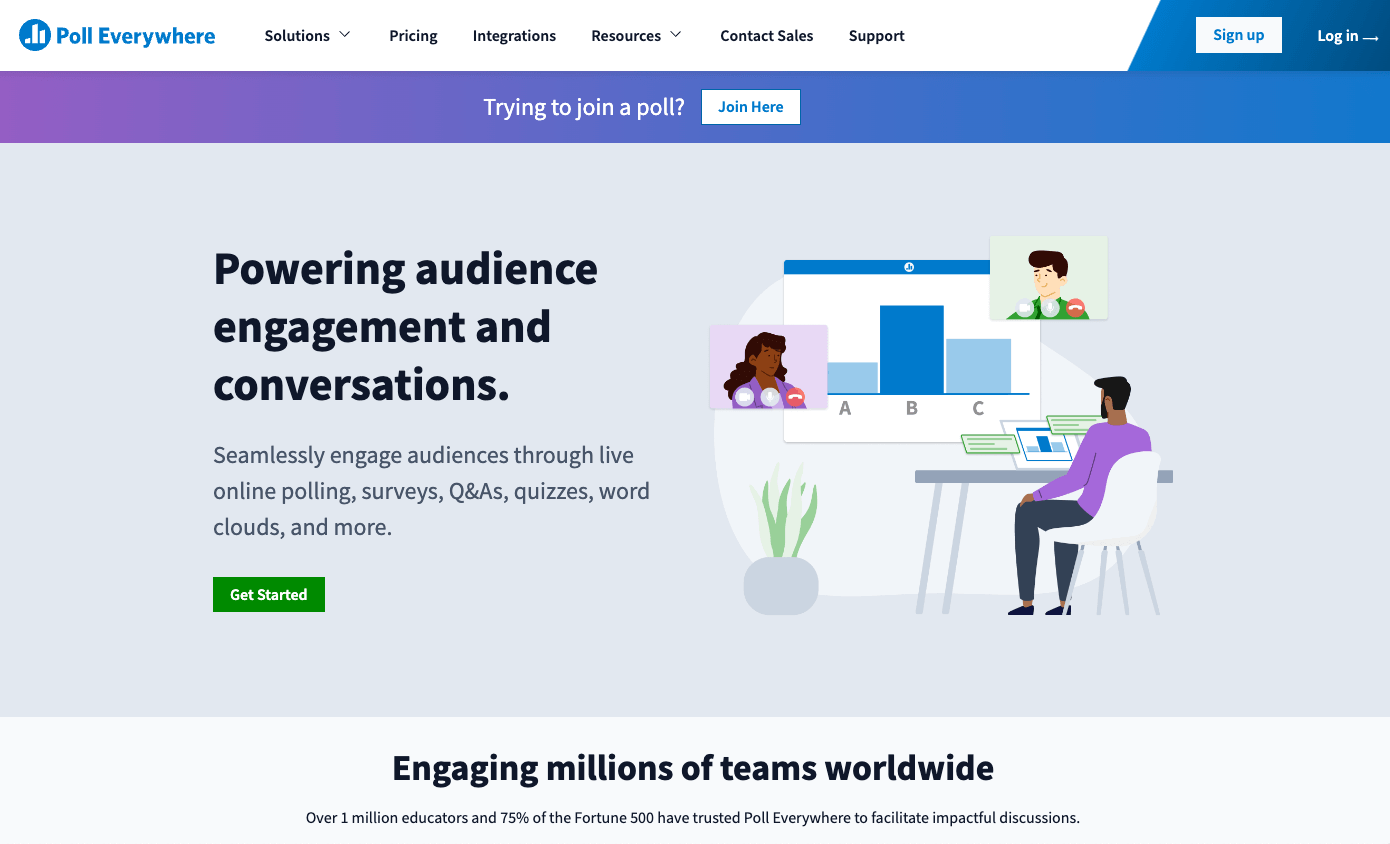
Poll Everywhere turns existing slide decks into live polling instruments. It embeds directly into Microsoft PowerPoint, Apple Keynote, and Google Slides, allowing educators to deploy questions without switching between application windows.
- Core Capabilities:
- Native presentation software plugins for seamless slide-level quiz triggering.
- Response collection via standard web browsers, SMS text messaging, and dedicated mobile portals.
- Enterprise-grade moderation tools that permit instructors to review or censor responses before they project onto a public screen.
- Integration with institutional Single Sign-On (SSO) systems and university LMS platforms.
- Instructional Design Application:
Widely used in higher education lecture halls and corporate governance meetings where reliability, data protection, and minimal software friction are mandatory. - Pricing & Constraints:
Offers a free plan for audiences up to 25 participants. Paid plans scale according to participant volume, security requirements, and institutional LMS grade-syncing capabilities.
11. Socrative

Socrative provides focused formative assessment without unnecessary visual distractions. It emphasizes rapid check-ins, room-based quiz codes, and instant assessment over elaborate gamified animations.
- Core Capabilities:
- Quick Question modes that allow instructors to launch a verbal multiple-choice or short-answer prompt instantly.
- The “Space Race” team competition mode, where student accuracy drives graphical rockets across the instructor’s screen.
- Standardized digital exit tickets that collect student names, comprehension ratings, and answers to closing prompts.
- Exportable PDF, Excel, and student-level assessment reports delivered immediately upon session closure.
- Instructional Design Application:
The definitive choice for traditional classrooms seeking a clean, efficient digital replacement for paper exit tickets and pop quizzes. - Pricing & Constraints:
The free version allows one active room with a 50-student ceiling. Socrative Pro subscriptions permit multiple simultaneous active rooms, student roster uploads, and silent countdown timers.
12. Nearpod
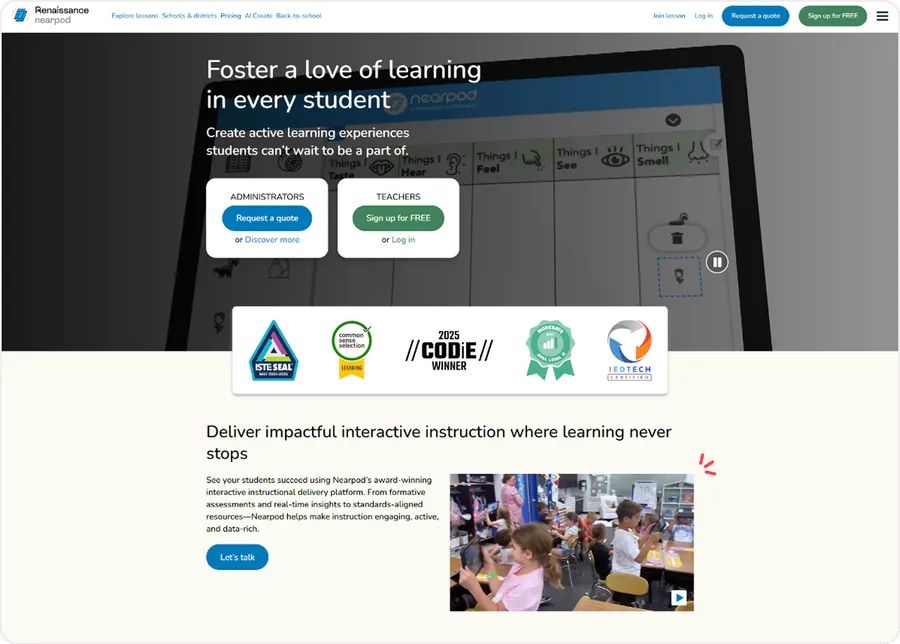
Nearpod bridges the gap between active delivery and formal evaluation by weaving interactive assessment activities directly into digital slide decks. Rather than viewing an assessment as an isolated event, students encounter checks throughout the lesson.
- Core Capabilities:
- Embedded formative elements including Draw It exercises, collaborative boards, open-ended tasks, and virtual field trips.
- Synchronous teacher-led presentation modes synchronized across all student screens, alongside asynchronous student-paced review modules.
- Integrated “Time to Climb” gamified review activity that presents multiple-choice drills within a competitive mountain-climbing theme.
- Comprehensive post-session reporting showing individual participation percentages alongside question accuracy scores.
- Instructional Design Application:
Highly suitable for K-12 classrooms and hybrid training environments where maintaining continuous learner engagement requires active participation every few slides. Alternatively, if you are looking for integrated WordPress solutions without relying on external slide platforms, exploring the best WordPress quiz plugins can provide native alternatives right within your dashboard.
Corporate Training, Question Banks, and Mobile Tournaments Quiz Maker
13. ProProfs Quiz Maker
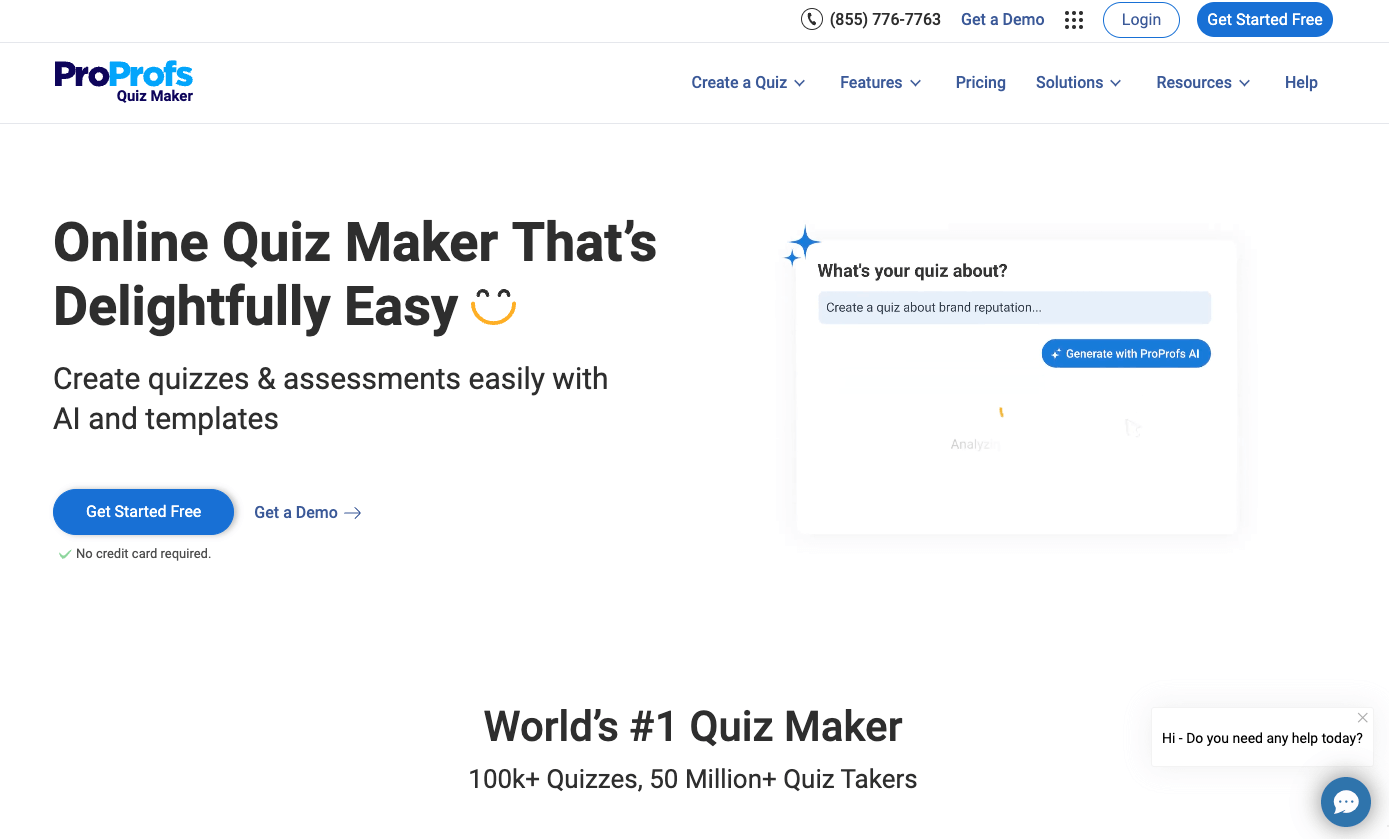
ProProfs Quiz Maker is tailored for corporate compliance training, client onboarding, and standardized pre-employment evaluations. Its standout feature is an extensive repository of pre-written questions spanning hundreds of business and academic topics.
- Core Capabilities:
- Access to a built-in library containing over one million ready-to-use assessment prompts across technical and professional fields.
- Support for video, audio, and file upload questions to evaluate interpersonal and soft skills.
- Automated generation of completion certificates featuring custom institutional branding, expiration tracking, and unique identification numbers.
- Advanced cheating prevention mechanisms including tab-switching tracking, randomized question sequences, and pool selection.
- Instructional Design Application:
An effective solution for human resources personnel and compliance managers who need to deploy secure, certified assessments with minimal setup time. - Pricing & Constraints:
Maintains an introductory free tier with basic question limits. Paid tiers scale according to active user counts and enterprise compliance tracking requirements.
14. QuizHub
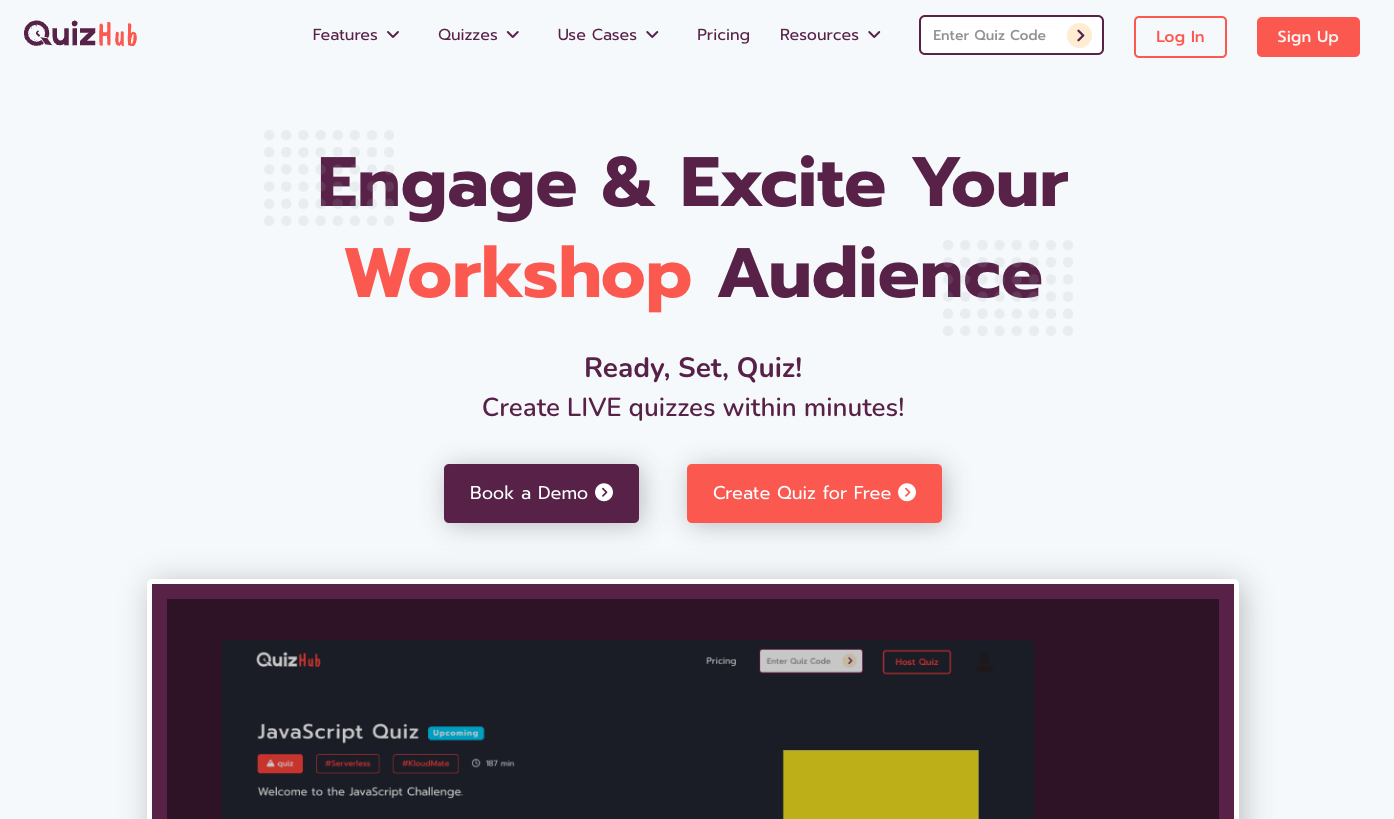
QuizHub is engineered for quick, mobile-centric quiz delivery during workshops, hackathons, and corporate conferences. It eliminates friction by allowing participants to enter sessions instantly through a mobile camera scan.
- Core Capabilities:
- Frictionless entry via QR code without requiring native application downloads or account registrations.
- Real-time participant leaderboards and customizable digital completion certificates.
- Master-of-ceremonies control interfaces for manual or automated pacing during live presentations.
- Integrated brand theming supporting custom corporate color palettes, typography, and logos.
- Instructional Design Application:
Well suited for event organizers and keynote speakers who need to capture audience attention, test baseline understanding, and collect participant responses in under five minutes. - Pricing & Constraints:
Includes a baseline free plan for minor group gatherings. Paid tiers offer elevated participant allowances and customized post-event reporting.
Formative vs. Summative Evaluation Strategy
Understanding the operational boundary between formative check-ins and summative evaluations protects instructors from selecting inappropriate software tools.
| Feature | Formative Assessment Mode | Summative Assessment Mode |
| Primary Goal | Ungraded or low-stakes check-ins | High-stakes, formal accreditation |
| Pacing | Rapid, synchronous adjustments | Strict security and integrity checks |
| Feedback Structure | Immediate explanatory feedback | Comprehensive curriculum coverage |
| Focus Area | Emphasizes student growth | Quantifiable outcome certification |
| Recommended Tools | Mentimeter, Kahoot!, Socrative | Articulate, iSpring, ProProfs |
Diagnostic and Formative Applications
Formative assessments occur during the learning process. Their primary purpose is not to assign a permanent grade, but to inform both instructor and student about emerging knowledge gaps.
- Formative tasks thrive on speed, low stress, and visual engagement.
- Tools like Kahoot!, Quizizz, and Socrative allow teachers to pivot instructional strategies within a single class period based on aggregate responses.
- Immediate feedback helps students unlearn misconceptions before they solidify into habitual errors.
Formal Summative Evaluative Suites
Summative assessments occur at the conclusion of an instructional unit to evaluate overall competency against established standards.
- Summative evaluations demand strict security controls, randomized item delivery, anti-plagiarism mechanisms, and accurate LMS grade book pass-through.
- Platforms such as Articulate Quizmaker 360, iSpring, and ProProfs provide the rigorous tracking, detailed scoring matrices, and formal completion certification necessary for high-stakes testing.
Best Practices to Create Your Own Quiz
When you sit down to create your own quiz that genuinely challenges learners, consider the following practical strategies:
- Incorporate Scenario-Based Problem Solving: Rather than asking for textbook definitions, present a realistic workplace or academic dilemma. Ask learners to select the best path forward, forcing them to apply theoretical knowledge to complex situations.
- Vary the Media Formats: Support diverse learning preferences by incorporating high-resolution diagrams, audio prompts, and video clips directly into your question stems. A modern interactive quiz maker should bring assessments to life through varied media rather than relying solely on walls of text.
- Test Across Devices: Always complete your own test run on a mobile phone before publishing. Many students access evaluations from mobile devices, so ensuring buttons are responsive and media scales correctly is vital.
Guide: Step-by-Step Tool Deployment
To help educators transition smoothly from conceptual planning to active digital testing, this guide outlines the practical implementation steps for different learning environments:
Path A: Deploying a Free Classroom Check-In
When budget constraints are paramount and technical requirements are minimal, educators can build an effective assessment pipeline with zero software expenditure:
- Open a flexible no-cost platform or an intuitive free quiz generator to structure your initial item bank.
- Formulate 5 to 10 diagnostic questions focusing on core unit concepts.
- Configure the settings to shuffle question order and randomize answer options, ensuring independent work in close seating arrangements.
- Distribute the generated access link or QR code via your classroom display or institutional messaging board.
- Review the aggregated response spreadsheet immediately after the session to identify topics requiring review in subsequent lessons.
Path B: Asynchronous Self-Paced Mastery
For hybrid cohorts or flipped classroom environments where learners review materials independently:
- Use an interactive quiz maker to assemble modular assessments containing explanatory feedback layers.
- Embed the assessment link directly into your course syllabus, class blog, or student portal.
- Configure settings to allow learners multiple submission attempts, encouraging them to review feedback and master challenging topics.
- Set minimum passing thresholds to unlock subsequent lesson units, ensuring foundational concepts are understood before advancing.
Path C: Enterprise and Professional Certification
For formal organizations preparing professional learners for certified compliance or continuing education credits:
- Build your assessment in an advanced suite like Articulate 360 or iSpring Quiz Maker to configure strict tracking variables and custom branding.
- Build comprehensive distractor sets for your multiple choice quiz maker modules, verifying that every option represents a plausible scenario.
- Set your publishing package profile to SCORM 2004 or xAPI, matching your enterprise LMS configuration.
- Upload the generated package into the LMS environment, configure completion tracking criteria, and run end-to-end verification tests through a student test account.
- Monitor enrollment cohorts using LMS grade books, tracking completion rates and generating audit-ready compliance certificates automatically.
Pedagogical Alignment Guide: Matching Quiz Maker Tools to Learning Needs
Selecting the ideal platform depends on where your instruction sits within the learning journey. The table below matches specific educational environments with the most effective platforms and operational strategies:
| Instructional Setting | Primary Goal | Recommended Platforms | Key Implementation Strategy |
| K-12 Active Classrooms | High engagement, vocabulary building, fun review | Kahoot!, Quizizz, Blooket | Use gamified tools for low-stakes, high-energy reviews before major exams. |
| Higher Ed Lecture Halls | Live pulse checks, anonymous feedback, attendance | Mentimeter, Poll Everywhere, Socrative | Deploy quick polls every 15 minutes to break up lectures and verify comprehension. |
| Flipped & Hybrid Courses | Independent learning, flexible homework, pacing | Google Forms, Nearpod | Use conversational, step-by-step formats with explanatory feedback for self-guided study. |
| Corporate Compliance | Auditable certification, zero cheating, tracking | ProProfs, Articulate 360, iSpring | Package modules with SCORM/xAPI for secure scoring and automated certification. |
| Rapid Curriculum Drafting | Extracting question banks from existing documentation | Quizgecko, Quizizz AI Generator | Paste course documents into an automated engine, then refine the generated stems. |
Final Recommendation
Assessment technology serves as a bridge connecting instructional intent with genuine student understanding. Selecting the right platform is not about chasing the newest software features, but about identifying tools that reinforce your specific educational objectives:
- For straightforward evaluation, Google Forms provides a modern, functional approach that keeps learners focused.
- For lively, synchronous classroom reviews that energize students and build community, Kahoot!, Quizizz, and Blooket remain the premier gamified platforms.
- For corporate training managers and university instructional designers who require strict compliance tracking, formal certification, and seamless LMS integration, dedicated authoring powerhouses like Articulate Quizmaker 360, iSpring Quiz Maker, and ProProfs represent the industry standard.
Take time to experiment with the available free tiers and interactive demos, pilot your tests across diverse devices, and choose the platform that helps your learners show what they truly know.
You might also want to compare these platforms with the best elearning platforms to ensure your entire educational ecosystem is fully optimized for success.
Frequently Asked Questions (FAQs): Top-Rated Quiz Maker Tools
1. What makes an online quiz platform truly effective for teachers?
An effective assessment platform combines an intuitive authoring interface, automated grading, varied question types, and informative analytics. Platforms that offer responsive customer support, reliable mobile performance, and automated feedback loops provide significant educational value, allowing instructors to focus on addressing learning gaps rather than managing administrative tasks.
2. Can online quiz makers grade responses automatically and export the data?
Yes, modern platforms automatically grade objective question types, including multiple-choice, matching, sequencing, and fill-in-the-blank items. Most systems allow educators to export raw response data, question-level accuracy reports, and overall class grade books directly into CSV files, Excel spreadsheets, or directly into an institutional LMS.
3. How do online assessment tools support distance and hybrid education?
These platforms support flexible learning through asynchronous assignment modes, shareable web links, and mobile-friendly layouts. Remote learners can access quizzes from any location with an internet connection, while built-in accessibility features—such as integrated screen readers and translation tools—ensure all students can participate equitably.
4. What is the difference between a simple quiz builder and a full e-learning authoring suite?
A standard quiz builder is generally a web-hosted tool designed for quick classroom reviews, live polls, or lightweight surveys. A full e-learning authoring suite, such as Articulate 360 or iSpring, provides advanced development features including complex branching logic, multimedia interactions, custom software simulations, and full SCORM/xAPI packaging for formal corporate and academic compliance.
5. How can educators prevent cheating when they create your own quiz for remote students?
Instructors can protect assessment integrity by drawing questions from randomized item pools, shuffling both question sequences and answer choices, setting realistic time limits, and disabling backtracking between sections. Emphasizing applied, scenario-based questions over simple factual recall also significantly reduces the utility of external search engines during the exam.
Read more: The Best Booking Calendar WordPress Plugins in 2026
Contact US | ThimPress:
Website: https://thimpress.com/
Fanpage: https://www.facebook.com/ThimPress
YouTube: https://www.youtube.com/c/ThimPressDesign
Twitter (X): https://x.com/thimpress_com