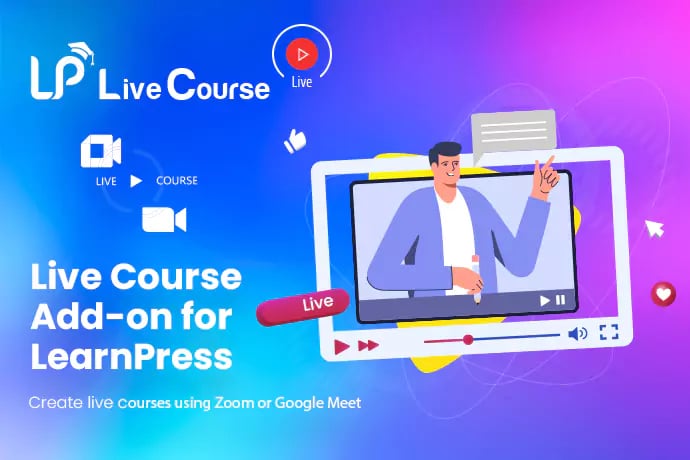



Live Course Add-on for LearnPress

  • Transform your pre-recorded LearnPress courses with real-time interaction using the Live Course Add-on for LearnPress, integrating popular video conferencing platforms like Zoom and Google Meet.
  • Schedule and manage live sessions directly within your WordPress dashboard, offering students a dynamic and engaging learning experience as part of their enrolled courses.
  • Secure your content with enrolled-student-only access to live lessons, preventing unauthorized link sharing and protecting your valuable course material.
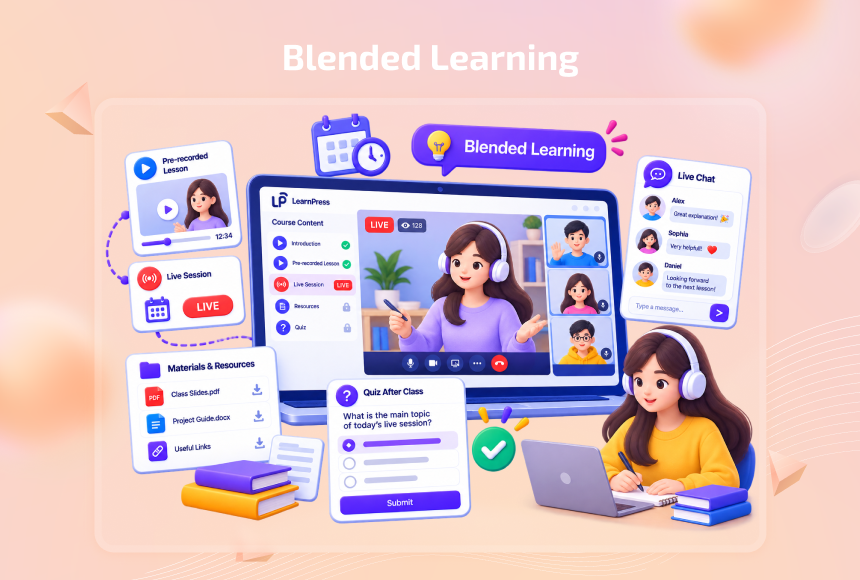
  • Enhance course structure by incorporating live lessons seamlessly alongside existing content, complete with descriptions, supplementary materials, and post-session quizzes.
Direct Platform Integration

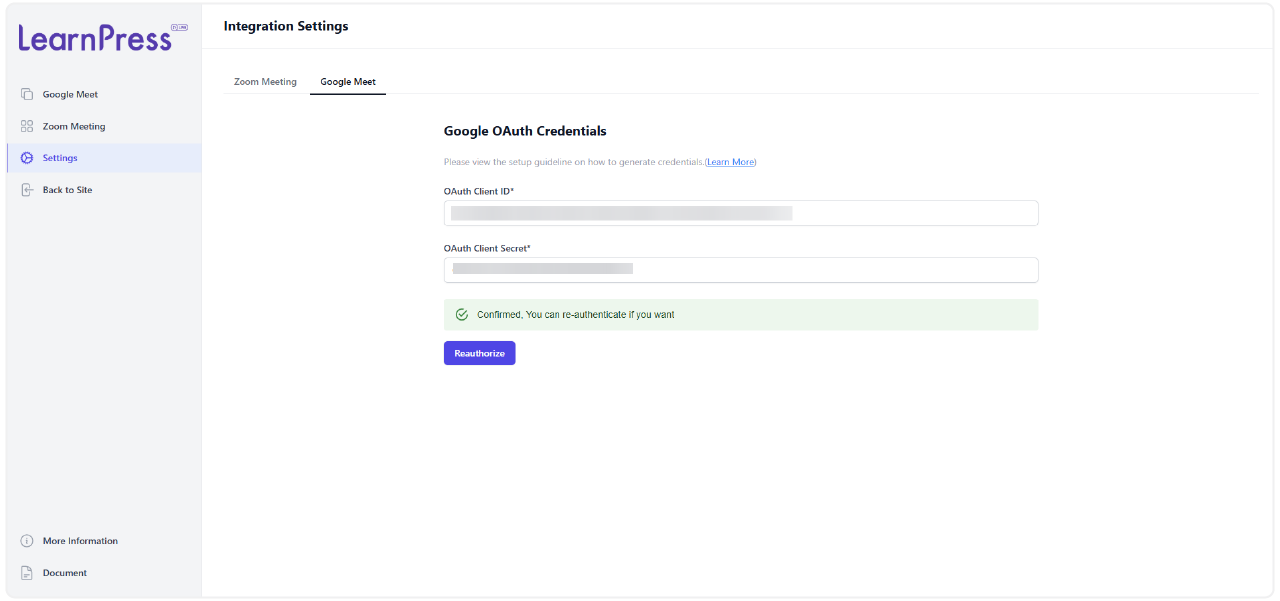
The Live Course Add-on for LearnPress allows for straightforward creation and management of Zoom meetings from within LearnPress. It also supports scheduling and embedding Google Meet links for live online sessions (Google Meet integration may vary by version).

Structured Live Lesson Creation & Scheduling
Automatic Calendar Synchronization & Secure Access
Professional Display & Content Enrichment
16 reviews

Active Users: 696

Price: $19

  • Lifetime license for 1 site License Info:Includes lifetime usage on 1 site. You can switch between environments as needed by deactivating/reactivating the key. Only one active installation can receive updates and support at a time.Learn More
  • 12 months Update & Support Updates & Support Info:Purchase includes 12 months of updates and support. After expiry, the add-on remains functional, but you must renew the license to access future updates and support services.Learn More
I would like to extend Update & Support
Total $19
Version
Version: 4.0.2
Last Updated: A week ago
Compatible to WordPress Version: 5.8 or higher
Change Logs

= 4.0.2 (2023-03-28) =
~ Modified: add rewrite rules to performance.
~ Fixed: error can not create table.
~ Fixed: error date time.

= 4.0.1 (2022-12-22) =
~ Fixed: styles;
~ Fixed: message text.

= 4.0.0 (2022-12-13) =
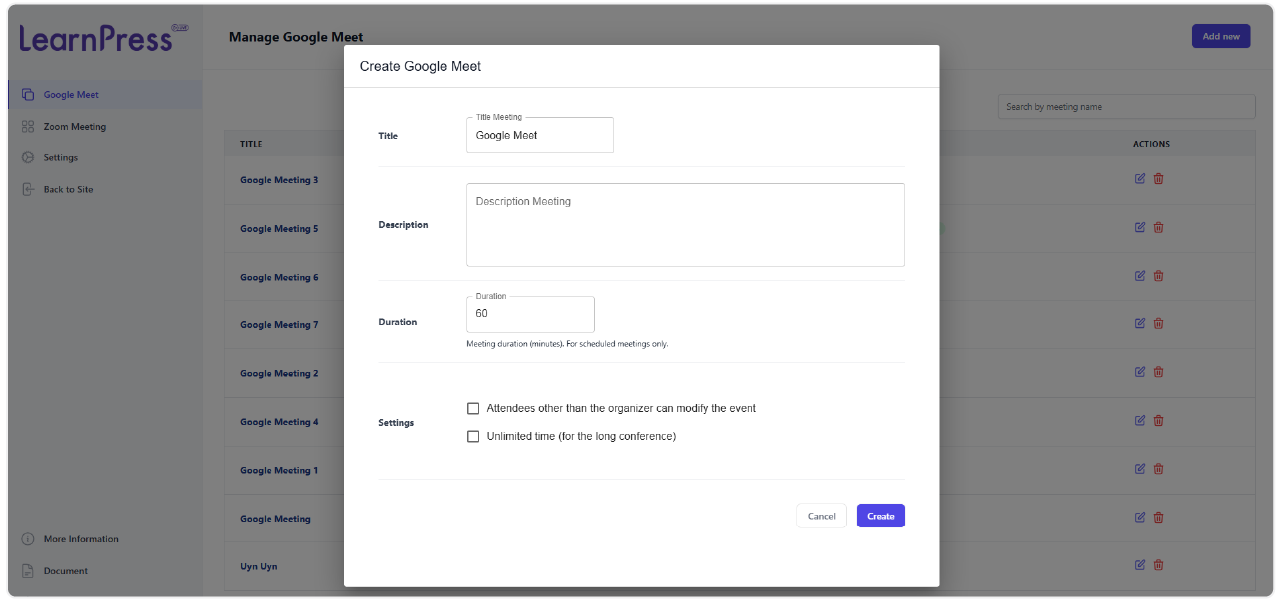
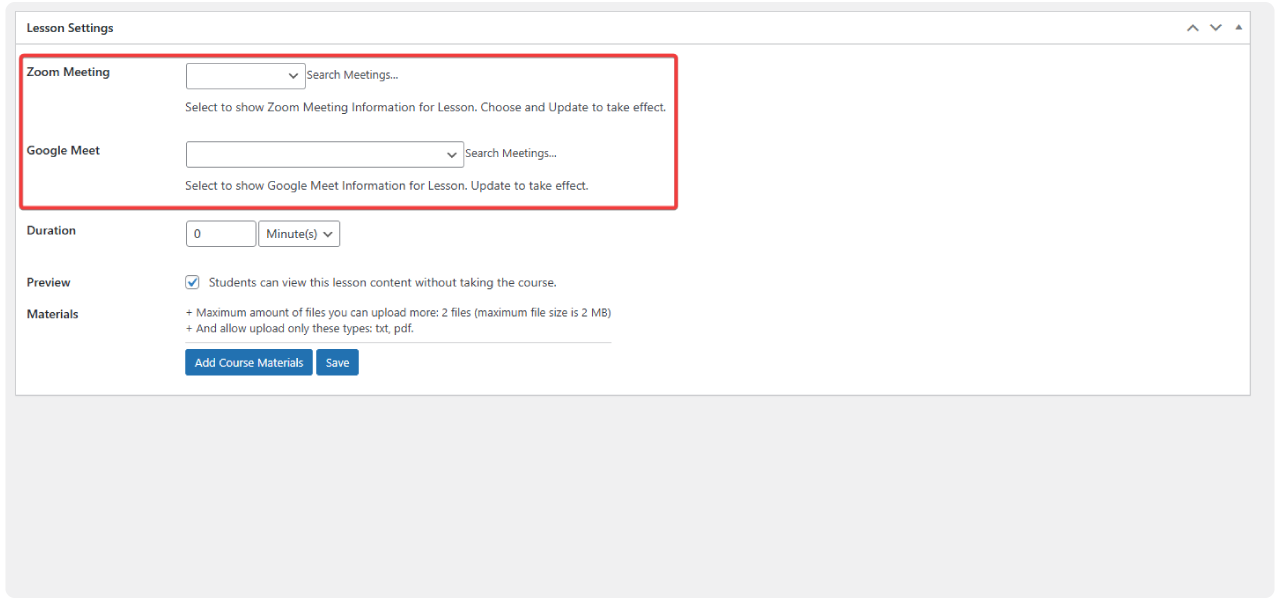
~ Added new feature: Manage Zoom meeting, add to course, items of course, and more via shortcode.
~ Added new feature: Manage Google meeting, add to course, items of course, and more via shortcode.

Screenshots

live-course-6
live-course-6
live-course-7
live-course-8
live-course-9
live-course-10
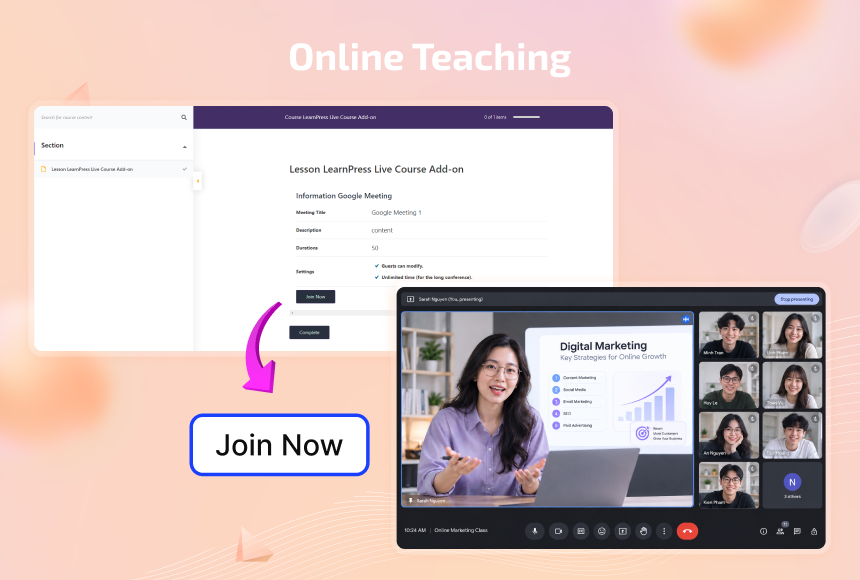
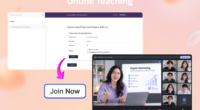
Online teaching

Turn any lesson into a live class with Zoom or Google Meet

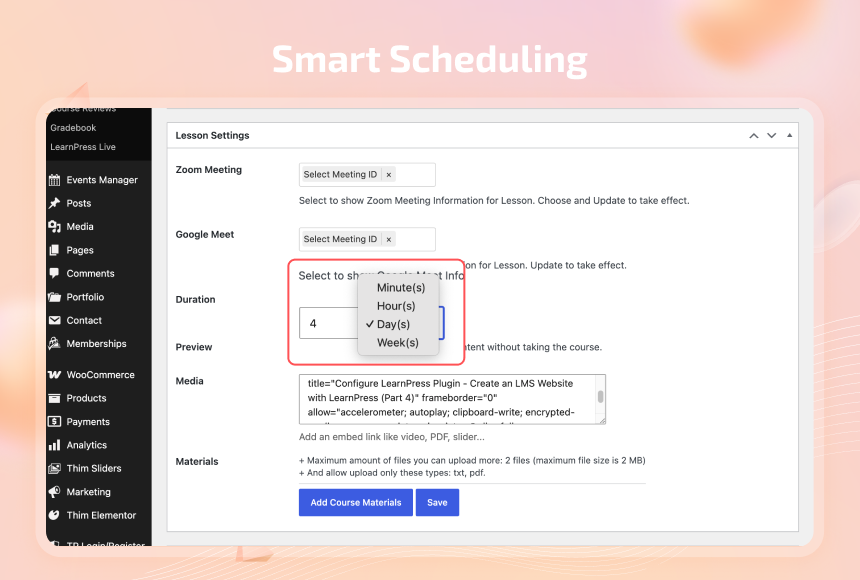
  • Add live sessions as lessons inside any course, with titles, descriptions, and materials just like a regular lesson.
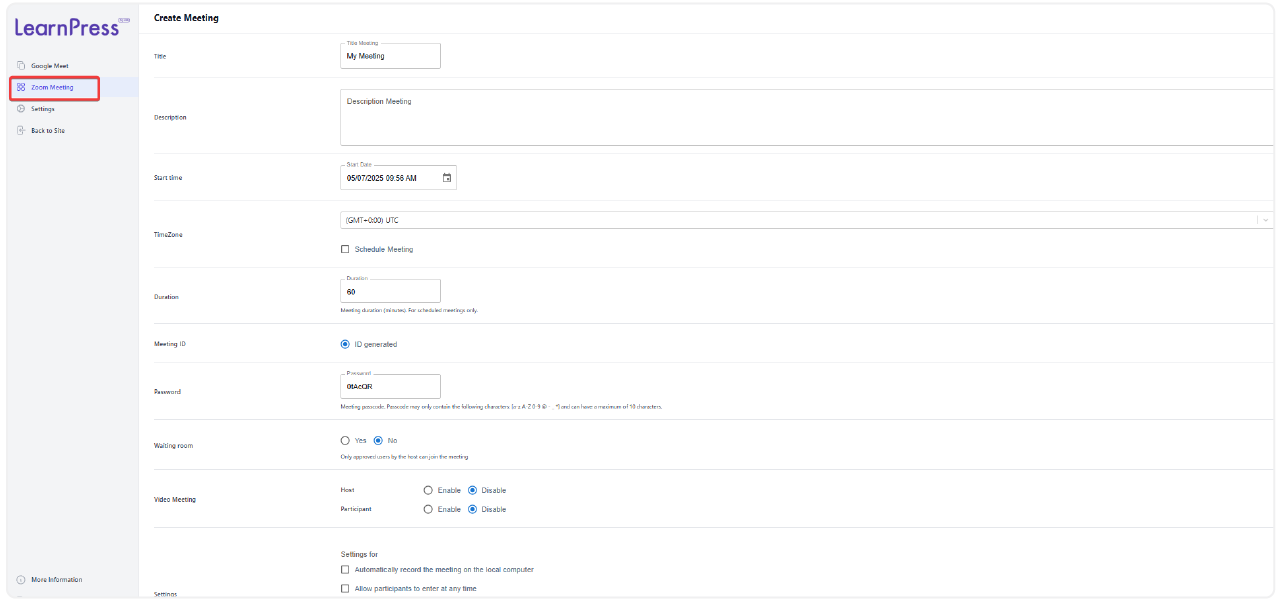
  • Set the meeting title, date, duration, and platform, then let LearnPress generate the join link automatically.
  • Students join straight from the course page without separate app hunting, no lost links.

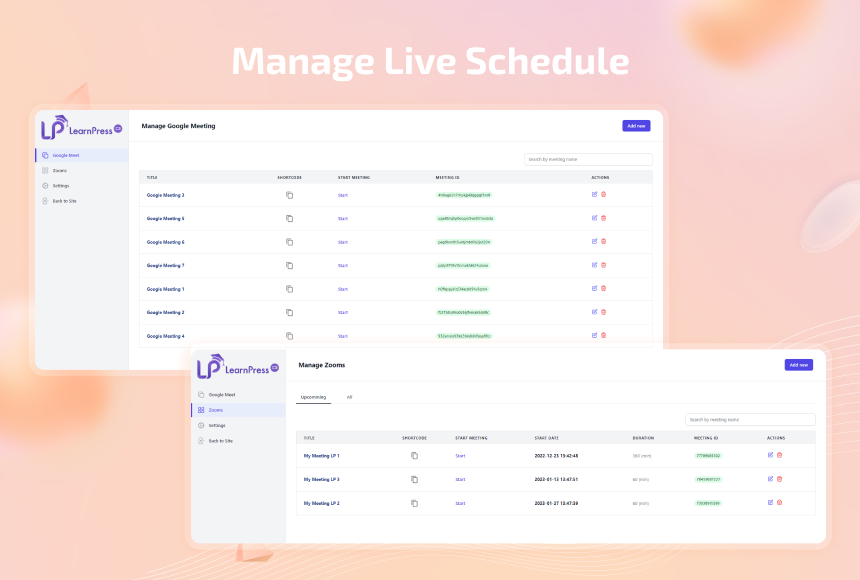
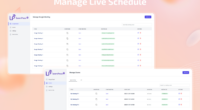
Manage every Zoom and Google Meet session from LearnPress

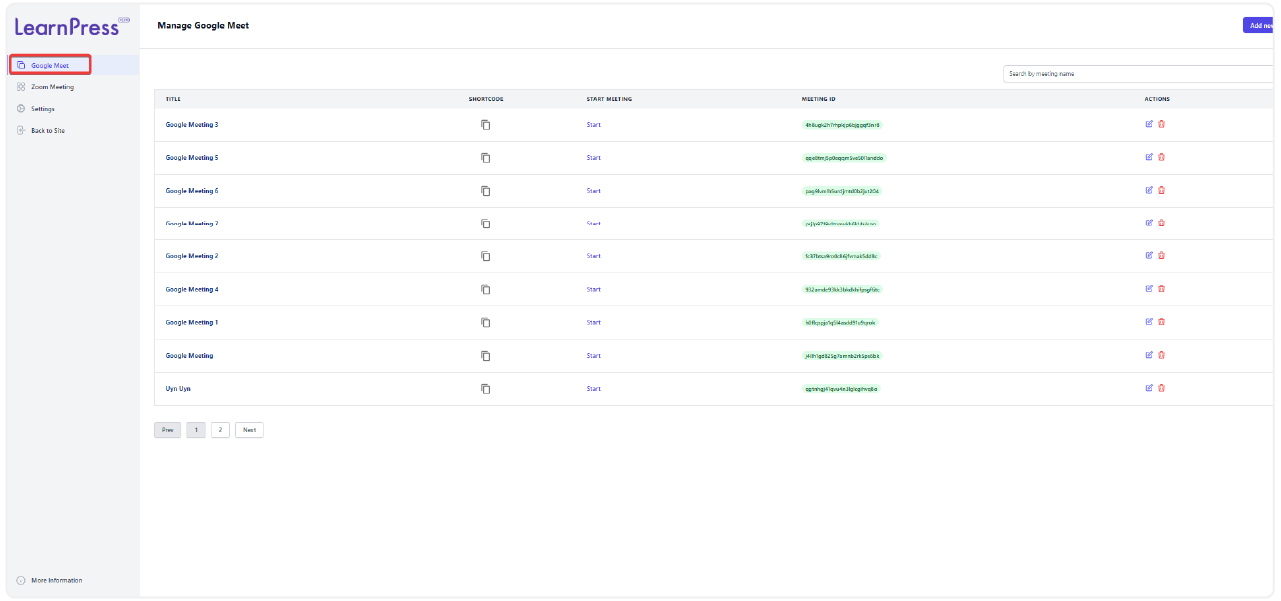
  • See all your scheduled meetings — Zoom and Google Meet alike — in a single list, sorted by course and start time.
  • Edit, reschedule, or cancel sessions directly from the dashboard, no need to log into Zoom separately.
  • Keep instructors and admins in sync with a clear view of what’s live, upcoming, or finished.
Manage Live Schedule
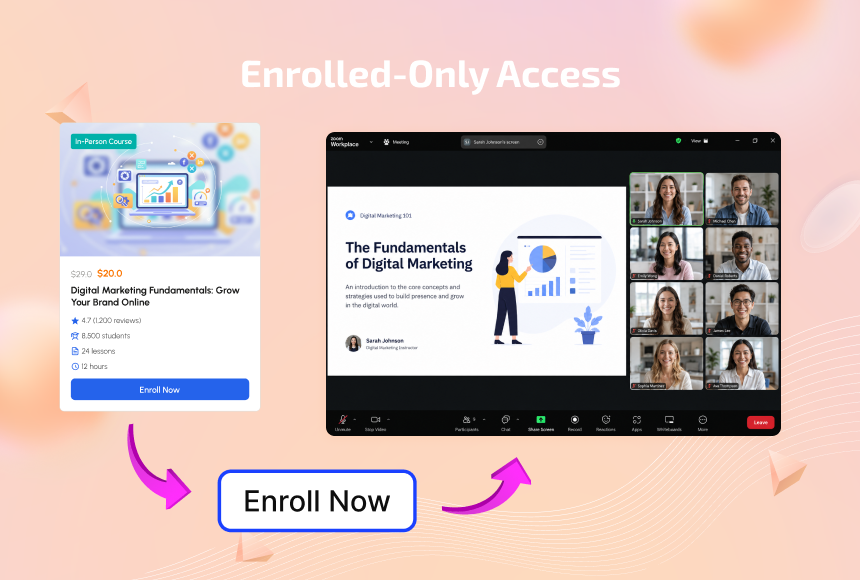
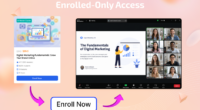
Enrolled Only Access

Keep live sessions exclusive to enrolled students

  • Only students registered for the course can see and join the live session — no unauthorized link sharing.
  • Give enrolled students a one-click “Enroll Now” path straight into class.
  • Protect the value of your paid courses by keeping live access tied to enrollment, not a public link.

All Your Questions
Answered

You have questions.
We have answers.

What platforms are supported for live sessions with the Live Course Add-on for LearnPress?

The add-on primarily supports Zoom for direct integration and management. Google Meet link embedding is also available (features may vary by add-on version).

Can I restrict access to live lessons to enrolled students only?

Yes, the Live Course Add-on for LearnPress ensures that live lessons are only visible and accessible to students who are registered for that specific course.

Is it possible to schedule recurring live lessons?

Depending on the settings, a live lesson can be configured as a one-time event or set to recur.

What information can I set for each live lesson?

You can configure the Start time, Timezone, Duration, Meeting ID, and Password for the meeting, and include a video of the meeting..

Does the add-on automatically record meetings?

The Live Course Add-on for LearnPress itself does not automatically record meetings to your local computer; recording capabilities depend on the features of the integrated platform (e.g., Zoom’s local or cloud recording options).

What are the system requirements for this add-on?

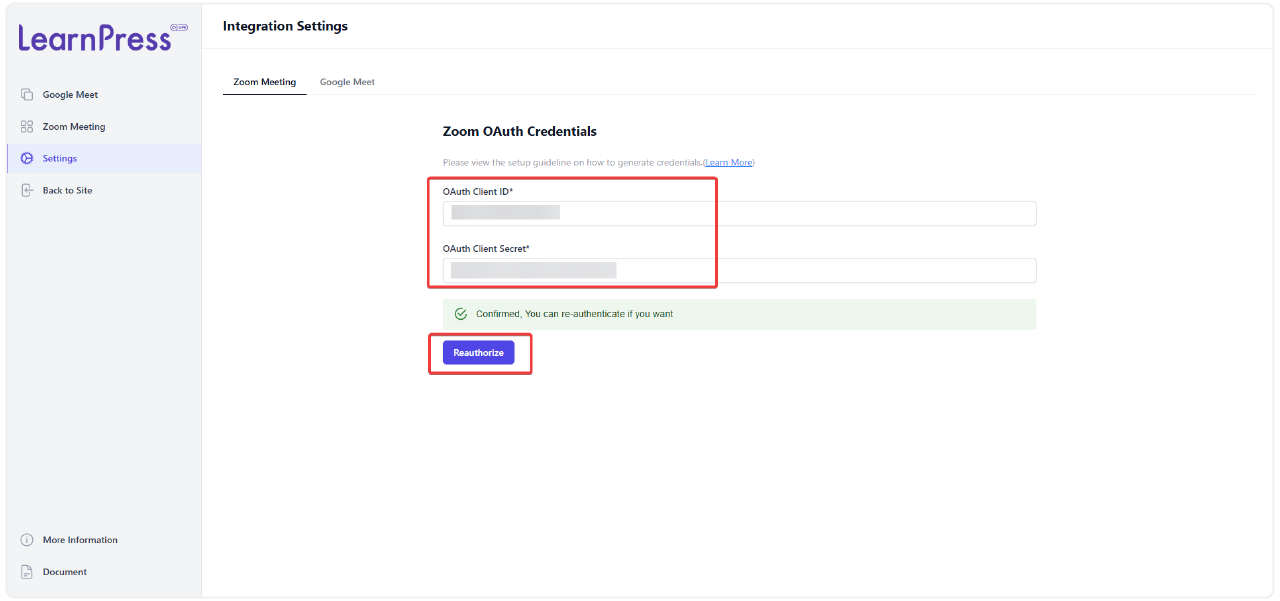
You need a WordPress website with the LearnPress plugin installed. A Zoom account (API key/secret may be required for Zoom SDK use) and an SSL (HTTPS) enabled server are also necessary.

Can I control who attends the live sessions?

Yes, you can select the attendees for your live sessions, ensuring only intended participants can join.

Go to our Forum and explore more than 2000 support topics
Feel free to contact us for support anytime

Reviews

Total Reviews
16
Average Rating
5 out of 5
5
16
4
0
3
0
2
0
1
0
  1. daniel_teaches

    Great for live sessions
    Realy useful addon, we schedule live class straight from course page and students get notified automaticaly before it start.

  2. Michael Brown

    This plugin is a great value for the price. It’s packed with features and it’s easy to use.

  3. Emily Martinez

    I’ve been using the Live Course Add-on for a few months now, and I’m really happy with it. It’s a great way to connect with my students and answer their questions in real-time.

  4. Jessica Anderson

    This addon is great for creating and hosting live video meetings for my online courses. It’s easy to use, and the students love it.

  5. James Taylo

    The Live Course Add-on has helped me to increase engagement and interaction in my online courses. I highly recommend it to anyone who is looking to create a more dynamic learning experience for their students.

We're Here to Assist!
Click to Chat on Messenger.

×