Choosing the right software to train your team, sell courses, or run an online school is not a decision you want to get wrong. If you search for the top learning management systems right now, you will find dozens of tools that all claim to be the best. Some are built for corporate compliance training, some are designed for course creators who want to sell to the public, and others are open source platforms you install and run yourself.
This guide breaks down the strongest options on the market, what each one actually does well, and how to pick the right one based on your budget, your team size, and the kind of content you plan to deliver.
We tested feature lists, pricing pages, and public review data from sources like G2 to put together this comparison. We also looked at how each platform handles course creation, reporting, integrations, and support, since those are the details that matter once you are a few months into using the software, not just during the demo call. Along the way we read through dozens of verified buyer reviews, not just vendor case studies, because a support ticket that sat open for two weeks tells you more than any features page ever will.
Eduma – Education WordPress Theme
We provide an amazing WordPress theme with fast and responsive designs. Let’s find out!
How we compared these learning management systems
Before ranking anything, we set a consistent scoring method so the learning management system comparison would actually mean something.
What we looked at
We weighed five factors for every platform: course authoring tools, reporting and analytics depth, pricing transparency, integration options such as Zoom, Slack, and HR systems, and how the platform performs on mobile. We also pulled review scores from G2 where available, since a platform with a 4.6 out of 5 rating across hundreds of reviews tells you something a marketing page cannot.
We also paid attention to onboarding time, meaning how long it actually takes a new admin to publish a working course, not just log in and look around. A platform can have every feature on paper and still lose points if the course builder buries basic settings three menus deep. Pricing changes often, so treat every number below as a starting point to confirm directly with the vendor rather than a locked in quote.
Types of learning management systems
Before you look at individual products, it helps to know which category you actually need. Most of the confusion when comparing platforms comes from evaluating tools that were never built for the same job in the first place.
Corporate and compliance LMS
These platforms, including Absorb, SAP Litmos, and Docebo, are built around tracking who completed mandatory training and proving it during an audit. They usually include automated reminders, certificate expiration alerts, and detailed completion reports that a manager or a regulator can pull on demand.
Course creator and ecommerce platforms
Thinkific, Teachable, and LearnWorlds fall into this group. They are built for people selling courses to the public, so checkout, coupon codes, drip content, and student community features matter more here than compliance reporting.
Open source and self hosted LMS
Moodle is the clearest example. You install it on your own server, control every setting, and pay only for hosting and support rather than a per seat license. This route rewards technical teams and punishes anyone who wanted a plug and play experience.
Academic and higher education LMS
Canvas and similar platforms are built around semesters, gradebooks, and assignment submissions rather than employee onboarding. Businesses sometimes adopt them for structured, instructor led programs, but they were designed for classrooms first.
WordPress based LMS plugins
If your organization already runs a WordPress site, a plugin like LearnPress turns your existing website into a course platform without forcing learners onto a separate domain or login system.
Quick comparison table
Here is a snapshot of the platforms covered in this article, followed by a full breakdown of each one.
| Platform | Best for | Starting price | Free plan |
|---|---|---|---|
| TalentLMS | Small and mid sized businesses | Around $89 to $119 per month for up to 40 users | Yes, up to 5 users |
| Docebo | Enterprise, AI driven training | Custom pricing, often starting near $25,000 a year | No |
| Absorb LMS | Compliance heavy industries | Custom pricing | No |
| LearnUpon | Blended employee and customer training | Custom pricing | No, free trial only |
| SAP Litmos | Global enterprise compliance | Custom pricing, roughly $6 per user per month | No |
| Moodle | Budget conscious and open source needs | Free to self host, paid cloud plans available | Yes |
| Thinkific | Independent course creators | Around $36 to $49 per month | Yes, one course |
| 360Learning | Collaborative, peer driven learning | Around $8 per user per month | No, free trial only |
| iSpring Learn | PowerPoint based training content | Around $3.66 to $26 per user per month | No, free trial only |
| Canvas LMS | Higher education and academic programs | Custom pricing | No |
| LearnWorlds | White label course businesses | Starting around $29 per month | No, free trial only |
| Teachable | First time course creators | Starting around $59 per month | No, free trial only |
The top rated LMS platforms reviewed
Below is a closer look at each platform, including who it fits best and where it falls short.
TalentLMS
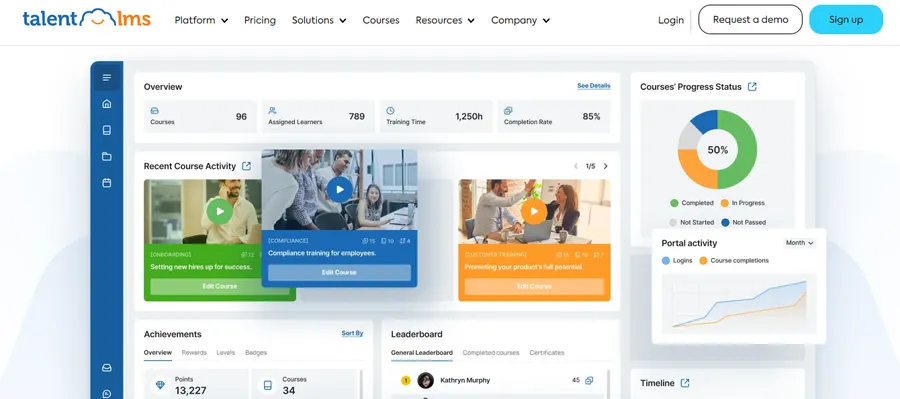
TalentLMS is one of the easiest platforms to get running without an IT team. You can build a course, add quizzes, and invite learners in an afternoon, which is why it shows up so often in roundups built for small and mid sized companies. It supports gamification, SCORM and xAPI content, and course selling if you want to monetize training. G2 reviewers rate it around 4.6 out of 5, and the free plan supports up to five users, which is enough to test the interface before committing. The tradeoff is that once your team grows past 40 or 50 people, the per seat cost climbs quickly compared to platforms built for scale from day one.
Docebo
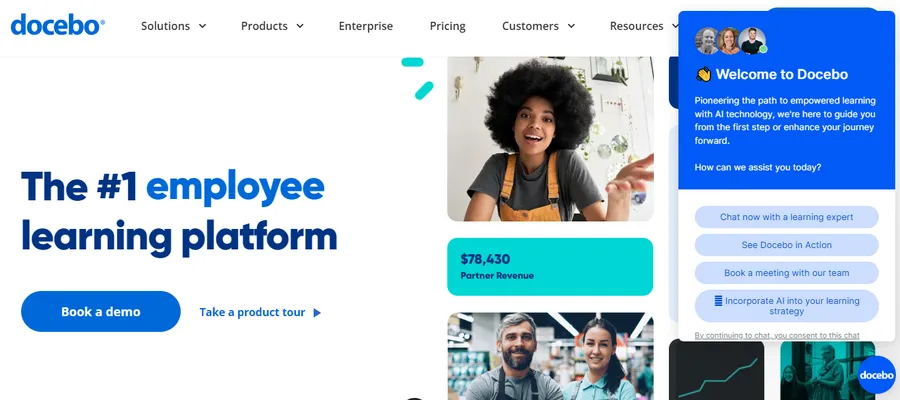
Docebo leans hard into AI, from automatically tagging content to suggesting courses based on a learner’s role. It is built for large organizations that need to train employees, partners, and customers from a single system, and the reporting depth reflects that. Pricing is not published and typically starts in the tens of thousands per year, so it is not the right fit if you are a solo trainer or a small team. If you already run a complex training operation with multiple audiences, Docebo’s automation saves real admin hours.
Absorb LMS
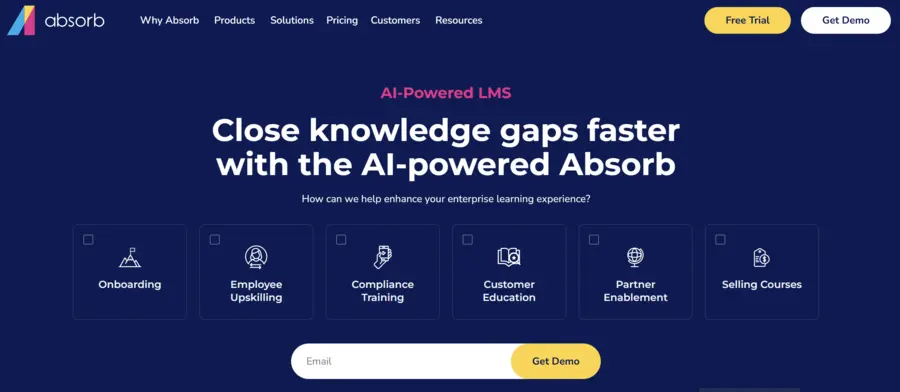
Absorb is a strong pick for compliance intensive industries like healthcare, finance, and manufacturing, where you need an audit trail proving who completed what training and when. It handles certification tracking and automated reminders well, and G2 users rate it around 4.6 out of 5. Like Docebo, pricing is custom and not cheap, which pushes it toward mid market and enterprise buyers rather than small teams.
LearnUpon
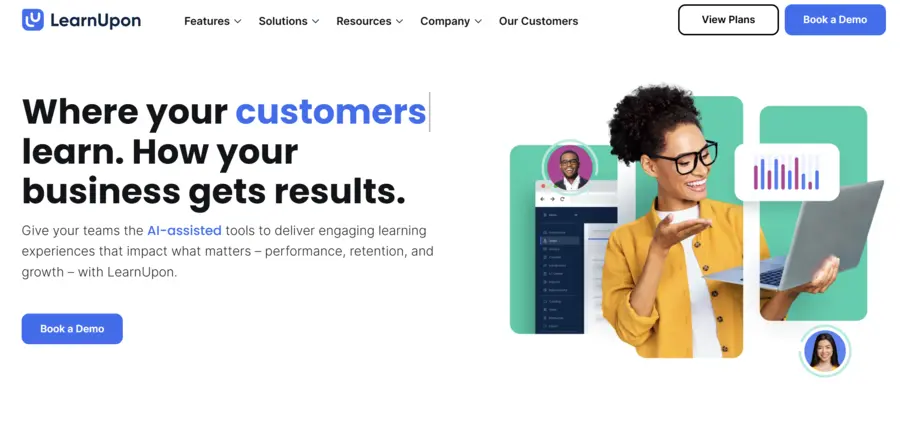
LearnUpon is built around the idea that you might need to train three different audiences at once: employees, customers, and partners, each with their own branded portal. It handles multilingual content and mobile access cleanly, which matters if your learners are spread across regions. There is no free plan, only a trial, so budget for a sales conversation before you can fully test it.
SAP Litmos
Litmos has been a mainstay in corporate compliance training for years, and it still holds up for global enterprises that need consistent training across many countries and languages. Reported per user pricing sits around six dollars a month, though most enterprise deals are negotiated separately. Gamification here is more basic than on platforms like Absorb or Docebo, so if leaderboard style engagement is a priority, weigh that against the compliance strengths.
Moodle
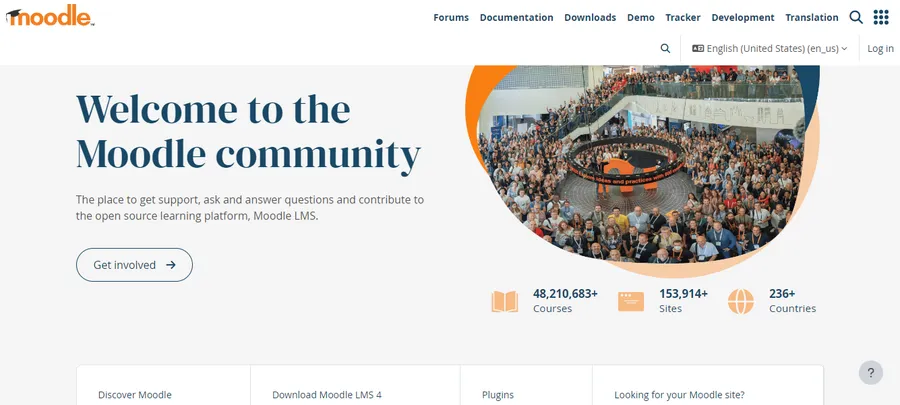
Moodle remains the default answer whenever someone asks for the most affordable, most flexible open source option on the market. It is open source, free to self host, and used by universities and businesses that want full control over data and customization. The tradeoff is setup effort. Moodle does not hold your hand the way a hosted SaaS tool does, and you will likely need a developer or a Moodle partner to get it configured, themed, and integrated with a payment system if you plan to sell access.
Thinkific
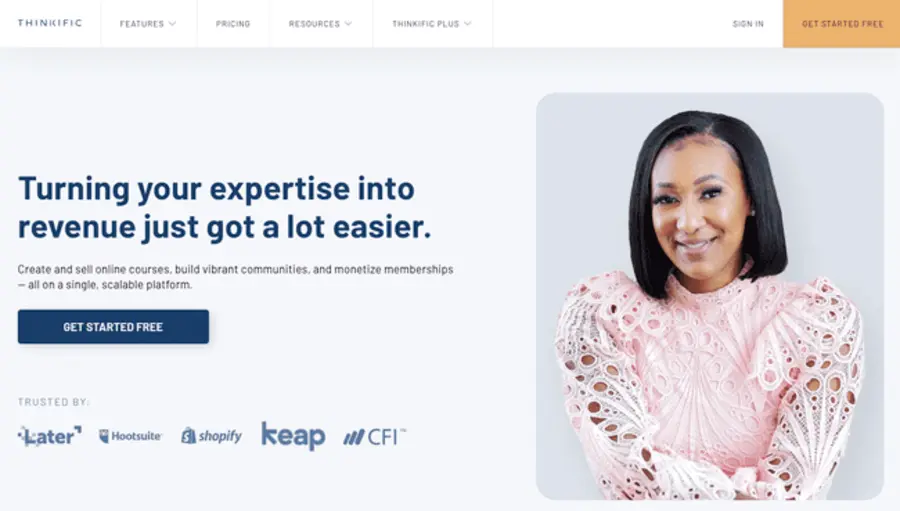
Thinkific is aimed at people selling courses directly to the public rather than training internal staff. The course builder is drag and drop, checkout is built in, and you keep full ownership of your student data and pricing. Plans start around $36 to $49 a month, with a limited free plan for testing a single course. It does not support SCORM, so if you need to import existing corporate training packages, this is not the platform for that.
360Learning
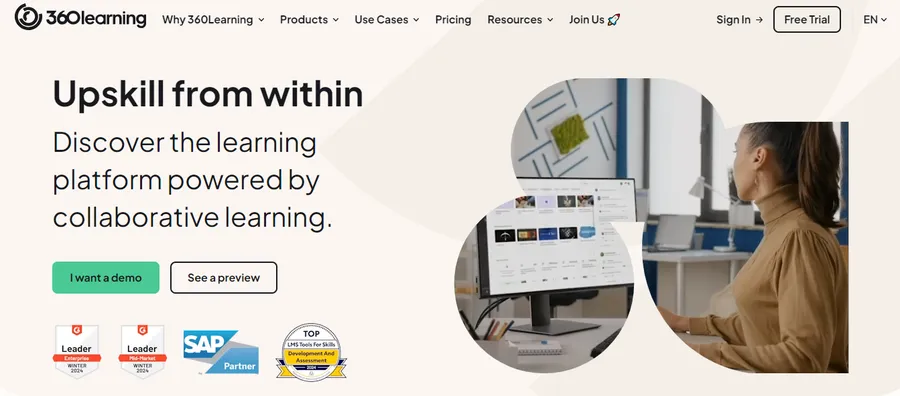
360Learning’s angle is peer created content. Instead of one admin building every course, subject matter experts across the company can create and co-author lessons, which speeds up onboarding and knowledge sharing in fast growing teams. Pricing starts near $8 per user per month for smaller teams. It is a strong fit for collaborative cultures, less so if you want tight, centralized control over every piece of content.
iSpring Learn
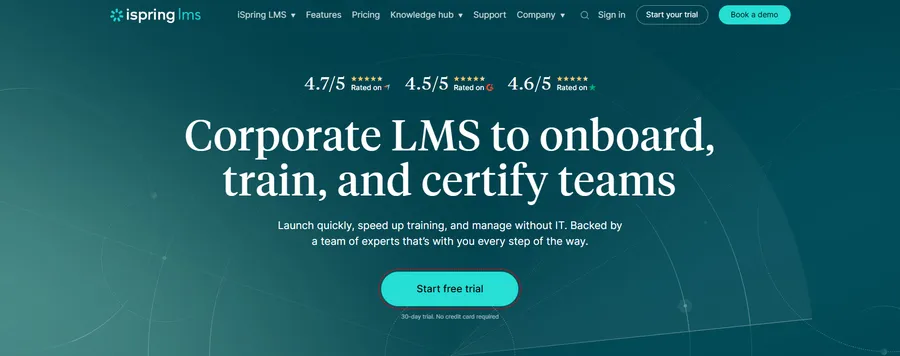
If your team already builds training in PowerPoint, iSpring Learn is worth a look because its authoring tool plugs directly into PowerPoint and exports to SCORM and xAPI without much of a learning curve. Reported pricing starts around $3.66 per user per month for larger teams, making it one of the more affordable options on this list once you scale past a small headcount. It is less suited to organizations that want to sell courses externally, since the ecommerce features are limited compared to Thinkific or LearnWorlds.
Canvas LMS
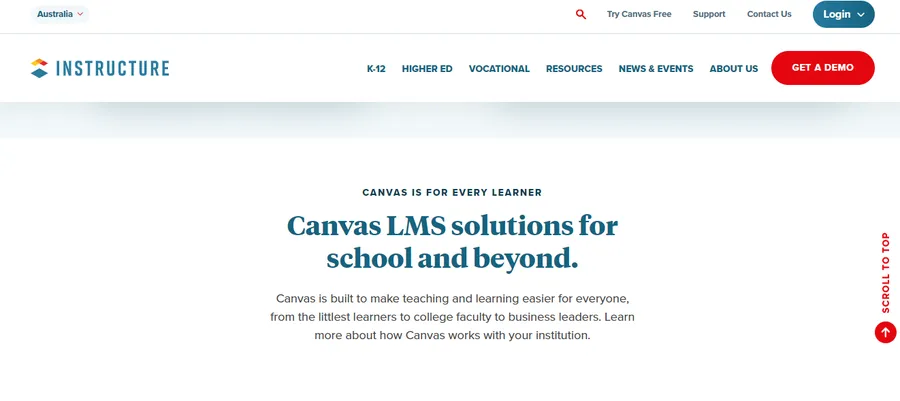
Canvas is the platform most associated with higher education, though a growing number of businesses use it for structured, academic style training programs. It handles gradebooks, assignment submission, and discussion boards better than most corporate focused tools, since that is what it was originally built for. Pricing is custom and typically involves an institutional agreement, so it is rarely the right choice for a small business just starting to formalize training.
LearnWorlds
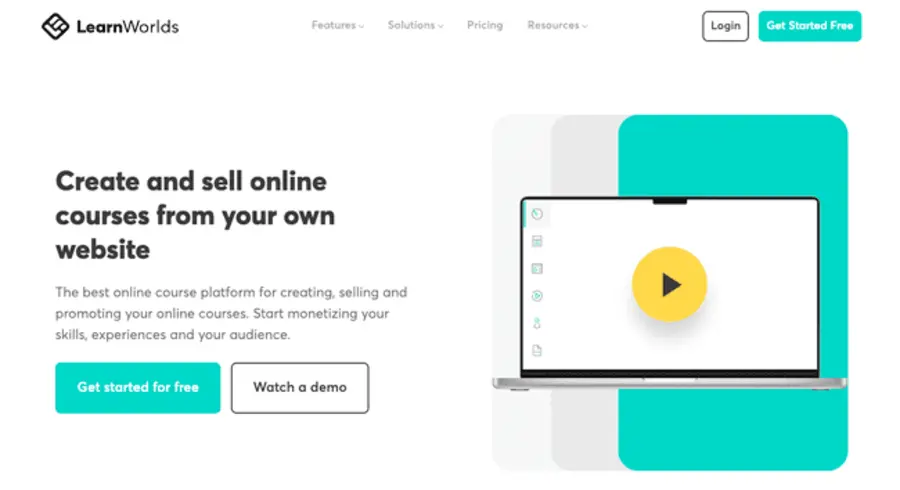
LearnWorlds sits between Thinkific and a full corporate LMS. It supports interactive video, white label branding, and ecommerce, so a training company can sell polished, professionally packaged courses under its own name rather than a co-branded page. Plans start around $29 a month, and G2 reviewers rate it around 4.7 out of 5. The interface has more moving parts than Thinkific, so expect a slightly longer setup if you are new to online course platforms.
Teachable
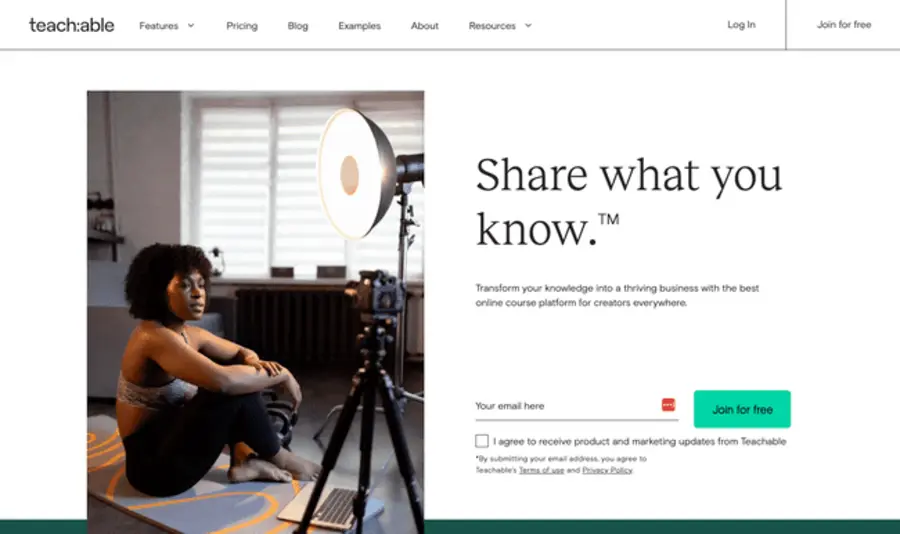
Teachable is a straightforward option for someone selling their first course without much technical background. It handles hosting, checkout, and basic marketing tools like affiliate links and coupon codes, with plans starting around $59 a month and no free plan beyond a trial. It does not support SCORM either, so like Thinkific, it is not built for importing existing corporate training content.
A WordPress based option worth knowing about
If you already run your website on WordPress and do not want to manage a separate login system for learners, LearnPress is worth considering. It is a free WordPress LMS plugin from ThimPress with a drag and drop course builder, support for unlimited courses, lessons, and quizzes, and native integration with WooCommerce if you want to sell course access directly through your existing store. It also connects with bbPress and BuddyPress if you want a community or forum layer around your courses. Pairing LearnPress with an education focused WordPress theme like Eduma gives you a ready made front end for course listings, instructor profiles, and student dashboards without hiring a developer to build that from scratch. The main limitation compared to a dedicated SaaS LMS is that you are responsible for your own hosting, updates, and backups, so factor that into your total cost before choosing this route over a hosted platform.
How to choose the right LMS for your organization
Every learning management system comparison eventually comes down to a few practical questions rather than a feature checklist.
Start with who you are training
Internal employee training, customer education, and public course sales are three different jobs, and few platforms do all three equally well. LearnUpon and Docebo are built for multiple audiences from one account. Thinkific and LearnPress are built for selling to the public. Moodle and Canvas lean academic. Match the platform to the audience first, then look at price.
Check what content you already have
If you have a library of SCORM or xAPI packages from a previous LMS, confirm the new platform supports them before you sign a contract. Thinkific and Teachable, for example, do not support SCORM, which can be a dealbreaker if migrating old content matters to you.
Compare total cost, not just the sticker price
A platform advertising $8 per user per month can end up more expensive than a $119 flat rate plan once your headcount grows. Run the math at your actual team size, twelve months out, not just today.
Read recent reviews, not just the vendor’s case studies
Sites like G2 and Capterra show verified user reviews with dates attached, which is useful since support quality and feature sets change over time. A platform that scored well two years ago may have changed ownership or shifted its roadmap since then. When you are working through learning content management system reviews on those sites, filter by company size, since a five person startup and a 2,000 person enterprise rarely rate the same tool the same way.
Ask about integrations before you sign
A learning platform that cannot talk to your HR system, your video conferencing tool, or your single sign on provider creates extra admin work every single week. Confirm integrations with Zoom, Slack, Microsoft Teams, and whatever HRIS you already use before you commit, not after.
Test support responsiveness during the trial
Open a support ticket during your free trial with a real question, not a test message. How fast a vendor responds when you are a prospect, not yet a paying customer, is a reasonable preview of what support looks like once you have signed the contract.
Confirm data ownership and export options
Ask what happens to your learner records, certificates, and course content if you ever decide to leave the platform. A vendor that makes data export difficult is telling you something about how much they want to keep your business through better service versus through lock in.
Think about how content will be created
Some teams already have a stack of PowerPoint decks and PDF handouts they need to convert into online lessons. Others are starting from scratch and need built in authoring tools, video hosting, and quiz templates. iSpring Learn and TalentLMS both handle the first scenario well, while Docebo and 360Learning are stronger if you expect subject matter experts across the company to build content directly inside the platform rather than handing it off to one admin.
Common mistakes to avoid when picking an LMS
A few patterns show up again and again once companies are a year into using a platform they picked too quickly.
Choosing based on the demo instead of daily use
A sales demo is built to look impressive in thirty minutes. Ask instead to run a real pilot with an actual course and a small group of learners for at least two weeks before signing anything longer than a monthly contract.
Ignoring the mobile experience
If your learners are frontline staff, delivery drivers, or field technicians, a clunky mobile app will tank completion rates no matter how good the desktop version looks. Test the mobile app yourself on your own phone before assuming it works the way the sales page implies.
Underestimating admin time
Someone on your team will own this platform: building courses, running reports, resetting passwords, and fielding questions. Factor that ongoing time cost into your decision the same way you factor in the subscription price, since a cheaper tool that eats ten extra admin hours a month is not actually the cheaper option.
Skipping the migration plan
If you are moving off an existing LMS, map out exactly which courses, certificates, and learner records need to move before you cancel your old subscription. Losing historical completion records can create real problems during a compliance audit.
FAQs about the top learning management systems
What is the difference between a corporate LMS and an academic LMS?
A corporate LMS like TalentLMS or Absorb is built around compliance tracking, certifications, and onboarding employees quickly. An academic LMS like Canvas is built around gradebooks, assignments, and semester based course structures. Choosing the wrong category usually means fighting the software instead of using it naturally.
Is Moodle really free to use?
Moodle’s core software is free and open source, but running it well usually means paying for hosting, a theme, and possibly a developer or Moodle partner for setup and support. Moodle Cloud offers a paid hosted version if you want to skip the self hosting step entirely.
Can I switch learning management systems without losing my course content?
In most cases yes, as long as your existing content is packaged in SCORM or xAPI format, which the majority of established LMS platforms can import and export. Custom quiz banks, certificates, and learner progress records are usually the hardest data to migrate cleanly, so back those up and test the import on a small course before moving everything at once.
How much should a small business expect to pay for an LMS?
Small businesses typically pay somewhere between $50 and $150 a month for a platform supporting 20 to 50 users, based on published pricing from tools like TalentLMS and iSpring Learn. Enterprise platforms like Docebo or Cornerstone OnDemand usually start in the five figure annual range once custom pricing and larger user counts come into play.
Conclusion
There is no single best answer to which LMS wins across every use case, which is exactly why a side by side learning content management system comparison matters more than a single “best of” headline. If you are a small team that wants something running today, TalentLMS or iSpring Learn will get you there fastest. If compliance and audit trails are non negotiable, look at Absorb or Litmos. If you want to sell courses to the public and keep full control of your brand, Thinkific or a WordPress setup with LearnPress and a theme like Eduma will serve you better than a corporate platform ever could. Whichever direction you take, test the platform with a real course and a handful of actual users before committing to an annual contract. The demo always looks clean. The day to day use is what tells you if it is genuinely one of the top rated LMS options for your team, or just another tool that looked good in a sales call.
Read more: 7+ Best LMS for Schools
Contact US | ThimPress:
Website: https://thimpress.com/
Fanpage: https://www.facebook.com/ThimPress
YouTube: https://www.youtube.com/c/ThimPressDesign
Twitter (X): https://x.com/thimpress_com