Reviewing practical learning management system examples is the fastest way to avoid buying software that looks impressive on a vendor sales page but fails once real learners enroll.
Whether a team needs to sell online courses, train employees, or coordinate academic classes, picking the wrong architecture often leads to unexpected server bills, restrictive user caps, or painful platform migrations within the first year.
According to Grand View Research, the global LMS market reached approximately $28.6 billion in 2025 and is projected to expand at a 20.2% compound annual growth rate through 2033. At the same time, industry research on eLearning adoption shows that structured digital learning programs can reduce total training time by 40% to 60% compared with traditional instructor-led classes because participants progress at their own pace.
With dozens of WordPress plugins, open-source packages, and hosted platforms competing for attention, clarifying the distinction between an LMS vs eLearning platform and understanding how each model works in practice is essential before committing your course library.
Eduma – Education WordPress Theme
We provide an amazing WordPress theme with fast and responsive designs. Let’s find out!
Top Learning Management System Examples Compared
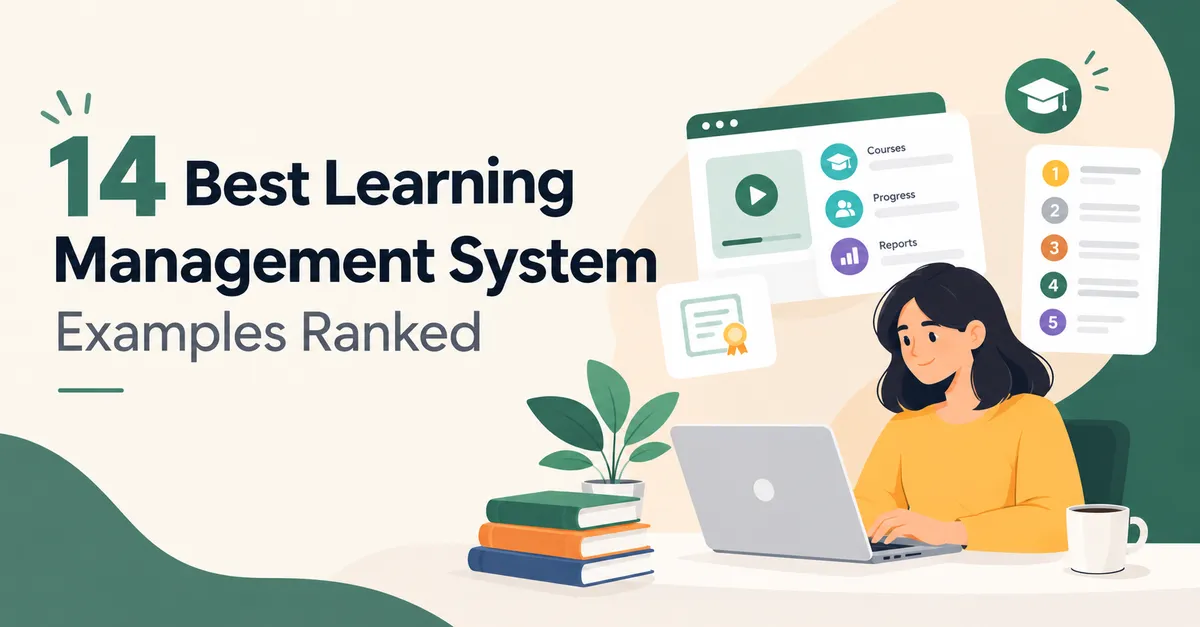
The comparison table below summarizes the 14 platforms covered in this guide, categorized by delivery model, starting price, and ideal use case.
| Platform | Delivery Model | Starting Cost | Best For | Main Consideration |
| LearnPress | Self-hosted WordPress plugin | Free core; add-ons from $30 | Budget-conscious creators wanting full site ownership | Site owner manages WordPress hosting and updates |
| LearnDash | Self-hosted WordPress plugin | Paid annual license (site-based tiers) | Established course businesses needing structured tools | No free tier; strict course hierarchy assumptions |
| Tutor LMS | Self-hosted WordPress plugin | Free tier; paid plans for advanced tools | Multi-instructor marketplaces wanting a modern UI | Advanced analytics and mobile app require upgrades |
| LifterLMS | Self-hosted WordPress plugin | From ~$199/year (single site) | Membership-driven education businesses | Higher starting price than basic plugins |
| MasterStudy LMS | Self-hosted WordPress plugin | Free core; paid premium add-ons | Gamified, marketplace-style course websites | Best visual layouts depend on theme setup |
| TalentLMS | Cloud-hosted SaaS | Free limited tier; paid per active user | Small business pilots, onboarding, and compliance | Per-user costs rise as workforce size scales |
| Docebo | Cloud-hosted Enterprise SaaS | Custom quote based on active users | Mid-to-large enterprises needing HR integrations | Out of budget for solo creators and small teams |
| Thinkific | Cloud-hosted SaaS | Paid plans from ~$74/month | Solo creators skipping WordPress setup | Less design and data ownership than self-hosting |
| Moodle | Open-source software | Free license (hosting/partner costs apply) | Schools, universities, and structured training | Demanding server administration and setup curve |
| Canvas LMS | Hosted teacher account / Open source | Free-for-Teacher tier or institutional contract | Individual academic educators and school districts | Free teacher tier lacks full institutional features |
| Open edX | Open-source platform | Free license (high engineering cost) | Universities, governments, and massive catalogs | Complex production deployment and maintenance |
| Chamilo | Open-source software | Free license (self-hosted) | Schools, nonprofits, and associations | Smaller extension marketplace than Moodle |
| Sakai | Open-source software | Free license (self-hosted) | Higher-education collaboration and consortia | Requires dedicated institutional IT staff |
| Google Classroom | Hosted within Google Workspace | Free with eligible Google accounts | Teachers already working in the Google ecosystem | Lacks commercial storefront and deep LMS reporting |
Understanding the 3 Main LMS Delivery Models
Before comparing individual examples of LMS software, decision-makers should evaluate how the underlying infrastructure operates. A platform that is free to download can still cost money to run, while a hosted account that costs nothing on launch day can become expensive once enrollment grows.
1. Self-Hosted WordPress LMS Plugins
Choosing to add a learning management system in WordPress transforms an existing website into a complete online academy. The site owner retains full control over the domain, branding, SEO, student records, and payment gateways.
While core plugins are sometimes free, operating expenses include web hosting, domain registration, and optional extensions for specialized teaching or commerce workflows.
This setup serves as a practical middle ground between rigid cloud subscriptions and heavy university infrastructure.
2. Open-Source Institutional Software
Understanding open-source software helps explain why platforms such as Moodle, Open edX, Chamilo, and Sakai allow organizations to download, inspect, and modify the source code without paying per-user licensing fees.
However, software freedom comes with operational responsibility. An internal IT team or third-party hosting partner must manage servers, security patches, database backups, email delivery, and user support.
3. Cloud-Hosted SaaS and Corporate Platforms
Cloud-hosted platforms handle server infrastructure, security updates, and uptime automatically. Users simply create an account in a web browser and start uploading lessons.
Free SaaS plans usually restrict active learners, course capacity, storage, custom branding, or reporting depth, whereas paid corporate learning management systems typically charge per active user or require annual contracts.
WordPress Learning Management System Examples for Course Creators
For educators and businesses that already run a WordPress website, installing one of the best free LMS WordPress plugins or premium extensions keeps marketing pages, blog content, and courses inside one dashboard. Below is an honest breakdown of the top WordPress learning management system examples based on setup speed, pricing transparency, and daily usability.
1. LearnPress: Best Free Plugin for Site Ownership and Budget Flexibility
Built by ThimPress, LearnPress is a free, open-source WordPress LMS plugin that allows creators to build and publish courses, lessons, and quizzes without a mandatory subscription, as covered in our detailed LearnPress review.
Upon activation, its course builder works directly inside the native WordPress block editor, making it intuitive for anyone familiar with standard WordPress page creation.
- Key Strengths: The free core version includes essential tools such as student progress tracking, course prerequisites, quizzes, and basic functionality. Instead of forcing buyers into an expensive all-in-one bundle, LearnPress offers some of the best LearnPress add-ons starting from $30. Creators can selectively add extensions for Content Drip, Assignments, Gradebook, Certificates, WooCommerce, Stripe, or Paid Memberships Pro, and pair the plugin with the lightweight design highlighted in our EduPress theme review or community tools like BuddyPress and bbPress.
- Best For: Tutors, independent creators, and training businesses seeking full ownership of their content, SEO, and monetization stack on a modest budget.
- Limitations: The default interface requires more design tuning than some premium-only rivals, and free support relies primarily on public documentation and community forums rather than live chat. Site owners must also manage their own hosting quality and plugin updates.
2. LearnDash: Best for Structured Certification Programs
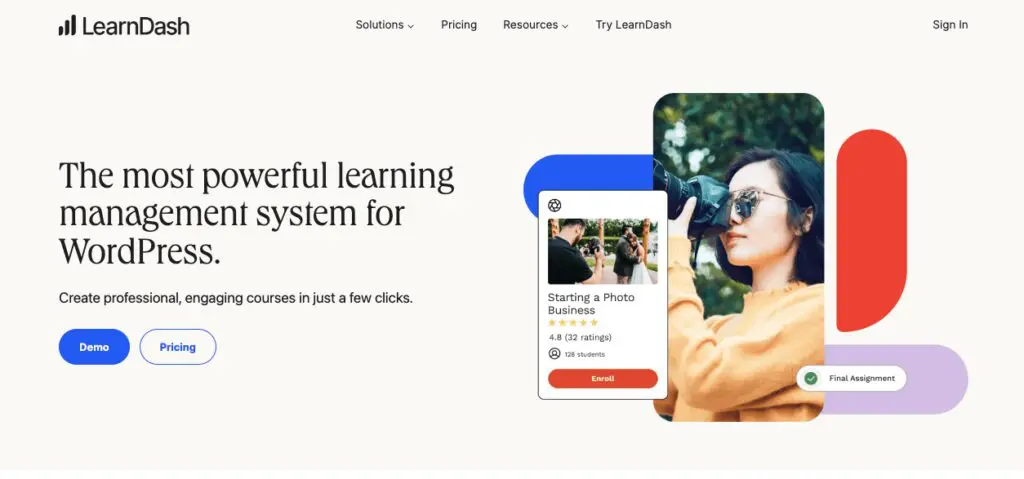
LearnDash is a premium WordPress LMS plugin widely used by established education brands. Running its initial setup wizard immediately maps out a clear hierarchy of courses, lessons, topics, and quizzes, supported by a drag-and-drop builder and a distraction-free Focus Mode for learners.
- Key Strengths: LearnDash includes AI-assisted tools that generate draft course outlines and quiz questions from text prompts, offering a practical example of how to use AI in eLearning to save setup time. It also supports course points, dynamic content delivery, WooCommerce monetization, and BuddyBoss community integrations.
- Best For: Growing academies with multiple instructors, structured certification tracks, and budget for annual site-based licensing.
- Limitations: There is no free version, and its predefined course structure offers less flexibility if an instructor wants an unconventional lesson hierarchy.
3. Tutor LMS: Best for Modern Multi-Instructor Marketplaces
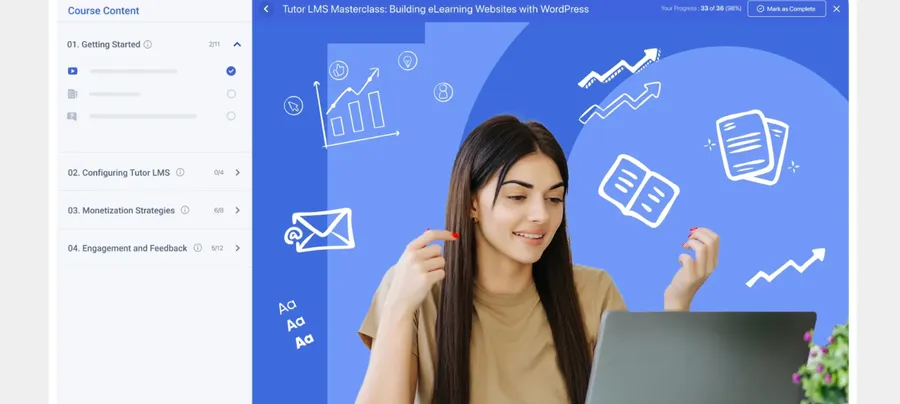
Developed by Themeum, Tutor LMS focuses on delivering a clean front-end interface for both instructors and students without requiring heavy custom coding.
- Key Strengths: Its front-end course builder features a live side-panel preview that updates as lessons and sections are added. It also provides a dedicated instructor dashboard, diverse quiz question formats, built-in analytics, and a native mobile app add-on.
- Best For: Multi-instructor course marketplaces—especially when paired with a dedicated tutor marketplace WordPress theme—and creators who prioritize modern visual design out of the box.
- Limitations: While the free tier is generous, unlocking advanced reporting, certificates, and mobile capabilities requires upgrading to a paid annual plan.
4. LifterLMS: Best for Membership-Driven Course Businesses
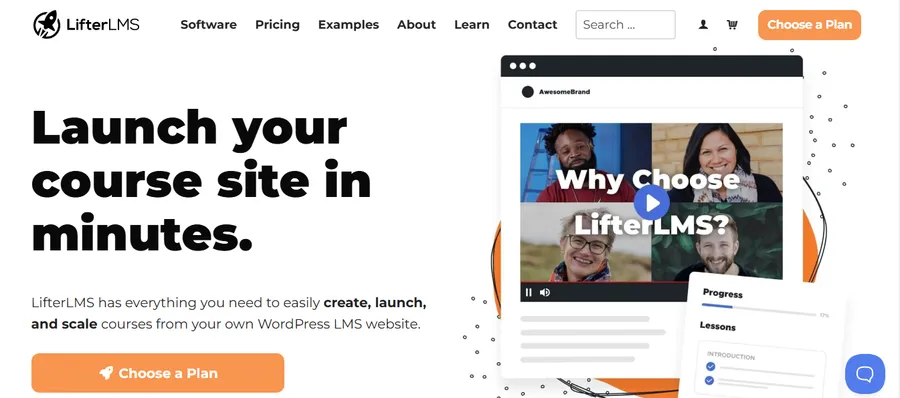
LifterLMS is engineered specifically for education businesses that sell bundled access through tiered memberships rather than isolated single courses.
Readers can explore a full breakdown of its toolkit in our LifterLMS review of pros and cons.
- Key Strengths: Features that other plugins often sell as separate extensions—such as content dripping, course prerequisites, and multi-tiered membership pricing—are built directly into the core platform.
- Best For: Professional training companies and membership sites that want an integrated commerce and retention toolkit.
- Limitations: Entry pricing starts higher than basic plugins, generally around $199 per year for a single-site license.
5. MasterStudy LMS: Best for Gamified Course Catalogs
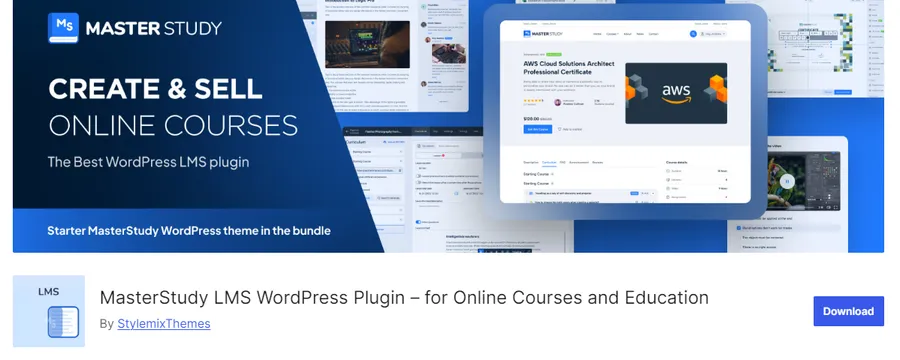
Created by StylemixThemes, MasterStudy LMS emphasizes visual catalog presentation and learner engagement.
- Key Strengths: Its default course archive layouts resemble commercial marketplaces like Udemy or Thinkific rather than standard blog pages. It also includes a native points and reward system for gamified learning alongside WooCommerce and BuddyPress support.
- Best For: Solo instructors and small teams building public-facing, gamified course marketplaces.
- Limitations: Achieving the polished look shown in vendor demos requires careful configuration of its companion theme and premium extensions.
Corporate LMS and Cloud-Hosted Systems for Business Training
Not every organization wants to maintain a WordPress installation. When HR departments or training managers evaluate LMS systems for business to find the best LMS for employee training, speed of deployment, automated compliance tracking, and predictable administration often outweigh storefront customization. Here are the leading cloud and corporate LMS platforms.
6. TalentLMS: Best for Small Business Pilots and Employee Onboarding
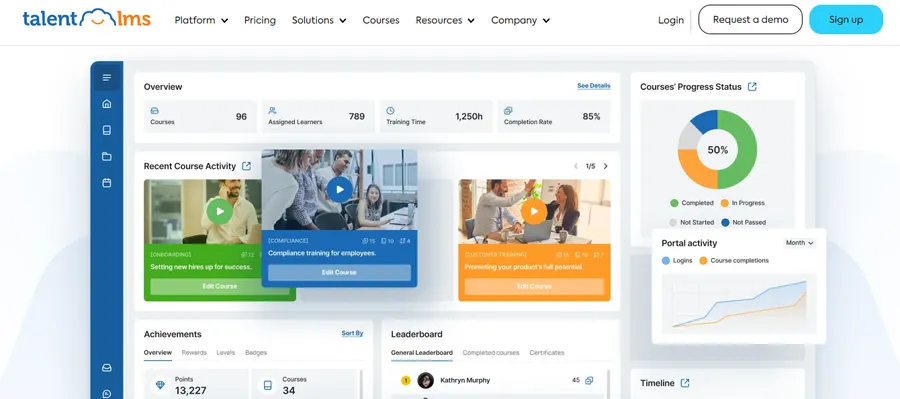
TalentLMS is a cloud-hosted training platform designed so teams can launch internal courses quickly without managing servers. For organizations searching for a practical learning management system for small business, its free plan supports a limited number of users and courses to validate onboarding, product education, or compliance workflows before requesting budget approval.
- Key Strengths: Zero server maintenance, rapid course setup, and straightforward user invitations.
- Best For: Small-to-midsize companies testing internal employee training programs.
- Limitations: The free tier is strictly a starting environment. Paid plans charge per active user, meaning costs climb steadily as employee headcount expands, and teams should verify data export options early.
7. Docebo: Best Enterprise Corporate LMS for HR Integration
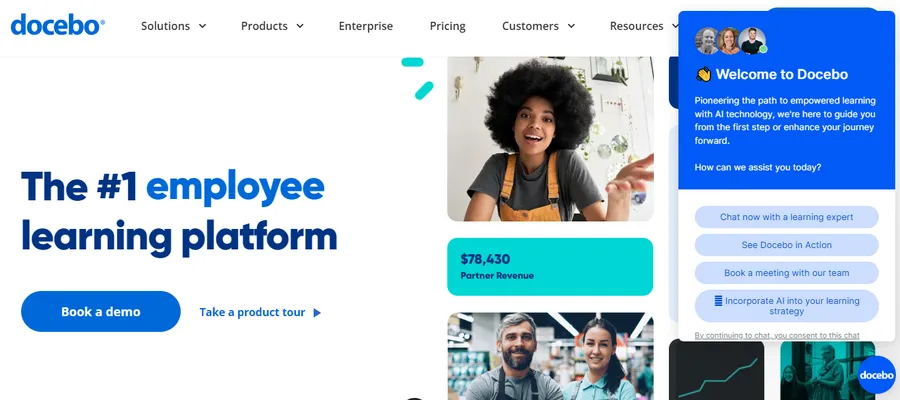
Docebo is one of the most established corporate learning management systems for mid-size and large enterprises managing complex workforce development across departments.
- Key Strengths: Provides AI-assisted content recommendations, skills gap tracking, compliance reporting, and native connections to enterprise HR software such as Workday and BambooHR.
- Best For: Large corporations training hundreds or thousands of employees across multiple regions.
- Limitations: Pricing requires a custom enterprise quote based on active learners, making it unsuitable for solo educators or small course startups.
8. Thinkific: Best Hosted No-Code Platform for Solo Creators
Thinkific caters to entrepreneurs and small businesses that want to sell educational products online while skipping WordPress hosting and plugin management altogether.
- Key Strengths: Combines no-code course creation, website templates, and built-in payment processing in one hosted subscription.
- Best For: Independent creators who prefer an all-in-one hosted storefront over technical customization.
- Limitations: Paid plans start around $74 per month, and users sacrifice the deep content ownership and plugin extensibility of a self-hosted site.
Open-Source and Academic Learning Management System Examples
Educational institutions, government agencies, and nonprofits often have strict governance, accessibility, and collaborative requirements that differ from commercial corporate LMS systems. The following platforms dominate academic and open-source deployments.
9. Moodle: Best Open-Source Standard for Customization
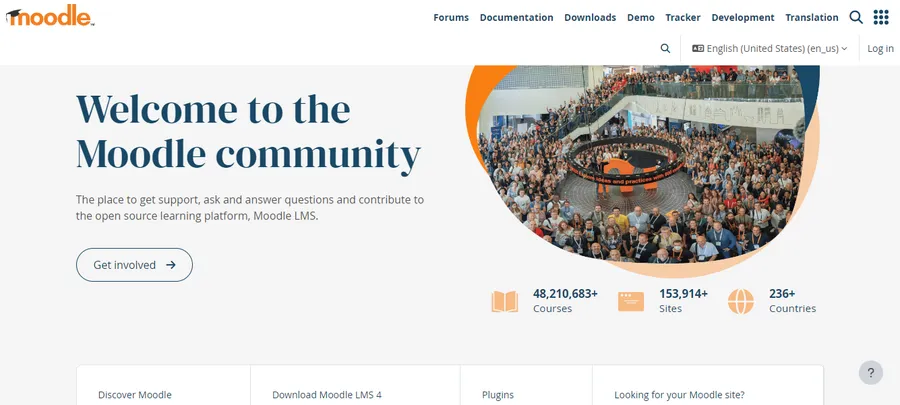
Moodle is one of the longest-running open-source platforms in education. It supports structured modules, quizzes, grading rubrics, discussion forums, role permissions, and completion tracking across a massive library of community extensions.
- Best For: High schools, universities, nonprofits, and organizations with dedicated technical staff.
- Watch For: While the software license is free, running a reliable production environment for hundreds of concurrent learners requires strong server administration or a paid hosting partner such as Open LMS.
10. Canvas LMS: Best for Independent Academic Teachers
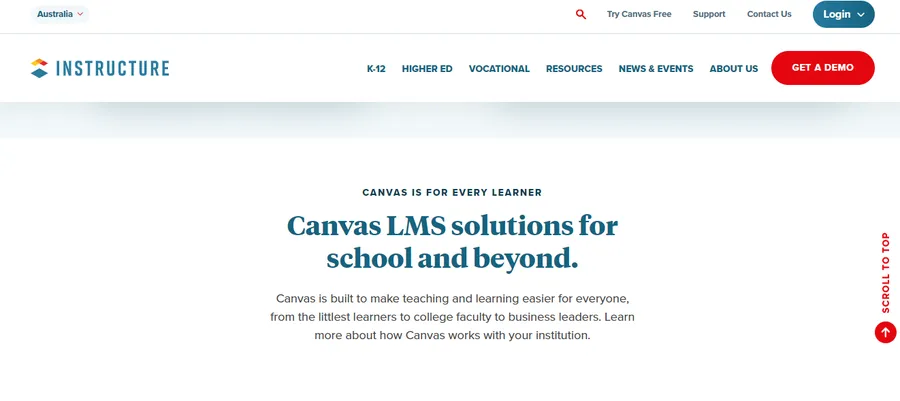
Canvas is a staple in higher education and K–12 school districts for managing syllabus modules, gradebooks, discussions, and student feedback. It offers both an open-source self-hosted version and a hosted Free-for-Teacher account.
- Best For: Individual classroom educators who need a dependable virtual learning environment without an institutional contract, whereas educators wanting full site control can run a virtual classroom online with WordPress.
- Watch For: The free hosted teacher account does not include the full administrative controls, system-wide analytics, or custom branding provided in paid district agreements, nor is it built for public course sales.
11. Open edX: Best for Massive Online Course Catalogs
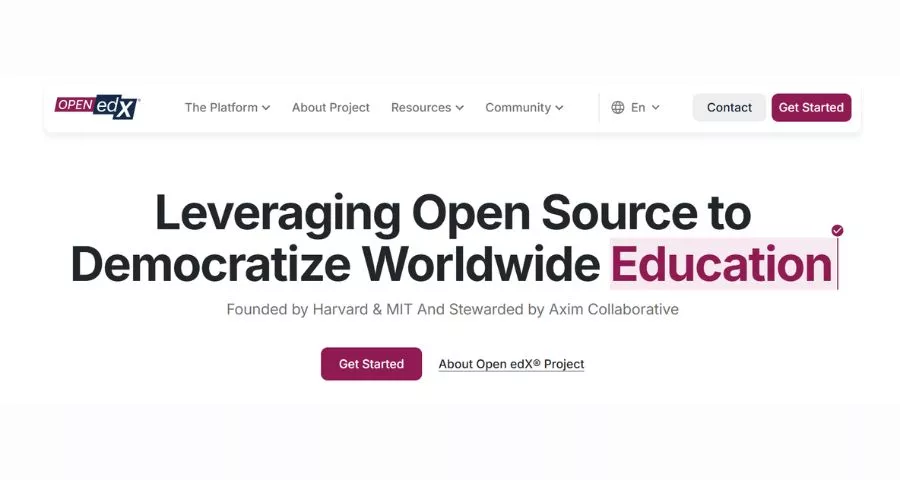
Open edX powers large-scale digital learning programs and university course portals worldwide. It handles complex learning sequences, interactive assessments, learner progress tracking, and deep architectural extensibility.
- Best For: Universities, government initiatives, and large enterprises running high-volume training catalogs.
- Watch For: Production deployment, server scaling, and version upgrades require substantial software engineering capacity.
12. Chamilo: Best Lightweight Self-Hosted Open-Source LMS
Chamilo offers an open-source alternative for organizations that want a traditional self-hosted learning platform with a simpler interface and lighter server footprint than Moodle.
- Best For: Associations, schools, and social organizations wanting direct course creation, testing, and reporting tools.
- Watch For: Its third-party integration ecosystem and local developer community are smaller than Moodle’s, so teams must test required integrations beforehand.
13. Sakai: Best for Higher-Education Collaboration
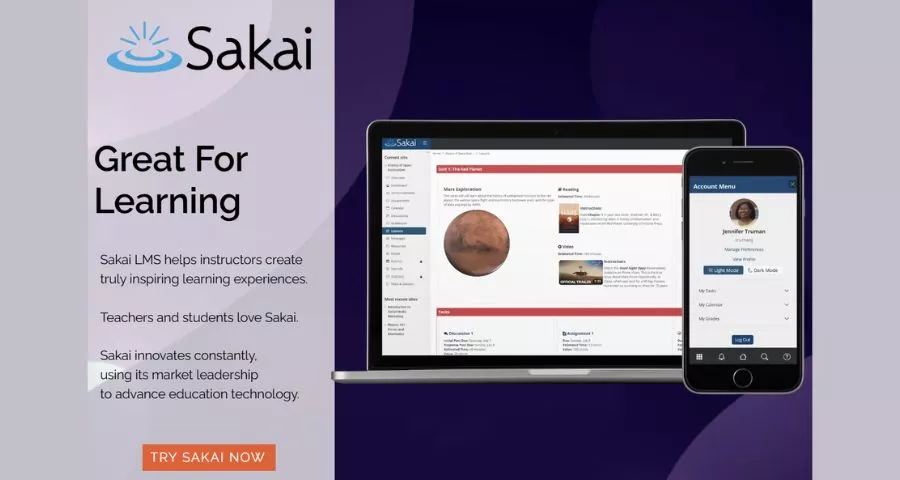
Sakai is a community-driven open-source environment built specifically around higher-education governance, research collaboration, academic assessment, and institutional identity management.
- Best For: Colleges, universities, and academic consortia with in-house IT departments.
- Watch For: It is designed as institutional infrastructure rather than a commercial storefront for solo creators.
14. Google Classroom: Best for Simple Class Coordination
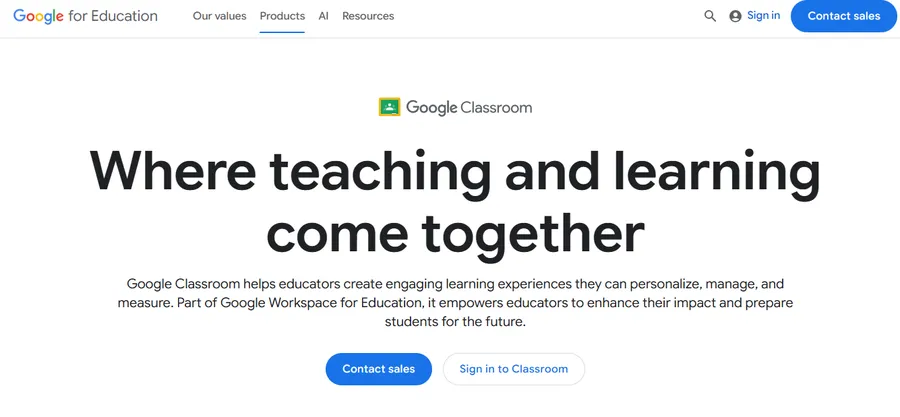
Google Classroom connects directly with Google Drive, Docs, Slides, Meet, and Forms, allowing educators to distribute materials, collect assignments, and communicate with students inside a familiar interface.
- Best For: Teachers and small study groups already operating inside Google Workspace.
- Watch For: It lacks public sales funnels, subscription billing, custom certificates, and the compliance reporting required by commercial academies or LMS systems for business.
How to Evaluate and Choose the Right LMS Platform
Reviewing popular learning management system examples only helps if buyers test the details that vendor checklists often obscure. Before committing time and budget, evaluate every shortlisted platform against these core criteria:
- Course Creation and Content Behavior: Test the exact formats your curriculum requires—including video lessons, downloadable PDFs, tools to add automatic drip content in WordPress, randomized quiz question pools, and manually graded assignments.
- True 24-Month Ownership Cost: Look beyond launch-day pricing. Compare flat annual plugin licenses against paid extensions, server upgrades, or per-active-learner SaaS tiers over a two-year horizon at three times your starting student count.
- Teaching vs. Selling Requirements: Classroom teachers need roster management and gradebooks, whereas commercial academies need SEO-friendly landing pages, coupons, memberships, and effective ways to monetize an education website through WooCommerce or Stripe checkouts.
- Integrations and Database Scalability: Verify connections to your CRM, email marketing platform, HR system, or identity provider. For WordPress sites, choosing the best hosting for an LMS website ensures your server can handle the extra database queries generated by concurrent quiz attempts and progress logs.
- Support, Accessibility, and Data Portability: Check public changelogs and support forums to see how fast bugs are resolved. Confirm compliance with keyboard navigation, screen readers, captions, and data privacy rules, or pair your site with one of the best WordPress accessibility plugins. Above all, verify how videos, student grades, and course structures can be exported if you ever migrate later.
7-Step Practical Evaluation Checklist
- Write one concrete use case defining the learner, instructor, administrator, and desired outcome.
- Shortlist three platforms that match your technical capacity and hosting preference.
- Build the exact same sample course in each tool using one video, one downloadable file, one quiz, one assignment, and a completion rule.
- Invite real test users across administrator, instructor, desktop student, and mobile learner roles.
- Test failure scenarios, including password resets, missed deadlines, failed checkout payments, and quiz retakes.
- Calculate the 24-month total cost, factoring in hosting, paid add-ons, staff administration time, and higher SaaS user tiers.
- Document an exit strategy by testing what records can be exported and how much manual rebuilding a future migration would require.
Conclusion
Selecting the best platform from these learning management system examples comes down to matching the software model to your real resources and goals.
For creators and businesses building on WordPress, starting with a modular plugin like LearnPress and pairing it with one of the best LMS WordPress themes for selling online courses keeps initial costs low while preserving full ownership over content, SEO, and monetization, whereas LearnDash, Tutor LMS, LifterLMS, and MasterStudy LMS serve specialized marketplace and membership needs.
Organizations seeking dedicated corporate LMS workflows without server maintenance can turn to TalentLMS or Docebo, while schools and universities with technical support can rely on Moodle, Open edX, Canvas, Chamilo, Sakai, or Google Classroom.
Build one complete test course, calculate your two-year scaling costs, and choose the platform your team can operate reliably.
Frequently Asked Questions (FAQs)
1. What is the difference between an LMS and an LCMS?
An LMS (learning management system) focuses on course delivery, learner enrollment, progress tracking, and completion reporting. An LCMS (learning content management system) focuses on authoring, storing, and reusing raw educational assets—such as videos, documents, and assessment items—across multiple courses. While many modern tools blend both capabilities, organizations that repurpose training materials across different departments should verify content-reuse workflows specifically.
2. Is there a completely free learning management system?
Software such as LearnPress, Moodle, Open edX, Chamilo, and Sakai can be downloaded and used without a traditional software license fee. However, no system is entirely cost-free in production once web hosting, server maintenance, security backups, and optional extensions are factored in. Conversely, free cloud plans eliminate server maintenance but place strict limits on active users, storage, or courses.
3. What is the best learning management system for small business training?
For a quick internal pilot with zero technical setup, TalentLMS offers a convenient hosted free tier. If a business wants a branded public website, content marketing for SEO, direct course sales, and freedom from per-user fees, a WordPress plugin like LearnPress provides stronger long-term value.
4. Do WordPress LMS plugins integrate with WooCommerce for selling courses?
Yes. Major WordPress LMS plugins—including LearnPress, LearnDash, Tutor LMS, LifterLMS, and MasterStudy LMS—support LearnPress WooCommerce integration and similar eCommerce connectors. This allows course sellers to use WooCommerce payment gateways, tax rules, discount coupons, and order management directly on their own domain.
5. Can courses be migrated to a different LMS later without losing data?
Switching platforms is possible but rarely automatic. While video files, PDFs, and basic student CSV lists can be exported, course hierarchies, quiz question banks, certificates, and historical learner progress usually must be rebuilt manually on the new platform, unless you use a dedicated LearnPress Export Import tool between compatible WordPress installations. Running a thorough pilot test before launch prevents costly migrations later.
Read more: 7 Best Open Source LMS and Free LMS Options for 2026
Contact US | ThimPress:
Website: https://thimpress.com/
Fanpage: https://www.facebook.com/ThimPress
YouTube: https://www.youtube.com/c/ThimPressDesign
Twitter (X): https://x.com/thimpress_com