Are you searching for the best WooCommerce coupon plugins to create smarter promotions and increase sales?
Modern online stores need more than basic coupon codes to stay competitive. Features like auto-apply discounts, BOGO deals, bulk coupon generation, and cart-based promotions can help improve conversions and encourage repeat purchases.
The right WooCommerce coupon plugins also make it easier to run seasonal campaigns, reward loyal customers, and create a smoother checkout experience across desktop and mobile devices.
In this guide, we compare six popular WooCommerce discount plugins based on pricing, features, ease of use, and automation software to help you choose the right option for your store.
Eduma – Education WordPress Theme
We provide an amazing WordPress theme with fast and responsive designs. Let’s find out!
Why Coupon Marketing Still Works in WooCommerce
Discount marketing continues to be one of the most effective ways to increase sales in WooCommerce stores. While customers are more selective than ever, targeted promotions still influence buying decisions at critical stages of the customer journey.
One major advantage of using WooCommerce discount plugins is the ability to increase average order value. Features like cart-based discounts, tiered pricing, and progress bar rewards encourage shoppers to spend more before checkout.
Coupons also help reduce cart abandonment. Automatic discounts remove friction during checkout because customers do not need to search for promo codes or manually apply coupons. This creates a faster buying experience and helps improve WooCommerce conversions.
Seasonal campaigns are another reason coupon marketing remains effective. Holiday sales, flash deals, and influencer promotions often rely on temporary coupon codes, bulk code generation, or BOGO offers to drive traffic quickly.
For stores focused on customer retention, personalized coupons can encourage repeat purchases. Birthday discounts, loyalty rewards, and re-engagement offers help maintain customer relationships long after the first sale.
Many businesses also combine coupon campaigns with email marketing and social media promotions. URL coupons and auto-apply discounts work especially well for newsletters, influencer partnerships, and paid advertising campaigns.
If your goal is to optimize your checkout experience while increasing conversions, choosing the right WooCommerce coupon code plugin can make a noticeable difference.
What to Look for in a WooCommerce Coupon Plugin
Not every plugin offers the same level of flexibility. Before choosing a solution, it helps to focus on the features that matter most for your store.
Auto-Apply Coupons
Auto-apply functionality removes the need for customers to manually enter coupon codes. Discounts activate automatically when cart conditions are met, which creates a smoother checkout experience.
This feature is especially useful for:
- Cart total promotions
- First-time customer discounts
- Free shipping campaigns
- Limited-time offers
Automatic discounts also reduce coupon-related support issues caused by expired or incorrect codes.
BOGO & Advanced Discount Rules
A strong WooCommerce BOGO plugin should support more than simple “buy one get one free” offers.
Look for plugins that allow:
- Buy X Get Y promotions
- Quantity-based discounts
- Category-specific offers
- Cart subtotal conditions
- User role restrictions
These advanced rules help create upselling opportunities without needing multiple plugins.
Bulk Coupon Generation
Bulk coupon creation is important for stores running large campaigns.
This feature is useful for:
- Affiliate marketing
- Influencer promotions
- Email campaigns
- Seasonal sales
- Customer reward programs
Plugins with CSV export support make campaign management much easier.
WooCommerce Compatibility
Always choose plugins that are actively maintained and compatible with your WooCommerce version, theme, and checkout setup.
Poorly optimized plugins can create conflicts during checkout, especially when multiple discount systems overlap.
Analytics & Reporting
Coupon tracking helps you understand which campaigns actually generate revenue.
Useful reporting features include:
- Coupon usage tracking
- Revenue attribution
- Conversion monitoring
- Customer redemption history
Without reporting, it becomes difficult to measure the effectiveness of your promotions.
Quick Comparison Table
| Plugin | Best For | Free Version | Starting Price | Key Feature |
|---|---|---|---|---|
| Advanced Coupons | Beginners | Yes | Freemium | URL coupons |
| Discount Rules for WooCommerce | Dynamic pricing | Yes | $89/year | Tiered discounts |
| Smart Coupons by WebToffee | Bulk campaigns | Yes | $89/year | Bulk coupon generator |
| Smart Coupons by StoreApps | Gift cards | No | $129/year | Store credit |
| Coupon Generator for WooCommerce | Large campaigns | Yes | Free | Mass coupon export |
| Power Coupons | Cart automation | Yes | $59/year | Auto-apply discounts |
6 Best WooCommerce Coupon Plugins
1. Advanced Coupons – Best for Beginners
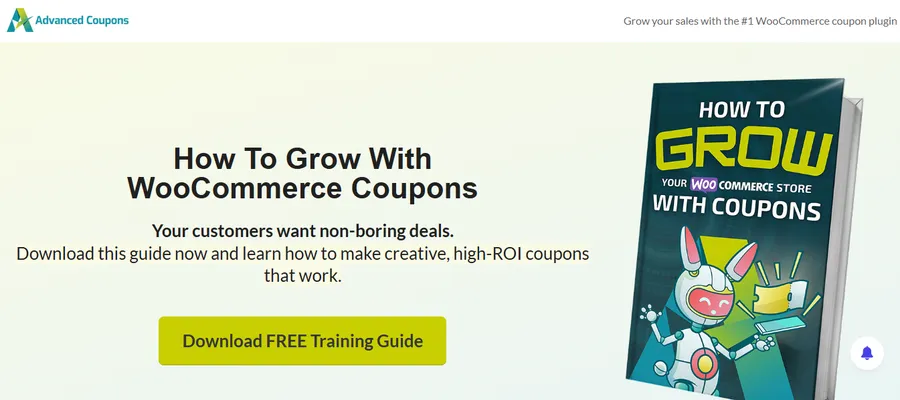
Advanced Coupons is one of the most beginner-friendly WooCommerce coupon plugins available today. The interface is easy to understand, setup takes only a few minutes, and the free version includes features that many competitors reserve for paid plans.
One standout feature is URL coupons. Instead of asking customers to manually enter a code, the plugin automatically applies discounts when shoppers click a promotional link. This works particularly well for email marketing campaigns and social media promotions.
The plugin also supports WooCommerce BOGO plugin functionality, allowing store owners to create promotions like:
- Buy one, get one free
- Buy two, get one discounted
- Product bundle incentives
Pros
- Easy setup process
- Strong free version
- URL coupon support
- BOGO campaigns included
Cons
- Advanced automation requires premium upgrade
- Interface can feel crowded on larger stores
Best For
Small to medium WooCommerce stores looking for a flexible free solution.
2. Discount Rules for WooCommerce – Best for Dynamic Pricing
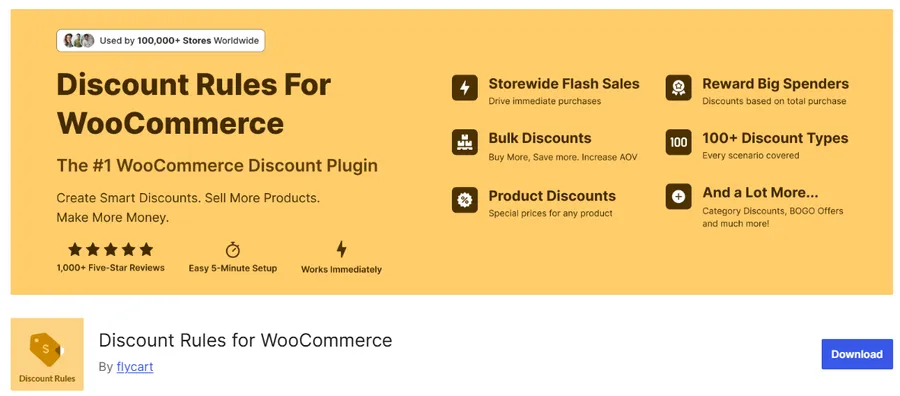
Discount Rules for WooCommerce is one of the most powerful WooCommerce discount plugins for stores that rely on quantity discounts and dynamic pricing strategies.
Instead of focusing only on coupon codes, this plugin allows you to build automatic pricing rules directly into the shopping experience.
Common use cases include:
- Buy more, save more pricing
- Wholesale discounts
- Cart subtotal rewards
- Category-based promotions
The plugin’s tiered pricing system is especially useful for stores selling in volume. For example, customers can receive:
- 10% off when purchasing five products
- 20% off when purchasing ten products
The free version already includes many useful features, while the premium version expands automation and customer targeting options.
Pros
- Excellent tiered pricing tools
- Strong automatic discount features
- Good wholesale pricing support
- Works with native WooCommerce coupons
Cons
- More complex setup than beginner plugins
- Premium version needed for advanced targeting
Best For
WooCommerce stores focused on dynamic pricing and bulk discounts.
3. – Best for Bulk Coupon Campaigns
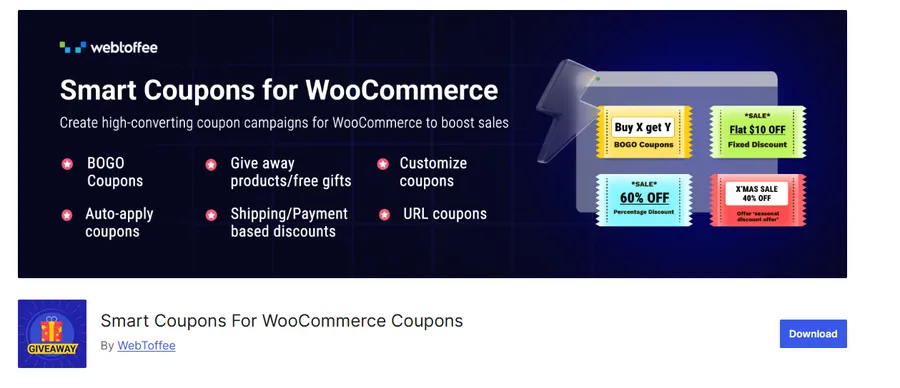
Smart Coupons by WebToffee is designed for stores running large-scale promotional campaigns.
The plugin makes it easy to generate hundreds or even thousands of unique coupon codes in just a few clicks. This is especially useful for affiliate marketing, seasonal promotions, and influencer campaigns.
One of its strongest features is CSV export support, which allows marketing teams to organize and distribute coupon batches efficiently.
The plugin also includes:
- Coupon scheduling
- Auto-apply discounts
- BOGO campaigns
- Usage restrictions
Unlike many WooCommerce coupon plugins, the free version remains highly usable for growing stores.
Pros
- Excellent bulk coupon generation
- Fast CSV exports
- Scheduling tools included
- Useful free version
Cons
- UI is less beginner-friendly
- Some advanced conditions require Pro
Best For
Marketing-heavy WooCommerce stores managing high-volume campaigns.
4. Smart Coupons by StoreApps – Best for Gift Cards & Store Credit
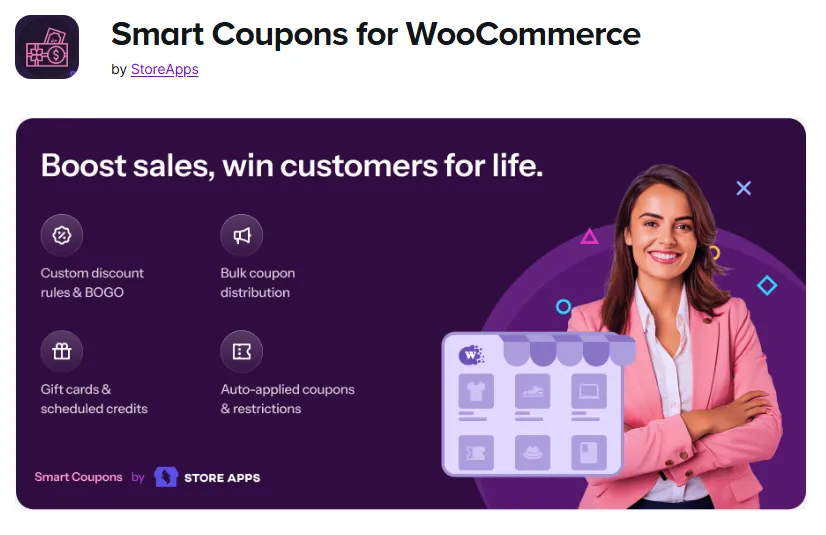
Smart Coupons by StoreApps focuses on gift certificates, digital store credit, and customer retention campaigns.
Instead of functioning only as a traditional WooCommerce coupon code plugin, it combines promotions with loyalty-focused features.
Customers can:
- Purchase gift cards
- Redeem store credit
- Receive refund credits
- Use personalized discount campaigns
For businesses that rely heavily on repeat purchases, store credit can become a strong retention strategy.
The plugin also supports advanced coupon restrictions based on:
- User roles
- Payment methods
- Purchase history
- Geographic regions
Although it is more expensive than most alternatives, the feature set is significantly broader.
Pros
- Excellent gift card functionality
- Strong customer retention tools
- Advanced coupon restrictions
- Reliable long-term support
Cons
- No free version
- Higher starting price
Best For
WooCommerce stores selling gift cards or using loyalty-focused marketing strategies.
5. Coupon Generator for WooCommerce – Best Free Bulk Coupon Tool
Coupon Generator for WooCommerce is a lightweight plugin built specifically for mass coupon creation.
Unlike larger WooCommerce discount plugins packed with advanced automation settings, this tool focuses on speed and simplicity.
Store owners can:
- Generate thousands of coupon codes
- Export coupons via CSV
- Set expiration dates
- Configure usage limits
The interface is straightforward, making it a practical choice for marketing teams that need quick campaign setup without additional complexity.
Because it focuses on one primary task, the plugin remains lightweight and easy to manage.
Pros
- Simple interface
- Fast coupon generation
- Free to use
- Minimal configuration required
Cons
- Limited advanced features
- Development updates appear slower
Best For
Stores running flash sales, influencer promotions, or temporary coupon campaigns.
6. Power Coupons – Best for Auto-Apply Discounts
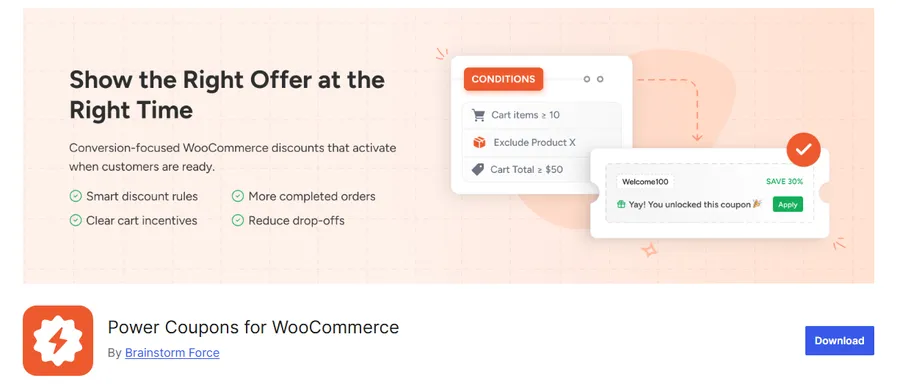
Power Coupons focuses on automation and advanced cart conditions.
Instead of relying heavily on manual coupon entry, the plugin automatically applies discounts when predefined cart conditions are met.
Examples include:
- Spend over $100 and get 10% off
- Buy products from a specific category for a bonus discount
- Trigger automatic BOGO campaigns
The plugin also includes:
- Cart progress bars
- Offer scheduling
- Product exclusions
- Loyalty reward features
One advantage is that many features are integrated into a single interface, reducing the need for multiple overlapping plugins.
While Power Coupons is often promoted heavily in plugin roundups, it genuinely offers a strong balance between usability and automation when compared fairly against other WooCommerce coupon plugins.
Pros
- Strong auto-apply functionality
- Flexible cart conditions
- Built-in WooCommerce BOGO plugin tools
- Good checkout experience
Cons
- Some advanced features locked behind Pro
- Newer plugin compared to competitors
Best For
WooCommerce stores focused on automated promotions and checkout optimization.
Which WooCommerce Coupon Plugin Should You Choose?
The right plugin depends on your store’s promotional strategy.
- For beginners: Advanced Coupons
- For wholesale pricing: Discount Rules for WooCommerce
- For bulk campaigns: Smart Coupons by WebToffee
- For gift cards and store credit: Smart Coupons by StoreApps
- For lightweight coupon generation: Coupon Generator for WooCommerce
- For automated discounts: Power Coupons
If you are unsure where to start, choose a free plugin first and test it with a small campaign before upgrading.
Final Thoughts
Choosing the right WooCommerce coupon plugin is less about finding the tool with the most features and more about matching functionality to your store goals.
Some businesses need advanced automation and dynamic pricing. Others simply want faster coupon creation or better gift card support. The best solution depends on how you plan to use discounts within your overall customer experience.
Before installing any plugin on a live store, test it on a staging site to ensure compatibility with your WooCommerce theme and checkout process.
Most importantly, focus on creating promotions that feel helpful rather than overwhelming. Well-designed discounts improve conversions because they simplify the buying process, not because they constantly reduce prices.
Start with a free plugin and upgrade only when your campaigns require more advanced automation.
FAQs About The Best WooCommerce Coupon Plugins
What is the best WooCommerce coupon plugin?
Advanced Coupons is one of the strongest all-around options for beginners because it includes BOGO offers, URL coupons, and cart conditions in the free version. Stores needing advanced automation may prefer Power Coupons or Discount Rules for WooCommerce.
How do I create auto-apply coupons in WooCommerce?
You typically need a dedicated plugin for this feature. Plugins like Power Coupons and Advanced Coupons allow discounts to apply automatically when cart conditions are met.
Can WooCommerce create BOGO offers?
WooCommerce does not support advanced BOGO promotions by default. A WooCommerce BOGO plugin is required for offers like “Buy One Get One Free” or quantity-based discounts.
Which plugin is best for bulk coupon generation?
Smart Coupons by WebToffee and Coupon Generator for WooCommerce are both excellent choices for creating large batches of coupon codes quickly.
Do WooCommerce coupon plugins slow down my site?
Well-coded plugins usually have minimal impact on performance. However, using multiple discount plugins together can create conflicts and unnecessary database queries.
Can I use multiple coupon plugins together?
Technically yes, but it is generally not recommended. Running multiple WooCommerce coupon plugins at the same time can cause checkout conflicts and incorrect discount calculations.
Read more: How to Create a Product Quiz in WordPress with WPForms?
Contact US | ThimPress:
Website: https://thimpress.com/
Fanpage: https://www.facebook.com/ThimPress
YouTube: https://www.youtube.com/c/ThimPressDesign
Twitter (X): https://x.com/thimpress_com