Picking the right SEO optimization tools is the difference between guessing what might work and actually watching your pages climb the search results. Whether you run a blog, an online store, or a course site built on WordPress, you need a way to see how Google reads your pages, which keywords are worth chasing, and where your competitors are beating you.
This guide walks through the tools that actually earn a spot in your workflow, how to check your Google ranking without wasting hours doing it manually, and how to pick a stack that fits your budget.
Eduma – Education WordPress Theme
We provide an amazing WordPress theme with fast and responsive designs. Let’s find out!
What SEO optimization tools actually do
SEO optimization tools pull data straight from Google and other search engines so you are not left guessing why a page ranks where it does. Instead of refreshing a search results page fifty times a day, a good SEO website tool tells you your exact position, how many people clicked through, and which technical issues are quietly capping your traffic.
Most tools in this space cover four jobs: keyword research, rank tracking, technical site audits, and backlink analysis. Some, like Google Search Console, hand you raw data straight from Google. Others, like Semrush or Ahrefs, layer their own crawlers and databases on top so you can study competitors, not just your own site.
Why this matters more in 2026 than it did a few years ago
Search results are no longer a single list of ten blue links. Google now blends AI Overviews, featured snippets, video carousels, and local packs into the same page, and tools built only for classic rank tracking miss half the picture. The better SEO optimization tools available now also track whether your content shows up inside AI-generated answers on Google, Bing Copilot, and Perplexity, which is quickly becoming its own visibility channel worth watching.
How to check the Google ranking of your website
There are two honest ways to check where your site ranks: manually, or with a dedicated tool. Both have a place, and knowing when to use each saves you time.
Checking manually
Open an incognito or private browser window, search your target keyword, and scroll until you find your page. The incognito window matters because Google personalizes results based on your search history and location, so your normal browser will often show you a ranking that nobody else actually sees. This method works fine for a one-off check on a handful of keywords, but it falls apart fast once you are tracking more than five or six terms across different devices and locations.
Checking with a rank tracking tool
A rank tracker automates the incognito-search process and logs your position every day, so you can see whether a page is trending up or sliding down without manually checking anything. Google Search Console is the free starting point here: it shows the average position for every query your site already appears for, along with clicks and impressions, directly from Google’s own index. For deeper tracking, dedicated SEO ranking tool free tiers from Ubersuggest, SE Ranking, and Seobility let you monitor a set number of keywords daily, by device and by location, which matters if you serve customers in more than one city or country.
What a good rank check actually tells you
A ranking number by itself is not that useful. Pair it with click-through rate and impressions from Search Console to see whether ranking #4 is actually sending you traffic, or whether your title tag needs work even though your position looks fine. A page can rank well and still underperform if the meta description does not give people a reason to click.
The best SEO tools for keyword research and site audits
Below is a working list of SEO optimization tools worth knowing, covering the free-first options and the paid platforms that agencies and larger sites lean on.
| Tool | Best for | Free plan | Starting paid price |
|---|---|---|---|
| Google Search Console | Ranking and indexing data straight from Google | Yes, full access | Free |
| Google Analytics 4 | Traffic and conversion tracking | Yes, full access | Free |
| Ubersuggest | Beginner-friendly keyword research | Yes, limited daily searches | Around $12/month |
| Semrush | All-in-one keyword research, audits, and competitor tracking | Limited free searches | Around $139/month |
| Ahrefs | Backlink analysis and content gap research | Free Webmaster Tools only | Around $129/month |
| Screaming Frog | Deep technical site crawls | Yes, up to 500 URLs | Around $259/year |
| SE Ranking | Rank tracking with local and mobile filters | Free daily checks | Around $65/month |
| Rank Math | On-page SEO inside WordPress | Yes, full core features | Around $59/year |
Google Search Console
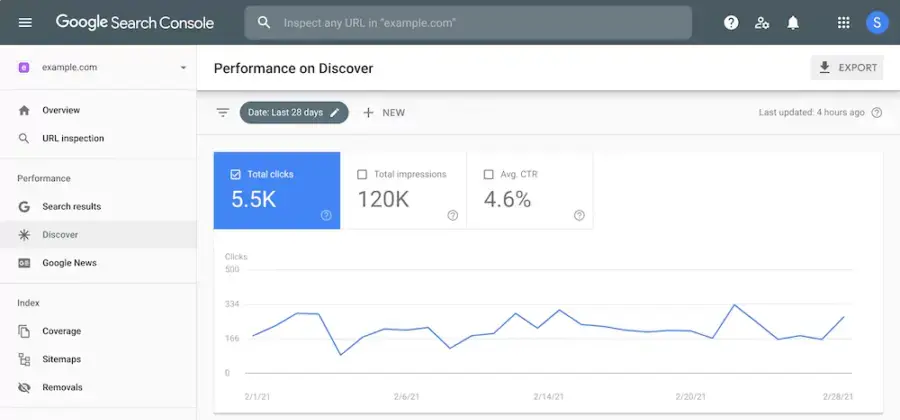
Search Console is the closest thing to ground truth in SEO. It shows you the exact queries your pages already rank for, your average position for each one, and any indexing errors stopping a page from appearing at all. After connecting a client site and checking the Coverage report, it is common to find pages excluded from the index simply because of a stray noindex tag left over from a staging environment, something no third-party tool would have caught as fast.
Google Analytics 4
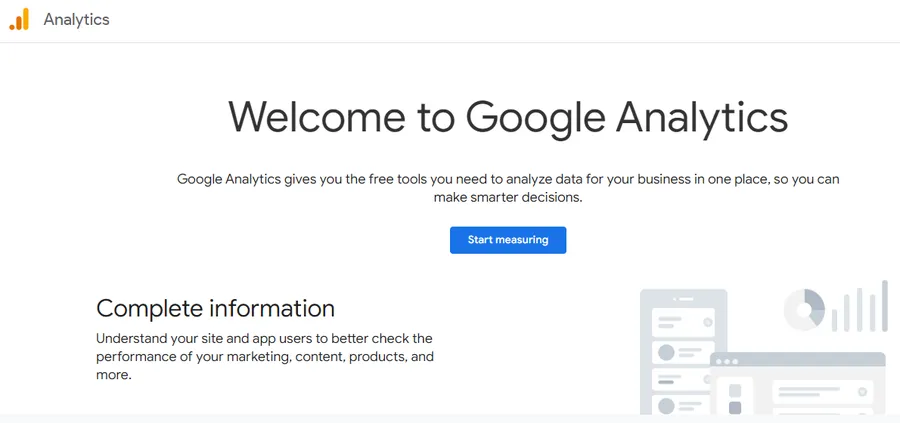
GA4 does not check rankings, but it tells you what happens after someone clicks. Combine it with Search Console and you can see which keywords bring visitors who actually convert, not just ones that generate impressions.
Ubersuggest
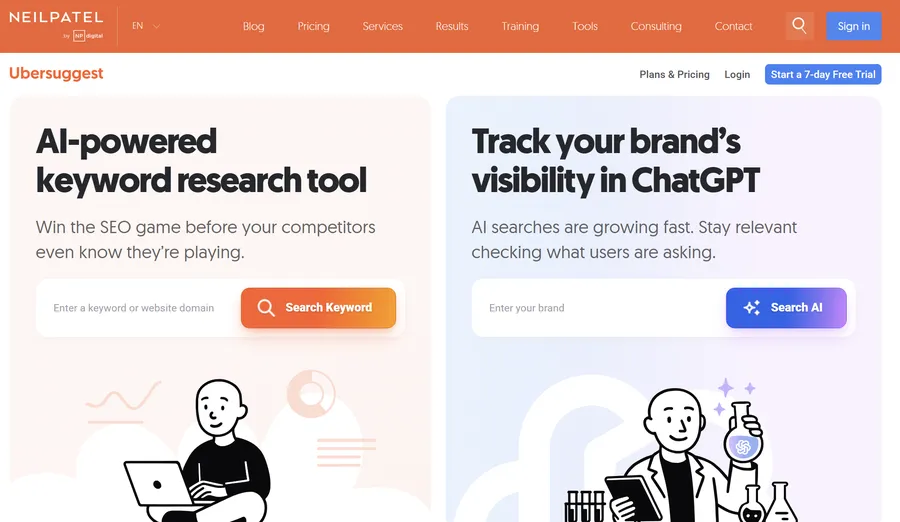
Ubersuggest is built for people who are not ready to pay for Semrush or Ahrefs yet. Type in a keyword or a competitor’s domain and it returns search volume, keyword difficulty, and a list of long-tail variations. It also includes a basic backlink checker and site audit, which covers most of what a small business site needs before it outgrows the free tier.
Semrush
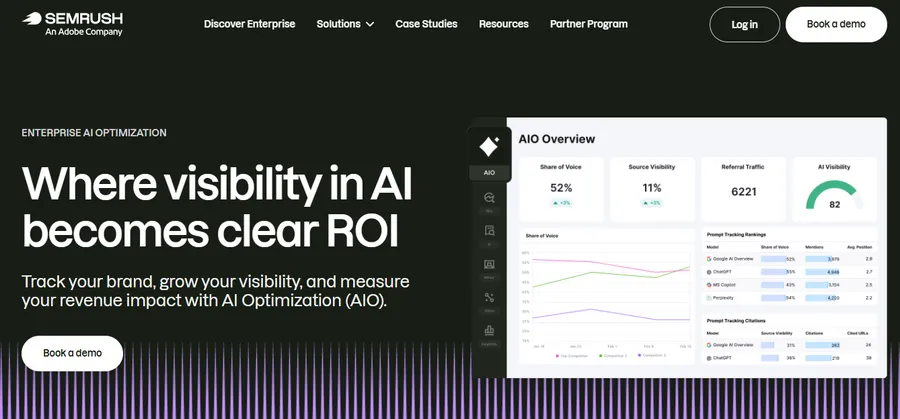
Semrush is one of the best SEO tools for teams that need keyword research, technical audits, and competitor tracking in one dashboard. The Position Tracking tool updates daily and breaks results down by device and location, and the Keyword Gap report shows exactly which terms a competitor ranks for that you do not. The tradeoff is price: it is built for agencies and mid-size businesses, not solo bloggers on a tight budget.
Ahrefs
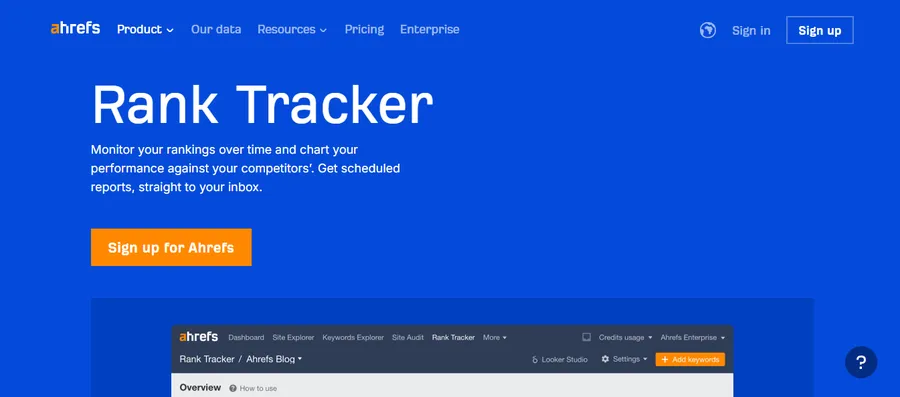
Ahrefs built its reputation on backlink data, and its Site Explorer still has one of the largest link indexes available. The Content Gap tool is genuinely useful when you are trying to figure out why a competitor outranks you on a topic you have already covered; it will often surface a subtopic or related keyword you missed entirely.
Screaming Frog
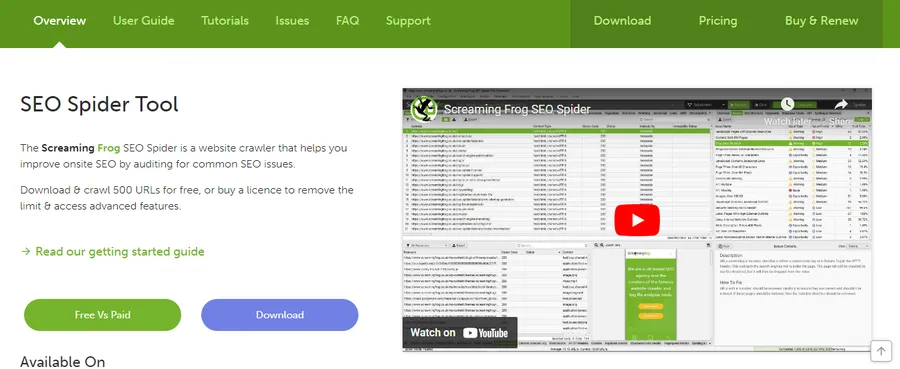
Screaming Frog crawls your site the way Googlebot does, flagging broken links, duplicate title tags, missing alt text, and redirect chains. Running a crawl before a big content migration or theme switch catches problems that would otherwise take weeks to surface through Search Console alone.
SE Ranking
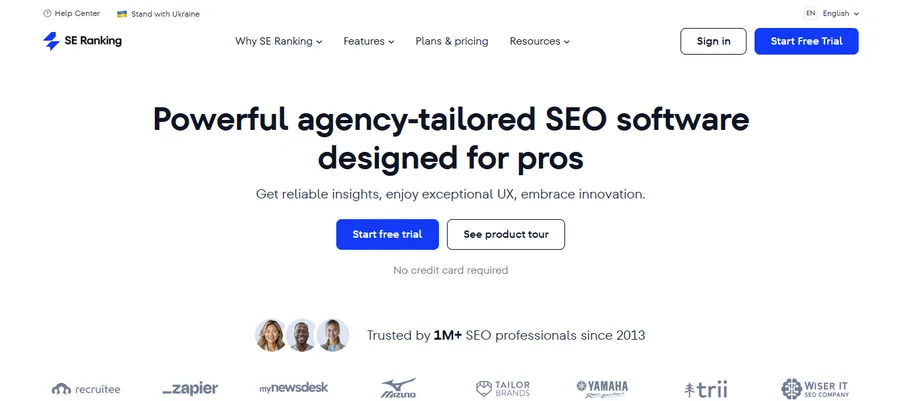
SE Ranking focuses on accurate, granular rank tracking across Google, Bing, and YouTube, with filtering by city and device. It is a solid middle ground for teams that need more precision than Search Console offers but do not need the full research suite that Semrush or Ahrefs provide.
Rank Math
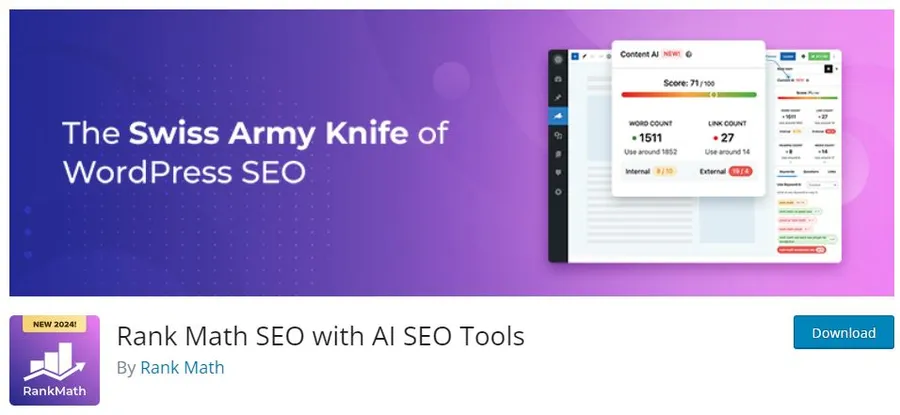
If your site runs on WordPress, Rank Math sits inside the editor and checks your on-page SEO as you write: keyword placement, readability, schema markup, and internal linking suggestions all show up before you hit publish. It also generates an XML sitemap and lets you add FAQ or How-To schema without touching code, which is exactly the kind of structured data Google AI Overviews pull from.
Free SEO ranking tools worth using today
If budget is the main constraint, this combination covers most of what a growing site needs without a monthly bill:
- Google Search Console for ranking, indexing, and click data straight from Google.
- Google Analytics 4 for traffic and conversion tracking.
- Ubersuggest for keyword ideas and a lightweight competitor check.
- Rank Math (free version) for on-page optimization inside WordPress.
- Screaming Frog (free up to 500 URLs) for a technical audit on smaller sites.
This stack will not match a $130 a month platform for scale, but for a site under a few hundred pages, it covers keyword research, on-page checks, technical audits, and ranking data without spending anything.
Pairing your SEO tools with a fast, SEO-ready WordPress theme
The best SEO optimization tools can only work with what your site gives them. A theme that loads slowly, ships with unused JavaScript, or buries your headings in messy markup will drag down your Core Web Vitals no matter how well you use Search Console or Rank Math. If you are building or rebuilding an online course or education site, the Eduma theme from ThimPress is worth a look: it is built with clean, lightweight code and works directly with LearnDash and Tutor LMS, so your SEO tools have a properly structured, fast-loading foundation to optimize instead of fighting against a bloated page builder.
Matching tools for SEO optimization to your type of site
Not every site needs the same stack. A five-page local business site and a 400-post content hub have different problems, and the right tools for SEO optimization should reflect that.
Small business and local sites
If you run a local service business, ranking tools that filter by city matter more than raw keyword volume. SE Ranking and Seobility both let you check position by location, which is the only way to know if you actually rank in the neighborhoods you serve, since a national average position tells you almost nothing about local visibility. Pair that with Google Business Profile, since local pack rankings depend on signals that a standard SEO website tool does not track at all.
Content and blog-heavy sites
Sites publishing regularly benefit most from a keyword research tool with strong long-tail suggestions, since informational content usually ranks on specificity rather than head-term volume. Ahrefs’ Content Gap and Semrush’s Topic Research both surface subtopics competitors have covered that you have not, which tends to matter more for organic growth than chasing a single high-volume keyword.
Online stores and WooCommerce sites
E-commerce sites need technical audits more than most, since large product catalogs generate duplicate content and thin pages fast. Screaming Frog is worth running monthly to catch duplicate title tags across product variants, and Search Console’s Coverage report will flag when out-of-stock or discontinued product pages are still eating crawl budget.
Common mistakes people make when using SEO tools
Before diving into these points, it’s important to remember that SEO tools are only as useful as the way you interpret and apply their data. Avoiding these common mistakes can help you turn tool insights into more effective SEO decisions.
- Chasing rank position instead of clicks. A page in position #3 with a weak title tag can get fewer clicks than a page in position #6 with a compelling one. Check click-through rate in Search Console before assuming a ranking drop is the real problem.
- Ignoring mobile rankings. Most SEO ranking tool platforms let you filter by device. Desktop and mobile rankings often differ by several positions for the same keyword.
- Running one audit and never again. Technical SEO issues creep back in after theme updates, plugin changes, or new content. Schedule a Screaming Frog or Search Console check monthly, not once a year.
- Trusting a single tool’s keyword difficulty score. Every platform calculates difficulty differently. Cross-check a keyword in at least two tools before deciding it is out of reach.
Conclusion
There is no single best SEO tool, only the right combination for your site’s size and budget. Start with Google Search Console and Google Analytics 4 since both are free and give you first-party data straight from Google. Layer in Ubersuggest or Rank Math for keyword research and on-page checks, and move up to Semrush, Ahrefs, or SE Ranking once your site is large enough to justify the cost. Whatever stack you choose, none of it replaces a well-built, fast-loading site to begin with, so make sure the foundation your tools are measuring is one worth optimizing.
FAQs
What is the best free tool to check my Google ranking?
Google Search Console is the most reliable free option because the ranking data comes directly from Google rather than a third-party estimate. It shows your average position for every query your site already appears for, along with clicks and impressions, so you can see real performance instead of a simulated check.
How often should I check my SEO rankings?
Check your core keywords weekly if you are actively publishing or making site changes, and at least monthly if your content is stable. Daily checks are only worth the effort for competitive keywords where small ranking swings affect revenue.
Can I check my Google ranking without any tool at all?
Yes, by searching your keyword in an incognito browser window, since this avoids the personalization Google applies based on your search history and location. It only works well for a handful of keywords at a time and will not track changes over time the way a dedicated rank tracker does.
Do SEO tools work differently for AI search results like Google AI Overviews?
Yes, newer SEO optimization tools track whether your content is being pulled into AI-generated answers, not just the traditional ten blue links. This usually depends on how clearly your content answers a question in the first sentence and whether your site uses structured data like FAQ or How-To schema.
Read more: Ecom web development: How to build an online store?
Contact US | ThimPress:
Website: https://thimpress.com/
Fanpage: https://www.facebook.com/ThimPress
YouTube: https://www.youtube.com/c/ThimPressDesign
Twitter (X): https://x.com/thimpress_com