Creating an online course is just the first step in online education. When students complete your training, they expect a valid, professional credential to prove their hard work. To offer this, a standard blog or business website falls short. You need a reliable system that handles grading, user profiles, and secure document delivery without technical errors. Choosing the right LMS WordPress theme for certifications is essential for any school, corporate training program, or professional academy that wants to build trust. When learners put in the hours, your platform should reward them instantly with a verifiable document.
Eduma – Education WordPress Theme
We provide an amazing WordPress theme with fast and responsive designs. Let’s find out!
Key Features to Look For in an Educational Framework
Before selecting a design, it is vital to understand the technical requirements of an online school. A high-quality certificate builder WordPress theme must include several specific features to ensure academic compliance and a smooth user experience.
- Quiz and Assignment Management: Reliable testing is a must before issuing any formal document. The platform needs to support timed quizzes, different question types, randomized question banks to prevent cheating, and automatic grading capabilities.
- Automated Credential Generation: Creating documents by hand takes too much time and leaves room for errors. The system must automatically generate customizable, downloadable, and email-ready certificates immediately after a student passes a course.
- Deep Plugin Compatibility: The visual design must work smoothly with leading learning management engines. The theme acts as a bridge between the front-end design and the complex logic processing the grades.
- User Progress Tracking: Clear analytics help both students and managers. Students need a clear dashboard showing their remaining modules, while administrators require reports to track overall enrollment and assessment scores.
Top LMS WordPress Theme for Certifications & Accreditations
The market offers hundreds of options, but only a select few truly handle complex educational requirements well. Below is a detailed breakdown of the premier choices for building professional, credential-issuing platforms, complete with pricing, key features, and pros and cons.
1. Eduma
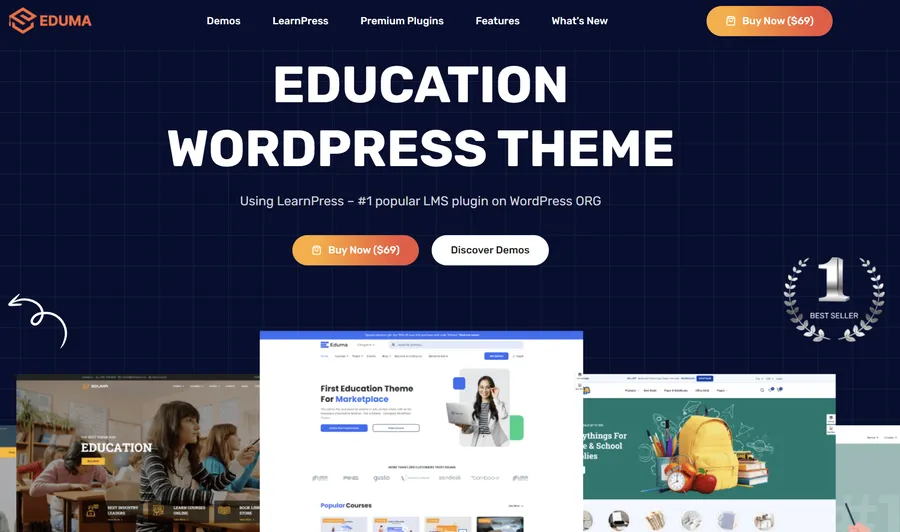
Eduma remains a top choice for digital learning platforms of all sizes. If you need a reliable accreditation LMS WordPress theme, Eduma stands out for its clean design, logical layout, and highly optimized code. Its biggest advantage is its deep, built-in synergy with the LearnPress plugin, creating a smooth experience for both course creators and students.
- Price: $69 (Includes a valuable bundle of premium LearnPress add-ons)
- Page Builders: Elementor, WPBakery, SiteOrigin
- Key Features:
- Native LearnPress Synergy: It is built specifically to maximize LearnPress. This means fewer technical glitches, less code bloat, and a much smoother setup process compared to themes that rely on third-party connections.
- Automated Credential Delivery: It provides excellent templates that automatically fill in student data to issue formal documents the moment a course is completed.
- Pros: * Highly cost-effective because it includes premium add-ons at no extra charge.
- Runs fast, even with heavy traffic and thousands of enrolled students.
- Offers over 34 ready-to-use professional site designs.
- Cons: * None notable; it is a well-rounded, stable industry standard.
2. WPLMS
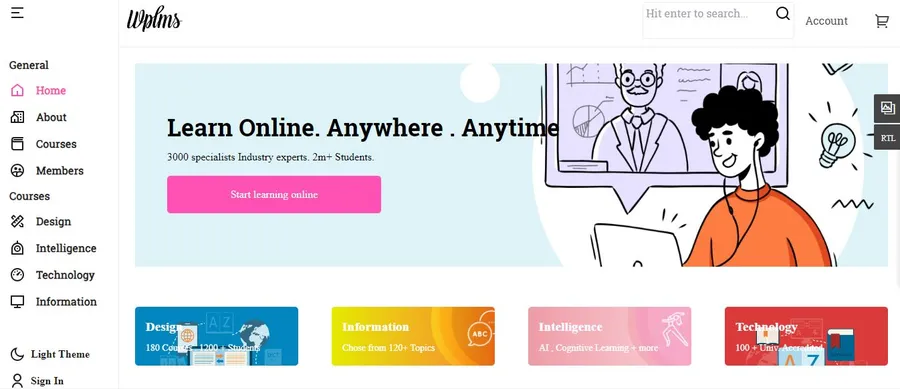
WPLMS is built specifically for professional training academies and corporate education programs. It serves as a highly capable certificate LMS WordPress theme designed to manage complex, multi-tiered educational structures.
- Price: $75
- Page Builders: Elementor, Gutenberg Block Editor
- Key Features:
- Advanced Dashboards: It functions like a standalone application within the elearning website, offering highly detailed internal portals for teachers, students, and administrators.
- Complex Certification Logic: It easily manages credentials that expire and require students to take regular renewal courses.
- Pros: * Offers native mobile app features so learners can easily take tests and view their results on their phones.
- Excellent for strict compliance tracking in corporate environments.
- Cons: * It relies mostly on its own built-in engine rather than integrating broadly with other plugins.
- Beginners might face a steeper learning curve during the initial setup.
3. BuddyBoss Theme
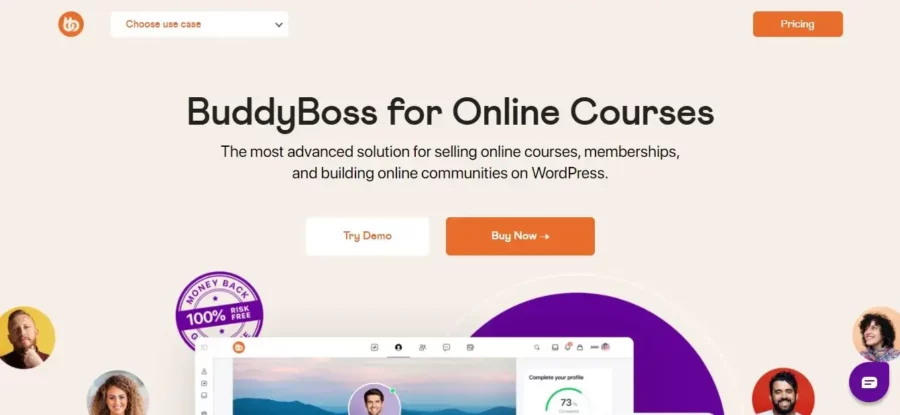
BuddyBoss takes a different approach by focusing heavily on community and peer interaction. It provides a unique, community-driven approach to online learning.
- Price: Starts around $228/year (Premium licensing model)
- Page Builders: Elementor, Gutenberg
- Key Features:
- Social Learning Focus: Includes built-in forums, user groups, and social activity feeds to keep students engaged.
- Public Milestones: It functions beautifully as an exam certificate WordPress theme, letting students proudly share their new credentials directly on their public profile feed for peers to see.
- Pros: * Integrates smoothly with LearnDash for a highly engaging testing experience.
- Builds a strong online community, which naturally increases student retention.
- Cons: * Requires you to purchase separate premium plugins like LearnDash to function as an educational platform.
- It can be demanding on web hosting resources due to the social features.
4. MasterStudy LMS
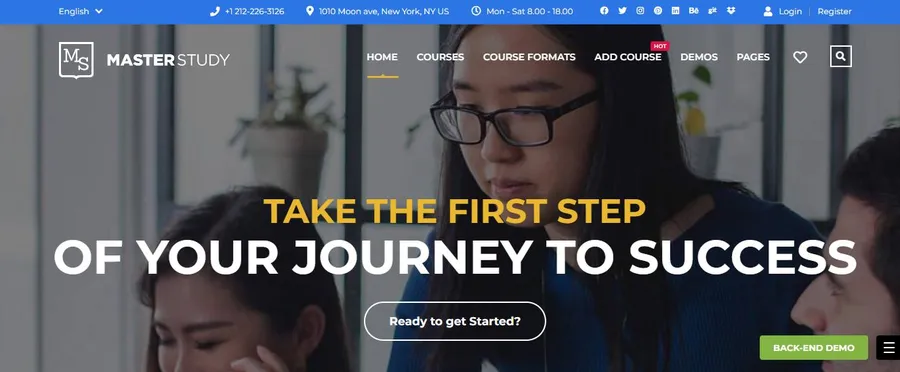
MasterStudy provides a complete package with built-in tools for course management, making it easy for those who want an all-in-one solution.
- Price: $59
- Page Builders: Elementor, WPBakery
- Key Features:
- Native Course Builder: Comes with its own advanced curriculum creator and solid quiz formatting options.
- Integrated Designer: Serves as an effective certificate builder WordPress theme by letting administrators design professional credentials right inside the native interface.
- Pros: * Features a dedicated mobile learning application for iOS and Android.
- Includes a clear, comprehensive statistics system for administrators.
- Cons: * Currently not fully optimized for the default WordPress Gutenberg editor, relying more on traditional page builders.
5. Astra Pro

Astra Pro is famous for its speed, lightweight code, and immense flexibility. It works well for almost any type of website, including complex educational portals.
- Price: Around $59 (Pro version)
- Page Builders: Elementor, Beaver Builder, Gutenberg, Brizy
- Key Features:
- Unmatched Speed: Very lightweight code prevents the site from freezing or lagging during timed exams.
- Plugin Agnostic: You can use it as a highly customizable accreditation LMS WordPress theme by pairing it with any top plugin like LearnPress or Tutor LMS.
- Pros: * Gives you a flexible canvas to match your exact corporate brand colors and fonts.
- Offers a large library of pre-built starter sites to launch projects quickly.
- Cons: * It does not come with built-in course tools; you must install and configure a separate learning plugin to run your academy.
Comprehensive Theme Comparison
To simplify the decision-making process, evaluating these frameworks side-by-side provides absolute clarity. The table below outlines the critical differences, helping you select the right platform based on your budget and specific needs.
| Theme Name | Price | Recommended LMS | Primary Page Builder | Standout Feature |
| Eduma | $69 | LearnPress | Elementor / WPBakery | Included premium add-ons & flawless automated delivery |
| WPLMS | $75 | Native WPLMS | Elementor / Gutenberg | Application-style dashboards & strict compliance tracking |
| BuddyBoss | ~$228/yr | LearnDash | Elementor | Deep social networking & peer engagement tools |
| MasterStudy | $59 | Native MasterStudy | Elementor / WPBakery | All-in-one builder with an integrated document designer |
| Astra Pro | ~$59 | Any (LearnPress, etc.) | Elementor / Gutenberg | Unmatched loading speeds & complete visual flexibility |
Optimizing the Accreditation Workflow
Picking the right design framework is just the starting point. You also need to implement a logical, secure workflow so the platform runs smoothly from a student’s first click to their graduation.
First, set clear passing rules in your learning management settings. Decide whether students get multiple attempts at an exam or if a single failure requires a teacher to step in. Next, utilize your tools to design a document that includes real, verifiable details. Adding a unique identification number, an official signature, or a scannable QR code gives the credential real-world value, allowing employers to verify the achievement easily.
Finally, set up the system to automatically send an email containing the downloaded document the exact moment a student passes. This instant reward creates a highly positive experience and naturally encourages learners to enroll in more advanced courses on your site.
Conclusion
Building a respected online school means using software that values security, organization, and a clear user experience. Whether you offer simple training courses or formal professional licenses, the administrative process should run seamlessly.
By choosing a dedicated LMS WordPress theme for certifications—with a strong recommendation for the highly stable Eduma and LearnPress combination—you ensure your courses look and function professionally. The right setup reduces daily administrative tasks and significantly increases the actual value of the credentials you award to your hard-working students.
Frequently Asked Questions about LMS WordPress Theme for Certifications
1. What makes a theme suitable for issuing official credentials?
A good theme must integrate perfectly with advanced learning plugins. It needs clean page templates for testing, secure dashboards for tracking student progress, and compatibility with automated document generation tools.
2. Do these platforms generate PDF documents automatically?
Yes. When paired with the right learning plugin, these platforms automatically generate and deliver a downloadable PDF document right after a student passes their final assessment.
3. Can the awarded credentials be verified by employers?
This depends on the specific plugin you use. Many premium setups offer built-in systems that place unique verification codes or QR codes on the document. Employers can scan these to verify the student’s achievement directly on your website.
4. Is a dedicated learning management plugin strictly necessary?
Yes. The theme controls how the website looks, but you absolutely need a learning plugin to handle the back-end logic, such as grading quizzes, securing data, and enrolling users.
5. How do these platforms handle quiz retakes for failed exams?
Quiz rules are managed entirely by the educational plugin. You can set specific limits, such as allowing only two retakes, enforcing a waiting period between attempts, or requiring a passing grade on earlier lessons before opening the final exam again.
Read more: Best LMS WordPress Theme With WooCommerce
Contact US | ThimPress:
Website: https://thimpress.com/
Fanpage: https://www.facebook.com/ThimPress
YouTube: https://www.youtube.com/c/ThimPressDesign
Twitter (X): https://x.com/thimpress_com