Picking a platform to build your site is one of those decisions that feels bigger than it is, mostly because every homepage promises the same thing: drag, drop, done. These website builder reviews cut through that noise and look at what each platform actually delivers once you get past the marketing page, from real pricing and template flexibility to how each one handles SEO, e-commerce, and scale.
Whether you are launching a portfolio, a local business site, or an online store, this guide walks through the top 10 website builders on the market, how to choose a website builder that fits your project, and which platforms give you the most for your money.
Most people comparing website builders end up with a dozen browser tabs open and no clearer picture than when they started, because every provider’s own comparison page conveniently ranks itself first. That is the gap this guide is meant to close.
Instead of another affiliate ranking, this is a practical walkthrough built from actually setting up test sites, checking real renewal pricing, and noting where each platform genuinely struggles, not just where it shines in a demo video.
Eduma – Education WordPress Theme
We provide an amazing WordPress theme with fast and responsive designs. Let’s find out!
How we evaluated these website builders
Every platform on this list was judged against the same criteria: pricing transparency, template quality, ease of use for non-developers, SEO controls, e-commerce readiness, and how well the platform scales once a site starts getting real traffic. Renewal pricing mattered as much as introductory pricing, since a lot of builders look cheap in year one and expensive by year two.
A few sentences on methodology before diving in. Pricing figures reflect published annual billing rates as of mid-2026 and will shift over time, so it is worth double-checking current numbers on each provider’s site before you commit. Screenshots and workflow descriptions come from actually setting up test sites on each platform, not from reading spec sheets.
Two things consistently separated a good experience from a frustrating one during testing: how honest the pricing page was about renewal costs, and how many steps it took to get from signup to a published page that actually looked like the template preview. Some platforms nail the first ten minutes and then bury important settings, like turning off transaction fees or connecting a custom domain, three menus deep. That kind of friction rarely shows up in a five-minute demo, but it matters once you are the one maintaining the site every week.
Top 10 website builders compared in 2026
This website builder comparison focuses on the platforms that consistently show up in independent testing and real user feedback, not just paid placements. Each entry covers pricing, standout features, and who the platform actually works best for.
1. Wix
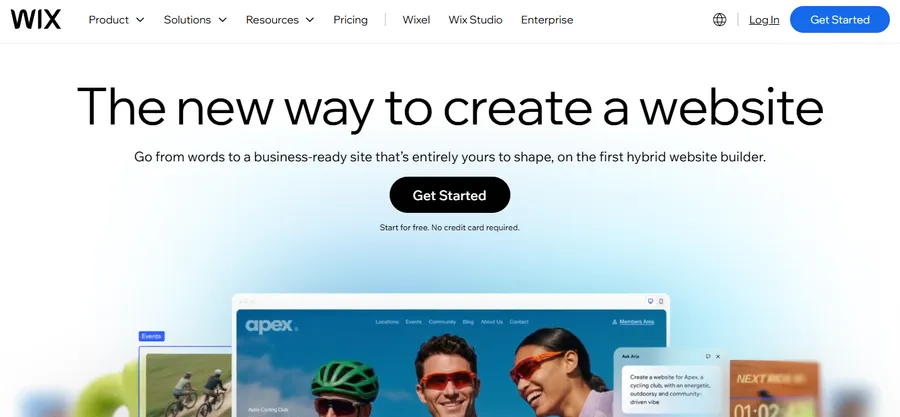
Wix remains one of the most flexible drag-and-drop editors on the market. You can place any element anywhere on the canvas, which gives designers total control but also makes it easy to build a cluttered page if you are not careful. Wix plans run from a free ad-supported tier up to around $17 to $35 a month for ad-free sites with a custom domain, and the platform now ships an AI-powered visibility tool that tracks how your site shows up in AI search results like ChatGPT and Perplexity, alongside standard Google rankings.
The trade-off with Wix is template lock-in. Once you build on a template, switching to another one usually means starting over, though Wix Studio has loosened that restriction for newer sites. During testing, the sheer number of design panels and settings menus took a while to get comfortable with, especially compared to the more guided setup on Squarespace or Hostinger. Once you learn where things live, though, the editor does not get in your way.
Best for: freelancers, agencies, and small businesses that want full design freedom and do not mind a slightly steeper learning curve.
2. Squarespace
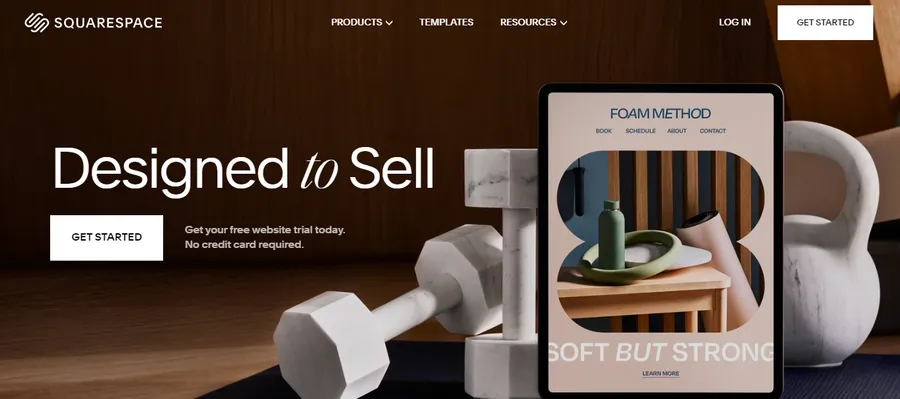
Squarespace produces the most visually consistent sites of any builder on this list, largely because its templates enforce a design system instead of leaving every choice up to you. The Blueprint AI setup wizard gets a new site looking professional in a few minutes, and the built-in booking tools make it a strong pick for service businesses like salons, coaches, and consultants.
Plans start around $16 a month billed annually, but most business users end up needing the Business tier, near $23 a month, to remove transaction fees and add custom code. The section-based editor snaps content into predefined layouts rather than letting you place elements freely, which sounds restrictive on paper but is exactly why Squarespace sites rarely look amateurish, even on a first attempt.
Best for: portfolios, design-forward brands, and anyone who wants a polished site without fiddling with layout grids.
3. Shopify

Shopify is built for selling, not blogging, and it shows. Checkout, inventory, shipping rules, and payment processing are handled natively instead of bolted on through third-party apps, which matters once order volume picks up. Plans start around $29 a month and scale to $299 for larger stores, and Shopify has recently pushed further into AI commerce, letting merchants manage storefronts and sync product data directly through conversational AI tools.
The starting price is higher than general-purpose builders, so it is not the cheapest entry point for a small side project. Where Shopify earns its price is the backend: inventory syncing across sales channels, abandoned cart recovery, and a checkout flow that is already optimized for conversion, none of which you need to configure from scratch the way you would bolting a cart onto a general-purpose builder.
Best for: anyone whose main goal is running an online store rather than a blog, portfolio, or brochure site.
4. WordPress
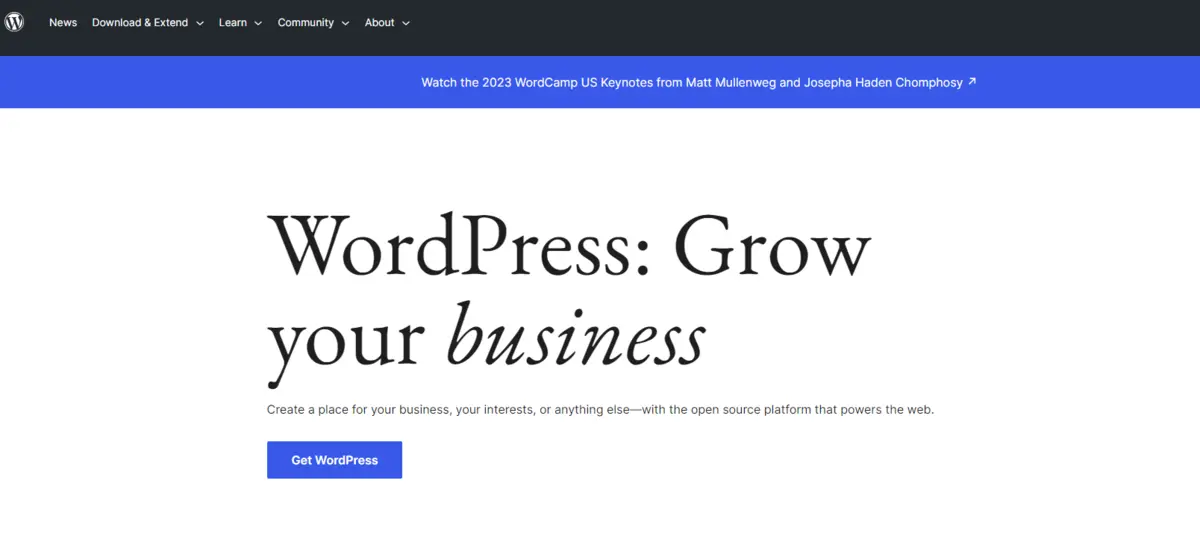
WordPress is not a hosted website builder in the same sense as Wix or Squarespace. It is open-source software that you install on your own hosting, which means more setup work but far more control over how your site looks, performs, and scales. WordPress still powers roughly 41.9 percent of all websites tracked by W3Techs as of May 2026, and it holds close to 59 percent of the market among sites running a known content management system, according to W3Techs data. Shopify is the nearest single competitor, and it sits far behind at around 5 percent.
Setting up a WordPress site means choosing a theme, picking a page builder like the block editor or Elementor, and layering on plugins for SEO, forms, and security. That flexibility is the whole point: a WordPress site built with a purpose-built theme can do things a locked-down hosted builder simply cannot, and you are never boxed into one company’s design system the way you are on Wix or Squarespace.
This is also where WordPress pulls ahead for a specific use case that most general website builder reviews skip over entirely: online education. If your site involves selling courses or running a membership community, the Eduma theme paired with the LearnPress plugin turns a standard WordPress install into a genuine learning management system, complete with quizzes, drip-fed lessons, student dashboards, and certificates, without bolting on a separate third-party LMS platform. That kind of purpose-built combination is hard to replicate on a hosted builder, since most of them were designed around simple pages and product listings, not structured courses with progress tracking.
Best for: anyone who wants long-term ownership of their site, plans to grow past a template’s limits, or is building something specific like an online school or a content-heavy publication.
5. Hostinger Website Builder
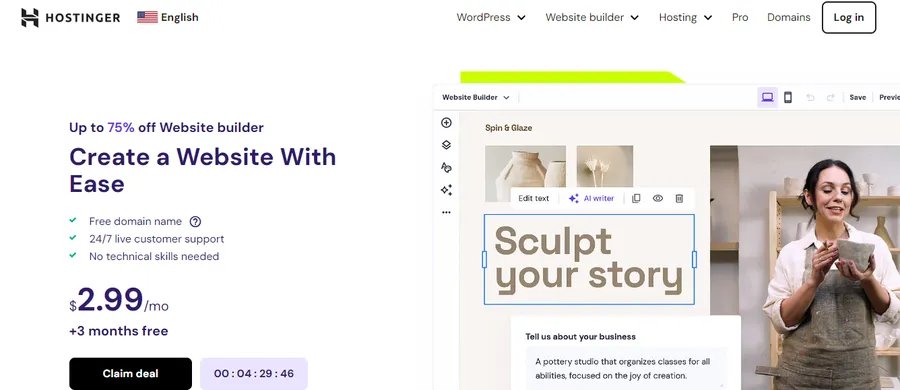
Hostinger has become the go-to answer for anyone asking about the most affordable website builder on the market right now. Premium plans start around $2.99 a month, and the platform includes an AI assistant called Kodee that handles content generation, layout suggestions, and even basic SEO recommendations during setup.
The catch is renewal pricing, which jumps to roughly $9 to $11 a month once the introductory term ends, and there is no app marketplace to extend functionality the way Wix or Shopify offer.
Best for: solo entrepreneurs, portfolios, and small blogs on a tight budget who do not need advanced integrations.
6. GoDaddy
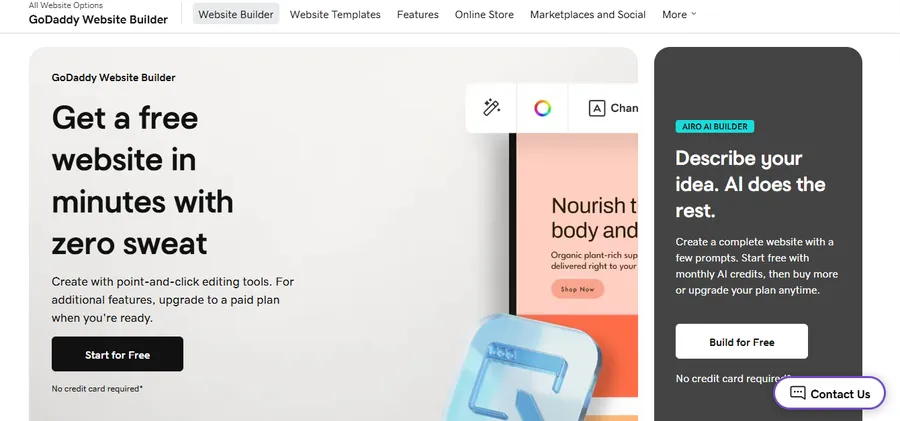
GoDaddy’s website builder is built for speed. The setup wizard can produce a working site in under a minute by pulling in business details and generating a layout automatically, which makes it appealing for anyone who just needs something live today. Pricing runs from roughly $9.99 to $20.99 a month depending on the plan.
Design flexibility is limited compared to Wix or Squarespace, and most of the value comes from GoDaddy’s existing domain and hosting ecosystem rather than standout builder features.
Best for: businesses already using GoDaddy for domains or email who want everything under one login.
7. Webflow
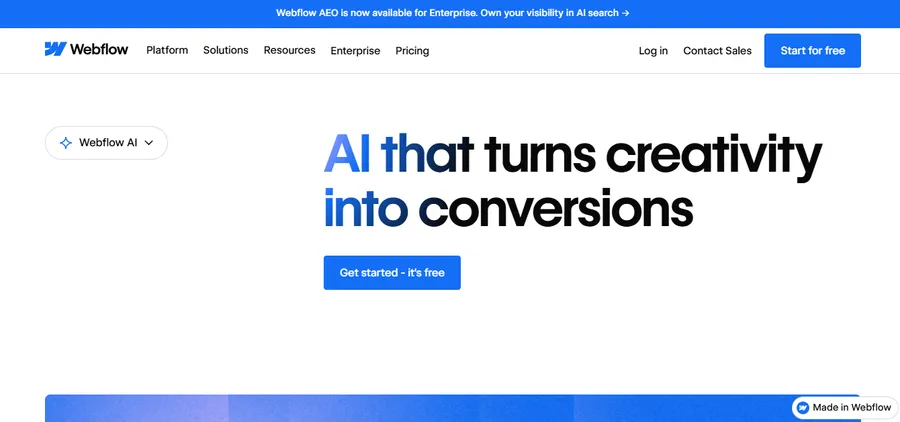
Webflow sits in a different category from the rest of this list. It gives designers visual control over HTML and CSS without writing code by hand, and it produces genuinely clean, semantic markup instead of the bloated output some drag-and-drop builders generate. The built-in CMS handles content-heavy sites well, from blogs to directories.
The learning curve is real. Webflow assumes some familiarity with how web layouts work, so first-time builders often find it harder to pick up than Wix or Squarespace.
Best for: designers and developers who want pixel-level control and a proper CMS underneath it.
8. Weebly

Now owned by Square, Weebly has leaned into e-commerce for small sellers who do not need the full weight of Shopify. Setup is simple, the editor is beginner-friendly, and Square’s point-of-sale integration is a genuine advantage for anyone selling both online and in person.
The app center is smaller than competitors, and advanced SEO controls trail what you get on WordPress or Wix.
Best for: service businesses that sell a handful of products or digital downloads alongside their main offering.
9. Duda
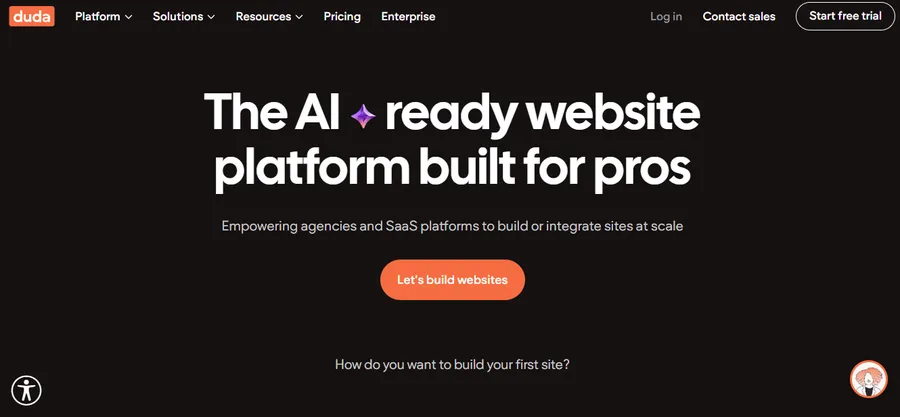
Duda was built with agencies and freelancers in mind, not solo site owners. White-label client dashboards, bulk site management, and reusable design libraries make it far easier to manage 20 client sites than it would be on a consumer-facing builder. Pricing is typically quoted per seat or per site bundle rather than a flat monthly fee.
Support and advanced features are gated behind higher-tier plans, so agencies needing fast turnaround on every ticket may find entry-level support slower than expected.
Best for: web agencies and freelancers managing multiple client websites.
10. SITE123
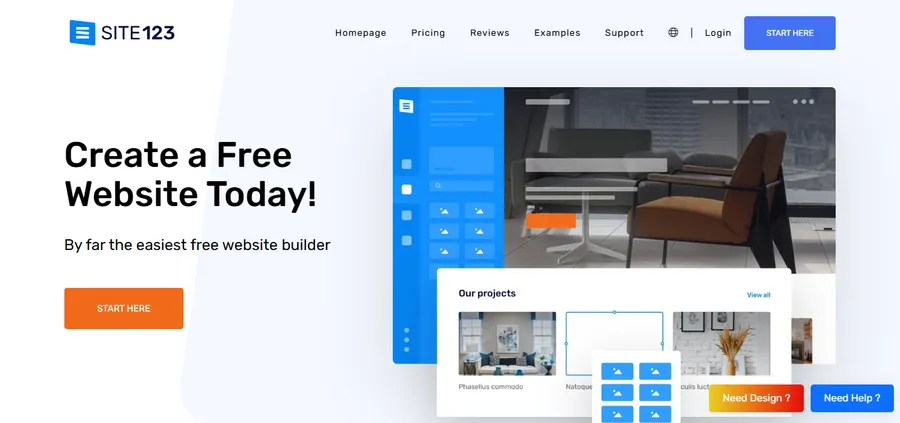
SITE123 keeps things deliberately simple: pick a template, fill in your content, publish. There is far less customization than Wix or Squarespace offer, but for someone who just wants a basic informational site without touching a single design setting, that simplicity is the appeal. Paid plans start around $ 7.80 a month.
Best for: first-time site owners who want the absolute minimum number of decisions between signing up and going live.
Website builder comparison at a glance
| Builder | Starting price (annual) | Best for | E-commerce | Free plan |
| Wix | ~$17/mo | Design flexibility | Yes | Yes (ad-supported) |
| Squarespace | ~$16/mo | Portfolios, services | Yes | No |
| Shopify | ~$29/mo | Online stores | Yes | No |
| WordPress | Hosting cost only | Full ownership, LMS sites | Via WooCommerce | Software is free |
| Hostinger | ~$2.99/mo | Budget sites | Limited | No |
| GoDaddy | ~$9.99/mo | Fast setup | Yes | Yes (limited) |
| Webflow | ~$14/mo | Custom design, CMS | Yes | Limited |
| Weebly | ~$10/mo | Small online stores | Yes | Yes (limited) |
| Duda | Custom/agency pricing | Agencies, multi-site | Yes | No |
| SITE123 | ~$7.80/mo | Simple informational sites | Limited | Yes (limited) |
Most affordable website builder options
If budget is the deciding factor, a handful of platforms consistently come out ahead in pricing comparisons. Hostinger leads on pure affordability at under $3 a month for an introductory term, though the renewal price climbs afterward.
For a completely free path with no recurring builder fee, self-hosted WordPress paired with budget hosting can undercut every hosted builder on this list, since the WordPress software itself costs nothing and you only pay for hosting and a domain.
Carrd is worth a mention for single-page sites specifically. At around $19 a year, it is one of the cheapest paid options anywhere, though it only works for simple one-page layouts like a landing page or a link-in-bio site, not a full multi-page business site.
How to choose a website builder for your project
Picking the right platform comes down to matching the builder’s strengths to what your site actually needs to do, not to which one has the flashiest homepage demo. A few factors matter more than the rest when you are working through how to choose a website builder for a specific project.
Define what the site needs to do first
A portfolio site, an online store, and a membership community all have different technical requirements. Decide whether you need booking tools, a shopping cart, a course platform, or just a handful of static pages before comparing pricing tiers, since the wrong platform can make simple features feel unnecessarily complicated later.
Check the real cost, not just the sign-up price
Almost every builder markets an attractive introductory rate that jumps significantly at renewal. Look at the price you will pay in year two, not just the first invoice, and factor in extras like a custom domain, email hosting, and transaction fees on any e-commerce plan.
Think about how much control you want
Hosted builders like Wix and Squarespace trade flexibility for simplicity. You get a polished result fast, but you are working inside the platform’s rules. WordPress flips that trade-off: more setup effort upfront in exchange for full control over hosting, themes, plugins, and long-term site ownership, which matters if you expect the site to grow well beyond a template.
Test the editor before committing
Most builders offer a free trial or a free tier specifically so you can see how the editor feels before paying. Spend 20 minutes actually building a sample page rather than just watching a demo video, since editor comfort is a bigger factor in day-to-day satisfaction than any single feature on a spec sheet.
Look past launch day to where the site is headed
A lot of website builder reviews focus entirely on the setup experience and skip what happens a year or two later, once you need a feature the platform was never designed to support. A portfolio site that grows into a small agency might need client logins. A blog that starts picking up traffic might need faster page speeds than a template-heavy builder can deliver. Ask what happens if the site outgrows the plan you are signing up for today, not just whether it looks good on day one.
Weigh support quality and community size
Hosted builders like Wix, Squarespace, and Shopify offer direct chat or ticket support, which is reassuring when something breaks at an inconvenient time. WordPress works differently: there is no single support line, but the trade-off is a massive community of developers, official documentation, and theme-specific support teams, so a well-documented product like a premium WordPress theme usually comes with its own dedicated support channel on top of the broader community.
Common mistakes when comparing website builders
A few patterns show up again and again in how people pick the wrong platform, even after reading several website builder reviews and comparison charts.
Choosing based on the free plan alone
Free tiers are useful for testing an editor, but almost none of them are viable for a real business site. Ads on your pages, a builder-branded subdomain instead of your own domain, and capped storage all push you toward a paid plan within the first few months anyway, so it rarely makes sense to pick a platform purely because its free tier looks generous.
Ignoring how hard it is to migrate later
Every builder makes it easy to get content in and comparatively difficult to get it out. Wix and Squarespace sites, in particular, cannot be exported as a working website elsewhere, only as raw content like text and images. If there is any chance you will want to switch platforms in a few years, an open system like WordPress avoids that lock-in entirely, since the content lives in a portable database rather than inside one company’s proprietary editor.
Underestimating what e-commerce actually costs
A builder that advertises a $16 monthly plan can quietly become a $40 or $50 monthly expense once you add a store add-on, remove transaction fees, and connect a payment processor. Read the fine print on any plan that claims to support selling online, and check whether transaction fees stack on top of standard credit card processing fees, which is common on entry-level e-commerce plans.
Picking a platform before defining the site’s purpose
It is tempting to start with “which builder is best” instead of “what does this site need to do.” A five-page brochure site, a blog with weekly posts, and an online course platform have almost nothing in common in terms of technical requirements, and the right builder for one is often the wrong builder for another. Answering the purpose question first turns a confusing comparison into a much shorter shortlist.
FAQs
What is the best website builder for beginners?
Wix and Squarespace are typically the easiest platforms for beginners because their editors use visual drag-and-drop tools with minimal setup steps. GoDaddy is worth considering too if speed matters more than design control, since its setup wizard can produce a working site in under a minute.
Is WordPress harder to use than a hosted website builder?
WordPress has a steeper learning curve than Wix or Squarespace because it requires choosing hosting, a theme, and plugins separately rather than working inside one bundled platform. In exchange, it offers far more customization and no long-term platform lock-in, which is why it still powers over 40 percent of all websites.
How much does a website builder actually cost per year?
Most hosted website builders range from about $100 to $300 a year for a mid-tier plan with a custom domain and no ads, though e-commerce plans typically start closer to $300 to $350 a year. Self-hosted WordPress can cost less overall since the software is free, with the main expense being hosting, which often runs $50 to $150 a year for a small site.
Do website builders hurt SEO compared to a custom-coded site?
Modern website builders handle core SEO basics like meta tags, mobile responsiveness, and clean URLs reasonably well, so they will not automatically hurt rankings. That said, platforms like WordPress and Webflow generally offer deeper SEO control through dedicated plugins and cleaner code output, which matters more for competitive or content-heavy sites than for a simple five-page brochure site.
Conclusion
There is no single best answer to which website builder wins, only the one that fits what you are actually building. Wix and Squarespace make sense if you want a polished result without touching code. Shopify is the clear pick for serious online selling. Hostinger and SITE123 cover the budget end well. And WordPress remains the platform to reach for when you want full ownership of your site and room to grow into something more complex, whether that is a business blog, a membership site, or an online school built on a theme like Eduma with LearnPress handling the course structure underneath. Whichever platform you land on, the goal is the same: a site that loads fast, looks credible, and does not box you in six months from now.
If you are still undecided, start smaller than you think you need to. Build one page on your top two shortlisted platforms, add real content instead of placeholder text, and see which one feels less like fighting the editor. That short test usually reveals more about the right fit than any comparison chart, including this one.
Read more: Best Non Profit Website Templates
Contact US | ThimPress:
Website: https://thimpress.com/
Fanpage: https://www.facebook.com/ThimPress
YouTube: https://www.youtube.com/c/ThimPressDesign
Twitter (X): https://x.com/thimpress_com