The “Enroll” button is far more than a simple call to action; it represents the final bridge between a curious visitor and a committed learner. High-quality video hosting platforms and a brilliant curriculum mean very little if the checkout process is confusing, slow, or fails to support a student’s local currency. For any serious educator, choosing the right LearnPress payment add-ons is the most vital step in building a professional LMS payment gateway.
As the leading WordPress LMS plugin, LearnPress provides the structural foundation for lessons and quizzes, but the financial engine is driven by specialized payment extensions. These tools handle the professional transition from browsing to learning.

This review evaluates top-tier solutions like Stripe, WooCommerce, and PayPal to identify the perfect fit for an online course in WordPress. For those just starting, understanding LearnPress payment gateway settings is essential to ensure a smooth transaction flow.
Eduma – Education WordPress Theme
We provide an amazing WordPress theme with fast and responsive designs. Let’s find out!
1. Stripe for LearnPress: The Modern Professional Choice

For many professional educators, Stripe for LearnPress stands as the gold standard for accepting credit cards. This solution prioritizes speed, security, and a minimalist design that mirrors the high standards of modern global fintech.
Mechanism: Direct On-Site Checkout
The primary advantage of the Stripe add-on for LearnPress is the ability to offer a direct on-site checkout. Unlike many other systems that redirect students to a third-party website, Stripe allows learners to enter their credit card details directly on the school’s domain. This seamless experience prevents “exit points” where students might change their minds during a slow redirect.
Key Features
- Diverse Payment Options: Fully supports all major Credit Cards, Apple Pay, and Google Pay.
- One-Click Checkout: If a student has payment information saved in their browser, enrollment can happen in a single click.
- Advanced Security: It uses world-class encryption to handle sensitive data, ensuring that no credit card information is ever stored on the local server.
The Pros and Cons
- Pros: Minimalist interface, high conversion rates, and a professional “one-click” feel that students prefer.
- Cons: Availability is limited to certain countries, and the website must have a strict SSL certificate to operate.
Tutorial:
2. WooCommerce LearnPress Integration: Global Flexibility
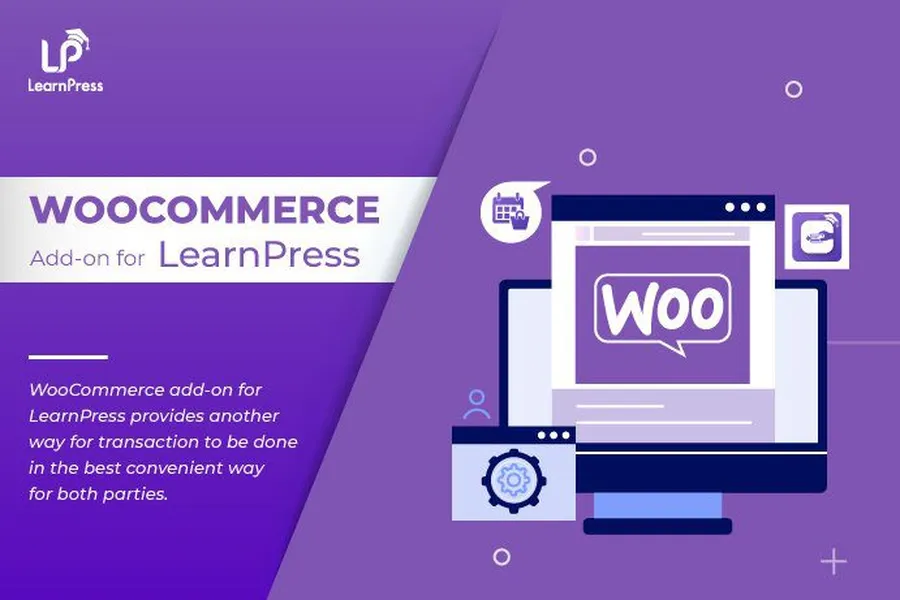
When an educational platform needs to support hundreds of local payment methods or requires advanced tax calculations, the WooCommerce LearnPress integration becomes a vital asset.
Mechanism: The Full Shopping Cart System
This integration connects courses to the world-renowned WooCommerce engine. Instead of using the native checkout, the “Enroll” button adds a course to a virtual cart. This allows the use of any LMS payment gateway compatible with WooCommerce, from local bank transfers in Asia to niche digital wallets in Europe. It is a robust way to manage a WordPress for education platform that targets a global audience.
Key Features
- Unrivaled Gateway Access: Access to every regional payment provider that works with WooCommerce through the WooCommerce add-on for LearnPress.
- Business Logic: Supports professional coupon systems, advanced tax settings, and automatic invoicing.
- Hybrid Sales: Allows for the sale of physical products, like textbooks, alongside digital courses in a single transaction.
The Pros and Cons
- Pros: Incredible flexibility for regional payments and access to the vast LearnPress WooCommerce integration ecosystem.
- Cons: It adds technical weight (plugin bloat) and a slightly longer checkout journey consisting of the Cart and Checkout pages.
Tutorial:
3. PayPal for LearnPress
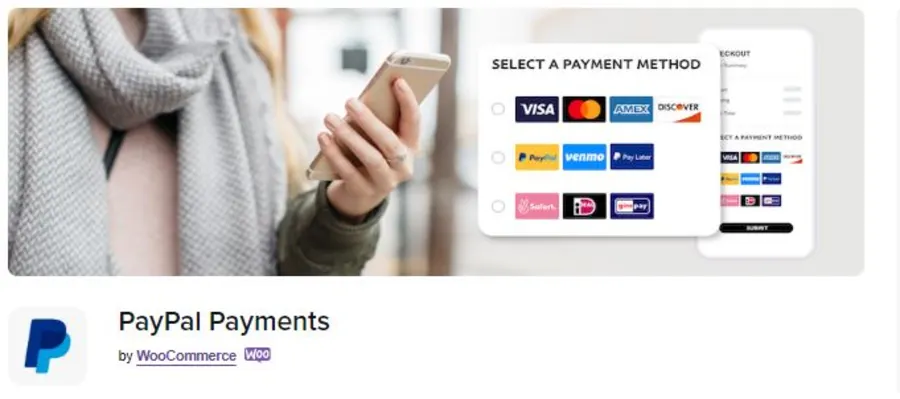
PayPal for LearnPress is the most accessible gateway for new instructors because it comes pre-installed with the core LearnPress plugin. It offers a reliable and globally recognized solution that carries a high level of consumer trust.
Mechanism: Secure Off-Site Redirection
Most standard configurations of PayPal for LearnPress function through a redirection mechanism. When a student clicks to pay, they are securely sent to the PayPal website to complete the transaction. Once the payment is confirmed, PayPal sends a signal back to the LMS to automatically enroll the student.
Key Features
- Global Recognition: Trusted by millions of users who prefer not to share card details directly with new websites.
- Multiple Funding Sources: Students can pay using their PayPal balance, linked bank accounts, or major credit cards.
- No Data Liability: Since the payment happens on PayPal’s servers, the website owner does not handle sensitive financial data directly.
The Pros and Cons
- Pros: Extremely easy to set up, no initial cost for the add-on, and immediate brand recognition.
- Cons: The redirection away from the website can slightly disrupt the user experience and potentially lower conversion rates compared to on-site options.
4. Other Notable LearnPress Payment Add-ons
Beyond the major players, several other LearnPress payment add-ons cater to specific markets and institutional needs.
- Authorize.Net Add-on: A top alternative to Stripe for formal education platforms in North America, the Authorize.Net add-on for LearnPress provides extreme stability for high-volume schools.
- 2Checkout (Verifone): A global solution for regions where Stripe is not yet available, ensuring the school can operate in over 200 countries via the 2Checkout add-on.
- QPay: Optimized for mobile users, the QPay add-on for LearnPress uses QR Code technology for lightning-fast payments.
- Paystack: The leading choice for platforms targeting students in Africa, providing a secure bridge to local banking systems through the Paystack add-on.
The Cost-Saving Solution: LearnPress PRO Bundle
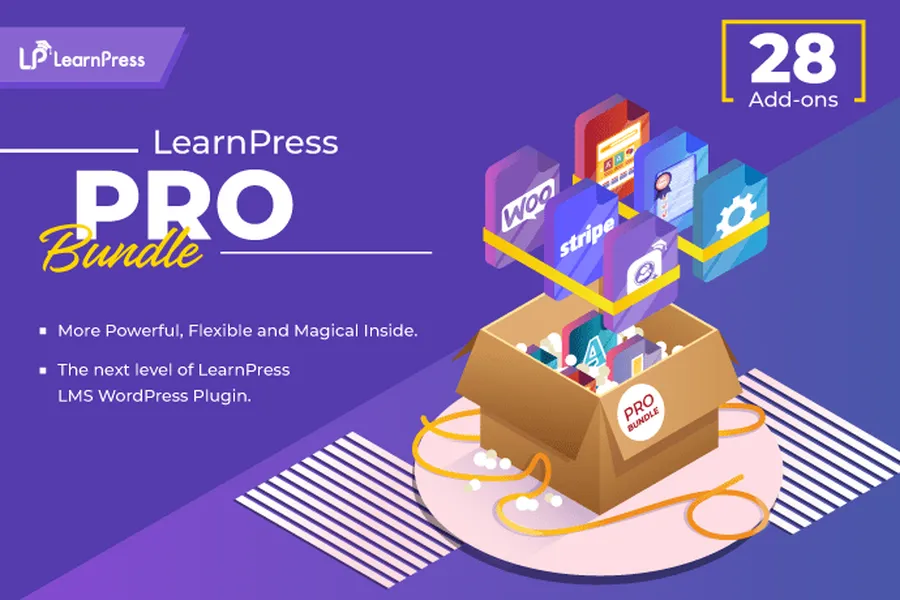
Building a professional academy can become expensive if every extension is purchased separately. The LearnPress PRO Bundle offers a strategic way to access premium features at a fraction of the total cost.
Value Proposition
Individually, premium LearnPress payment add-ons and advanced educational tools could cost over $747. The PRO Bundle provides all these tools for only $299. This is an essential investment for anyone looking to scale a professional training center. To see how this bundle compares to others, checking a LearnPress review can clarify the immense value provided.
All-In-One Access
The bundle includes every gateway mentioned: Stripe, WooCommerce, Authorize.Net, 2Checkout, QPay, and Paystack. This ensures a solution is always available, regardless of where a student is located.
Beyond Payments
The PRO Bundle also unlocks features that improve student engagement and academic tracking:
- Certificates: Reward students automatically with the Certificates add-on for LearnPress.
- Gradebook: Track performance across all courses with the Gradebook add-on for LearnPress.
- Assignments: Manage complex homework and essays.
- Content Drip: Release lessons over time using the Content Drip add-on for LearnPress to prevent learners from rushing.
It also includes 12 months of professional updates and expert technical support to ensure the best education themes for WordPress function perfectly with the payment system.
Conclusion: Choosing Your Perfect Gateway
The selection of LearnPress payment add-ons should be based on student demographics and the desired level of technical simplicity.
For a modern, on-site experience that maximizes conversions, choose Stripe for LearnPress. If the target market requires specific, local payment methods or advanced e-commerce logic, use the WooCommerce LearnPress integration. For those needing a globally recognized brand with zero initial cost, PayPal for LearnPress is a solid entry point.
For the highest level of value and a complete feature set, the LearnPress PRO Bundle is the superior choice. It consolidates all necessary tools into a single, affordable package.
A smooth enrollment process is the final step in launching a successful online school. When the LMS payment gateway works perfectly, students can focus entirely on the learning journey. Choosing the right extensions ensures that the school remains professional, secure, and profitable.
Frequently Asked Questions
1. Does the Stripe add-on require an SSL certificate?
Yes. To protect student data and comply with security standards, Stripe requires an active SSL certificate (HTTPS) on the website. This is a standard requirement for any professional LMS payment gateway.
2. Can students access the course immediately after paying via WooCommerce?
Yes. Once the WooCommerce order status is marked as "Completed," the WooCommerce LearnPress integration automatically enrolls the student, granting them instant access to the course content.
3. How do I choose between Stripe and Authorize.Net?
Stripe is generally easier for individuals to set up quickly. Authorize.Net is a popular choice for larger institutions that prefer a traditional merchant bank relationship and require high-volume stability for their LearnPress payment add-ons.
4. Can I use multiple payment add-ons at the same time?
Absolutely. Enabling both Stripe for LearnPress and PayPal for LearnPress gives students more flexibility, which can lead to higher overall sales and better user satisfaction.
5. Is the LearnPress Pro Bundle a one-time purchase?
The bundle purchase provides a license for one year of updates and support. While the plugins will continue to function after the year ends, renewing the license ensures the site remains secure and compatible with the latest WordPress updates.
Read more: 8 Best Training Center WordPress Theme Options That Boost Engagement Instantly
Contact US | ThimPress:
Website: https://thimpress.com/
Fanpage: https://www.facebook.com/ThimPress
YouTube: https://www.youtube.com/c/ThimPressDesign
Twitter (X): https://x.com/thimpress_com