Email automation tools send the right message to the right person at the right time, without you pressing “send” each day. If you run a small business, an online store, or a course website, they can turn a basic contact list into a steady source of leads and repeat sales.
This guide compares ten popular platforms, explains what to look for, and shows how to set up your first workflow.
Let’s get started!
Eduma – Education WordPress Theme
We provide an amazing WordPress theme with fast and responsive designs. Let’s find out!
What are email automation tools?
Email automation tools are software platforms that send emails automatically when a subscriber takes a specific action or reaches a specific date. A welcome email after sign-up is the simplest example. A cart reminder after someone leaves a store without paying is another.
Most platforms work with the same three parts: a trigger, a condition, and an action. The trigger is the event, such as a form submission. The condition filters who should continue, such as “only customers who bought in the last 30 days.” The action is the email, tag, or task that follows.
How email automation works
You build a workflow on a visual canvas. First you pick a trigger. Then you add emails, wait steps, and if/else branches. When a contact meets the trigger, the platform moves them through the path and records opens, clicks, and purchases along the way.
Good platforms also sync with your website. On WordPress, that usually means a WordPress plugin or an embedded sign-up form. On Shopify or WooCommerce, it means an app that sends order and cart data to the email platform.
Email automation vs email and marketing automation
Email automation covers messages only. Email and marketing automation is wider: it also includes SMS, landing pages, lead scoring, social ads, and sometimes a built-in CRM. If you only need welcome series and newsletters, plain email automation is enough. If you want to score leads and hand them to a sales team, you need the broader option.
Many buyers search for email marketing campaign software when they really need workflows. A campaign is a one-time send to a list. A workflow runs continuously in the background. Most modern tools do both, but the strength of each varies a lot between vendors.
Why businesses use email automation tools
The main reason is time. A welcome series, a re-engagement sequence, and a post-purchase follow-up can run for months after you build them once. You spend an afternoon setting them up, and they keep working while you do other things.
Faster replies and better timing
People are most interested right after they sign up or buy. An automated email lands in the inbox within minutes, which is hard to match by hand. Timing is often the difference between a lead who replies and a lead who forgets you.
More relevant messages
Automation lets you segment by behavior. Someone who clicked a pricing link gets a different follow-up from someone who only read a blog post. That kind of relevance usually improves click rates compared with sending one message to everyone, though results vary by industry and list quality.
Lower cost per lead
Email is one of the cheaper channels to run once the list exists. You do not pay per click as you do with ads. The cost is the software plan plus the time to write good emails. Even a basic email marketing campaign software plan can run welcome series and reminders that would take hours to send by hand.
Cleaner data for your team
When every email, click, and purchase is logged against a contact, your team sees the full story. This is why many businesses pair email tools with a CRM or move to marketing and sales software that keeps both teams in one place.
How we evaluated the platforms
This comparison is based on each vendor’s public documentation, published feature lists, and the plan structures visible on their websites in October 2026. We did not run paid lab tests for every tool, so treat the notes below as a structured research summary, not a benchmark. Features and prices change often, so confirm details on the vendor’s site before you buy.
We looked at each product as a tool for email and marketing automation, not just as a newsletter sender, because most buyers eventually want both. We scored each tool on six practical points:
- Automation depth: triggers, branching, wait steps, and goals.
- Ease of use: how quickly a beginner can publish a first workflow.
- Integrations: WordPress, WooCommerce, Shopify, and Zapier support.
- Segmentation: tags, custom fields, and behavior filters.
- Deliverability tools: domain authentication help, spam testing, and list cleaning.
- Pricing model: whether cost grows by contacts, by sends, or by feature tier.
Comparison table: top email automation tools at a glance
The table below gives a quick view before the detailed reviews. Pricing models are described in general terms because vendors change plan limits and prices often.
| Tool | Best for | Automation depth | Free plan | Pricing model | Main limit |
|---|---|---|---|---|---|
| Mailchimp | Beginners and newsletters | Medium | Yes, limited | By contacts | Costs rise as the list grows |
| HubSpot Marketing Hub | Teams that need a CRM | High | Free tools available | By tier and contacts | Advanced features are costly |
| ActiveCampaign | Complex workflows | Very high | Trial only | By contacts and tier | Steeper learning curve |
| Brevo | Email plus SMS on a budget | Medium to high | Yes, daily send cap | By emails sent | Fewer design extras |
| Klaviyo | Online stores | High | Yes, limited | By active profiles | Mostly built for ecommerce |
| MailerLite | Small teams, simple setups | Medium | Yes, limited | By subscribers | Fewer advanced options |
| Kit (formerly ConvertKit) | Creators and course sellers | Medium | Yes, limited | By subscribers | Light on reporting depth |
| GetResponse | Webinars and funnels | Medium to high | Trial or limited | By contacts and tier | Interface can feel busy |
| Omnisend | Email and SMS for stores | Medium to high | Yes, limited | By contacts and tier | Less useful outside ecommerce |
| Constant Contact | Local businesses and events | Low to medium | Trial only | By contacts | Automation is less flexible |
The 10 best email automation tools reviewed
Each review below covers what the tool does well, who should pick it, and where it falls short. Read the “best for” line first, then jump to the tools that match your situation.
1. Mailchimp
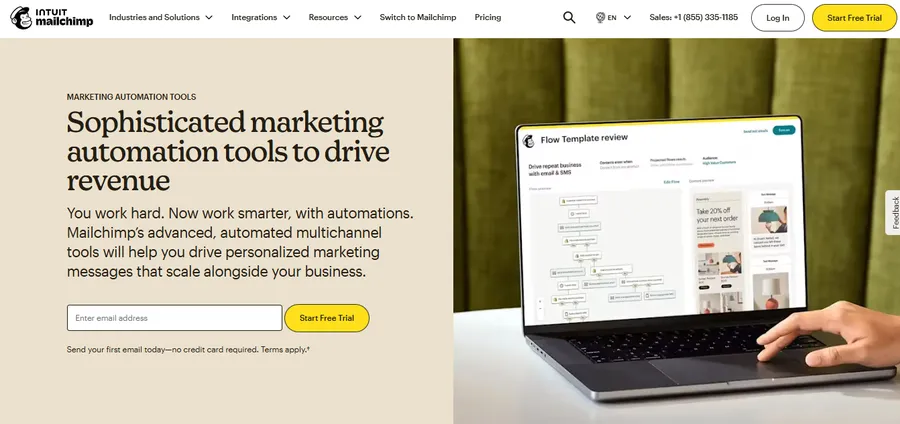
Best for: beginners who want one place for newsletters, simple journeys, and basic reports.
Mailchimp is one of the most recognized names in the field. Its drag-and-drop editor is easy to learn, and prebuilt journeys cover welcome emails, abandoned carts, and birthday messages. A limited free plan lets you test the basics before paying.
The trade-off is cost. Plans become more expensive as your audience grows, and some of the more useful automation features sit on higher tiers. Mailchimp suits you if you want to start quickly and your needs are not complex.
2. HubSpot Marketing Hub
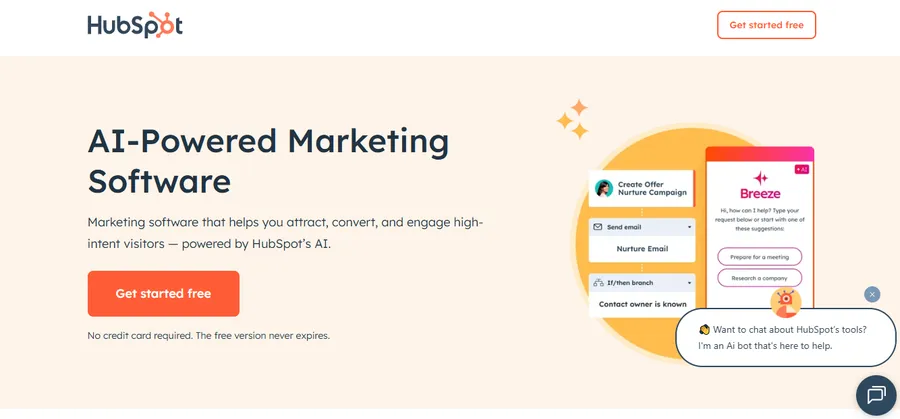
Best for: companies that want email, a CRM, and sales tools in one system.
HubSpot started as a CRM and added marketing tools on top. That means every email, form fill, and website visit is attached to a contact record that sales can see. Workflows can branch on contact properties, and higher tiers add lead scoring and reporting across campaigns.
The downside is price and complexity. The free tools are generous for getting started, but advanced automation requires paid tiers that can feel expensive for a very small team. If you want marketing and sales software under one roof, it is a strong option.
3. ActiveCampaign
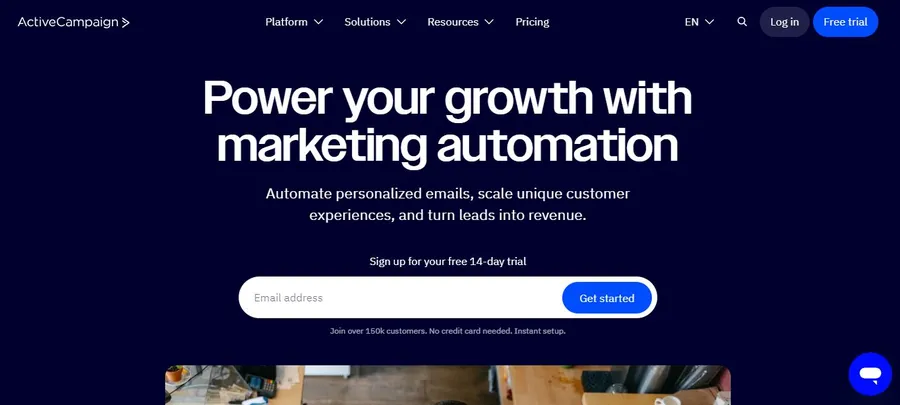
Best for: businesses that want detailed, multi-step automations.
ActiveCampaign is known for its automation builder. You can combine email, site tracking, tags, scoring, and conditional logic in a single map. It also includes a CRM and SMS options, which makes it a flexible choice for service companies and online educators.
The learning curve is steeper than Mailchimp or MailerLite. You may spend a few hours exploring the builder before it feels natural. Once you do, it handles complex funnels with fewer workarounds than most competitors.
4. Brevo
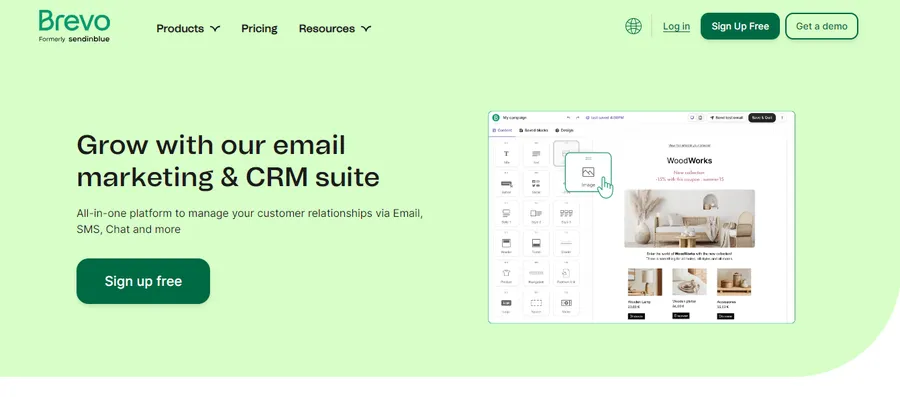
Best for: small teams that want email, SMS, and a simple CRM at a lower cost.
Brevo, formerly Sendinblue, charges mainly by the number of emails you send, not by the number of contacts. That can be cheaper if you have a large list but send rarely. It supports automation workflows, transactional email, SMS, and WhatsApp campaigns.
The free plan has a daily sending limit, which is fine for testing but tight for active newsletters. The template library is practical rather than fancy.
5. Klaviyo
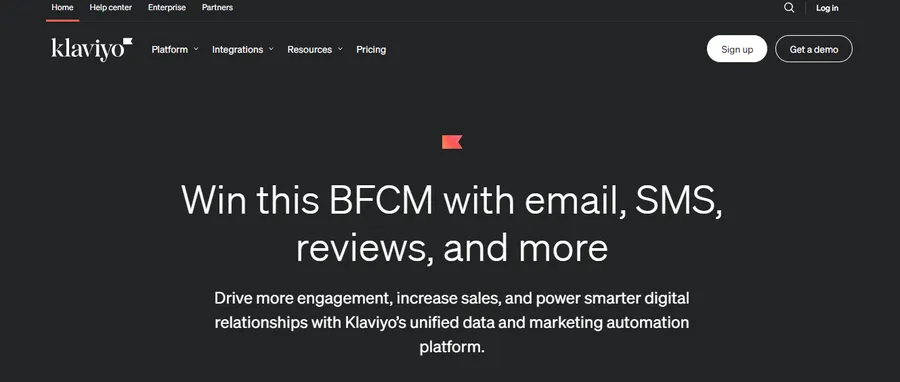
Best for: online stores on Shopify, WooCommerce, and similar platforms.
Klaviyo connects deeply with store data. You can segment by products viewed, order value, or purchase frequency, then trigger flows for browse abandonment, cart abandonment, and win-back campaigns. Predictive fields help you spot customers who are likely to buy again.
It is less appealing for a service business or blog. Pricing is based on active profiles, so costs can rise quickly as your store grows.
6. MailerLite
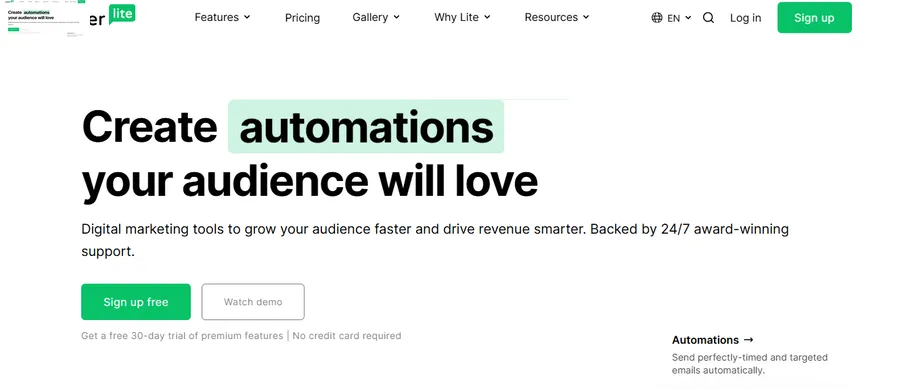
Best for: solo founders and small teams that want a clean, affordable tool.
MailerLite keeps the interface simple. The automation editor is visual, and you also get landing pages, pop-ups, and sign-up forms. Many beginners find it quicker to learn than larger platforms.
You give up some advanced features, such as deep scoring or complex CRM functions. For a straightforward list and a few well-built workflows, that is a fair trade.
7. Kit (formerly ConvertKit)
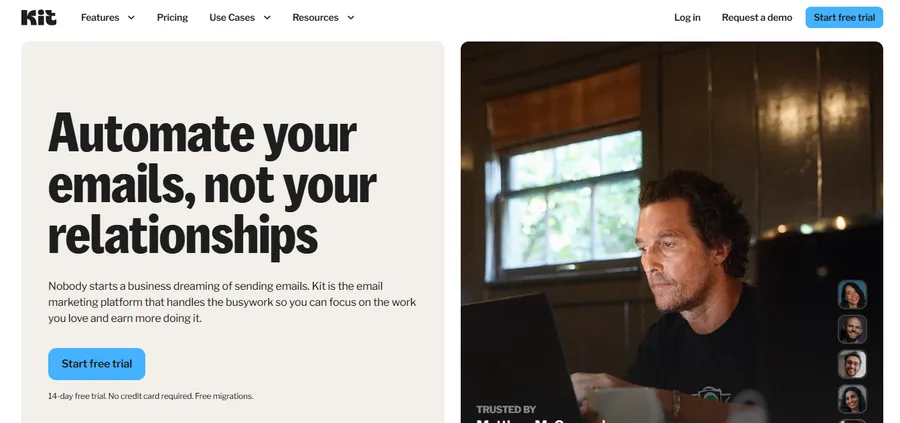
Best for: bloggers, creators, and course sellers.
Kit is built around subscribers rather than formal campaigns. Tags and sequences are easy to understand, and you can sell digital products or paid newsletters directly from the platform. The visual automation builder handles typical creator needs such as lead magnets and course launches.
Design options are simpler than in some competitors, and reporting is lighter. If your business is based on a personal brand and a mailing list, it fits well.
8. GetResponse
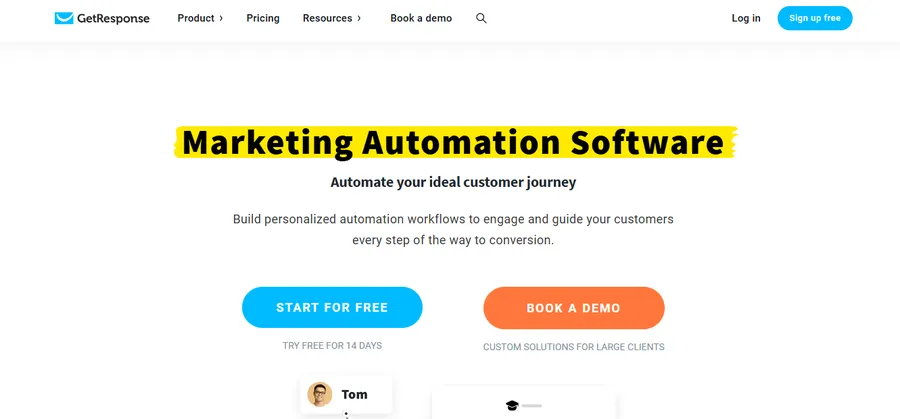
Best for: marketers who want email, landing pages, and webinars together.
GetResponse offers autoresponders, automation templates, landing pages, and webinar hosting. That makes it useful for lead generation funnels where a webinar is the main event. Its automation canvas supports tags, scoring, and conditional paths.
The interface has many features and can feel crowded at first. Some advanced tools are only on higher plans.
9. Omnisend
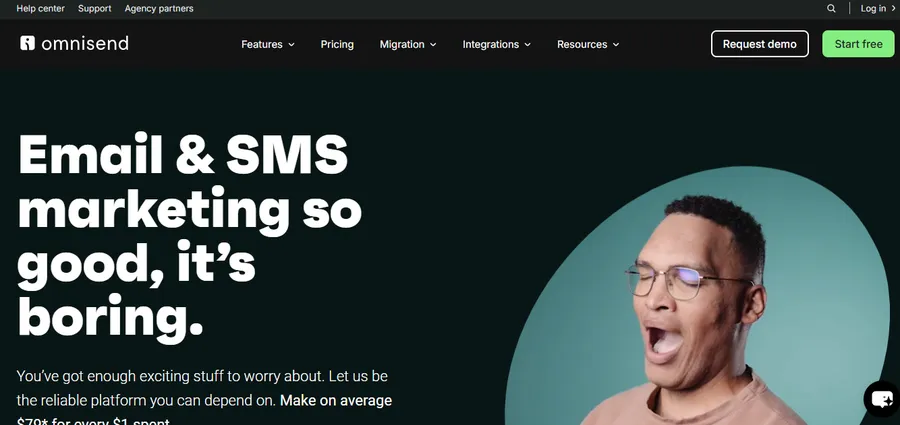
Best for: ecommerce stores that want email and SMS in the same flow.
Omnisend focuses on online retail. It offers prebuilt workflows for welcome series, cart recovery, and post-purchase messages, and lets you add SMS as a step in the same journey. Product pickers and discount code blocks make email creation quick for store owners.
Outside ecommerce, it has less to offer. If you run a store, it is worth comparing with Klaviyo.
10. Constant Contact
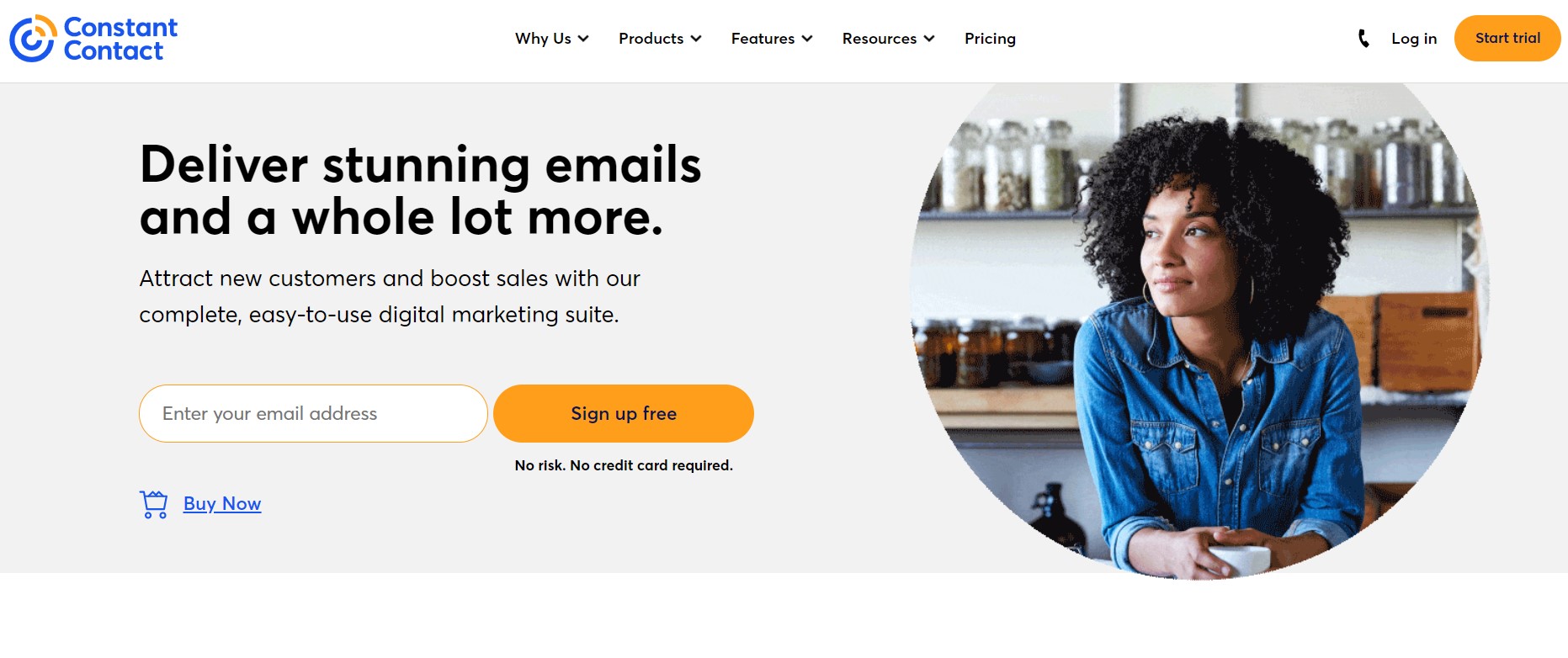
Best for: local businesses, nonprofits, and event-based promotions.
Constant Contact has long been popular with small organizations because of its helpful support and simple event tools. You can send newsletters, create sign-up forms, and set up basic automated series.
Its automation is less flexible than ActiveCampaign or Brevo. If you need advanced branching, you may outgrow it.
Marketing CRM platforms: when email is not enough
Marketing CRM platforms combine contact records, email tools, and sales tracking in one system. Choose one when you need to know not only who opened an email, but also which deals it influenced.
Signs you need a CRM
You probably need a CRM if sales reps follow up manually on leads, if contacts live in several spreadsheets, or if you cannot say which campaign produced a customer. A CRM gives each person one record with their full history.
Which tools in this list act as a CRM
HubSpot, ActiveCampaign, and Brevo include CRM features. Mailchimp and MailerLite offer lighter contact management. For heavy sales pipelines, many teams connect an email tool to a dedicated CRM such as Pipedrive or Salesforce through built-in integrations or Zapier.
When people look for top marketing software, they often mean a bundle like this: email, CRM, forms, and reporting under a single login. Bundles reduce data gaps, but they cost more than a standalone email tool. If you are comparing marketing CRM software, check whether the CRM is part of the base plan or sold as a separate add-on.
Marketing automation tools for small business
The best marketing automation tools for small business are the ones you will actually use every week. A small team with no dedicated marketer needs fast setup, fair pricing, and templates that work out of the box.
Start with your main goal
If you want newsletters and basic automation, MailerLite or Mailchimp is enough. If you run an online store, Klaviyo or Omnisend suits you better. If you sell to businesses and need follow-up by phone, HubSpot or ActiveCampaign is more appropriate.
Watch the pricing model
Some tools charge by contact count, others by emails sent, and a few by feature tier. A list of 10,000 contacts that gets one email a month costs differently from a list of 2,000 contacts that gets daily emails. Run your numbers before you pick a plan.
Check support and learning resources
Small teams rarely have time to figure out advanced settings alone. Look for live chat, clear documentation, and free training videos. These matter more than a long feature list you will never open.
Best email marketing services with automation features
The best email marketing services with automation features share a short list of capabilities. Use this checklist when you compare vendors, whether or not the tool appears in this article.
Must-have features
- Visual workflow builder: you should see the whole path at a glance.
- Behavior triggers: link clicks, page visits, purchases, and form fills.
- Segmentation: tags, custom fields, and dynamic lists.
- A/B testing: subject lines and send times at the very least.
- Reporting: opens, clicks, conversions, and revenue per automation.
Deliverability and compliance
A tool is only useful if your emails reach the inbox. Look for help with SPF, DKIM, and DMARC setup, since Gmail and Yahoo have required authentication and easy unsubscribe options for bulk senders since 2024. Check that the platform also supports GDPR consent records and one-click unsubscribe. Google’s sender guidelines are the best primary source for current rules.
Nice-to-have features
SMS, landing pages, pop-ups, e-commerce integrations, and predictive sending are helpful but optional. Add them only when they solve a real problem for you. Many of the email automation tools in this guide include these extras, but often only on paid tiers.
Email automation for course websites and Eduma
If you teach online, email automation tools are just as useful as they are for stores. Course sites rely on timing: a welcome message, a reminder to finish lesson one, a nudge before a certificate deadline, and an invitation to the next course.
Where an LMS theme fits
An email platform sends the messages, but your website is where students sign up, enroll, and learn. That is why the theme and LMS plugin matter. Eduma from ThimPress is a WordPress education theme designed for course websites and works with the LearnPress LMS plugin. It does not send automated emails by itself, so you would connect it to one of the tools above.
A simple setup for course sellers
- Install Eduma and set up your courses.
- Add a sign-up form for a free lesson or lead magnet.
- Connect the form to Kit, MailerLite, Mailchimp, or ActiveCampaign using their WordPress plugin or an embedded form.
- Tag new subscribers by the course they viewed.
- Build a welcome series and a course-completion follow-up.
This keeps your course content on your own domain while the email tool handles the follow-up. If you do not run an education site, you can skip this section and focus on the platforms above.
How to build your first automation
A first workflow should be small and useful. Start with a welcome series because every business needs one and it is easy to measure.
Step 1: Define one goal
Pick a single outcome, such as a first purchase, a booked call, or a course enrollment. Write it down before you open the builder.
Step 2: Choose the trigger
Use a sign-up form or a tag as the starting point. Keep it simple so you can test it quickly.
Step 3: Write three to five emails
Email one should welcome the person and deliver what you promised. The next emails can share useful tips, a customer story, and a clear offer. Keep each message focused on one idea and one call to action.
Step 4: Set wait times and conditions
Space emails out by one to three days at first. Add a condition that stops the series if the person buys or replies, so they do not receive irrelevant messages.
Step 5: Test, publish, and review
Send test emails to yourself and check them on mobile. Publish the workflow, then review open rates, click rates, and conversions after two to four weeks. Adjust subject lines and timing based on what you see.
Common mistakes to avoid
Most automation problems come from rushed setup, not from the software. Avoid these five:
- Building too much too soon. Start with one workflow and add more later.
- Ignoring list quality. Remove inactive contacts and use double opt-in where possible.
- Writing like a robot. Use plain language and a real sender name.
- Skipping tests. Broken links and wrong merge fields hurt trust quickly.
- Never reviewing results. An automation that ran well last year may be stale today.
FAQs
What is the easiest email automation tool for beginners?
MailerLite and Mailchimp are usually the easiest to learn. Both have visual editors, ready-made templates, and limited free plans. If you sell online courses or digital products, Kit is also beginner friendly.
Are free email automation tools good enough?
Free plans work for a new list and a few basic workflows. They usually limit contacts, daily sends, or advanced features such as branching and A/B testing. Once your list grows or you need segmentation, a paid plan is more practical.
How much do email automation tools cost?
Prices range from free to several hundred dollars a month, depending on list size and features. Most vendors charge by the number of contacts, though Brevo charges mainly by emails sent. Check the current pricing page and calculate your cost at your expected list size.
Can I use email automation with WordPress?
Yes. Most platforms offer a WordPress plugin, an embeddable form, or a Zapier connection. You can add sign-up forms to posts, pages, and course pages, then sync new subscribers to your chosen tool automatically.
Conclusion
Email automation tools help you follow up with leads and customers on time, without extra daily work. The right choice depends on your list size, your budget, and whether you need a CRM. Mailchimp and MailerLite suit beginners, ActiveCampaign and HubSpot suit complex needs, and Klaviyo and Omnisend serve online stores. Kit works well for creators and educators. If you want top marketing software for the long term, pick a platform that can grow from simple newsletters to full workflows, and use the checklist for the best email marketing services with automation features before you commit.
Start by naming your main goal, pick one tool that fits your budget, and build a single welcome workflow. Measure the results for a month, then expand. If you run a course website, pair your email platform with a theme such as Eduma so sign-ups, lessons, and follow-up emails all work together.
Read more: Reviewing Events Calendar Pro: Is It Worth The Cost?
Contact US | ThimPress:
Website: https://thimpress.com/
Fanpage: https://www.facebook.com/ThimPress
YouTube: https://www.youtube.com/c/ThimPressDesign
Twitter (X): https://x.com/thimpress_com