The best educational apps do more than move a textbook onto a smaller screen. They give students a practical way to practice difficult skills, retrieve information from memory, organize assignments, and learn whenever a teacher or tutor is not available.
However, no single learning application is best for every subject or every student. A middle schooler who needs guided math practice has different priorities from a college student organizing research or an adult learning Spanish. This guide compares 10 useful apps for education by purpose, cost, age range, learning format, and limitations so you can build a study toolkit that fits the learner, not the trend.
Quick answer: Khan Academy is our best overall free learning app for broad academic support. Duolingo is the easiest starting point for daily language practice, Quizlet is strong for review and test preparation, and Brilliant is a compelling choice for interactive STEM learning. Students who need complete courses should also consider Coursera or edX.
Eduma – Education WordPress Theme
We provide an amazing WordPress theme with fast and responsive designs. Let’s find out!
Best Educational Apps at a Glance
| Educational app | Best for | Typical learner | Access model |
|---|---|---|---|
| Khan Academy | Free academic lessons | K–12 and early college | Free |
| Duolingo | Daily language practice | Beginners and casual learners | Free tier; paid upgrades |
| Quizlet | Flashcards and exam review | Middle school through college | Free tier; paid upgrades |
| Photomath | Step-by-step math support | Secondary and college students | Free tier; paid upgrades |
| Brilliant | Interactive STEM concepts | Grade 5 through adult | Free tier; subscription |
| Coursera | Structured online courses | College and career learners | Audit and paid options vary |
| edX | University-level learning | Advanced and adult learners | Audit and paid options vary |
| Wolfram Alpha | Computational answers | High school and college | Free tier; paid upgrades |
| Anki | Long-term memorization | Independent and advanced learners | Varies by platform |
| Google Classroom | Class assignments | Schools and teachers | School or Google account |
Features and free access can change, so confirm current availability on each provider’s website before committing. If you are comparing full course environments rather than individual student tools, see ThimPress’s guide to the best eLearning platforms and its broader comparison of learning management software.
How We Chose These Apps for Education
A long feature list does not automatically make an app educational. We prioritized tools that help learners perform a meaningful action: solve a problem, recall an answer, read a book, practice a language, complete a course, or organize a real assignment. We also considered ease of use, subject coverage, feedback quality, accessibility across devices, and whether a useful free experience exists. Although some searches shorten this category to “apps education,” the more natural term is “apps for education.”
Good online learning apps should support a clear goal without creating unnecessary distraction. Notifications, streaks, and rewards may help a student begin, but they cannot replace focused practice. The most effective choice also depends on how a learner processes information. ThimPress’s overview of learning styles and online course methods can help teachers vary activities, while these online learning techniques offer ideas for turning passive screen time into active participation.
10 Best Educational Apps for Students
1. Khan Academy: Best Overall Free Learning App
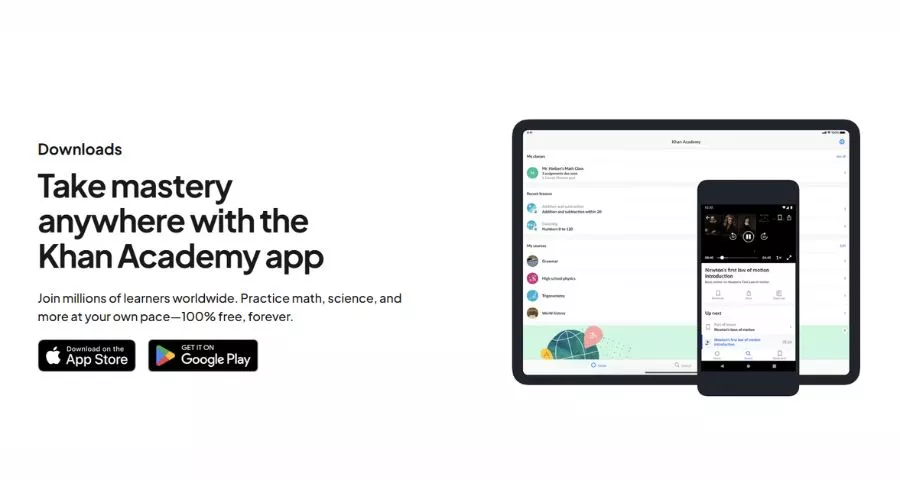
Khan Academy is the strongest general recommendation for students who want structured academic help without a subscription. Its library covers math, science, computing, economics, history, and other subjects, with videos, articles, exercises, and mastery-based practice. Students can focus on one missing skill or follow a larger course in sequence.
The app is especially useful for independent review because progress syncs across devices and selected videos can be downloaded for offline study. The main limitation is that self-paced content still requires discipline. A learner who repeatedly watches explanations without attempting exercises may feel productive without building reliable recall. Kids who need more structure often do better with live 1:1 lessons, such as Brighterly math, where a tutor keeps practice on track.
Best for: Free K–12 and early-college support across multiple subjects.
Learn More2. Duolingo: Best for Building a Language Habit
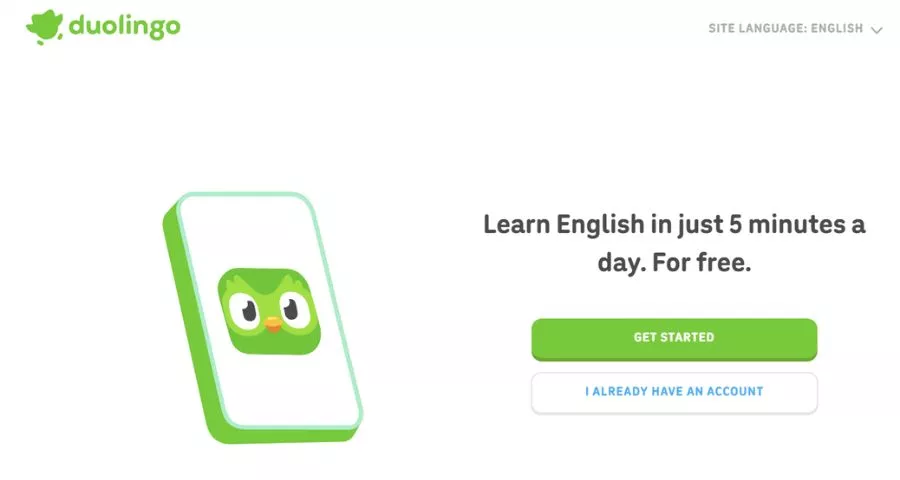
Duolingo turns language practice into short, approachable sessions. Learners work through reading, listening, vocabulary, and sentence-building activities while streaks and progress levels encourage consistency. It is easy to begin, which matters because a modest daily routine is often more sustainable than an ambitious plan abandoned after a week.
Use it as one part of a broader language plan rather than the entire plan. Conversation with fluent speakers, longer reading, pronunciation feedback, and exposure to natural media remain important. Students comparing alternatives can explore ThimPress’s review of the best language learning apps.
Best for: Beginners who want convenient daily language practice.
Learn More3. Quizlet: Best for Flashcards and Test Review
Quizlet helps students convert terms, definitions, diagrams, and class notes into repeatable study activities. Its flashcards are familiar, while learn modes and practice tests make review more active than simply rereading a chapter. Existing public sets can save time, but students should check them against their course materials because user-created answers can contain errors.
The app works best when cards ask one precise question and require retrieval before revealing the answer. Copying an entire paragraph onto each card creates recognition, not mastery. Build smaller sets by unit and mix them cumulatively as exam day approaches.
Best for: Vocabulary, definitions, dates, formulas, and exam preparation.
Learn More4. Photomath: Best for Understanding Math Steps
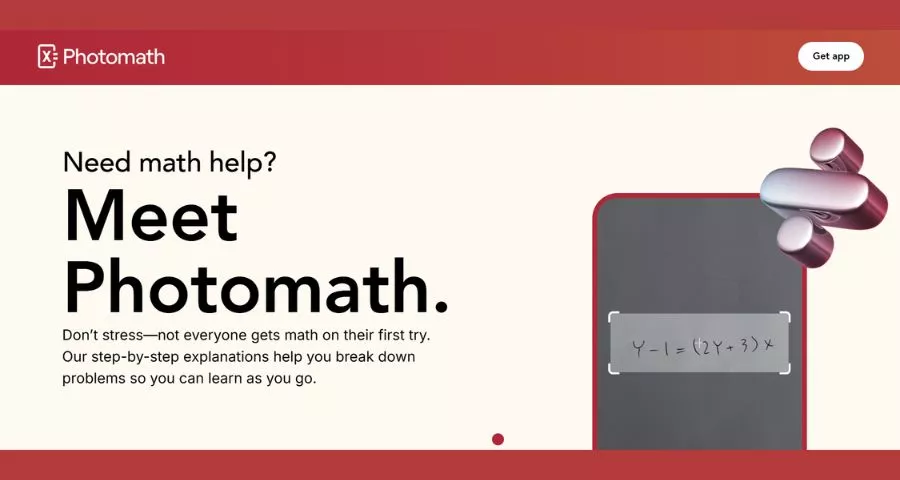
Photomath lets a student scan or enter a math problem and review a worked solution. That makes it valuable when a textbook jumps from question to answer without explaining the transformation in between. It can support topics from arithmetic through more advanced math, depending on the problem and available features.
The risk is obvious: an answer scanner can become a shortcut. A productive routine is to attempt the problem first, compare each step, close the explanation, and then solve a similar question independently. Teachers and parents should evaluate learning from the student’s explanation, not from a completed worksheet.
Best for: Students who need to see the reasoning between math steps.
Learn More5. Brilliant: Best Interactive STEM Learning Application
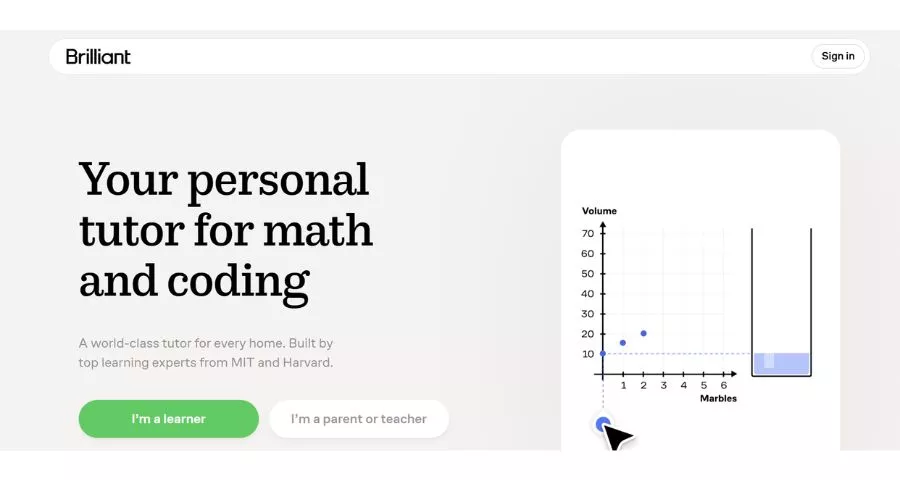
Brilliant teaches math, computer science, data, and science through guided problem solving. Instead of placing a long lecture before the activity, it asks learners to manipulate ideas, make predictions, and work through visual challenges. This “learn by doing” approach can make abstract concepts more concrete for students who disengage from conventional video courses.
It is better for conceptual development and enrichment than for matching every chapter of a local school textbook. The free experience is limited compared with Premium, so review the current course catalog and access rules before choosing it as a primary resource.
Best for: Curious learners who enjoy visual, interactive STEM problems.
Learn More6. Coursera: Best for Career-Focused Online Courses
Coursera hosts courses, guided projects, certificates, and degree programs from universities and companies. It suits college students and working learners who want a structured sequence rather than isolated explanations. Topics range from business and data analysis to programming, health, and the humanities.
Access varies by course: some materials may be available without purchasing a certificate, while other programs require payment. Read the enrollment page carefully and distinguish course completion from academic credit or professional licensure. If your goal is to publish and sell your own curriculum, compare the business models in this guide to online course platforms.
Best for: Structured university and career learning with optional credentials.
Learn More7. edX: Best for Exploring University-Level Subjects
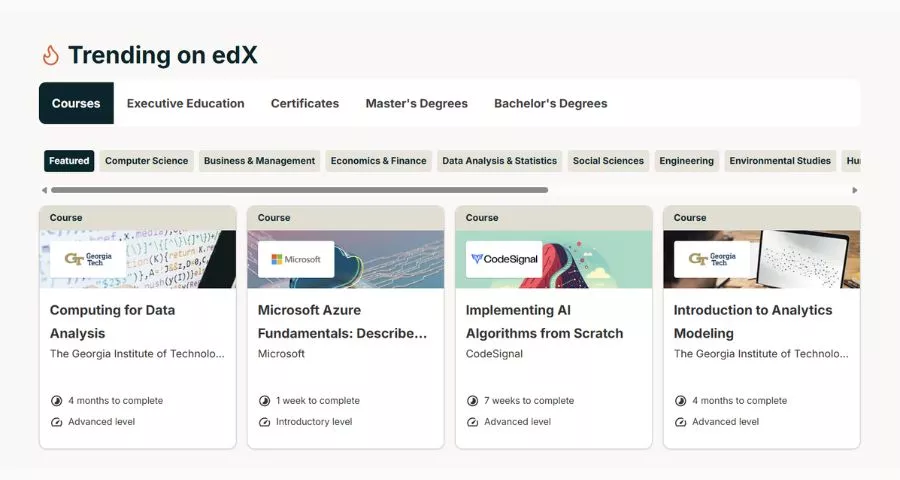
edX provides access to online courses and programs from educational institutions and organizations. It is a good fit for motivated learners who want to explore a college-level subject, prepare for further study, or add a specific skill to their professional toolkit.
Course length, pacing, assessment, certificate availability, and free access differ by offering. Students should review the syllabus and weekly workload before enrolling. Choosing one relevant course and completing it usually creates more value than collecting several unfinished enrollments.
Best for: Independent learners seeking rigorous online course options.
Learn More8. Wolfram Alpha: Best Computational Knowledge Tool
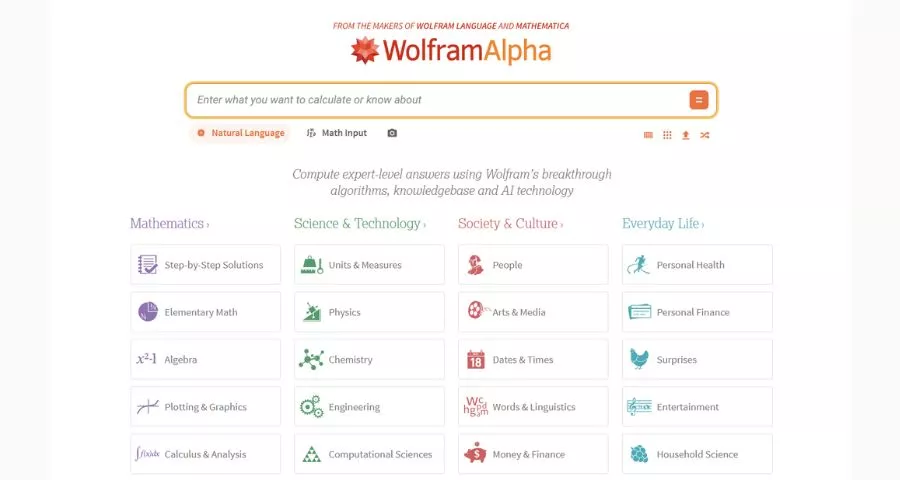
Wolfram Alpha is not a conventional course app. It is a computational engine that can interpret questions and generate results across mathematics, science, statistics, engineering, units, and many other domains. For advanced students, it is useful for checking calculations, exploring functions, comparing quantities, and investigating how a result changes when inputs change.
Because it can produce answers quickly, the same rule used for calculators applies: understand the method required by the class and show your own reasoning. Use the tool to test a hypothesis or verify work, not to conceal a gap in understanding.
Best for: High school and college students working with quantitative subjects.
Learn More9. Anki: Best for Long-Term Memorization
Anki uses spaced repetition to schedule flashcards around recall. Cards answered easily appear less often, while difficult material returns sooner. This makes it popular for large bodies of knowledge such as medical terminology, language vocabulary, formulas, and technical concepts.
Its flexibility also creates a steeper setup curve than simpler flashcard apps. Start with a small deck, write concise prompts, and avoid downloading thousands of unfamiliar cards. Platform pricing and supported features are not identical across desktop and mobile versions, so verify the option for your device.
Best for: Serious learners who need knowledge to remain accessible for months or years.
Learn More10. Google Classroom: Best for School Assignments
Google Classroom helps teachers distribute materials, collect work, communicate deadlines, and return feedback. For students, its main value is not a library of lessons but a consistent place to see what a class expects. It works particularly well when a school already relies on Google Workspace tools.
Classroom quality still depends on course design. A neatly organized stream cannot compensate for unclear instructions or inaccessible materials. Educators building a larger self-hosted program may instead need an LMS. ThimPress’s recent comparison of LMS training platforms explains that distinction.
Best for: Teachers and schools managing assignments in a Google-based workflow.
Learn MoreHow to Choose the Right Learning Application
- Define one outcome. “Improve algebra” is still broad. “Solve linear equations without hints” gives you something observable to practice and test.
- Match the activity to the outcome. Flashcards help recall facts; they do not replace writing an essay or solving a multi-step proof. Choose the learning behavior before choosing the brand.
- Check grade and subject fit. Look at the actual syllabus, sample lesson, reading level, and prerequisites. “For students” can cover everyone from preschoolers to graduate learners.
- Review privacy and school rules. Understand what information the app collects, whether accounts are required, and what controls exist for minors. Teachers should follow district procurement and student-data policies.
- Test the free version first. A useful free tier reveals whether the explanations, pacing, and interface suit the learner. Do not subscribe because a feature list sounds impressive.
- Measure improvement away from the app. After a week or two, attempt a fresh problem, explain the idea aloud, or complete a short quiz without hints. Engagement is helpful; transfer is the real goal.
Build a Small Study Stack, Not an App Collection
Most students need only three tool categories.
- First, choose one source for instruction, such as Khan Academy, a school LMS, or a structured course.
- Second, choose one practice system, such as Quizlet, Anki, or subject-specific exercises.
- Third, use one planning space for deadlines and notes. Adding more apps can fragment attention and make progress harder to see.
A simple weekly rhythm works well: learn a concept, practice it without notes, review mistakes, and test it again after a delay. Parents and teachers can ask students to demonstrate what they can do rather than reporting minutes watched. Schools building their own course hub can use the free LearnPress WordPress LMS plugin to organize lessons and quizzes.
The Online Learning education theme provides a lightweight site foundation, while this review of online course themes for LearnPress covers more design options.
Organizations with more complex needs should compare reporting, enrollment, integrations, learner roles, accessibility, and ownership before building. ThimPress’s list of MasterStudy alternatives is a useful starting point for WordPress-based options.
Frequently Asked Questions About Educational Apps
What is the best educational app for students?
Khan Academy is the best general free choice for many K–12 and early-college students because it combines instruction with practice across subjects. The best personal choice depends on the goal: Duolingo for a daily language habit, Quizlet or Anki for recall, Brilliant for interactive STEM, and Coursera or edX for longer courses.
Are free learning apps actually useful?
Yes, when the free experience supports the required activity. Khan Academy, Scratch, and Khan Academy Kids provide substantial free learning resources. Other apps use limited free tiers. Always check what is included today, whether ads or account restrictions apply, and whether a paid feature is essential to your goal.
Can educational apps replace teachers?
No. Apps can provide explanations, practice, feedback, and convenient access, but teachers add context, diagnose misconceptions, adapt instruction, build community, and support motivation. The strongest use is usually blended: a teacher or curriculum sets direction while apps supply targeted practice and flexible review.
How many apps should a student use?
Start with two or three: one for instruction, one for practice, and optionally one for organization. Add another only when it solves a specific unmet need. A small consistent system is easier to maintain than five overlapping apps with separate notifications, accounts, and progress dashboards.
What should parents check before installing apps for education?
Check the recommended age, content quality, privacy policy, advertising, in-app purchases, communication features, accessibility, and parental controls. Create the account with the child when appropriate, disable unnecessary permissions, and periodically review how the app is being used.
Final Recommendation
Begin with the learning problem, not the download chart. Khan Academy is an excellent free academic foundation, Quizlet or Anki can strengthen recall, and a specialized tool such as Duolingo, Brilliant, Scratch, or Photomath can address a clear subject need. Use one app consistently for two weeks, assess performance without its hints, and keep it only if the student can demonstrate real progress.
Read More: Best SEO Optimization Tools
Contact US | ThimPress:
Website: https://thimpress.com/
Fanpage: https://www.facebook.com/ThimPress
YouTube: https://www.youtube.com/c/ThimPressDesign
Twitter (X): https://x.com/thimpress_com