A backlink finder helps you discover which websites link to a domain or page. That information can reveal useful mentions, broken destinations, competitor coverage, and opportunities to earn relevant links. The real value comes from knowing which results deserve your attention and what action to take next.
For a WordPress business, a backlink report should support practical decisions. You might need to recover links after changing URLs, identify publications interested in your subject, or understand why a competitor’s resource attracts references. Collecting thousands of rows without a clear question rarely improves a campaign.
This guide explains how to search backlinks, compares six useful tools, and gives you a repeatable process for evaluating results. You will also learn how to separate meaningful opportunities from misleading metrics, build a manageable prospect list, and measure progress without treating every new link as an SEO victory.
Eduma – Education WordPress Theme
We provide an amazing WordPress theme with fast and responsive designs. Let’s find out!
What Is a Backlink Finder?
A backlink finder is a service that discovers links pointing from other websites to your website or a competitor’s website. Most commercial services maintain their own crawlers and databases. They organize discovered links into reports that you can search, filter, compare, and sometimes export.
A typical report includes the referring page, destination URL, anchor text, referring domain, and discovery dates. Depending on the service, it may also show link attributes, estimated authority, historical records, and whether the crawler still finds the link.
Backlinks and referring domains describe different things. Ten links from one publication represent ten backlinks but one referring domain. A sitewide footer can generate many links without providing ten separate editorial endorsements. Compare both measurements before deciding that a larger profile is stronger.
You should also distinguish external backlinks from internal links between your own pages. ThimPress’s explanation of link juice in SEO provides background, while its guide to internal link building tools addresses connections within your website.
What Should a Good Web Backlink Checker Show?
A useful web backlink checker makes individual results easy to investigate. A large headline number is less helpful than a report that lets you identify the source page, confirm the destination, and understand the surrounding content.
Prioritize these capabilities when comparing tools:
- Domain and exact-page analysis, with clearly explained scope settings.
- Referring-domain reports that reduce noise from repeated links.
- Filters for anchor text, destination, link attributes, and discovery status.
- Export options that preserve the URLs needed for manual review.
- Competitor comparisons that reveal shared and missing referring domains.
- Monitoring features appropriate to the frequency of your campaigns.
Ask how the service defines a lost link. A crawler might temporarily fail to fetch a page, encounter a redirect, or discover that a publisher removed the reference. Those situations call for different responses.
The best backlink checker for your team is the one that answers your recurring questions within your budget. If keyword research and technical audits also matter, compare broader platforms through ThimPress’s guide to Semrush alternatives. A specialist link tool may make more sense when backlink investigation is your main task.
Six Backlink Finder Tools Worth Comparing
The following comparison reflects each tool’s stated features rather than an independent performance benchmark. Free access, report depth, and paid-plan allowances can change. Check the linked provider pages before purchasing, especially if you need exports, multiple users, or extensive historical data.
| Tool | Useful starting point | Main access consideration |
|---|---|---|
| Google Search Console | Your verified website’s link profile | Requires property access; reports are sampled |
| Ahrefs | Backlink exploration and referring domains | Public checker gives limited results |
| Semrush | Backlink research alongside broader SEO tasks | Free overview differs from full analytics access |
| Bing Webmaster Tools | A second search-engine view and site comparisons | Requires access to the webmaster tools |
| Majestic | Link context and specialist link metrics | Features differ between subscription tiers |
| SE Ranking | Domain or URL checks within an SEO platform | Free checks and paid allowances are limited |
1. Google Search Console
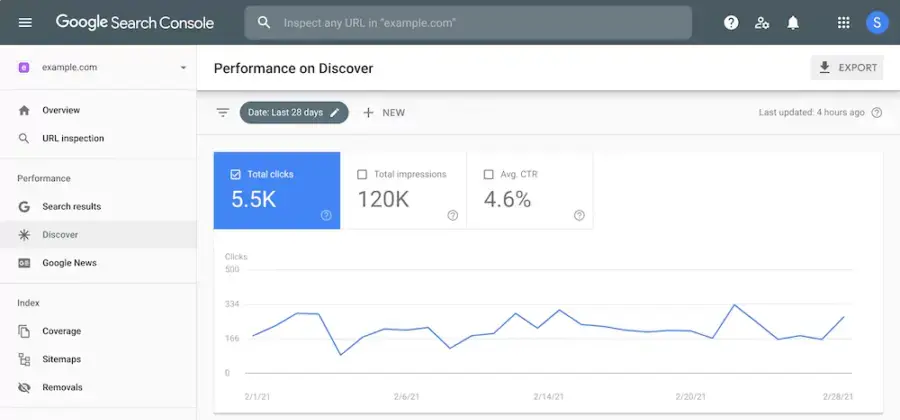
Google Search Console is a sensible first stop for a website you manage. Its Links report shows top linking sites, top linked pages, and linking text. You need access to the relevant verified property, so it is unsuitable for inspecting an unrelated competitor’s domain.
Google’s Links report documentation explains that the data is a sample, tables have limits, and some reported links may no longer exist. The report also does not identify whether a link carries a nofollow attribute. Treat it as one source of evidence rather than a complete inventory.
Start with a page that matters commercially, then review which external websites reference it. Record sources worth checking manually and compare the list with a separate backlink database when you need more context.
Search Console fits naturally alongside other free Google SEO tools. Use the link report to generate questions, then investigate those questions on the actual referring pages.
2. Ahrefs
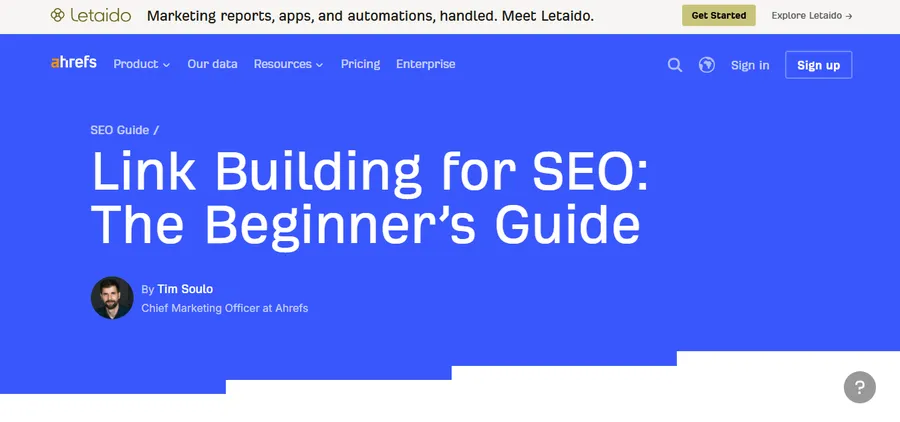
Ahrefs offers a public backlink checker for limited lookups and a wider Site Explorer product for deeper research. Its reports help users inspect backlinks, referring domains, and anchor text. The provider also offers free access to certain tools for verified website owners.
Use a public check to see whether the interface and available data answer a specific question. If you regularly compare competitors or export substantial lists, review the current paid-plan allowances instead of assuming the public checker includes those capabilities.
A practical evaluation is to enter a resource you know well and inspect several reported links. Check whether you can trace each result back to its source, understand the scope, and separate repeated links from independent referring domains.
Ahrefs is a candidate when link research is a frequent task. Compare it with the options in ThimPress’s backlink checker tools guide before deciding which reporting style suits your team.
3. Semrush
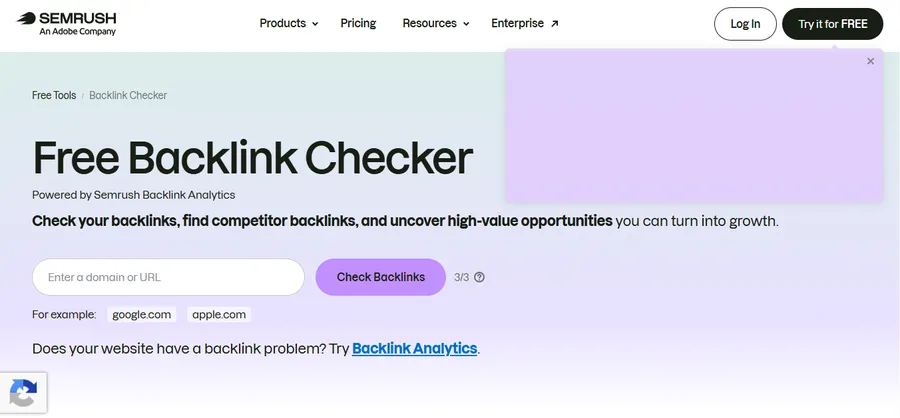
Semrush provides a free backlink checker powered by its Backlink Analytics product. The public report advertises backlink totals, linking-website counts, Authority Score, selected backlinks, and follow-related information. More extensive research is available through its broader product offering.
This makes Semrush worth considering when your team wants backlink investigation close to other SEO work. Before subscribing, identify which questions you need to answer and confirm which product tier covers them.
For example, a content team might compare links to three competing tutorials and then use the findings to plan a better resource. An agency may care more about export depth and the number of projects it can manage.
Semrush’s proprietary scores are research signals. Your final decision should still consider the publisher’s subject, the actual placement, and whether the reference would help a reader.
4. Bing Webmaster Tools
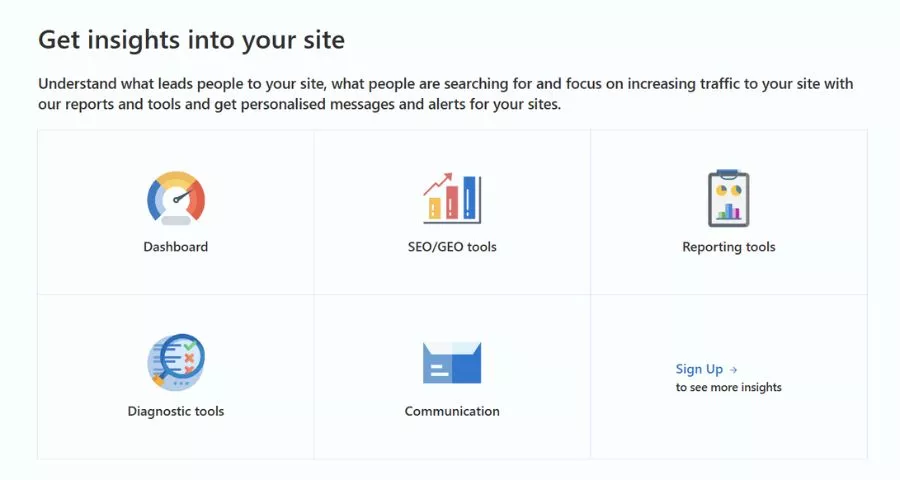
Bing Webmaster Tools provides another free way to investigate backlinks. Its Backlinks report covers referring pages, referring domains, and anchor text detected by Bing. The related comparison feature lets website owners examine their profile alongside other sites.
Bing’s Backlinks report documentation explains the available views. This makes it a useful second source when you want to explore differences between search-engine reports before considering a paid platform.
Begin with one important resource and compare the referring domains you recognize with the results from another service. Investigate useful differences manually. A missing entry in either report does not establish that the reference has disappeared from the web.
For a team with a limited budget, this provides another practical research starting point. Save your scope and review date so the next check remains comparable, and turn interesting results into a short list of pages to inspect.
5. Majestic
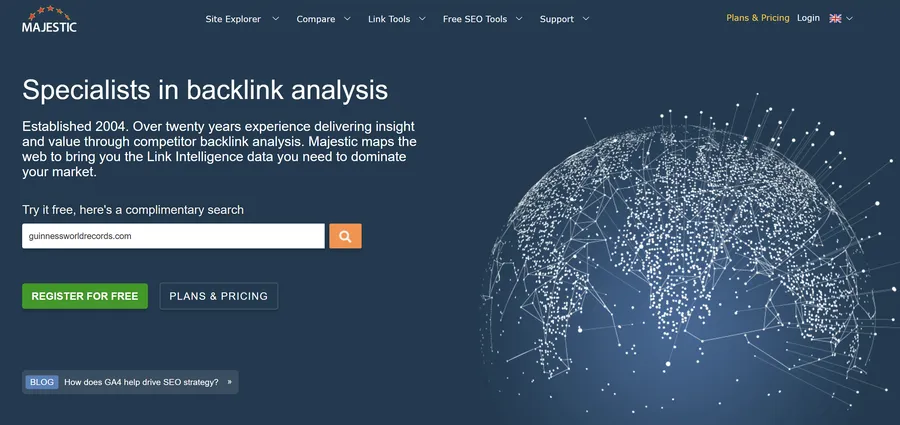
Majestic focuses heavily on backlink intelligence. Its toolset includes referring-domain reports, anchor text, new and lost links, link context, and historical comparison features. Its proprietary metrics include Trust Flow and Citation Flow.
This specialist approach is useful when you want to examine a link profile from several angles. Review the available index and subscription options carefully because historical analysis and comparison capabilities vary by plan.
Use its metrics to organize investigation rather than automate acceptance or rejection. A publication may deserve a closer look because of its subject expertise even when a third-party score seems modest.
Majestic is worth evaluating when your daily work involves source investigation, link history, and comparing profiles. Run the same sample research task in another provider before committing, then compare how easily each service helps you reach a defensible decision.
6. SE Ranking
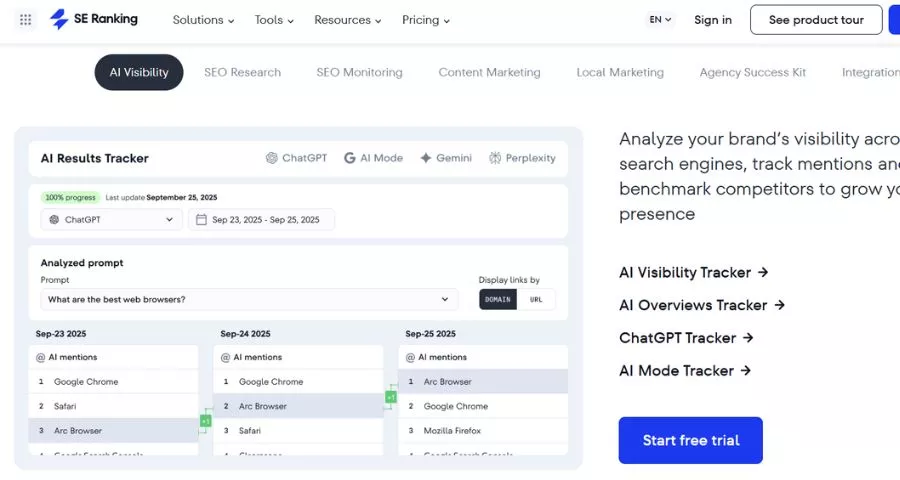
SE Ranking offers a backlink checker with domain and exact-URL analysis. Its product page highlights referring domains, backlinks, trust metrics, and new or lost referring domains. Limited public checks provide a way to explore the service before choosing a subscription.
Pay attention to the scope selector. A root domain, a domain including subdomains, and an exact article URL can return very different profiles. Match the scope to the question you are investigating.
For a small agency, evaluate the tool against an ordinary weekly task: check a client’s important pages, identify changes worth investigating, and produce a short action list. That trial is more useful than comparing dashboards without a real task.
SE Ranking belongs on your shortlist if you want backlink research within a broader SEO workflow. Confirm current allowances for checks, exports, monitoring, and client reporting directly with the provider.
How to Search Backlinks Step by Step
Step 1: Define the Question Before Running a Report
Write down one question that the report should answer. Examples include identifying links to a retired tutorial, finding publications that reference competing research, or checking whether a partnership produced a live reference.
Choose the scope accordingly. Use a full domain for broad publisher discovery and an exact URL when investigating a specific article. Keep the setting consistent when comparing results across providers.
Create a short research note with the domain, date, tool, scope, and goal. These details prevent confusion later when different reports show different totals. For a wider campaign framework, connect this task to your step-by-step SEO strategy.
Step 2: Establish Your Existing Link Profile
Start with your own domain and inspect referring domains before individual backlinks. This makes repeated sidebar, footer, or syndicated references easier to spot. Group the results into useful categories such as industry publications, partners, directories, and unrelated sources.
Then examine your most important destination pages. A homepage-heavy profile may suggest that your educational resources receive little external attention. A popular old article may reveal a topic that deserves an updated resource.
ThimPress’s guide to checking who links to your website offers another starting point. Save a baseline so future reviews can distinguish genuine changes from differences in how you filtered the report.
Step 3: Review Competitors at the Page Level
Select competitors that address the same audience and search intent. A large publisher with hundreds of unrelated sections may produce an overwhelming prospect list. A closely competing tutorial often reveals more useful patterns.
Compare two or three relevant pages and ask why each received a reference. Did it contain an original chart, a useful template, a clear explanation, or a particularly good example? Record the reason alongside the referring page.
You can then decide what your own resource should contribute. The goal is to create something worth citing. Copying the competitor’s topic and emailing everyone in its report gives publishers little reason to change or expand their references.
Step 4: Inspect the Referring Page Manually
Open promising results and read the section around the link. Check that the page is accessible, the destination is correct, and the mention still exists. A database entry cannot replace this review.
Assess the website as a publication. Look for a recognizable audience, understandable content, credible ownership signals, and a sensible relationship between the article and its outbound references. Be cautious when a page appears built mainly to sell placements.
Record the review outcome in plain language: relevant resource roundup, outdated tutorial reference, unrelated listing, or unavailable page. These notes make the spreadsheet useful to someone who did not conduct the original research.
Step 5: Prioritize Opportunities You Can Act On
A useful shortlist balances relevance, reader value, and the effort required. Reclaiming a broken link to a valuable existing resource may be simpler than producing an entirely new research project.
Keep separate categories for link recovery, existing relationships, editorial outreach, and future content ideas. Assign one next action and an owner to every shortlisted opportunity.
Support outreach with strong destination pages. ThimPress’s guide to creating valuable SEO content can help you review the resource before asking anyone to reference it. The editor should immediately understand what their readers gain by following your link.
How to Evaluate Backlink Quality Without Chasing Scores
Start with relevance. A detailed WordPress tutorial referencing a compatible integration can be more useful to your audience than an unrelated page with an impressive authority metric. Read the context before ranking opportunities by score.
Next, consider the placement. A reference supporting a specific explanation tells a different story from a repeated footer link. Ask whether a reader would naturally click it and whether the destination fulfills the promise made by the anchor text.
Check the target page too. An outdated resource, broken download, or confusing redirect can waste an otherwise valuable mention. Confirm that the destination works on mobile and clearly answers the linked question.
Treat follow attributes as descriptive information. A nofollow link may still send interested visitors, introduce your brand to journalists, or support a useful partnership. Reports should explain the type of benefit being measured rather than label every link a ranking asset.
For broader implementation, ThimPress’s SEO link building tools guide covers supporting options. Choose tools after defining the work; adding subscriptions alone does not create better references.
Can You Use Free Backlink Checker Software?
Free backlink checker software is enough for learning the basics and answering occasional questions. Search Console supports verified-site research, while public checkers can offer a limited view of other domains.
The trade-off is usually report depth, frequency, export access, or historical coverage. A free result showing selected links cannot establish that a website has no other backlinks. Read the limits before drawing conclusions from an empty or short report.
Upgrade when a specific constraint repeatedly blocks useful work. Examples include manually copying hundreds of URLs, needing historical comparisons for client reviews, or researching more competitors than the free allowance supports.
If budget is tight, schedule one focused research session and leave with an actionable list. Repeating a free check every day without reviewing the results produces activity without progress.
Common Backlink Research Mistakes
The first mistake is treating discovery dates as publication dates. A provider’s crawler may discover an old reference today. Label dates carefully so a report does not present historical mentions as campaign results.
Another mistake is claiming that one newly discovered link caused a ranking improvement. Content changes, competitors, technical fixes, and search-system changes may also affect performance. Track related events and describe uncertainty honestly.
Avoid automatically disavowing links because a checker assigns a concerning score. Google’s disavow guidance says most websites do not need the tool and warns that incorrect use can harm search performance. Investigate the situation before taking that step.
Likewise, do not turn competitor research into a shopping list for paid ranking links. Google’s spam policies address link schemes intended to manipulate search results. Build outreach around editorial usefulness and genuine relationships.
Finally, keep technical and content work moving. A guide to appearing on Google Search helps place link research within the broader work needed to make a website discoverable and useful.
Build a Monthly Backlink Review Routine
Set aside a recurring review window that matches your publishing activity. Small websites may only need a concise monthly review, while active PR campaigns may justify more frequent checks.
First, investigate important lost references and broken destinations. Then review new referring domains, check whether priority resources earned relevant mentions, and update your outreach shortlist. Finish by recording what changed and what happens next.
Measure outcomes alongside counts. Referral visits, useful inquiries, relevant editorial coverage, and resource engagement provide context that a backlink total cannot. ThimPress’s website traffic analysis guide explains the broader measurement task, while keyword position checker tools can support visibility monitoring.
Keep a Simple Backlink Research Worksheet
Give each opportunity one row with the source URL, referring domain, target URL, topic, review status, owner, and next action. Add the date you checked the live page so another team member can tell whether the observation is recent.
Keep database observations separate from your conclusions. “Reported as lost” describes a tool result; “publisher removed the reference” describes something you confirmed. That distinction prevents unnecessary outreach when a crawl failure or temporary outage caused the alert.
For outreach prospects, record the editorial reason for contacting the publisher. A note such as “their installation tutorial needs an updated compatibility reference” is more useful than “high authority website.” Include the relevant resource and one sentence explaining how it helps the existing article.
Close opportunities that no longer make sense. A maintained worksheet should show what the team intends to do next, rather than preserve every domain anyone has ever exported. Review a small sample together each month to keep qualification standards consistent as different people contribute to the research.
FAQs About Backlink Finder
How Can I Find Site Backlinks for Free?
Use Search Console for a website you can verify, then compare selected results with a public backlink checker. To find site backlinks for competitors, use a third-party database and confirm promising results manually. Free access usually provides a starting sample rather than complete coverage.
Which SEO Tool to See Backlinks Should Beginners Choose?
If you need an SEO tool to see backlinks to your own website, begin with Search Console. Add a limited public checker when you need competitor examples. Choose a paid service after you understand which reports and allowances your work requires.
Is an SEO Backlink Checker Tool Completely Accurate?
No SEO backlink checker tool sees the entire web in real time. Providers discover and revisit pages on different schedules. Two services may therefore report different totals without either being useless. Compare consistent scopes and verify links that matter to your decisions.
What Does “Backlink Tool Checker” Mean?
“Backlink tool checker” is another search phrase for software that identifies incoming links. The usual names are backlink checker and backlink finder. Compare the available reports, data limitations, and workflow rather than choosing a product because its name matches a particular phrase.
Conclusion
Start with a question, choose the right analysis scope, and verify the results that matter. A small list of relevant opportunities is easier to act on than an impressive export filled with unreviewed URLs.
Combine a free baseline with a commercial tool when your workload justifies it. Keep improving the pages you want people to cite, review progress consistently, and judge success by useful references and business outcomes alongside search visibility.
Read More: How to Choose the Best AI Course
Contact US | ThimPress:
Website: https://thimpress.com/
Fanpage: https://www.facebook.com/ThimPress
YouTube: https://www.youtube.com/c/ThimPressDesign
Twitter (X): https://x.com/thimpress_com