The best SaaS onboarding does not try to teach every feature before a new user can begin. It identifies the first meaningful outcome a customer wants, removes the obstacles between signup and that outcome, and provides guidance only when it helps the user move forward.
That principle sounds straightforward, yet many onboarding flows still open with a long product tour, ask for too much information, and celebrate setup tasks that create no visible value. The customer finishes the checklist but still does not understand why the product belongs in their workflow.
This guide shows how to design a practical SaaS onboarding process for self-service products, sales-assisted platforms, and hybrid models. It covers customer research, activation milestones, in-app guidance, lifecycle communication, human support, measurement, real SaaS onboarding examples, and a checklist a product team can use immediately.
Eduma – Education WordPress Theme
We provide an amazing WordPress theme with fast and responsive designs. Let’s find out!
Key Takeaways for Better SaaS Onboarding
- Define onboarding success as a customer outcome, not completion of a tour.
- Map the shortest path from signup to first value and remove steps that can wait.
- Segment users by goal, role, experience, or use case instead of forcing everyone through one flow.
- Combine product guidance, email, help content, and human support according to account complexity.
- Measure activation, time to value, milestone conversion, and retention rather than relying on checklist completion alone.
- Continue onboarding after the first session until the behavior that predicts long-term value becomes repeatable.
What Is SaaS Onboarding?
SaaS onboarding is the structured experience that helps a new customer understand, configure, adopt, and receive value from a software-as-a-service product. It begins before or immediately after signup and continues until the customer can achieve the intended outcome with reasonable confidence.
The endpoint is not the same for every product. A design platform might consider a user activated after creating and exporting a design. A project-management tool might look for a workspace, invited teammate, and completed collaborative task. An analytics platform may require installation, valid data, and the first useful report.
This makes onboarding a product and business system rather than a collection of welcome screens. It connects interface design, customer success, lifecycle marketing, documentation, sales, support, and analytics. Teams already using online marketing automation tools should connect them to meaningful product behavior instead of sending the same timed sequence to every new account.
SaaS User Onboarding vs. Product and Customer Onboarding
These terms overlap, but each highlights a different layer of the experience.
- SaaS user onboarding focuses on an individual user learning enough to complete a useful action.
- SaaS product onboarding focuses on the in-product system: setup screens, empty states, checklists, templates, tooltips, prompts, and contextual help.
- SaaS customer onboarding covers the wider account relationship, including implementation, training, data migration, stakeholder alignment, security review, success planning, and handoff.
A self-service note-taking app may complete most onboarding inside the product. An enterprise data platform may need a project manager, technical implementation, identity configuration, administrator training, and an executive success plan. Neither model is inherently better. The experience should match product complexity, risk, price, and the amount of coordination required.
The distinction also prevents a common ownership problem. Product teams may optimize tooltip completion while customer success teams separately run kickoff calls. A unified SaaS customer onboarding process gives both teams the same outcome, milestones, terminology, and data.
What Makes the Best SaaS Onboarding Effective?
It Leads to Value Quickly
Time to value is the time between a customer beginning the experience and receiving a result they recognize as useful. Shortening it does not always mean reducing the number of screens. It means reducing the work, uncertainty, and waiting that stand between the customer and a meaningful result.
It Is Built Around Intent
A marketer, administrator, analyst, and executive can enter the same platform with different goals. Good onboarding identifies the goal and adjusts the path. One or two useful questions often create enough signal; a ten-field survey usually introduces more friction than personalization value.
It Lets the Product Demonstrate Value
Explanation is useful when it removes uncertainty, but a product should not require a lecture before the first action. Templates, sample data, guided creation, and well-designed empty states can make value visible. This is similar to effective landing page design: the path should connect user intent to a clear next action without unnecessary detours.
It Continues Beyond the Welcome Tour
Customers rarely remember a feature shown before they need it. Strong onboarding reveals advanced guidance when behavior or context makes it relevant. It can also use email, webinars, help content, or a customer success manager to support the next milestone.
The SaaS Onboarding Process: Eight Practical Stages
1. Define the Activation Outcome
Begin with evidence. Compare retained and churned accounts, interview customers, review support conversations, and analyze early behavior. Look for the action or combination of actions associated with customers returning and receiving value. That behavior becomes an activation hypothesis, not a permanent truth.
A weak goal is “complete the onboarding checklist.” A stronger goal is “publish the first course,” “receive the first qualified lead,” or “invite two colleagues and complete a shared workflow.” The second type describes customer progress rather than interface activity.
2. Segment New Customers
Segment only when it changes the experience. Useful inputs include role, company size, use case, existing tool, technical maturity, and desired outcome. A creator building a first course needs a different starting point from an established training company moving hundreds of lessons. If education is central to the product, the onboarding team can learn from how LearnPress resources organize guidance for different stages of course creation.
3. Reduce Signup Friction
Request only information needed to create the account, protect it, route the user, or meet a real requirement. Delay optional profile fields. Explain unusual requests. Preserve entered data when validation fails. Support password managers and single sign-on where appropriate.
Do not apply “fewer fields” blindly. A complex B2B platform may benefit from qualification and implementation planning before access. The rule is to make every step earn its place.
4. Create a Relevant First-Run Experience
Use the first session to establish direction and produce visible progress. Let users choose a goal, import relevant data, select a template, or create a first object. Avoid a full-screen tour of navigation labels. If a feature can be understood when used, let the interaction teach it.
Visual hierarchy matters here. Clear spacing, typography, contrast, and focused calls to action make the next step easier to identify. The principles behind core design elements are directly relevant to welcome screens and empty states.
5. Guide the Shortest Path to Value
Turn the activation path into three to five meaningful milestones. A progress checklist can help when each item advances the customer. “Watch our company video” is rarely a milestone. “Connect your store” or “send a test campaign” can be.
Use contextual guidance around unfamiliar or high-risk actions. Tooltips should answer a question the user is likely to have at that moment. A checklist should remain available without blocking exploration. Sample data should be easy to distinguish from live data and simple to remove.
6. Coordinate Lifecycle Messages
Trigger messages from behavior where possible. Welcome users immediately, but change follow-ups according to progress. A customer who connected an integration but imported no data needs different help from one who finished setup and has not invited colleagues.
Email should return the customer to a specific useful action. Match the promise, page, and call to action using the same discipline applied to online business advertising. Do not send product announcements while a new customer is blocked on basic configuration.
7. Add Human Support at the Right Moments
Human assistance is valuable when setup has dependencies, data risk, multiple stakeholders, or a large commercial impact. A kickoff call should produce an agreed outcome, owner list, timeline, dependencies, and next action. Office hours and live chat can support mid-market customers without requiring a dedicated manager for every account.
For self-service users, help should still be easy to find. A searchable knowledge base, concise videos, and contextual links reduce waiting. If onboarding includes lessons or certification, review education-site design patterns to keep training organized and accessible.
8. Confirm Value and Transition to Adoption
Do not end with “Setup complete.” Show what changed: time saved, a report created, a campaign sent, a workflow running, or a team collaborating. Then introduce the next habit that deepens value. For a customer-success-led account, document the outcome and formally transfer ownership from implementation to the ongoing relationship.
SaaS Onboarding Best Practices
Design Backward from the Customer’s Job
Write a simple statement: “When [situation], this customer uses the product to [outcome].” Then include only the onboarding steps required to prove that outcome. Features that do not contribute can appear later.
Personalize with a Small Amount of Good Data
Ask questions that alter templates, examples, tasks, or support. Role and primary goal are often enough. If an answer does not change the flow or customer-success action, do not ask for it during onboarding.
Use Progressive Disclosure
Show essential controls first and reveal complexity as the user’s task requires it. Progressive disclosure reduces cognitive load without removing advanced capability. Navigation must still remain predictable; the concepts in this comparison of WordPress mega menu plugins illustrate how information structure affects discovery.
Make Empty States Productive
An empty dashboard should explain what belongs there, why it matters, and how to create or import the first item. Templates and examples can lower effort, but users need a clear way to replace demo content with their own.
Build for Teams, Not Only the First User
B2B value often depends on colleagues. Help the champion invite users, explain permissions, share a ready-to-use workspace, and communicate the reason for adoption internally. Give invited users a role-aware entry path instead of replaying the administrator’s setup.
Use AI to Remove Work, Not Add Conversation
AI can map imported fields, draft a first project, recommend a template, summarize setup errors, or answer a question in context. It should reduce effort or uncertainty. Adding a chatbot to every screen without a defined task merely introduces another interface to learn.
Maintain Accessibility and Trust
Support keyboard navigation, clear focus states, readable contrast, captions, descriptive labels, and reduced-motion preferences. Explain permissions and data access before asking for them. Never use fake urgency or hide a skip action to inflate completion.
Best SaaS Onboarding Examples
These products illustrate different onboarding ideas. Study the principle, then adapt it to your customer and activation path rather than copying the interface.
1. Canva
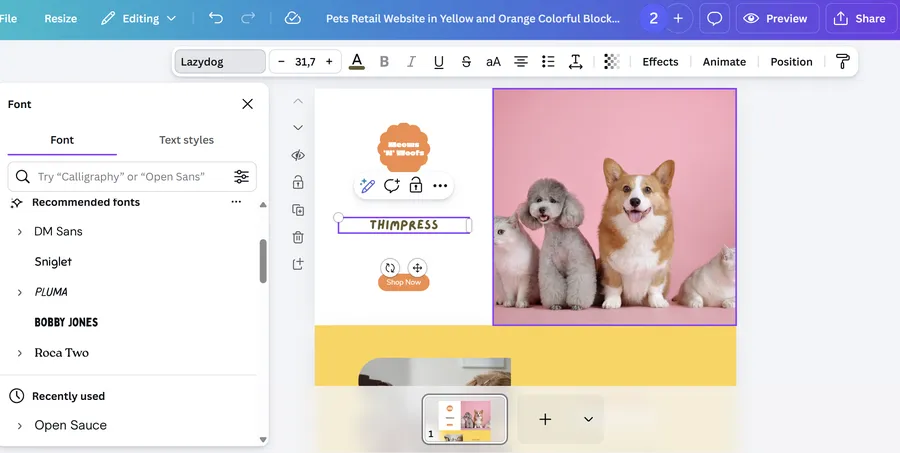
Canva reduces the blank-page problem with goal-oriented templates and immediately editable examples. A new user can create something recognizable before learning the full design system. The transferable lesson is to start with an outcome-shaped object instead of an empty workspace.
2. Slack
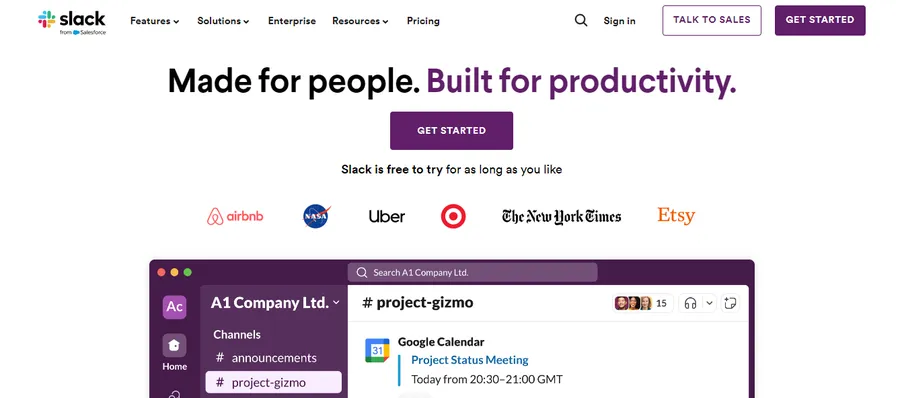
Slack’s value depends on other people participating, so workspace creation and teammate invitation matter early. The product demonstrates why collaborative SaaS onboarding must support both the initial champion and the colleagues arriving later.
3. Notion
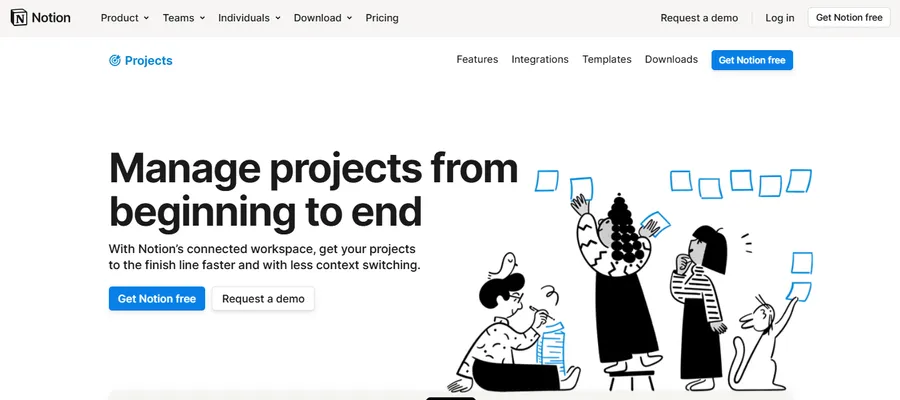
Notion serves many use cases, which makes templates and use-case selection important. Examples give users a starting structure while still allowing a flexible product to remain flexible. Broad platforms can use this pattern to avoid explaining every possible workflow.
4. Duolingo
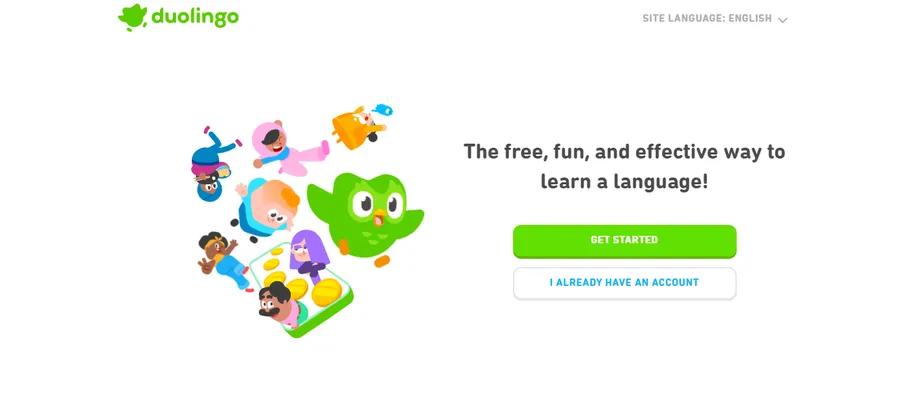
Duolingo asks about goals and experience, then gets the learner into a lesson quickly. Progress, streaks, and small achievements reinforce continued behavior. SaaS teams should borrow the clarity of the next action, not automatically copy gamification.
5. Loom
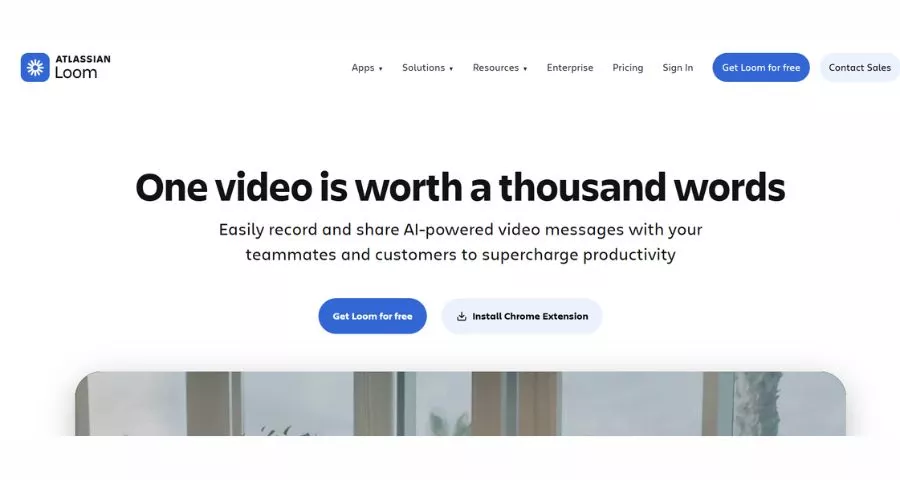
Loom can demonstrate value once a user records and shares a first video. That makes a concrete creation milestone more meaningful than a tour of settings. Products with a creation loop should help users produce and distribute the first artifact fast.
6. HubSpot
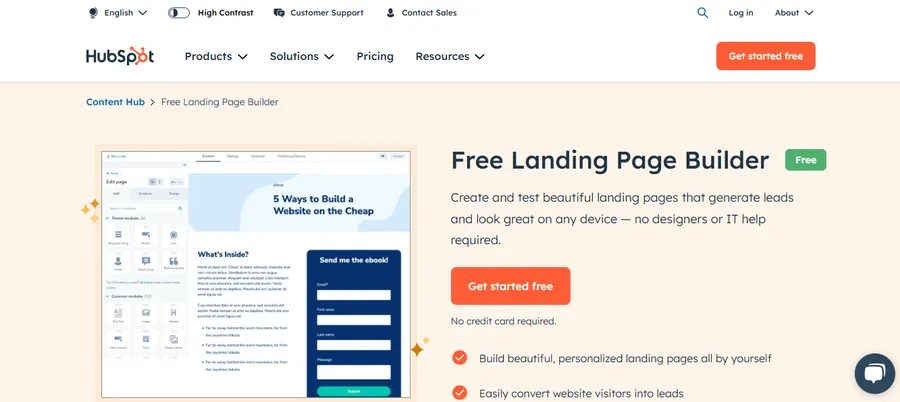
HubSpot covers multiple roles and hubs, so setup guidance must respond to the selected product and business goal. It is a useful reference for modular SaaS companies that cannot send every account through one generic checklist.
7. Shopify
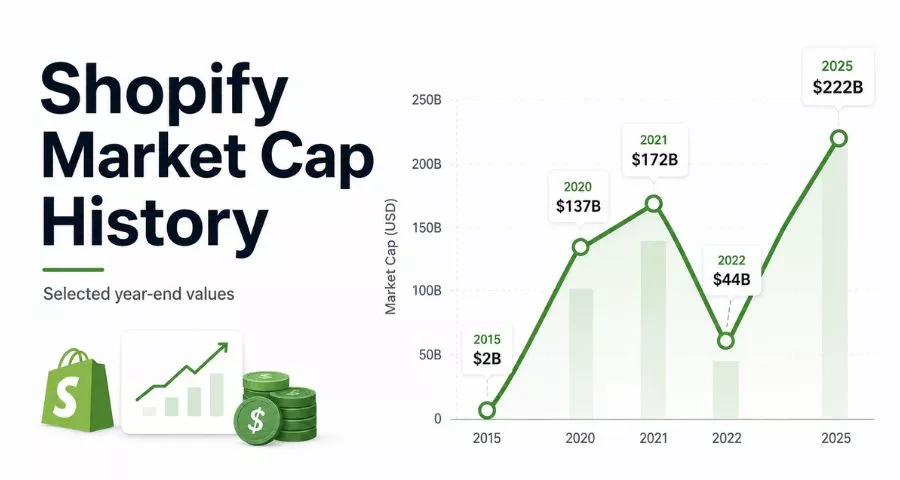
Shopify turns a large setup project into concrete store-building tasks. Product, theme, domain, payments, and launch steps create visible progress toward a functioning store. For more on the broader journey, see this guide to building an ecommerce website.
8. Grammarly
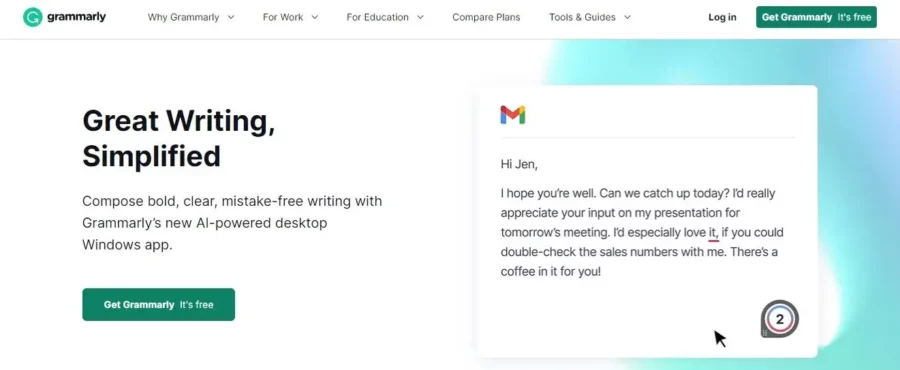
Grammarly provides value inside an existing writing workflow. The onboarding challenge is therefore installation, permissions, and the first useful suggestion rather than teaching a separate dashboard. Products delivered through extensions or integrations should measure activation where the work actually happens.
How to Measure SaaS Customer Onboarding
Choose a small set of metrics connected to the onboarding hypothesis. A large dashboard cannot compensate for an unclear activation definition.
- Activation rate: The percentage of eligible accounts reaching the defined activation outcome within a set period.
- Time to value: The elapsed time until the first customer-recognized result.
- Milestone conversion: The percentage moving from each setup stage to the next.
- Onboarding completion: Useful for operational tracking, but only if the checklist contains meaningful tasks.
- Setup error and support rate: The frequency of failures, repeated attempts, tickets, or assisted interventions.
- Invite and collaboration rate: Important when product value depends on a team.
- Early retention: The percentage returning or repeating a value behavior after activation.
- Conversion and expansion: Trial-to-paid, free-to-paid, seat growth, or feature adoption after successful onboarding.
Break results down by segment, acquisition channel, plan, role, platform, and onboarding version. Aggregate performance can hide a strong flow for one use case and a failing one for another. Apply the same analytical discipline used in keyword gap analysis: compare defined cohorts, identify where behavior diverges, and investigate the reason before making changes.
Read the metrics as a sequence rather than isolated totals. If signup conversion rises while activation falls, the acquisition or registration change may be attracting less suitable users. If activation improves but early retention stays flat, the defined milestone may be too shallow to represent durable value. Qualitative evidence should accompany the funnel: review support tickets, setup errors, customer interviews, and session recordings around the largest drop-off. Before running an experiment, write down the expected behavioral change, the target segment, the primary metric, and the guardrail metrics. This prevents a visually attractive change from being called a success when it simply moves friction to a later stage.
Common SaaS Onboarding Mistakes
- Touring the interface instead of enabling an outcome. Users forget features shown without context.
- Making every user follow the same path. Role and use case can change what first value means.
- Collecting too much data at signup. Each field creates effort before trust and value exist.
- Using checklists as task storage. Long lists encourage completion theater rather than activation.
- Sending time-based email regardless of behavior. Messages become irrelevant or contradict in-product progress.
- Ending after the first session. Complex products require reinforcement and the formation of repeatable habits.
- Ignoring invited users. Collaboration stalls when teammates receive no explanation or relevant starting point.
- Optimizing completion rather than retention. A user can finish every step and still churn because the flow never proved value.
- Changing multiple elements at once. Teams cannot tell which intervention affected behavior.
Another mistake is acquiring poorly matched users and expecting onboarding to repair the mismatch. Marketing pages, ads, and sales conversations must set accurate expectations. Improve audience and intent research with methods such as searching a site for relevant keywords and reviewing competitors without copying their positioning.
A SaaS Onboarding Checklist
- Define the customer outcome that marks activation.
- Validate the outcome against retained-user behavior and customer interviews.
- Map the shortest viable path from signup to first value.
- Remove, delay, or automate steps that do not support that path.
- Select segmentation questions that produce a real change in the experience.
- Create role- or use-case-specific first-run paths where evidence supports them.
- Use templates, sample data, imports, or guided creation to reduce initial effort.
- Keep the main checklist to a few meaningful milestones.
- Trigger in-app guidance and email from behavior, not only elapsed time.
- Provide clear help and escalation at high-friction stages.
- Support administrators, champions, and invited end users separately.
- Confirm that the customer received value before declaring onboarding complete.
- Measure activation, time to value, milestone conversion, and early retention.
- Review results by customer segment and acquisition source.
- Run focused experiments and document what changed.
Treat this as an operating checklist rather than a one-time launch artifact. Product updates, pricing changes, new integrations, and new audiences can alter the activation path. Teams that already use task-management apps can assign each onboarding milestone an owner and review it during product releases.
Frequently Asked Questions About SaaS Onboarding
How long should SaaS onboarding take?
It should take only as long as necessary to reach the agreed value outcome. A simple self-service product may activate a user in minutes. An enterprise platform involving data, security, and several teams may require weeks. Track unnecessary waiting separately from necessary implementation work.
What is an aha moment in SaaS?
An aha moment is when a user understands how the product can provide value. It is a perception, so it can be difficult to measure directly. Teams usually identify observable activation behaviors that indicate the moment probably occurred.
Should users be allowed to skip onboarding?
Optional education and tours should usually be skippable. Required security, billing, or technical configuration may not be. Explain why a mandatory step is necessary and preserve progress so the customer can return later.
Who owns the SaaS onboarding process?
One accountable owner should coordinate it, but product, customer success, support, marketing, sales, design, engineering, and analytics may contribute. Shared activation definitions and reporting prevent local optimization.
How often should onboarding be updated?
Review it whenever the product, audience, acquisition promise, pricing, or activation behavior changes. Also run scheduled reviews using funnel data, recordings, support themes, and customer interviews. Competitive research can provide ideas, but follow a structured method such as checking competitor websites and validate every idea with your own users.
Final Thoughts
The best SaaS onboarding experience is not the one with the most polished tour. It is the one that helps the right customer make meaningful progress with the least avoidable friction. That requires a clear activation outcome, a short value path, relevant guidance, and coordination across the product and customer relationship.
Start by defining what first value means for each important segment. Observe where customers hesitate, remove unnecessary work, and use guidance only where it changes behavior. Then measure whether activated customers return and deepen their use. When onboarding is treated as an ongoing product system rather than a launch checklist, it becomes one of the strongest foundations for adoption, retention, and sustainable SaaS growth.
Read More: Website Cookie: Policy Template, Consent & Examples
Contact US | ThimPress:
Website: https://thimpress.com/
Fanpage: https://www.facebook.com/ThimPress
YouTube: https://www.youtube.com/c/ThimPressDesign
Twitter (X): https://x.com/thimpress_com