A professional teacher WordPress theme is the essential foundation for any successful digital academy. It is understandable how stressful it can feel to watch technology rapidly evolve and wonder if a teaching website will remain competitive.
Several options have proven their ability to handle the technical heavy lifting, allowing educators to focus entirely on their students. Choosing the right instructor WordPress theme ensures that a business grows smoothly without causing technical headaches or hidden costs.
This guide highlights the most reliable and high-performing choices currently available.
Eduma – Education WordPress Theme
We provide an amazing WordPress theme with fast and responsive designs. Let’s find out!
How to Build a Successful Education Website
Building a professional site might seem daunting, but following a structured path ensures success even for those without technical backgrounds.
1. Choose a Self-Hosted Foundation
To have full control over your business, always choose WordPress. Unlike hosted platforms that take a percentage of your sales, a self-hosted teacher selling courses WordPress site gives you 100% ownership of your content and student data. It is important to recognize WordPress.com limitations regarding monetization and plugin installations before you begin.
2. Performance-Driven Hosting
In an era where attention spans are shorter than ever, speed is the #1 factor for student retention. Choose a WordPress-optimized host like Bluehost, known for its reliability and excellent support for educational plugins. Fast loading times ensure that students remain engaged with the material rather than waiting for pages to load. High performance is a key factor in improving your SEO ranking.
3. Security and SSL
Trust is the currency of online education. Ensure your site has a valid SSL certificate. This not only protects student payment information but also helps you rank higher in search engine results.
The Top 10 Best WordPress Themes for Teachers
Choosing a teacher WordPress theme requires a balance between aesthetic appeal and technical functionality. Below are the top 10 expert-vetted options.
1. Eduma
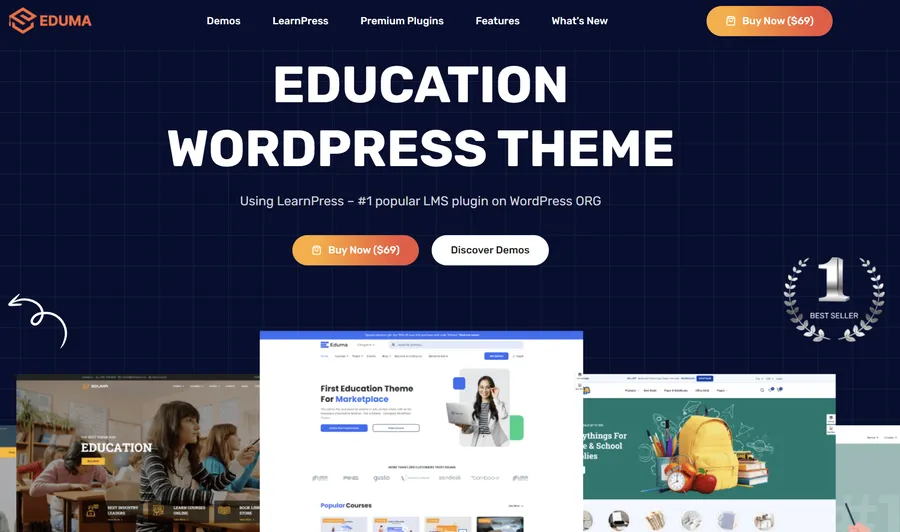
Eduma stands as the most popular choice for educational institutions and independent tutors alike. This theme is built around the LearnPress plugin, providing a comprehensive, “Udemy-style” experience. Its popularity stems from its ability to handle large amounts of data without compromising on speed or user experience.
You can read a full review of Eduma to see why it remains the industry leader.
Key Features: Full LearnPress integration with premium add-ons like Gradebook and Assignments.
- Support for the Eduma Mobile App to enable learning on any device.
- Over 40 professional demos tailored for academic and coaching niches.
- Highly optimized for SEO and global performance standards.
Best For: Educators who want a complete, highly scalable, and high-authority marketplace for their courses.
2. EduSmart
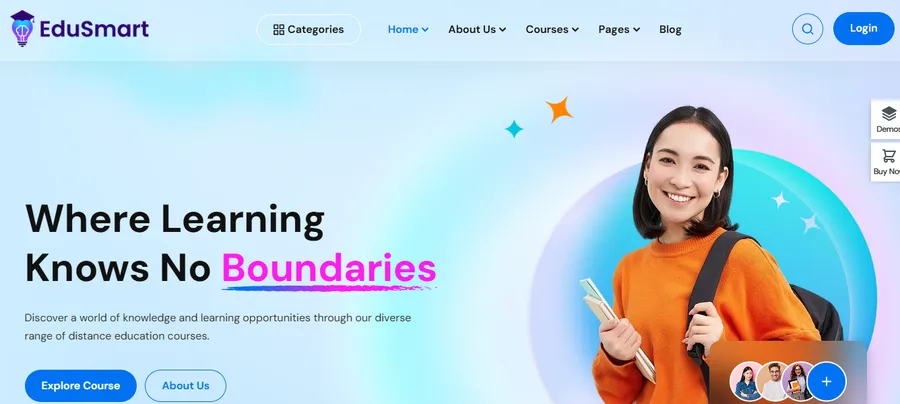
EduSmart is a modern course creator WordPress theme designed for those who value visual impact and innovation. It utilizes “glassmorphism” design trends to create a sleek, futuristic look that appeals to younger demographics. Beyond its looks, it is engineered for high performance and rapid loading.
Key Features: Optimized for high-speed performance to improve student retention.
- Includes built-in support for the Stripe add-on for secure global payments.
- Fully responsive design that looks stunning on tablets and smartphones.
Best For: Modern instructors who want a stylish, fast, and distraction-free learning environment for their students.
3. Coaching

Coaching is the premier instructor WordPress theme for those whose business relies heavily on their personal brand. Coaching places the teacher at the center of the site, highlighting expertise, testimonials, and success stories. It is a conversion-focused theme designed to turn visitors into dedicated students.
Key Features: Integrated event management for live webinars and workshops.
- Smooth integration with WooCommerce for selling digital products or 1-on-1 sessions.
- Professional portfolio layouts to showcase career achievements.
Best For: Mentors, life coaches, and consultants who want to sell their unique expertise and build a personal brand.
4. Course Builder
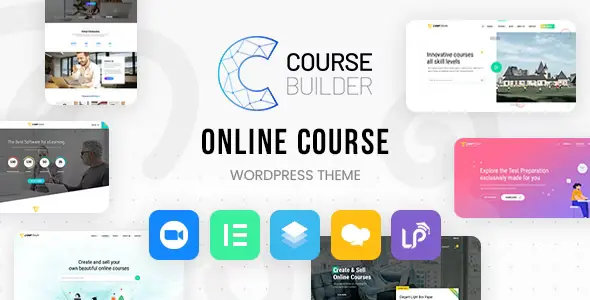
Course Builder is a utilitarian and professional choice designed for high administrative efficiency. It is favored by those who want a structured, corporate-style learning portal. The theme provides a logical flow for the process of creating an online course, making it easy to manage complex curricula.
Key Features: Advanced dashboard for managing lessons, quizzes, and assignments.
- Support for Co-instructors to allow multiple teachers to collaborate on a single course.
- Built-in certification system to reward student achievements.
Best For: Multi-instructor platforms and professional training centers that require a structured environment.
5. OneLMS
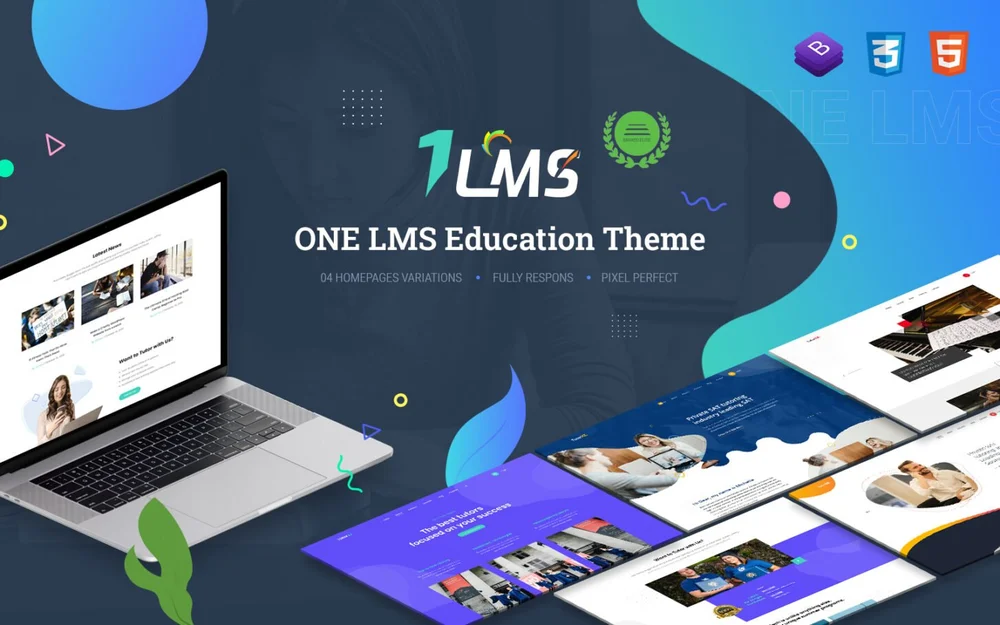
Developed by the same team behind Eduma, OneLMS provides a more streamlined and efficient choice. It removes unnecessary “bloat” to focus on core functionality and extreme speed. This makes it an excellent online teacher website theme for those who want a fast, no-nonsense setup.
Key Features: Elementor-ready for quick visual design adjustments without coding.
- Lightweight code that ensures rapid server response times.
- Simplified configuration settings that save time during development.
Best For: Private tutors and small schools who need a fast, reliable site that is easy to manage daily.
6. MasterStudy
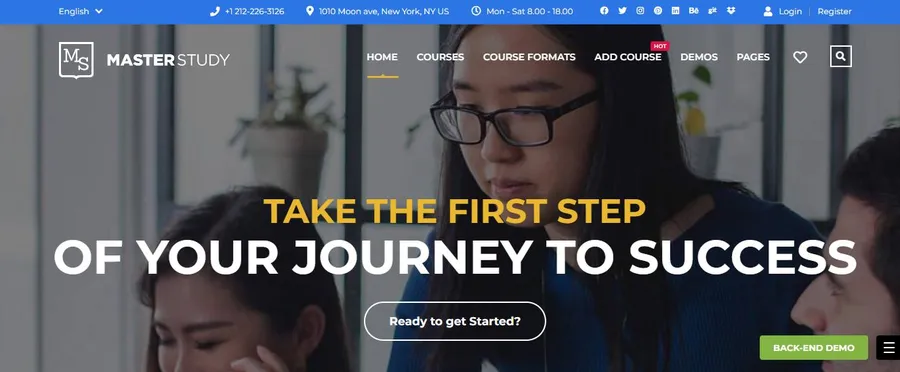
MasterStudy is a popular choice that utilizes its own proprietary LMS system. This creates a very stable environment where the theme and the learning management tools are perfectly synchronized. It is famous for its ease of use and professional student management features.
Key Features: NativeZoom and Google Meet integration for hosting live classes.
- Comprehensive student and instructor dashboards for tracking progress.
- Support for SCORM and group course sales for corporate training.
Best For: Schools and training centers that combine pre-recorded video content with live interactive sessions.
7. WPLMS
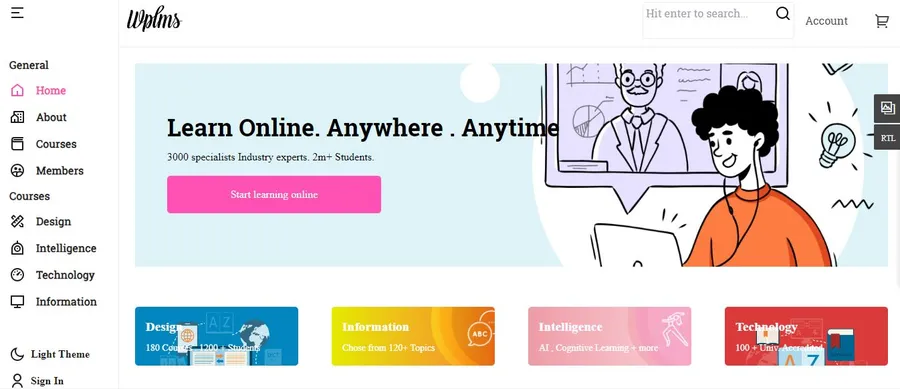
For teachers who need enterprise-level technology, WPLMS is a sophisticated solution. It functions more like a native mobile app than a traditional website, offering Progressive Web App (PWA) technology. This ensures that students can access learning materials smoothly, even with poor internet connectivity.
Key Features: PWA support for offline learning and mobile-first student experiences.
- AI-powered analytics to track student engagement and identify drop-off points.
- Advanced communication tools like push notifications and live chat.
Best For: Large-scale educational institutions and tech-focused educators who want to offer a cutting-edge mobile-app feel.
8. EduPress (Free Option)
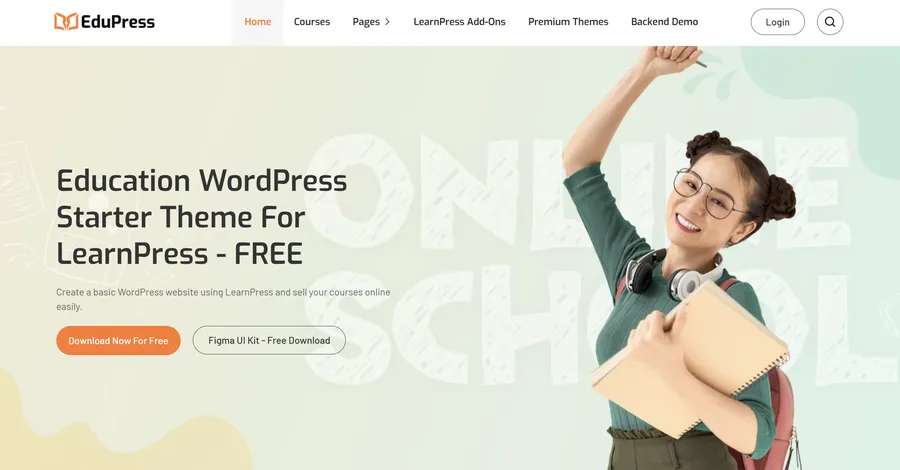
EduPressis the leading choice for those searching for a cost-effective teacher WordPress theme. It allows educators to test their business ideas without initial financial risk. Despite being free, it maintains a high standard of clean code and is compatible with professional LearnPress themes.
Key Features: Clean and professional design suitable for any academic or coaching niche.
- Full compatibility with LearnPress and other popular education plugins.
- Lightweight architecture for better performance on budget hosting.
Best For: Beginners and startup tutors who are testing the market before investing in premium tools.
9. Astra
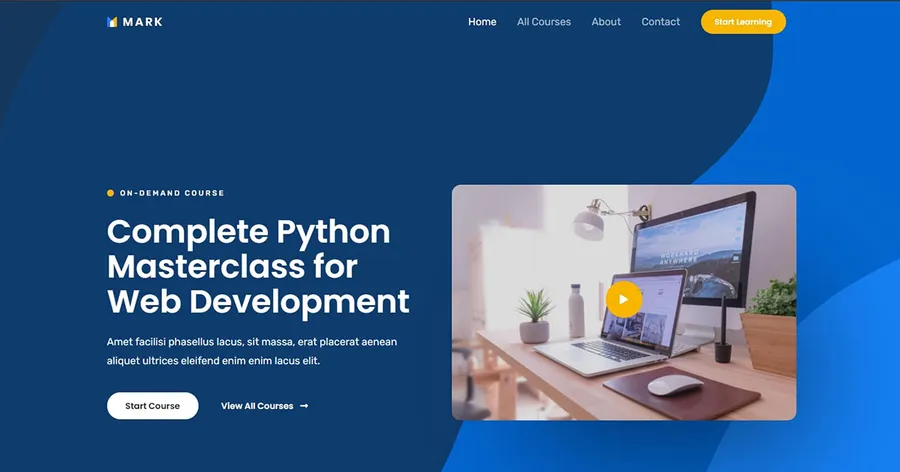
Astra is a global powerhouse known for its extreme speed and customization flexibility. It offers several specialized starter templates specifically designed for schools and online coaching. Because it is so lightweight, it is a favorite for those who want to build a highly customized site without sacrificing performance.
Key Features: Incredibly fast loading times, which is a vital factor for student retention.
- Works seamlessly with all major page builders like Elementor or WPBakery.
- Thousands of customization options for headers, footers, and typography.
Best For: Teachers who want a fast, highly tailored website that can grow and adapt in any direction.
10. SeedProd
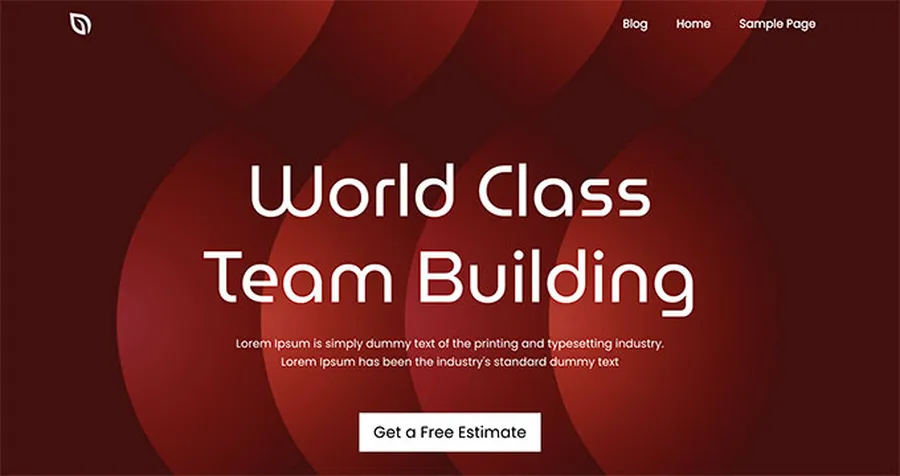
SeedProd is the ultimate builder for any course creator WordPress theme. It allows for the creation of a completely custom site using a simple drag-and-drop interface. It is particularly effective for building high-converting landing pages for online courses that drive enrollment.
Key Features: Complete design freedom for every part of the website without coding.
- Built-in landing page templates designed specifically for conversions.
- Seamless integration with MemberPress to protect premium course content.
Best For: Creative educators and brand-focused instructors who want a unique, custom-branded site.
Strategies for Scaling Your Online School
Acquiring the right instructor WordPress theme is a strategic decision that allows you to transition to a global stage. To grow, consider these strategies:
- Drip Content Strategy: Use the Content Drip feature to release lessons weekly. This prevents student burnout and keeps learners engaged over a longer period.
- Focus on Social Proof: Display student testimonials and reviews prominently on your homepage. Prospective students are much more likely to enroll when they see the success stories of others.
- High-Quality Multimedia: Host your videos on professional video hosting platforms to ensure they load quickly and remain secure from unauthorized downloads.
Conclusion
Selecting the right teacher WordPress theme is a fundamental step toward building a successful online business. Whether the goal is the market-leading power of Eduma, the aesthetic innovation of EduSmart, or the custom flexibility of SeedProd, the right choice will define the student’s journey.
By investing in a dedicated instructor WordPress theme, educators can build an elearning platform that is scalable, secure, and ready to inspire learners worldwide.
Frequently Asked Questions (FAQs)
1. Can live sessions be hosted through a teacher WordPress theme?
Yes. Premium themes like Eduma offer native Live Course integrations with Zoom and Google Meet. This allows for a blended learning approach where students attend live webinars and access recorded lessons in one place.
2. Is a developer needed to set up an instructor WordPress theme?
No. Most modern themes include a "One-Click Demo Import" feature. This allows the user to import a professional-looking site layout instantly and then simply replace the demo text with their own content.
3. How is course content protected from being stolen?
Themes that integrate with LMS plugins like LearnPress use secure access controls. You can also use content protection plugins to prevent unauthorized users from downloading your videos or copying your text.
4. Can multiple teachers sell courses on the same website?
Yes. Themes like Course Builder are designed for Multi-Instructor support. This allows different teachers to have their own profiles and receive commissions on their individual sales.
5. What is the best free teacher WordPress theme for someone just starting?
EduPress is an excellent starting point for beginners. It provides a clean, professional layout and all the essential features needed to launch a first course without any upfront financial commitment.
Read more: 10 Best Language Learning WordPress Theme Selections
Contact US | ThimPress:
Website: https://thimpress.com/
Fanpage: https://www.facebook.com/ThimPress
YouTube: https://www.youtube.com/c/ThimPressDesign
Twitter (X): https://x.com/thimpress_com