Choosing the right platform to host your courses is a decision that can make or break your online business. Among the numerous options available for WordPress users, LearnPress stands out as the best LMS plugin for WordPress. Known for its flexibility and user-friendly interface, it has powered thousands of online schools globally. However, many users often wonder if the free version is enough or if they should invest in the premium packages.
This LearnPress Pro Bundle review aims to provide an exhaustive look at what you get when you upgrade. We will analyze LearnPress pricing, the functionality of LearnPress paid add-ons, and whether this LMS plugin bundle offers the best LearnPress value for your specific needs.

Eduma – Education WordPress Theme
We provide an amazing WordPress theme with fast and responsive designs. Let’s find out!
The Power of the Free Version: A Strong Foundation
Before we discuss the premium bundles, it is essential to acknowledge why the core LearnPress plugin is so popular. It follows a “freemium” model, providing a robust base for beginners without any initial cost. For many hobbyists or educators just starting, the free version is more than sufficient.
Key Benefits of the Freemium Version:
- Unlimited Scale: You can host unlimited users, courses, and lessons.
- Zero Initial Cost: The core plugin is free to download and use on a single site.
- Standard Quiz Tools: It provides 3 basic quiz types (True/False, Multiple Choice, and Single Choice) to evaluate student progress.
- Theme Independence: It is usable with any WordPress theme, though it pairs best with dedicated education themes.
- Monetization: It allows you to sell individual courses, primarily through basic PayPal integration.
While the free version is excellent, it does have limitations regarding advanced student engagement and automated marketing. ThimPress, the developers behind the plugin, frequently update the software to include features like course wishlists and reviews, but for a truly professional academy, most users eventually look toward the bundles.
Scaling Up: LearnPress Pro Bundle Review
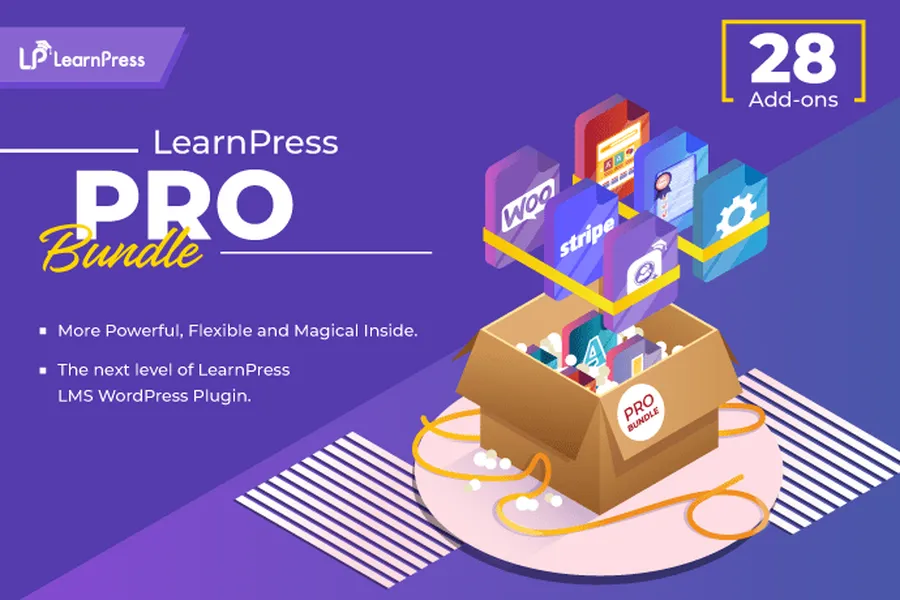
The LearnPress Pro Bundle is the most comprehensive package offered by ThimPress. It is an all-in-one LMS plugin bundle that unlocks the full potential of your website. Whether you are an agency owner or a professional course creator, this bundle is designed to remove all technical barriers.
What is Included in the Pro Bundle?
When you purchase the Pro Bundle, you aren’t just getting a plugin; you are getting a complete toolkit.
- 3 Site Licenses: Unlike the single-site limit of the free version, this bundle allows you to deploy your LMS on three different domains.
- Every Premium Add-on: You gain access to the entire library of LearnPress paid add-ons. This includes over 25 extensions that cover everything from drip content to advanced grading.
- Universal Compatibility: You can use these features with any theme of your choice, whether it is a custom-built design or a popular builder like Elementor.
- Priority Support: Receive 6 months of dedicated support to ensure your site runs smoothly.
Analyzing the LearnPress Pricing for the Pro Bundle
Currently, the Pro Bundle is available at a discounted price of $249.99, significantly reduced from its original value of $499 (or even $710 depending on seasonal promotions). While this may seem like a large upfront cost, the LearnPress value is undeniable when you consider that buying these add-ons individually would cost more than double this price.
A Deep Dive into Essential LearnPress Paid Add-ons
To understand why this bundle is so powerful, we must look at the specific extensions it includes. These tools turn a simple course list into a high-converting, professional learning environment.
1. Content Drip Add-on
The Content Drip Add-on is a cornerstone of modern e-learning. It allows you to release lessons to students based on a schedule or after they complete a specific task. This prevents students from rushing through the material and improves information retention.
2. Certificates Add-on
Recognition is a powerful motivator. The Certificates Add-on enables you to design and automatically issue PDF certificates to students upon course completion. This adds a level of professionalism that helps your academy stand out.
3. Gradebook and Assignments
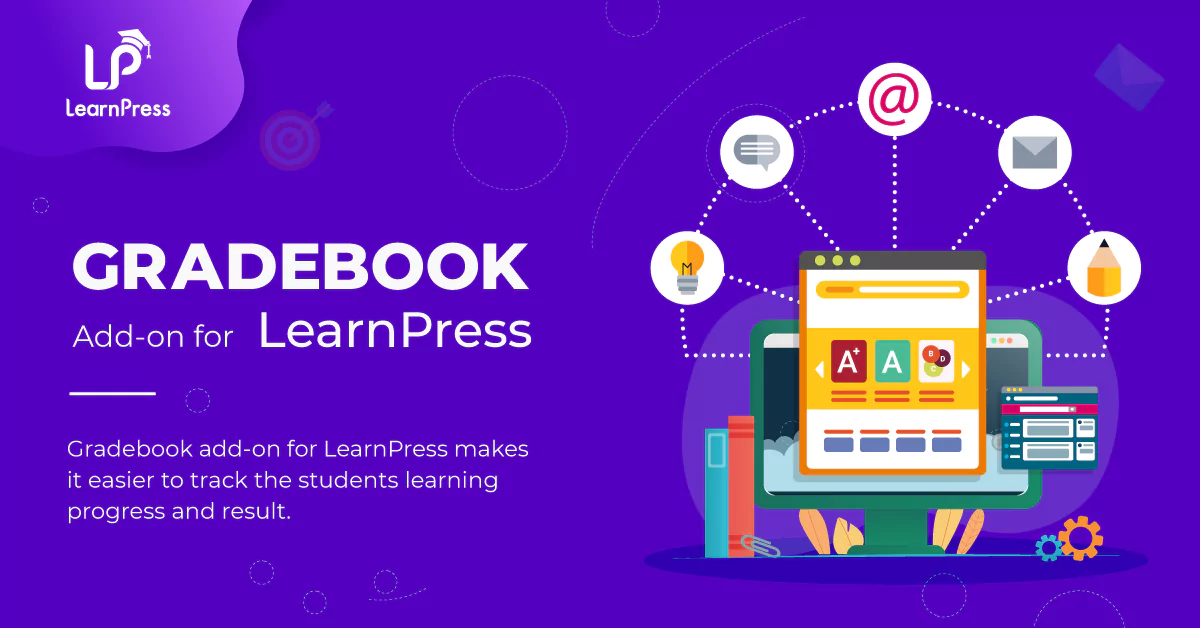
For serious educators, tracking progress is vital. The Gradebook Add-on gives you a bird’s-eye view of all student scores, while the Assignments Add-on allows you to set homework and manual tasks that you can grade individually.
4. Frontend Editor
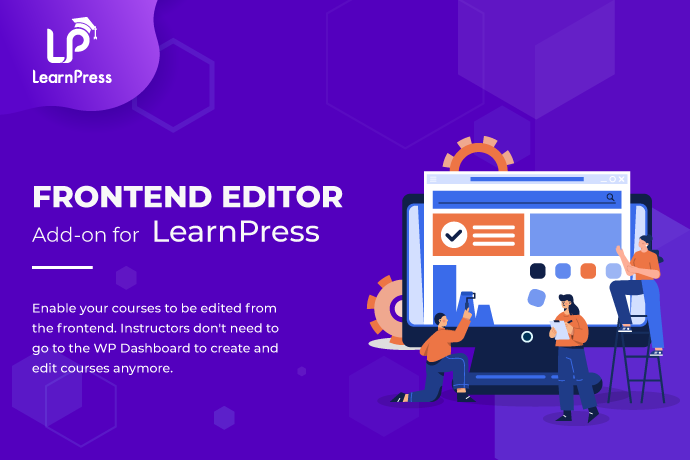
The Frontend Editor Add-on is a massive time-saver for instructors. It allows them to create and edit courses directly from the front of the website, avoiding the complexity of the WordPress backend.
5. Advanced Monetization
The Pro Bundle includes integrations for Stripe, Paid Memberships Pro, and 2Checkout. These tools allow you to accept payments globally and set up subscription-based models for recurring revenue.

LearnPress vs. Competitors: Why It Wins on Value
When comparing LearnPress pricing to other giants, the difference in cost over time is stark. Most other LMS plugins charge an annual subscription fee. If you stop paying, you often lose access to updates and support.
LearnPress, however, focuses on a one-time payment for its bundles. For a professional academy, the long-term LearnPress value is much higher because you aren’t tied to a high recurring yearly cost just to keep your site functioning. This LMS plugin bundle provides agency-level features at a fraction of the enterprise price.
How to Install and Use the LearnPress Plugin
Starting your journey with LearnPress is a simple process. Follow these steps to get your academy up and running:
- Installation: Log in to your WordPress dashboard. Navigate to Plugins > Add New, search for “LearnPress,” and click Install Now and then Activate.
- Setup Wizard: Follow the LearnPress Setup Wizard to configure your currency, course pages, and payment methods.
- Add Your Courses: Go to the LearnPress > Courses menu. Click Create New Course to begin adding your curriculum using the intuitive drag-and-drop builder.
- Activate Premium Features: If you have purchased the Pro Bundle, upload your add-on zip files to the Plugins section to unlock advanced features like Course Collections or Gradebooks.
- Configure Payments: Ensure your payment settings are correct so you can begin selling your knowledge immediately.
You can learn more about LearnPress installation here.
Final Thoughts: Is the LearnPress Pro Bundle Worth It?
Concluding our LearnPress Pro Bundle review, the verdict is clear: if you are serious about building a professional, scalable online school, this bundle is a necessary investment.
While the free version is a great starting point, the premium features like Content Drip, Assignments, and advanced certificates provide the features that students expect. It provides everything you need to manage instructors, track students, and grow your revenue without technical headaches.
Frequently Asked Questions
1. How do I use the LearnPress plugin in WordPress?
You can use it by installing the core plugin from the WordPress repository. Once activated, run the setup wizard to name your pages and set your currency. Then, use the "Courses" menu to add lessons and quizzes.
2. How much does LearnPress cost?
The core plugin is free. The Theme Bundle costs between $49 and $69, while the comprehensive Pro Bundle is currently available for a discounted price of $249.99.
3. Which is better: LearnPress or Tutor LMS?
Both are excellent. However, many users prefer LearnPress for its long track record, more affordable bundle pricing, and its superior freemium version which offers more features at no cost.
4. How do I add a payment method on LearnPress?
Go to LearnPress > Settings > Payments. You can enable the free PayPal method or use premium add-ons to integrate Stripe, WooCommerce, or Authorize.net.
5. Is LearnPress open source?
Yes, LearnPress is a fully open-source WordPress LMS plugin. This allows for high levels of customization and ensures that the software remains flexible for developers and business owners alike.
Read more: Eduma vs WPLMS: Which is the Best WordPress LMS Theme?
Contact US | ThimPress:
Website: https://thimpress.com/
Fanpage: https://www.facebook.com/ThimPress
YouTube: https://www.youtube.com/c/ThimPressDesign
Twitter (X): https://x.com/thimpress_com