To create a resume for a job, identify the employer’s priorities, choose a readable format, and describe the experience that proves you can do the work. Add your contact details, relevant skills, education, and specific achievements. Then tailor the document to the vacancy and submit the file type the employer requests.
Learning how to do a resume for a job becomes easier when you stop trying to include your entire career. A recruiter needs enough evidence to decide whether to invite you to an interview. Your task is to select that evidence and make it easy to find.
This guide explains how to make a professional resume from a blank document, prepare it online, and review it for applicant tracking systems. It includes original examples for experienced candidates, graduates, and career changers. The application advice focuses on typical U.S. private-sector jobs; academic CVs, government applications, and other countries may follow different conventions.
Eduma – Education WordPress Theme
We provide an amazing WordPress theme with fast and responsive designs. Let’s find out!
What Makes a Resume Professional?
A professional resume connects your background with a specific role. Someone reading it should understand what you do, the level of responsibility you have handled, and the results you can support with evidence.
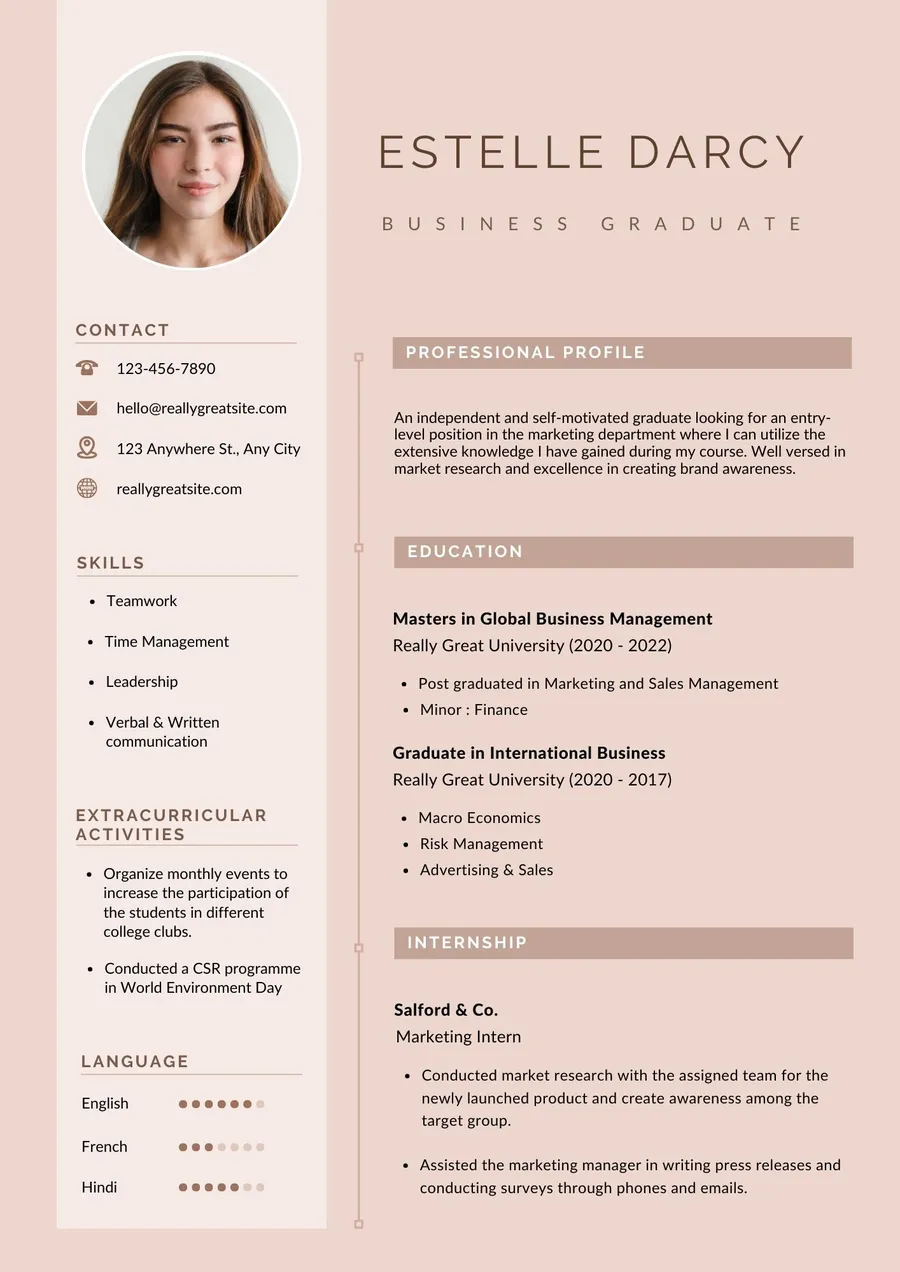
Visual consistency helps, but decoration cannot compensate for vague content. “Experienced professional with excellent communication skills” could describe thousands of applicants. “Customer support specialist handling billing questions and account onboarding for a subscription software company” gives the reader something concrete.
When building the perfect resume, aim for relevance, accuracy, and readability. A document can have a polished layout and still perform poorly if it hides useful experience behind generic language. Conversely, a simple document can make a strong impression when every section answers a hiring question.
Before writing, decide which job you want this version to support. Keep a separate master document containing your complete work history, projects, courses, and achievements. That master file is your reference, not the document you automatically send to every employer.
Step 1: Read the Job Description Before Choosing a Template
Highlight the responsibilities, tools, qualifications, and outcomes mentioned in the vacancy. Separate essential requirements from preferences. A required license deserves different attention from software described as helpful.
Suppose a marketing coordinator vacancy mentions email campaigns, WordPress publishing, and monthly reporting. Your strongest supporting evidence might be a newsletter you maintained, articles you published, and campaign reports you prepared. An unrelated award can stay in the master file if space is limited.
Create a small matching worksheet. In one column, record the employer’s requirement; in another, record a real example from your background. If you have no evidence for a requirement, leave it blank rather than inventing experience. This exercise reveals what belongs near the top of your resume.
Use the employer’s terminology when it accurately describes your work. Write “Google Analytics 4” if that is the tool you used, rather than a vague phrase such as “analytics software.” Keep job titles truthful, even when a different title sounds more impressive.
Our guide to building an ATS-friendly resume with AI provides a complementary workflow for matching relevant experience to a vacancy without turning the document into a keyword list.
Step 2: Choose the Best Resume Format for ATS and Human Readers
A single-column layout with conventional headings and a clear work history is a practical starting point for most online applications. Reverse chronological experience places your most recent role first, which helps readers follow your responsibilities and progression.
However, the best resume format for ATS is not a universally certified template. Hiring software differs, and a well-formatted resume still needs relevant qualifications. Follow the application instructions before general formatting advice.
| Format | Useful when | Main consideration |
|---|---|---|
| Reverse chronological | Your recent work supports the target role | Keep roles, employers, and dates easy to identify |
| Combination | You need to highlight transferable skills or projects | Retain a complete, readable employment history |
| Functional | You want to organize experience mainly around skills | Limited job history can make your background harder to assess |
For a career change, a combination format can place a short skills or projects section before employment. You can highlight relevant work without hiding where and when you gained experience.
CareerOneStop’s formatting guidance recommends straightforward layouts and standard headings. Treat these recommendations as ways to reduce parsing problems, not a promise that an application will pass every screening process.
Set Up a Readable Document
Start with a familiar font at a comfortable reading size, such as 11 or 12 points. Use consistent spacing, visible section headings, and enough white space to separate roles. If you need to shrink everything to fit, edit the content first.
Keep your contact information in the main document body. Avoid making essential details dependent on icons, images, text boxes, or skill-rating graphics. A five-star rating for Excel provides less useful information than naming the spreadsheet tasks you can perform.
One page is often sufficient for a graduate or early-career applicant. Two pages can be appropriate when you have substantial relevant experience. Length should reflect the evidence needed for this job, rather than a requirement to fill a template.
Step 3: Add Contact Details That Make Follow-Up Easy
Include your name, professional email address, phone number, and city or region where relevant. Add a LinkedIn profile or portfolio if it is current and supports your application.
For typical U.S. private-sector applications, leave out your date of birth, marital status, identification numbers, and photograph unless there is a legitimate, explicitly stated reason to provide them. A full street address is usually unnecessary at this stage.
Check the practical details. Does your voicemail identify you clearly? Does the email address work? Does the portfolio open without a login? A polished application can lose momentum when the recruiter cannot access the work sample you supplied.
Use a recognizable link label or short visible URL. If your LinkedIn profile and resume show different dates or titles, reconcile them before applying. Differences caused by an outdated profile can create avoidable questions about otherwise accurate experience.
Step 4: Write a Summary That Earns Its Space
A resume summary should explain your relevant professional identity in two or three sentences. Include your field, useful experience, and one or two strengths supported elsewhere in the document.
An original example might read: “Operations coordinator with four years of experience supporting order processing, supplier communication, and inventory reporting. Builds spreadsheet workflows that help a small retail team identify stock discrepancies and manage replenishment.”
That summary gives context without claiming to be an exceptional leader or promising results the candidate has not demonstrated. The experience section should then show where those responsibilities occurred.
For a graduate, a focused introduction might mention your degree, a relevant project, and the kind of work you are pursuing. Avoid using the summary to apologize for being inexperienced. Your projects and transferable skills still deserve clear descriptions.
A summary is optional. If it repeats your job title and skills without adding context, remove it. When deciding how to create a professional resume, the strongest choice is sometimes to give that space to a more useful achievement.
Step 5: Turn Work Responsibilities Into Evidence
List each relevant role with your job title, employer, location where useful, and employment dates. Under each role, select achievements and responsibilities that relate to the vacancy.
A useful bullet follows this structure: action + work performed + scope or outcome. You do not need all three elements in every sentence, but together they help a reader understand what you contributed.
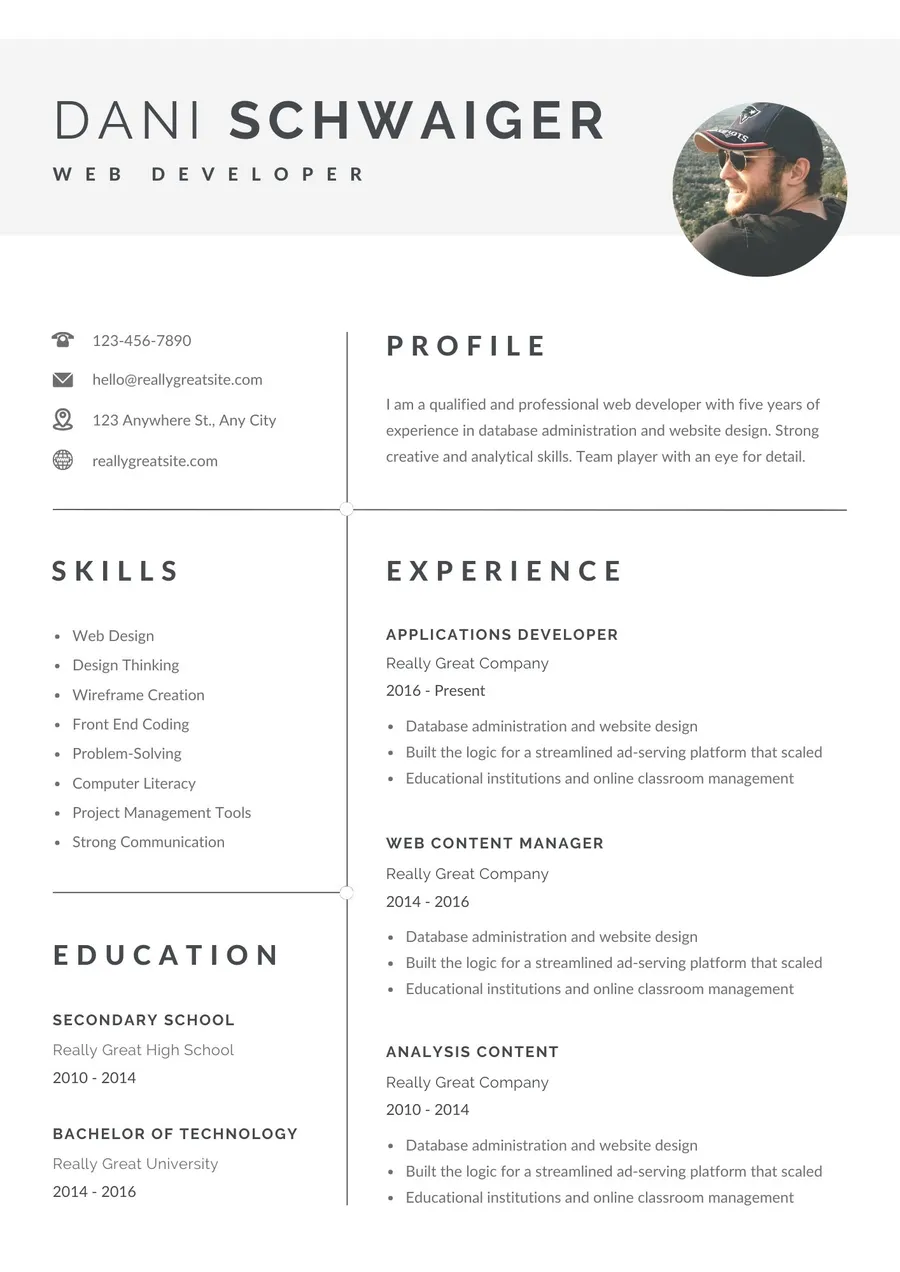
Compare “Responsible for customer emails” with “Handled customer email inquiries about delivery changes, refunds, and account access, documenting recurring issues for the support team.” The second version explains the work even without a numerical result.
When numbers are available, add context. “Reduced response time by 20%” needs a baseline, a period, and a clear explanation of your contribution. If a team achieved the result together, say you contributed rather than claiming sole responsibility.
Use Numbers You Can Explain in an Interview
Useful measures include order volumes, project counts, budget responsibility, reporting frequency, turnaround times, or the number of locations supported. Results do not always need to be revenue figures.
These original examples illustrate different kinds of evidence: “Prepared weekly inventory reports for three store locations”; “Coordinated onboarding materials for 18 new employees”; and “Updated 40 product pages using a shared publishing checklist.” They show scope without manufacturing business impact.
If your employer does not share performance data, describe an observable improvement or deliverable. Explain that you introduced a checklist, standardized a report, or resolved a recurring process issue. Avoid inventing percentages simply because quantified bullets look impressive.
Keep the most relevant details under recent roles. Earlier positions may need only a short description. Your resume should reflect your current value, while preserving enough history for the reader to understand how you developed it.
Step 6: Select Skills, Education, and Certifications Carefully
Your skills section should contain capabilities relevant to the job that you can demonstrate. Group them when it helps: software, technical methods, languages, or professional qualifications.
Replace unsupported labels such as “expert in digital marketing” with specific work: keyword research, email campaign setup, WordPress publishing, or performance reporting. Include interpersonal skills through evidence in your experience, rather than relying on a long list of adjectives.
For education, list the qualification, institution, and relevant dates. Recent graduates can include selected coursework or a substantial project when it supports the vacancy. Experienced candidates can usually keep this section shorter.
Add certifications that are relevant and accurately named. State the issuer and, when applicable, the completion or expiration date. Distinguish a course-completion certificate from a professional license or accredited qualification.
If you need additional training, our overview of Google certification courses can help you explore options. Check each provider’s current access and certificate conditions; an introductory course does not replace the experience required by a senior role.
Step 7: Create a Job Resume With Limited Experience
A first resume can include internships, part-time employment, volunteering, coursework, and personal projects. The important question is whether an example shows a skill the employer needs.
For a customer-facing role, a retail job can demonstrate payment handling, problem resolution, and reliable shift work. For an entry-level analyst position, a university research project can demonstrate data cleaning, spreadsheet analysis, and presenting findings.
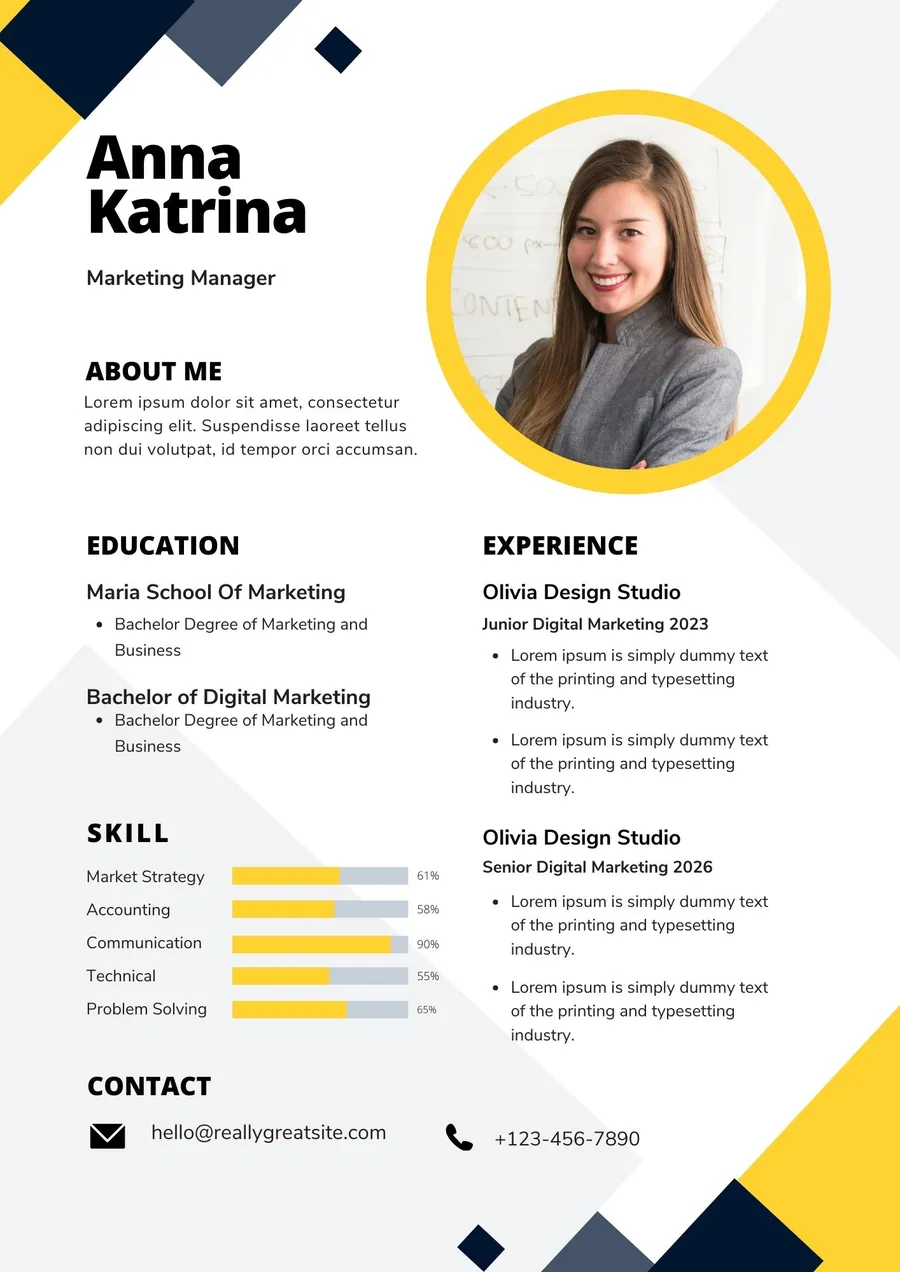
Describe projects with the same care as employment: purpose, your role, tools used, and the deliverable. Label academic or personal work clearly. Do not make a practice campaign sound like a paid client engagement.
Career changers should identify transferable responsibilities. Scheduling work, handling complaints, maintaining records, and coordinating stakeholders can matter across industries. Explain the relevant activity rather than expecting the recruiter to infer it from your old job title.
For a creative application, first understand the expected work. Our explanation of what graphic designers do can help you distinguish useful design projects from unrelated visual work before selecting resume examples.
Step 8: Prepare Your Resume Online Without Losing Control of the Content
If you are wondering how to prepare a resume online, draft the wording first and choose the tool second. A document editor or browser-based builder can organize your information, but neither can decide which experience genuinely supports the job.
Choose a tool that lets you edit freely, export an accepted file format, and keep a copy you can update. Check whether downloading requires payment before investing time in a template. Also review what personal information the service stores.
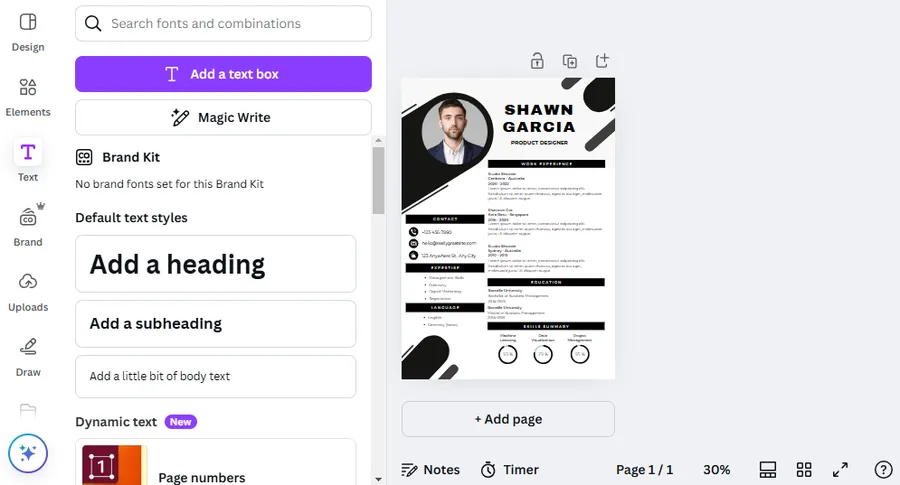
Canva can be useful for visual editing. Our Canva resume builder tutorial explains the workflow, while the selection of free Canva resume templates provides design ideas. Evaluate the actual layout and exported text; a template’s appearance alone does not establish ATS compatibility.
For an online application, prioritize a simple, text-based export. An image of your resume may look correct but make the information harder for software to extract. Keep a separate visual version if your field benefits from one.
Use AI for Editing, Then Verify Every Claim
AI can help shorten a sentence, suggest clearer verbs, or identify missing context. Give it accurate notes and specify that it must not add qualifications, employers, metrics, or achievements.
A useful instruction is: “Rewrite these resume bullets for clarity. Preserve all facts and numbers. If an outcome is missing, ask a question rather than inventing one.” Compare the result with your original notes before accepting it.
Our guide to using AI as a beginner provides broader context for working with these tools. Remove confidential client or employer information before sharing material, and keep responsibility for the final wording yourself.
AI-written summaries often become vague when the input is vague. Start with what you actually did, not a request to “make me sound impressive.” Accuracy will also make your interview answers easier to support.
Step 9: Add a Portfolio When the Job Benefits From Work Samples
A portfolio is useful when a recruiter needs to inspect your work: design, development, writing, marketing, or other project-based fields. Your resume summarizes the evidence; the portfolio supplies detail.
Choose a few relevant samples and explain the brief, your contribution, and the result or deliverable. Our portfolio preparation guide can help with selection, and the tutorial on showcasing projects on a website explores how to present those examples online.
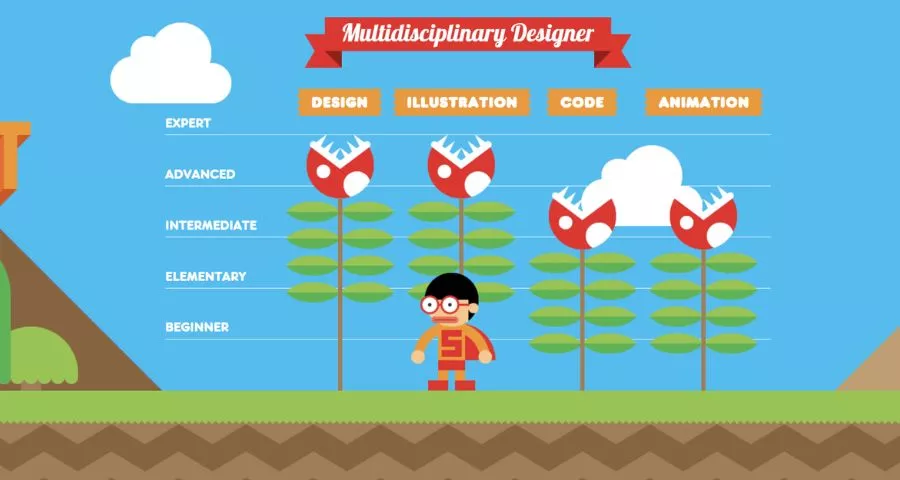
For visual roles, use our guide to creating an art portfolio to think about curation. Compare portfolio websites for creatives if you need a platform, but select one that makes your work easy to access rather than one with the most elaborate effects.
Choose an Online Presentation You Can Maintain
A basic site is enough when it contains clear project descriptions and working contact details. The guide to creating a portfolio website covers a fuller setup, while creating a personal web page suits candidates who want a smaller professional hub.
For a quick visual setup, consider creating a portfolio with Canva and the related Canva website builder guide. Before publishing, check mobile display, permissions, and whether sample links remain accessible after you sign out.
If you want more flexibility, compare the website builder reviews against your actual needs. You may only require a homepage, several project pages, and a contact method. Avoid spending your application deadline designing features that do not help someone assess your work.
WordPress users can explore WordPress resume themes for a career-focused site or portfolio WordPress themes for a larger collection of work. Review personal homepage examples for ideas about what to show first.
A website supplements an application document. When the employer requests an uploaded resume, provide that file even if your site contains the same information. Keep the resume download current and remove private client data from public case studies.
Step 10: Review, Export, and Submit the Correct Version
Read the resume once for facts and once for language. Confirm employer names, employment dates, qualification titles, and every number. Then check spelling, tense, punctuation, and repeated phrases.
Our overview of grammar checking tools offers editing options, but review suggestions manually. A tool can mistakenly change an industry term or official product name.
Export the file type the application requests. When both PDF and DOCX are accepted, use a clean document with selectable text. Open the exported file, test every link, and copy the text into a plain document to check reading order. This is a useful spot-check, not a complete ATS test.
If an application portal fills fields from your resume, review those fields before submitting. Correct missing dates or mismatched roles. Use a filename such as “Alex-Morgan-Marketing-Coordinator-Resume.pdf” so the document remains recognizable after download.
When a cover letter is appropriate or requested, use it to explain your interest and relevant fit. Our comparison of AI cover letter generators can help with drafting, but the final letter should refer accurately to the employer and your experience.
A Simple Professional Resume Outline
Use the following original outline as a drafting aid. Replace every placeholder, omit sections that do not help, and format your final document with ordinary headings and bullets.
FULL NAME
City, Region | Phone | Professional Email | Portfolio or Li
PROFESSIONAL SUMMARY Two or three sentences connecting your background with the target role.
WORK EXPERIENCE Job Title | Employer | Month Year – Present • Relevant action, scope, and supported outcome. • Another example showing a skill required by the employer.
PROJECTS Project Name | Academic, Personal, Volunteer, or Professional • Purpose, your contribution, tools, and deliverable.
SKILLS Relevant software, methods, languages, or professional capabilities.
EDUCATION AND CERTIFICATIONS Qualification | Institution or Issuer | Relevant Date
Final Resume Checklist
Before you submit, confirm that the first section makes your target role clear, recent experience contains concrete evidence, and every listed skill is defensible. Check that the job history is easy to follow and the file meets the employer’s instructions.
Ask a trusted reader to identify your strongest qualification after a quick scan. If they cannot find it, improve the order and wording before adding more detail. Save the submitted version alongside the vacancy so you can prepare for an interview using the same information.
How to Do a Resume for a Job: FAQs
How Do I Make My Resume From Scratch?
Start with one job description and collect evidence from your work, education, and projects. Arrange that evidence under contact details, experience, skills, and education. Write the content in a plain document before applying a template, then tailor and proofread it for the specific vacancy.
How Do I Make the Perfect Resume for Every Job?
There is no single perfect resume for every vacancy. Maintain a complete master document and create targeted versions from it. Change which examples receive attention, keep facts consistent, and use the terminology that accurately matches each role. A clearer fit matters more than a more elaborate design.
Can I Create a Professional Resume for Free?
Yes. A document editor or a builder with a free export option can be sufficient. Check the download conditions before choosing a tool. Paying for a template does not guarantee better wording, accurate parsing, or interviews; your experience and the document’s relevance remain central.
Should I Submit My Resume as a PDF or Word Document?
Follow the employer’s instructions. If either format is accepted, submit a readable text-based PDF or DOCX and review the exported version. Avoid a scanned document or image-only file. Keep an editable copy so you can update the resume without rebuilding it for every application.
Conclusion
A professional resume gives an employer clear reasons to consider you for a specific job. Start with the vacancy, select relevant examples, and describe your contribution in language you can support during an interview. Keep the layout readable and check the exported file before submitting it.
Your next step is to choose one role and build a targeted version from your master resume. Review the opening section, strengthen any vague experience bullets, and confirm that your contact details and work samples are accessible. Repeat that process for each application as the requirements change.
Read More: Free SERP Checker: Track Your Google Rankings Easily
Contact US | ThimPress:
Website: https://thimpress.com/
Fanpage: https://www.facebook.com/ThimPress
YouTube: https://www.youtube.com/c/ThimPressDesign
Twitter (X): https://x.com/thimpress_com