Selecting the wrong foundation for a website leads to slow loading times, poor search rankings, and lost revenue. Site owners searching for the best WP templates need clean code, mobile responsiveness, and effortless customization without touching complex stylesheets.
Whether the project is an online learning platform, a consulting agency, a high-converting online store, or a personal blog, the theme dictates how visitors interact with the brand.
Finding the right web page template among thousands of options requires evaluating real performance data, plugin compatibility, and long-term scalability.
This guide breaks down the 12 highest-rated options for 2026, covering specialized industry solutions alongside the best free WordPress themes on the market.
Eduma – Education WordPress Theme
We provide an amazing WordPress theme with fast and responsive designs. Let’s find out!
Quick Comparison of the Top WordPress Themes
| Theme Name | Primary Niche | Core Page Builder | Pricing Model |
| Eduma | Education & LMS | Elementor, WPBakery | $59 (Lifetime License) |
| Coaching WP | Mentors & Speakers | Elementor, SiteOrigin | $37 (Lifetime License) |
| Hello Elementor | Blank Canvas | Elementor | Free (Pro Add-on) |
| Astra | Multipurpose | Elementor, Gutenberg | Free & Premium |
| Neve | Mobile-First Business | Elementor, Gutenberg | Free & Premium |
| Kadence | Modern Multipurpose | Gutenberg, Elementor | Free & Premium |
| Divi | All-in-One Framework | Divi Builder | Premium Only |
| GeneratePress | Speed & Modular | Gutenberg | Free & Premium |
| OceanWP | eCommerce & Store | Elementor, WPBakery | Free & Premium |
| Blocksy | Block-Based Design | Gutenberg, Elementor | Free & Premium |
| Hestia | One-Page Corporate | Elementor, Customizer | Free & Premium |
| Go | Minimalist Blog | Gutenberg, CoBlocks | Free |
Core Pillars of a High-Performing Theme in 2026
Before examining individual options, site administrators must understand what separates a top-tier layout from outdated software. Over 4.3 billion people access the web via mobile devices, and Google Core Web Vitals directly influence organic search rankings. Every web page template must meet four non-negotiable standards:
- Speed and Clean Code: A one-second delay in page load time can reduce conversions by 7 percent. High-performing themes minimize HTTP requests, shrink database queries, and reduce CSS and JavaScript file sizes so pages render instantly.
- Mobile-First Responsiveness: Layouts must adapt smoothly to desktops, tablets, and smartphones. Granular breakpoint controls ensure text, navigation menus, and checkout buttons remain accessible on any screen size.
- Visual Customization: Users need full control over headers, footers, typography, and color palettes without writing PHP or CSS. Modern frameworks rely on live customizers and drag-and-drop WordPress page builders to speed up design workflows.
- Plugin Synergy: A reliable theme integrates cleanly with essential tools like WooCommerce for eCommerce, LearnPress for online courses, Elementor for visual editing, and WPML for multilingual translations.
Detailed Review of the 12 Best WP Templates in 2026
1. Eduma (Education WP)

Eduma by ThimPress is the premier solution for academic institutions, online course hubs, universities, kindergartens, and training centers.
Serving over 47,398 active websites and fully compatible with the latest WordPress 7.0 features, Eduma ranks at the top of the best WP templates for eLearning. It operates on LearnPress, the leading free Learning Management System plugin on WordPress.org, allowing creators to build platforms similar to Udemy or Coursera in minutes.
Unlike basic layouts that lock course content inside proprietary theme code, Eduma ensures complete data portability. Because courses run through LearnPress, site owners can update or switch themes in the future without losing student records, quizzes, or curriculum data.
Furthermore, purchasing Eduma includes a bundle of 24+ premium LearnPress add-ons at no extra cost, allowing administrators to install only the specific modules their school requires.
Key Features and Strengths
- 42+ Pre-Built Demos: Includes specialized layouts such as Demo Main, Global University, Preschool, Yoga Coaching, and Single Courses, all accessible via a one-click demo importer.
- Drag-and-Drop Course Builder: Instructors can organize units, sections, video lessons, attachments, and quizzes with multiple question types (including the Sorting Choice add-on for LearnPress) using an intuitive interface.
- Flexible Payment Gateways: Supports direct course sales via PayPal, Stripe, Authorize.net, 2Checkout, Razorpay, Instamojo, and offline payments without requiring a heavy eCommerce setup. Full WooCommerce 10.x.x integration and Paid Memberships Pro support are also included for subscription models.
- Community and Interactive Tools: Integrates with BuddyPress for social learning communities, bbPress for private instructor-student forums, and a Commission add-on to manage instructor revenue splits.
- Conversion-Focused UI/UX: Features Smart AJAX course search, a sticky course enroll toolbar, a smart sticky sidebar, an event management system with online ticket booking, and custom bottom calls to action.
- Global and Mobile Readiness: Offers native React Native and Flutter Eduma Mobile App compatibility, RTL language support (Arabic, Hebrew), WPML and Polylang integration, GDPR compliance, and microdata schema for courses and products.
Pricing and Ideal Users
Eduma costs $59 for a single-site lifetime license, which includes 12 months of updates and customer support. It is built for schools, universities, corporate trainers, and course creators who want a complete, ready-to-launch educational infrastructure.
Readers can also explore a detailed Eduma theme review to see how its speed and LMS tools perform in real-world testing.
2. Coaching WP

Coaching WP is a specialized layout engineered for life coaches, business mentors, public speakers, therapists, fitness trainers, and consulting agencies.
Trusted by over 7,700 professionals with a 4.72-star rating, this theme focuses on personal branding, client trust, and service monetization. Like Eduma, it is fully compatible with WordPress 7.0 and incorporates the LearnPress LMS alongside the free LearnPress Theme Bundle of premium add-ons.
In the mentoring and consulting sector, visual presentation directly affects client booking decisions. Coaching WP combines elegant special effects with practical business tools, enabling solo practitioners and consulting firms to sell digital training programs, showcase portfolios, and manage live speaking events from a single dashboard.
Key Features and Strengths
- 15+ Niche Demos: Provides one-click install templates tailored for Life Coaching, Business Consulting, Healthy Coaching, and public speakers.
- Multi-Builder Flexibility: Supports Elementor, WPBakery Page Builder, and SiteOrigin. Five specialized demos (including Business Coaching 2 and Life Coaching) are built exclusively for Elementor to maximize real-time editing speed.
- Interactive Branding Elements: Features an interactive timeline scroll to visualize career milestones, hover-activated introduction boxes for calls to action, Revolution Slider integration, and a unique testimonial layout displaying client photos and titles.
- Smart Event Management: Highlights upcoming workshops and webinars with a built-in countdown clock timer and online slot tracking to drive ticket registrations.
- Complete Course Management: Uses LearnPress to support multi-instructor courses, student certificates upon completion, drip content, and direct payment processing via Stripe, PayPal, 2Checkout, and Authorize.net.
- Typography and Design Controls: Includes over 600 Google Fonts, 700+ icons, unlimited color schemes, Mega Menu navigation, and Contact Form 7 and MailChimp integration.
Pricing and Ideal Users
Coaching WP is available for a one-time payment of $37, covering a lifetime license for one site and a year of support.
It is the ideal match for speakers, consultants, nutritionists, and mentors who need an inspiring web presence that converts visitors into paying clients, making it a standout choice among the best coaching WordPress themes for online coaches.
3. Hello Theme by Elementor
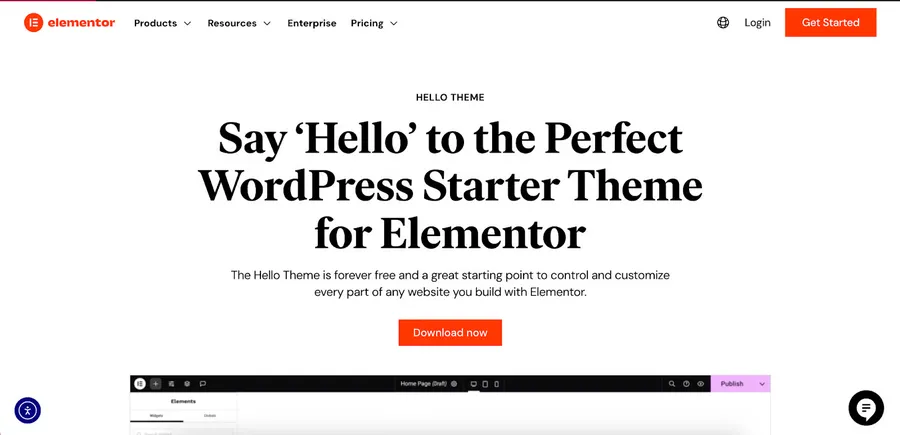
For web creators who prefer building sites from scratch, Hello Theme by Elementor is one of the most widely adopted best free WP templates available. Powering more than 1 million active websites, Hello is not a traditional styled theme; instead, it functions as a feather-light blank canvas created specifically for the Elementor Page Builder.
Many multipurpose themes load extra scripts, sliders, and styling sheets that slow down server response times. Hello strips away all non-essential code, leaving a minimal framework that eliminates theme bloat and conflicts. When paired with Elementor, users gain visual control over every square inch of the layout while maintaining top scores on Google Core Web Vitals.
Key Features and Strengths
- Minimalist Codebase: Loads in a fraction of a second by excluding unnecessary CSS and JavaScript files, translating directly to lower bounce rates.
- Full Theme Builder Control: Allows designers to visually construct headers, footers, 404 pages, search archives, and single post structures without touching PHP templates.
- WooCommerce Builder Synergy: Enables custom design of product grids, cart pages, and checkout flows to maintain strict brand consistency for online shops.
- Developer-Friendly Architecture: Offers a predictable, extensible structure that agencies rely on when writing custom functions or styling rules for client projects.
Who Should Use Hello Theme?
Hello is suited for freelance designers, web agencies, and performance-focused business owners who already use Elementor Pro and want unrestricted design freedom. You can also explore other best Elementor WordPress themes if you prefer pre-styled layouts that still integrate smoothly with the visual builder.
4. Astra
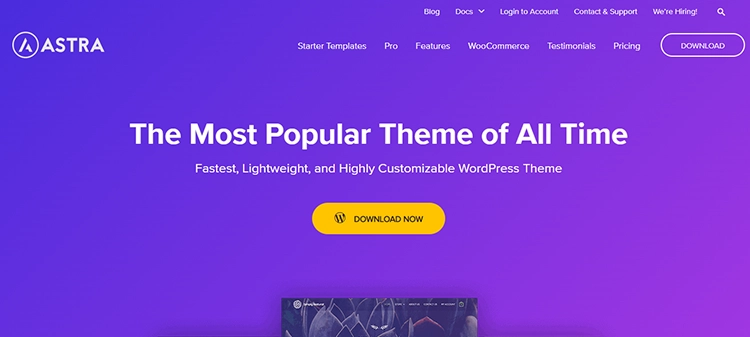
Astra is a powerhouse in the WordPress ecosystem, boasting over 1 million active installations and thousands of five-star user reviews. It bridges the gap between raw speed and ease of use, making it a staple on any list of the best free WordPress templates.
By disabling the heavy jQuery library and relying on vanilla JavaScript, Astra requires less than 50KB of frontend resources to load.
What makes Astra appealing to both novices and seasoned developers is its massive library of pre-built starter websites. Users can import complete layouts for dental clinics, law firms, clothing stores, or personal blogs with a single click, then modify the content using their preferred page builder.
Key Features and Strengths
- Sub-50KB Footprint: Delivers rapid page rendering right out of the box, helping sites pass Core Web Vitals assessments effortlessly.
- Massive Starter Library: Provides hundreds of ready-made web page template designs compatible with Elementor, Beaver Builder, and the native block editor.
- Granular Customizer Controls: Lets administrators adjust header layouts, blog archive structures, sidebar positions, and global typography directly inside the native WordPress Customizer.
- Advanced WooCommerce Modules: Includes off-canvas sidebars, infinite product scrolling, quick-view popups, and distraction-free checkout layouts to boost eCommerce sales.
Who Should Use Astra?
Astra works well for beginners who need starter templates to launch quickly, as well as small business owners and bloggers who require a fast, adaptable foundation.
Site owners comparing versatile frameworks can check out more best multipurpose WordPress themes to see how Astra stacks up against similar all-around competitors.
5. Neve
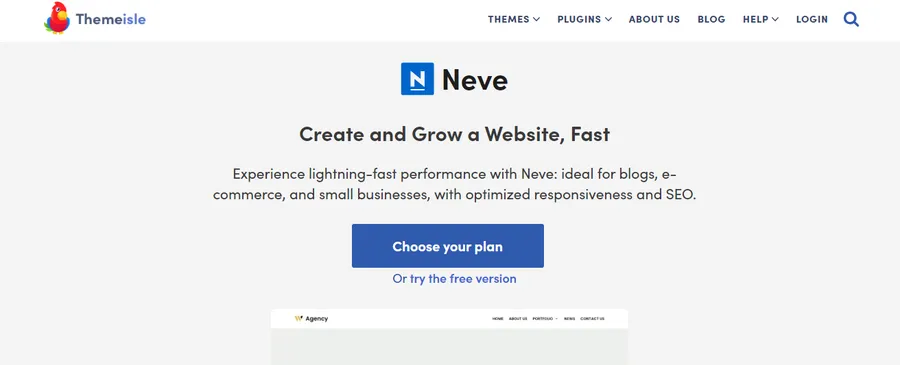
Developed by Themeisle, Neve is a lightweight, adaptable theme constructed with a strict mobile-first philosophy. Because smartphones generate the majority of global web traffic, Neve prioritizes responsive scaling and supports Accelerated Mobile Pages (AMP) to ensure instant loading on cellular connections.
A default installation of Neve is exceptionally lean, using vanilla JavaScript to prevent render-blocking delays. Alongside its speed, the theme includes a visual drag-and-drop header and footer builder, allowing site owners to rearrange navigation menus, search bars, and social buttons in real time.
Key Features and Strengths
- AMP and Mobile Optimization: Renders pages natively for mobile screens, keeping layouts sharp and interactive across smartphones and tablets.
- Visual Header and Footer Builder: Provides an intuitive drag-and-drop grid to customize top and bottom site navigation without coding.
- Page-Level Layout Settings: Allows creators to disable titles, sidebars, or footers on individual pages, offering a clean slate when designing landing pages in Elementor.
- Curated Starter Sites: Includes a growing library of importable business, portfolio, and online shop templates that are set up in minutes.
Who Should Use Neve?
Neve is built for startups, small businesses, and freelance creators whose target audiences browse primarily on mobile devices, earning it a top spot among the best WordPress mobile themes.
6. Kadence Theme
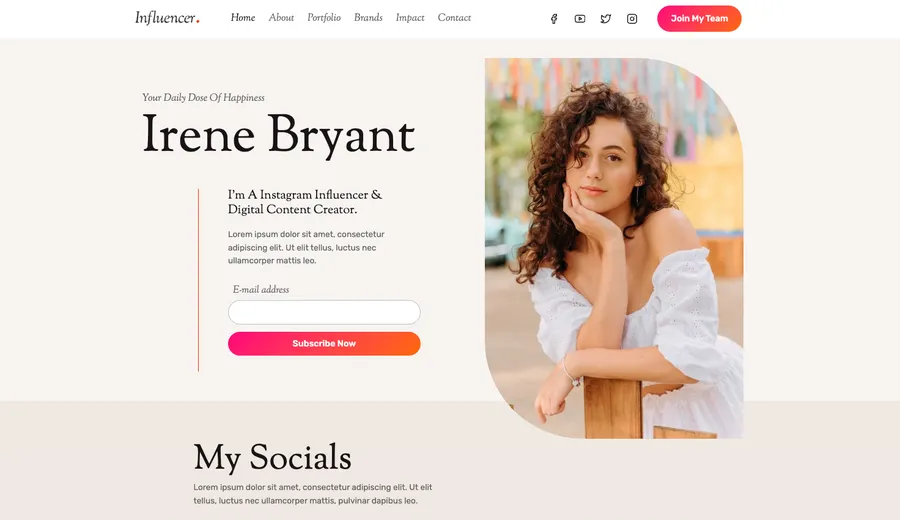
Kadence has reshaped expectations for what users can get without paying for a license, earning its reputation among the best free WordPress designs in 2026.
While many developers lock essential layout tools behind paywalls, Kadence provides a full-featured header and footer builder, global color palettes, and comprehensive typography controls in its core free download.
The theme loads CSS inline in the header only for the elements present on a specific page, avoiding heavy JavaScript files. When paired with the companion Kadence Blocks plugin, it turns the native WordPress block editor into a full page-building system capable of handling complex multi-column layouts.
Key Features and Strengths
- Global Color and Font System: Changing a primary brand color or heading font in the global palette instantly updates every button, link, and heading across the entire website, making it easy to apply modern website color schemes.
- Multi-Row Header Builder: Includes transparent headers, sticky navigation bars, mobile drawer menus, and HTML widget areas in the free version.
- Inline CSS Loading: Prevents stylesheet bloat by loading only the styling rules required for the active page view.
- WCAG Accessibility Compliance: Follows strict accessibility guidelines regarding contrast ratios and keyboard navigation so websites remain usable for all visitors.
Who Should Use Kadence?
Kadence is a top pick for DIY entrepreneurs, Gutenberg block editor fans, and design agencies managing brand consistency across multiple client portals.
7. Divi

Created by Elegant Themes, Divi is both a premium theme and a complete visual website building framework. Rather than relying on third-party plugins for page layout, Divi integrates its proprietary Divi Builder directly into the core package. This unified ecosystem powers millions of websites worldwide.
Divi operates through a real-time front-end editor where users click directly on text on the screen to type, drag section borders to adjust padding, and apply visual effects like shape dividers or drop shadows. Subscribers also gain access to hundreds of full website layout packs covering nearly every commercial industry.
Key Features and Strengths
- Unified Visual Editor: Combines theme settings and page building into one cohesive front-end interface, eliminating plugin compatibility headaches.
- Hundreds of Website Packs: Supplies multi-page template bundles (including home, about, contact, and service pages) created by professional graphic designers.
- Built-In Split Testing: Features native A/B testing tools (Divi Leads) that track how different headlines or button colors perform with live traffic.
- Role Editor Controls: Allows agencies to restrict client access to specific design settings so site owners cannot accidentally break page layouts while updating text.
Who Should Use Divi?
Divi suits visual designers who prefer real-time front-end editing and agencies looking for an unlimited-site license with built-in marketing tools. To compare its layout capabilities against other ecosystems, you can review the 8 best WordPress theme builders currently available.
8. GeneratePress
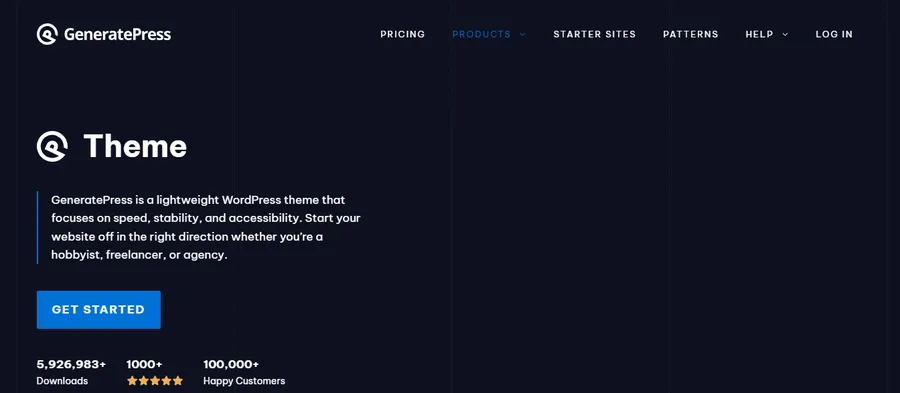
GeneratePress is a favorite among back-end developers, technical SEO specialists, and speed purists. Focused on rock-solid stability and strict adherence to WordPress coding standards, a fresh installation of GeneratePress adds less than 10KB (zipped) to a page.
The free version offers a clean, fast framework, while GeneratePress Premium unlocks a modular toolkit. Administrators can toggle individual modules—such as spacing, colors, copyright, or WooCommerce—on or off, ensuring inactive features never load extra code on the server.
When combined with the GenerateBlocks plugin, users can construct any web page template using four lightweight blocks.
Key Features and Strengths
- Modular Architecture: Keeps sites fast by letting administrators activate only the exact design modules required for the project.
- Block-Based Theme Builder: Uses dynamic block elements in the premium version to build custom post templates, author boxes, and sitewide headers visually.
- Extensive Hooks and Filters: Gives developers dozens of injection points to insert custom PHP, tracking scripts, or callout banners anywhere in the layout.
- WCAG 2.0 Standards: Built from the ground up for screen readers and keyboard navigation, supported by direct developer forum assistance.
Who Should Use GeneratePress?
GeneratePress is tailored for developers, technical bloggers, and publishers who prioritize raw speed, clean markup, and long-term code stability.
9. OceanWP

OceanWP is a veteran multipurpose option that packs premium-grade functionality into its free core download. Serving over 700,000 websites, it stands out among the best free WP templates for users building online stores on a tight budget.
Through the native WordPress Customizer, OceanWP provides deep control over sitewide and page-level layouts. Its standout characteristic is its native WooCommerce integration, which includes conversion-boosting shopping features that competing themes usually reserve for paid upgrades.
Key Features and Strengths
- Conversion-Focused WooCommerce Tools: Includes a native cart popup when items are added, a floating add-to-cart bar on scroll, and a quick-view product modal at no cost.
- Per-Page Layout Controls: Lets users hide the top bar, header, page title, or footer on individual posts to support custom landing page designs.
- Modular Extension Library: Offers optional free and paid add-ons for sticky headers, popup logins, custom sidebars, and Instagram feeds.
- Translation and RTL Support: Prepared out of the box for multilingual plugins and right-to-left scripts.
Who Should Use OceanWP?
OceanWP is ideal for budget-conscious eCommerce store owners and DIY builders who want extensive Customizer toggles without buying multiple plugins. Merchants looking for additional storefront layouts can also browse our curated list of the best WordPress eCommerce templates.
10. Blocksy
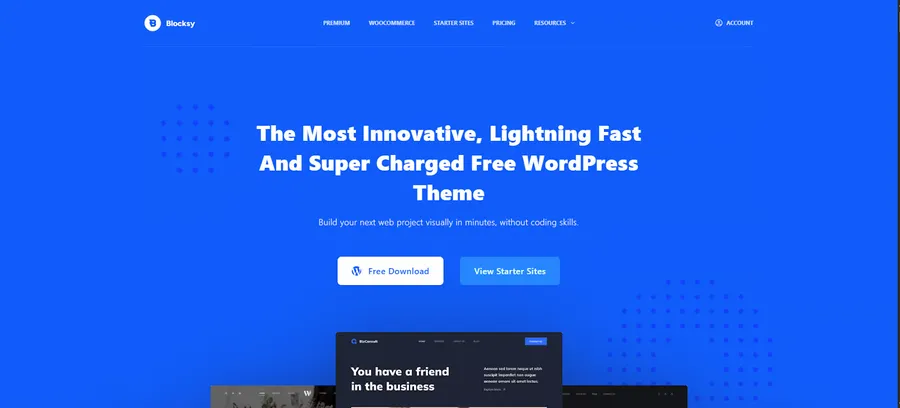
Blocksy is a modern, fast-growing theme engineered with the latest web technologies, including React and Webpack. Built natively for the Gutenberg block editor while remaining fully compatible with Elementor, Blocksy is widely recognized as one of the best free WordPress designs for visual polish and intuitive usability.
Every setting in Blocksy is managed inside a real-time live Customizer that splits assets into small chunks, loading JavaScript only when a visitor interacts with a specific element on the screen. It also features dark mode toggles in the dashboard and advanced content hooks for marketers.
Key Features and Strengths
- On-Demand Asset Loading: Fetches JavaScript files only when triggered by user interaction (such as opening a mobile menu or search modal), keeping initial load times rapid.
- Content Blocks (Hooks) Module: Enables users to create promotional banners, custom 404 pages, or newsletter opt-ins and display them conditionally across specific categories or user roles.
- Live Visual Header Builder: Includes a responsive grid with elements like account icons, cart totals, language switchers, and off-canvas menus.
- Modern Default Styling: Features clean spacing, refined typography ratios, and card layouts that look professional before any customization takes place.
Who Should Use Blocksy?
Blocksy is a strong match for content creators, creative professionals, and WooCommerce merchants who appreciate modern aesthetics and conditional content display rules.
Educators who love this block-first approach can also explore the best Gutenberg education WordPress theme options for building block-based learning portals.
11. Hestia

Developed by the team behind Neve, Hestia is a sleek, material-design theme built primarily for one-page corporate websites.
Startups, medical clinics, creative agencies, and consultants often don’t need sprawling multi-page architectures; they need a single, smooth-scrolling homepage that presents their services, portfolio, team members, and contact form in a logical sequence.
Hestia manages its entire homepage layout inside the live WordPress Customizer. Users can rearrange pre-designed sections with a mouse click or open individual panels in Elementor to build custom content blocks.
Key Features and Strengths
- Material Design Aesthetic: Applies subtle shadows, layered cards, and clean typography to create a polished corporate look.
- Smooth-Scrolling One-Page Structure: Organizes hero banners, service grids, client testimonials, pricing tables, and contact forms on a single high-converting page.
- Live Customizer Management: Consolidates all section toggles and text edits into one sidebar menu, removing the learning curve for beginners.
- Styled WooCommerce Grid: Formats online shop products into neat material-design cards that match the corporate front page.
Who Should Use Hestia?
Hestia fits freelancers, local service businesses, and startups that want a clean, single-page corporate portfolio online in a single afternoon. Established enterprises can also compare other best professional corporate WordPress themes if they need multi-page company directories.
12. Go
Go is an open-source, Gutenberg-first theme created and maintained by web hosting giant GoDaddy. Designed around radical simplicity, Go strips away complicated option panels and relies entirely on the native WordPress block editor paired with the free CoBlocks plugin.
Instead of overwhelming beginners with hundreds of typography and spacing sliders, Go uses pre-configured design styles (such as Traditional, Modern, Trendy, and Playful). Selecting a style automatically pairs matching fonts, color schemes, and header structures so users can focus entirely on writing content.
Key Features and Strengths
- Curated Design Presets: Lets users switch the entire visual mood of the website in two clicks by selecting pre-matched color and font palettes.
- Tight CoBlocks Integration: Expands the block editor with shape dividers, accordion tabs, food and drink menus, pricing tables, and responsive margin controls.
- Content-First Minimalist Layout: Uses generous whitespace and clear reading widths to keep visitor attention focused on articles and photography.
- Zero Cost and High Reliability: Backed by GoDaddy’s engineering team, ensuring consistent updates for future WordPress core releases at zero cost.
Who Should Use Go?
Go is suited for bloggers, writers, café owners, and complete beginners who want a straightforward, distraction-free website built entirely inside the native block editor, making it a popular contender among the best free WordPress blog themes.
How to Choose the Right Option for Your Project
With strong candidates across every category, narrowing down the best WP templates comes down to matching the software to your core business model and daily workflow:
- Identify Your Core Functionality First:
If the primary goal of the website is selling online courses, managing students, or running a school, multipurpose themes require too many third-party plugins to function properly.
Purpose-built solutions like Eduma (for schools and academies) or Coaching WP (for speakers and mentors) save weeks of configuration because the LearnPress LMS, payment gateways, and event calendars are already integrated and styled.
You can also explore other best education WordPress themes to compare specialized academic layouts.
- Choose Your Editing Workflow:
Decide how you prefer to build pages. Users who rely on Elementor Pro for custom design should pair it with Hello Elementor or Astra.
Creators who prefer the native WordPress Gutenberg block editor will get the highest mileage out of Kadence, Blocksy, GeneratePress, or Go.
Those who want a single all-in-one visual package without mixing plugins should look at Divi.
- Balance Free vs. Premium Value:
Many projects can launch successfully using the best free WordPress designs like Kadence, Neve, or OceanWP.
However, when a business requires specialized industry tools—such as commission management for instructors, interactive coaching timelines, or dedicated technical support—investing $37 to $59 in a lifetime license for a niche theme delivers a much higher return on investment than piecing together separate paid plugins.
Final Thoughts on Choosing the Best WP Templates
Selecting from the best WP templates in 2026 requires matching your technical performance goals with the specific functional demands of your industry.
For educators, universities, and training centers, Eduma delivers an unmatched eLearning ecosystem backed by LearnPress and 42+ ready-made demos, while Coaching WP provides mentors and speakers with the exact booking and portfolio tools needed to win high-ticket clients.
Meanwhile, creators building general business sites, blogs, or online stores can rely on lightweight frameworks like Hello Elementor, Astra, Kadence, and GeneratePress for rapid loading speeds and flexible customization.
Evaluate your primary content format, test the live demos on both desktop and mobile devices, and choose the foundation from our full collection of WordPress themes that gives your website room to grow for years to come.
Frequently Asked Questions (FAQs)
1. What is the difference between a WordPress theme and a web page template?
A WordPress theme controls the global design framework of an entire website, including its stylesheets, typography, header, footer, and core plugin integrations. A web page template controls the layout of a single specific page—such as a landing page, contact page, or course sales page—within that theme. Modern themes often bundle dozens of individual page templates inside their starter demos, or allow you to make a website template of your own using visual builders.
2. Can the best free WordPress templates compete with premium themes for SEO?
Yes, many of the best free WP templates—such as Astra, GeneratePress, Kadence, and Hello—offer clean code, fast loading speeds, and mobile responsiveness that match premium software. However, premium niche themes like Eduma and Coaching WP go a step further by embedding specialized microdata schema for online courses, events, and products right out of the box, which helps search engines display rich snippets in search results.
3. Will switching my theme delete my existing website content or courses?
Switching themes will not delete standard pages, blog posts, or media files stored in WordPress. For specialized content like online courses, data safety depends on how the theme is built. Themes like Eduma and Coaching WP store all curriculum, quiz, and student data inside the independent LearnPress LMS plugin rather than locking it into the theme files, ensuring you never lose your educational data if you change designs later.
4. Do I need coding skills to customize the best WP templates in 2026?
No coding knowledge is required. Every theme on this list supports visual drag-and-drop page builders like Elementor, WPBakery, Divi, or the native WordPress block editor. You can change colors, select from hundreds of Google Fonts, upload logos, and rearrange page sections using live point-and-click interfaces.
5. How do I ensure my WordPress theme loads fast after importing a demo?
After using a one-click demo importer, deactivate and delete any bundled plugins or add-ons that your website does not actively use. Compress all uploaded images to WebP images format, use a reliable WordPress hosting provider, and enable a WordPress cache plugin to minify CSS and JavaScript files. Choosing a performance-tuned base like Eduma, Astra, or GeneratePress ensures the underlying code is already optimized for speed.
Read more: Newspaper Template: 5 WordPress Options & Setup Guide
Contact US | ThimPress:
Website: https://thimpress.com/
Fanpage: https://www.facebook.com/ThimPress
YouTube: https://www.youtube.com/c/ThimPressDesign
Twitter (X): https://x.com/thimpress_com