
Exam Add-on for LearnPress

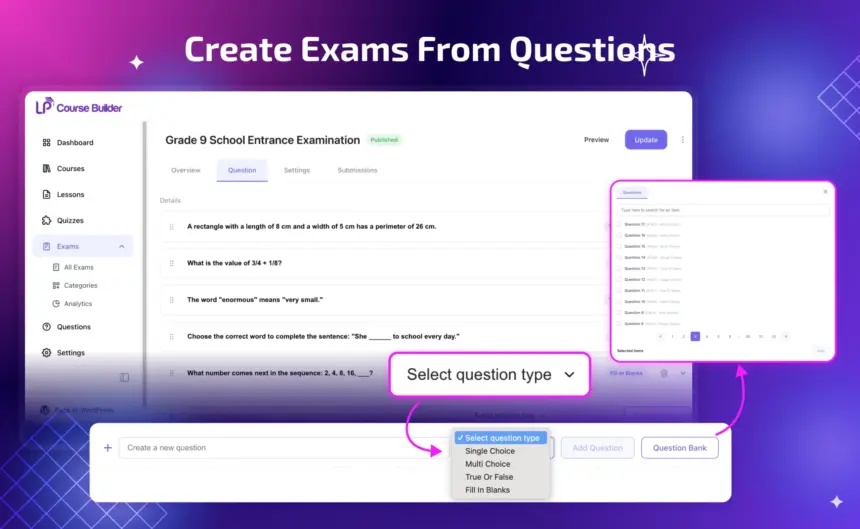

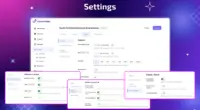
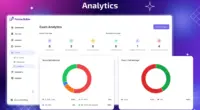
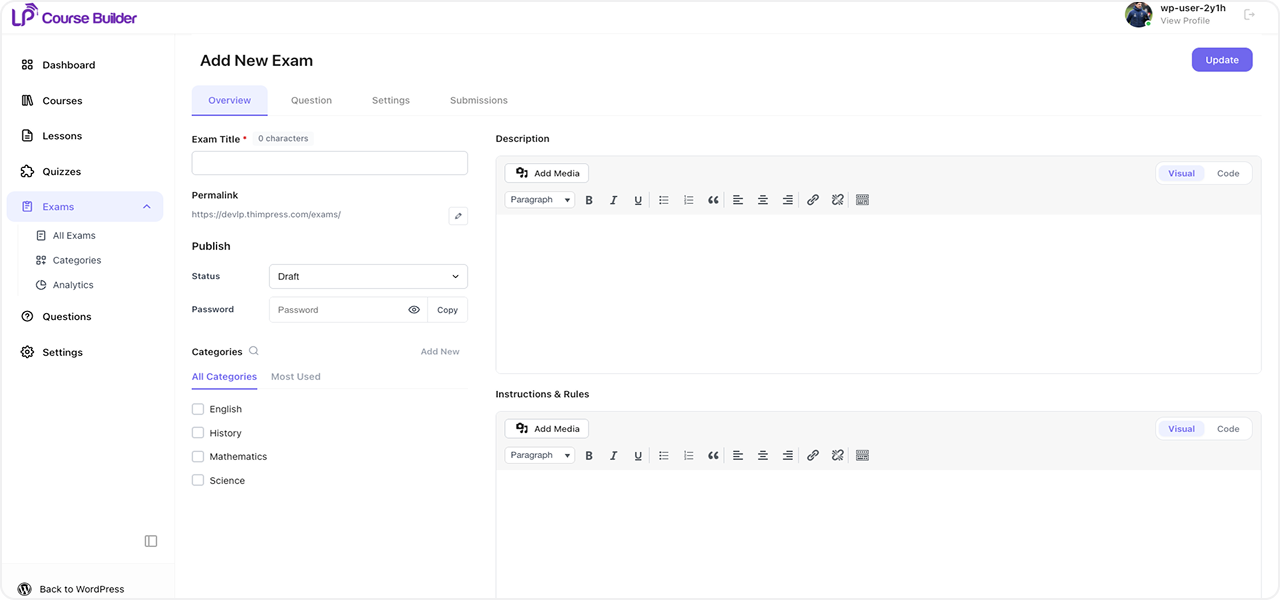
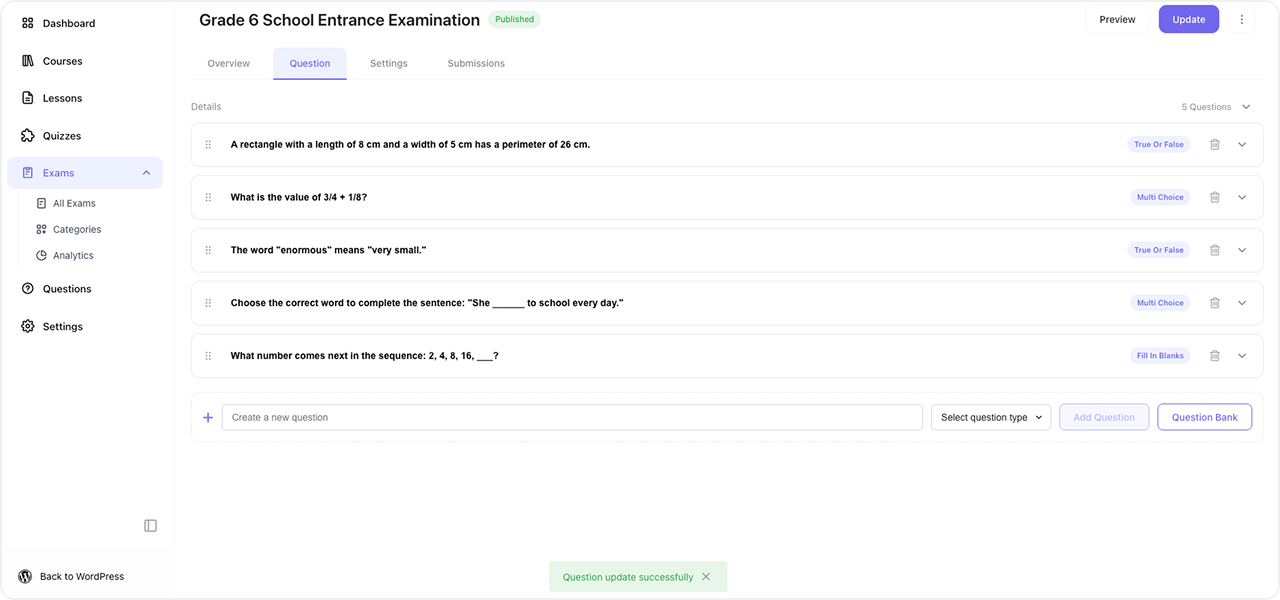
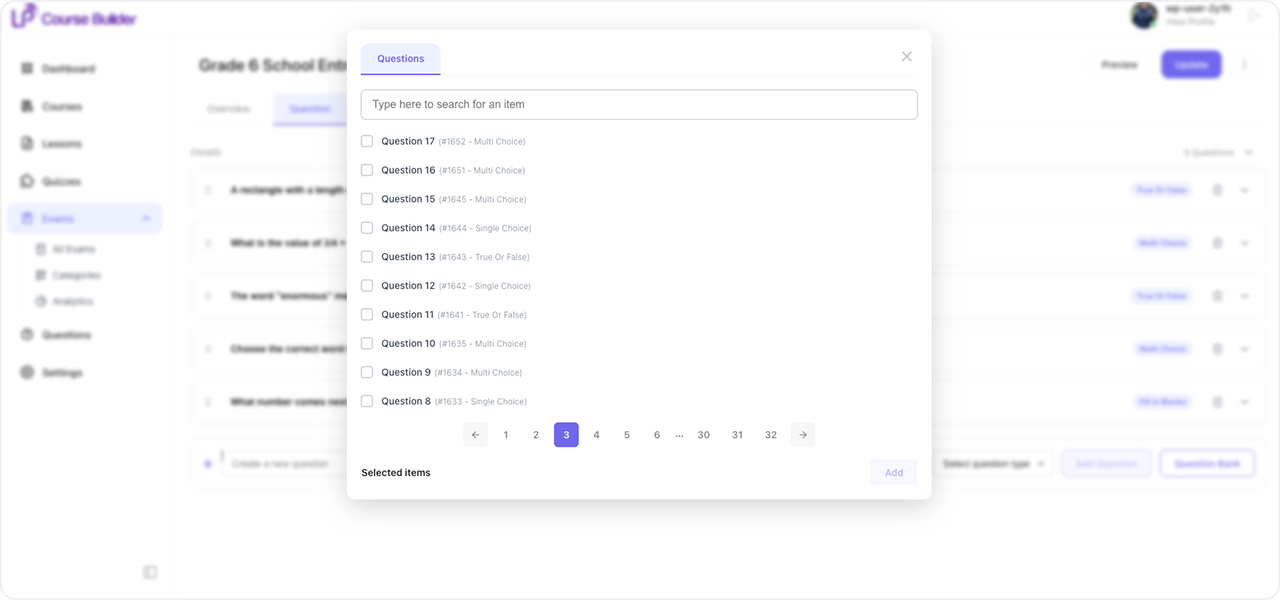
- Build exams in minutes by reusing questions from your question bank.
- Cut your grading workload with auto-marked questions.
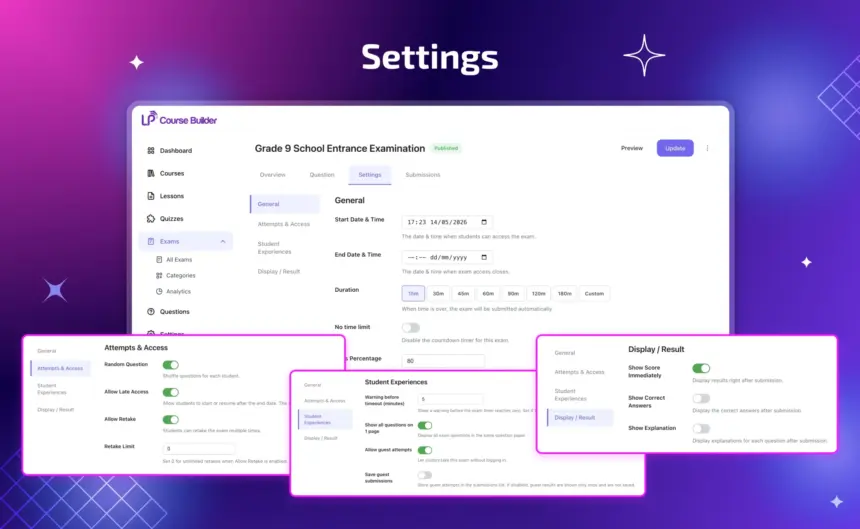
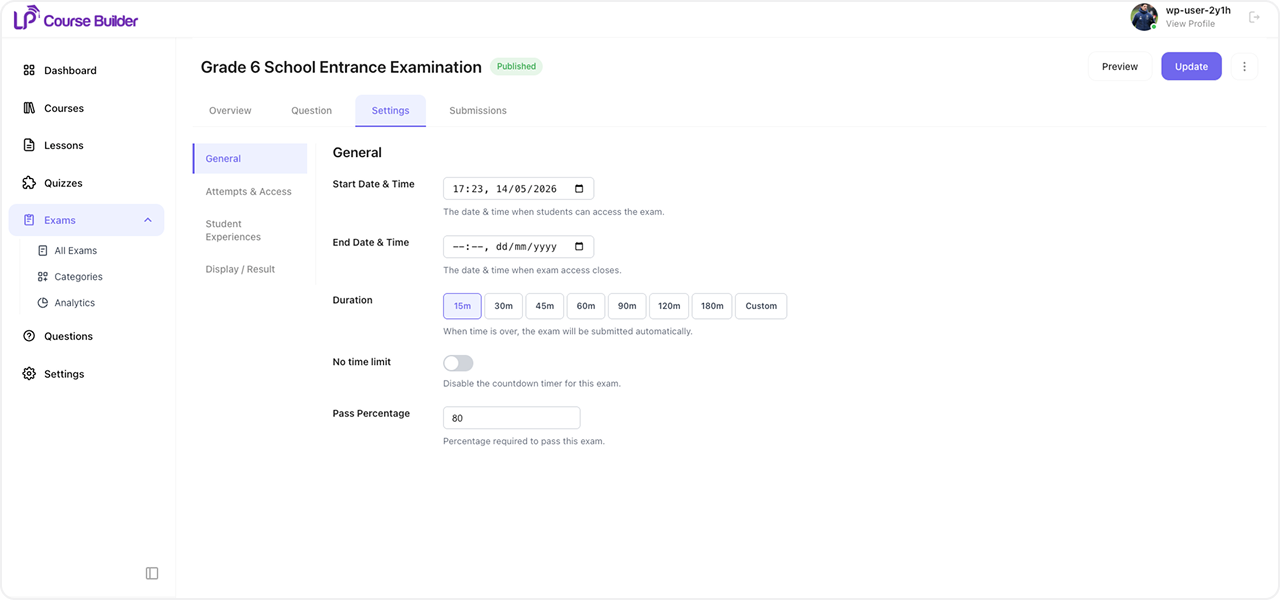
- Control the full exam experience — set attempt limits, manage access rules, and even allow anonymous users to take exams without an account.
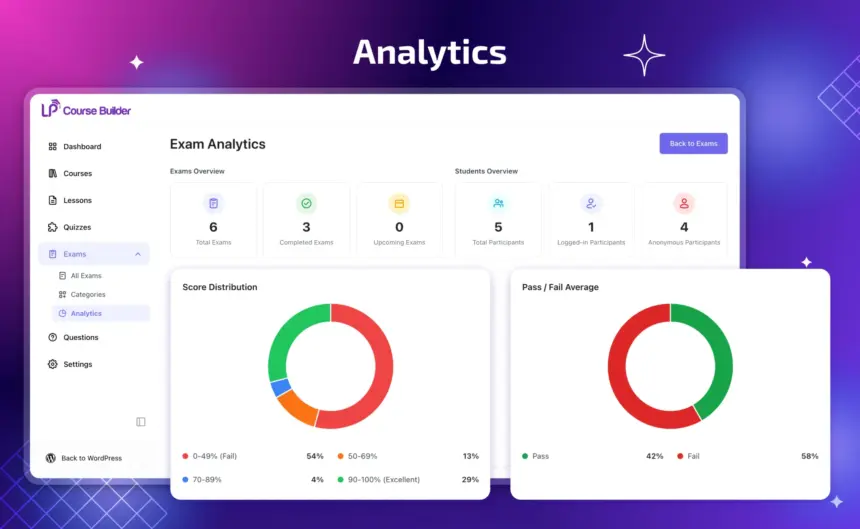
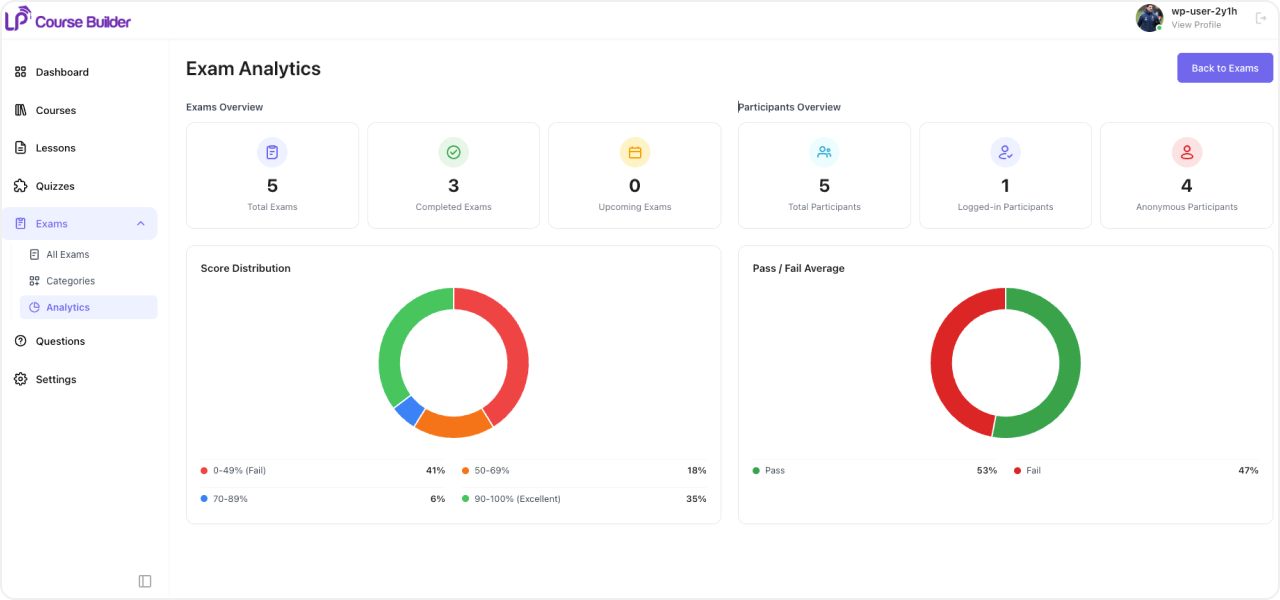
- Gain deeper insight into performance with a histogram showing grade distribution, so you can spot trends at a glance.
Course completion tells students they finished. An exam tells them — and everyone else — that they actually know it. That credibility is what makes people choose your platform over a free YouTube course covering the same topic.
Active Users: 68
Price: Original price was: $39.$19Current price is: $19.
- Lifetime license for 1 site License Info:Includes lifetime usage on 1 site. You can switch between environments as needed by deactivating/reactivating the key. Only one active installation can receive updates and support at a time.Learn More
- 12 months Update & Support Updates & Support Info:Purchase includes 12 months of updates and support. After expiry, the add-on remains functional, but you must renew the license to access future updates and support services.Learn More

Discount 25%

Memberships & Subscriptions Add-on for LearnPress
Original price was: $49.$39Current price is: $39.
Interactive Blocks Add-on for LearnPress
Original price was: $29.$19Current price is: $19.


















- Limited to 50 redemptions per day.
- ThimPress reserves the right to modify or cancel coupons at any time without notice.
- If you receive a refund for an item purchased with a coupon, the amount of refund to you will not include the coupon or its redemption value.
= 4.0.1 (2026-09-28) =
Fixed saved guest attempts losing access when LearnPress guest sessions differ between page and AJAX requests.
Bound new guest attempt tokens to an HttpOnly browser cookie, added guest-start throttling, and preserved access to verifiable legacy attempts.
Added automatic migration for legacy browser drafts/results and improved invalid-attempt recovery.
Excluded development documentation and source maps from production packages.
Tweak: style.
= 4.0.0 (2026-07-07) =
Initial LearnPress Exams release.
Screenshots
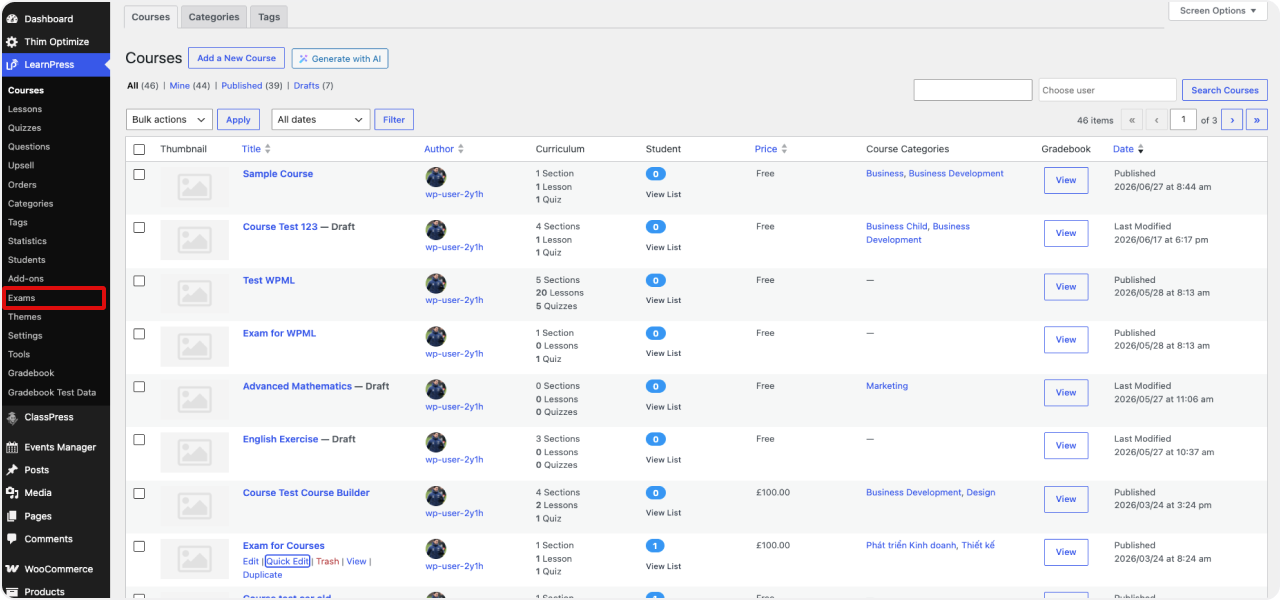
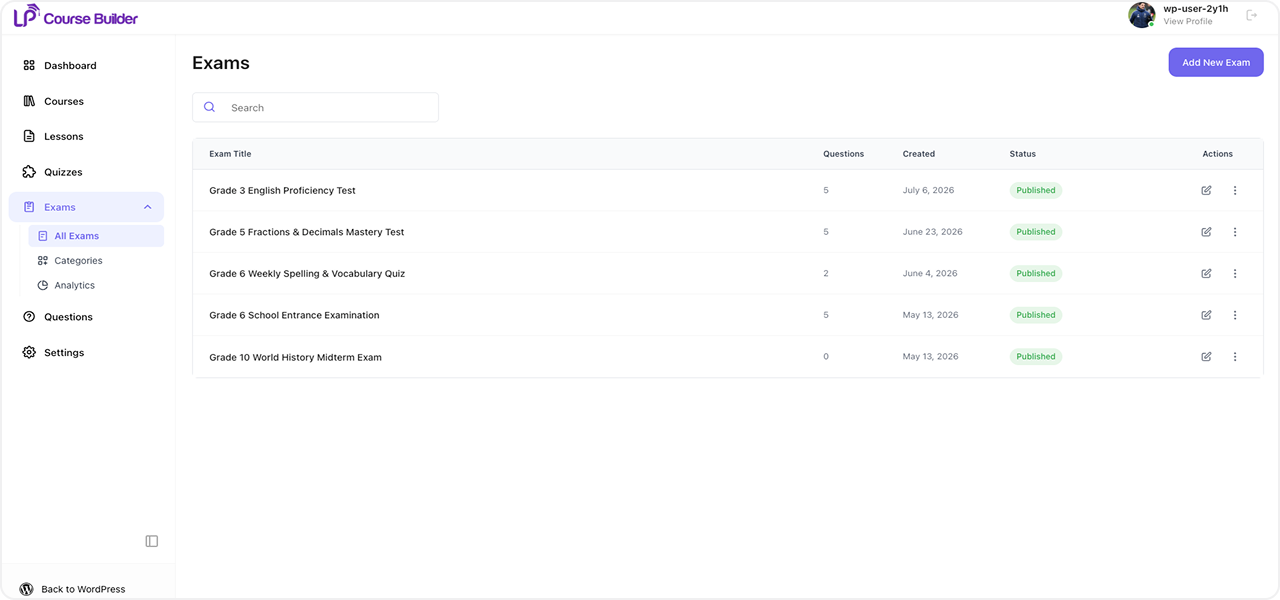
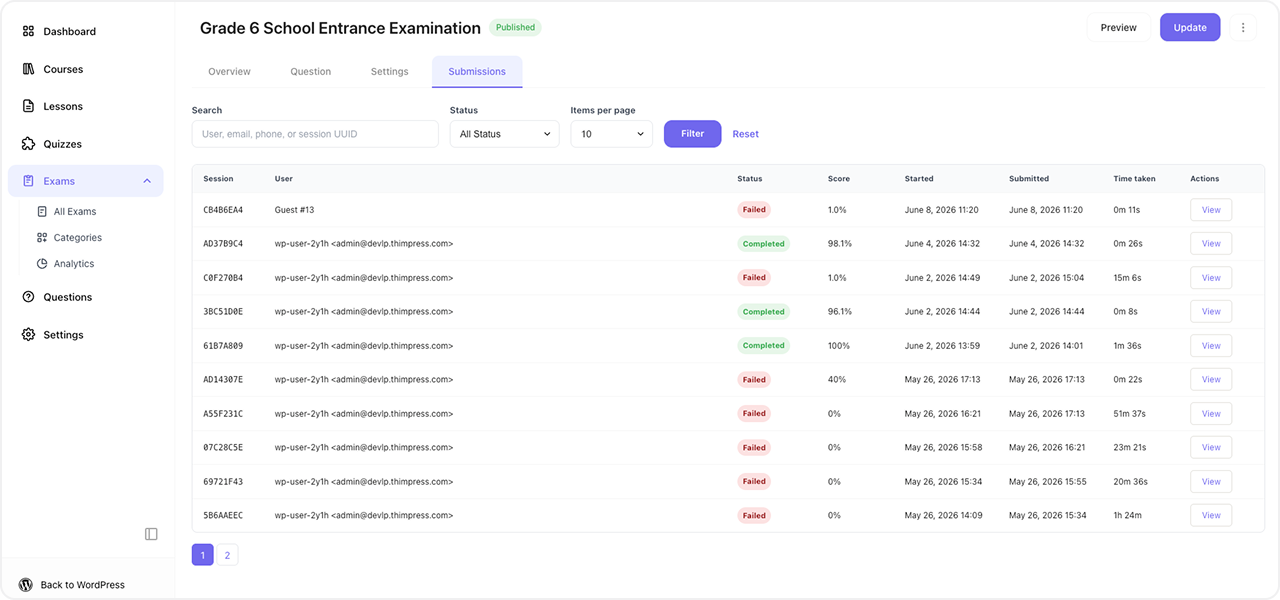
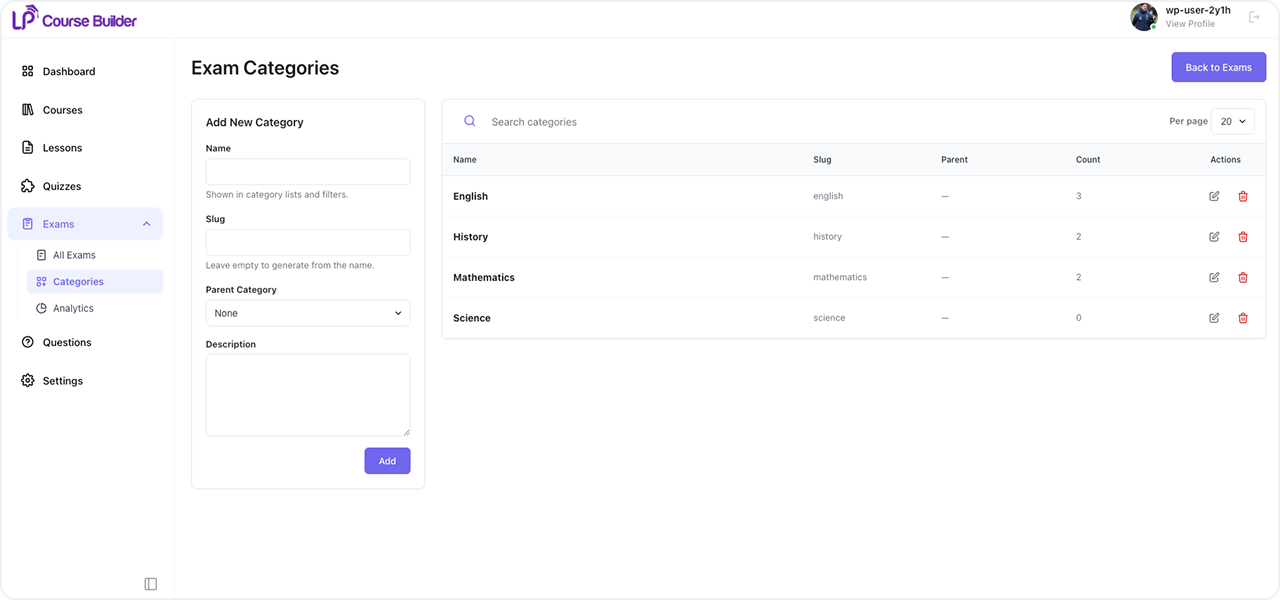
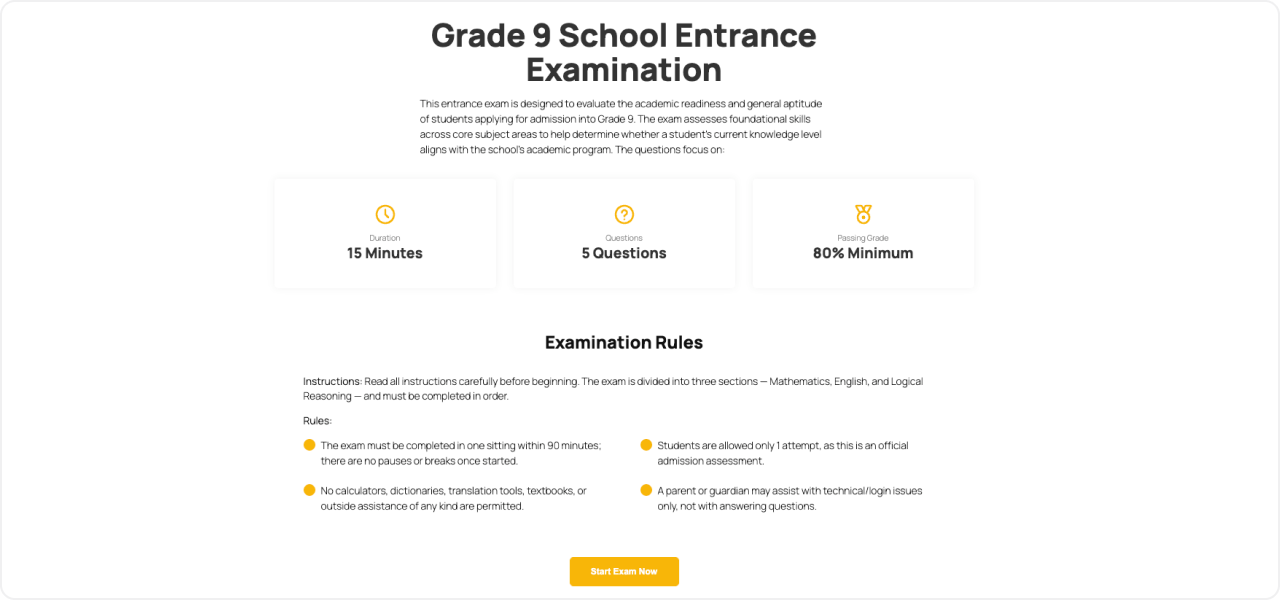
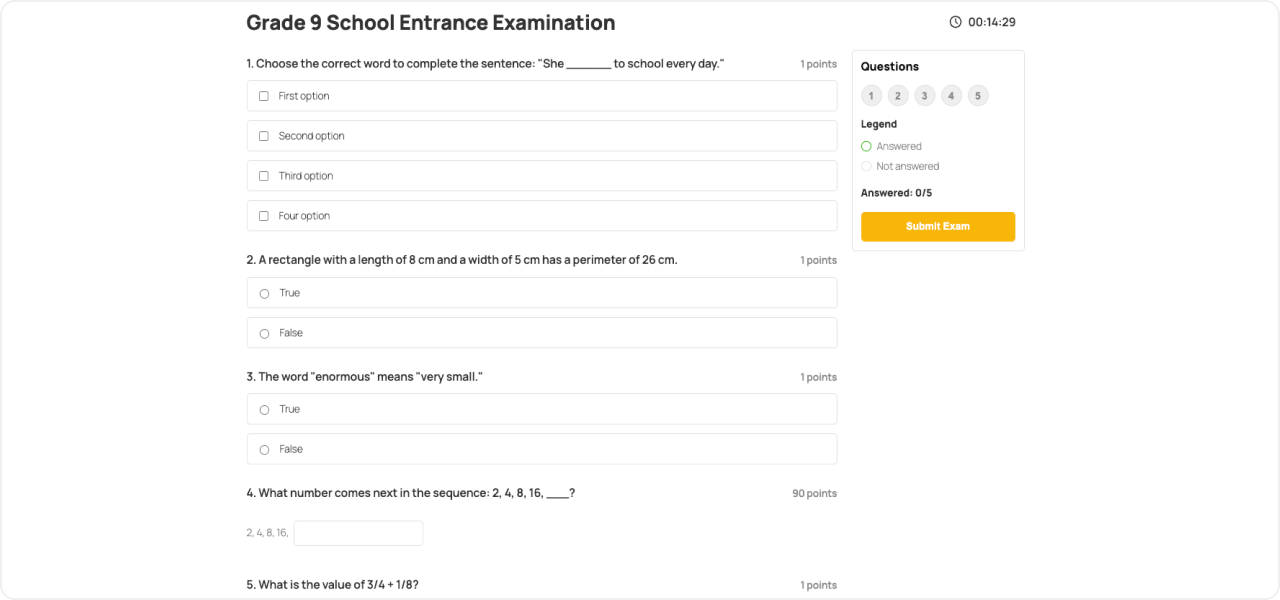
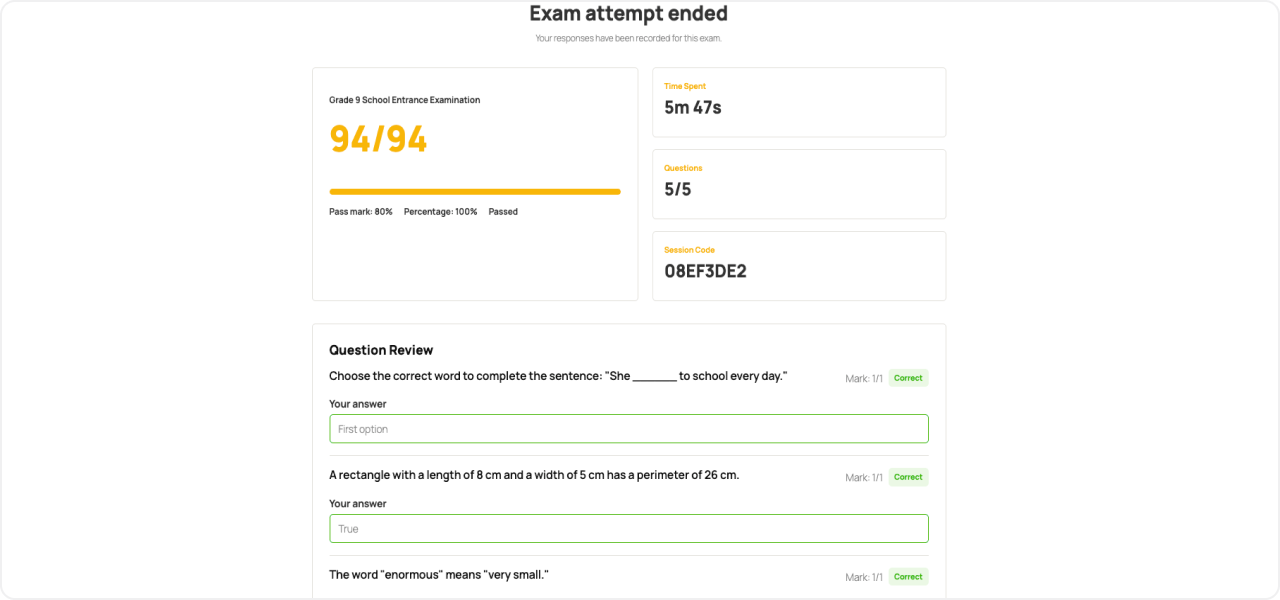
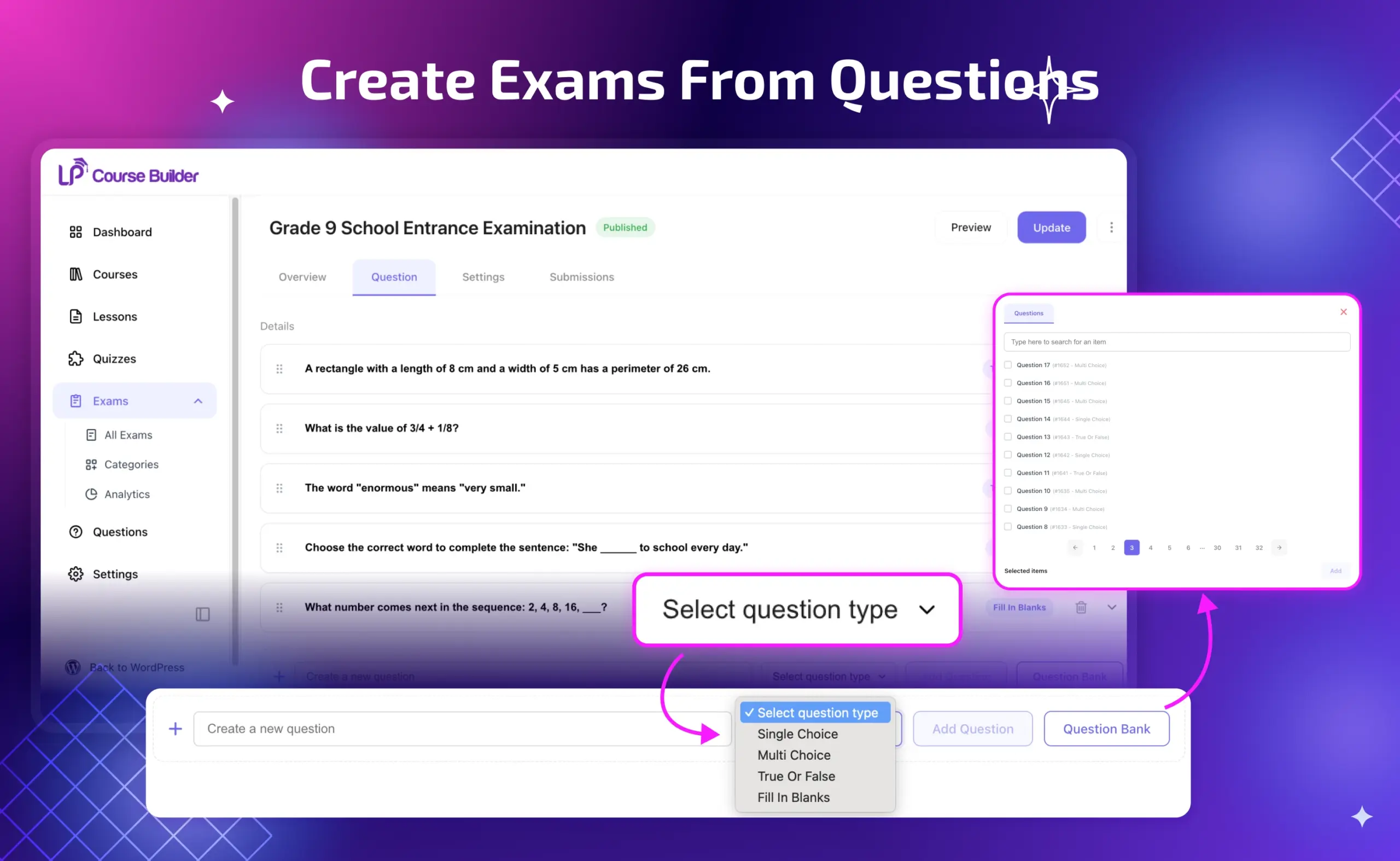
Build in minutes
Build exams fast from a flexible question bank
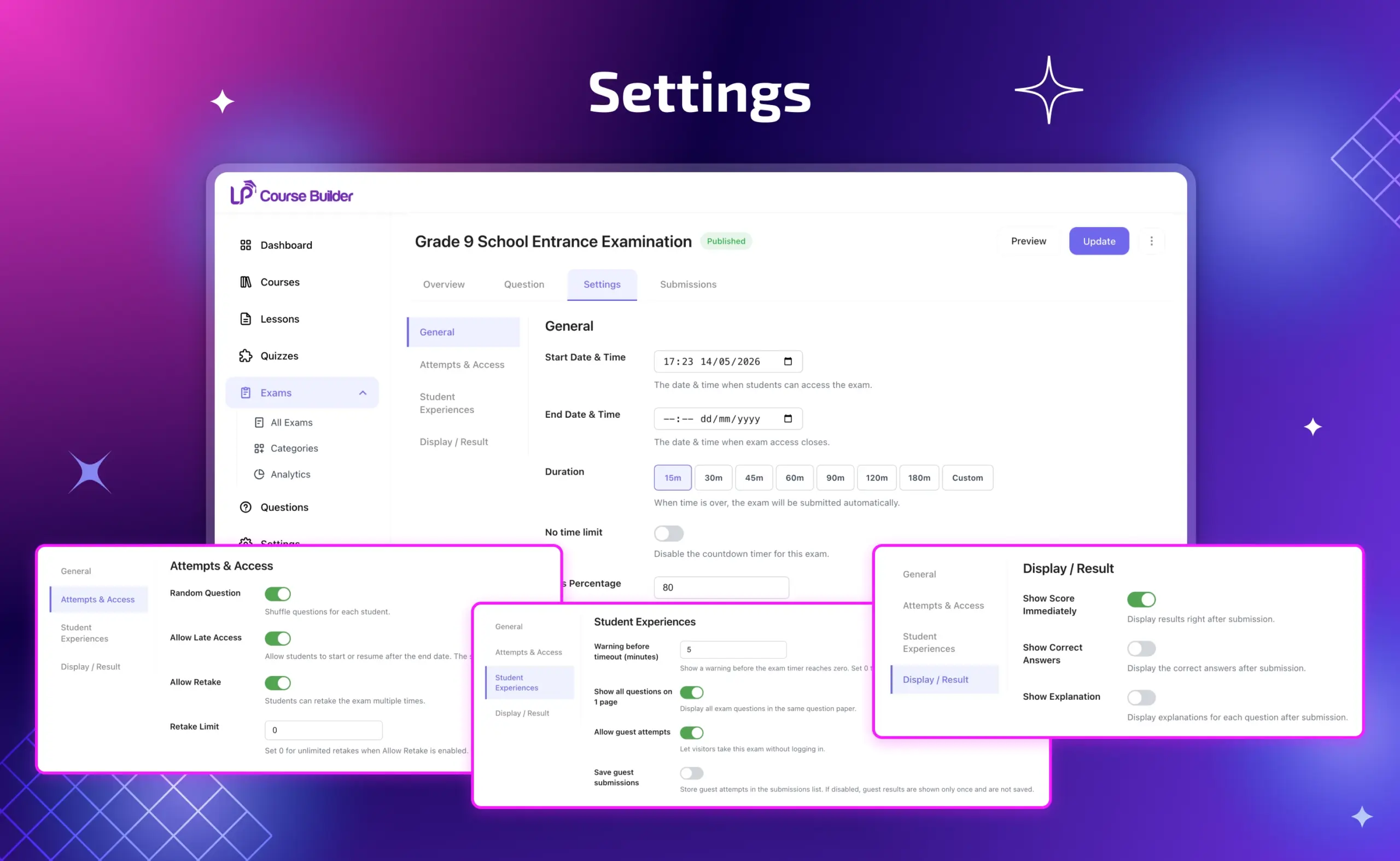
TOTAL CONTROL OVER EVERY EXAM
Fine-tune access, timing, and attempts for every exam
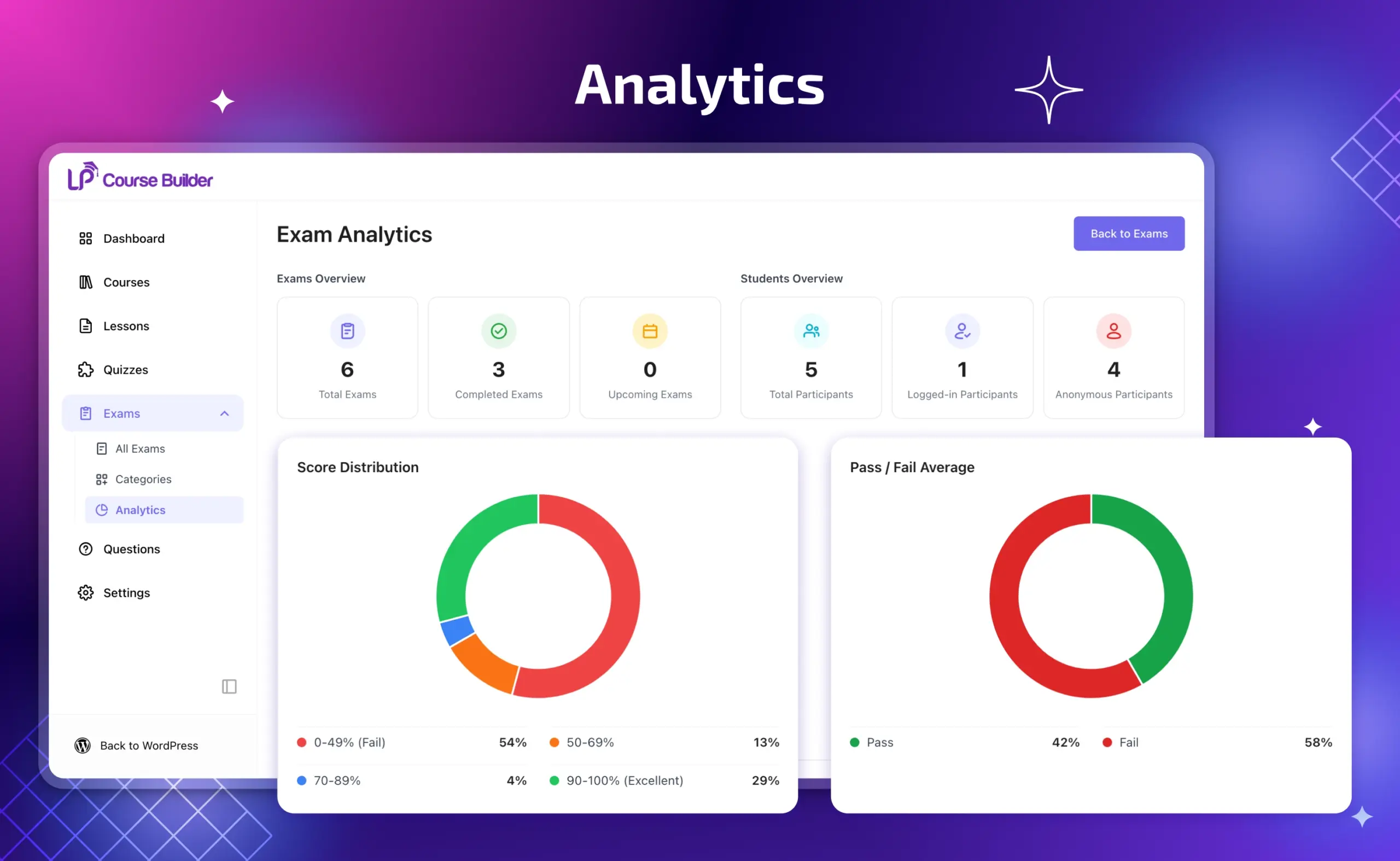
KNOW HOW YOUR STUDENTS ARE REALLY DOING
Exam analytics that turn results into insight
All Your Questions
Answered
You have questions.
We have answers.
Exam Add-on for LearnPress is the ultimate wordpress lms exam solution for creating standalone, gradable exams independent of your courses. It supports auto and manual grading, timed sections, attempt limits, anonymous access, and detailed performance analytics.
A quiz lives inside a course and checks understanding as students progress. An exam is a standalone content type, independent of any single course — it can pull knowledge from multiple courses and stand as the final proof of mastery rather than a step along the way.
Yes. Objective question types are graded instantly and automatically, so you can scale to any number of candidates without extra grading work.
Yes. Anonymous access lets you open an exam to anyone, not just enrolled students — useful for placement tests, public certification, or lead generation, since candidates don’t need an account to get started.
Yes. You can set time limits at the overall exam, section, or question level, define how many attempts a candidate gets, and set a completion window after enrollment — giving you full control over how the exam is conducted.
Yes. You get a histogram showing grade distribution along with detailed performance data, so you can see exactly how candidates are doing and where your exam content might need adjustment.
We have a delicated team to support you 24/5
Go to our Forum and explore more than 2000 support topics
Feel free to contact us for support anytime
Reviews
Related products

Frontend Editor Add-on for LearnPress

LearnPress Pro Bundle



Emma Wilson –
Exactly what our LMS was missing
After using this for two months across three certification tracks, I can say it is reliable, fast to grade, and gives us the credibility that plain course completion never did.
Suzukijp –
Solid for a v1.0 releaseVery stable for a first release. There were a few minor display glitches, but nothing that affected functionality. Looking forward to future updates.
Marco Bianchi –
Very flexible
You can set time limits at the exam, section, or single question level. That flexibility lets us build very different kinds of tests without needing extra plugins.
Lauramar –
Good tool, documentation could improveThe plugin works really well overall. I’d love to see more practical examples in the official docs for configuring time limits per section.
David Thompson –
Ideal for certification programs
We run public certification exams and this add-on handles everything: timed sections, attempt limits, anonymous candidates, and clear analytics afterward. Exactly what our program needed.