
Chat Room Add-on for LearnPress

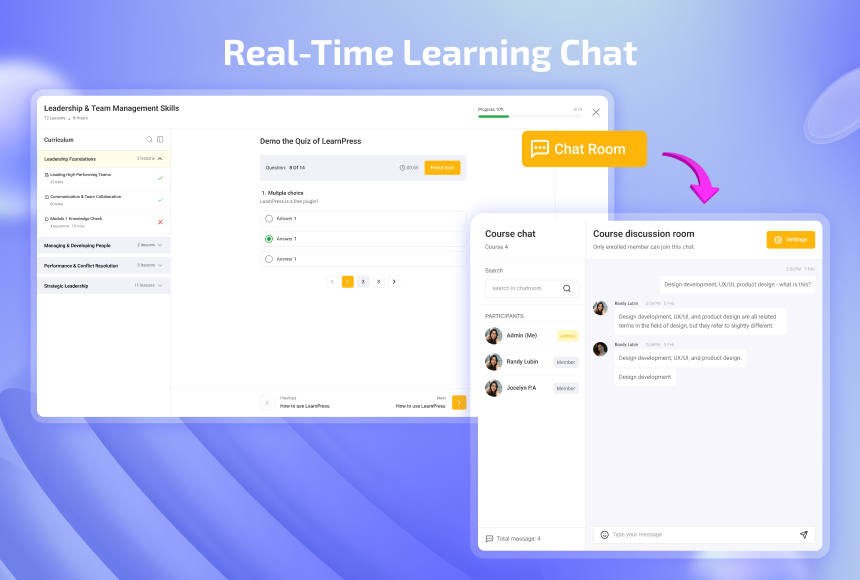

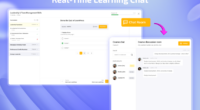

- Add real-time course chat rooms for LearnPress students and instructors.
- Choose flexible messaging transports with WP Polling or instant Pusher Channels.
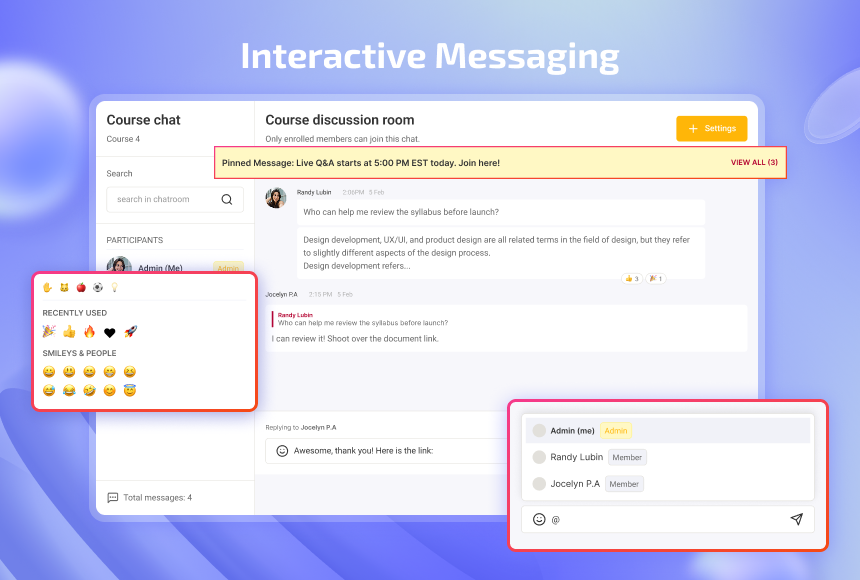
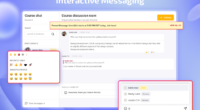
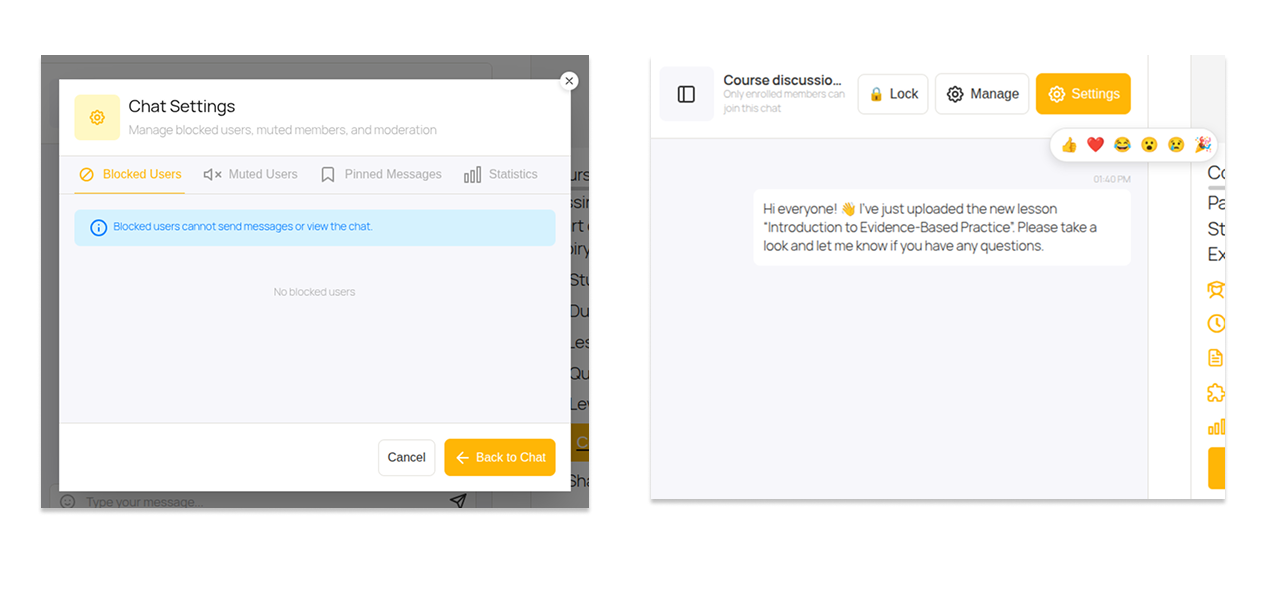
- Engage learners with @user mentions, emoji reactions, reply quotes, and pinned messages.
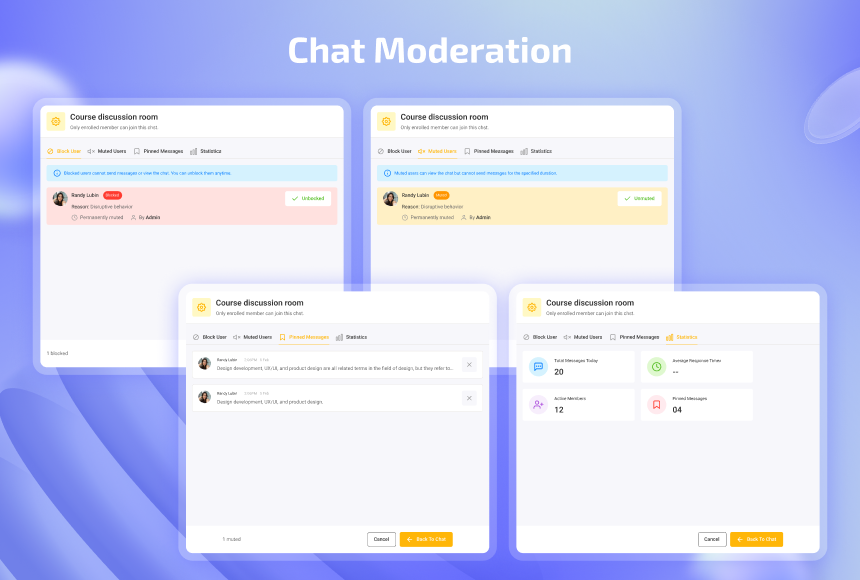
- Moderate discussions with instant ban, mute duration timers, and room locking.
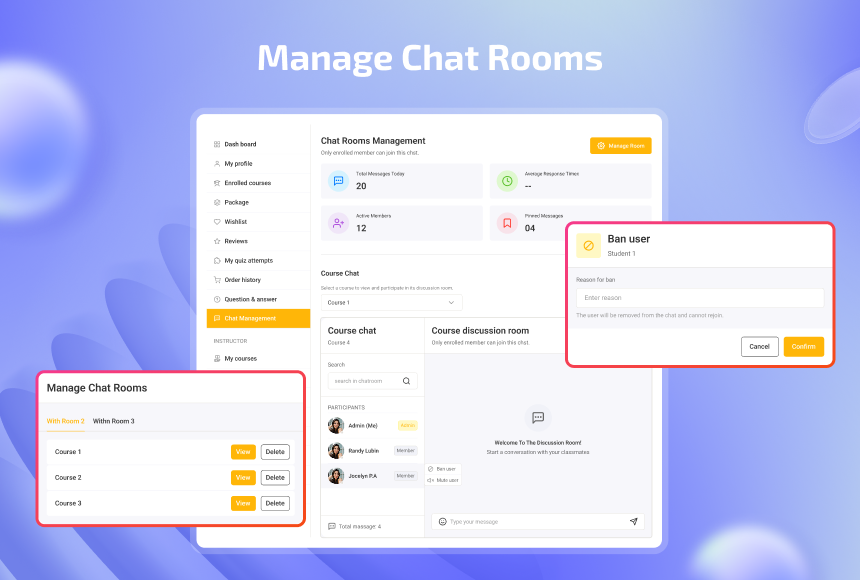
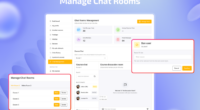
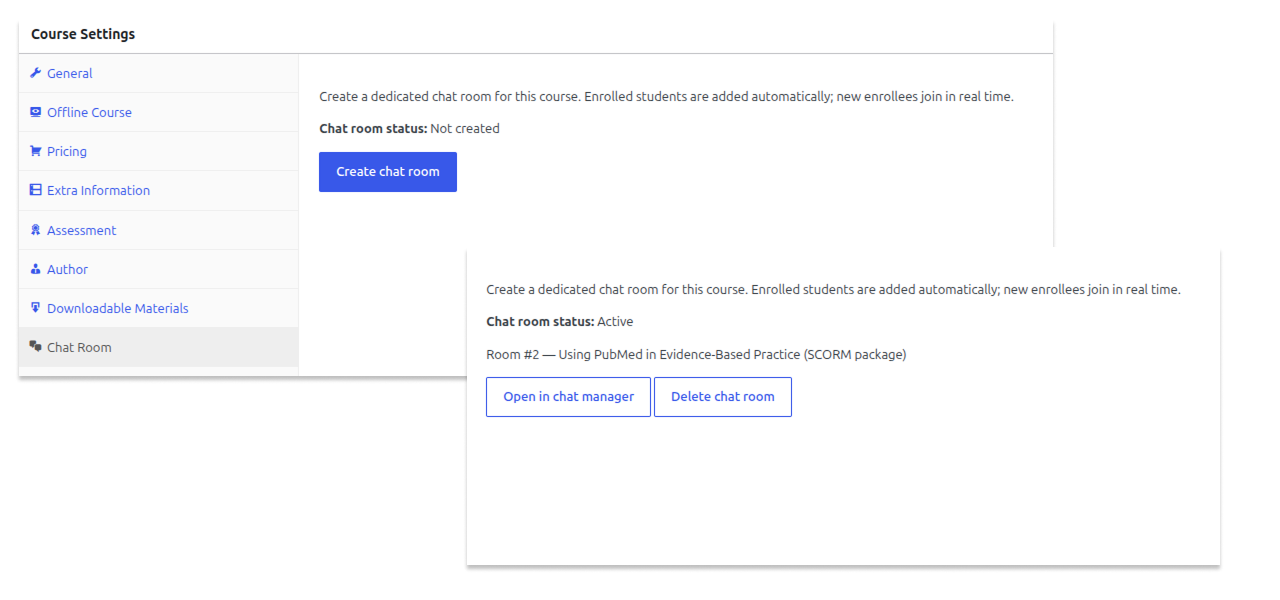
- Manage all course chat rooms from a dedicated LearnPress Instructor Profile tab.
How It Helps
Traditional online courses often leave students feeling isolated, leading to low completion rates and unanswered questions. Chat Room Add-on for LearnPress transforms passive video lectures into active learning communities. Students get instant feedback from instructors and peers, keeping engagement high while giving course creators an effective tool to foster vibrant student discussions.
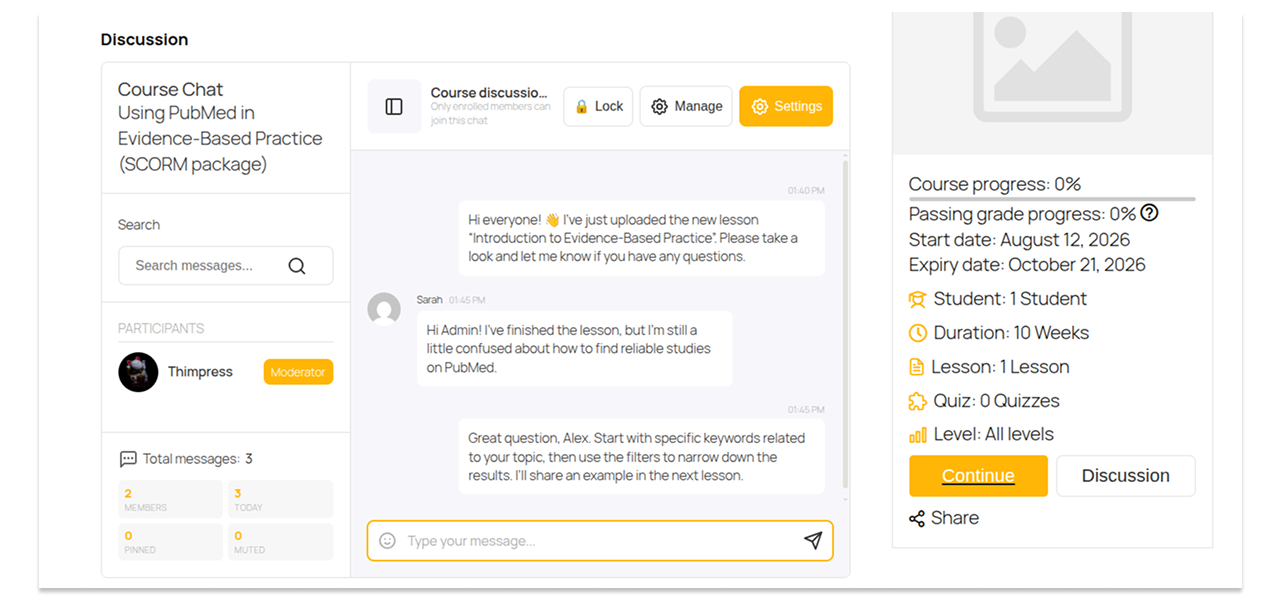
Create real-time chat rooms for specific LearnPress courses or custom learning groups, allowing enrolled students to collaborate instantly.
Active Users: 400
Price: Original price was: $19.$10Current price is: $10.
- Lifetime license for 1 site License Info:Includes lifetime usage on 1 site. You can switch between environments as needed by deactivating/reactivating the key. Only one active installation can receive updates and support at a time.Learn More
- 12 months Update & Support Updates & Support Info:Purchase includes 12 months of updates and support. After expiry, the add-on remains functional, but you must renew the license to access future updates and support services.Learn More

Discount 25%

Memberships & Subscriptions Add-on for LearnPress
Original price was: $49.$39Current price is: $39.
Interactive Blocks Add-on for LearnPress
Original price was: $29.$19Current price is: $19.


















- Limited to 50 redemptions per day.
- ThimPress reserves the right to modify or cancel coupons at any time without notice.
- If you receive a refund for an item purchased with a coupon, the amount of refund to you will not include the coupon or its redemption value.
Screenshots
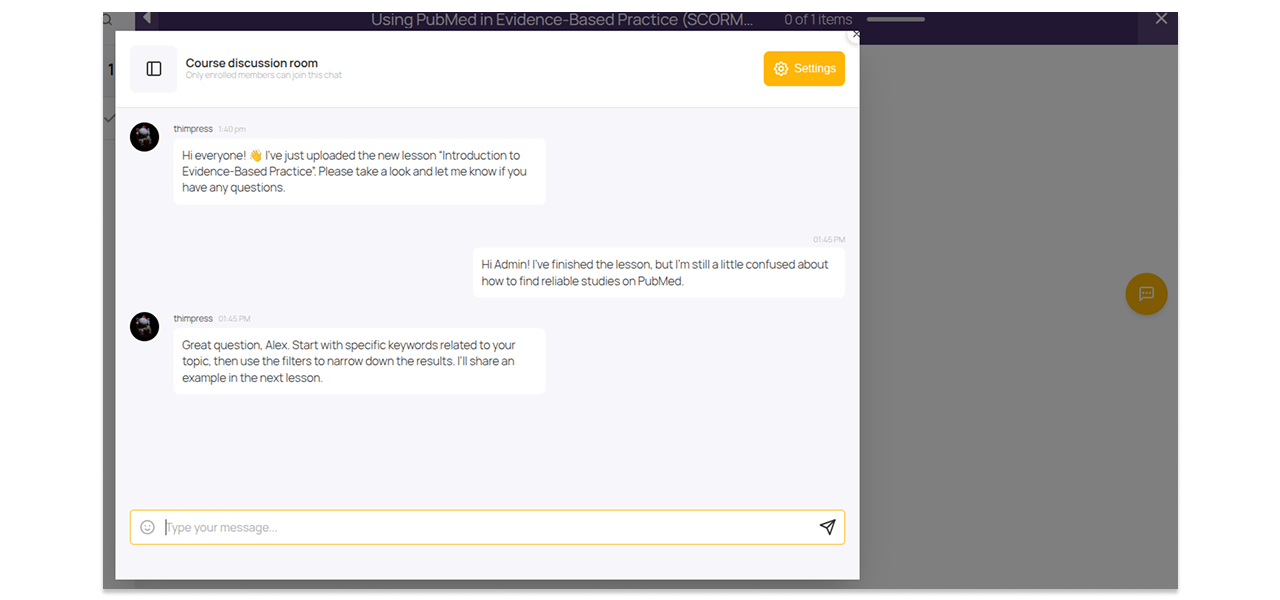
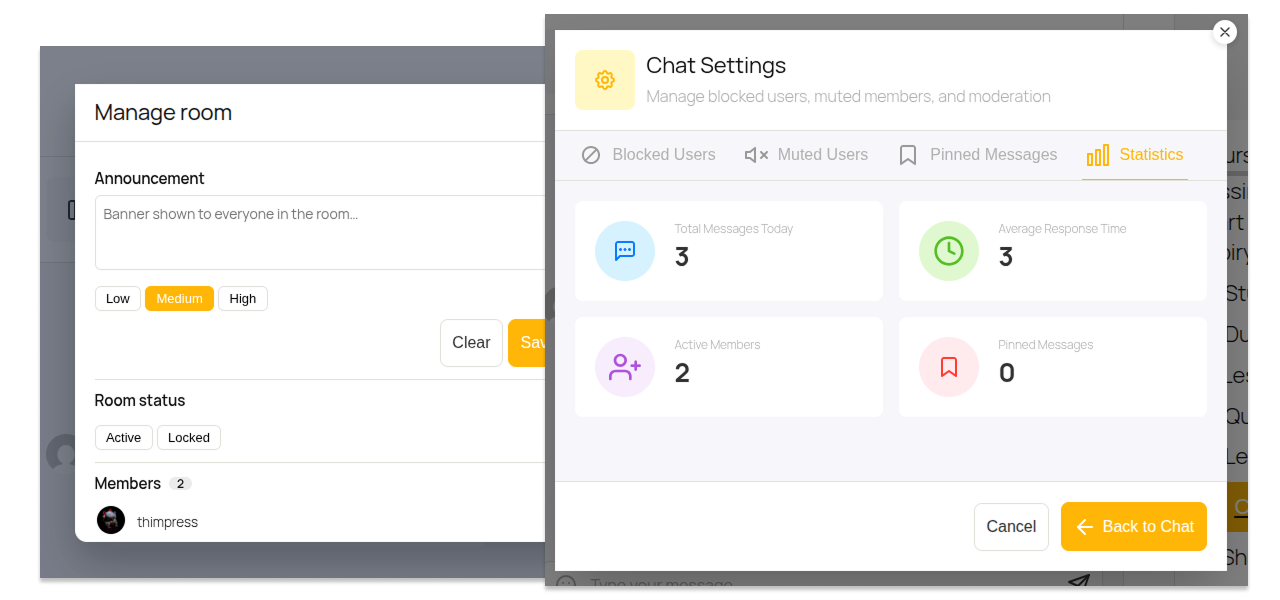
chat WHILE YOU LEARN
Bring live conversations into courses
MORE THAN JUST TEXT
Give students real ways to react and reply
KEEP EVERY ROOM ON TRACK
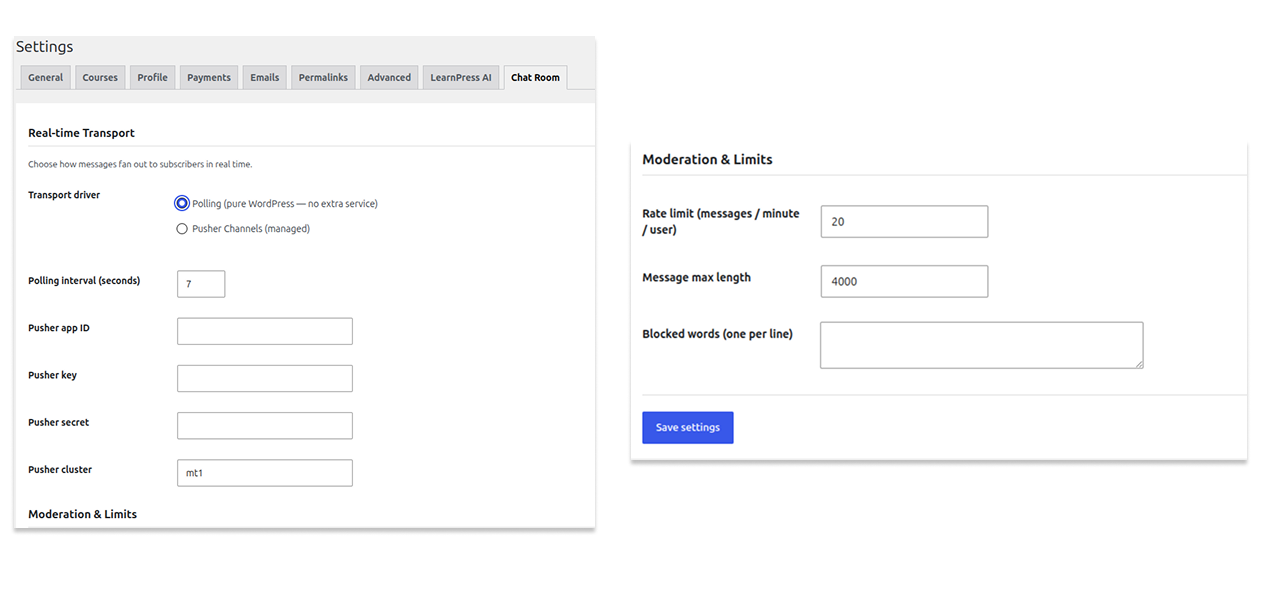
Moderation tools built for instructors, not just admins
All Your Questions
Answered
You have questions.
We have answers.
No separate account is needed. The add-on uses existing WordPress and LearnPress user accounts and permissions automatically.
The add-on supports WP Polling (works out-of-the-box on standard hosting) and Pusher Channels (for instant WebSocket messaging on high-traffic sites).
Yes. Instructors and moderators can mute users with custom duration timers, ban accounts, delete messages, or lock entire chat rooms when necessary.
Yes. Course chat rooms automatically verify LearnPress course enrollment so only enrolled students and course instructors can read and participate.
You need WordPress 6.3 or higher, PHP 7.4 or higher, and LearnPress version 4.3.2.7 or higher active on your site.
We have a delicated team to support you 24/5
Go to our Forum and explore more than 2000 support topics
Feel free to contact us for support anytime



Yuki Tanahashi –
The best for its purpose
Very useful plugin. Being able to quote a specific message keeps busy conversations organized instead of turning into a mess.
carlos_pena –
Great value for ten dollars
For the price this add-on delivers a surprising amount of real time chat functionality.