Finding the best LearnPress add-ons is the most effective way to transform a standard course page into a professional e-learning platform. If you have selected LearnPress as your Learning Management System (LMS), you have made an excellent choice. It is widely recognized as one of the best WordPress LMS plugins on the market because of its lightweight structure and ease of use.
However, the core plugin is just the beginning. To build a truly successful education business, you need to leverage LearnPress plugin extensions. These tools allow you to customize your academy exactly how you want it. Whether you are an individual tutor or a large university, using the right LearnPress add-ons is the key to unlocking advanced features like certificates, gradebooks, and payment gateways.
To build a truly successful education business, you often need more than just the basic plugin; you need a complete ecosystem. Many top instructors pair LearnPress with a specialized theme like Eduma to ensure compatibility. But even with a great theme, you need specific LearnPress add-ons to unlock advanced features. In this guide, we have curated the list of the top add-ons for LearnPress that will help you build a professional educational environment.
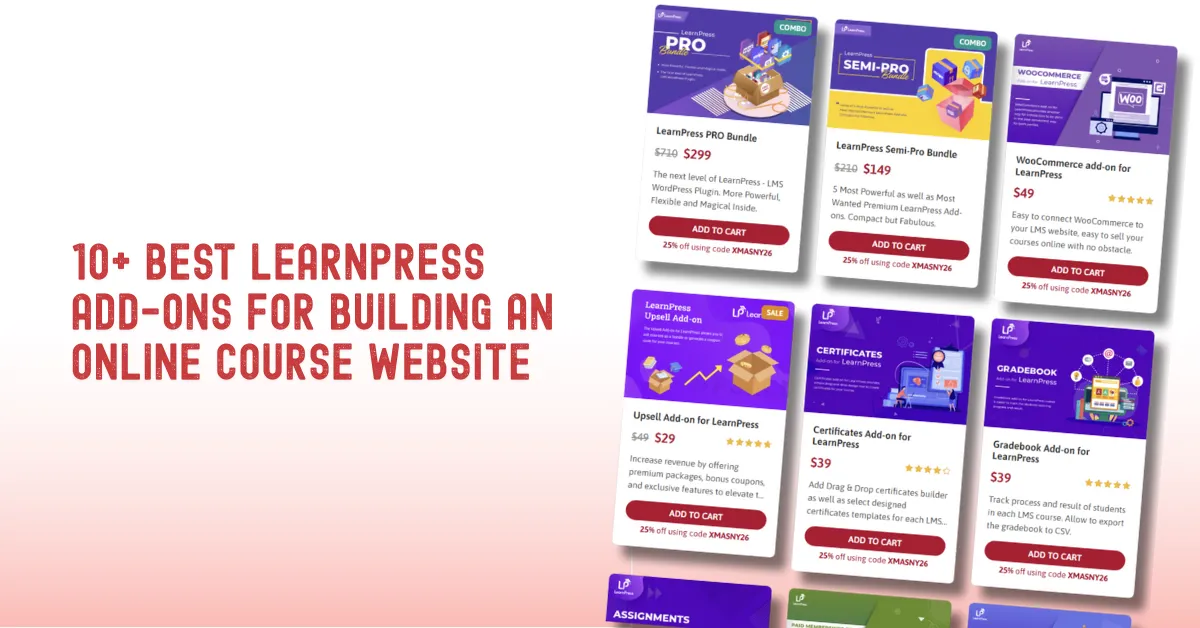
Eduma – Education WordPress Theme
We provide an amazing WordPress theme with fast and responsive designs. Let’s find out!
Quick Comparison: Top Add-ons for LearnPress
For a quick overview of the best LearnPress add-ons discussed in this article, please refer to the table below.
| Add-on Name | Best For | Price | Key Benefit |
| Content Drip | Engagement | $39 | Prevents “binge-watching” by scheduling lessons. |
| Prerequisites | Structure | FREE | Ensures students take courses in the correct order. |
| Course Review | Marketing | FREE | Builds trust with 5-star ratings from students. |
| Certificates | Motivation | $39 | Auto-generates branded certificates upon completion. |
| Assignments | Interaction | $39 | Allows file uploads and manual grading by teachers. |
| Gradebook | Management | $39 | Tracks progress and scores for the entire class. |
| WooCommerce | Sales | $49 | Unlocks all payment gateways and marketing tools. |
| Paid Memberships Pro | Revenue | $39 | Enables subscription-based (recurring) income. |
| Co-instructors | Scaling | $29 | Allows multiple teachers to manage one course. |
| Mobile App | Access | Custom | Allows students to learn on iOS and Android. |
Why You Must Upgrade with LearnPress Add-ons
Integrating extensions is not just about adding extra features; it is a strategic investment. Before you install LearnPress plugin, it is important to understand why incorporating LearnPress Pro add-ons is essential for your growth.
- Zero-Code Functionality: You are an educator, not a developer. These LearnPress add-ons are designed to be “plug-and-play.” You can add complex systems—like sequential lesson locking—by simply enabling a setting.
- Student Retention (UX): Students often quit when they get bored. Using LearnPress plugin extensions introduces interactivity, gamification, and community features that keep learners engaged with your content for longer periods.
- Maximum Revenue: The free version limits your payment options. Specialized LearnPress add-ons unlock global payment gateways like Stripe and advanced selling models like subscriptions or bundles.
- Automated Management: Manual grading is time-consuming. Tools like the Gradebook and automated certificates save you hundreds of hours, allowing you to scale your business. This efficiency is why they are considered the best LearnPress add-ons for management.
10+ Best LearnPress Add-ons
We have categorized these top add-ons for LearnPress into four groups to help you identify exactly which tools will benefit your specific educational model.
Group 1: Control Your Content Flow
1. LearnPress Content Drip

This tool allows you to schedule the release of your content with precision. You can set lessons to unlock 24 hours after the previous one, or release one module per week, regardless of when the student enrolled.
- Price: $39
- Benefit: It enforces a structured learning pace. By preventing students from “binge-watching” and forgetting the material, the Content Drip add-on increases long-term engagement and reduces refund rates significantly.
2. LearnPress Prerequisite Courses

Acting as a gatekeeper, this extension blocks access to a course until the student has successfully completed specific required courses first.
- Price: FREE
- Benefit: It allows you to build logical course hierarchies (Beginner => Intermediate => Expert). The LearnPress Prerequisite Courses ensures students never feel lost or overwhelmed by advanced material they are not yet ready for. It is one of the essential free LearnPress plugin extensions for structured learning.
3. LearnPress Course Review

Adds a professional review section to your course landing pages, allowing verified students to leave star ratings and written feedback.
- Price: FREE
- Benefit: Instant social proof. Seeing 5-star reviews from real users removes purchase anxiety and directly boosts conversion rates. Among free LearnPress plugin extensions, the LearnPress Course Review is essential for building trust with new visitors.
Group 2: Verify & Reward Student Success
4. LearnPress Certificates

A comprehensive builder that lets you design custom, branded certificates. The system automatically populates the student’s name, course title, and completion date upon finishing the course.
- Price: $39
- Benefit: Motivation and marketing. Students work harder to earn the reward. When they share their Certificates add-on result on professional networks like LinkedIn, it acts as free advertising for your school. This is often voted as one of the best LearnPress add-ons for student satisfaction.
5. LearnPress Assignments

Transforms your site from a video library into a virtual classroom. Instructors can assign homework, require file uploads (documents, coding files, images), and grade submissions manually.
- Price: $39
- Benefit: Active learning. The Assignments Add-on ensures students are applying what they learn, while providing a channel for personalized feedback from teachers. It is a key LearnPress Pro add-on for interactive teaching.
6. LearnPress Gradebook
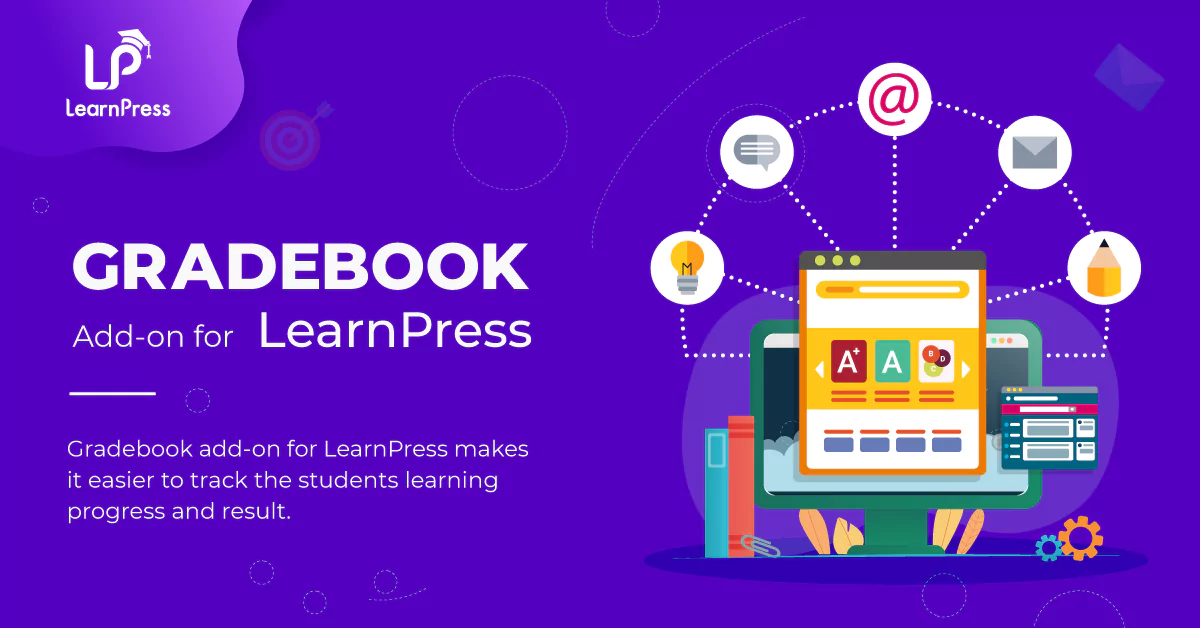
A master dashboard that aggregates all student data. It tracks quiz scores, assignment results, and course progress in a single, exportable view.
- Price: $39
- Benefit: Total oversight. The Gradebook add-on saves hours of administrative work. You can also pair it with the Random Quiz Add-on to prevent cheating during exams by shuffling questions.
Group 3: Maximize Your Revenue
7. LearnPress WooCommerce Integration

A bridge that connects LearnPress courses to WooCommerce, treating them as standard e-commerce products.
- Price: $49
- Benefit: Unlimited power. The LearnPress WooCommerce Integration unlocks every payment gateway in the world (PayPal, Stripe, Local Bank Transfer), sophisticated coupons, and advanced sales analytics.
8. LearnPress Paid Membership Pro Integration

Integrates with the “Paid Memberships Pro” plugin to enable subscription-based selling. You can sell monthly or yearly access to groups of courses (e.g., Gold Membership).
- Price: $39
- Benefit: Recurring revenue. The Paid Memberships Pro Add-on creates a reliable business model, providing you with financial stability and higher customer lifetime value compared to one-time sales. Using this LearnPress Pro add-on provides financial stability.
Group 4: Expand Your Reach
9. Co-instructors & Marketplace Features
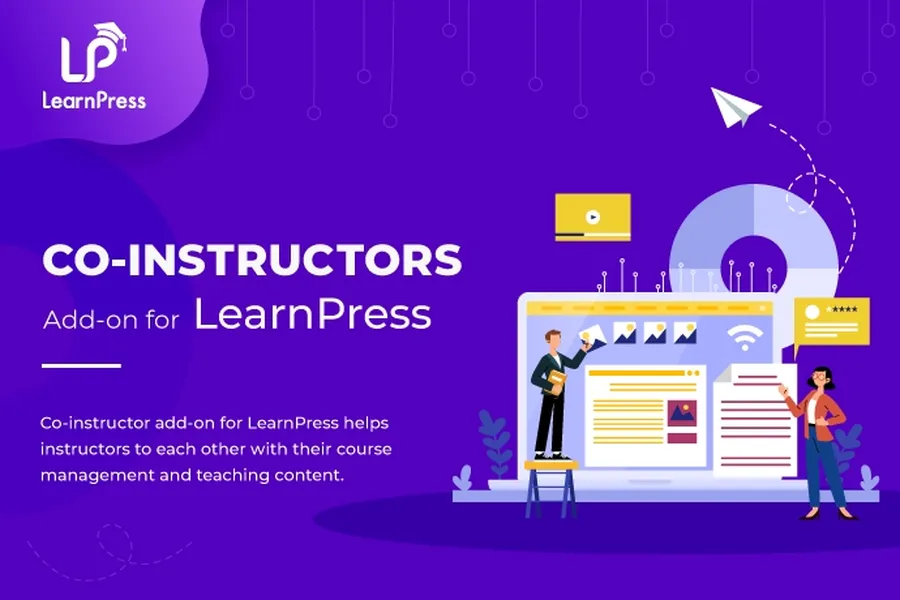
Allows you to assign multiple teachers to a single course, sharing management duties and listing all profiles on the course page.
- Price: $29
- Benefit: Scaling. The Co-instructors Add-on lets you hire experts for specific modules. This is essential if you want to build a large academy. To reach more students, you should also consider the LearnPress Mobile App to offer learning on the go.
10. Community Engagement (BuddyPress/myCred)

Connect your LMS to BuddyPress for forums/profiles and myCred for points/badges.
- Price: FREE (Integrations)
- Benefit: Retention. Students stay for the community. Gamifying the experience with the myCred add-on keeps them engaged with the learning process by rewarding their progress.
Expert Tips for Smart Buyers
Before you proceed, consider these three factors to save money and ensure success.
- Buy the LearnPress Bundle: The calculation is simple. If you buy the “WooCommerce” and “Gradebook” add-ons separately, you spend nearly $100. The LearnPress Pro Bundle
includes all the best LearnPress add-ons listed above (plus premium themes) for a fraction of the cost. It is the logical choice for a serious website. - Theme Compatibility: Not all themes work perfectly with these add-ons. For a seamless design, stick to LearnPress compatible themes like Eduma or Coaching.
- Data Safety: Moving from another site? Use the LearnPress Export/Import tool to transfer your course data safely without manual data entry.
Conclusion
Building an online course website is a significant investment. While the free LearnPress plugin is the engine, the LearnPress plugin extensions are the fuel that powers your business.
If you are serious about student results, you need Content Drip and Assignments. If you are serious about income, you need WooCommerce and Paid Memberships Pro.
Your Next Step:
Stop building your site one plugin at a time. Check out the LearnPress Bundle to get the complete toolkit today. And remember, mobile access is crucial—do not forget to look into the LearnPress Mobile App to let your students learn from anywhere.
Whether you need LearnPress Pro add-ons for a single course or a full university, these tools will help you succeed. If you need help setting this up, the ThimPress Support team is always ready to assist you.
Frequently Asked Questions (FAQs)
1. Is the LearnPress Bundle a one-time payment?
Typically, the license is for one year of support and updates. You can continue using the add-ons after the year ends, but you will not receive security updates or new features unless you renew.
2. Can I use Stripe without the WooCommerce addon?
Yes, there is a standalone Stripe Add-on for LearnPress. However, we highly recommend the WooCommerce integration because it offers far more flexibility for taxes, coupons, and reporting.
3. Does the Content Drip addon work for existing students?
Content Drip settings usually apply to new enrollments. For existing students, changes might not apply retrospectively depending on their current progress, so it is best to set this up before launching your course.
4. How do I translate these add-ons into my language?
LearnPress and its add-ons are translation-ready. You can use plugins like Loco Translate or the WPML Add-on for LearnPress to easily translate all text into your local language.
5. Will these add-ons slow down my website?
LearnPress is optimized for speed. However, using too many plugins on a bad hosting server can cause issues. We recommend using good hosting and only activating the add-ons you actually use (e.g., disable Stripe if you are using WooCommerce).
Read more: LearnPress Review: Is It the Best Free WordPress LMS Plugin?
Contact US | ThimPress:
Website: https://thimpress.com/
Fanpage: https://www.facebook.com/ThimPress
YouTube: https://www.youtube.com/c/ThimPressDesign
Twitter (X): https://x.com/thimpress_com