
Klarna Add-on for LearnPress
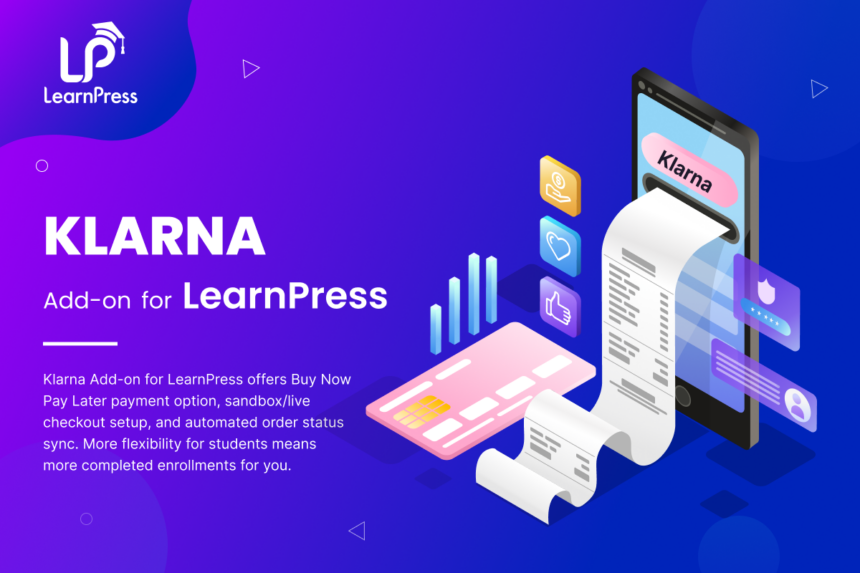
- Add Klarna payment options directly to your LearnPress course checkout.
- Let students pay for courses with Klarna payment options directly inside the LearnPress purchase flow.
- Support sandbox testing and live payments across Klarna’s Europe, North America, and Oceania API regions.
- Keep order completion reliable with secure return validation, transaction storage, and webhook status sync.
- Sell LearnPress courses with a familiar Klarna checkout experience for modern education sites.
Adds Klarna seamlessly as a LearnPress payment method, so course purchases are processed directly through your existing checkout flow.
Active Users: 200+
Price: Original price was: $19.$10Current price is: $10.
- Lifetime license for 1 site License Info:Includes lifetime usage on 1 site. You can switch between environments as needed by deactivating/reactivating the key. Only one active installation can receive updates and support at a time.Learn More
- 12 months Update & Support Updates & Support Info:Purchase includes 12 months of updates and support. After expiry, the add-on remains functional, but you must renew the license to access future updates and support services.Learn More

Discount 25%

Memberships & Subscriptions Add-on for LearnPress
Original price was: $49.$39Current price is: $39.
Interactive Blocks Add-on for LearnPress
Original price was: $29.$19Current price is: $19.

















- Limited to 50 redemptions per day.
- ThimPress reserves the right to modify or cancel coupons at any time without notice.
- If you receive a refund for an item purchased with a coupon, the amount of refund to you will not include the coupon or its redemption value.
Screenshots
All Your Questions
Answered
You have questions.
We have answers.
Klarna addon for LearnPress is a commercial payment addon that adds Klarna as a native LearnPress payment gateway for paid course checkout.
The addon requires LearnPress 4.4.0 or later.
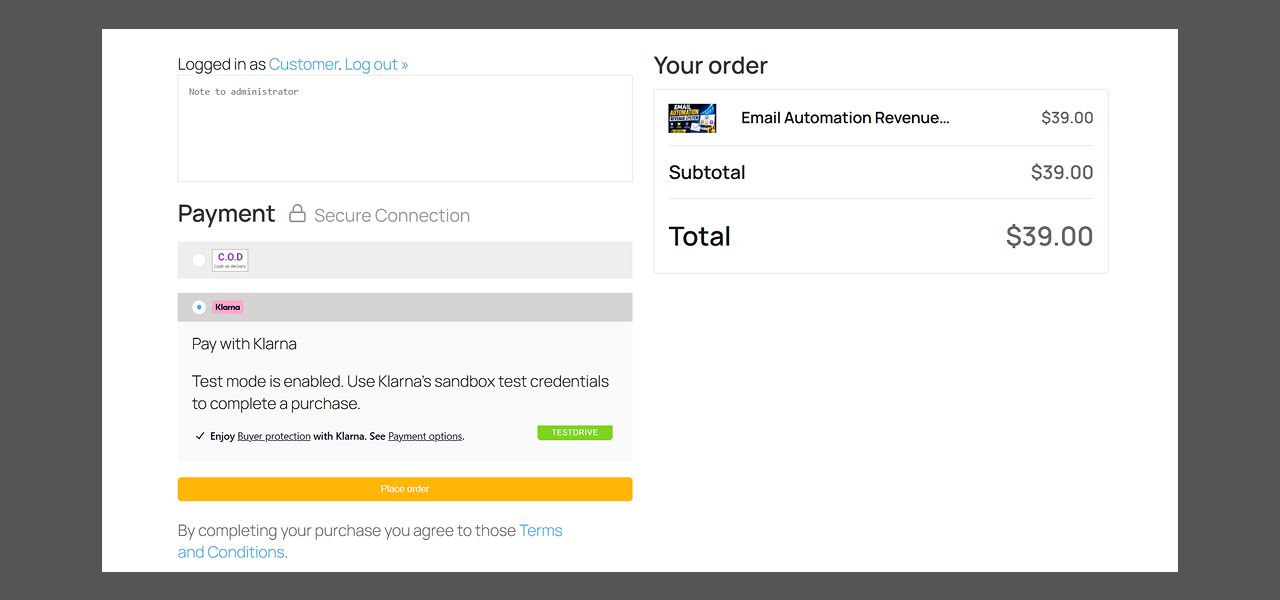
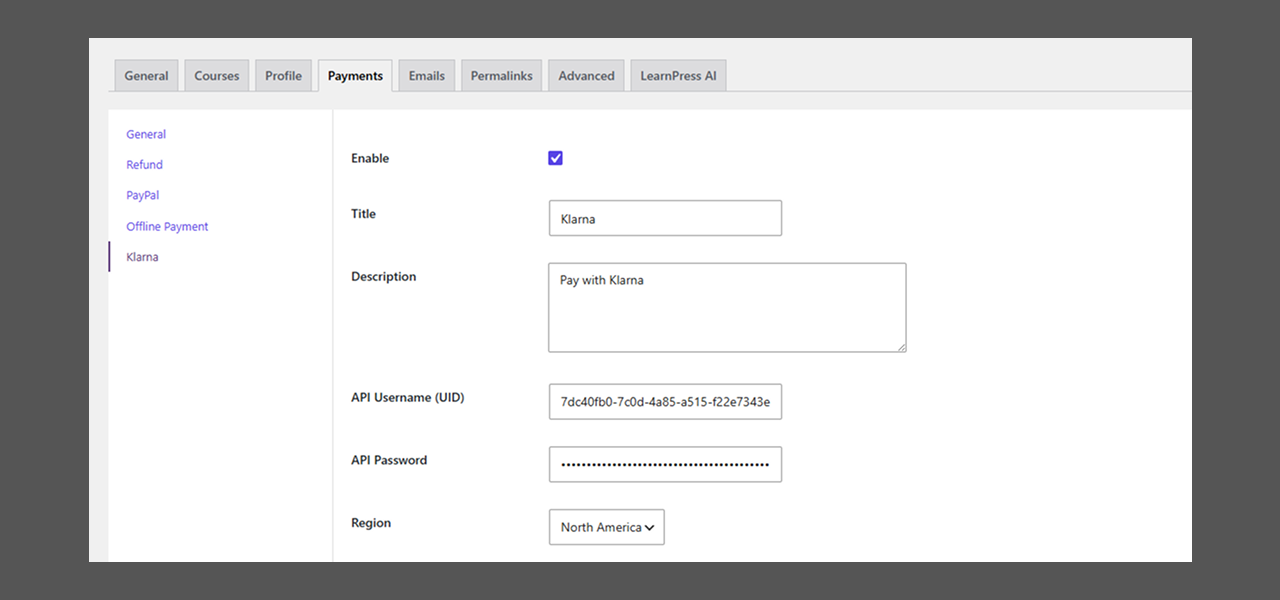
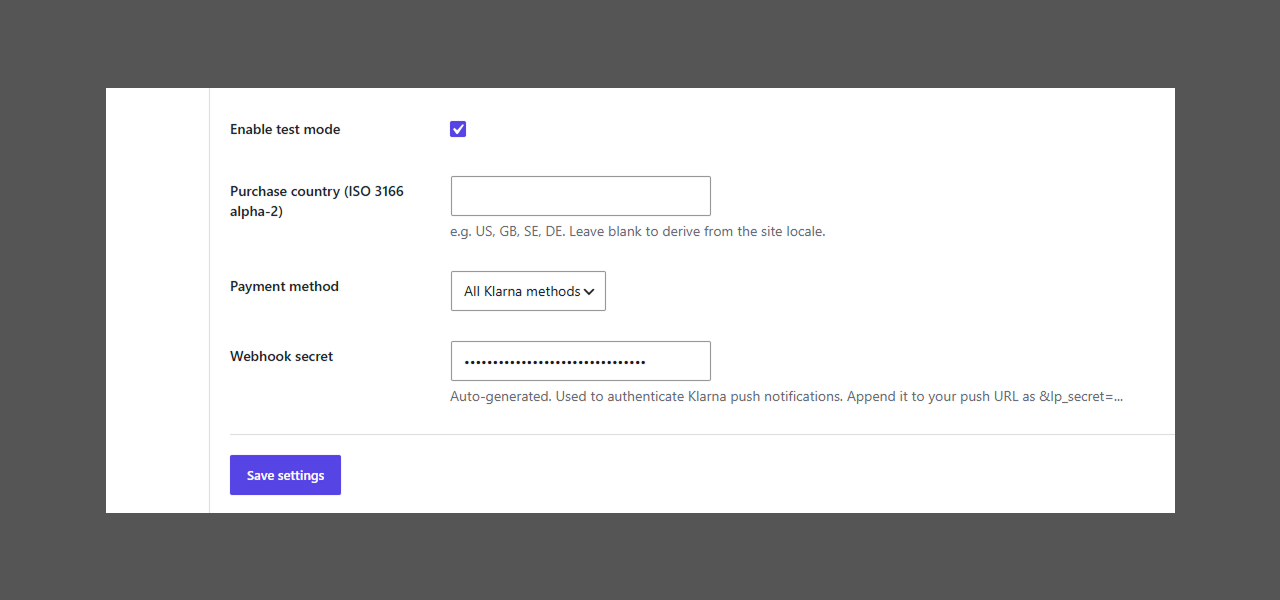
Yes. The gateway includes a test mode setting for Klarna playground credentials.
The settings include Europe, North America, and Oceania API regions.
Yes, the add-on fully supports Sandbox (Test) mode using Klarna playground credentials.
The addon creates a Klarna session for the LearnPress cart, loads Klarna’s payment widget, lets LearnPress validate and create the order first, then authorizes with Klarna and finalizes the LearnPress order when the customer returns.
Yes. The addon registers a REST webhook endpoint for Klarna push notifications and re-checks Klarna’s authoritative order state before updating the LearnPress order.
Yes. When a LearnPress order has a Klarna transaction ID, the addon can send a refund request to Klarna and add a refund note to the LearnPress order.
The LearnPress order is moved to processing and the Klarna transaction ID is stored, allowing later status updates to be synchronized.
The LearnPress order is marked failed and the customer sees that Klarna declined the purchase.
We have a delicated team to support you 24/5
Go to our Forum and explore more than 2000 support topics
Feel free to contact us for support anytime

Hannah Whitmore –
Boosted our course sales
Offering buy now pay later clearly reduced cart abandonment for higher priced course bundles.