
Interactive Blocks Add-on for LearnPress

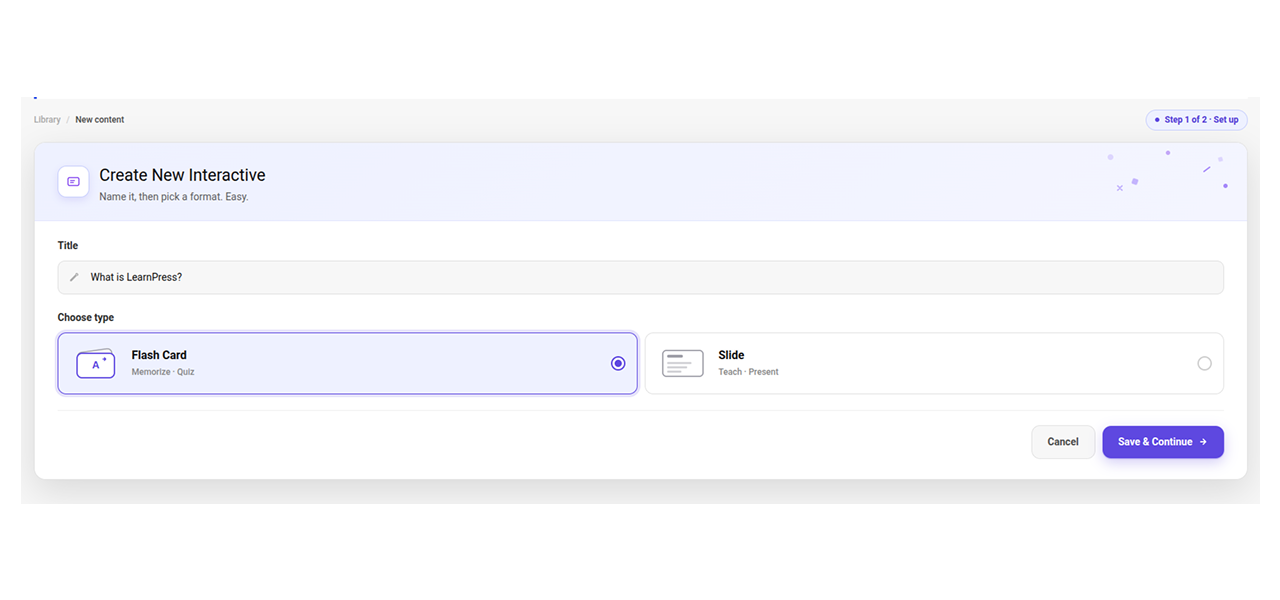
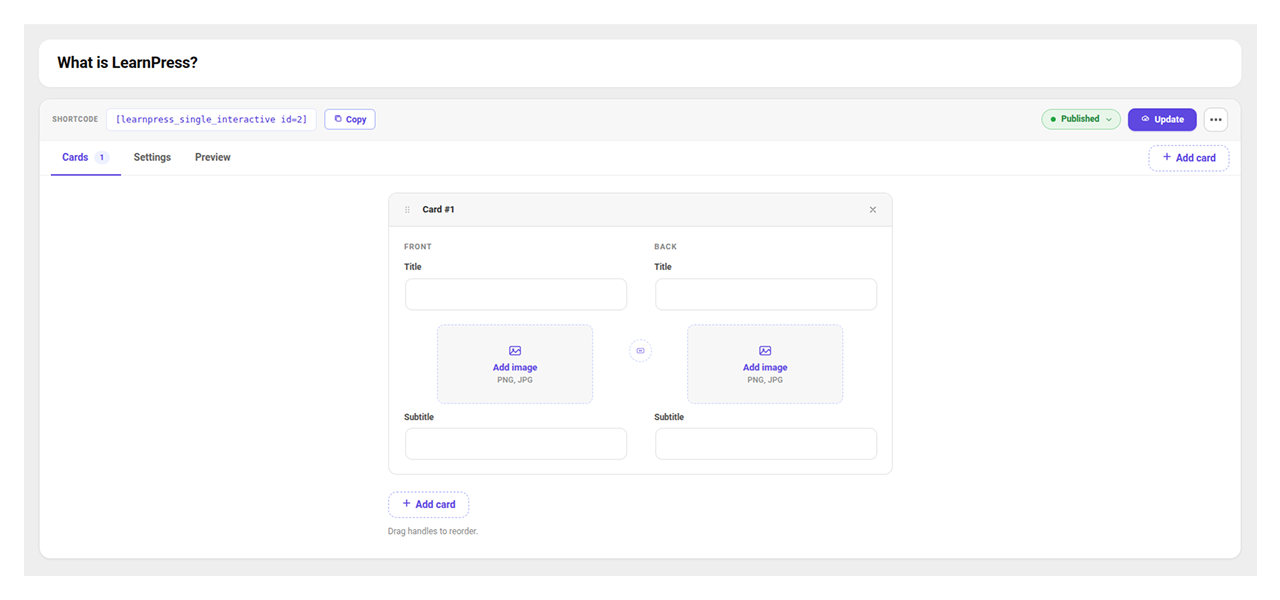
- Build interactive 2-sided Flashcards and custom visual Slide Decks directly inside your LearnPress course builder without relying on third-party SaaS subscriptions.
- Engage online students with flexible card display modes slider or grid view featuring card shuffling, visual progress bars, and optional flip-before-advance rules.
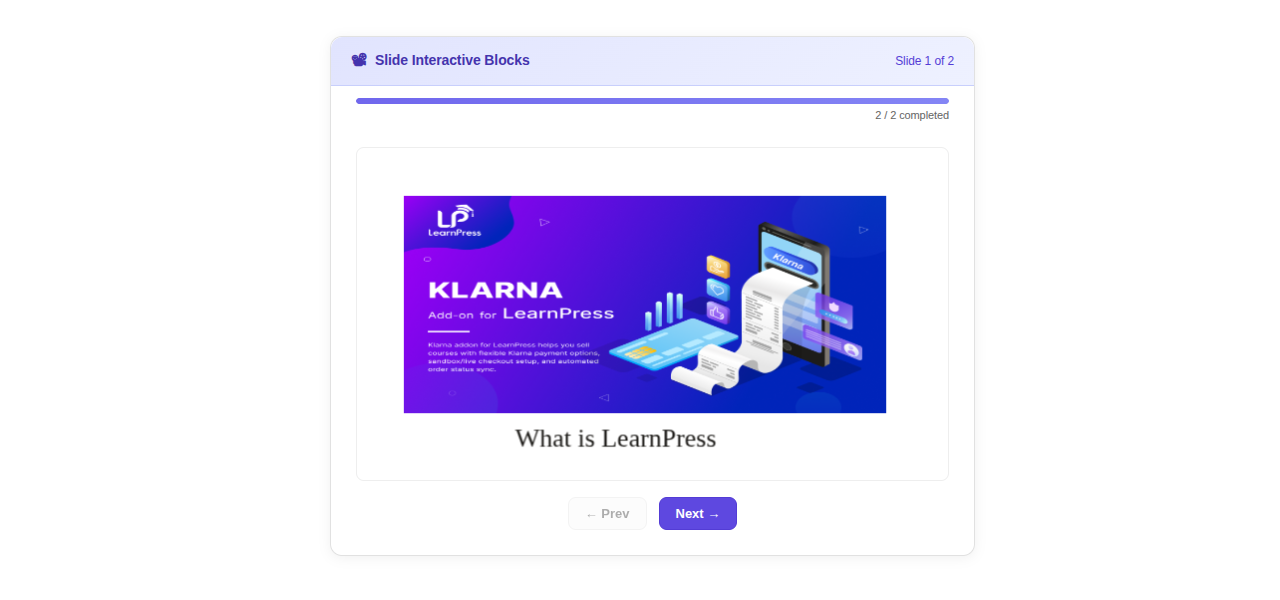
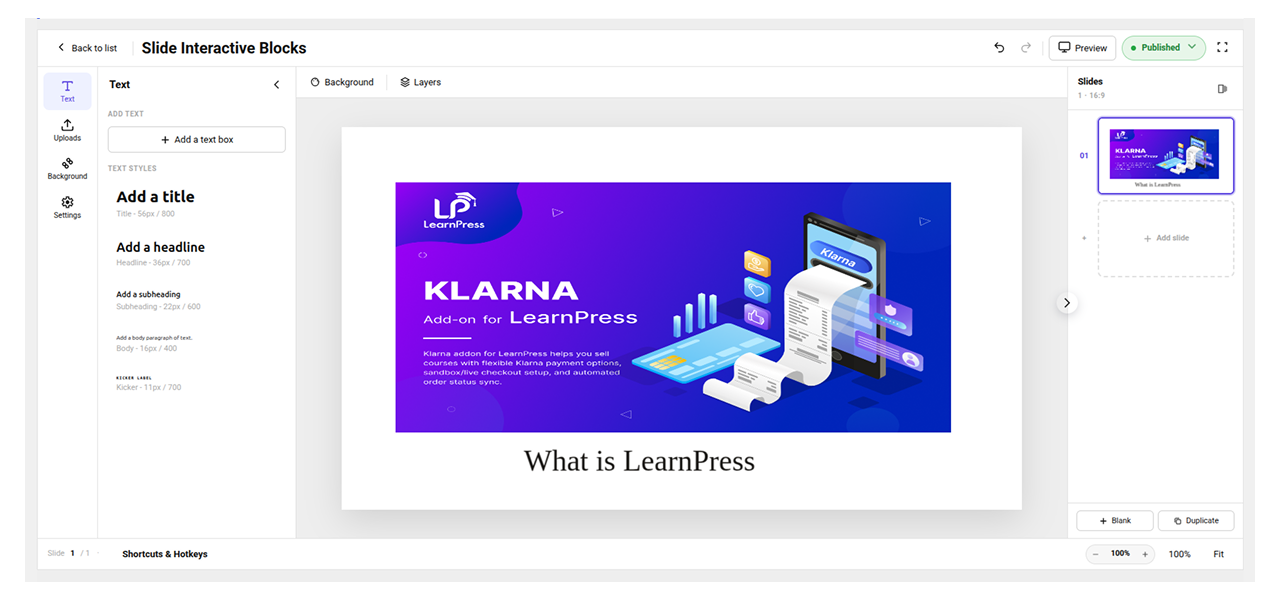
- Design rich presentation slides visually with a drag-and-drop Fabric.js canvas editor supporting custom images, text, vector shapes, and flexible canvas dimensions.
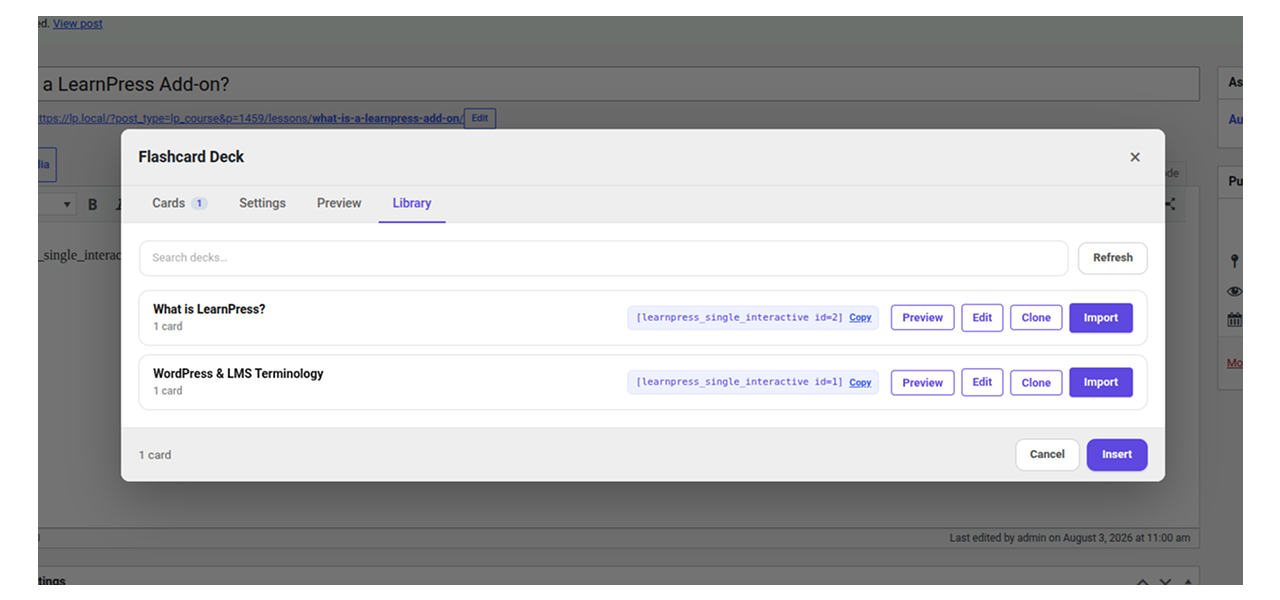
- Embed interactive content anywhere across your WordPress site using native Gutenberg blocks, Classic Editor TinyMCE toolbar buttons, or shortcodes.
- Speed up page loads and comply with GDPR automatically using built-in local Google Fonts caching that eliminates external font tracking requests.
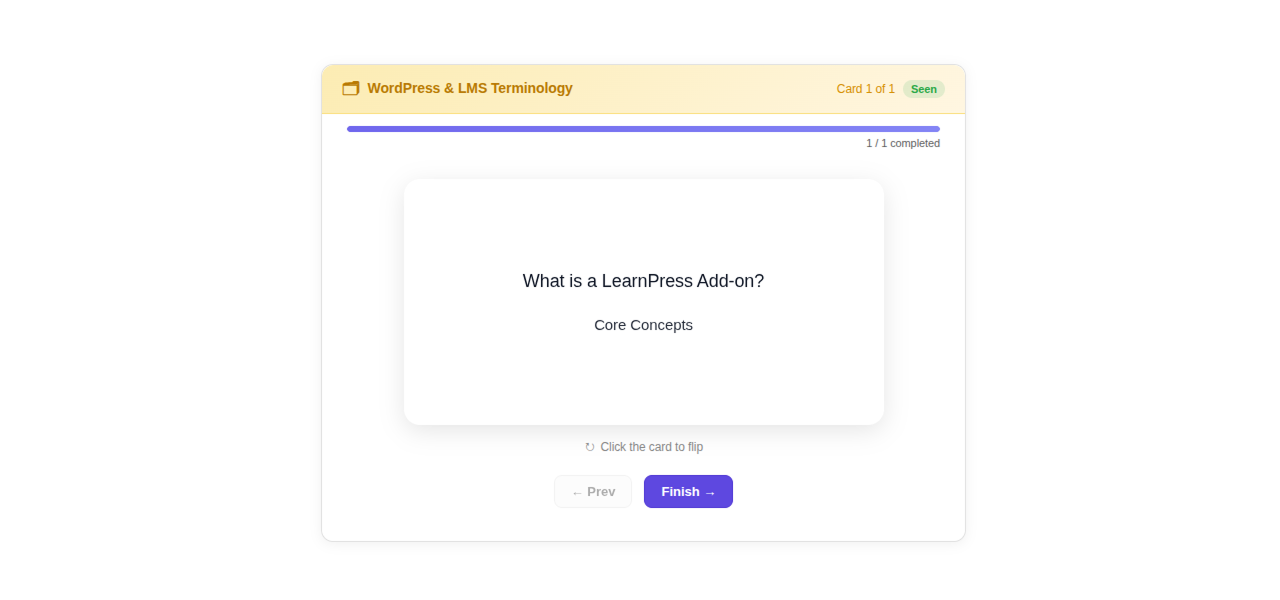
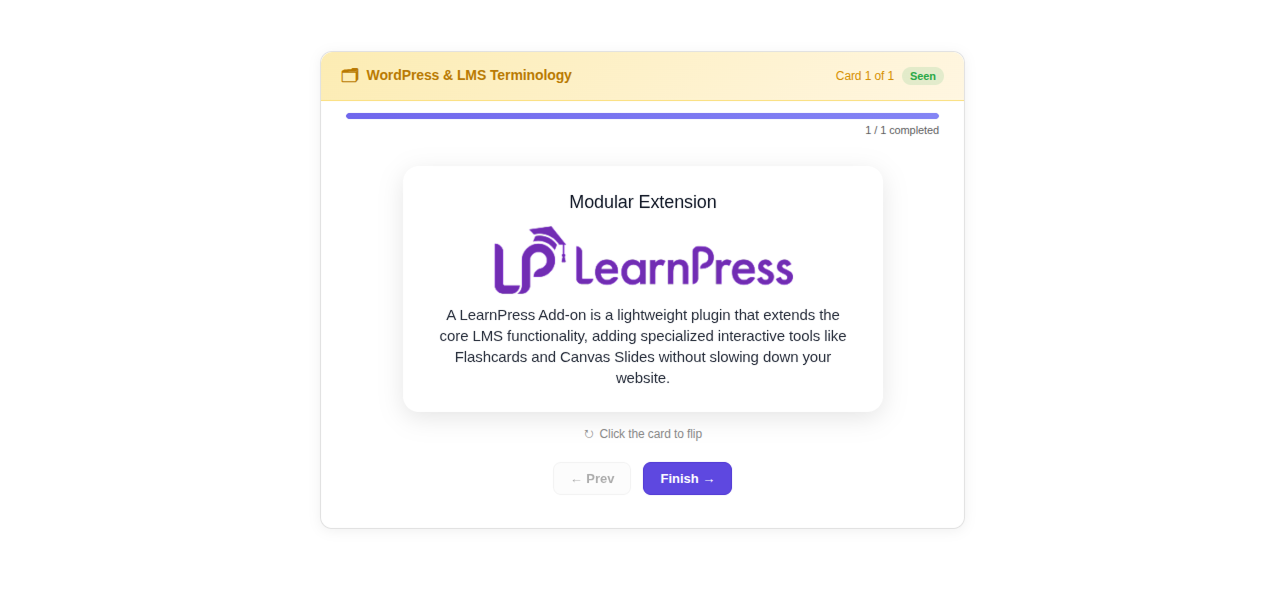
Create 2-sided flip cards with custom titles, subtitles, and visual images. Instructors can organize cards into step-by-step sliders or responsive grid layouts, complete with progress tracking, card shuffling, and enforced card flipping before students move to the next step.
Active Users: 200+
Price: Original price was: $29.$19Current price is: $19.
- Lifetime license for 1 site License Info:Includes lifetime usage on 1 site. You can switch between environments as needed by deactivating/reactivating the key. Only one active installation can receive updates and support at a time.Learn More
- 12 months Update & Support Updates & Support Info:Purchase includes 12 months of updates and support. After expiry, the add-on remains functional, but you must renew the license to access future updates and support services.Learn More

Discount 25%

Memberships & Subscriptions Add-on for LearnPress
Original price was: $49.$39Current price is: $39.
Interactive Blocks Add-on for LearnPress
Original price was: $29.$19Current price is: $19.


















- Limited to 50 redemptions per day.
- ThimPress reserves the right to modify or cancel coupons at any time without notice.
- If you receive a refund for an item purchased with a coupon, the amount of refund to you will not include the coupon or its redemption value.
= 4.0.1 (2026-09-30) =
~ Fixed: error limit 10 items (flash card, slide)
= 4.0.0 (2026-08-03) =
~ Initial LearnPress Interactive release.
Screenshots
All Your Questions
Answered
You have questions.
We have answers.
It is a WordPress plugin designed for LearnPress LMS that enables instructors to create and embed interactive Flashcards and visual Slide Decks directly into courses, lessons, quizzes, posts, or pages.
No. Everything runs natively on your WordPress website and LearnPress setup. All card data, slide assets, and Google Fonts are hosted locally on your server without relying on external SaaS platforms.
Students can view Flashcards in either a step-by-step Slider mode or a Grid layout. They click or touch cards to flip between front and back content, with visual progress tracking and optional settings requiring card flips before advancing.
Yes. The add-on includes granular capability management for WordPress Administrators and LearnPress Instructors. Instructor submissions can publish immediately or follow an admin approval workflow based on your LearnPress review settings.
Yes. The visual canvas editor supports text, vector shapes, custom images, adjustable background opacity, and canvas dimensions up to 1920×1080. Google Fonts are automatically downloaded and cached locally for privacy and fast load times.
You can embed decks using the native Gutenberg block (learnpress/flashcard), the Classic Editor TinyMCE toolbar buttons, or the [learnpress_single_interactive id="..."] shortcode inside any course, lesson, or quiz description.
The add-on requires WordPress 6.3 or higher, PHP 7.4 or higher, and LearnPress 4.3.2.7 or higher.
We have a delicated team to support you 24/5
Go to our Forum and explore more than 2000 support topics
Feel free to contact us for support anytime



Diego Fuentes –
Highly recommend for interactive courses
This add-on turned our plain text lessons into something students actually want to click through.
Renata Kowalczyk –
Clean and modern card design
Cards look polished out of the box and match our theme colors without extra CSS tweaking.
longvu_wp –
Works great with course builder
Managing decks right from the course builder dashboard means I never have to jump between screens.
Giulia Bianchi –
Well worth the price
For nineteen dollars this replaces a subscription tool I was paying monthly for definitely worth it. The card shuffling feature has also been a small but meaningful addition since it stops students from just memorizing the order of answers instead of actually learning the material. Support was quick to respond when I had a question about canvas dimensions too.