= 4.1.2 (2026-08-23) =
~ Fixed: compatible with Course Builder.
= 4.1.1 (2026-04-12) =
~ Fixed: minor bugs.
= 4.1.0 (2026-01-14) =
~ Fixed: minor bugs.
= 4.0.9 (2025-12-23) =
~ Allow access assignment of assigned course co-instructor.
~ Fix error load list courses of instructor
= 4.0.8 (2025-09-15) =
~ Tweak: hook email compatible with LP v4.2.9.2
~ Fixed: count course on single instructor page.
= 4.0.7 (2025-05-09) =
~ Tweak: position hook display on single course Modern, Gutenberg.
= 4.0.6 (2025-04-29) =
~ Fixed: load file js/css build.
~ Fixed: minor bugs.
~ Compatible with WP 6.8
= 4.0.5 (2025-03-06) =
~ Clean code.
= 4.0.4 (2024-11-19) =
~ Display on course offline
~ Optimize code
~ Use TomSelect instead of select2
~ User CourseModel instead of learn_press_get_course
~ Deprecated: before_admin_bar_course_item, restrict_co_instructor_items, get_available_courses, get_available_lessons, get_available_quizzes, get_available_questions, get_available_lesson_from_course, get_available_quizzes_from_course, get_available_question_from_quiz, co_instructor_valid_lessons, co_instructor_valid_quizzes, co_instructor_valid_questions
~ Remove template: single-course-tab.php
= 4.0.3 (2024-07-25) =
~ Tweak: field select co-instructor, get from API (make edit load screen edit courses faster).
= 4.0.2 (2024-04-02) =
~ Fixed: minor bugs.
= 4.0.1 =
~ Fixed emails: enrolled, finished course.
~ Fixed query get list items (lesson, quiz...) on backend.
~ Fixed: error instructor don't have any course will show all course of another user.
~ Fixed: error can't remove item of another author when edit course.
= 4.0.0 =
~ Fix hook can_view_item with LP4
= 3.1.0 =
~ Fix co-instructor can't view assign course
= 3.0.9 =
~ Fix register co-instructor email on LP Settings
= 3.0.8 =
~ Fix co-instructor can't edit courses assign
~ Fix co-instructor can't view item of courses assign on frontend
~ Fix admin can edit all course
= 3.0.7 =
Updated the language file.
Changed the method to register email feature.
= 3.0.6 =
~ Fixed bug send email notification withou enable send mail.
= 3.0.5 =
Update pre get posts
= 3.0.4 =
Fix co-instructor courses tab in profile
= 3.0.3 =
Compatible wit Learnpress Assignment 3.0.0
= 3.0.2 =
Update single course template
= 3.0.1 =
Fix issue instructor can view course item
= 3.0.0 =
Compatible with Learnpress 3.0.0









Helena Petrov –
Great for collaborative courses
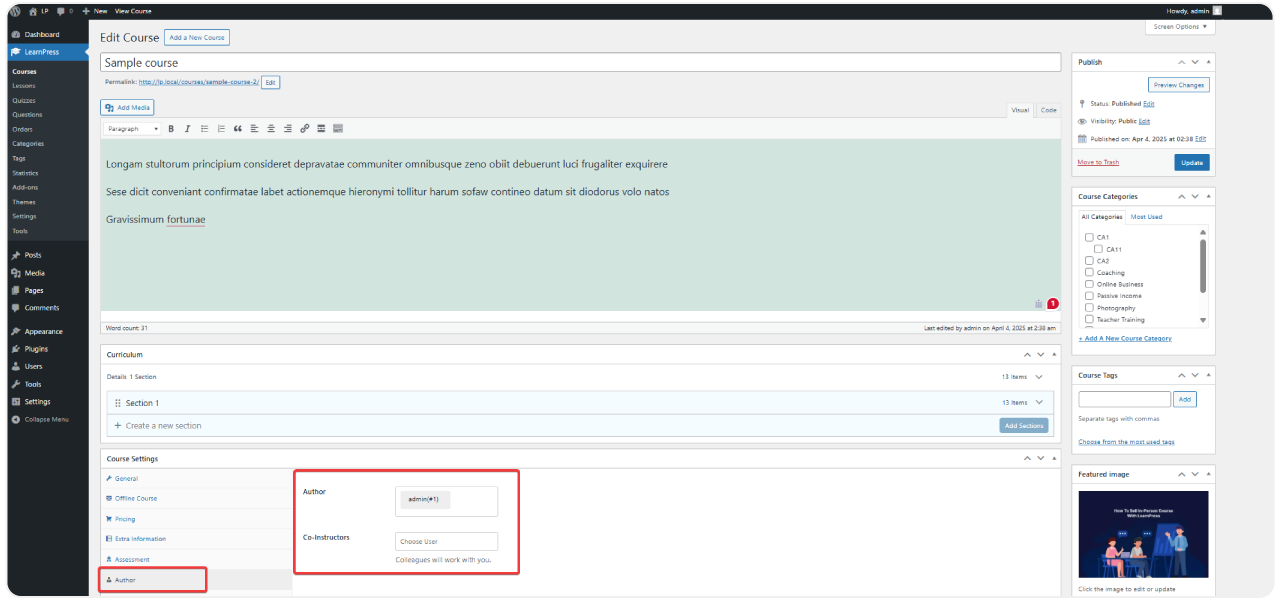
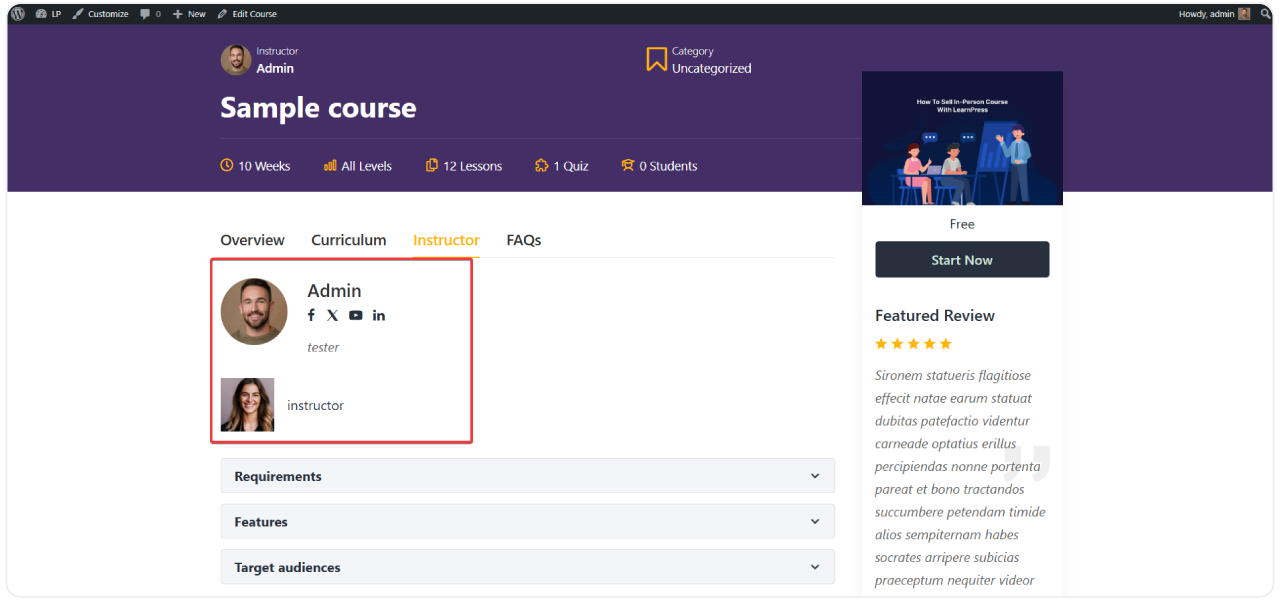
Adding co-instructors to our language courses has made scheduling coverage so much easier, when one instructor is on leave another can step in and manage the course without needing a shared account.
dan_teaches88 –
Does the job
Simple addon, does what it say, adding and removing co-instructor from a course is quick.
Zainab Karim –
Really helped our program
Our bootcamp has lead instructors and teaching assistants working together on the same courses, this addon let us split responsibility properly so assistants can grade and answer question without full admin access to everything.